Community listing page, reviews here may not be monitored by the author.
Drop Highlighter


No reviews yet
Highlight item drops so you don't miss or lose things
Community voices
Reviews
No reviews yet. Be the first to review this project!
Get it on
Available Platforms
Compatibility
Supported Environments
Runs entirely on the client. Works on vanilla servers.
Must be installed on both the client and the server.
Varies by version.
About
Project Details
For authors
Embed Badge
If you're the author of this project, you can embed a live badge anywhere that supports HTML or Markdown. It updates automatically whenever ratings change.
Use HTML for any page that supports it, or Markdown for README files and Markdown-based descriptions.
Identifiers
Platform IDs
About
Description
Added in 1.0, item filtering. Don't highlight what you don't want to pick up. Bye bye Rotten Flesh!
- Be sure you've picked up all the sand you just mined out.
- No more losing items because they fell behind something.
- Dropped your pickaxe when you were running from that creeper? This will make it easier to get back.
Drop Highligher adds an outline to item entities so you can see them more clearly. This is especially helpful when items might fall behind something, get carried away by water, or when the item matches the background too closely (I'm talking to you, SAND).
You can disable the highlights with the o key, but why would you want to.
Now supports 1.20.1 through 1.20.11
Added in 1.0, item filtering. Don't highlight what you don't want to pick up. Bye bye Rotten Flesh!
- Be sure you've picked up all the sand you just mined out.
- No more losing items because they fell behind something.
- Dropped your pickaxe when you were running from that creeper? This will make it easier to get back.
- Item Radar shows drops off-screen
Drop Highlighter adds an outline to item entities so you can see them more clearly. This is especially helpful when items might fall behind something, get carried away by water, or when the item matches the background too closely (I'm talking to you, SAND).
You can disable the highlights with the o key, but why would you want to.
Now supports 1.20.1 through 26.2
AI Statement
All in-game assets: image, text, and sounds are made by hand. AI Coding Assistants are used to generate java code. All code is verified by human eyes.
Screenshots
Gallery
-
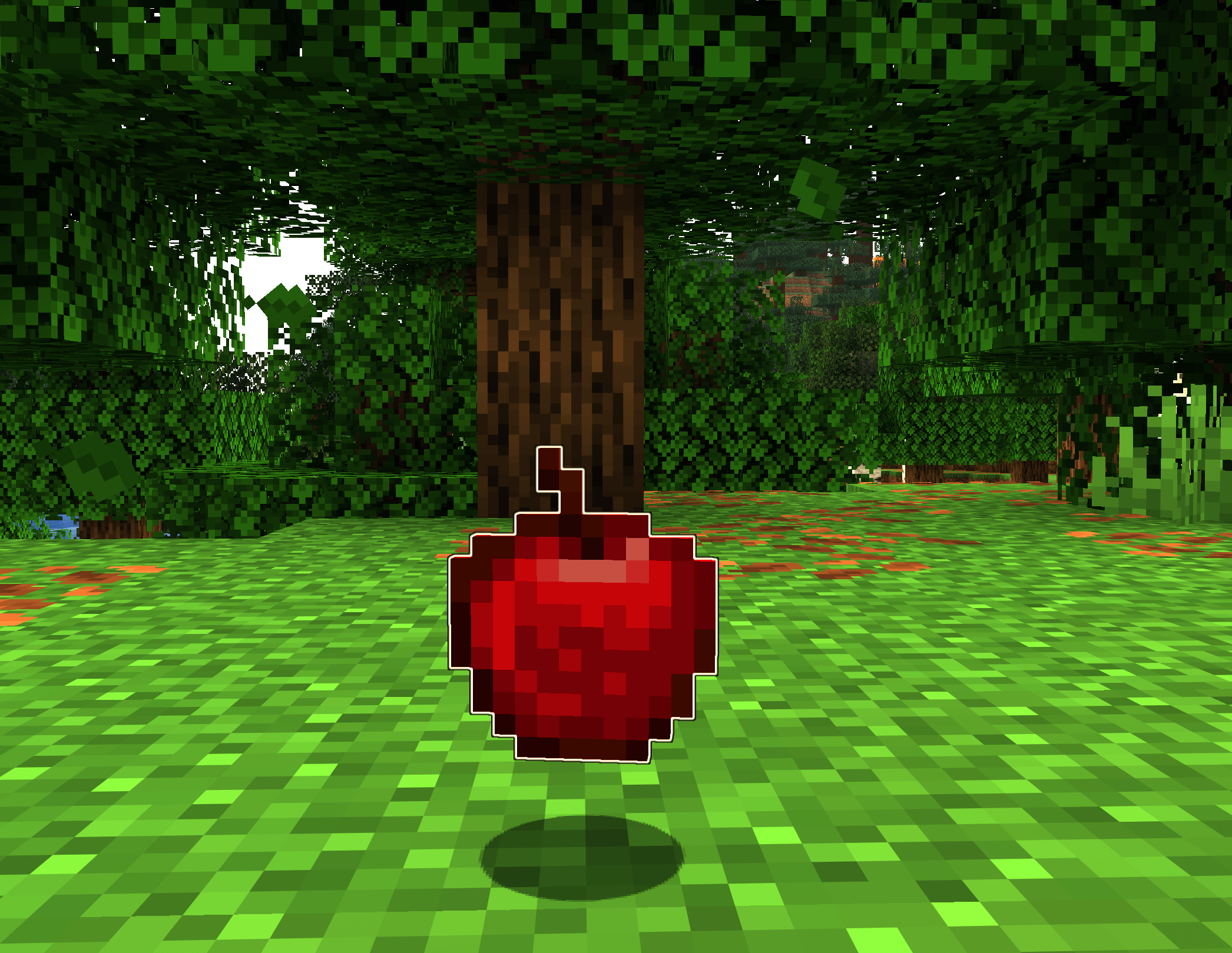 Screenshot 2026-01-30 155043.png Screenshot 2026-01-30 155043.png
 -
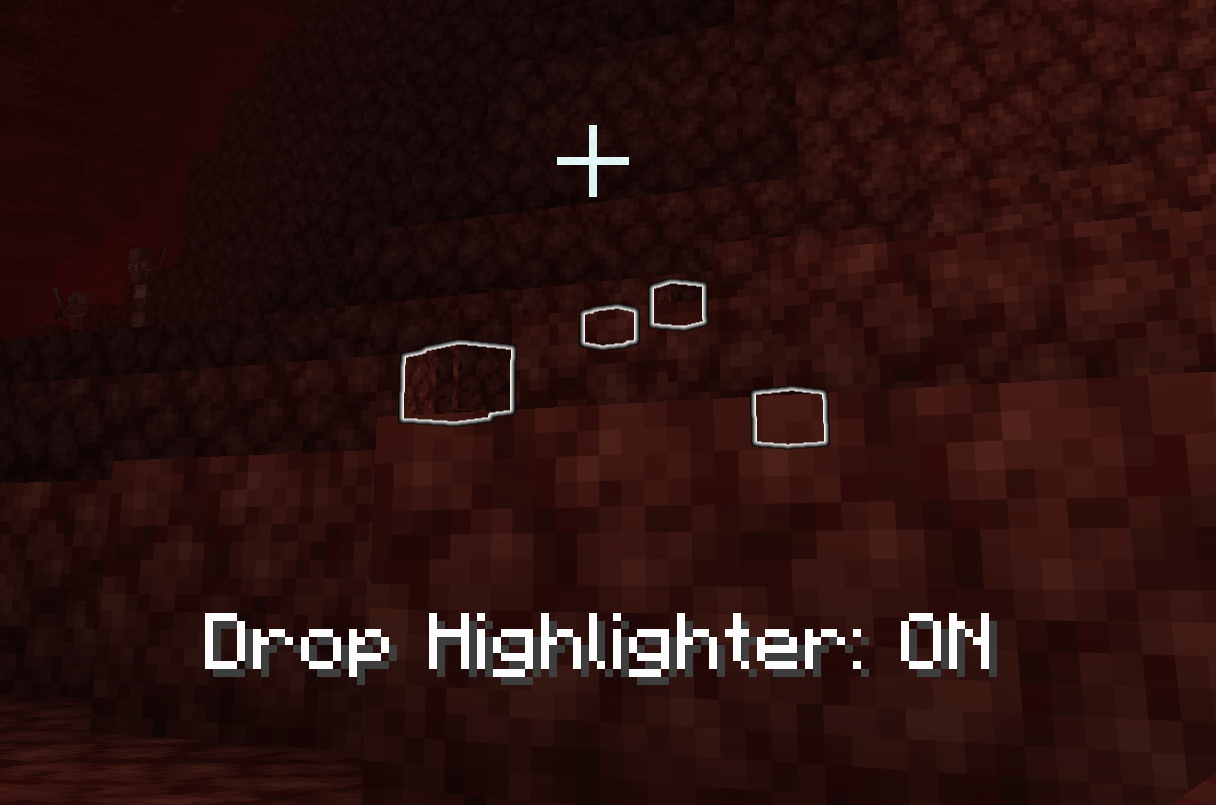 Screenshot 2026-01-30 154734.png Much easier to see now.
 -
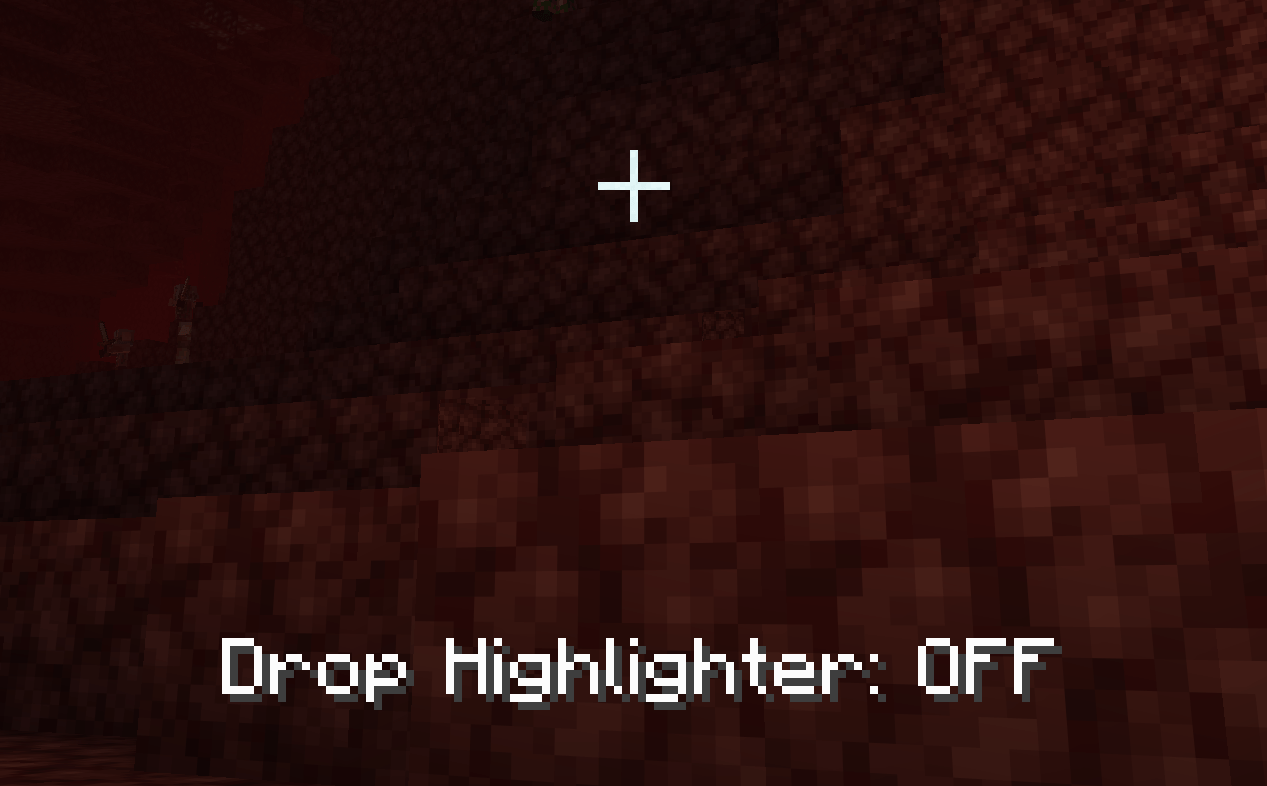 Screenshot 2026-01-30 154717.png Is there netherrack?
 -
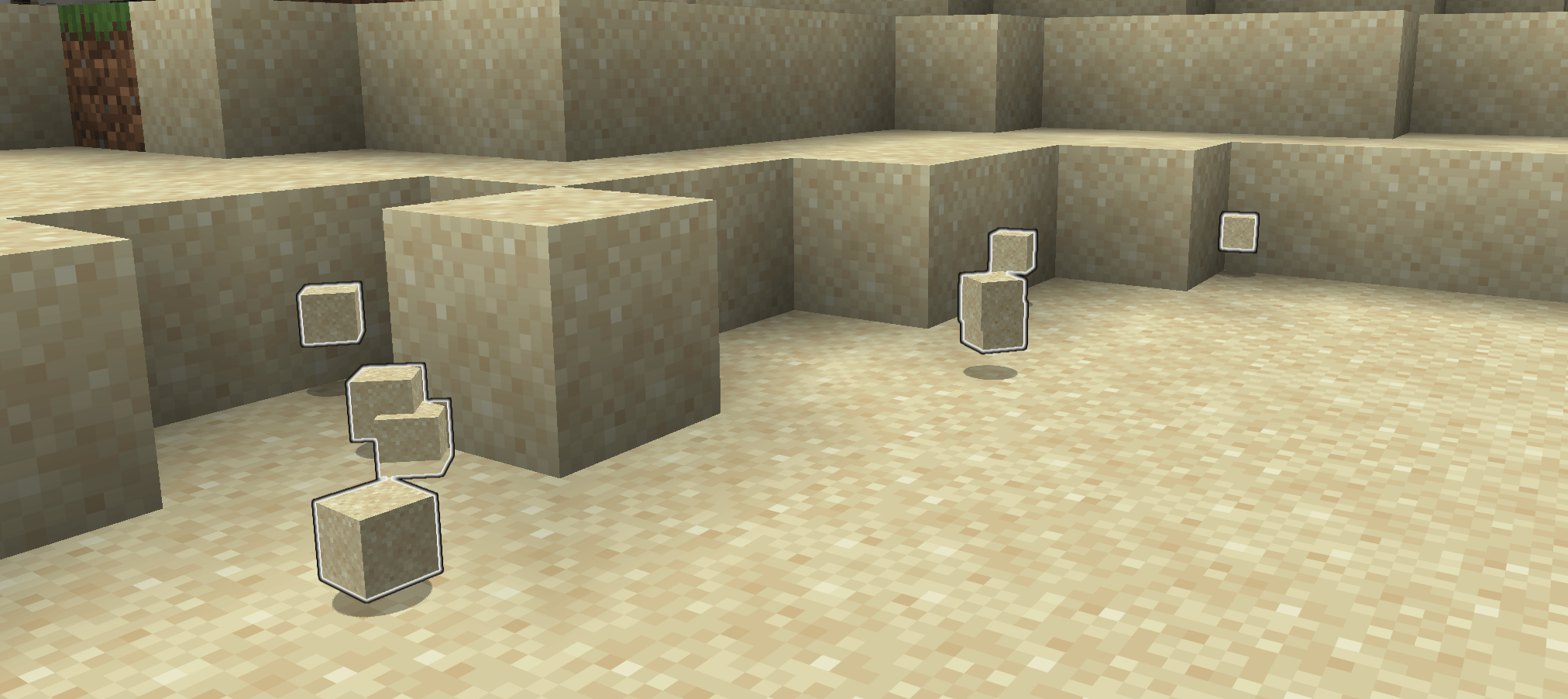 Screenshot 2026-01-30 154443.png Better with highlight
 -
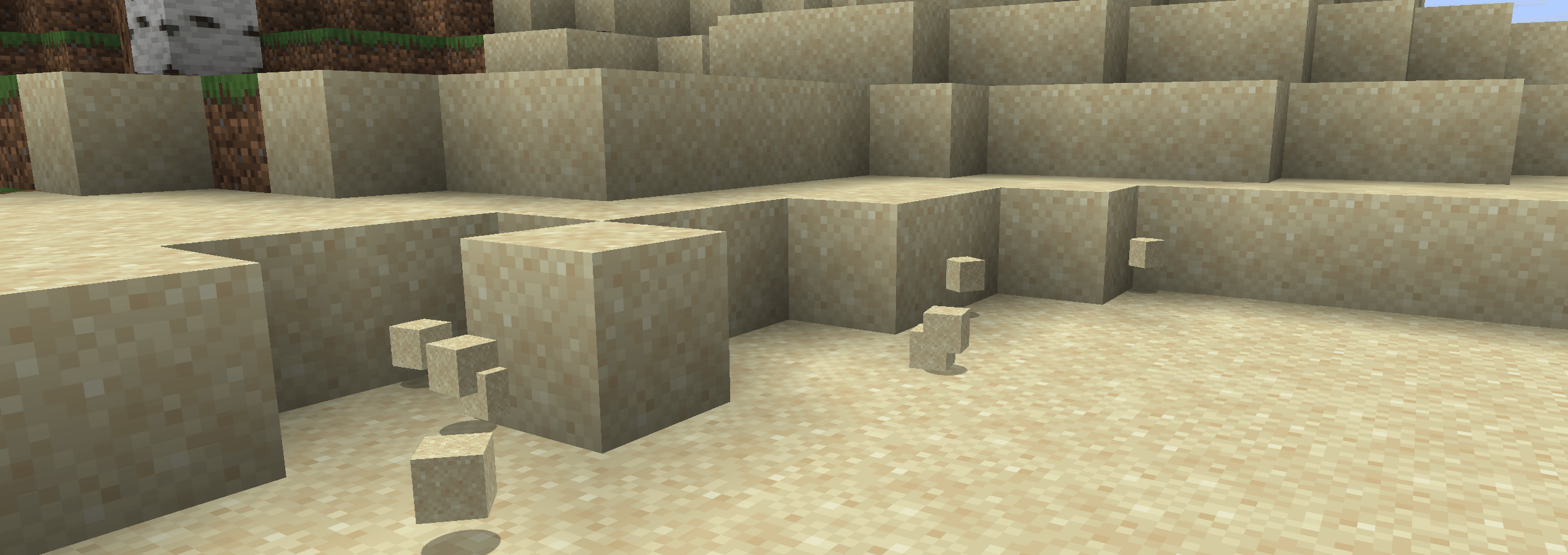 Screenshot 2026-01-30 154433.png No Highlight, not terrible
 -
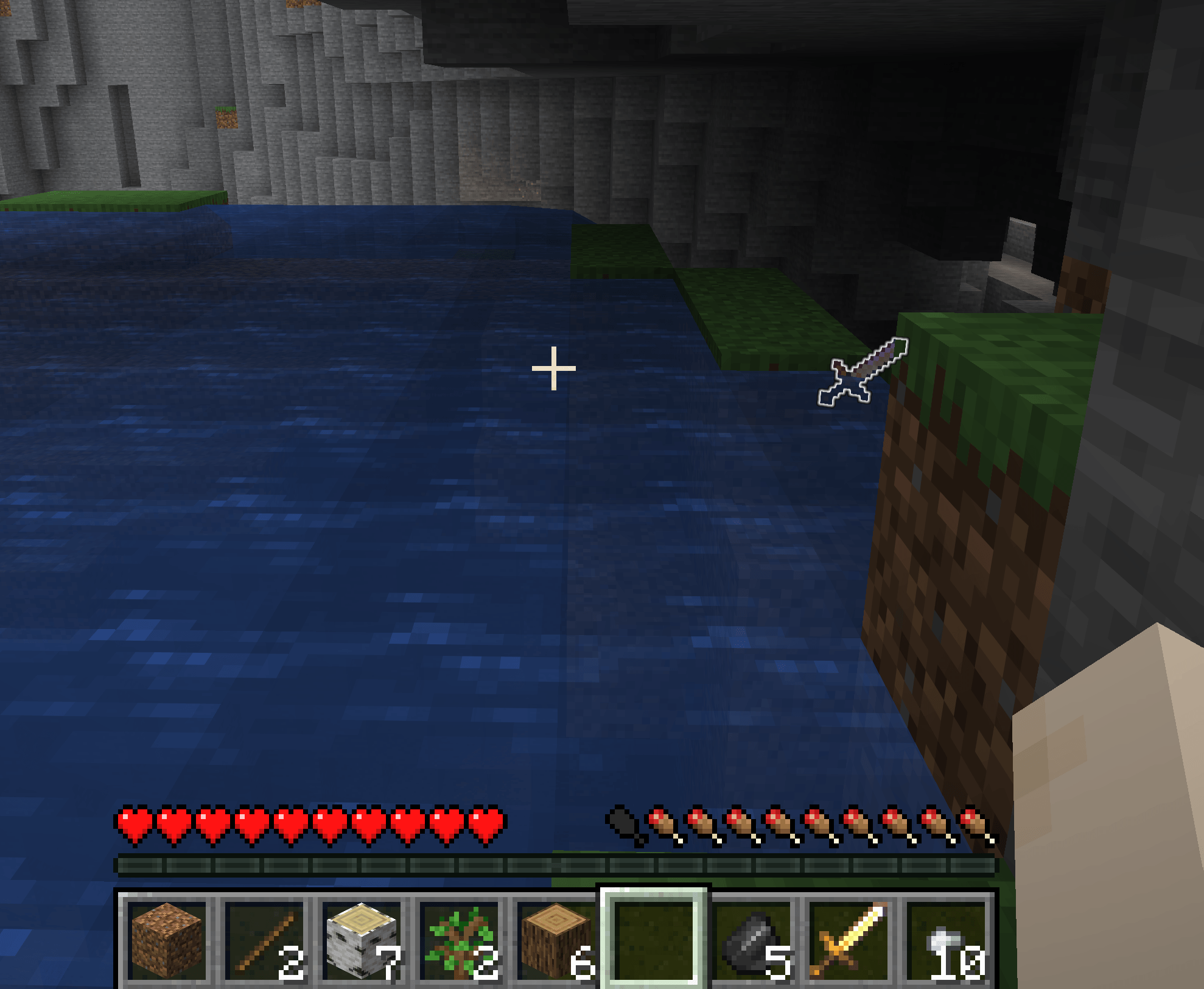 Screenshot 2026-01-30 154221.png Found it!
 -
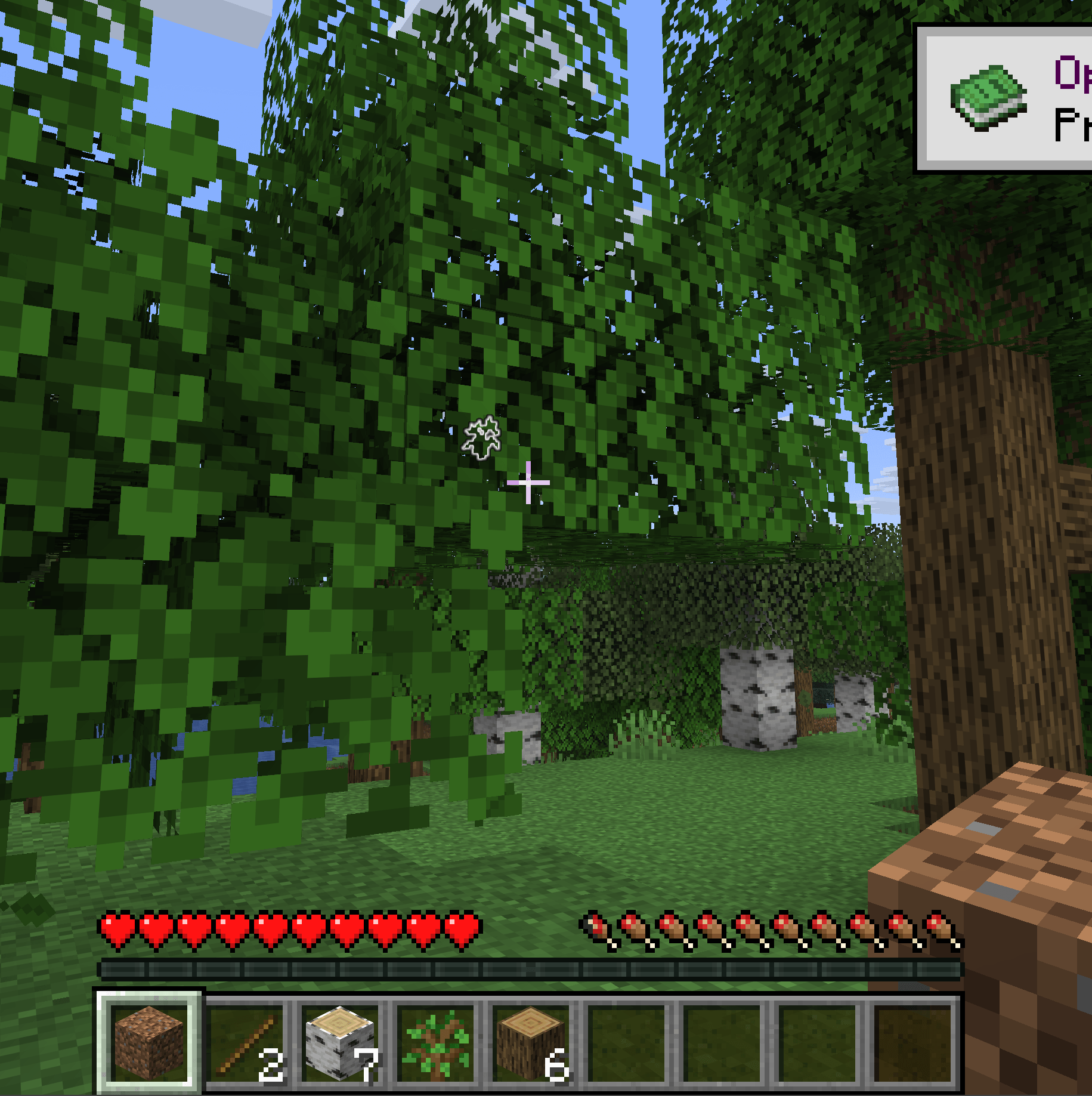 Screenshot 2026-01-30 154039.png A tree in a tree
-
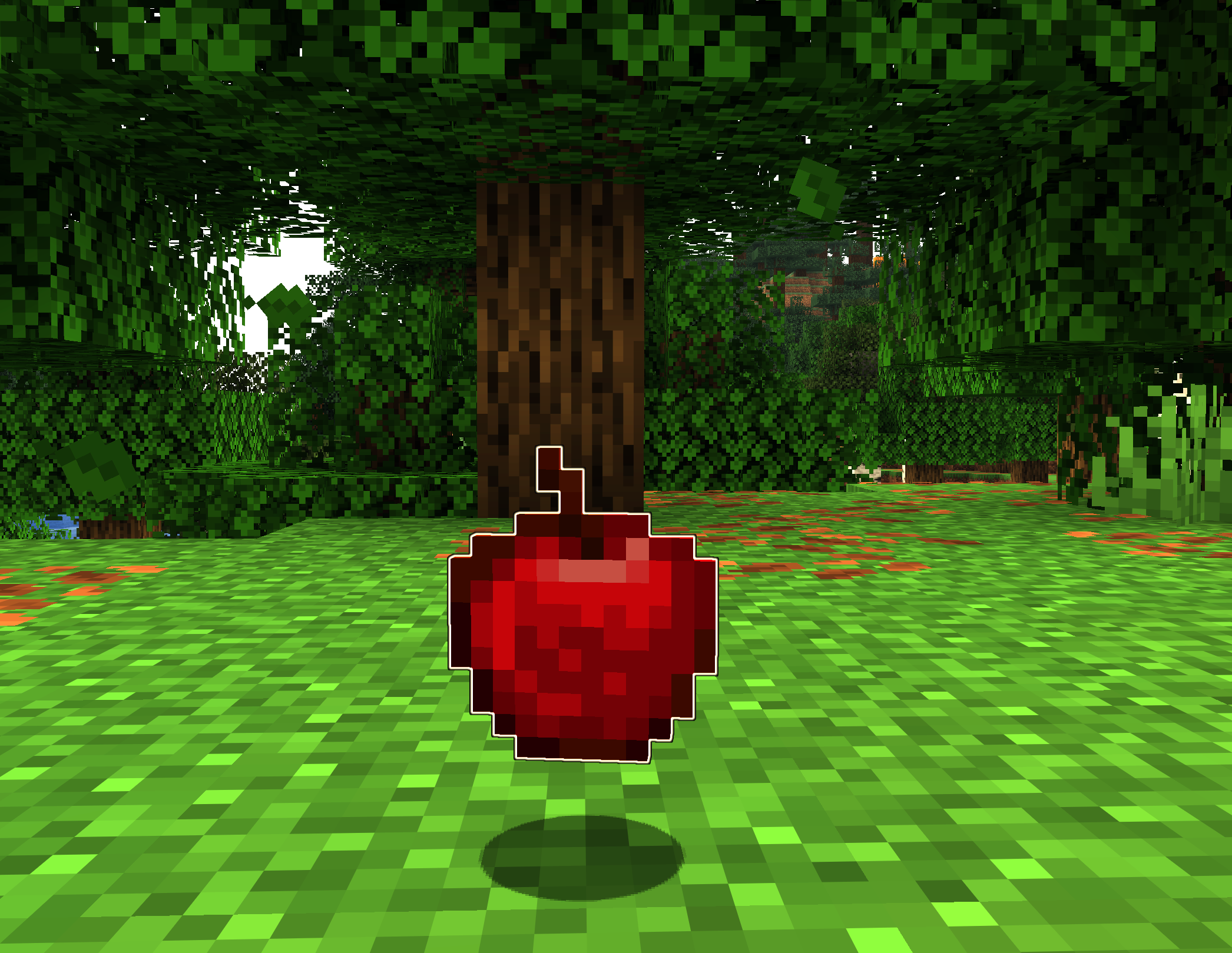 Apple Highlight
 -
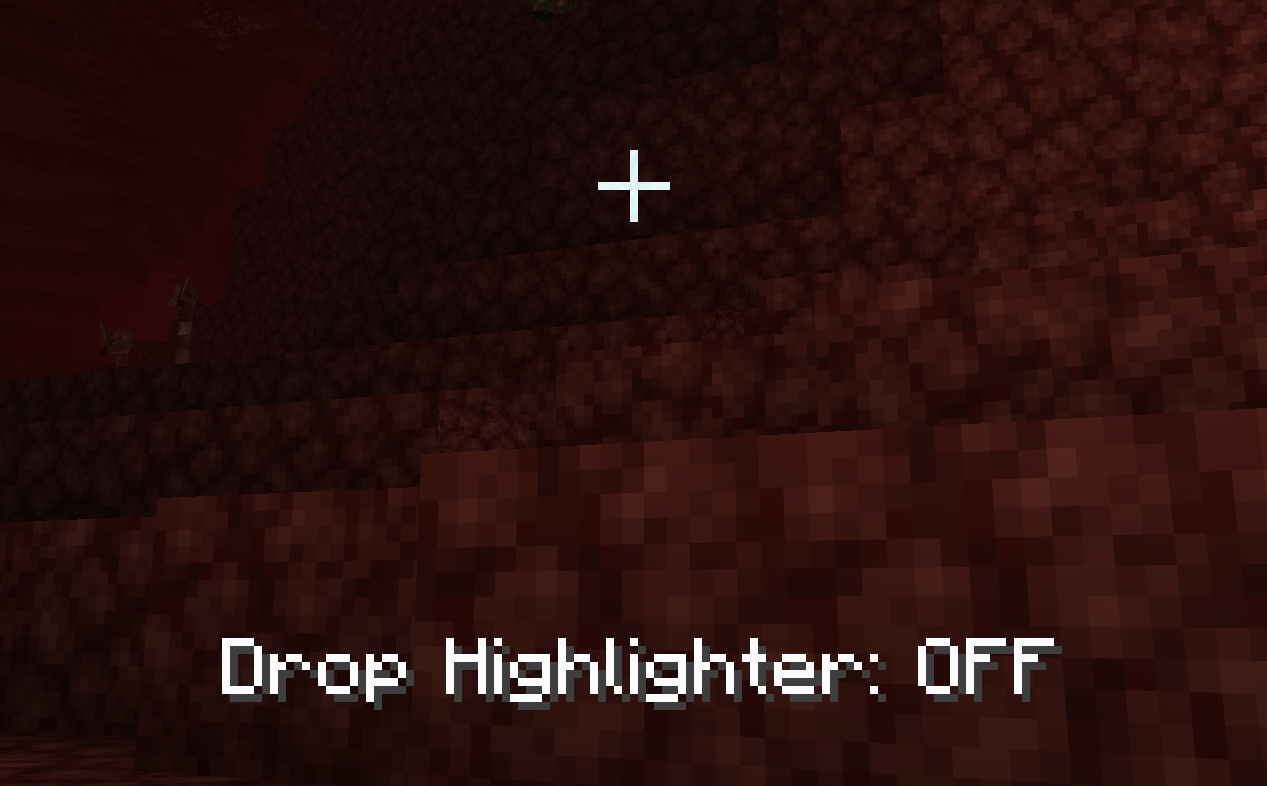 Without Highlight It's hard to see some item since their item entity matches the block they are on.
 -
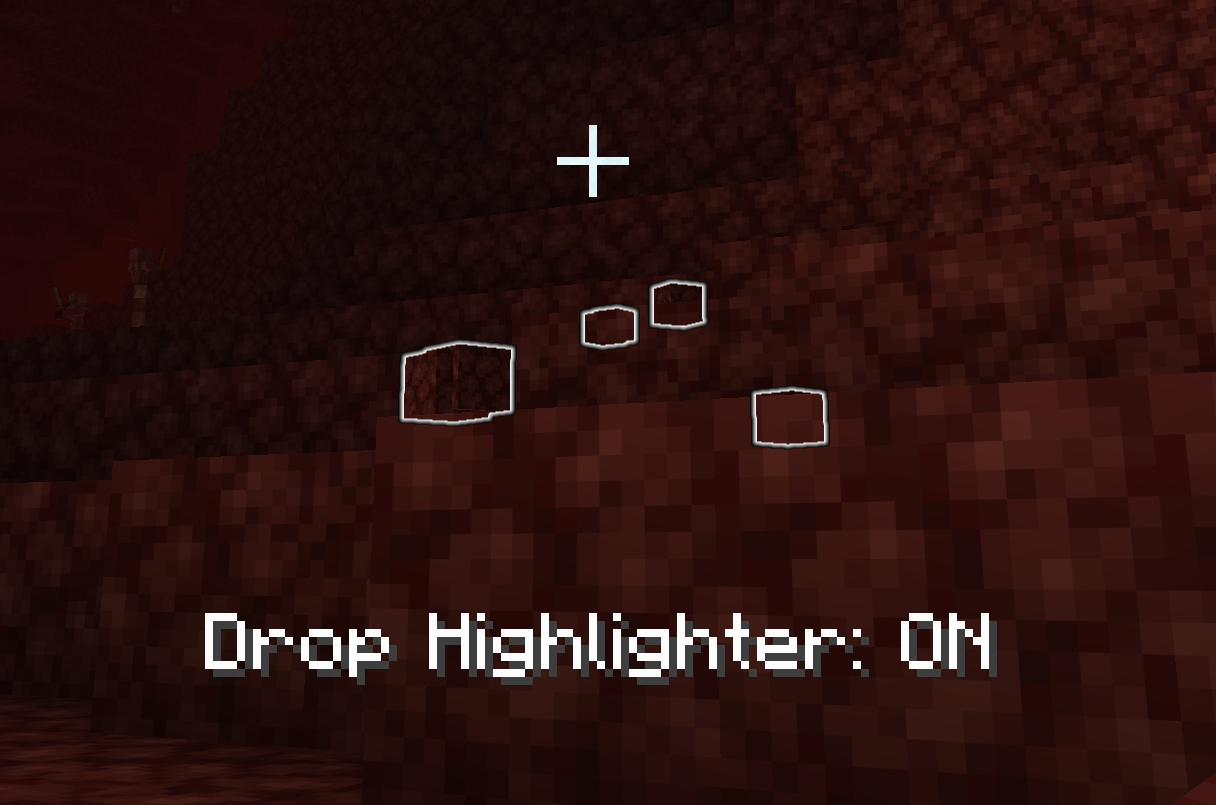 With Highlight Now it's clear where the netherrack is.
 -
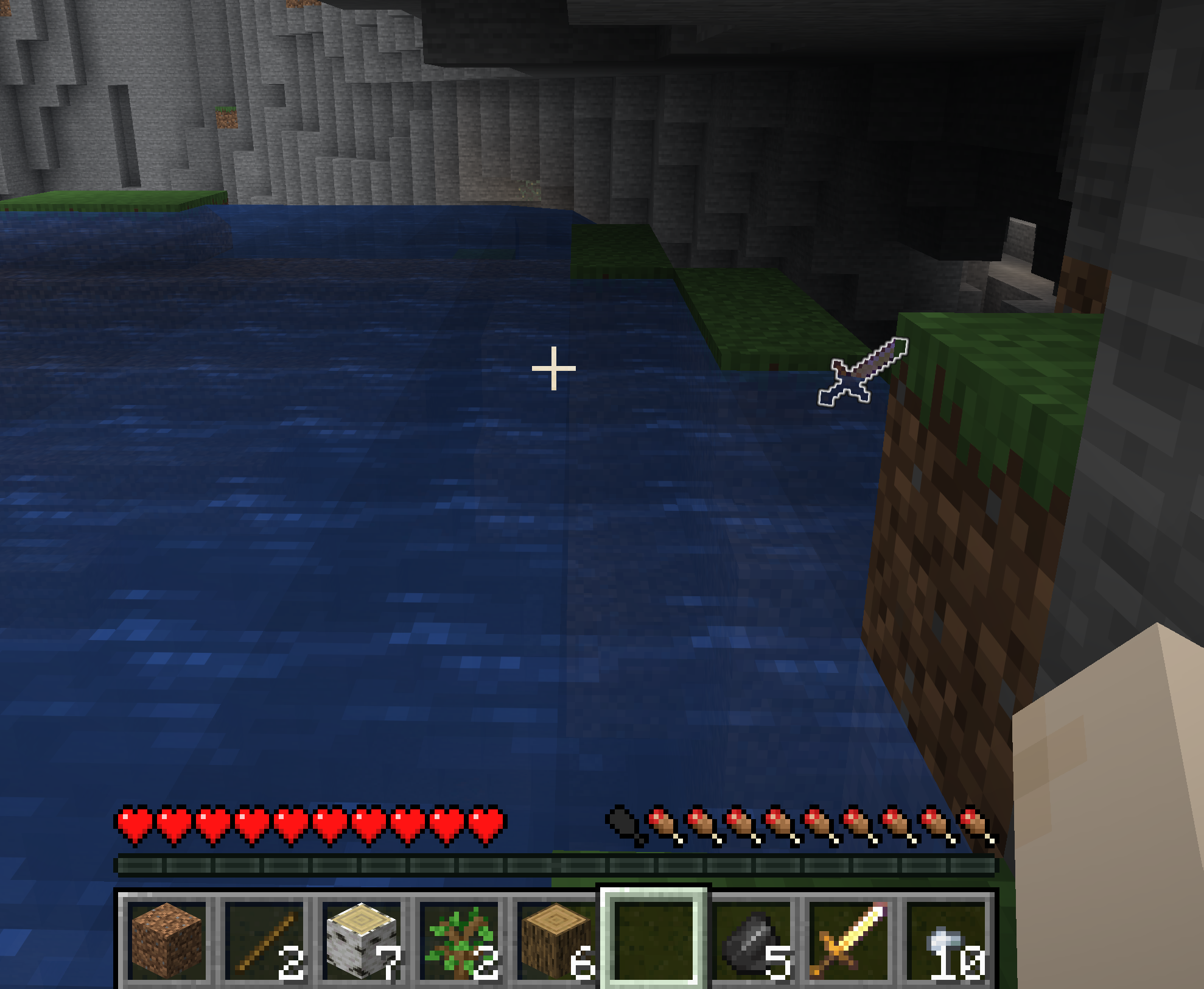 There it is!
 -
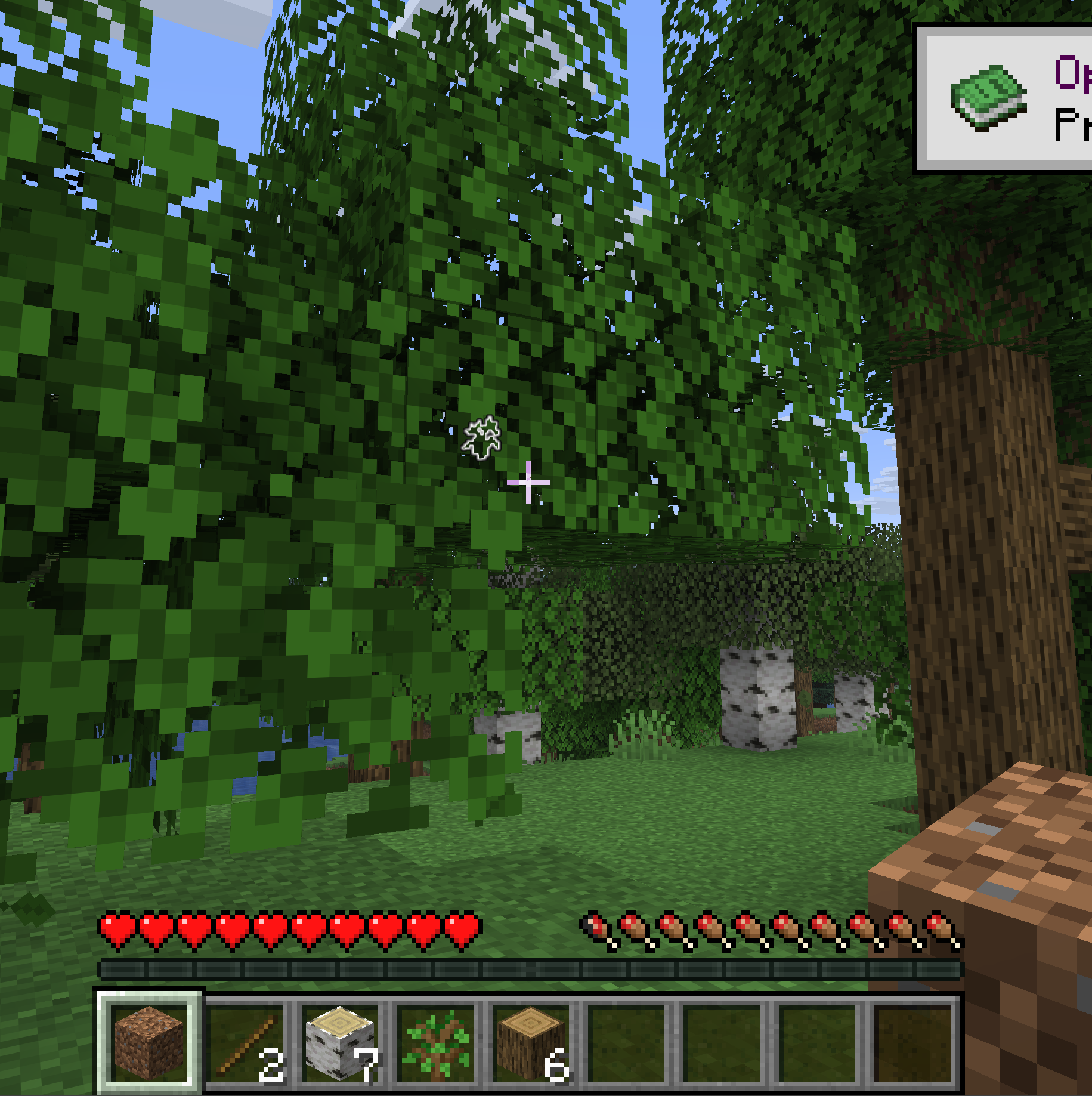 A Tree in that tree
 -
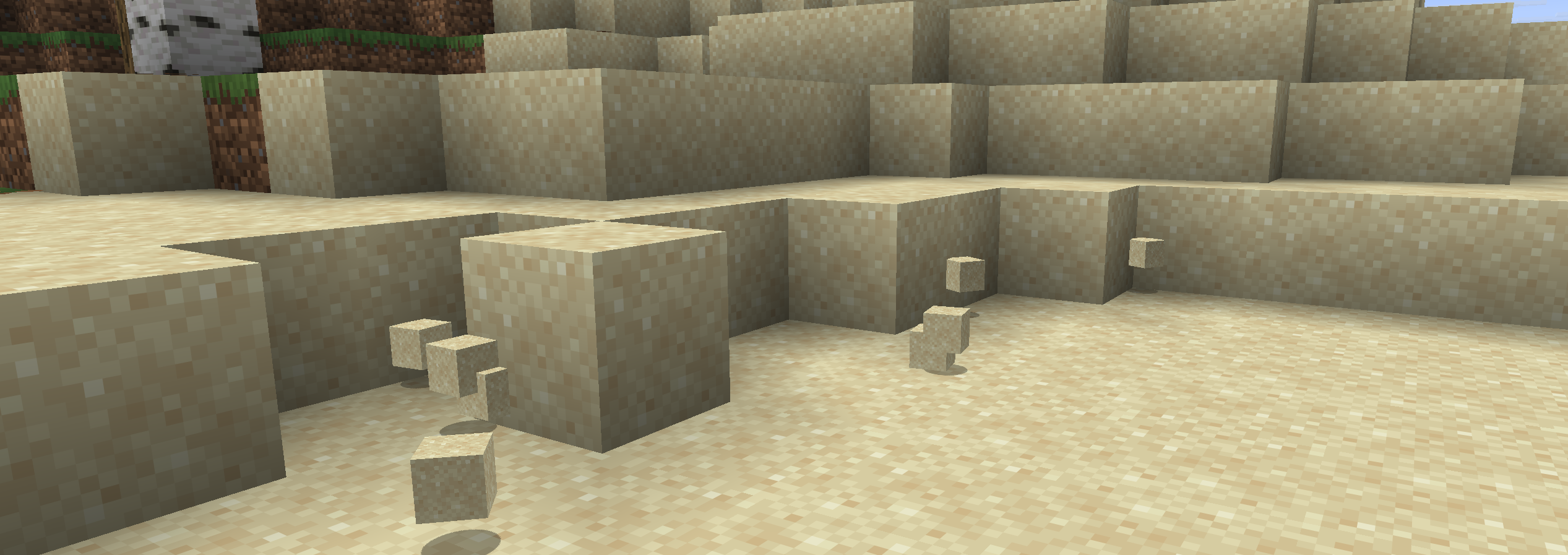 Sand Without Highlight
 -
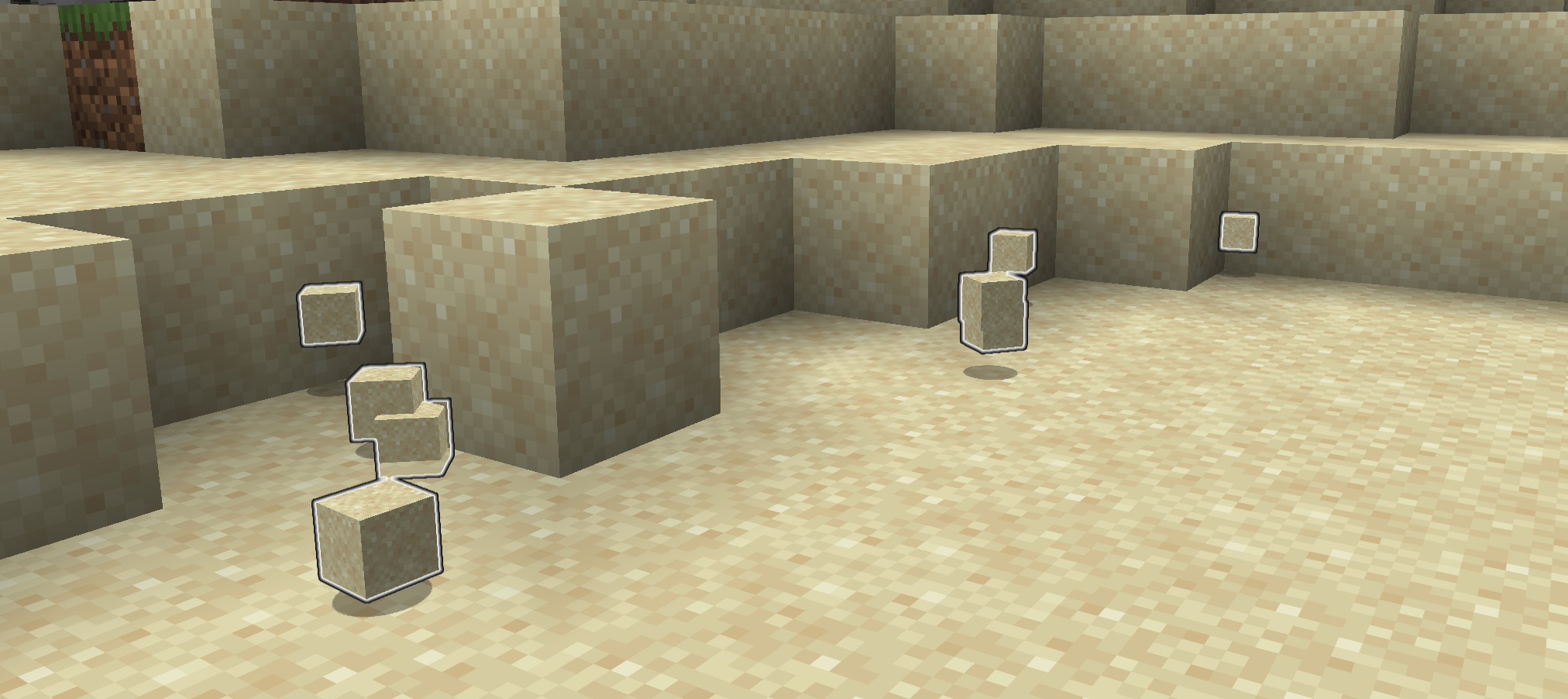 Sand With Highlight
Versions
Files
Relations
Project Relations
More like this
Similar Mods
Suggestions use data such as tags, dependencies, dependents, descriptions, titles, and more to rank how much they overlap with this mod.
On ModDex
Community snapshot
By the numbers
Statistics
Want to reach Minecraft players?
We're looking for a server hosting partner to feature here and other parts of the site. Interested? Send us a message!
Get in touchGet it on
Available Platforms
On ModDex
Community snapshot
By the numbers