Community listing page, reviews here may not be monitored by the author.
Easy Enchants/Effects


No reviews yet
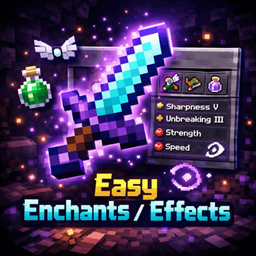
This powerful and convenient mod adds a custom menu for enchanting items and applying effects to the game. Forget about limited enchantment options - now you can apply any enchantment and effect at any level!
Community voices
Reviews
No reviews yet. Be the first to review this project!
Get it on
Available Platforms
Compatibility
Supported Environments
Runs entirely on the client. Works on vanilla servers.
About
Project Details
For authors
Embed Badge
If you're the author of this project, you can embed a live badge anywhere that supports HTML or Markdown. It updates automatically whenever ratings change.
Use HTML for any page that supports it, or Markdown for README files and Markdown-based descriptions.
Identifiers
Platform IDs
Resources
External Links
About
Description
Easy Enchants/Effects - This powerful and convenient mod adds a custom menu for enchanting items and applying effects to the game. Forget about limited enchantment options - now you can apply any enchantment and effect at any level!
✨Features:
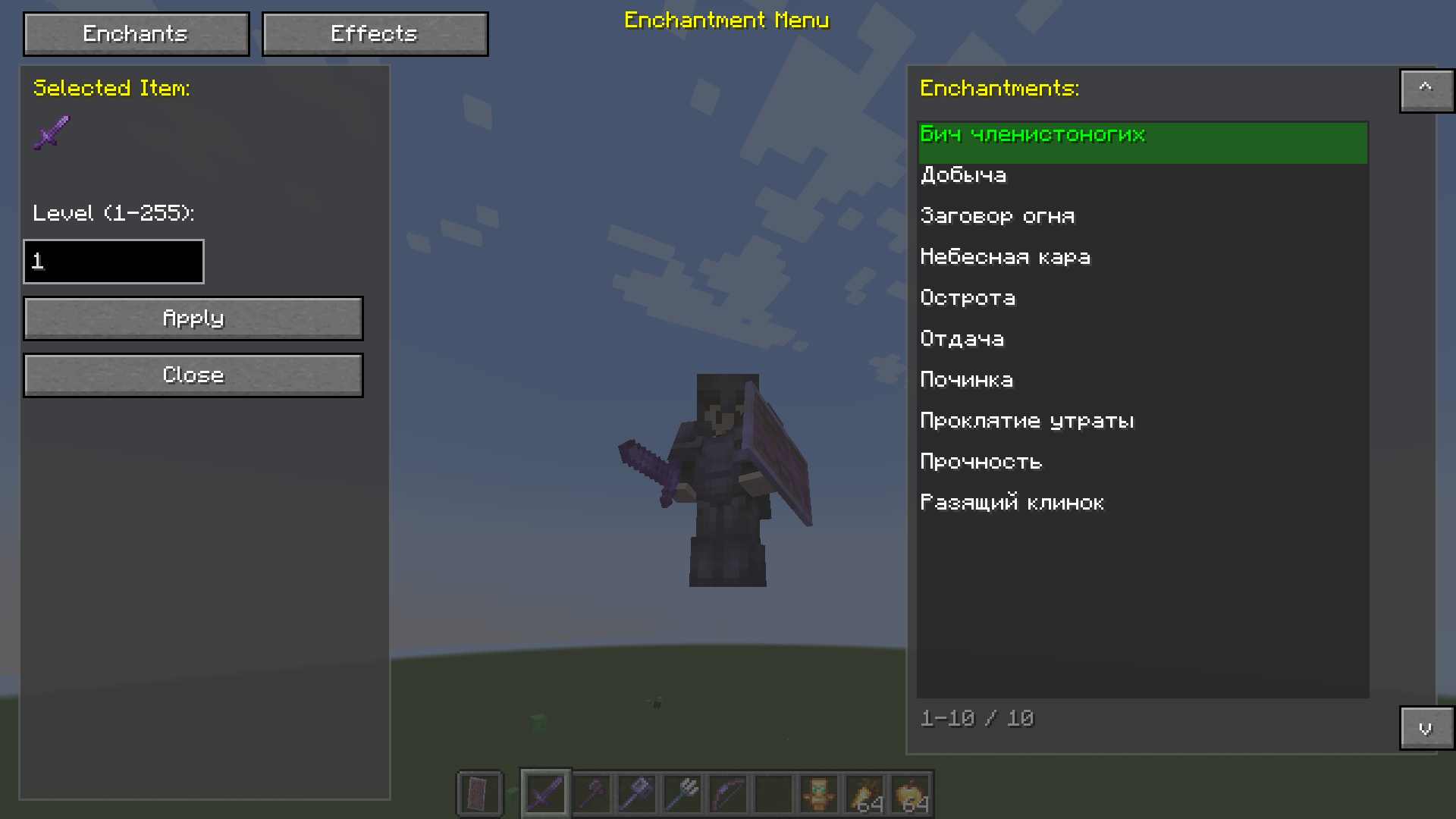
🔮Enchantments Tab
Enchant any item with any available enchantment
- Level up to 255 - no limits!
- Automatic filtering - only enchantments suitable for the item in hand are shown
- Item preview - see what you're enchanting
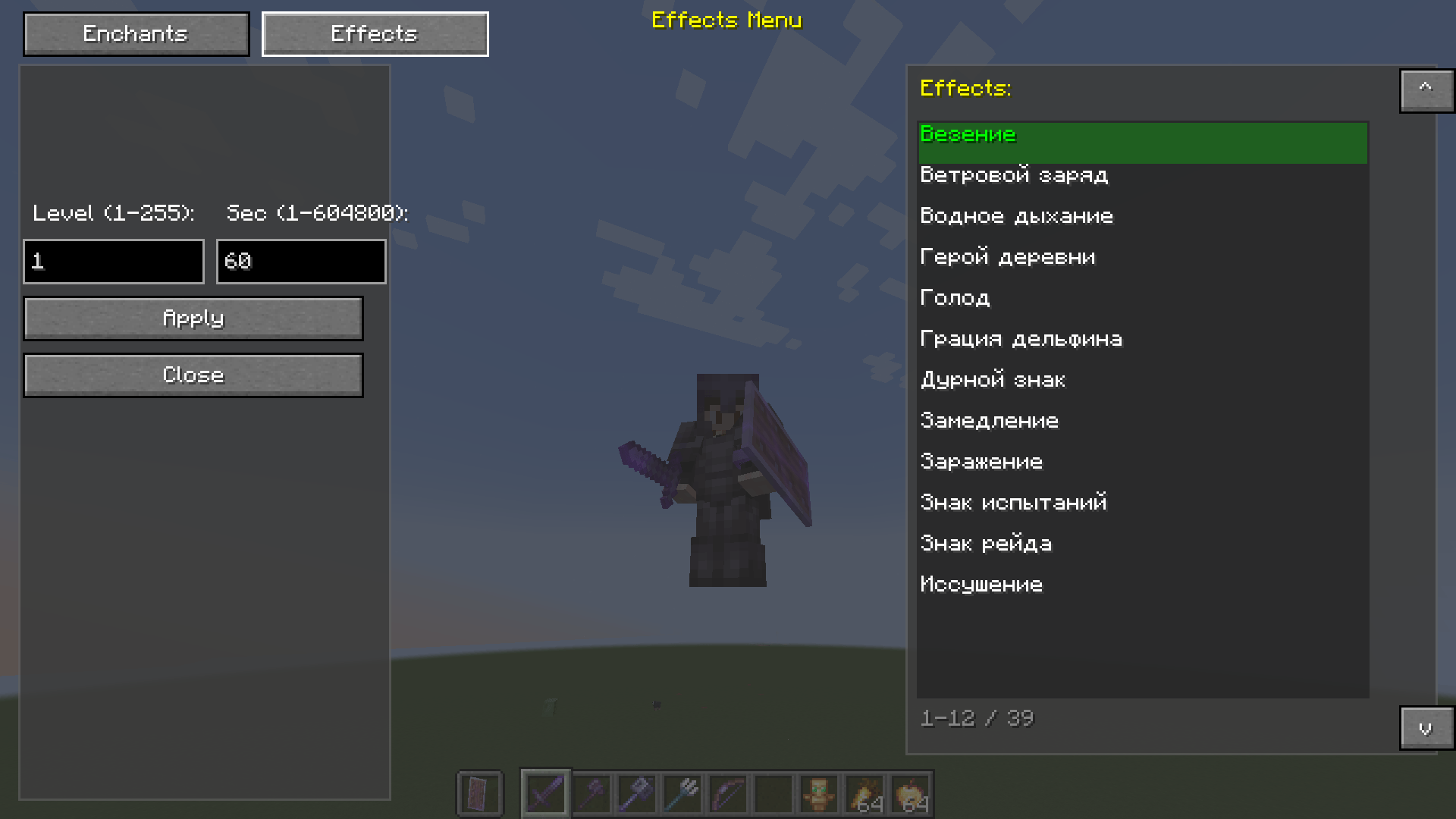
💊Effects Tab
- Apply any effect to a player
- Adjustable level (1-255)
- Adjustable duration (from 1 second to 1 week!)
- Automatic replacement - the old effect is removed before applying a new one
🎨Interface
- Semi-transparent background (67% transparency) - the game is visible through the menu
- Two tabs - quickly switch between enchantments and effects
- Smart navigation - click an element to select
- Selected highlight - green highlight of the current item
- Tooltips - hover to view the title
- List scrolling - up/down buttons for navigation
🎮 How to use
- Press V (default) to open the menu
- If you have an item in your hand, the enchantment tab will open
- If your hand is empty, the effects tab will open
- Select an item from the list by clicking the mouse
- Enter the level (and duration for effects)
- Click Apply to apply
- Click Close to close the menu
Easy Enchants/Effects - This powerful and convenient mod adds a custom menu for enchanting items and applying effects to the game. Forget about limited enchantment options - now you can apply any enchantment and effect at any level! ✨Features
🔮Enchantments Tab
Enchant any item with any available enchantment
- Level up to 255 - no limits!
- Automatic filtering - only enchantments suitable for the item in hand are shown
- Item preview - see what you're enchanting
💊Effects Tab
- Apply any effect to a player
- Adjustable level (1-255)
- Adjustable duration (from 1 second to 1 week!)
- Automatic replacement - the old effect is removed before applying a new one
🎨Interface
- Semi-transparent background (67% transparency) - the game is visible through the menu
- Two tabs - quickly switch between enchantments and effects
- Smart navigation - click an element to select
- Selected highlight - green highlight of the current item
- Tooltips - hover to view the title
- List scrolling - up/down buttons for navigation
🎮 How to use
- Press V (default) to open the menu
- If you have an item in your hand, the enchantment tab will open
- If your hand is empty, the effects tab will open
- Select an item from the list by clicking the mouse
- Enter the level (and duration for effects)
- Click Apply to apply
- Click Close to close the menu
Screenshots
Gallery
-
 IMG_3049.png IMG_3049.png
 -
 IMG_3048.png IMG_3048.png
-
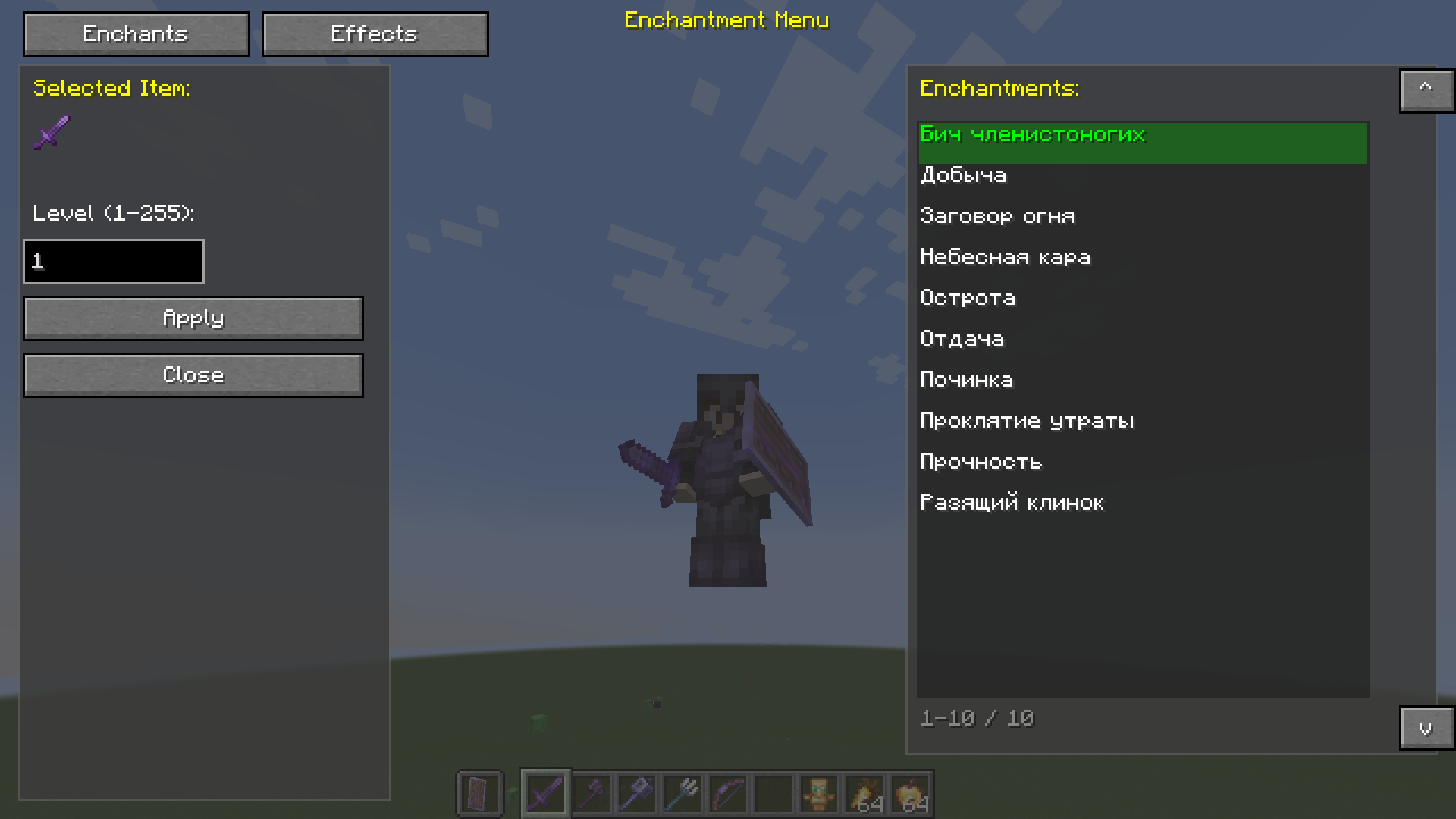 enchants menu
 -
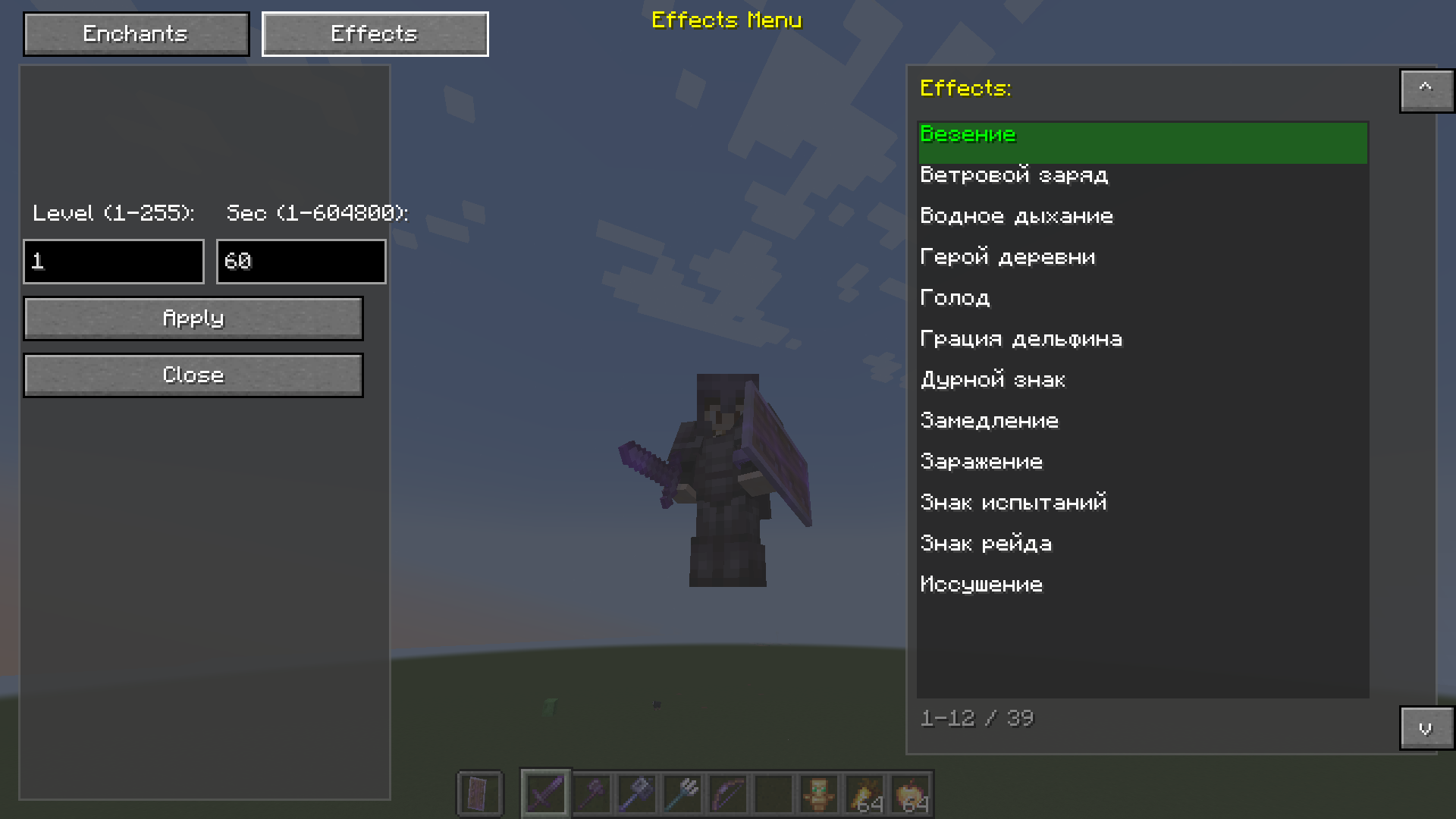 Effects menu
Versions
Files
Relations
Project Relations
More like this
Similar Mods
Suggestions use data such as tags, dependencies, dependents, descriptions, titles, and more to rank how much they overlap with this mod.
On ModDex
Community snapshot
By the numbers
Statistics
Want to reach Minecraft players?
We're looking for a server hosting partner to feature here and other parts of the site. Interested? Send us a message!
Get in touchGet it on
Available Platforms
On ModDex
Community snapshot
By the numbers
Statistics
Resources