
Community listing page, reviews here may not be monitored by the author.
Easy Holograms

No reviews yet
A datapack that allows you to create text holograms easily. Working in survival
Community voices
Reviews
No reviews yet. Be the first to review this project!
Get it on
Available Platforms
About
Project Details
For authors
Embed Badge
If you're the author of this project, you can embed a live badge anywhere that supports HTML or Markdown. It updates automatically whenever ratings change.
Use HTML for any page that supports it, or Markdown for README files and Markdown-based descriptions.
Identifiers
Platform IDs
Resources
External Links
About
Description
Easy Holograms
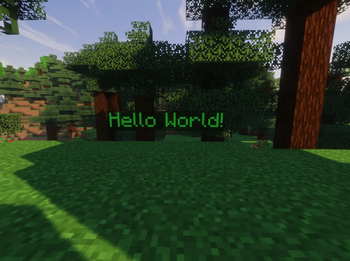
This datapack allows you to easily create custom text holograms in your Minecraft world. It also works in survival mode.
📄 Usage
To create your own hologram, you just need a book and quill and optionally a dye if you want to color your text.
Write the text that you want to appear on the hologram in the book and quill, then click Done. Now, stand where you want to create the hologram and use the command /trigger placeHolo while holding the book and quill in your main hand, then press Enter. Ta-da! Here's your new hologram !
Note that the hologram’s orientation will depend on the direction you’re facing (west, south, north, or east).
If you want to color your text, just hold a dye in your off-hand while creating a hologram (Dye will not be consumed)
You can remove the background by using /trigger backgroundHolo if you wish (This action cannot be undone)
You can change the scale of your hologram by standing on it and executing /trigger scaleHolo set <int>. Default size is 1.
To delete a hologram, stand on the text and use /trigger deleteHolo.
If you want to prevent your hologram from being modified or deleted, you can use /trigger lockHolo. To allow changes again, use /trigger unlockHolo
🔧 Admin Commands
If you want to delete all holograms from your world, use the following command:
/function esholo:command/killall
A confirmation message will appear in chat, asking if you really want to remove all holograms.
Click the "Click here to execute" button, and then Yes to confirm.
📦 Uninstallation
The pack comes with an integrated uninstallation process. Please use /function esholo:command/uninstall before deleting the file from you datapack folder.
🧰 Report an issue
💬 If you encounter any issues with the datapack or have any suggestions, you can contact me through my Discord Server.
Screenshots
Gallery
-
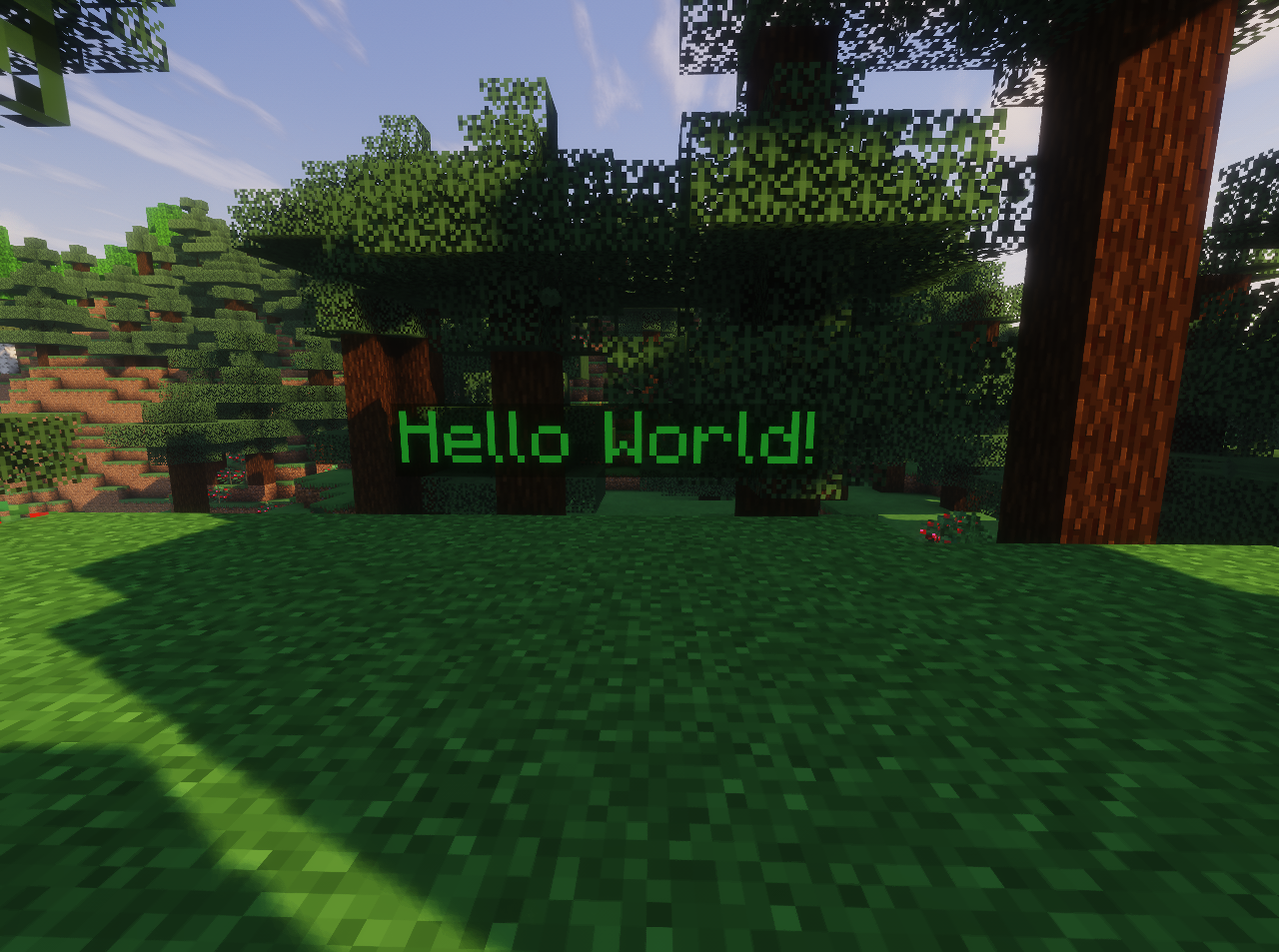 Simple Hologram Hologram summoned using /function placeHolo while holding a book and a dye
 -
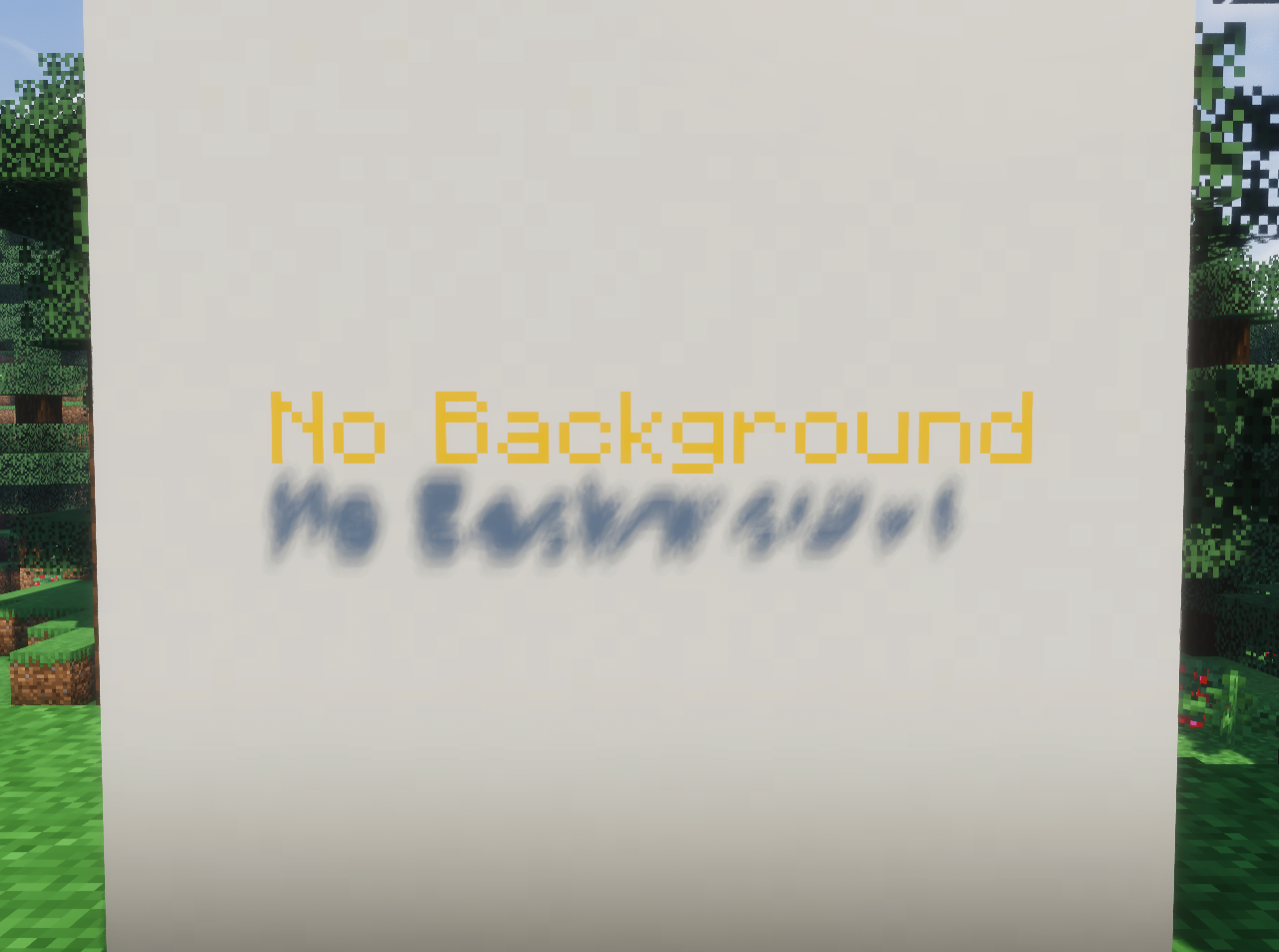 No background hologram The background of this text has been removed using /trigger backgroundHolo
 -
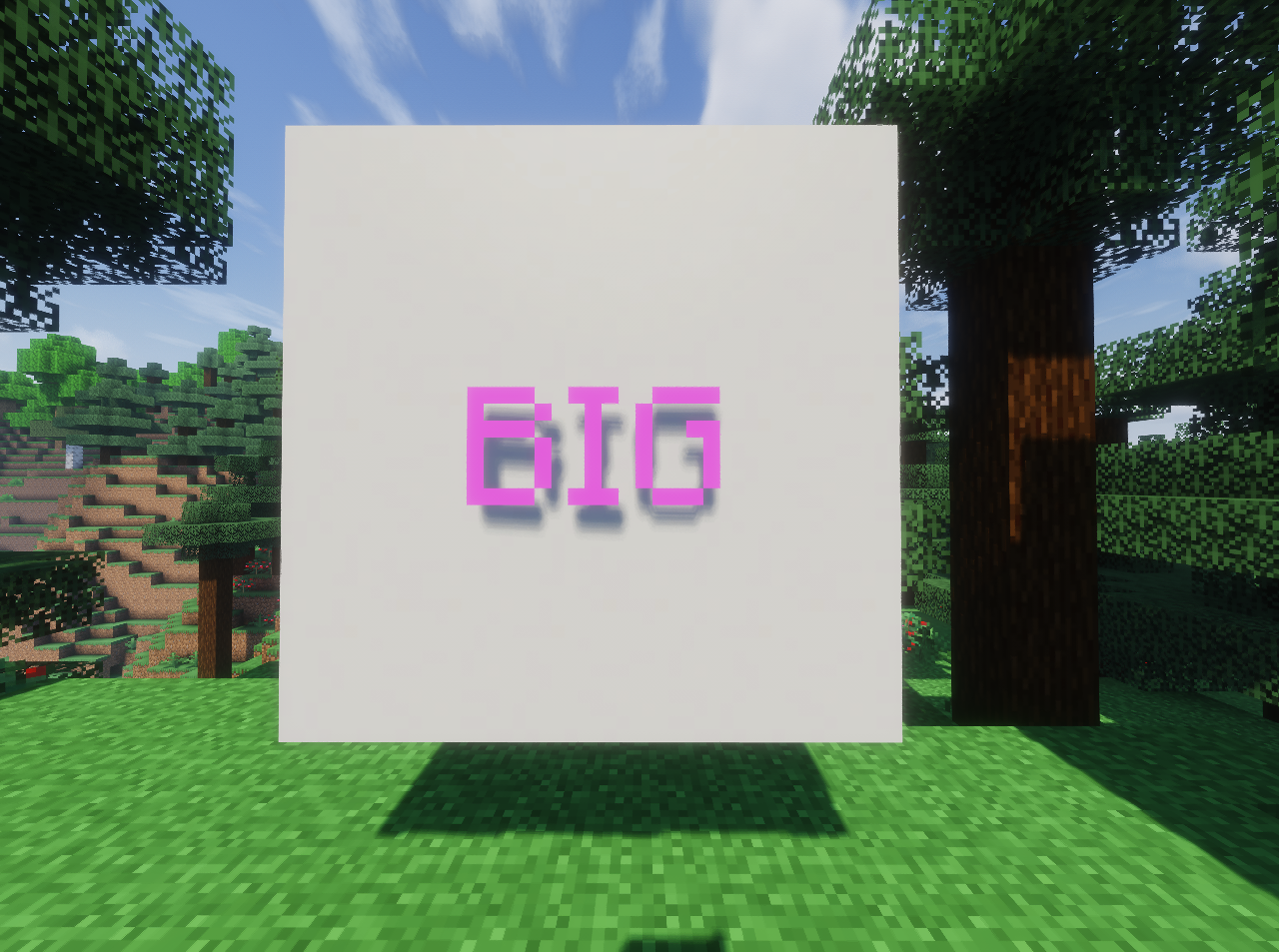 Scaled hologram This text has been upscaled using the command /trigger scaleHolo set 3
Versions
Files
Relations
Project Relations
More like this
Similar Mods
Suggestions use data such as tags, dependencies, dependents, descriptions, titles, and more to rank how much they overlap with this mod.
On ModDex
Community snapshot
By the numbers
Statistics

Want to reach Minecraft players?
We're looking for a server hosting partner to feature here and other parts of the site. Interested? Send us a message!
Get in touchGet it on
Available Platforms
On ModDex
Community snapshot
By the numbers
Statistics
Resources