Community listing page, reviews may not be monitored by the author.
Elements: Economy

No reviews yet
A server-side economy for NeoForge 1.21.1 that links your currency to player shops, server shops and an auction house.

Community voices
Reviews
No reviews yet. Be the first to review this project!
Get it on
Available Platforms
About
Project Details
For authors
Embed Badge
If you're the author of this project, you can embed a live badge anywhere that supports HTML or Markdown. It updates automatically whenever ratings change.
Use HTML for any page that supports it, or Markdown for README files and Markdown-based descriptions.
Identifiers
Platform IDs
Resources
External Links
About
Description
Elements: Economy 1.0.2






A server-side economy mod for NeoForge 1.21.1. It finds whatever currency your server uses and connects it to your shops and auction house, so everything runs on the same money. When you change currency later, everything follows.
Runs on its own or next to Elements: Nexus. Requires Elements: Vault.
Features
- Currency detection: finds supported currency mods automatically, can use vanilla items such as emeralds when an admin picks them in chat, or plain digital money. Money is always shown in your currency's own names, e.g. "3 Block of Emerald, 5 Emerald".
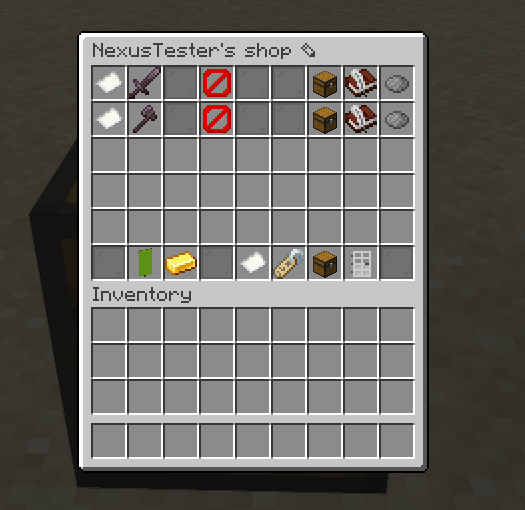
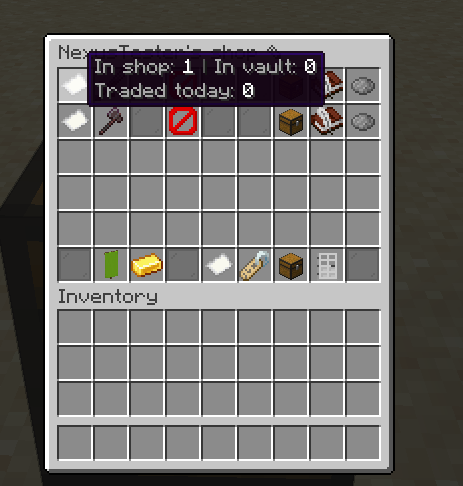
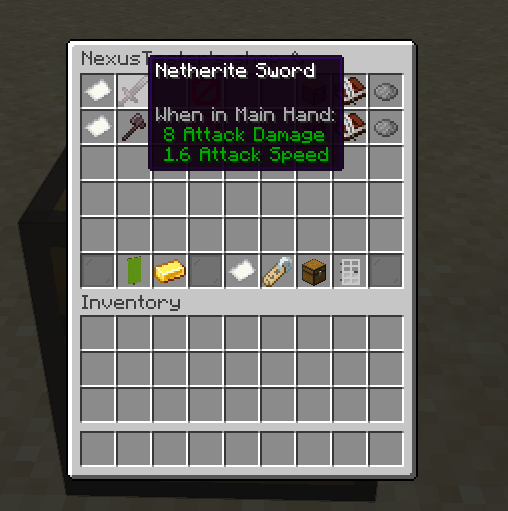
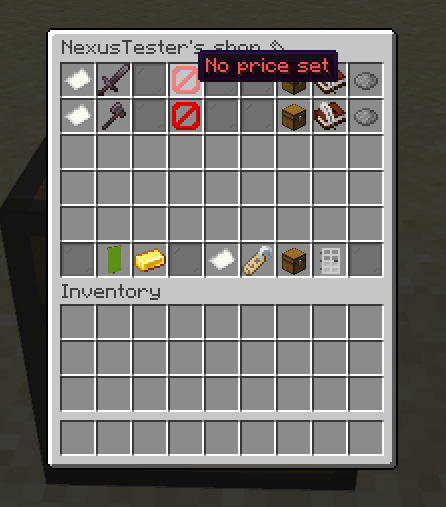
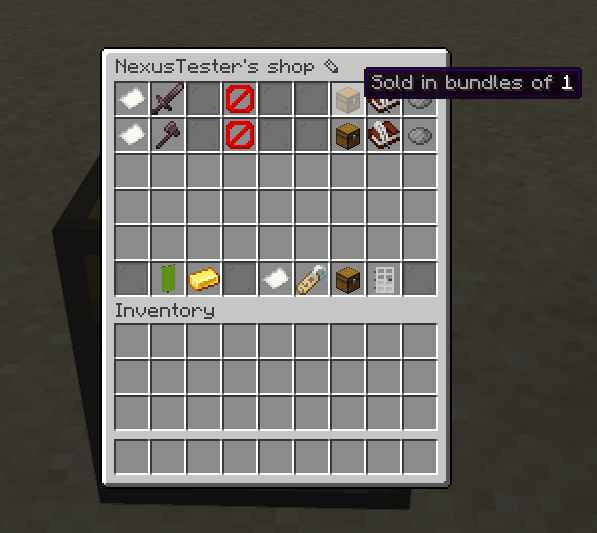
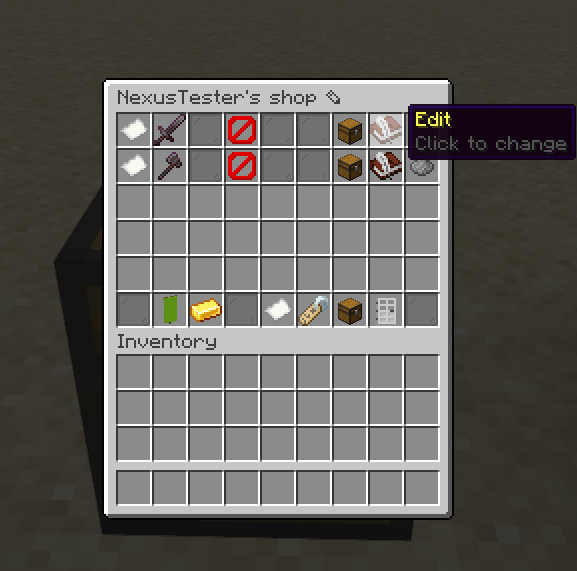
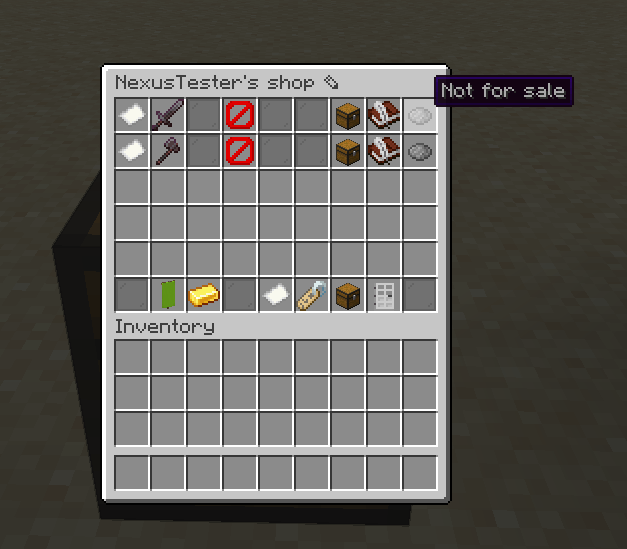
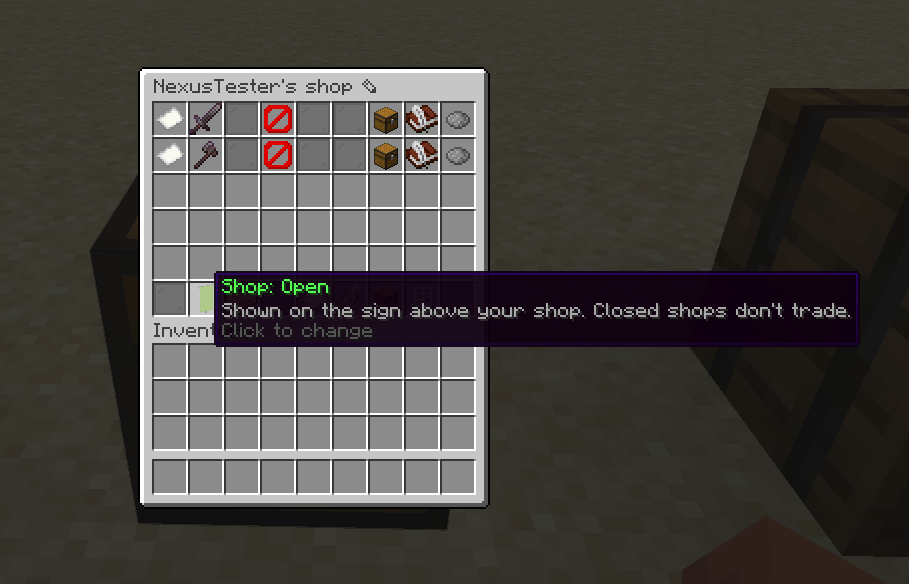
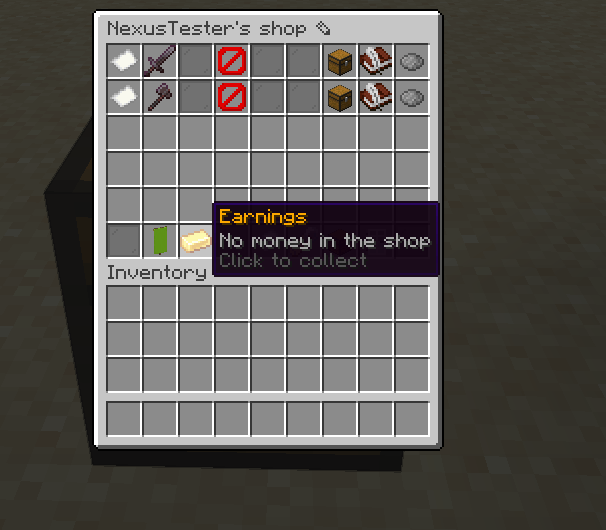
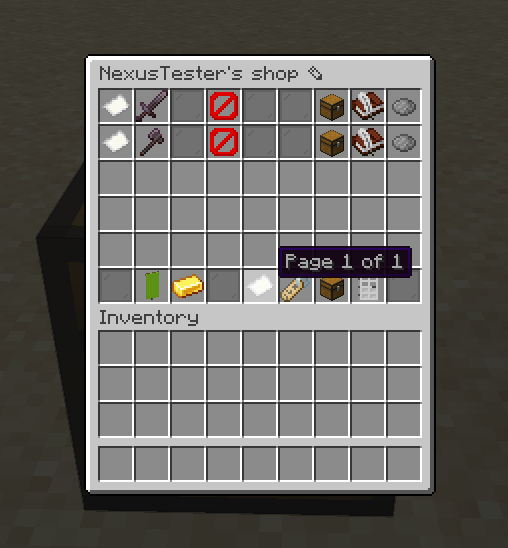
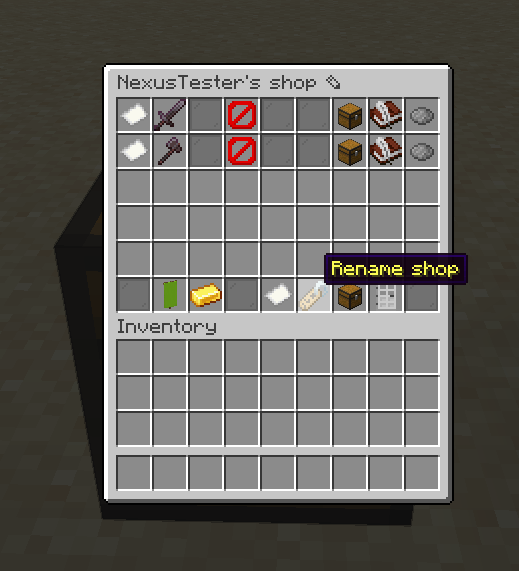
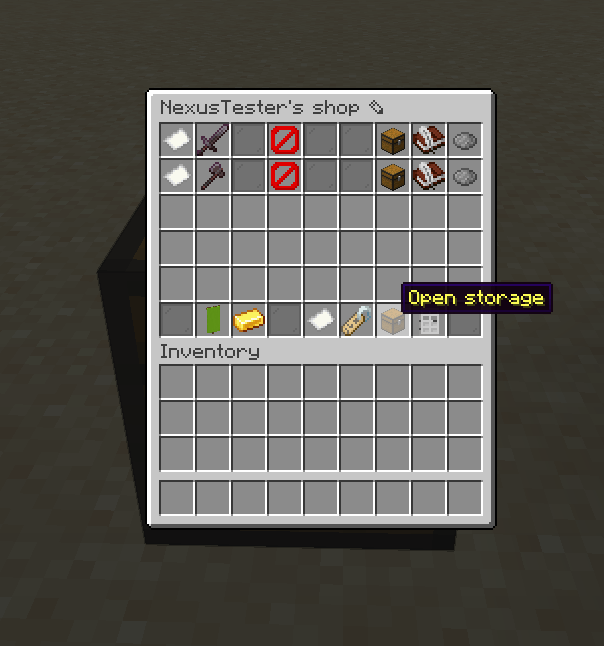
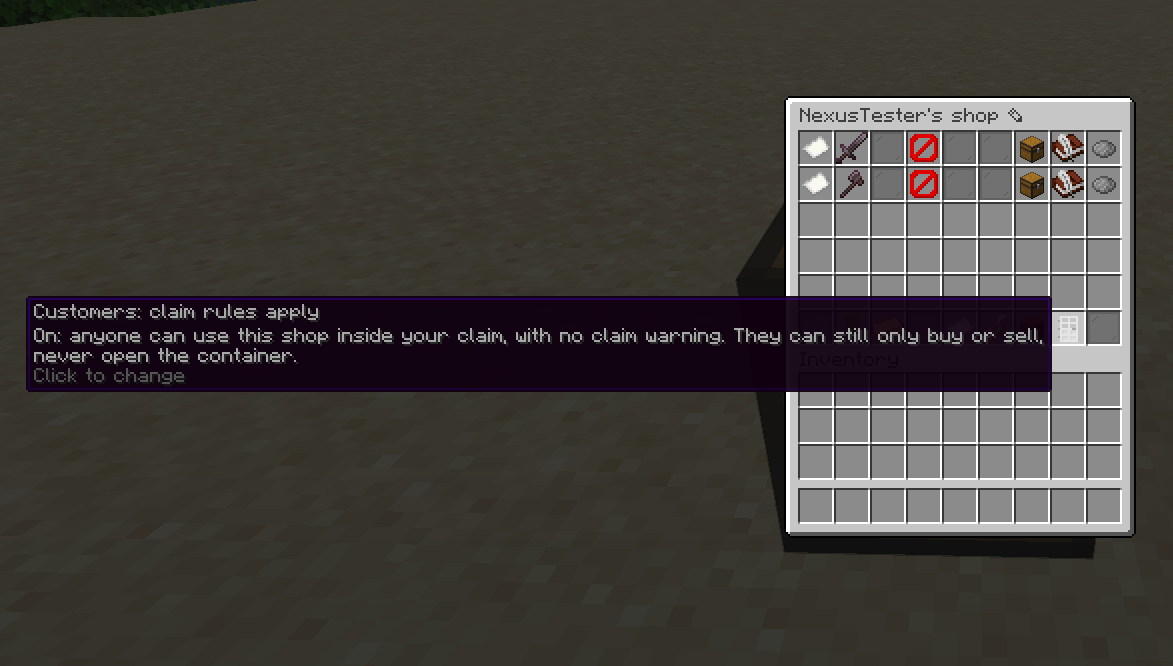
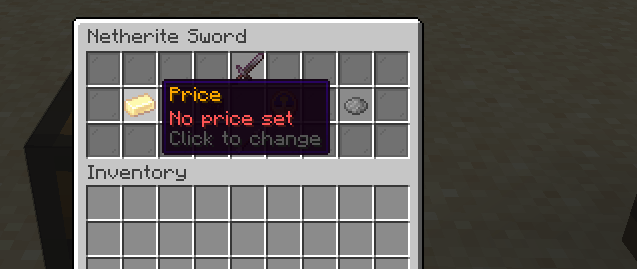
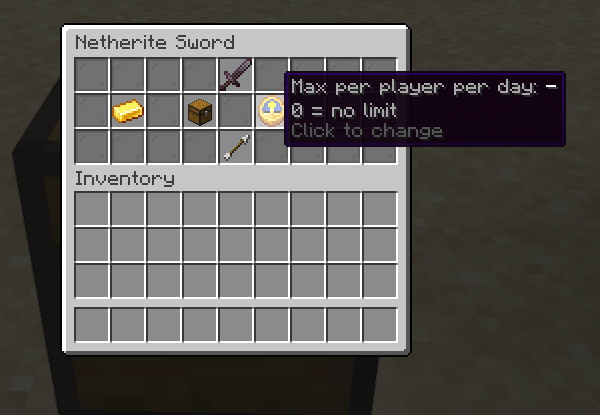
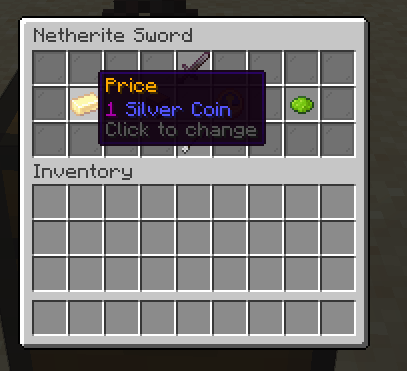
- Player shops: chest and barrel buy/sell shops with a sign display, owner menu, sale alerts, daily limits and per-rank shop limits. Create Item Vaults can be linked as stock vaults.
- Server shops: admin shops opened with
/shopor from a linked villager, NPC or block. - Auction house: buy-now and bid listings, search, categories, sales tax, a blacklist and a collection box. Can be linked to an NPC, villager or block.
- Currency switch-over: converts balances, shop prices, tills, listings and collection boxes to a new currency, with a preview and a backup first.
- Migration: imports balances from Impactor, Eights Economy, Wano Economy and most currency mods, with a preview first.
- Works with other mods: bridges for Impactor, OctoEconomy, SDM, Spud's Shops and Easy NPC. If another mod already runs shops or the auction house, Economy turns its own off.
- Shop protection: hoppers, pistons and Create machines can't steal from or break shops.
- Master Control File: every feature and command has its own switch in
features.toml. Anything switched off isn't registered at all. - Private trades: purchases are never announced.
/paymentsshows your own history. - Storage: JSON (default), YAML, SQLite or MySQL.
Currency setups
Money is 1:1 between currencies: 1 Emerald is worth 1 digital money. Values between items of the same currency are set in currency_values.toml.
Digital money only. Nothing to install. Name it under [digital] in economy.toml: name, plural, symbol, decimals and icon.
A currency mod. Install it and Economy finds it at startup. Its items are written to currency_values.toml as full item IDs with their values.
No currency mod. Admins are asked in chat to choose digital money or vanilla items.
- Vanilla items: add each item and its value (e.g.
minecraft:emerald= 1,minecraft:emerald_block= 9), then click[Confirm]. Confirming is the approval; they become the main currency. /economy currency setupasks again any time.
Change values in game with /economy currency values ([Change] / [Remove] / [+ Add item] buttons), or edit currency_values.toml and run /economy reload.
Removed currency mods are dropped from currency_values.toml (old file backed up first).
The bank and /exchange
With an item currency, players can also keep money in a bank:
/exchange deposit [amount] [item]puts the currency items you carry into your bank./exchange withdraw <amount> [item]takes it out as items, in the fewest items possible.- Add a full item ID to count in that item:
/exchange deposit 2 minecraft:emerald_block. - 1:1: one of your smallest currency items = one digital money.
Commands
/bal [player],/pay <player> <amount>,/pay toggle,/baltop,/payments/exchange deposit | withdraw/shop create buy | sell,/shop rename <name>,/shop remove,/shop/ah,/ah link npc | villager | block,/ah unlink(admin)/eco give | take | set | reset <player> <amount>(admin)/economy reload | version | migrate | storage convert(admin)/economy currency setup | values | value | remove | switch(admin)
Permissions
Nodes are economy.<feature>.<action> and work with Elements: Nexus ranks, other permission mods, or OP levels. Shop and listing limits can be set per rank with economy.shop.limit and economy.ah.limit. Full list.
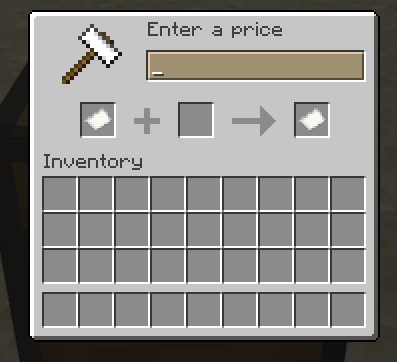
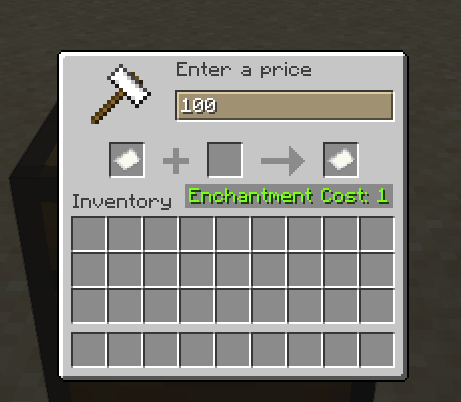
Entering prices
Prices are one number in your smallest unit. With Emerald 1 / Block of Emerald 9:
| Price | Type |
|---|---|
| 10 Emerald | 10 |
| 2 Block of Emerald | 18 |
| 3 Block of Emerald 5 Emerald | 32 |
| 1,000 Emerald | 1000 or 1k |
k = thousand, m = million.
Good to know
- Vanilla chest menus only, no resource pack needed.
- messages.toml updates itself after an update; lines you edited are kept. Switch:
messages_auto_updateinfeatures.toml. - Backups of
messages.tomlandcurrency_values.tomlare made before automatic changes; only the newest 2 are kept (backups_keptineconomy.toml). - SQLite and MySQL need their driver jar in
<server>/elements_economy/drivers(not included).
License
Free to use in any modpack, paid or free, with credit to Telmarine. It may not be resold or repackaged as a paid product on its own.
File changelog (1.0.2)
Elements: Economy 1.0.2
Changed
- Elements: Vault is now a separate download. Install Elements: Vault 1.0.0 or newer next to Economy; Economy won't start without it.
- 1:1 between all currencies.
ratesin economy.toml is only used when moving from digital money to a physical currency (vanilla items or a currency mod's items).
Currency
- Money is shown in the server's own currency names, e.g. "3 Block of Emerald, 5 Emerald".
- Setup in chat: when no currency mod is found, admins are asked to choose digital money or vanilla items. For vanilla items, add each item and its value, then
[Confirm]. Confirming is the approval; they become the main currency./economy currency setupasks again any time. - currency_values.toml is filled in by Economy and only lists what's in use: one line per full item ID under
[values], e.g."minecraft:emerald" = 1. Removed currency mods are dropped (backup first). Older files are converted, keeping your values. - Edit values in game:
/economy currency values([Change]/[Remove]buttons),/economy currency value <item> <value>,/economy currency remove <item>. - Rename digital money under
[digital]in economy.toml:name,plural,symbol,icon. primary_currencyin economy.toml accepts a full item ID, e.g."minecraft:emerald".- Bank shown in the server's currency items, including the transaction log. Switch:
bank_as_coinsin features.toml.
Fixed
/exchangewas missing./exchange deposit [amount] [item]puts the currency items you carry into your bank;/exchange withdraw <amount> [item]takes it out in the fewest items possible. Add a full item ID to count in that item, e.g./exchange deposit 2 minecraft:emerald_block. Only works with currency players can hold as items. Permissions:economy.exchange.deposit,economy.exchange.withdraw.- An empty balance shows the currency name, e.g. "0 Emerald".
- The transaction log shows currency names instead of internal IDs.
Messages and files
- messages.toml updates itself: unedited lines get the new text, new lines are added, edited lines are kept. Backup made first. Switch:
messages_auto_updatein features.toml. - Only the newest 2 backups of messages.toml and currency_values.toml are kept (
backups_keptin economy.toml).
Upgrading
- Add the Elements: Vault jar to the mods folder.
Screenshots
Gallery
-
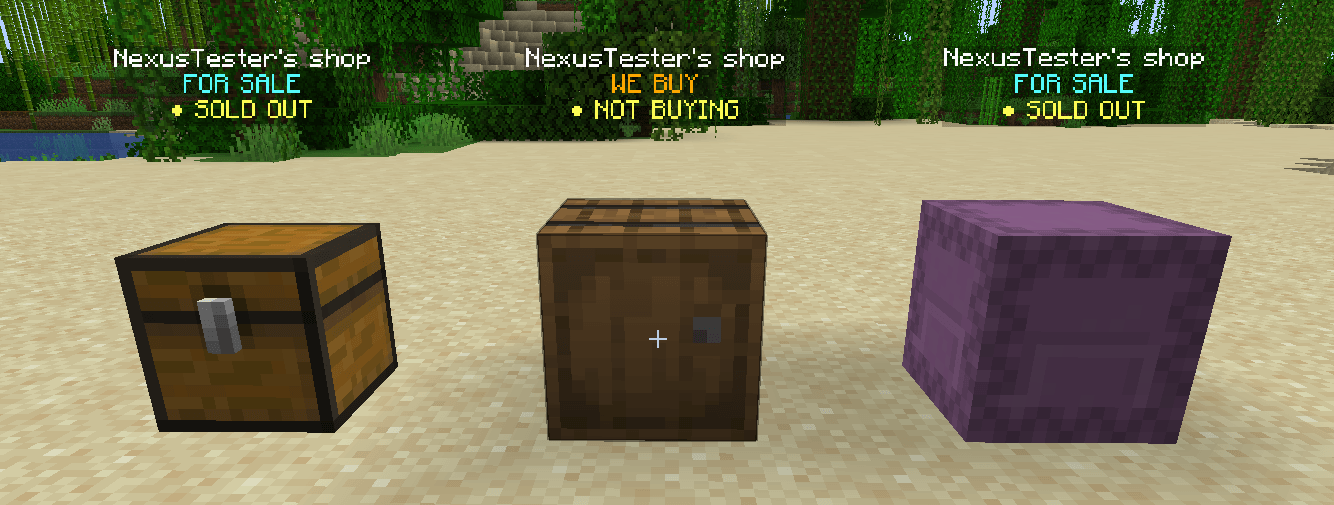 image-attachment_dbb1216b-92ef-4f8d-958c-9de976abb212.png
 -
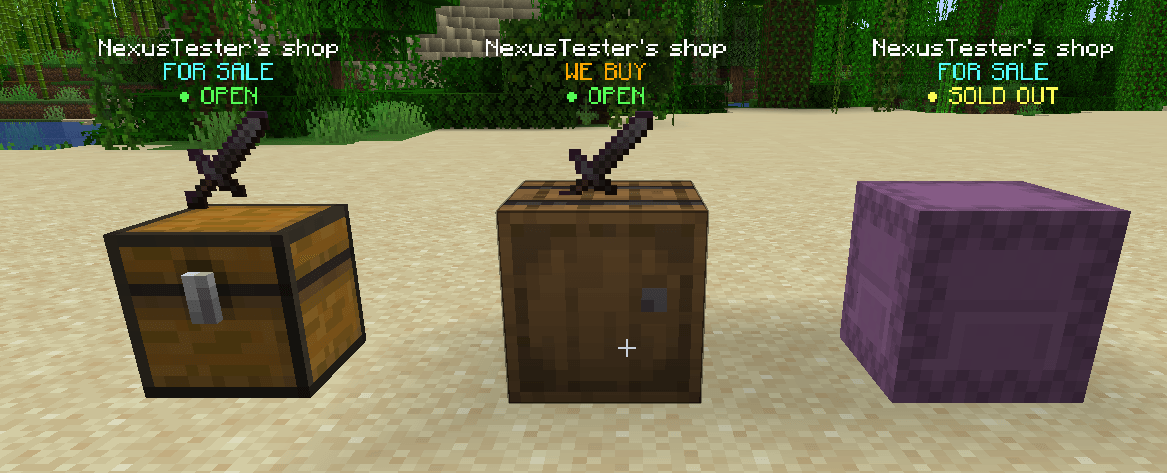 image-attachment_33359d32-5284-449f-922e-b87138f61caa.png
 -
 Screenshot 2026-10-06 155211.png Screenshot 2026-10-06 155211.png
 -
 Screenshot 2026-10-06 155218.png Screenshot 2026-10-06 155218.png
 -
 Screenshot 2026-10-06 155221.png Screenshot 2026-10-06 155221.png
 -
 Screenshot 2026-10-06 155225.png Screenshot 2026-10-06 155225.png
 -
 Screenshot 2026-10-06 155229.png Screenshot 2026-10-06 155229.png
 -
 Screenshot 2026-10-06 155232.png Screenshot 2026-10-06 155232.png
 -
 Screenshot 2026-10-06 155235.png Screenshot 2026-10-06 155235.png
 -
 Screenshot 2026-10-06 155240.png Screenshot 2026-10-06 155240.png
 -
 Screenshot 2026-10-06 155243.png Screenshot 2026-10-06 155243.png
 -
 Screenshot 2026-10-06 155246.png Screenshot 2026-10-06 155246.png
 -
 Screenshot 2026-10-06 155249.png Screenshot 2026-10-06 155249.png
 -
 Screenshot 2026-10-06 155252.png Screenshot 2026-10-06 155252.png
 -
 Screenshot 2026-10-06 155257.png Screenshot 2026-10-06 155257.png
 -
 Screenshot 2026-10-06 155306.png Screenshot 2026-10-06 155306.png
 -
 Screenshot 2026-10-06 155315.png Screenshot 2026-10-06 155315.png
 -
 Screenshot 2026-10-06 155321.png Screenshot 2026-10-06 155321.png
 -
 Screenshot 2026-10-06 155328.png Screenshot 2026-10-06 155328.png
 -
 Screenshot 2026-10-06 155334.png Screenshot 2026-10-06 155334.png
Versions
Files
Relations
Project Relations
More like this
Similar Mods
Suggestions use data such as tags, dependencies, dependents, descriptions, titles, and more to rank how much they overlap with this mod.
On ModDex
Community snapshot
By the numbers
Statistics

Get it on
Available Platforms
On ModDex
Community snapshot
By the numbers
Statistics
Resources