Community listing page, reviews here may not be monitored by the author.
EnderLink


No reviews yet
A minecraft teleportation mod. Add, link and teleport!
Community voices
Reviews
No reviews yet. Be the first to review this project!
Get it on
Available Platforms
Compatibility
Supported Environments
Runs entirely on the server. Also works in singleplayer.
About
Project Details
For authors
Embed Badge
If you're the author of this project, you can embed a live badge anywhere that supports HTML or Markdown. It updates automatically whenever ratings change.
Use HTML for any page that supports it, or Markdown for README files and Markdown-based descriptions.
Identifiers
Platform IDs
About
Description
EnderLink
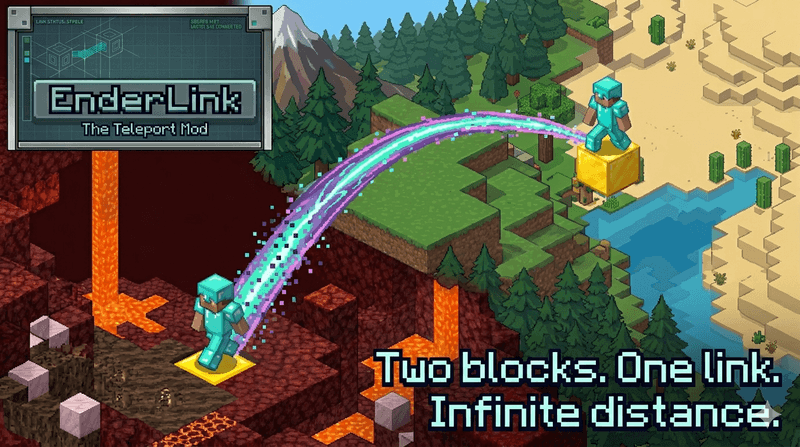
Two blocks. One link. Infinite distance.
EnderLink is a Fabric teleportation mod that lets players register teleport pads, link them together, and travel between them by sneaking on the block.
It is designed to be simple for players, configurable for server owners, and fully functional on dedicated servers.
✨ Features
- Configurable teleport pad blocks
- Two-way linked teleports
- Warmup countdown before teleporting
- Teleport cancels if the player moves
- Carpet support on teleport blocks
- Safety checks for blocked or unsafe destinations
- World border protection
- Configurable particles and arrival sound
- Cross-dimension teleports with a configurable allow-list
- Per-player pad and link limits
- UUID-based ownership
- Optional LuckPerms support
- Optional Mod Menu + Cloth Config integration
- Elevator compatibility guard
‼️ How It Works
EnderLink turns normal configured blocks into teleport pads.
Typical flow:
- Place a configured teleport block.
- Stand on it and run `/enderlink add`.
- Place a second configured teleport block somewhere else.
- Stand on it and run `/enderlink add`.
- Link both pads with `/enderlink link TP1 TP2`.
- Sneak on either linked pad to teleport to the other one.
Pads are stored permanently on the server, can be listed by command, and are automatically removed when the block is broken or becomes invalid.
🎮 Commands
- `/enderlink add` - Register the teleport block you are currently standing on.
- `/enderlink link <first> <second>` -Link two teleport pads together. Links are always two-way.
- `/enderlink unlink <first> <second>` - Remove the link between two pads.
- `/enderlink remove <name>` - Remove a teleport pad completely.
- `/enderlink rename <name> <newName>` - Rename a teleport pad.
- `/enderlink list` - Show all stored pads and links.
- `/enderlink info` - Show info about the pad you are currently standing on.
- `/enderlink info <name>` - Show info about a specific teleport pad.
- `/enderlink reload` - Reload the config from disk.
🌍 Config Highlights
Server owners can configure:
- allowed teleport blocks
- warmup time
- allowed dimensions
- particle type and particle counts
- arrival sound, volume, and pitch
- per-player pad and link limits
- command access rules
- optional LuckPerms integration
EnderLink writes a commented config file to: config/enderlink/enderlink.json
Config Options
- `teleportBlocks` - List of block ids that can act as teleport pads. Default: `minecraft:gold_block`, `minecraft:lapis_block`
- `chargeTicks` - Warmup time before teleporting. `20 ticks = 1 second`
- `safetyEnabled` - If `true`, EnderLink blocks unsafe destinations.
- `particlesEnabled` - Enables teleport particles.
- `particleType` - Particle id used during warmup and arrival.
- `warmupParticleCount` - How many particles spawn while charging.
- `arrivalBurstParticleCount` - How many particles spawn immediately on arrival.
- `arrivalTrailParticleCount` - How many particles spawn each tick during the short arrival particle trail.
- `arrivalParticleDurationTicks` - How long the extra arrival particle trail lasts after teleporting.
- `soundEnabled` - Enables arrival sound.
- `soundEvent` - Sound event id played on arrival.
- `soundVolume` - Volume for the arrival sound.
- `soundPitch` - Pitch for the arrival sound.
- `allowedDimensions` - List of dimension ids allowed to participate in teleports. You can use shorthand like `overworld` or full ids like `minecraft:overworld`.
- `luckPerms` - Enables LuckPerms integration if the LuckPerms mod is installed.
- `maxPadsPerPlayer` - Default maximum amount of teleport pads per player.
- `maxLinksPerPlayer` - Default maximum amount of links per player.
- `addAccess`
- `linkAccess`
- `unlinkAccess`
- `removeAccess`
- `renameAccess`
- `listAccess`
- `infoAccess` - Command access mode when LuckPerms is disabled. Valid values: `EVERYONE`, `OPS_ONLY`
✅ Carpet Support
You can place a carpet on top of a teleport block to hide it.
The pad still works for:
- adding the pad
- teleporting to it
- teleporting from it
🛑 Safety Rules
EnderLink blocks unsafe teleports.
Examples of blocked destinations:
- destination has no space for the player
- destination is underwater
- destination is inside lava or another fluid
- destination is outside the world border
- destination block is missing or no longer valid
- destination dimension is not allowed by config
🔄 Permissions
EnderLink supports two permission modes:
- Config-based access control
- LuckPerms-based access control
For all permission options, visit the github page: https://github.com/SwordfishBE/EnderLink#-permissions
📄 Notes
EnderLink is fully usable on dedicated servers.
Mod Menu and Cloth Config are only needed if you want the optional in-game config screen on the client.
🏜️ Test Server
Feel free to join my Minecraft server to test my mods: play.swordfishbe.eu
EnderLink
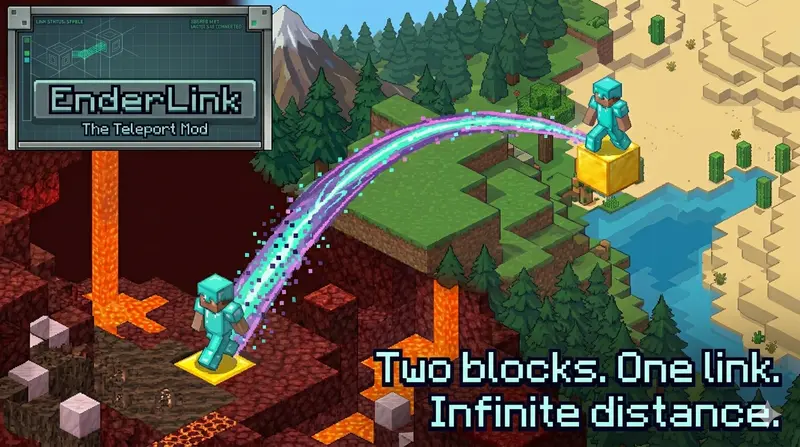
Two blocks. One link. Infinite distance.
EnderLink is a Fabric teleportation mod that lets players register teleport pads, link them together, and travel between them by sneaking on the block.
It is designed to be simple for players, configurable for server owners, and fully functional on dedicated servers.
✨ Features
- Configurable teleport pad blocks
- Two-way linked teleports
- Warmup countdown before teleporting
- Teleport cancels if the player moves
- Carpet support on teleport blocks
- Safety checks for blocked or unsafe destinations
- World border protection
- Configurable particles and arrival sound
- Cross-dimension teleports with a configurable allow-list
- Per-player pad and link limits
- UUID-based ownership
- Optional LuckPerms support
- Optional Mod Menu + Cloth Config integration
- Elevator compatibility guard
‼️ How It Works
EnderLink turns normal configured blocks into teleport pads.
Typical flow:
- Place a configured teleport block.
- Stand on it and run
/enderlink add. - Place a second configured teleport block somewhere else.
- Stand on it and run
/enderlink add. - Link both pads with
/enderlink link TP1 TP2. - Sneak on either linked pad to teleport to the other one.
Pads are stored permanently on the server, can be listed by command, and are automatically removed when the block is broken or becomes invalid.
🎮 Commands
/enderlink add- Register the teleport block you are currently standing on./enderlink link <first> <second>- Link two teleport pads together. Links are always two-way./enderlink unlink <first> <second>- Remove the link between two pads./enderlink remove <name>- Remove a teleport pad completely./enderlink rename <name> <newName>- Rename a teleport pad./enderlink list- Show all stored pads and links./enderlink info- Show info about the pad you are currently standing on./enderlink info <name>- Show info about a specific teleport pad./enderlink reload- Reload the config from disk.
🌍 Config Highlights
Server owners can configure:
- allowed teleport blocks
- warmup time
- allowed dimensions
- particle type and particle counts
- arrival sound, volume, and pitch
- per-player pad and link limits
- command access rules
- optional LuckPerms integration
EnderLink writes a commented config file to: config/enderlink/enderlink.json
Config Options
teleportBlocks- List of block ids that can act as teleport pads. Default:minecraft:gold_block,minecraft:lapis_blockchargeTicks- Warmup time before teleporting.20 ticks = 1 secondsafetyEnabled- Iftrue, EnderLink blocks unsafe destinations.particlesEnabled- Enables teleport particles.particleType- Particle id used during warmup and arrival.warmupParticleCount- How many particles spawn while charging.arrivalBurstParticleCount- How many particles spawn immediately on arrival.arrivalTrailParticleCount- How many particles spawn each tick during the short arrival particle trail.arrivalParticleDurationTicks- How long the extra arrival particle trail lasts after teleporting.soundEnabled- Enables arrival sound.soundEvent- Sound event id played on arrival.soundVolume- Volume for the arrival sound.soundPitch- Pitch for the arrival sound.allowedDimensions- List of dimension ids allowed to participate in teleports. You can use shorthand likeoverworldor full ids likeminecraft:overworld.luckPerms- Enables LuckPerms integration if the LuckPerms mod is installed.maxPadsPerPlayer- Default maximum amount of teleport pads per player.maxLinksPerPlayer- Default maximum amount of links per player.addAccesslinkAccessunlinkAccessremoveAccessrenameAccesslistAccessinfoAccess- Command access mode when LuckPerms is disabled. Valid values:EVERYONE,OPS_ONLY
✅ Carpet Support
You can place a carpet on top of a teleport block to hide it.
The pad still works for:
- adding the pad
- teleporting to it
- teleporting from it
🛑 Safety Rules
EnderLink blocks unsafe teleports.
Examples of blocked destinations:
- destination has no space for the player
- destination is underwater
- destination is inside lava or another fluid
- destination is outside the world border
- destination block is missing or no longer valid
- destination dimension is not allowed by config
🔄 Permissions
EnderLink supports two permission modes:
- Config-based access control
- LuckPerms-based access control
For all permission options, visit the github page: https://github.com/SwordfishBE/EnderLink#-permissions
📄 Notes
EnderLink is fully usable on dedicated servers. Mod Menu and Cloth Config are only needed if you want the optional in-game config screen on the client.
🏜️ Test Server
Feel free to join my Minecraft server to test my mods: play.swordfishbe.eu
Screenshots
Gallery
-
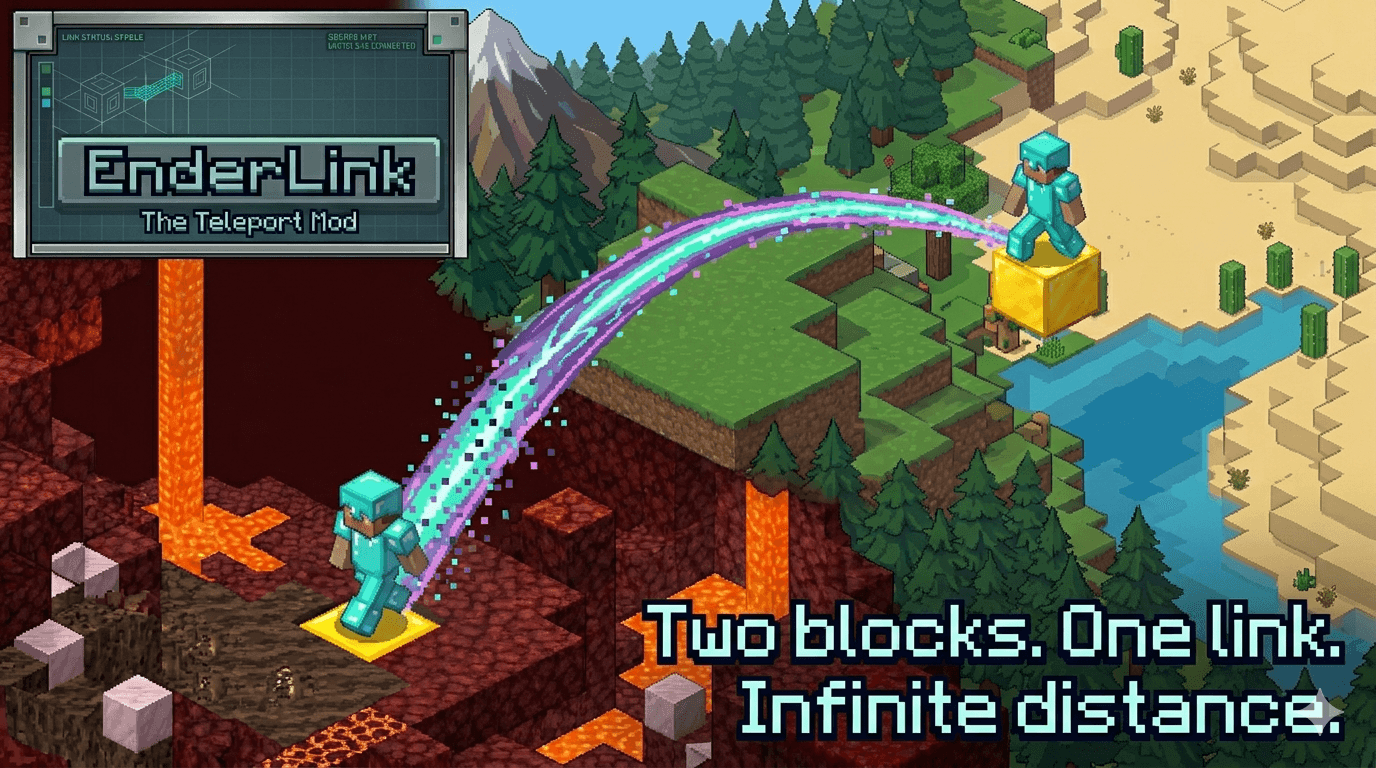 EnderLink Two blocks. One link. Infinite distance.
-
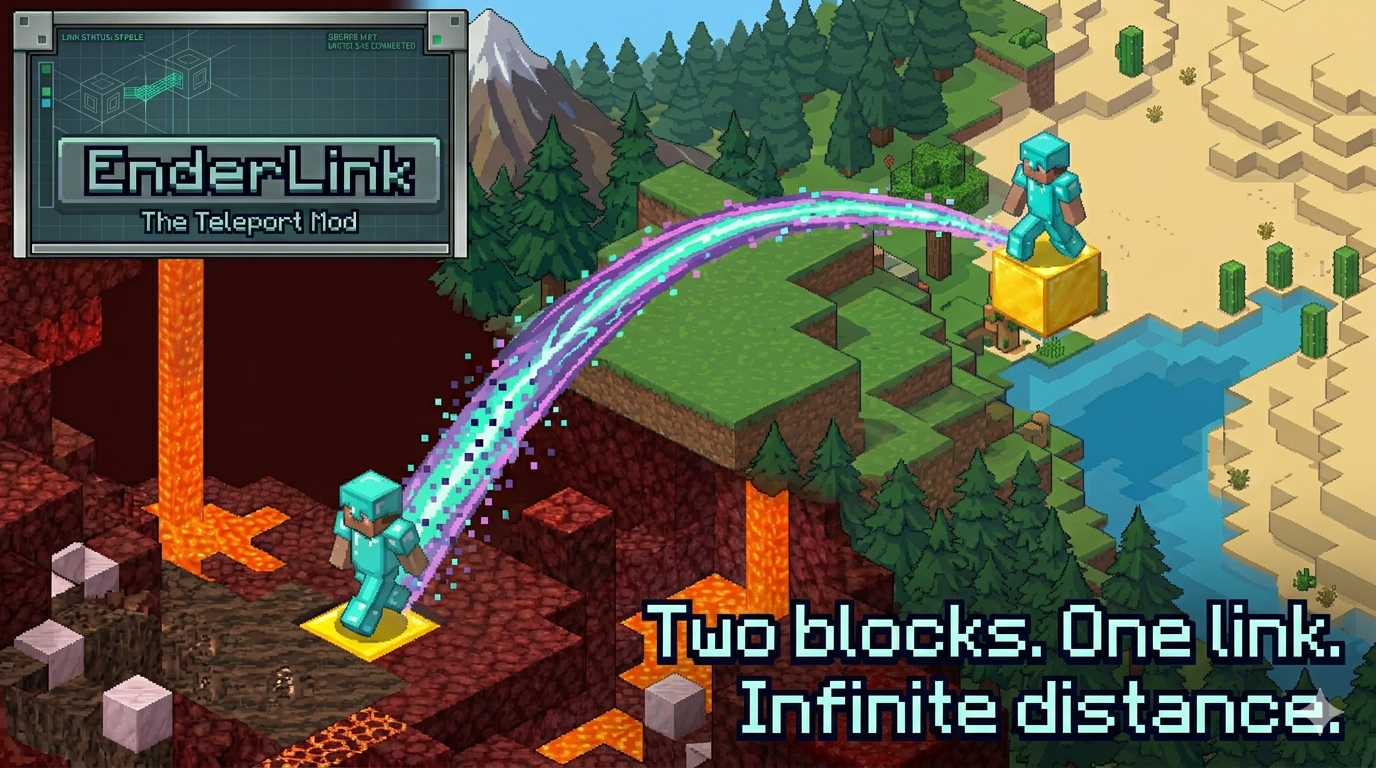 EnderLink Two blocks. One link. Infinite distance.
 -
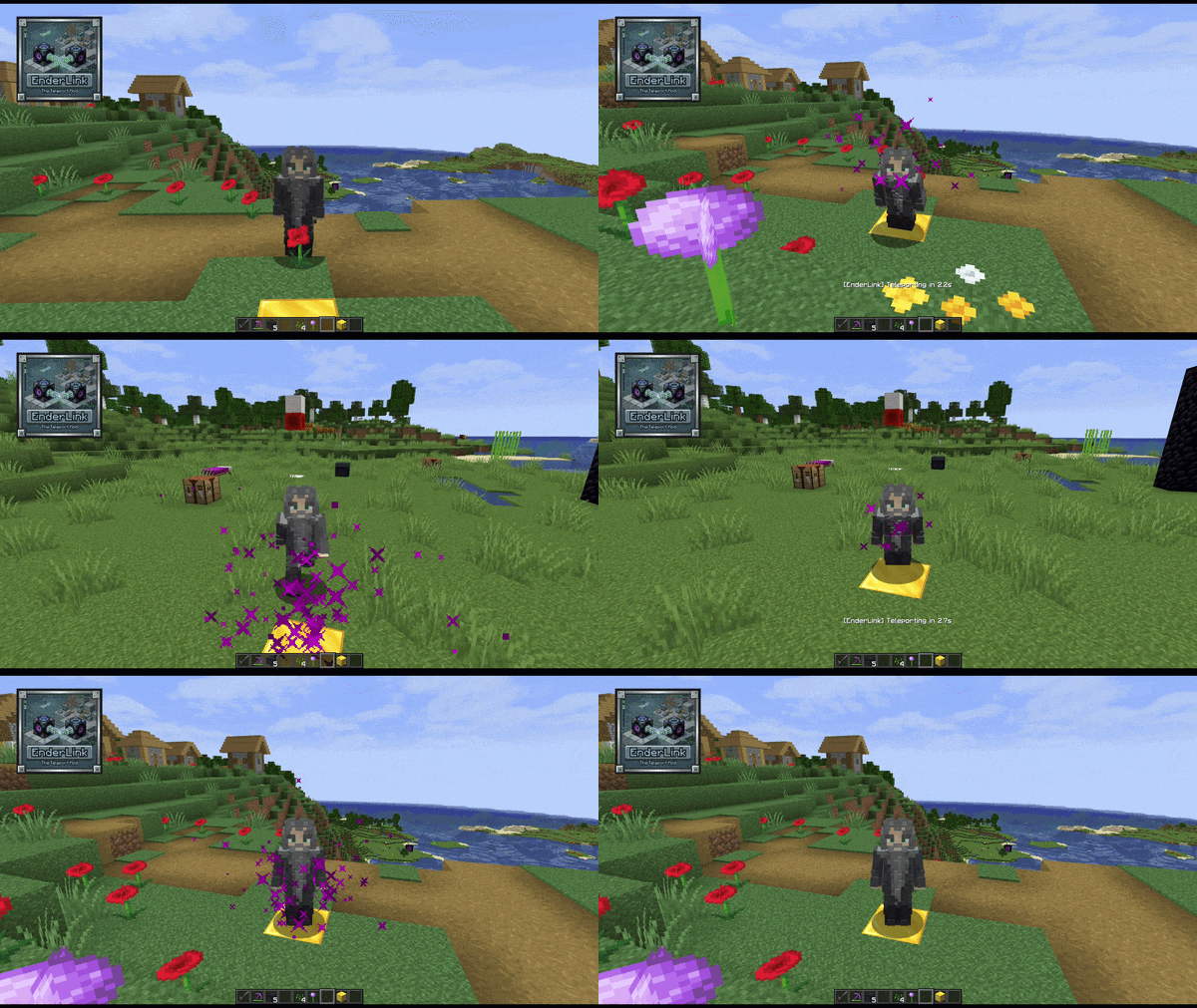 EnderLink Example EnderLink Example. Full video on: https://youtu.be/n5UAQKeVAYQ
Versions
Files
Relations
Project Relations
More like this
Similar Mods
Suggestions use data such as tags, dependencies, dependents, descriptions, titles, and more to rank how much they overlap with this mod.
On ModDex
Community snapshot
By the numbers
Statistics
Want to reach Minecraft players?
We're looking for a server hosting partner to feature here and other parts of the site. Interested? Send us a message!
Get in touchGet it on
Available Platforms
On ModDex
Community snapshot
By the numbers