
Community listing page, reviews here may not be monitored by the author.

Community voices
Reviews
No reviews yet. Be the first to review this project!
Get it on
Available Platforms
Compatibility
Supported Environments
Runs entirely on the client. Works on vanilla servers.
About
Project Details
For authors
Embed Badge
If you're the author of this project, you can embed a live badge anywhere that supports HTML or Markdown. It updates automatically whenever ratings change.
Use HTML for any page that supports it, or Markdown for README files and Markdown-based descriptions.
Identifiers
Platform IDs
Resources
External Links
About
Description
Enhanced Tooltips
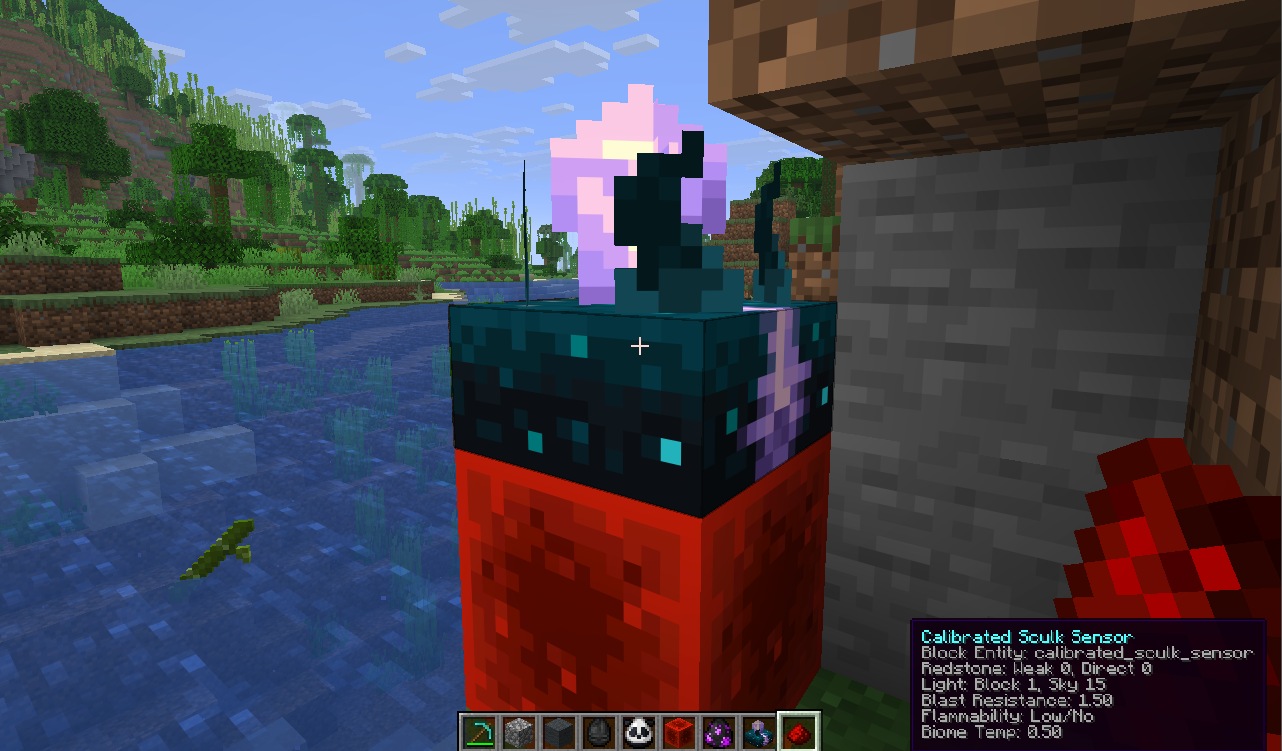
Enhanced Tooltips adds contextual, configurable tooltips that surface useful info both in your inventory and in the world.
Features
- Shows enhanced item tooltips in inventory and other UI screens
- Displays relevant world overlays for blocks and entities when you look at them
- Uses live game data where possible, including loot-table-based mob drop previews
- Filters out irrelevant information so tooltips stay useful instead of noisy
- Drag-and-drop placement — position the tooltip by dragging it and dropping it onto the nearest anchor (corners, edges, centre)
- Customizable look — restyle the tooltip box (background, border, and text colours, opacity, text shadow, and padding) with a live preview
- Includes a built-in config screen and client commands for quick adjustments
Why use it?
If you like information-rich tooltips but hate clutter, Enhanced Tooltips keeps the useful parts and hides the rest. It is designed to feel natural in play: quick at a glance, configurable, and centered around real in-game context.
How to use the menu
Open the config menu with the in-game client command:
/et
You can also use:
/enhancedtooltips
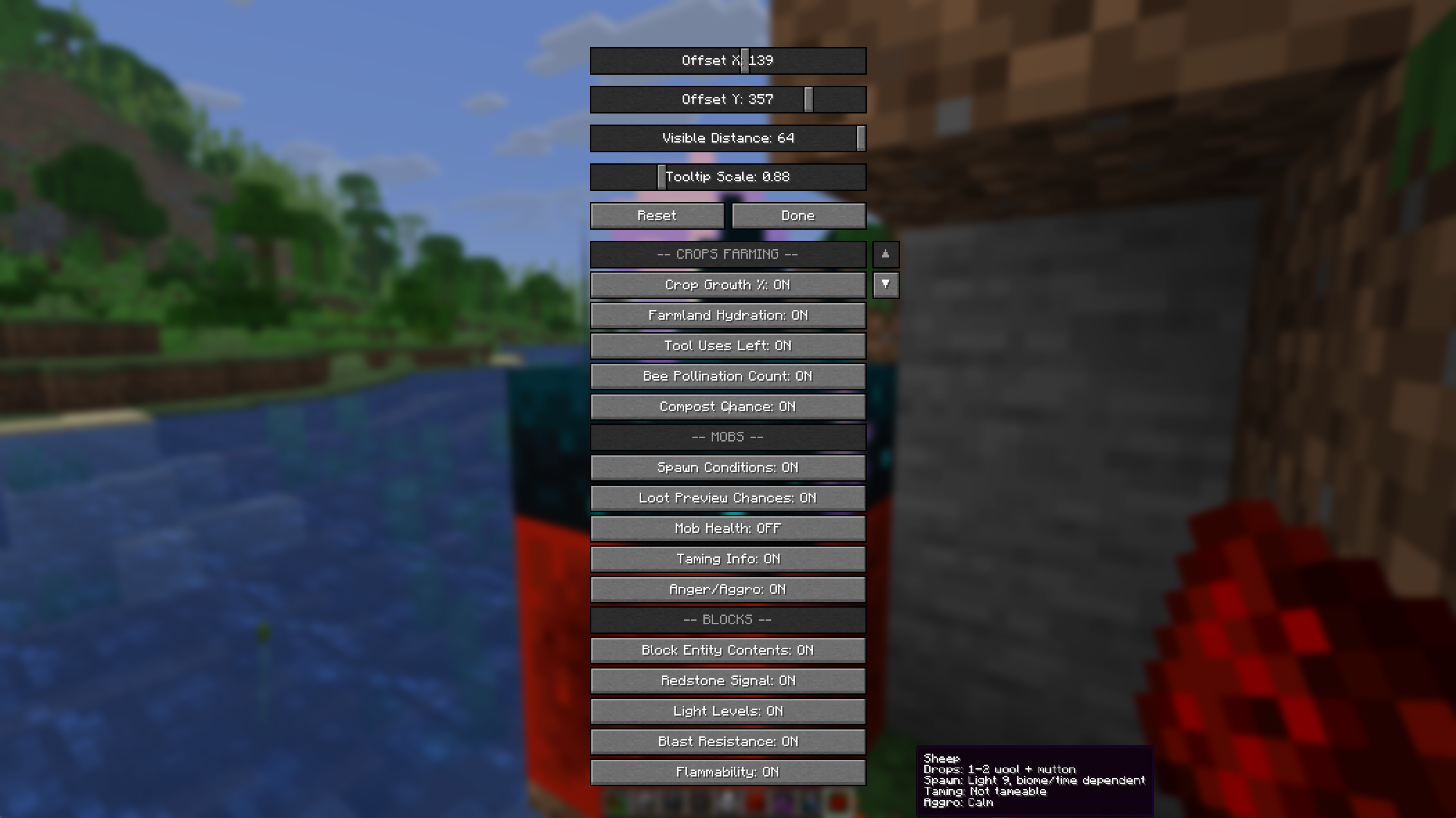
From the menu, you can toggle tooltip features, adjust the tooltip scale and offsets, and fine-tune which hints appear in the world or in your inventory.
Two menu buttons give you full control over presentation:
- Set Position… — drag the tooltip anywhere and drop it; it snaps to the nearest anchor (corners, edges, centre) so it stays put across any screen size or GUI scale.
- Customize Look… — pick the background, border, and text colours, set the background opacity, toggle the text shadow, and adjust the padding, all with a live preview.
Notes
- Some features depend on the block, entity, or item you are looking at
- Tooltip output can vary based on game state and configuration
- The mod is intended for client-side tooltip enhancement and quality-of-life info
Short description
Configurable enhanced tooltips for items, blocks, and entities — with inventory support, world overlays, and multi-loader compatibility.
Screenshots
Gallery
-
-
-
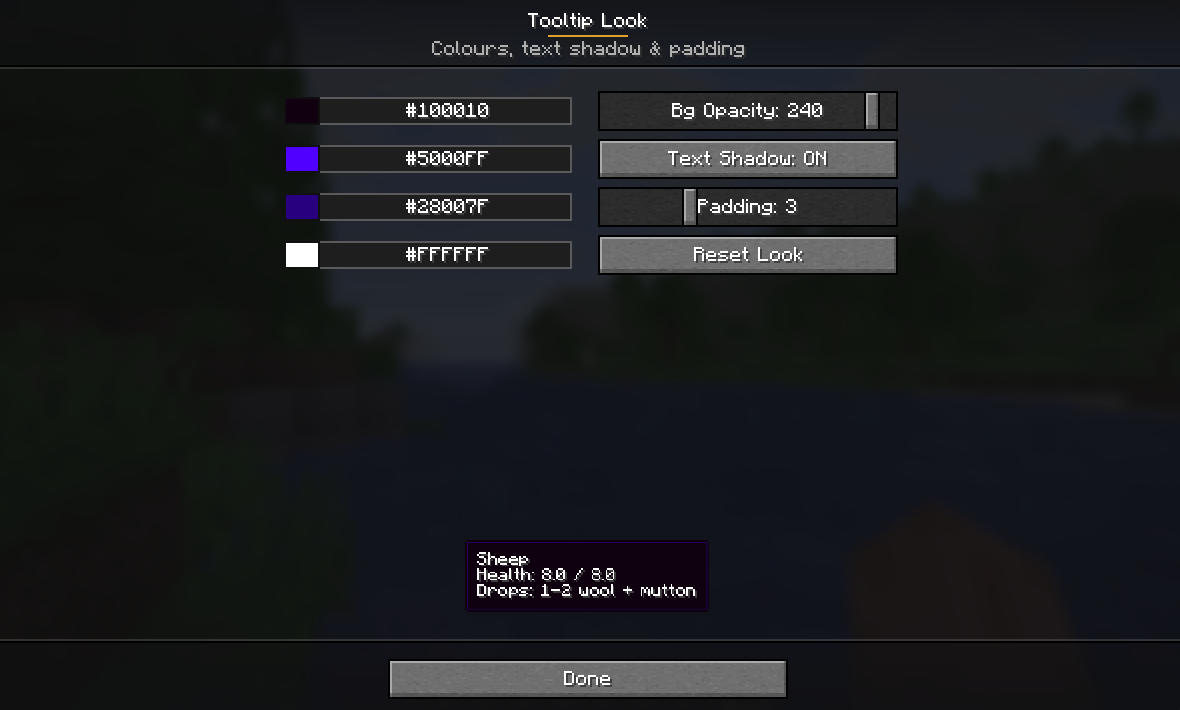 Customize the look of the tooltip
 -
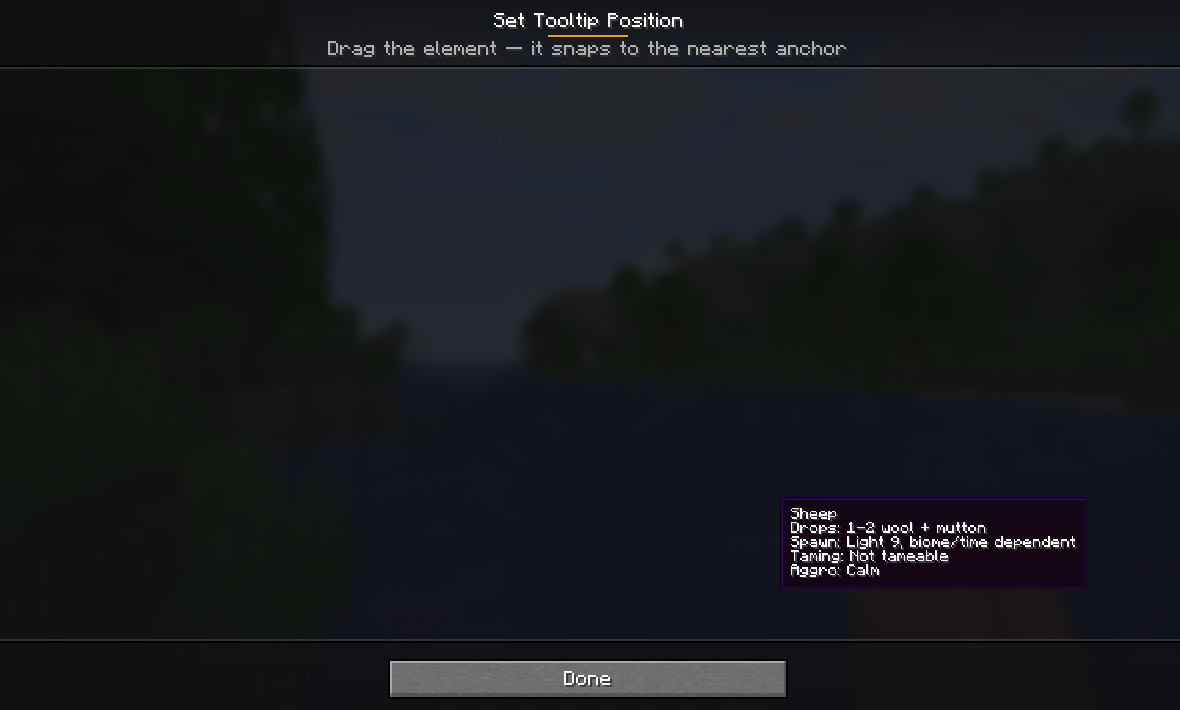 Drag and drop Drag and drop the tooltip to where you would like it
 -
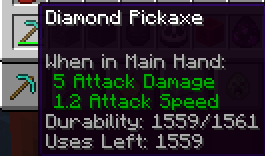
-
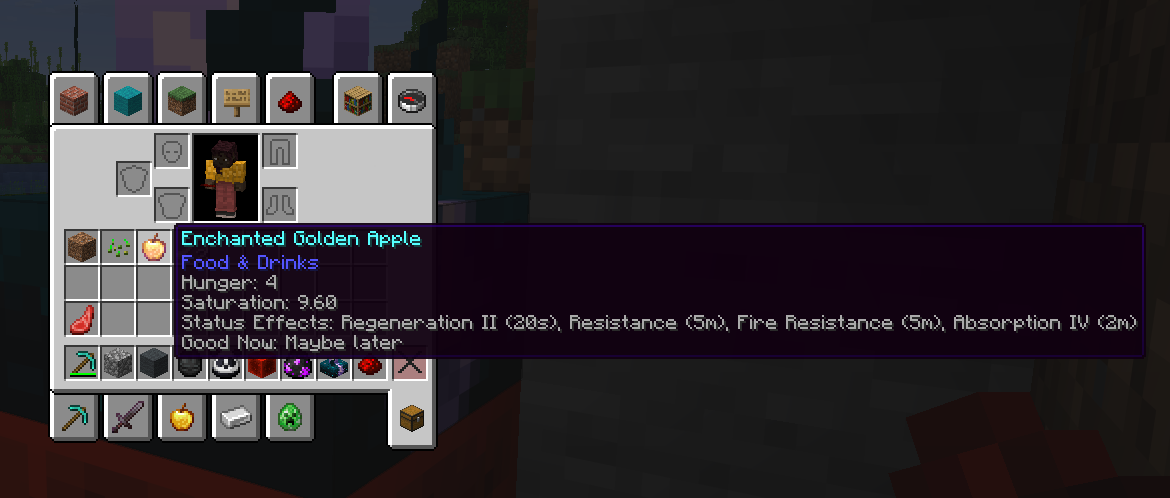
Versions
Files
Relations
Project Relations
More like this
Similar Mods
Suggestions use data such as tags, dependencies, dependents, descriptions, titles, and more to rank how much they overlap with this mod.
On ModDex
Community snapshot
By the numbers
Statistics

Want to reach Minecraft players?
We're looking for a server hosting partner to feature here and other parts of the site. Interested? Send us a message!
Get in touchGet it on
Available Platforms
On ModDex
Community snapshot
By the numbers
Statistics
Resources