Community listing page, reviews here may not be monitored by the author.
Extra Bedrock

No reviews yet
Adds bedrock-like blocks for modpacks and map makers

Community voices
Reviews
No reviews yet. Be the first to review this project!
Get it on
Available Platforms
About
Project Details
For authors
Embed Badge
If you're the author of this project, you can embed a live badge anywhere that supports HTML or Markdown. It updates automatically whenever ratings change.
Use HTML for any page that supports it, or Markdown for README files and Markdown-based descriptions.
Identifiers
Platform IDs
About
Description
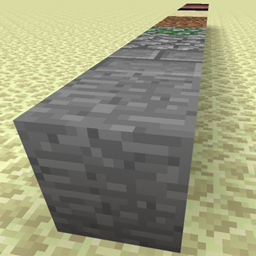
Extra Bedrock adds 3 new unbreakable, untargetable, unobtainable blocks to the game. It is targeted at modpack and map makers that need boundaries for their maps that are not bedrock.
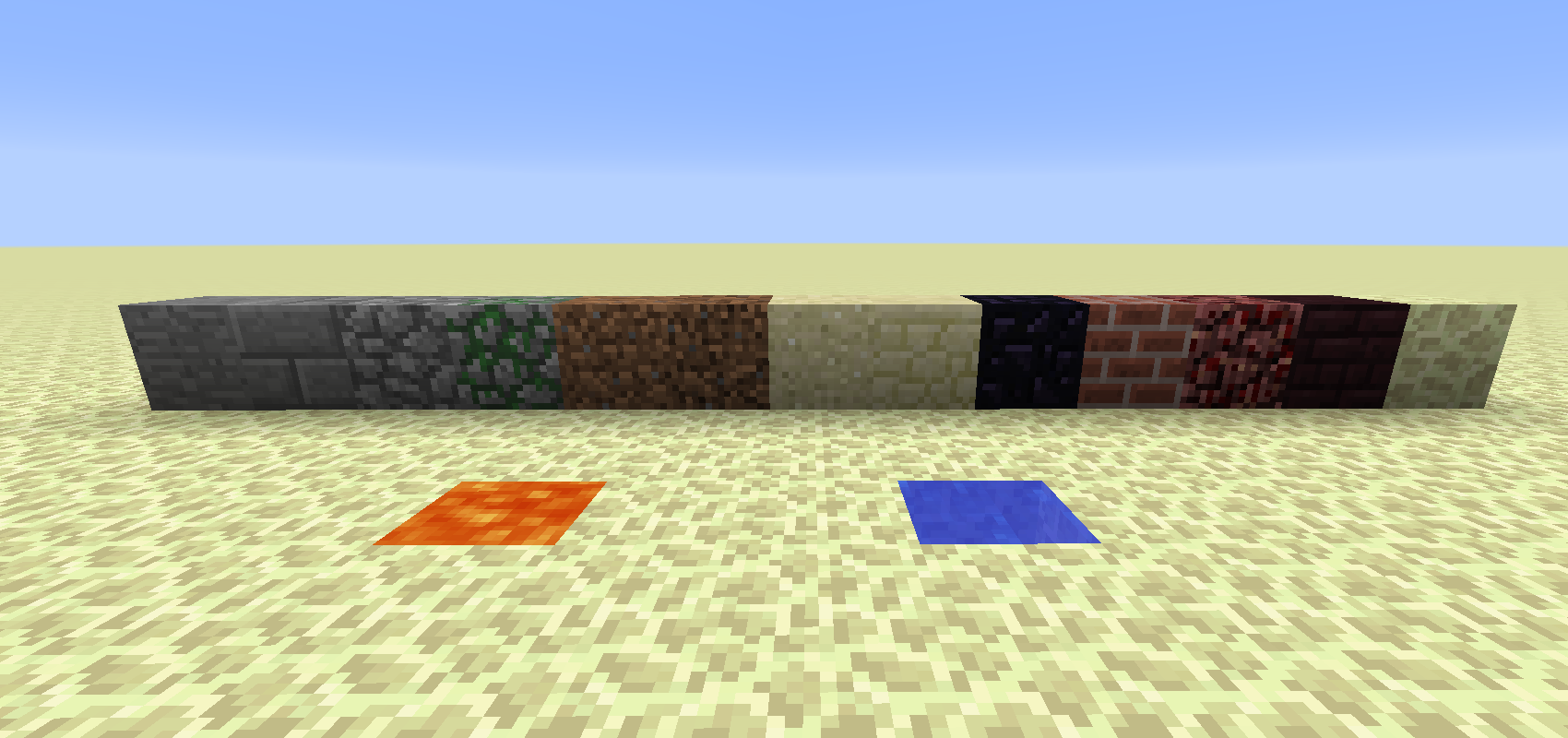
Stone Bedrock
This comes in 13 variants: stone, stone brick, cobblestone, mossy cobblestone, dirt, coarse dirt, sand, sandstone, obsidian, brick, netherrack, nether brick, end stone.
Water Bedrock and Lava Bedrock
Those come in 4 variants that look the same but are solid in different ways:
- "normal": Not solid in any way
- "solid": Completely solid
- "solid_top": The block as a thin solid layer at its top. Intended for ceilings
- "solid_bottom": The block as a thin solid layer at its bottom. Intended for floors
All of them flow like source blocks, but they are "super source" blocks, creating normal source blocks.
Using them
Superflat
When creating a "Superflat" world, the IDs to use are:
- "extrabedrock:bedstone:0" through "extrabedrock:bedstone:12", order as listed above
- "extrabedrock:bedlava:0" through "extrabedrock:bedlava:3", order as listed above
- "extrabedrock:bedwater:0" through "extrabedrock:bedwater:3", order as listed above
Note that the layer list shows them all as "air" because they don't have an item.
setblock
With the "/setblock" command, use the same IDs as for worldgen but replace the second ":" with a space; e.g.:
/setblock ~ ~ ~ extrabedrock:bedstone 8
Other Worldgen
When using a worldgen tool that takes blockstates:
- extrabedrock:bedstone{variant=xxx} where 'xxx' is the ID of the vanilla block (e.g. "stone")
- extrabedrock:bedlava{variant=xxx} where 'xxx' is the variant as listed above (e.g. "solid")
- extrabedrock:bedwater{variant=xxx} where 'xxx' is the variant as listed above (e.g. "solid")
Depending on your tool the syntax may vary.
Screenshots
Gallery
-
all blocks
Versions
Files
Relations
Project Relations
More like this
Similar Mods
Suggestions use data such as tags, dependencies, dependents, descriptions, titles, and more to rank how much they overlap with this mod.
On ModDex
Community snapshot
By the numbers
Statistics
 (opens in a new tab)
Get it on
Available Platforms
On ModDex
Community snapshot
By the numbers