
Community listing page, reviews may not be monitored by the author.
FotoGenic


No reviews yet
FotoGenic is a photography mod that adds a fully-realized camera system to Minecraft, every piece of gear has a real function, and every setting visibly affects your photos.

Community voices
Reviews
No reviews yet. Be the first to review this project!
Get it on
Available Platforms
Compatibility
Supported Environments
Must be installed on both the client and the server.
About
Project Details
For authors
Embed Badge
If you're the author of this project, you can embed a live badge anywhere that supports HTML or Markdown. It updates automatically whenever ratings change.
Use HTML for any page that supports it, or Markdown for README files and Markdown-based descriptions.
Identifiers
Platform IDs
Resources
External Links
About
Description
Cameras
The Polaroid Camera is a film-based instant camera. Load a film roll by pressing Q with film in your off-hand, raise it to aim, and shoot. Each frame consumes one shot of film and ejects a physical Polaroid photo item.
The Digital Camera is a modular mirrorless-style body that requires an interchangeable lens and an SD card before it can shoot. Its LCD screen doubles as a gallery — raise the camera to browse saved photos and delete or reorder them. Photos are stored as actual image files, not as NBT.
Lenses
Five lenses attach directly to the Digital Camera from the inventory:
- Zoom Lens — standard telephoto zoom
- Super Zoom Lens — 15× telephoto; focus range extends as you zoom in, up to 90 m
- Prime Lens — fixed focal length, wide aperture
- Macro Lens — extreme close-up work, f/2.8
- Fisheye Lens — ultra-wide, strongly curved field of view, f/2.8
Aperture (f-stop) is set per lens and controls depth-of-field blur rendered via a post-process shader.
Camera Settings
The Digital Camera exposes a full settings panel accessible inside the viewfinder:
- ISO (100–6400) — higher values add visible luminance grain to the saved photo
- White Balance (Auto / Daylight / Cloudy / Shade / Tungsten / Fluorescent) — shifts the per-channel color tint of the saved photo
- Shutter Speed (1/4000 s to 1 s) — speeds of 1/60 s and slower trigger a multi-frame long-exposure capture, blending motion blur and light trails into the final image
- EV Compensation (−3.0 to +3.0) — multiplies brightness in the saved photo
- Flash — places a real light source in front of the lens for the capture frame, then removes it
SD Cards
SD cards come in a base tier and an upgraded iron tier with higher storage capacity. They can be dyed any of the 16 vanilla colors and renamed. Insert a card by pressing Q with it in your off-hand; eject with Sneak+Q.
Tripod
Mount any camera on a tripod block, then right-click to look through its viewfinder. Panning the camera decouples from the player — your character stays still while the lens tracks your mouse. Right-click to lock the framing; left-click to take a photo from the tripod's exact point of view.
All camera settings (ISO, WB, shutter, EV, flash, aperture, DOF) apply identically to tripod shots, including long exposure. The tripod can also be armed for remote selfie shots without occupying the viewfinder.
Ring Light
A two-block-tall studio ring light with adjustable brightness (0–15). Useful for consistent controlled lighting when shooting on the tripod.
Computer
A placeable in-game computer with a functional desktop UI: a gallery app to browse and view photos from an inserted SD card, a photo editor, a file manager, and a print app that sends jobs to a connected Printer block.
Printer
Load blank photo paper and print physical photo prints from the computer's print app. Printed photos can be placed in the world as framed displays.
In-World Display
Both Polaroid photos and printed photo prints can be placed as blocks and render their actual captured image in the world.
Requires NeoForge for Minecraft 26.1.2
FotoGenic is a photography mod that adds a fully-realized camera system to Minecraft — every piece of gear has a real function, and every setting visibly affects your photos.
Cameras
The Polaroid Camera is a film-based instant camera. Load a film roll by pressing Q with film in your off-hand, raise it to aim, and shoot. Each frame consumes one shot of film and ejects a physical Polaroid photo item.
The Digital Camera is a modular mirrorless-style body that requires an interchangeable lens and an SD card before it can shoot. Its LCD screen doubles as a gallery — raise the camera to browse saved photos and delete or reorder them. Photos are stored as actual image files, not as NBT.
Lenses
Five lenses attach directly to the Digital Camera from the inventory:
- Zoom Lens — standard telephoto zoom
- Super Zoom Lens — 15× telephoto; focus range extends as you zoom in, up to 90 m
- Prime Lens — fixed focal length, wide aperture
- Macro Lens — extreme close-up work, f/2.8
- Fisheye Lens — ultra-wide, strongly curved field of view, f/2.8
Aperture (f-stop) is set per lens and controls depth-of-field blur rendered via a post-process shader.
Camera Settings
The Digital Camera exposes a full settings panel accessible inside the viewfinder:
- ISO (100–6400) — higher values add visible luminance grain to the saved photo
- White Balance (Auto / Daylight / Cloudy / Shade / Tungsten / Fluorescent) — shifts the per-channel color tint of the saved photo
- Shutter Speed (1/4000 s to 1 s) — speeds of 1/60 s and slower trigger a multi-frame long-exposure capture, blending motion blur and light trails into the final image
- EV Compensation (−3.0 to +3.0) — multiplies brightness in the saved photo
- Flash — places a real light source in front of the lens for the capture frame, then removes it
SD Cards
SD cards come in a base tier and an upgraded iron tier with higher storage capacity. They can be dyed any of the 16 vanilla colors and renamed. Insert a card by pressing Q with it in your off-hand; eject with Sneak+Q.
Tripod
Mount any camera on a tripod block, then right-click to look through its viewfinder. Panning the camera decouples from the player — your character stays still while the lens tracks your mouse. Right-click to lock the framing; left-click to take a photo from the tripod's exact point of view.
All camera settings (ISO, WB, shutter, EV, flash, aperture, DOF) apply identically to tripod shots, including long exposure. The tripod can also be armed for remote selfie shots without occupying the viewfinder.
Ring Light
A two-block-tall studio ring light with adjustable brightness (0–15). Useful for consistent controlled lighting when shooting on the tripod.
Computer
A placeable in-game computer with a functional desktop UI: a gallery app to browse and view photos from an inserted SD card, a photo editor, a file manager, and a print app that sends jobs to a connected Printer block.
Printer
Load blank photo paper and print physical photo prints from the computer's print app. Printed photos can be placed in the world as framed displays.
In-World Display
Both Polaroid photos and printed photo prints can be placed as blocks and render their actual captured image in the world.
Requires NeoForge for Minecraft 26.1.2
Screenshots
Gallery
-
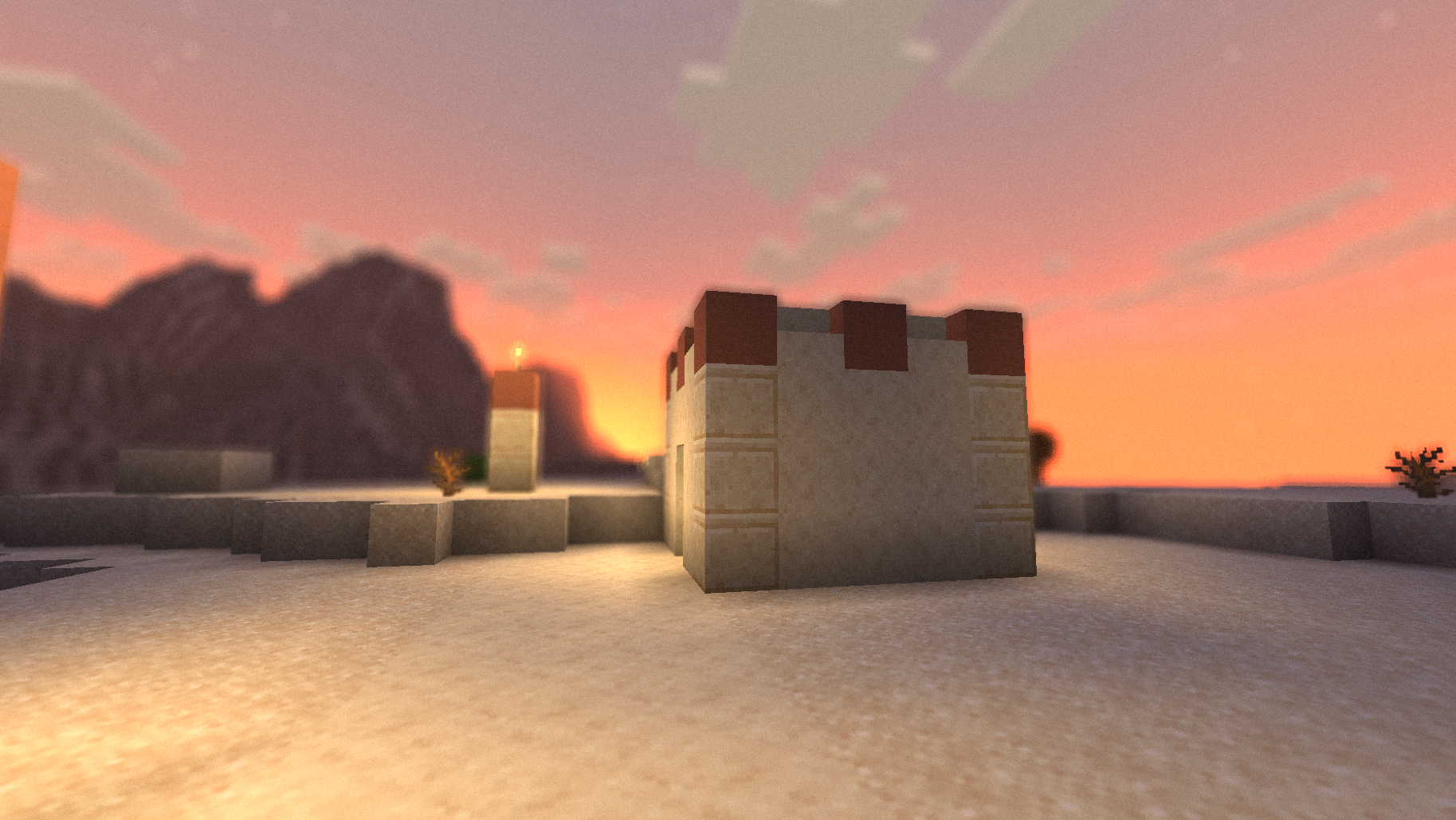 Composition Matters So many beautiful ways to take photos, but remember these are all without shaders, think what you could do with them.
 -
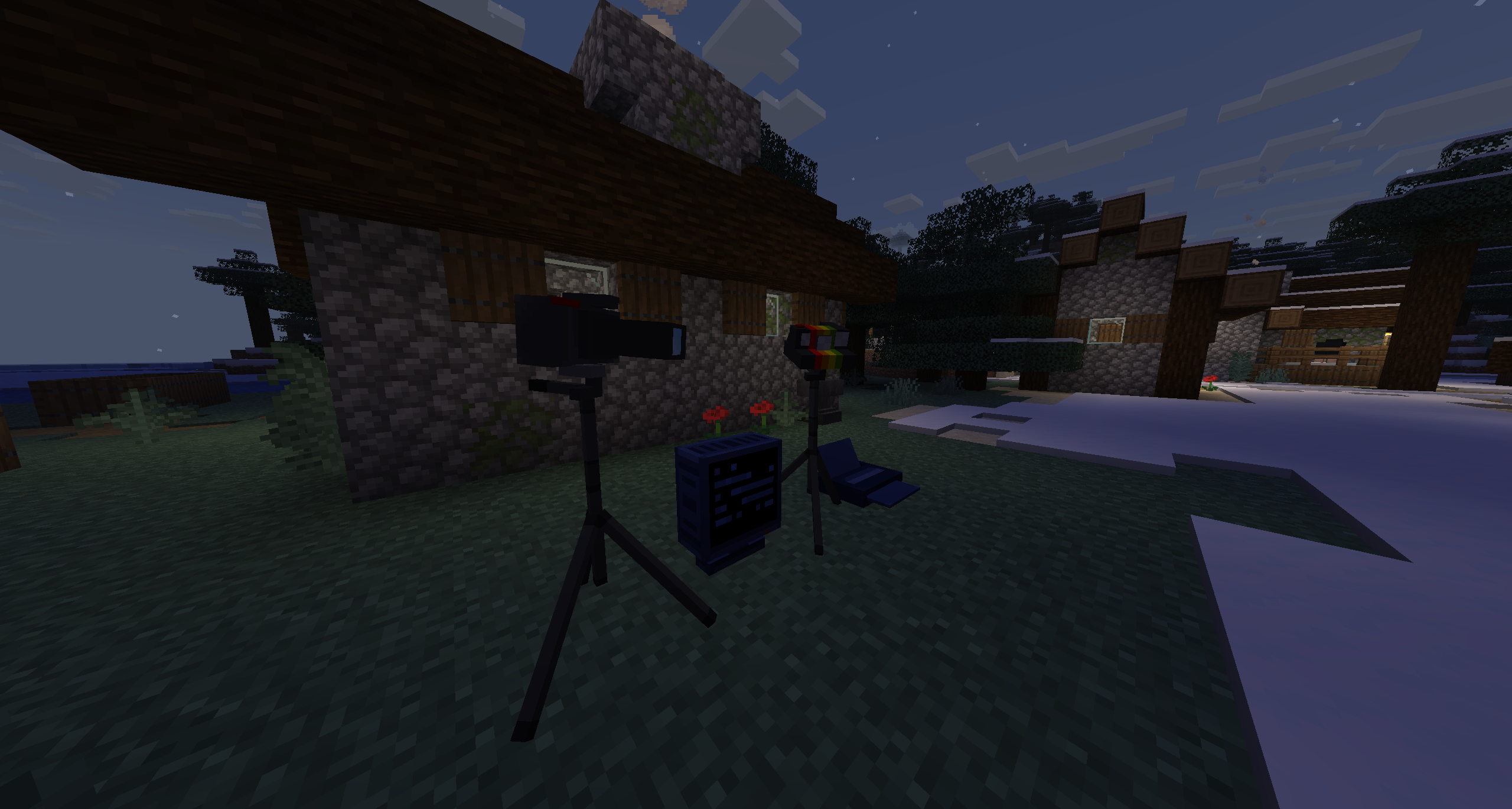 Tripods, Computers, Printers Tripod for directed shots, Computer for photo editing and plenty more apps, and connect a printer to print your photos
 -
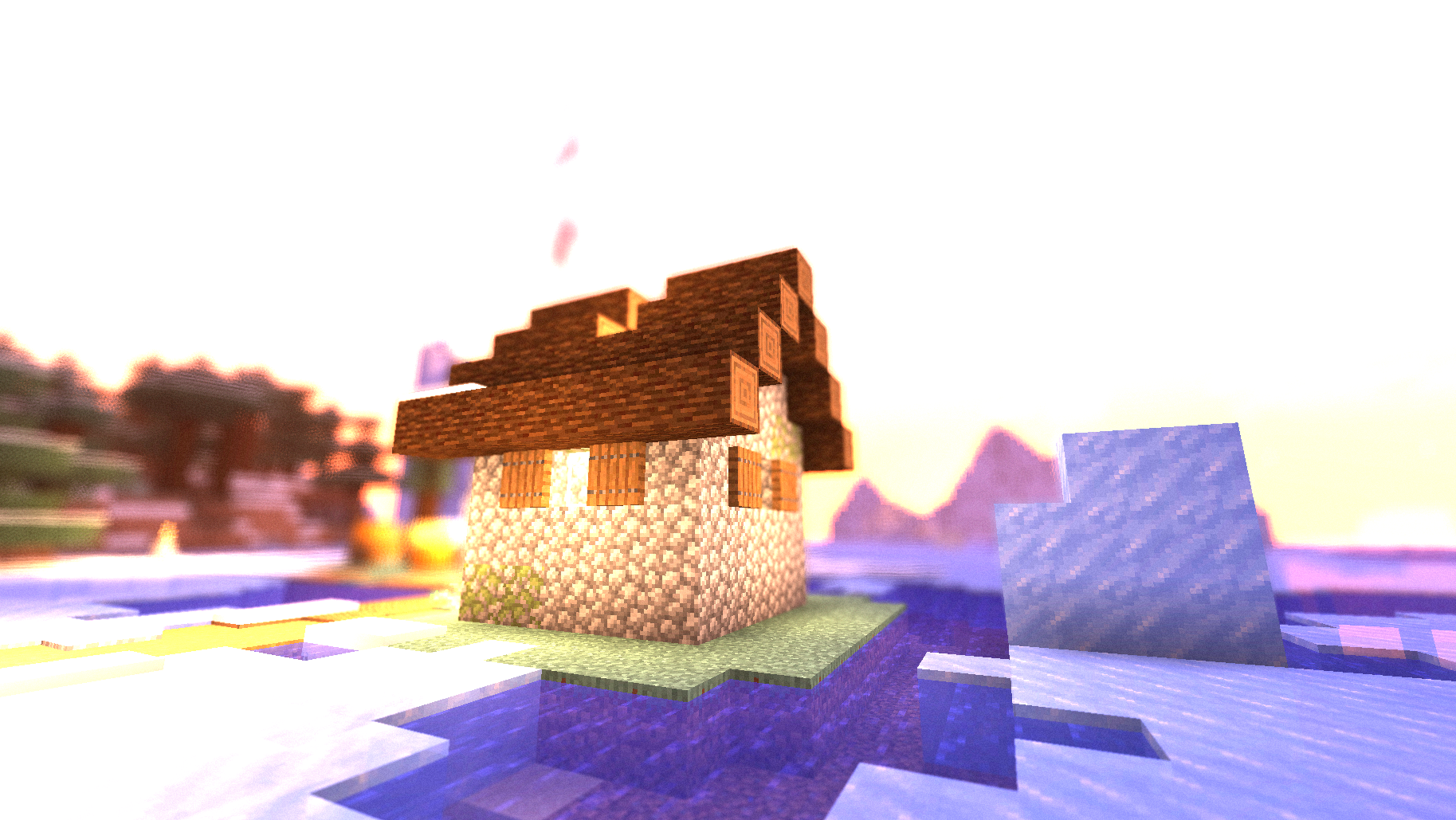 Crazy Customizable Settings You can change White Balance, Exposure Composition, Aperture, and more.
Versions
Files
Relations
Project Relations
More like this
Similar Mods
Suggestions use data such as tags, dependencies, dependents, descriptions, titles, and more to rank how much they overlap with this mod.
On ModDex
Community snapshot
By the numbers
Statistics

Get it on
Available Platforms
On ModDex
Community snapshot
By the numbers
Statistics
Resources