Community listing page, reviews here may not be monitored by the author.
Free camera API


No reviews yet
Simple camera api.
Community voices
Reviews
No reviews yet. Be the first to review this project!
Get it on
Available Platforms
Compatibility
Supported Environments
Required on the client. Installing it on the server adds functionality.
About
Project Details
For authors
Embed Badge
If you're the author of this project, you can embed a live badge anywhere that supports HTML or Markdown. It updates automatically whenever ratings change.
Use HTML for any page that supports it, or Markdown for README files and Markdown-based descriptions.
Identifiers
Platform IDs
About
Description
Free camera API V3
What are the advantages?
- Decouples from camera internals, reducing complexity.
- Simple and flexible usage.
- Supports loading chunks beyond the player's view range (with expansion).
How to Register and Use the Plugin
Create the plugin class
@CameraPlugin(value = "example", priority = ModifierPriority.LOWEST)
public class ExamplePlugin implements ICameraPlugin {
    // ...
}
value: Plugin unique identifier (string)
priority: Priority setting (ModifierPriority.HIGH/LOWEST etc.)Initialization
@Override
public void initialize(ICameraModifier modifier) {
    this.modifier = modifier;
    modifier.enable();
}
Update camera data every frame
modifier
            .enablePos() // Enable position modification
            .enableRotation() // Enable rotation modification
            .enableFov() // Enable FOV modification
            .setPos(1, 2, 3) // Set camera position to (1,2,3), default is local coordinates centered on player
            .addPos(1, 2, 3)
            .setRotationYXZ(90f, 15f, 25f) // Set camera rotation to (90f, 15f, 25f)
            .move(0, 0, -5) // Move camera based on current rotation
            .enableGlobalMode() // Enable global mode, all coordinates and rotations will be modified according to world coordinates
            .enableChunkLoader() // Enable chunk loader, load chunks around the camera. An additional Free Camera API Addition mod needs to be installed to enable this feature, otherwise it will have no effect
            .enableObstacle() // Enable collision detection
Gallery
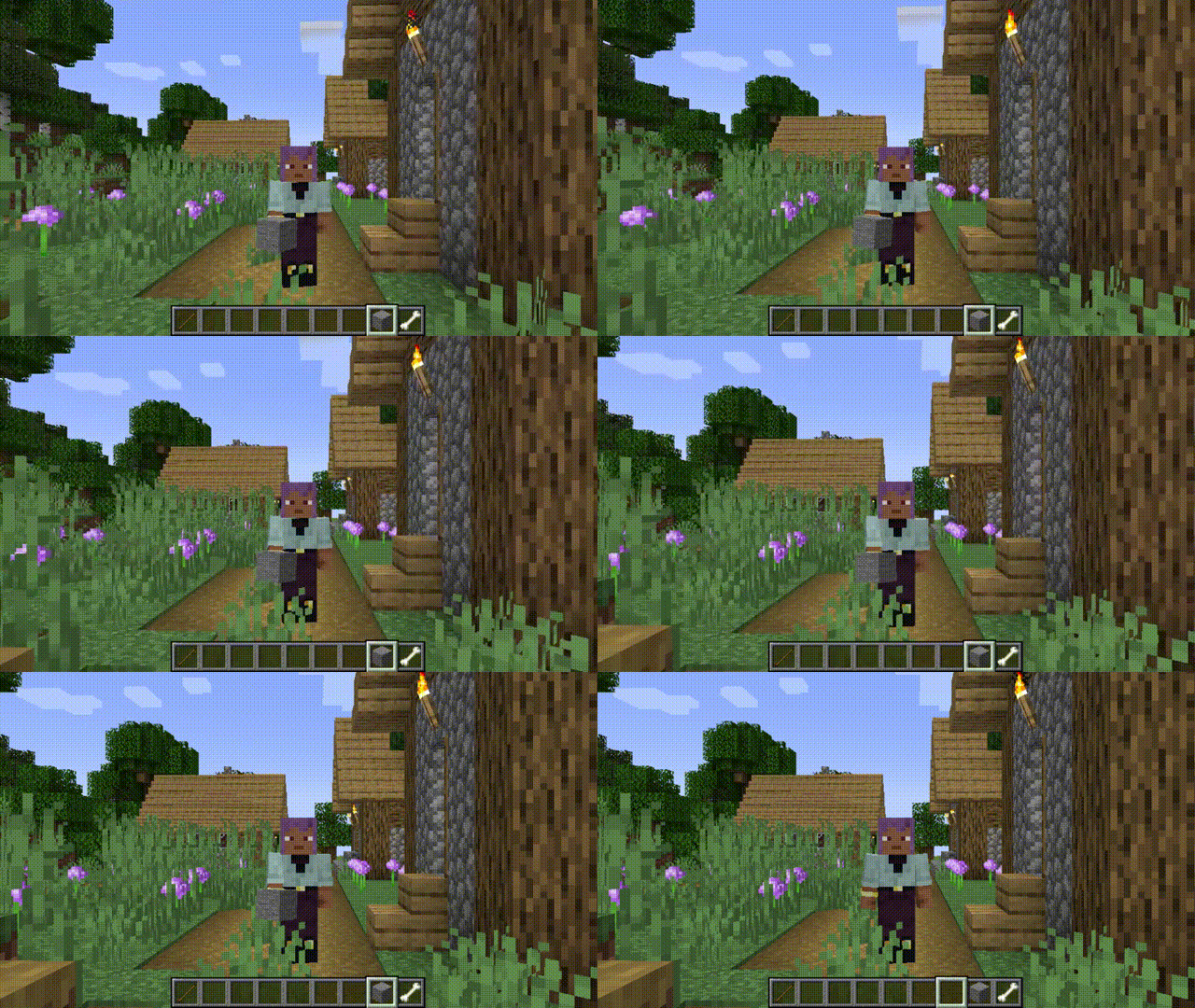
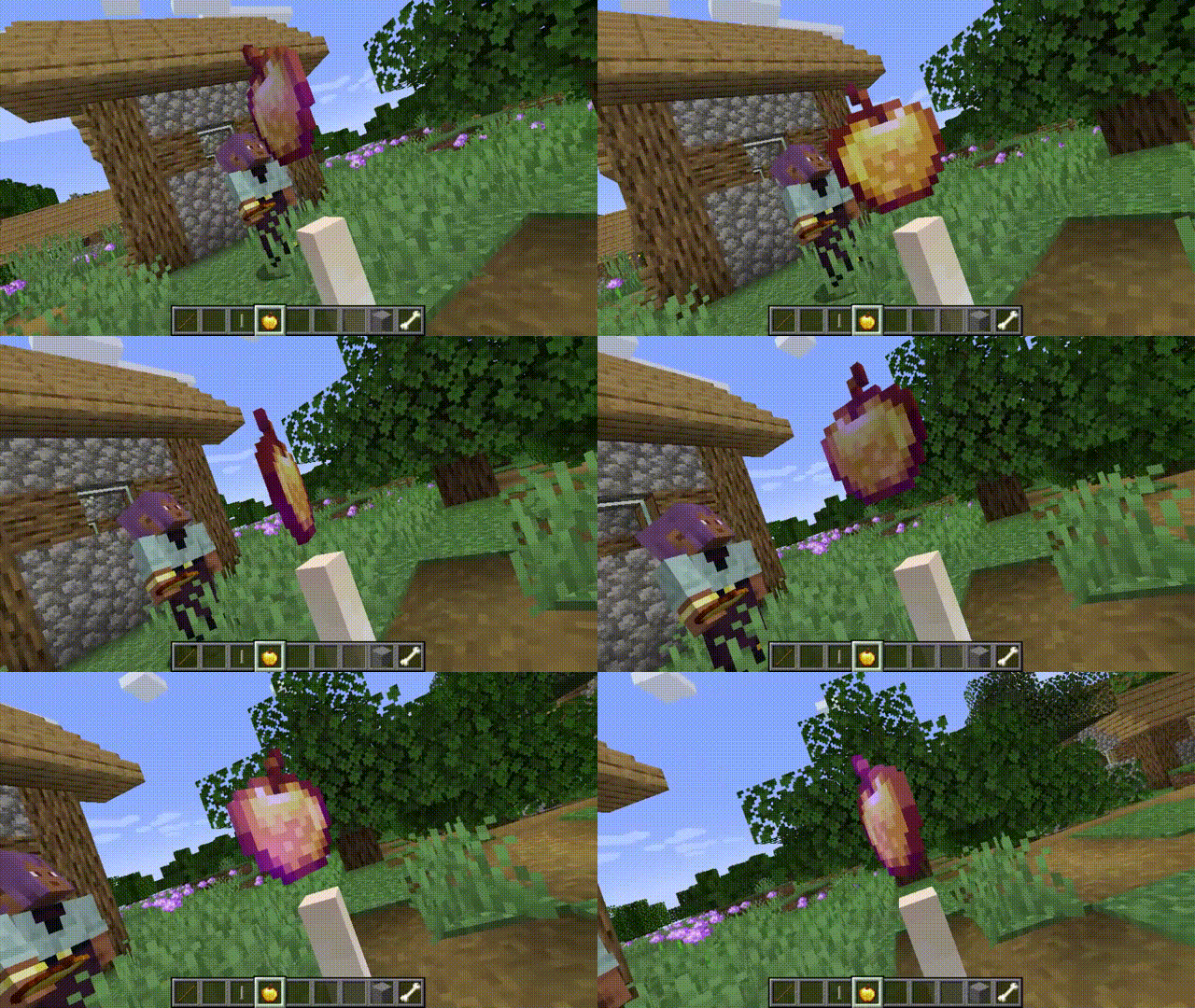
Free camera API V5
Free camera mode
Since version 3.2.0, the mod has included a built-in free camera feature, as many players were attracted by the mod's name only to discover that such functionality was not actually present.
By default, this feature is not bound to a key mapping and requires manual setup. Block collision detection is enabled by default and can be disabled via the configuration interface. If the mod is not installed on the server, it will be force-enabled; otherwise, it will follow the server's settings.
What are the advantages?
- Decouples from camera internals, reducing complexity.
- Simple and flexible usage.
- Supports loading chunks beyond the player's view range (with expansion).
How to Register and Use the Plugin
-
Create the plugin class
@Plugin(value = "example", priority = ModifierPriority.LOWEST)
public class ExamplePlugin implements CameraPlugin {
    // ...
}
value: Plugin unique identifier (string)
priority: Priority setting (ModifierPriority.HIGH/LOWEST etc.) -
Initialization
public ExamplePlugin(CameraModifier modifier) { modifier.disable() .enablePos() .enableFov() .enableGlobalMode(); } -
Update camera data every frame
modifier
            .enablePos() // Enable position modification
            .enableRotation() // Enable rotation modification
            .enableFov() // Enable FOV modification
            .setPos(1, 2, 3) // Set camera position to (1,2,3), default is local coordinates centered on player
            .addPos(1, 2, 3)
            .setRotationYXZ(90f, 15f, 25f) // Set camera rotation to (90f, 15f, 25f)
            .move(0, 0, -5) // Move camera based on current rotation
            .enableGlobalMode() // Enable global mode, all coordinates and rotations will be modified according to world coordinates
            .enableChunkLoader() // Enable chunk loader, load chunks around the camera. An additional Free Camera API Addition mod needs to be installed to enable this feature, otherwise it will have no effect
            .enableObstacle() // Enable collision detection
Gallery
Screenshots
Gallery
-
Dolly zoom
-
Logo
-
Versions
Files
Relations
Project Relations
More like this
Similar Mods
Suggestions use data such as tags, dependencies, dependents, descriptions, titles, and more to rank how much they overlap with this mod.
On ModDex
Community snapshot
By the numbers
Statistics
Want to reach Minecraft players?
We're looking for a server hosting partner to feature here and other parts of the site. Interested? Send us a message!
Get in touchGet it on
Available Platforms
On ModDex
Community snapshot
By the numbers