Community listing page, reviews here may not be monitored by the author.
HUD Quiver

No reviews yet
A bite-sized mod that adds an indicator for your arrows.

Community voices
Reviews
No reviews yet. Be the first to review this project!
Get it on
Available Platforms
About
Project Details
For authors
Embed Badge
If you're the author of this project, you can embed a live badge anywhere that supports HTML or Markdown. It updates automatically whenever ratings change.
Use HTML for any page that supports it, or Markdown for README files and Markdown-based descriptions.
Identifiers
Platform IDs
About
Description

Please ask before putting in a modpack, and please do not fork or port this mod without asking first!
HUD Quiver is a simple mod that shows you your arrows when you're holding a bow or a crossbow. It will display which arrows will be expended first, and then which ones will be used next going left to right in the upper-left corner of the screen. This also works with fireworks for crossbows.
It will also display the quantity of arrows, and any arrows that are the same will be shown as a single stack (i.e. if you have two stacks of 64 arrows right next to each other it will display as one stack of 128 arrows). If you're in creative mode or you're using a bow with infinity (and the arrow supports it, tipped arrows cannot be used infinitely) it will display with an infinity symbol instead.
I guess the mod's name is a little deceiving, as there's no "quiver", per se, but it's still useful if you wanna know exactly how many arrows you have and you don't want to open up your inventory in the heat of battle.
This mod only works client side and will have no effect on the server.
There is a config file that lets you toggle whether or not the HUD Quiver animates in and out of place, whether or not it should still show if you're not holding a bow or crossbow, and its left and top margins.
Be on the lookout for patches in the future!
This works in theory with most mods that add new arrows, and it works guaranteed with
Archer's Paradox
Apetheosis
(If you want to support me just check out some of the links below! Feel free to leave comments, questions, concerns, or suggestions. To make an official request please go to the issues page.)
https://www.patreon.com/fallOut015
https://www.youtube.com/channel/UCUMz86erxAe1Opvs1hdWbwQ/videos
https://www.twitch.tv/fallout015
https://www.teepublic.com/user/fallout015
https://www.redbubble.com/people/fallOut015/shop?asc=u&ref=account-nav-dropdown
fallOut015.aternos.me
Screenshots
Gallery
-
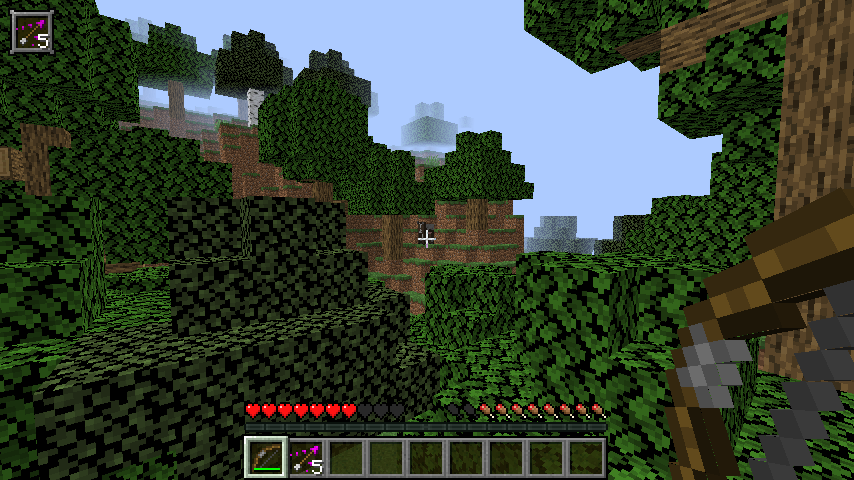 Tipped Arrows
 -
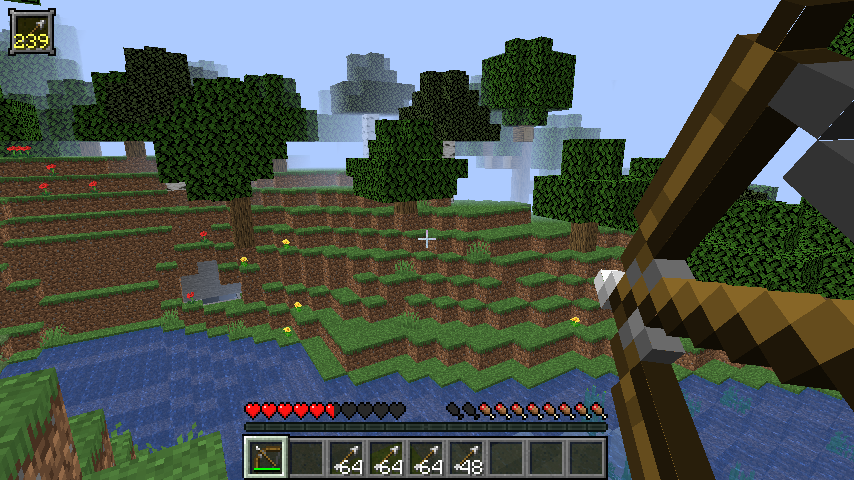 Using Ammunition
 -
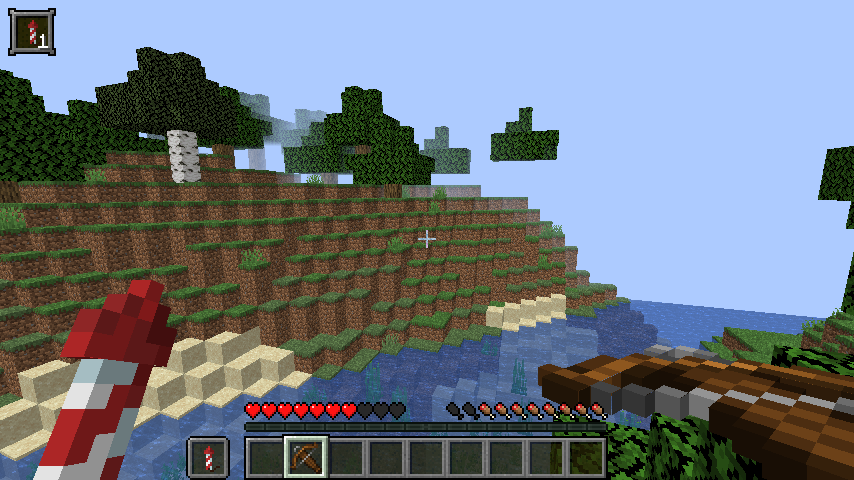 Fireworks as Ammunition
 -
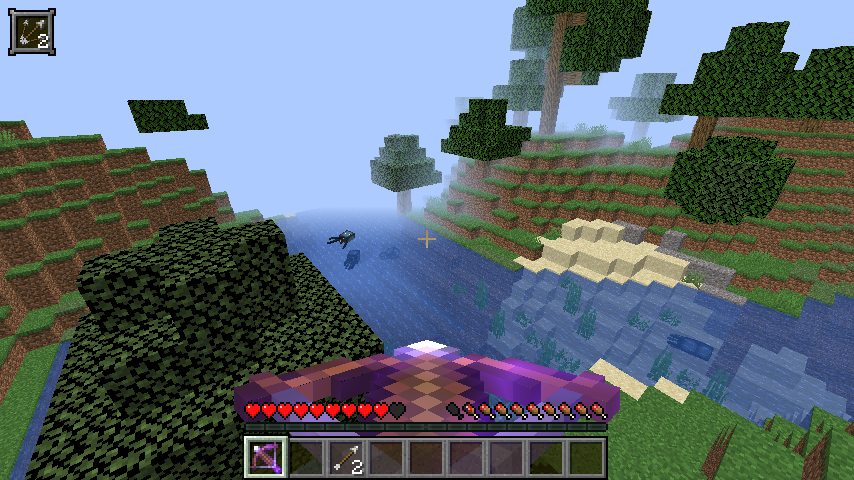 Multishot Crossbow
 -
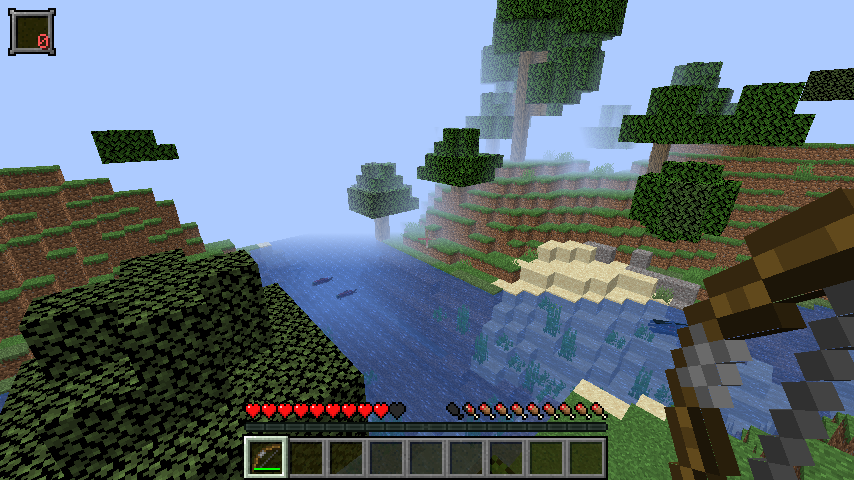 No Arrows Left
 -
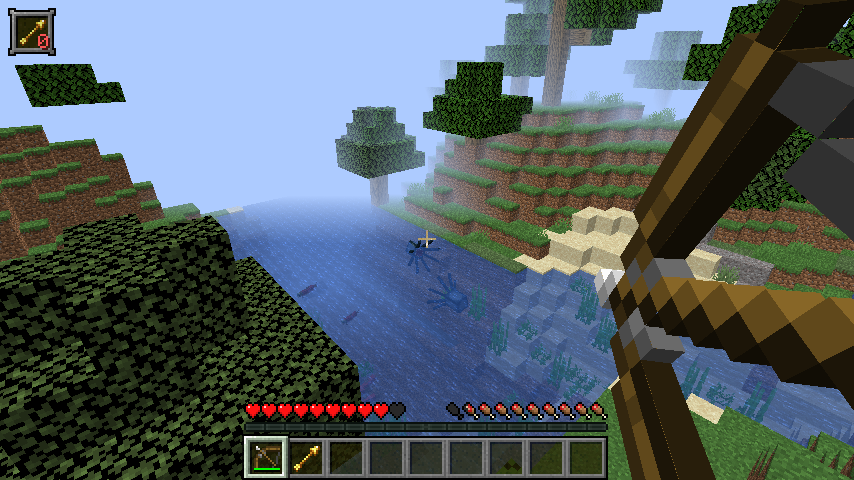 Last Arrow Being Expended
 -
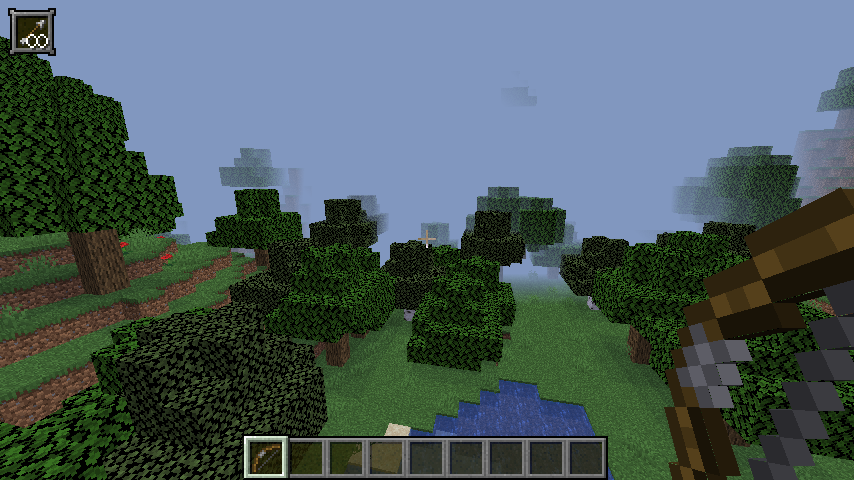 In Creative Mode
 -
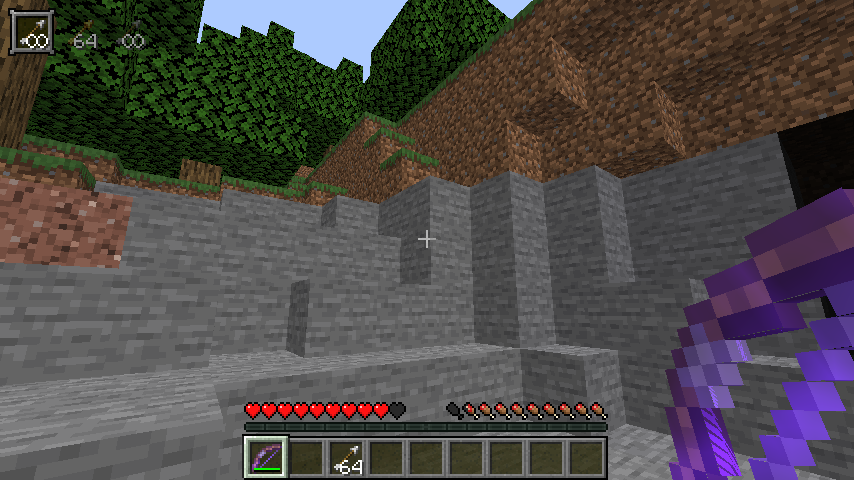 Infinity on Bow
 -
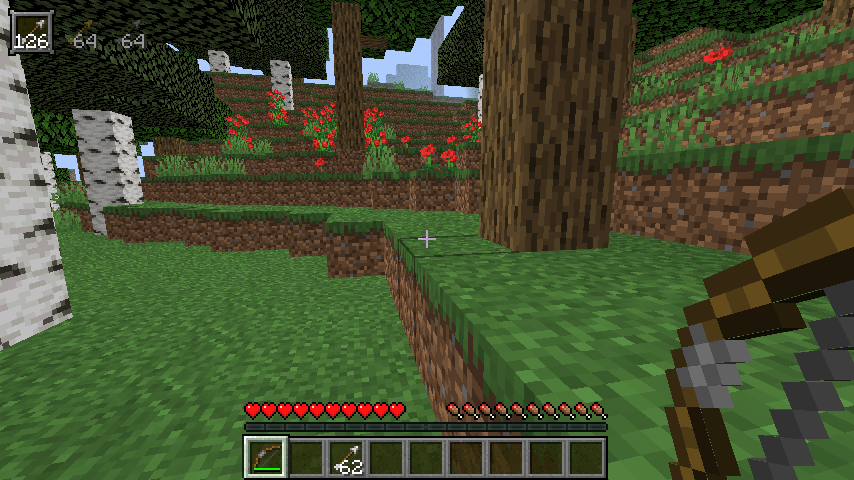 HUD Quiver
Versions
Files
Relations
Project Relations
More like this
Similar Mods
Suggestions use data such as tags, dependencies, dependents, descriptions, titles, and more to rank how much they overlap with this mod.
On ModDex
Community snapshot
By the numbers
Statistics
 (opens in a new tab)
Get it on
Available Platforms
On ModDex
Community snapshot
By the numbers