Community listing page, reviews may not be monitored by the author.
Image Mod


No reviews yet
Automatically Generate Pixel-Art In Minecraft Using Every Loaded Block

Community voices
Reviews
No reviews yet. Be the first to review this project!
Get it on
Available Platforms
Compatibility
Supported Environments
Works in singleplayer only; does not function in multiplayer.
About
Project Details
For authors
Embed Badge
If you're the author of this project, you can embed a live badge anywhere that supports HTML or Markdown. It updates automatically whenever ratings change.
Use HTML for any page that supports it, or Markdown for README files and Markdown-based descriptions.
Identifiers
Platform IDs
About
Description
Generate Minecraft Pixel-Art Automatically With A Single Command. Any Image File Is Turned Into Blocks In Less Than A Second!
The command: /image
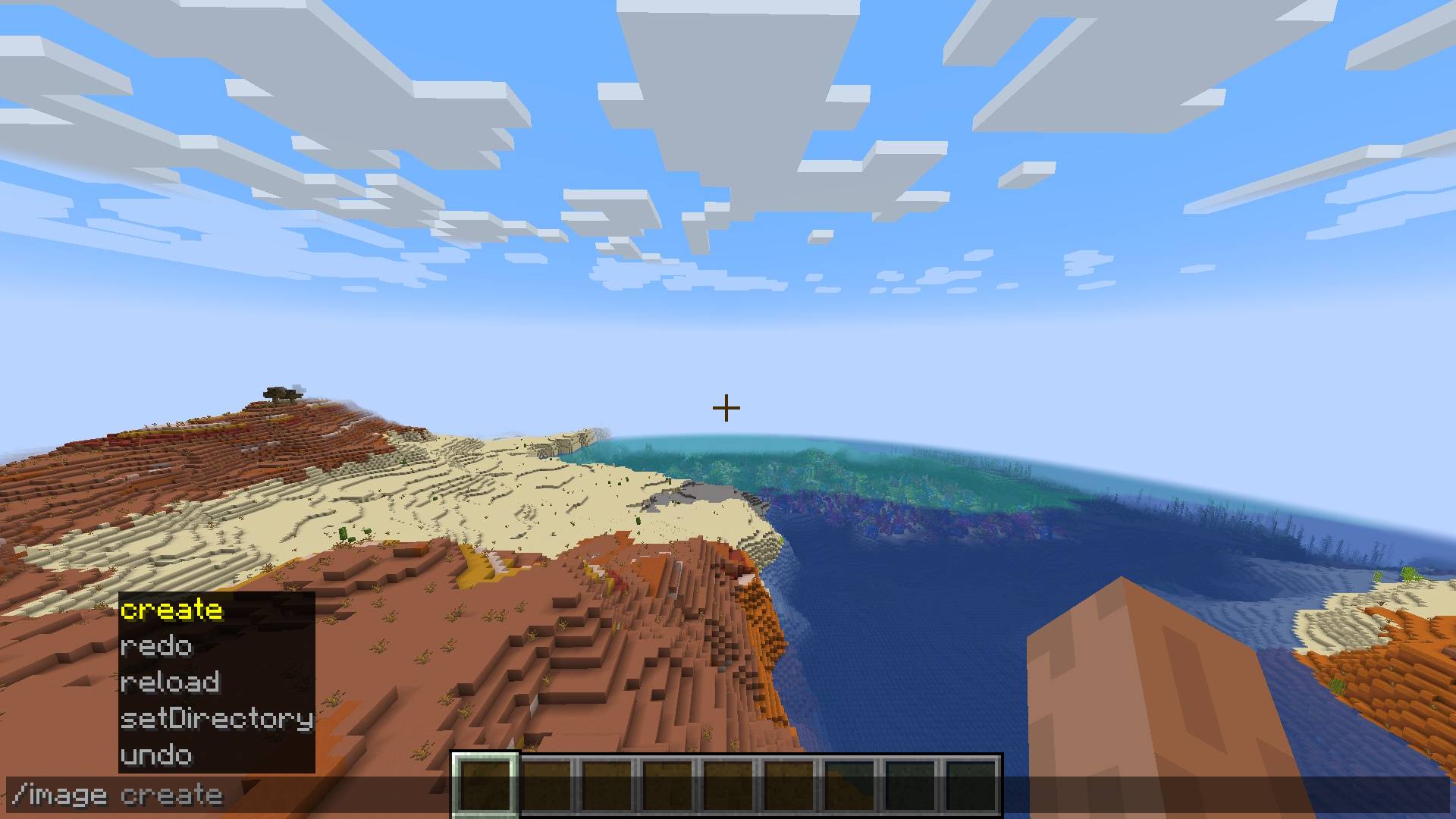
Usage
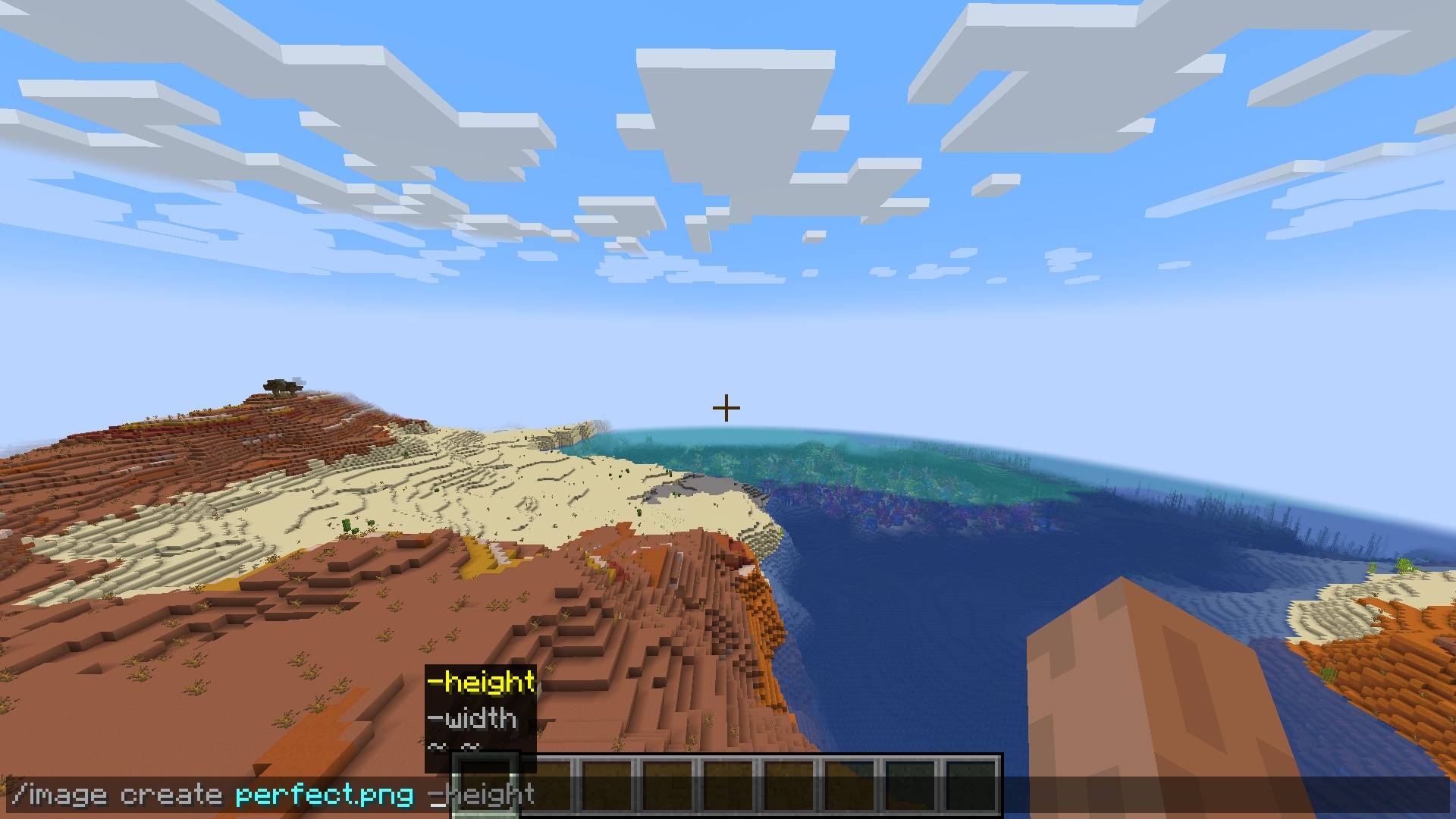
You are given a few dimension options for creating your pixel-art:
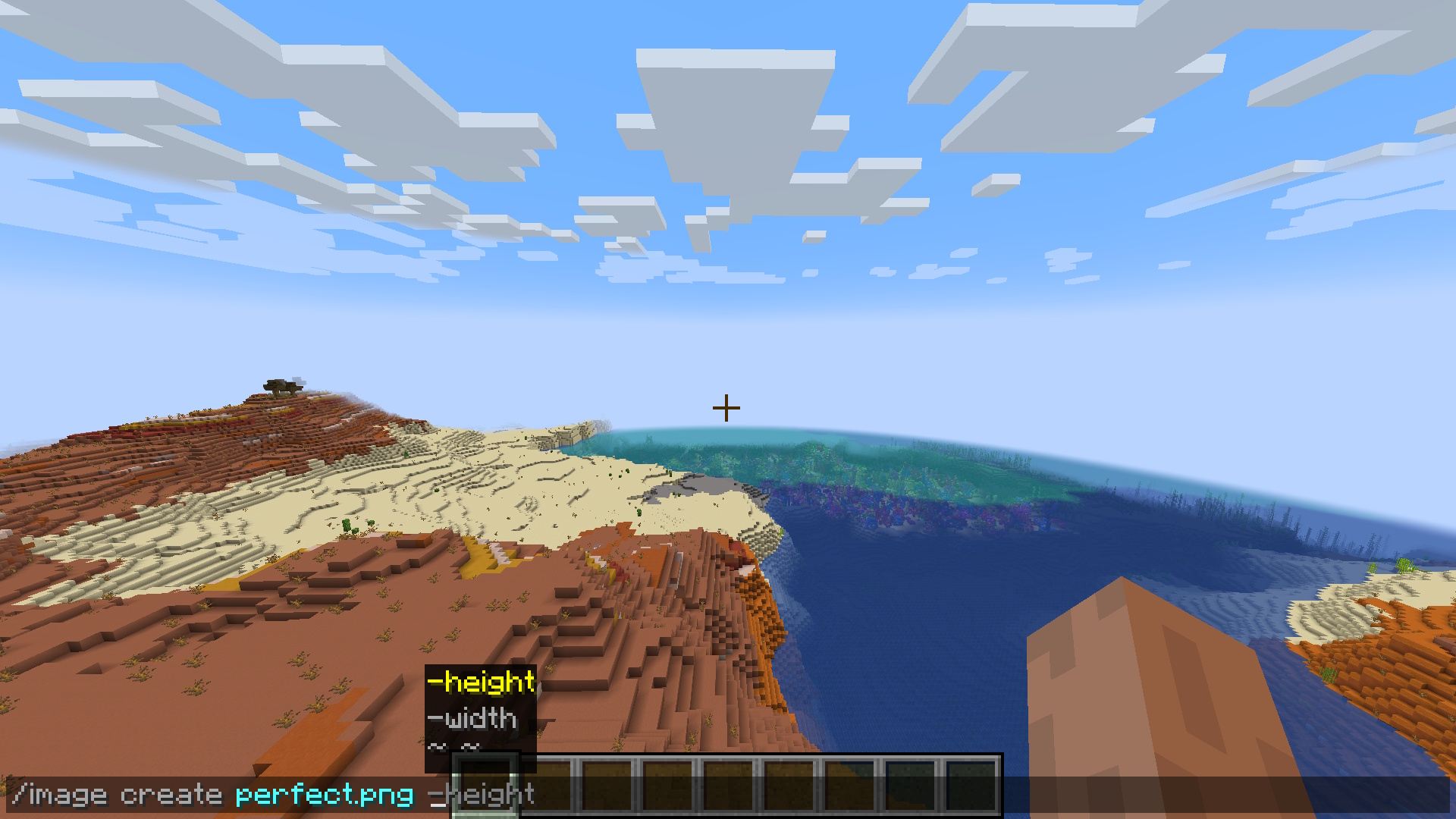
/image create <ImagePath> -width <width>
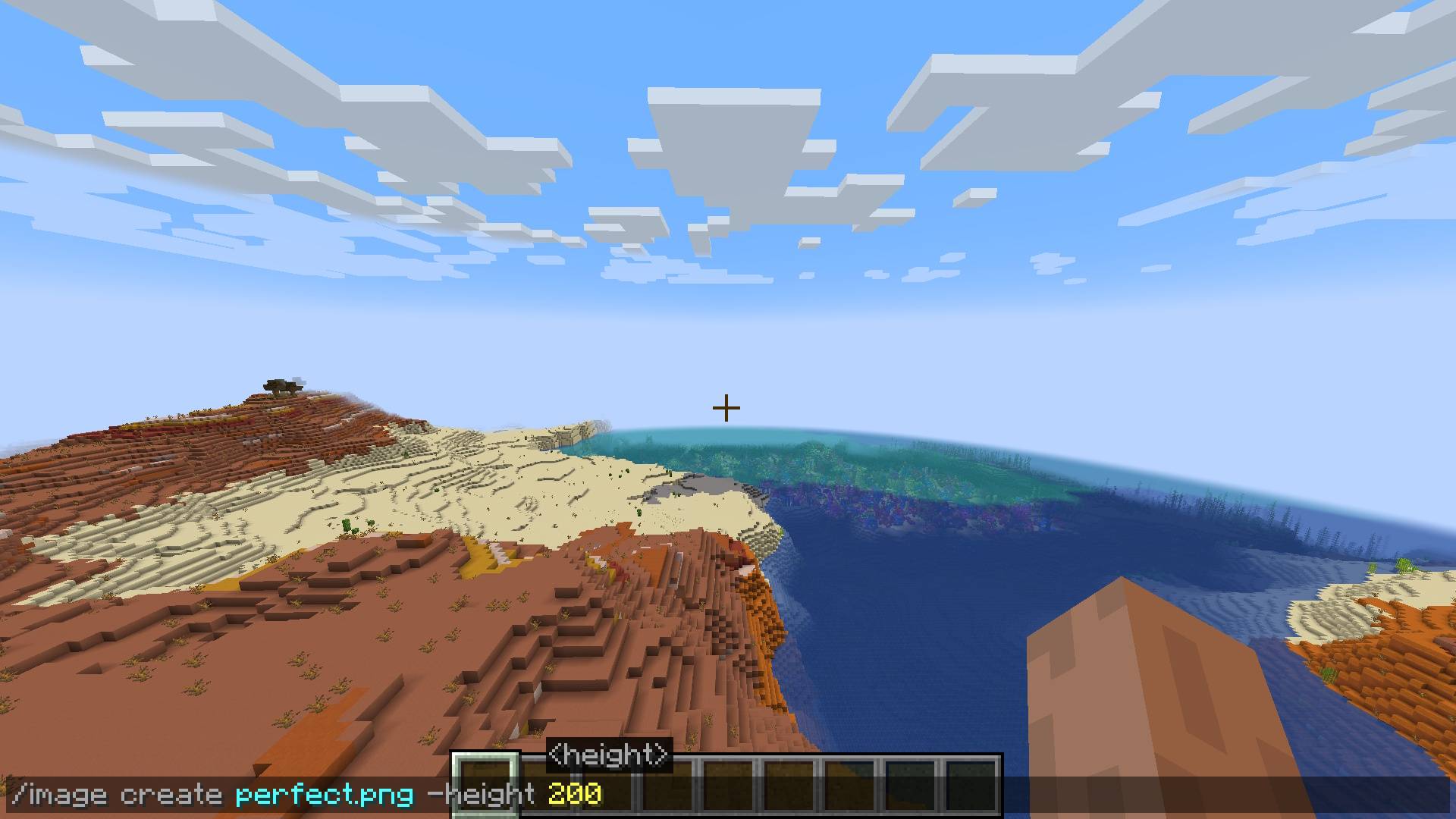
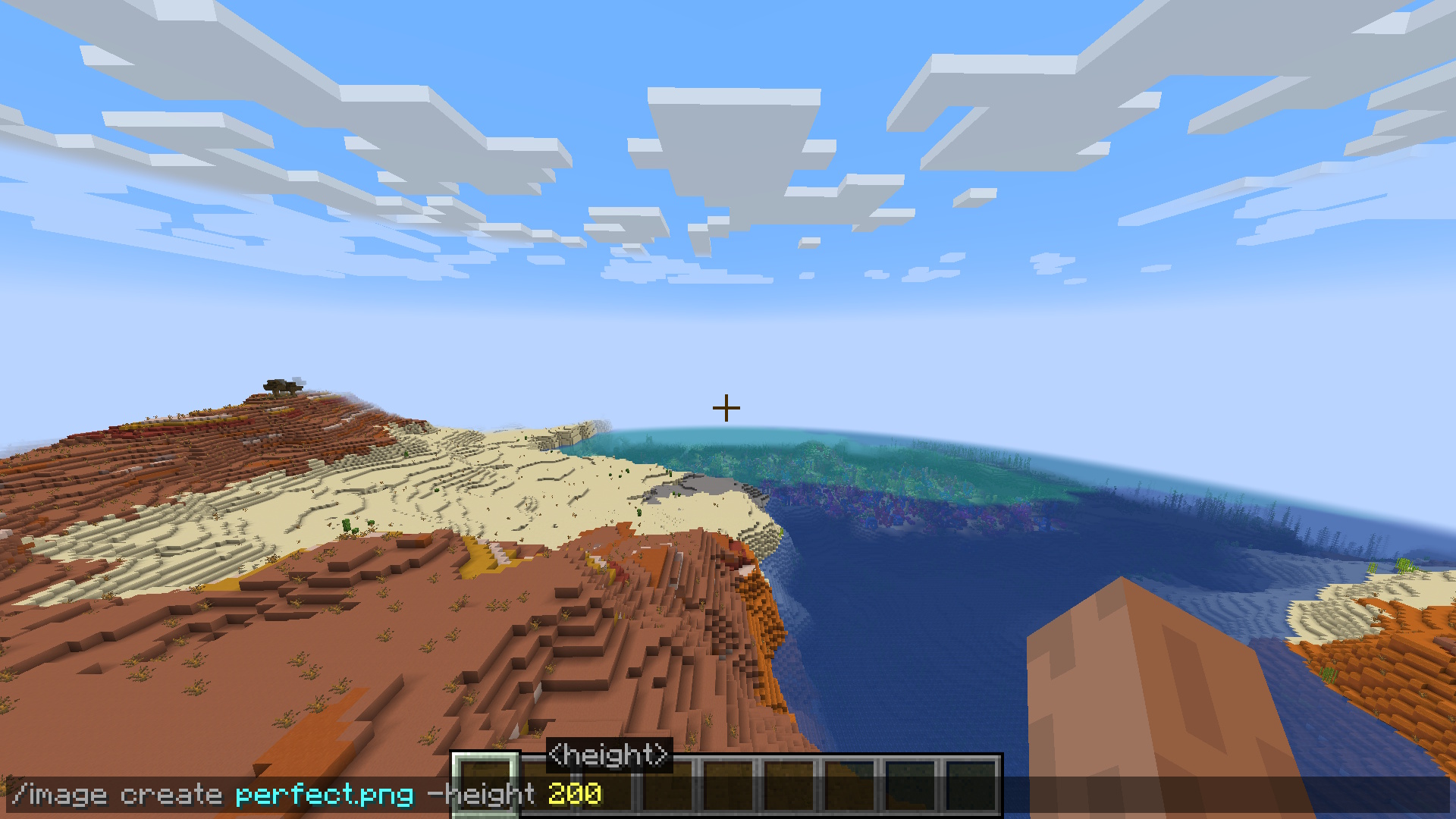
/image create <ImagePath> -height <height>
/image create <ImagePath> <width> <height>
Configuration
You can configure the directory where the image files you want to use are located:
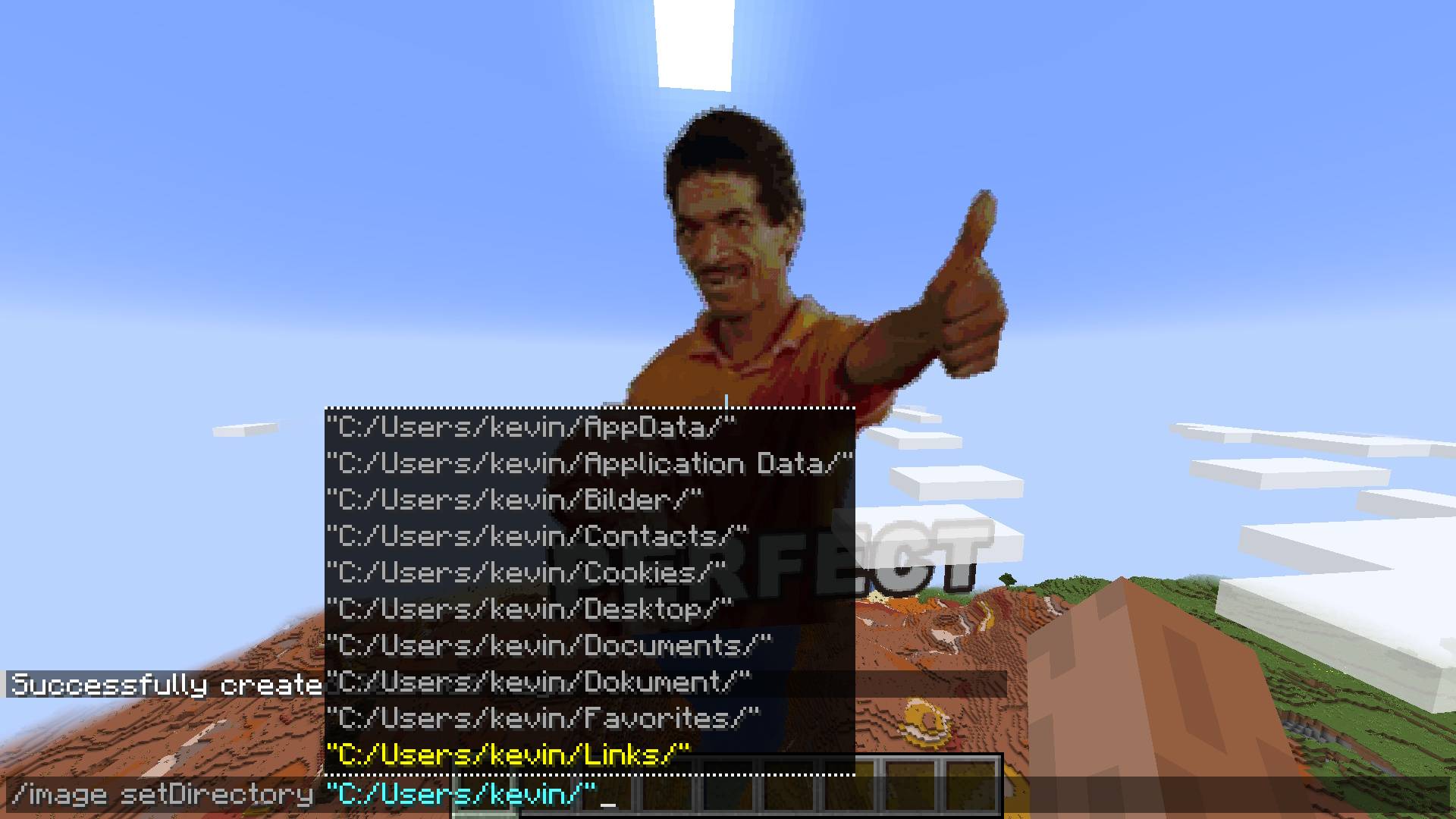
/image setDirectory <DirectoryPath>
Future
Make setDirectory persistent
Fix falling blocks on surface
Multiplayer/Server/Plugin support
Fix update on resource pack reload
Improve block filter further
Image Mod
Automatically Generate Pixel-Art With A Single Command. Any Image File Is Turned Into Minecraft Blocks In Less Than A Second!
The command: /image
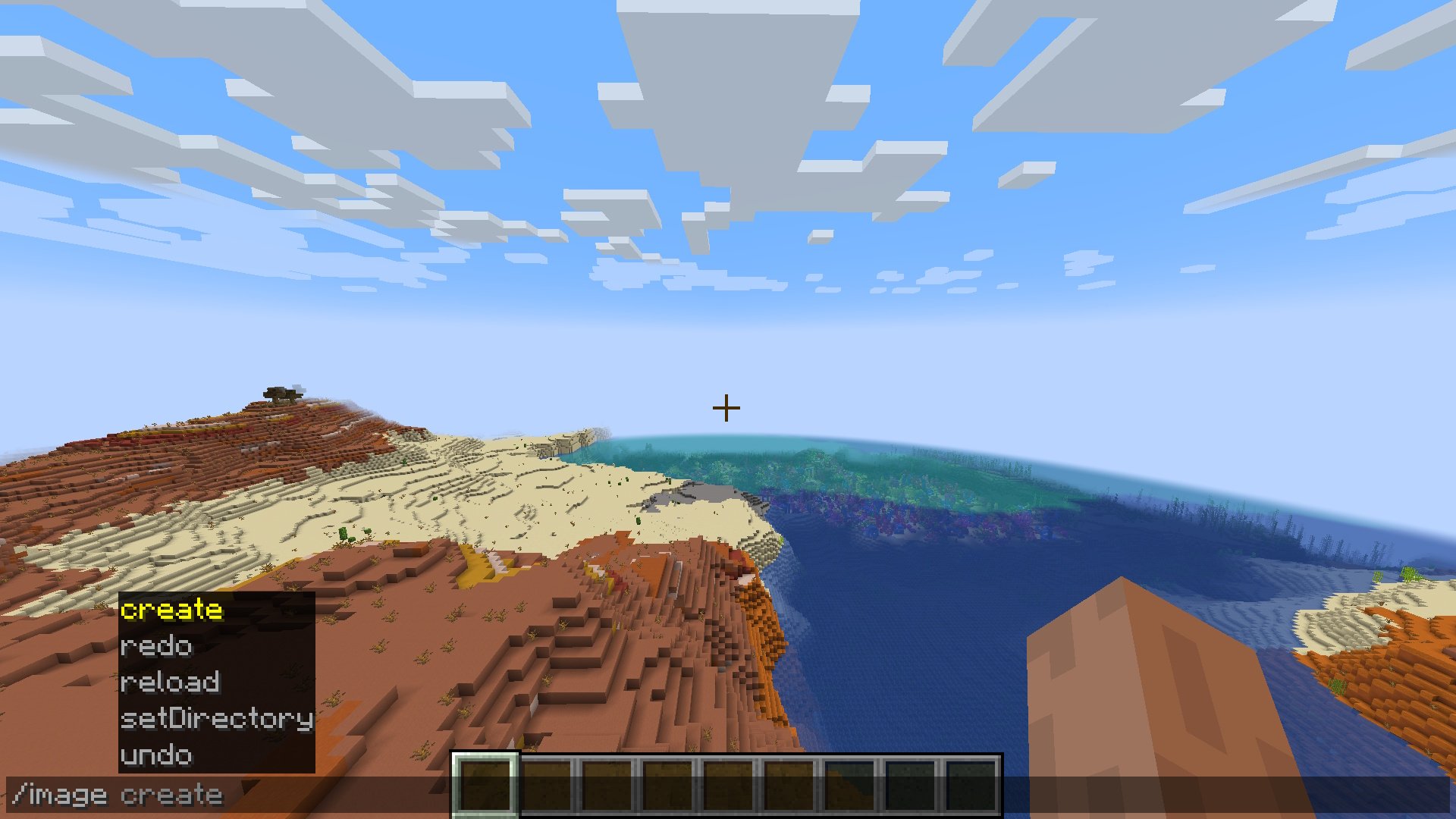
Usage
You are given a few dimension options for creating your pixel-art:
/image create -width - create image with a defined block width (height to scale)
/image create -height - create image with a defined block height (width to scale)
/image create - create image with a defined block width & height
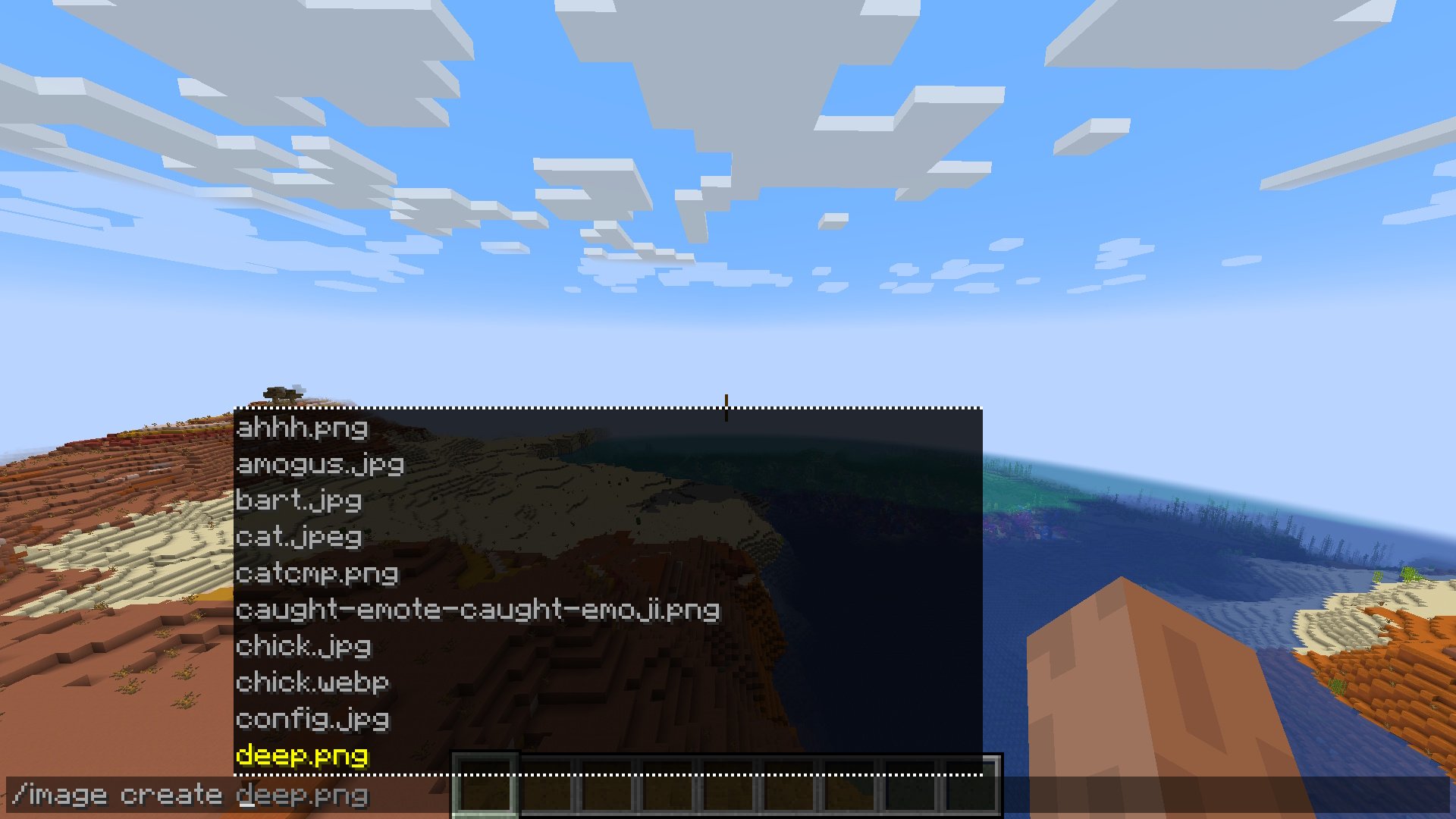
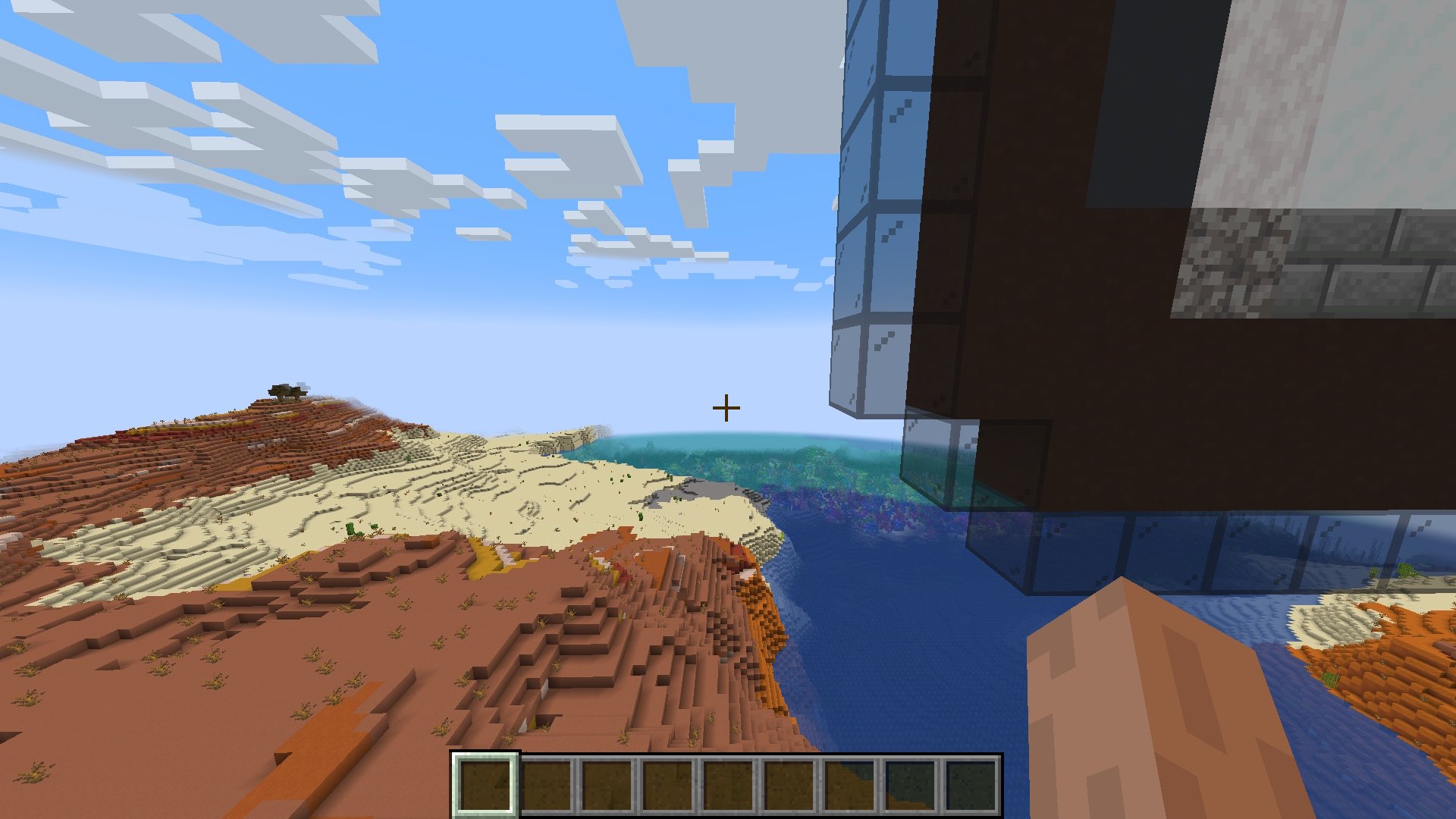
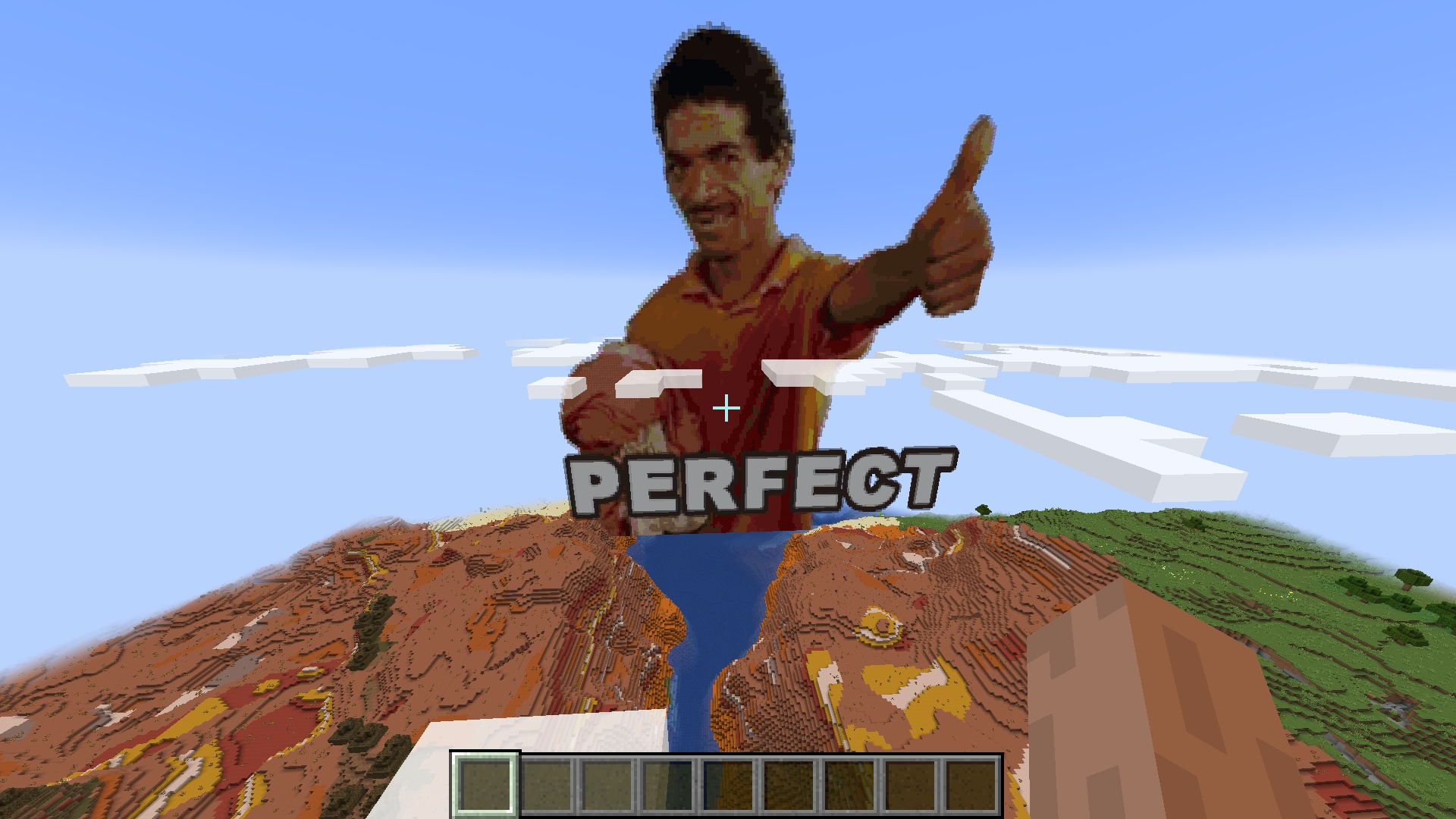
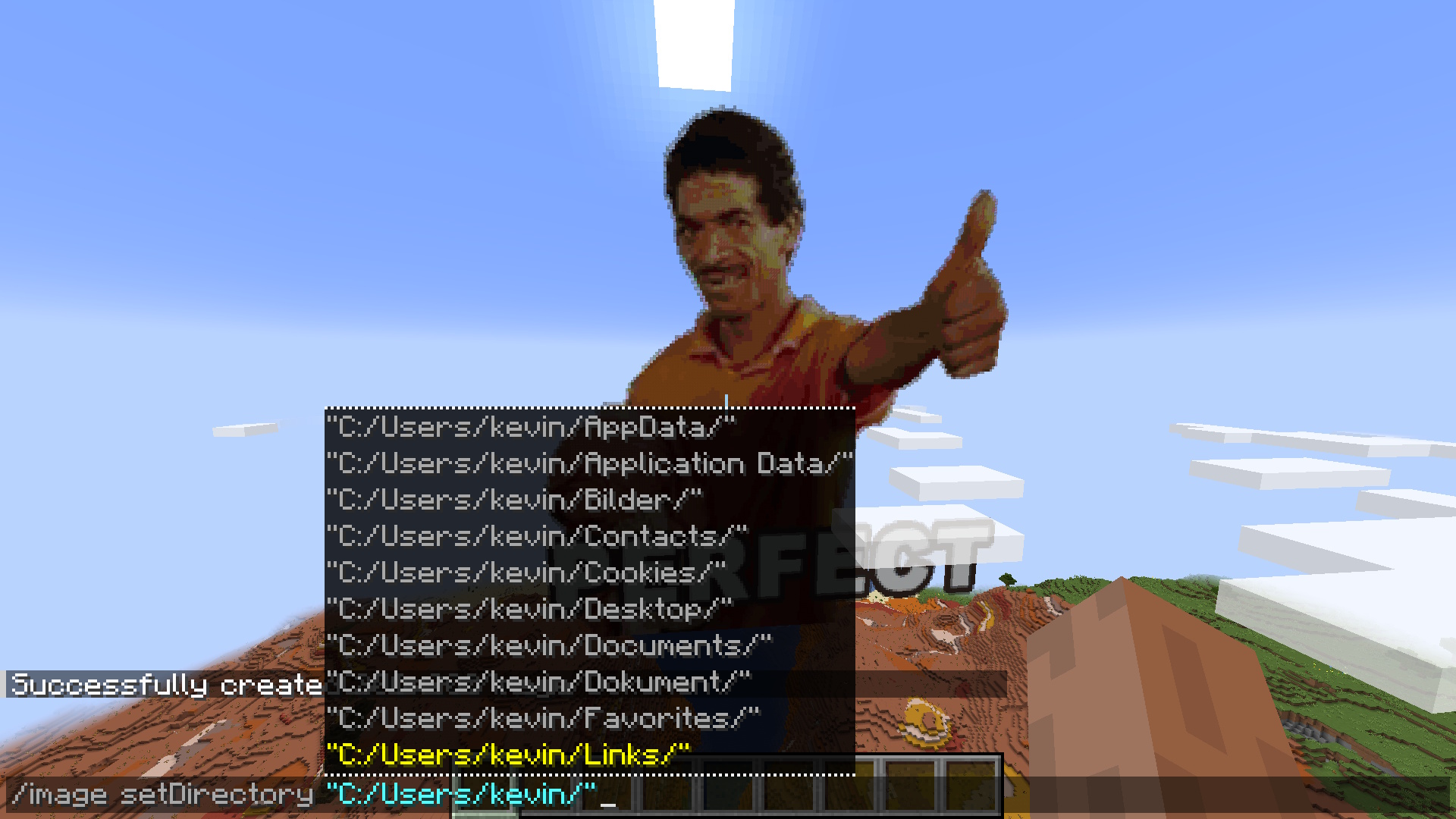
Configuration
Future
Make setDirectory persistent
Fix falling blocks on surface
Multiplayer/Server/Plugin support
Fix update on resource pack reload
Improve block filter further
Screenshots
Gallery
-
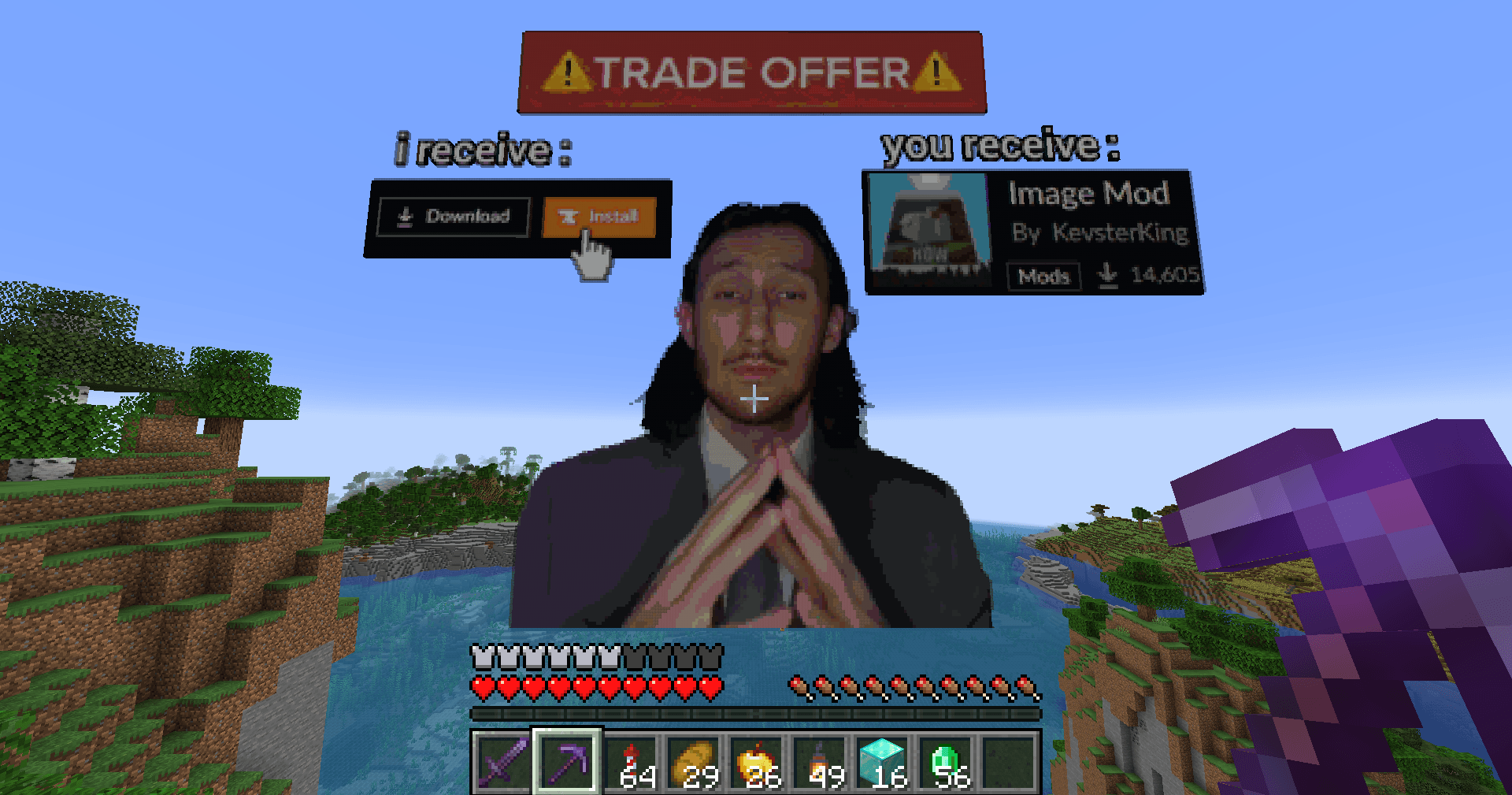 Works Seamlessly With Transparency Transparent images are no challenge for the smart algorithm behind the creation of the pixel-art
 -
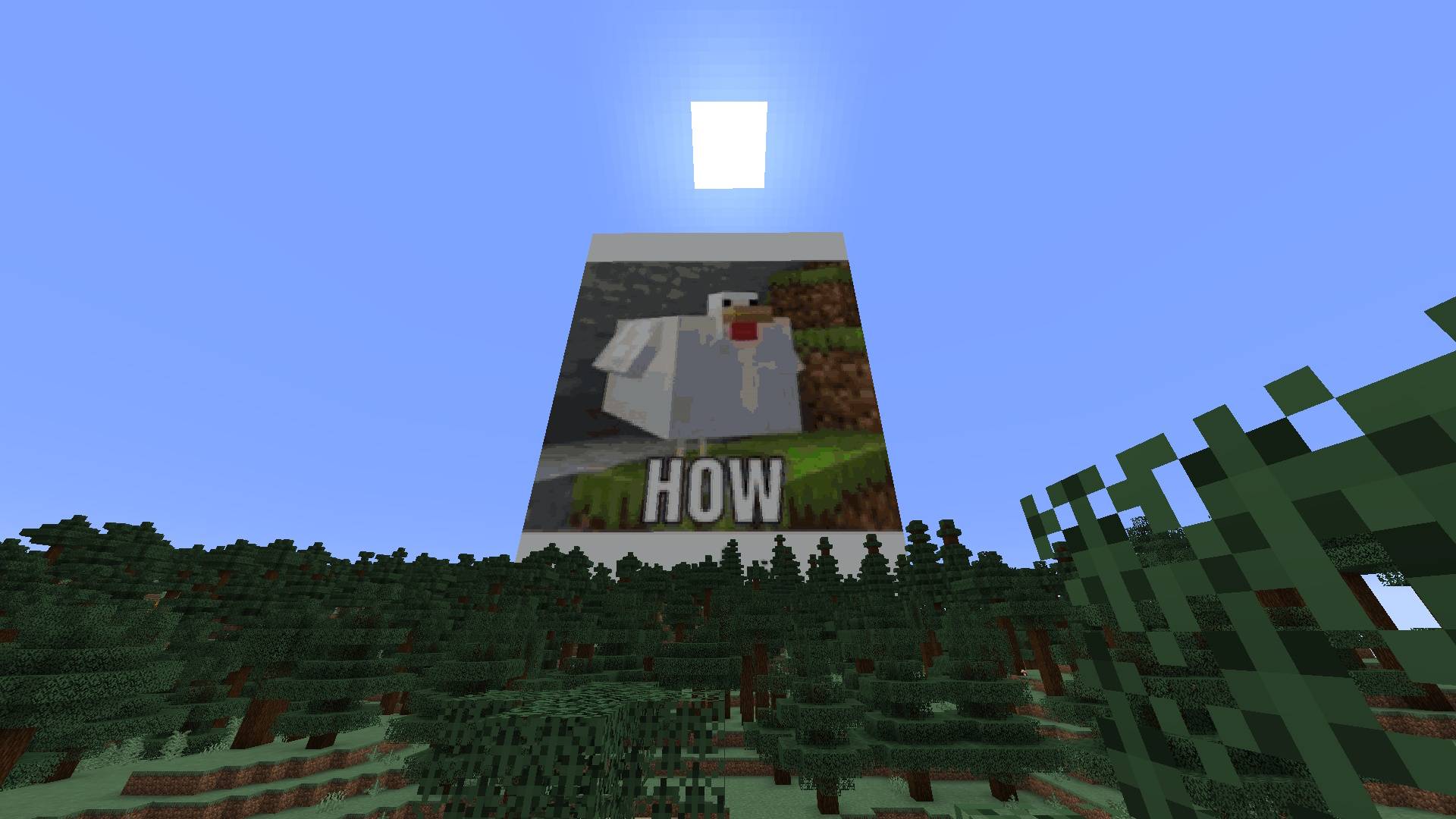
 Blazingly Fast! Fast generation of images thanks to extensive testing and algorithm tweaks reaching 6GpxCompare/s!
 -
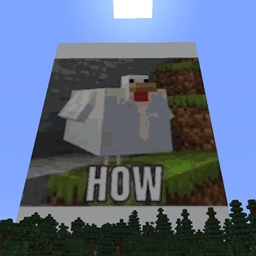
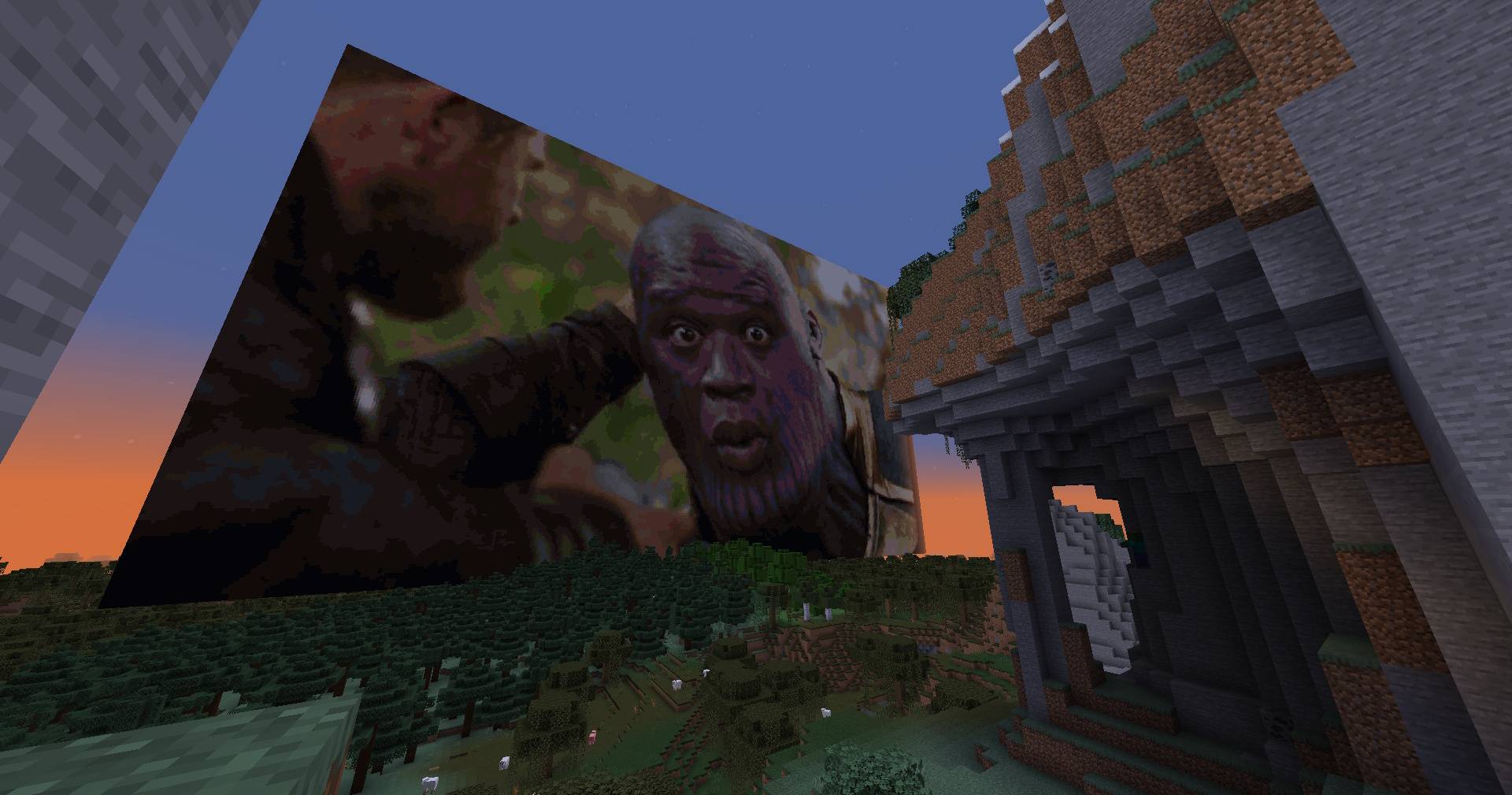
 Memes In Minecraft POG Put memes as big posters in your minecraft world super easily
 -
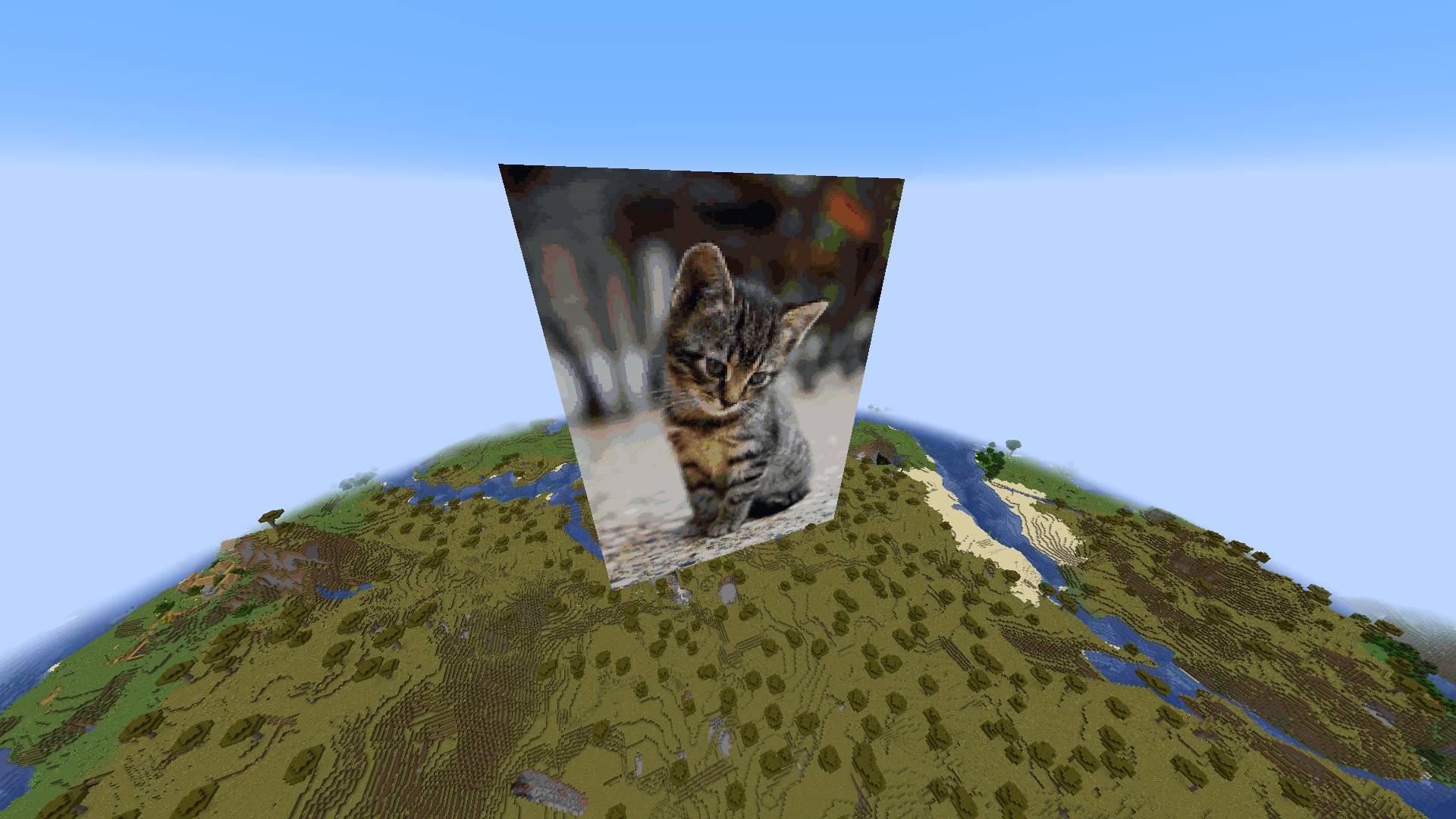 Cute Cats Feel security in being able to look at cute cats while creepers blow you up and make you sad
 -
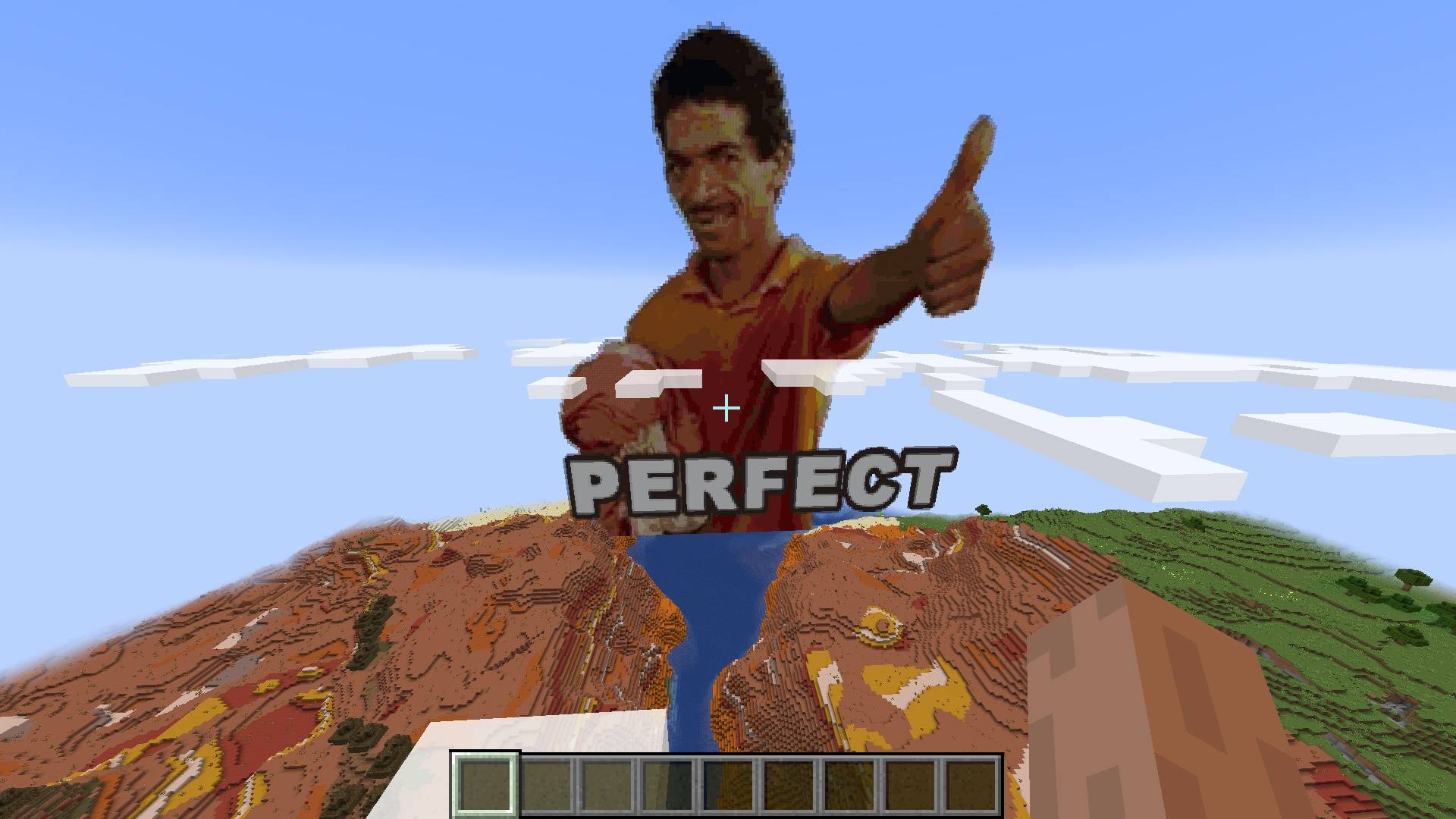
Perfect Results Perfect Results
-
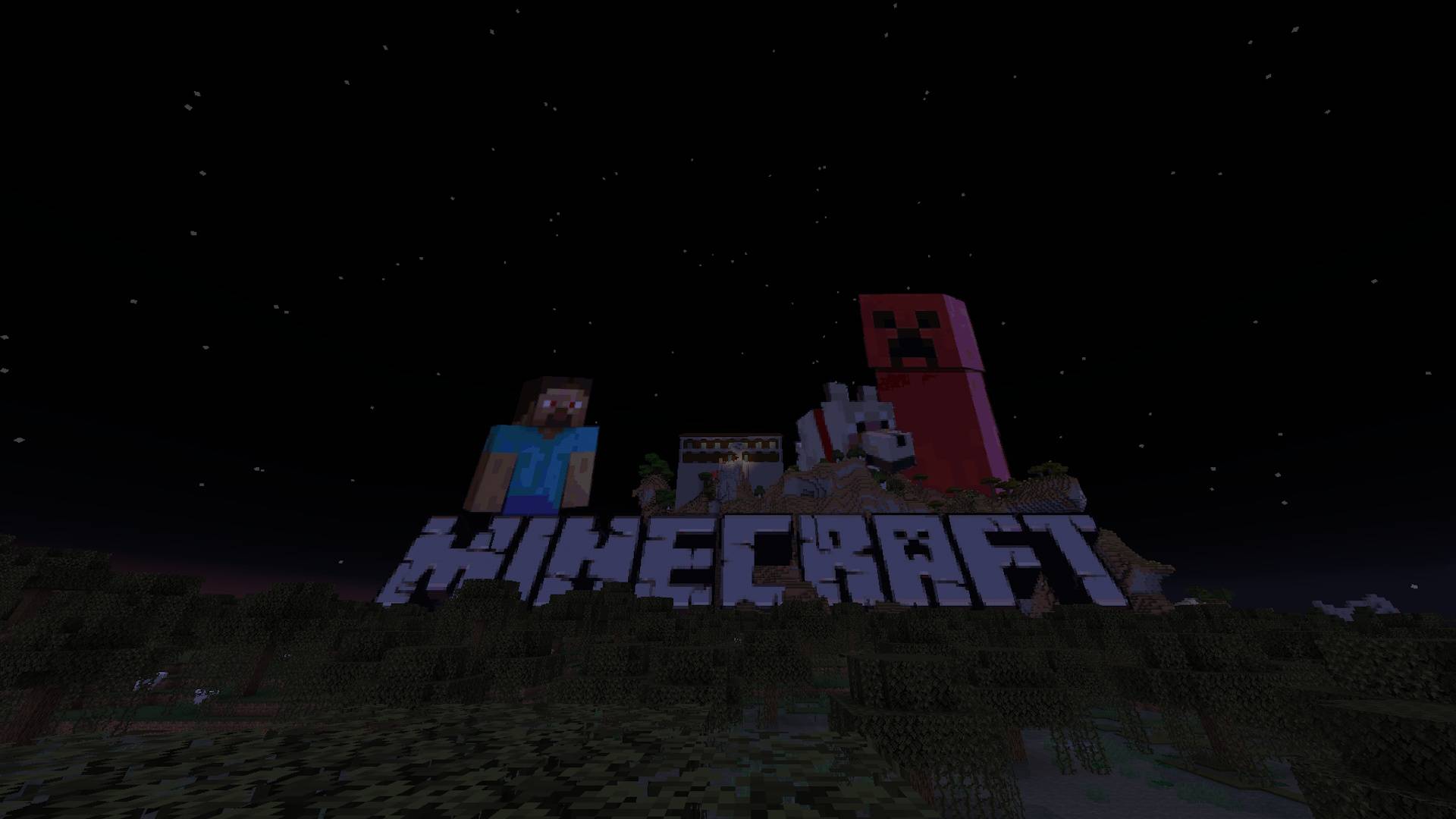 Works Seamlessly With Transparency Transparent images are no challenge for the smart algorithm behind the creation of the pixel-art
 -
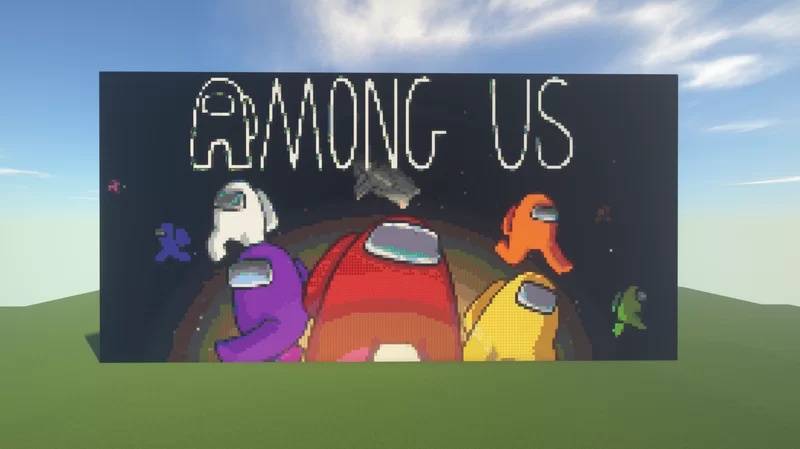 Amazing Dynamic Range Coverage Thanks to the automatic filtering and registration of blocks the dynamic range of images is prestine
 -
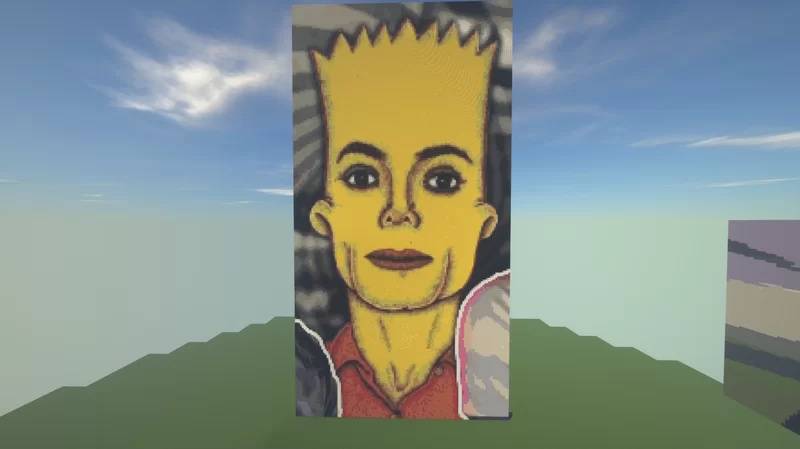 Block Registration And Filtering Automatic filtering of blocks from vanilla Minecraft and from blocks created in other mods
 -
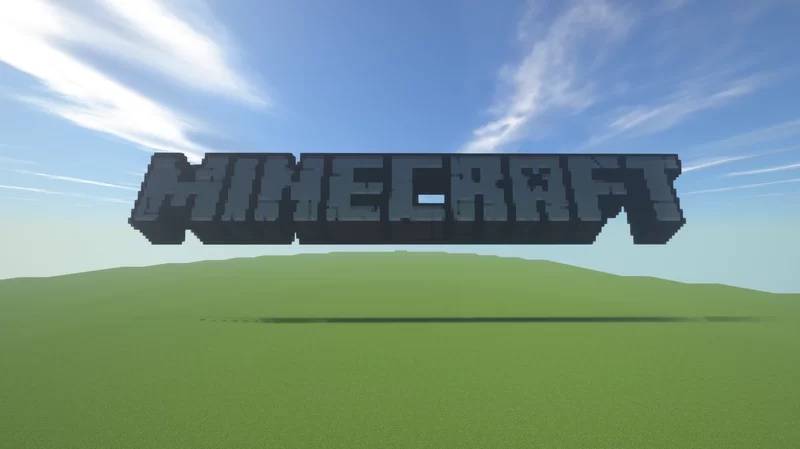 Works Seemlessly With Transparent Images Transparent images are no challenge for the smart algorithm behind the creation of the pixel-art
 -
Image Command The /image command and it's options
-
Configure Image Location Configure from what location on your pc you'd like to get your images from
-
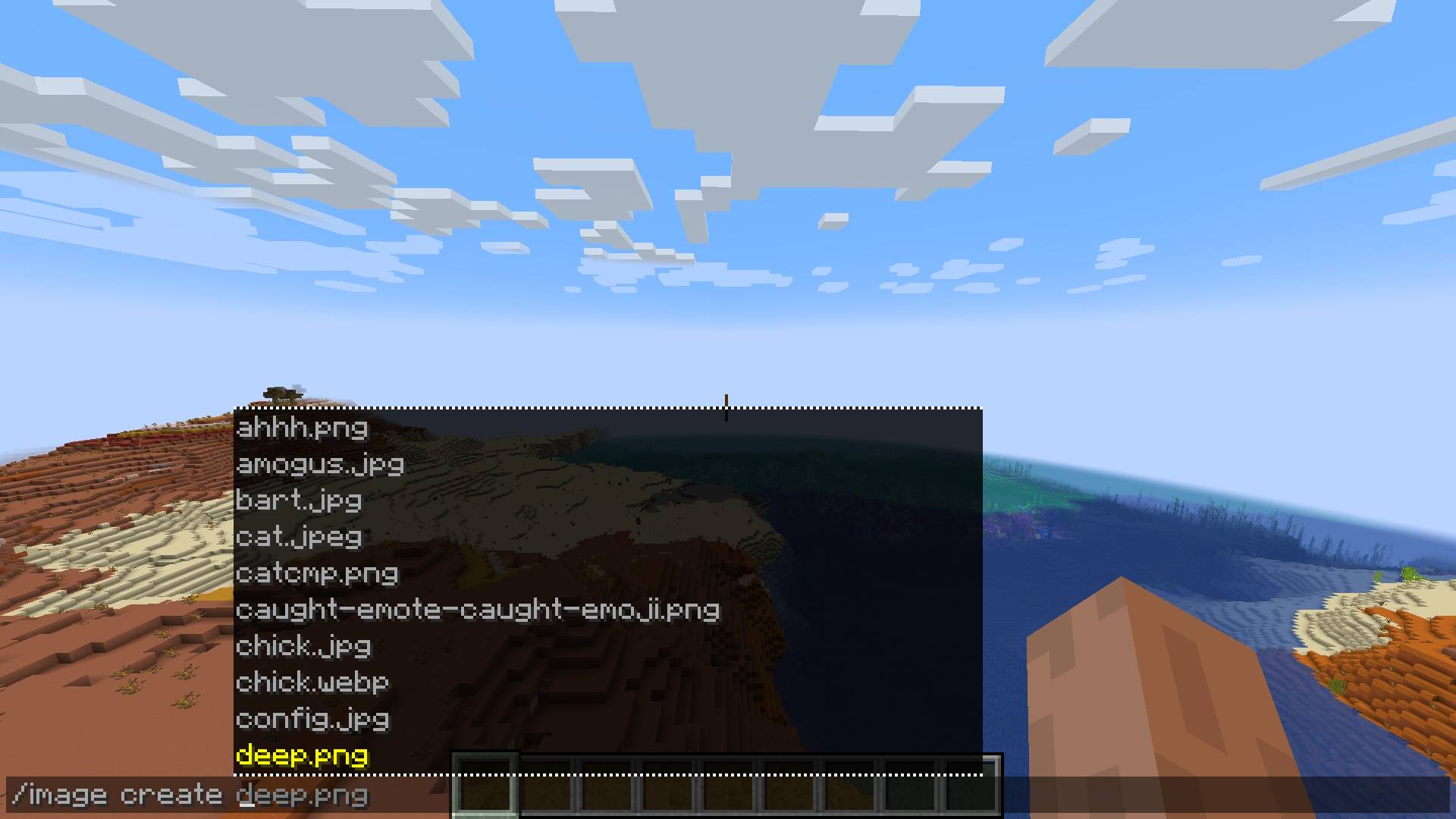
Selecting The Image File Selecting The Image File
-
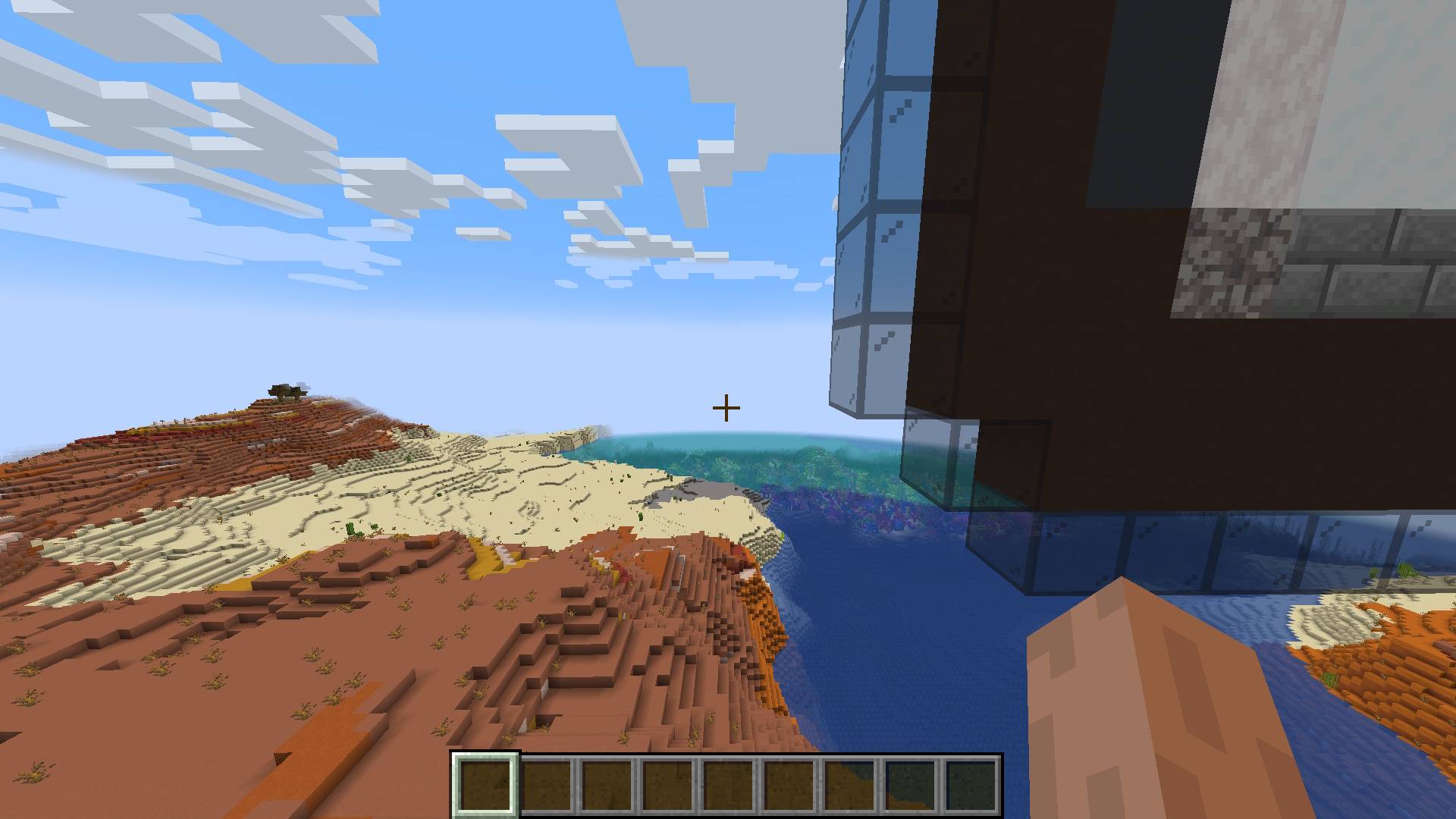
Blocks Get Placed Automatically The blocks are placed in the world seemlessly
-
Full Pixel-Art Create Command Syntax Full command syntax for creating pixel-art from image
-
Selecting The Dimensions For The Pixel-Art Selecting The Dimensions For The Pixel-Art
-
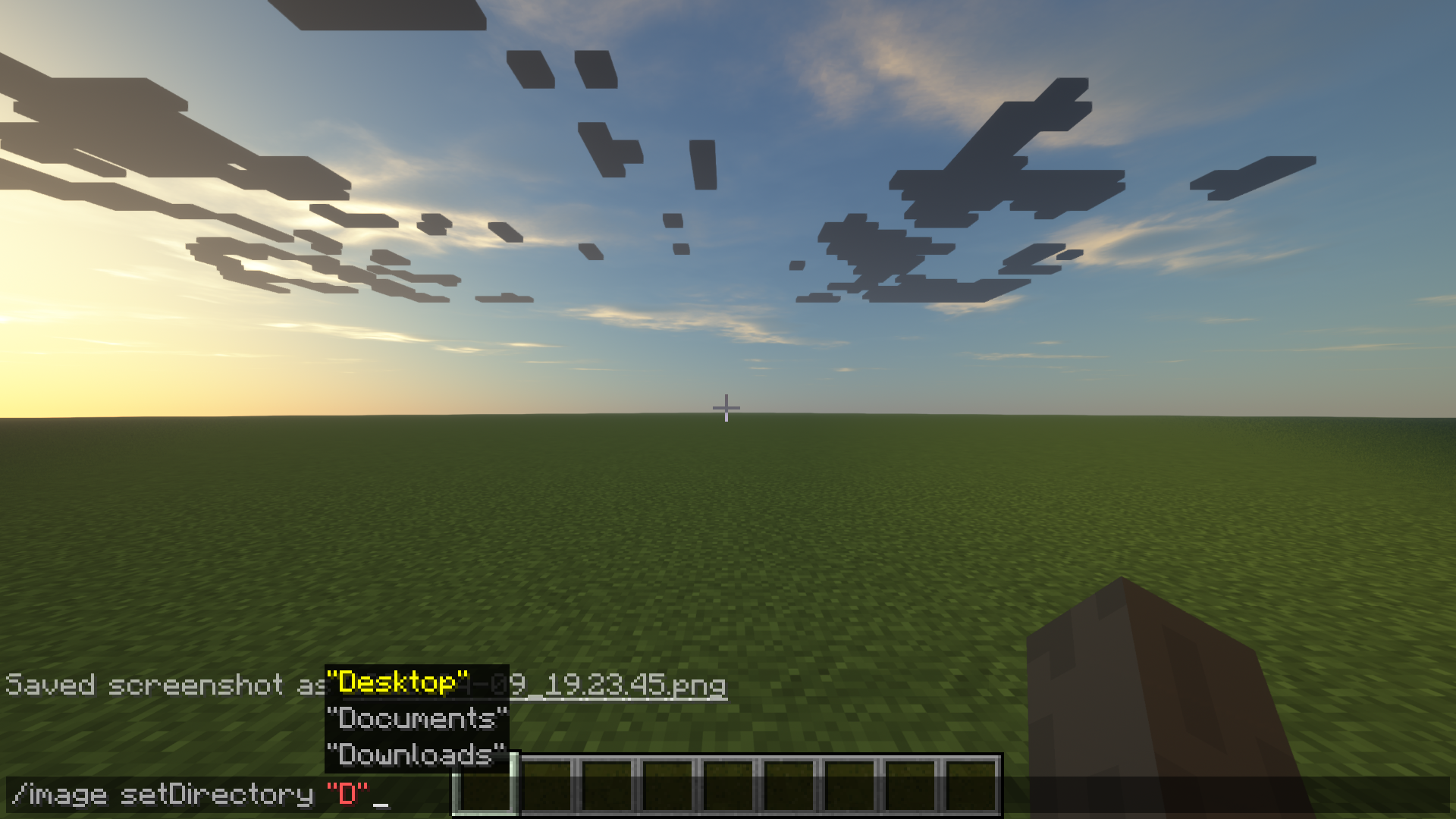 Image setDirectory relative path The setDirectory can be set relative to currently set directory. (Defaults to user directory)
 -
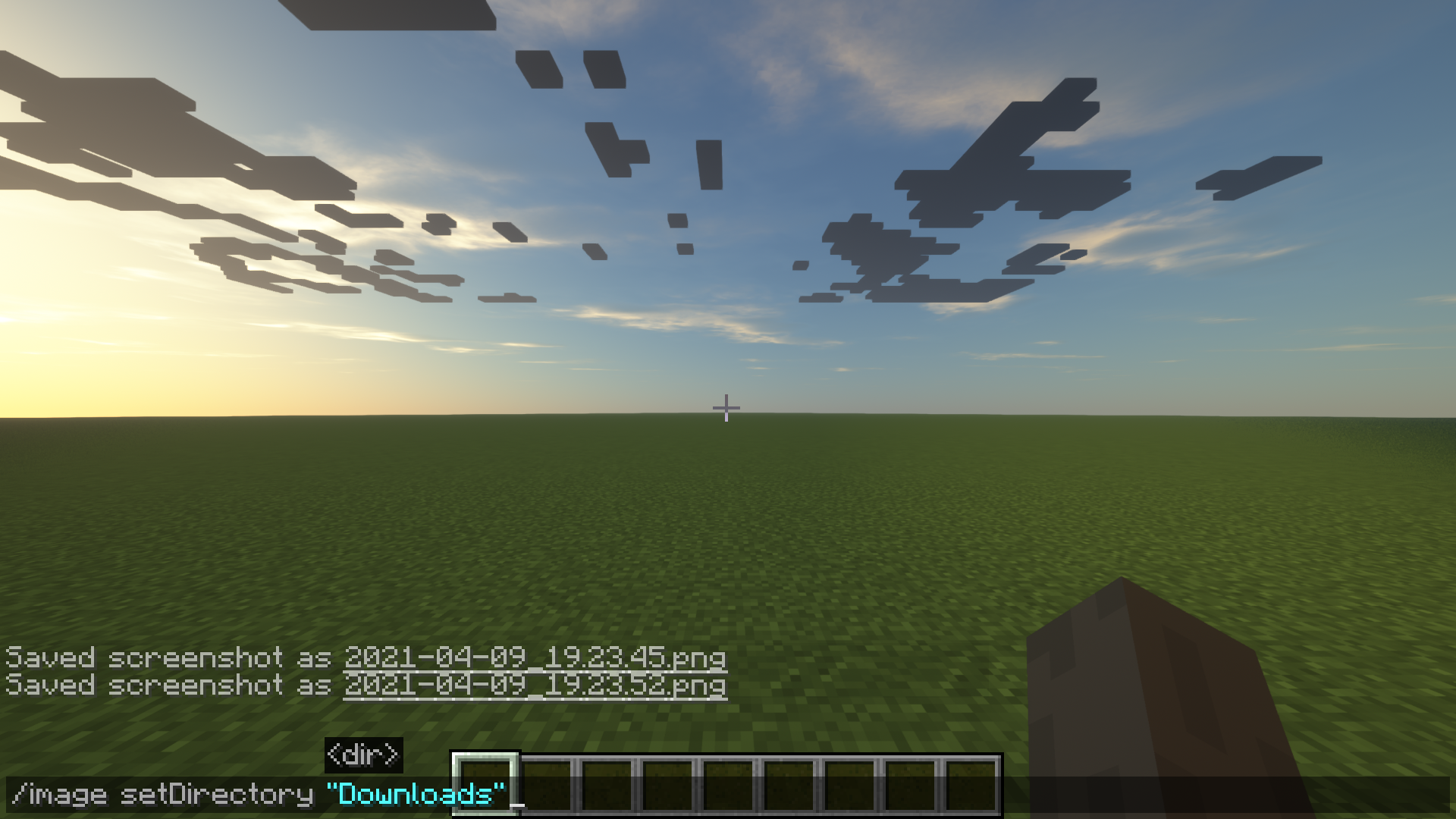 Image setDirectory command usage How to use the setDirectory command
 -
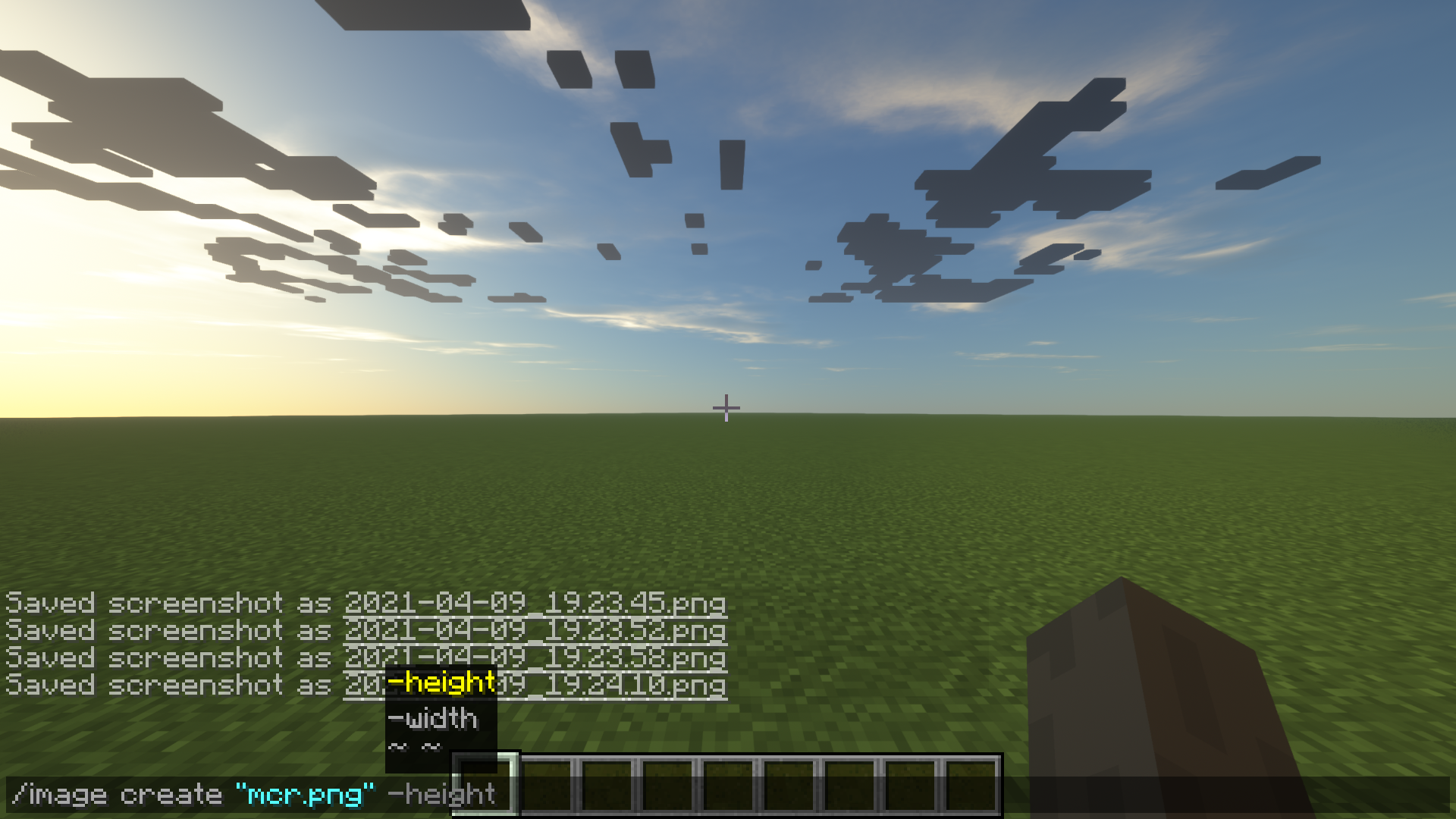 Image create usage 2 How to use the image create command to define dimension.
 -
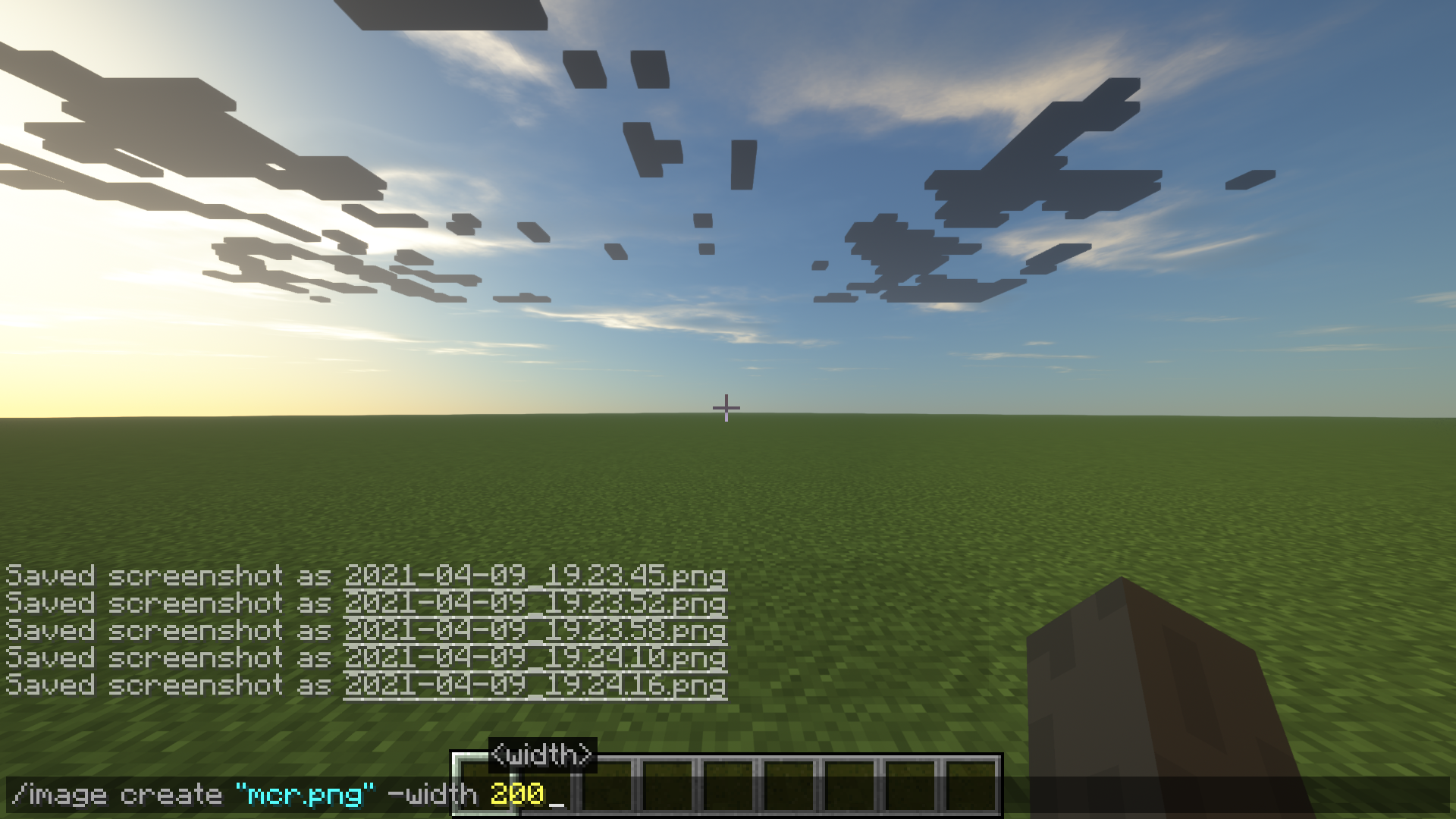 Image create usage Example of how to create an image
 -
 Image command literals The options for the image command
-
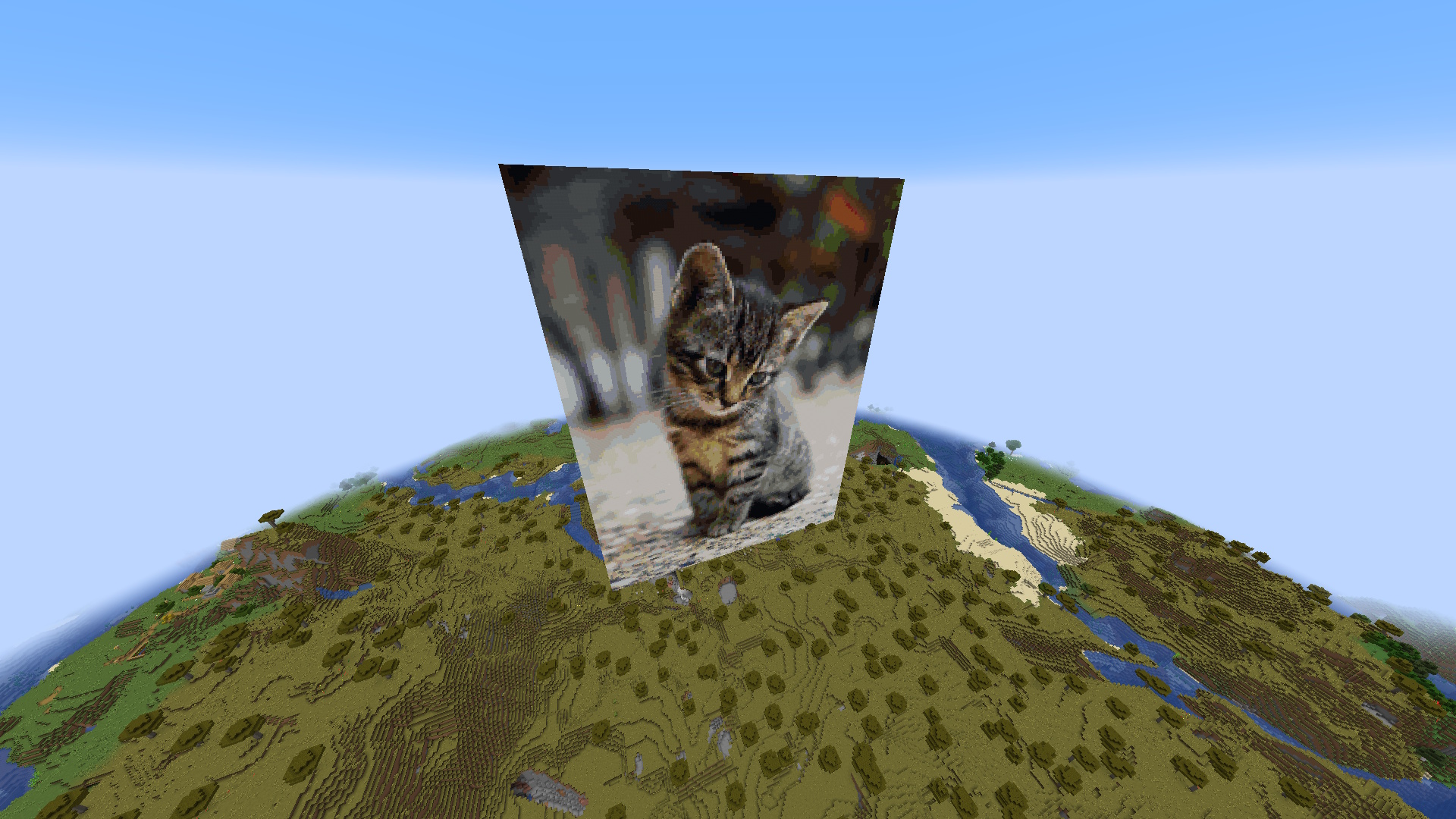 Automatic Block Loading And Filtering Automatic filtering of blocks from vanilla Minecraft and your other mod's registered blocks!
 -
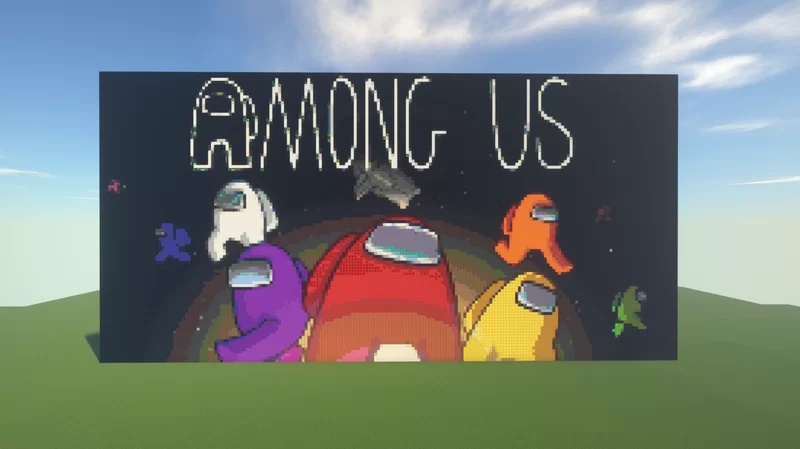 High Dynamic Range Thanks to the automatic filtering and registration of blocks the dynamic range of images is prestine
 -
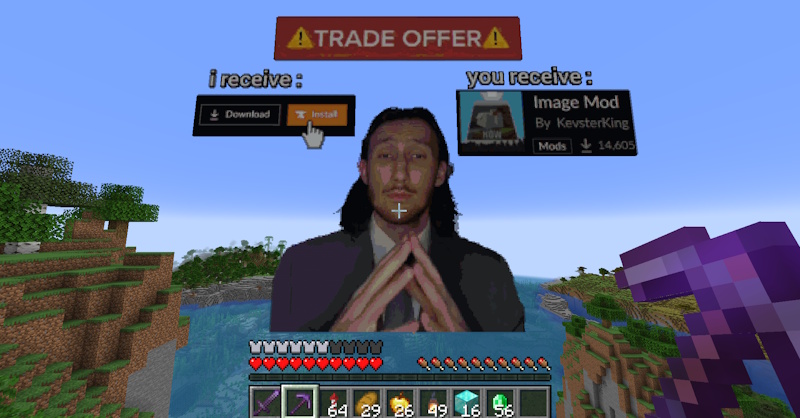 Download now for free! imagemod is free and super easy to install
 -
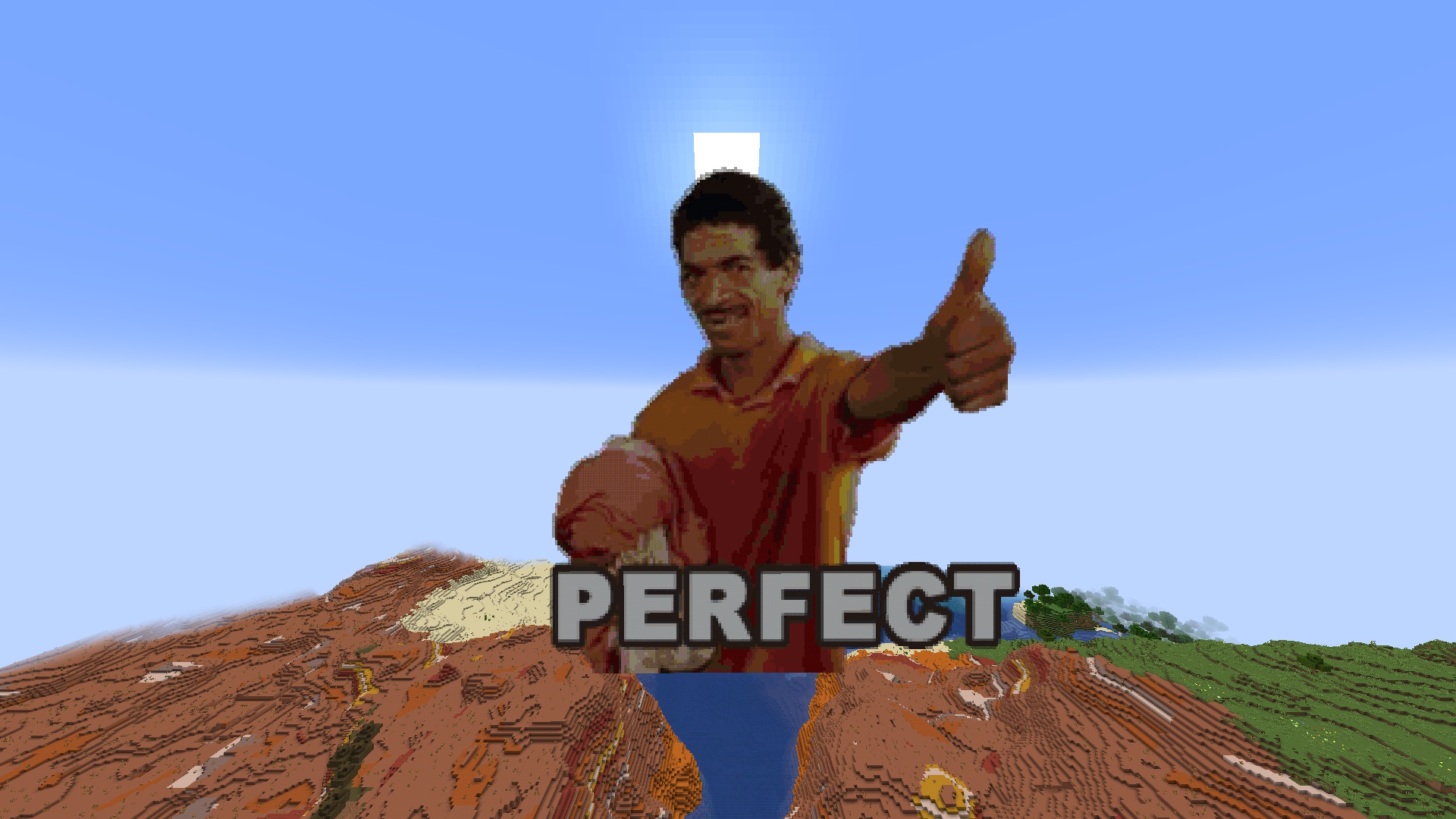 Pixel-Perfect Results In less than seconds your Minecraft client has generated pixel-perfect art in your world for you
 -
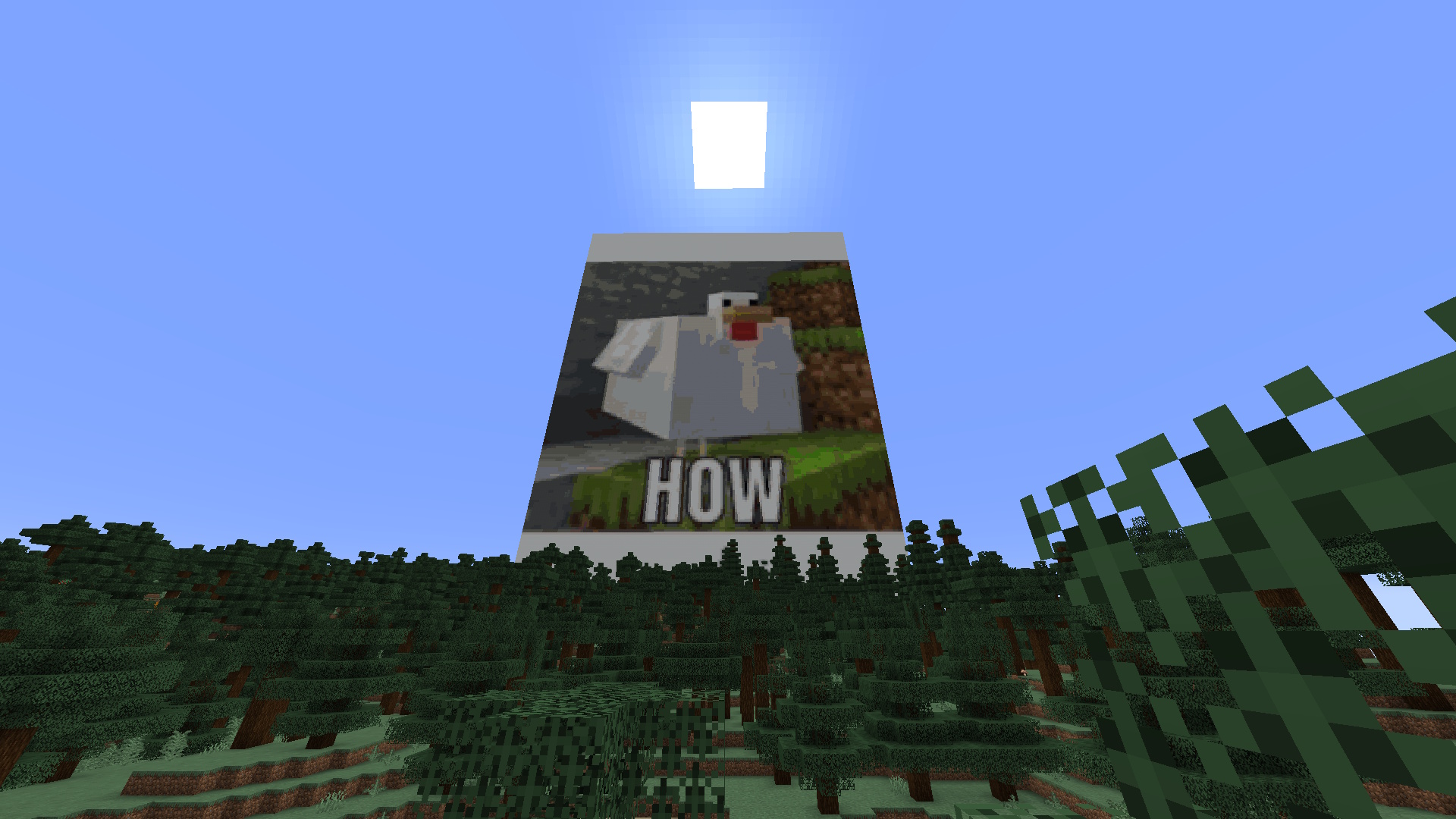 Memes In Minecraft POG You can now litter your Minecraft world with memes if you want
 -
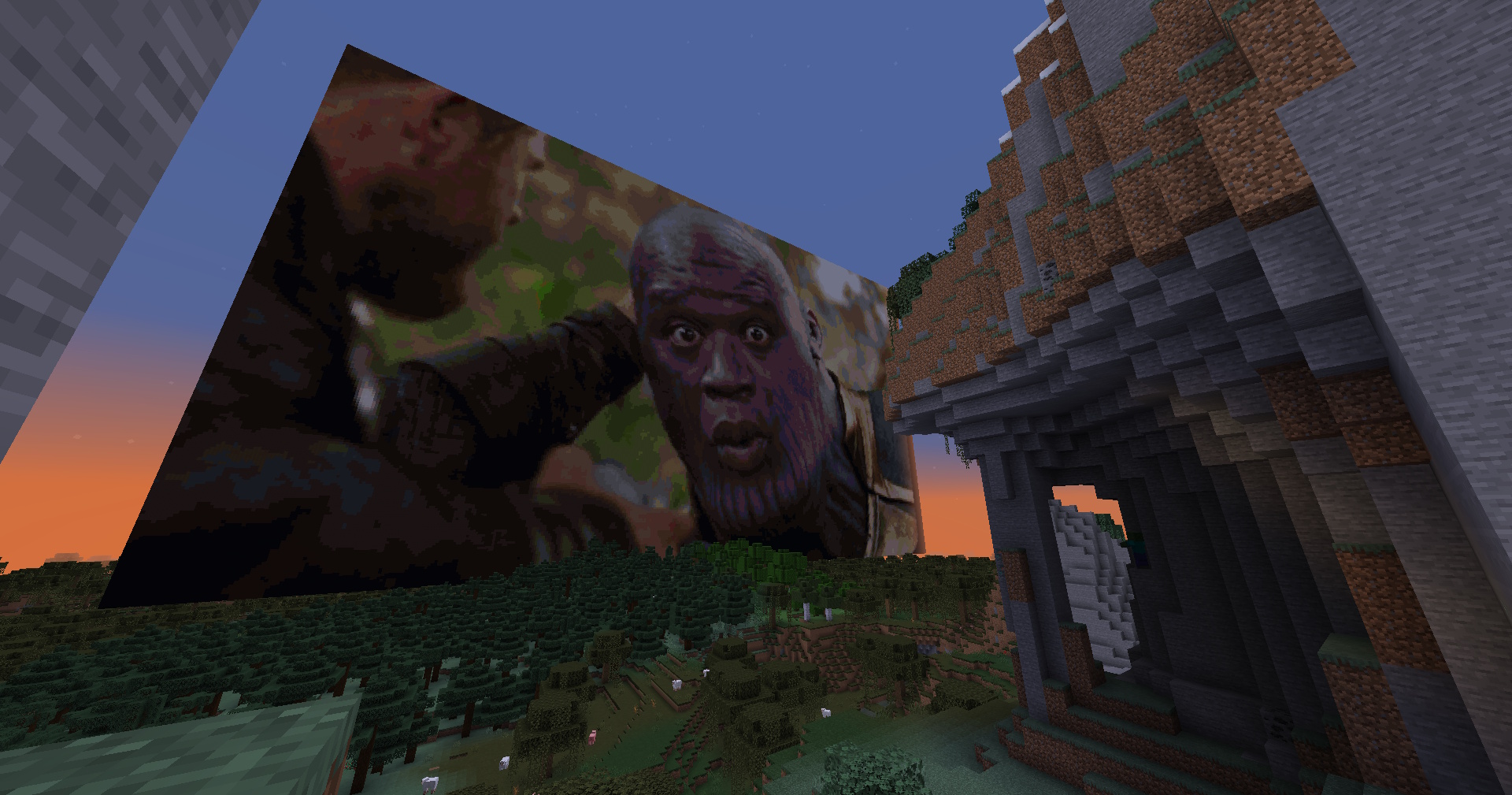 Blazingly Fast! Fast generation of images thanks to extensive testing and algorithm tweaks reaching 6GpxCompare/s!
 -
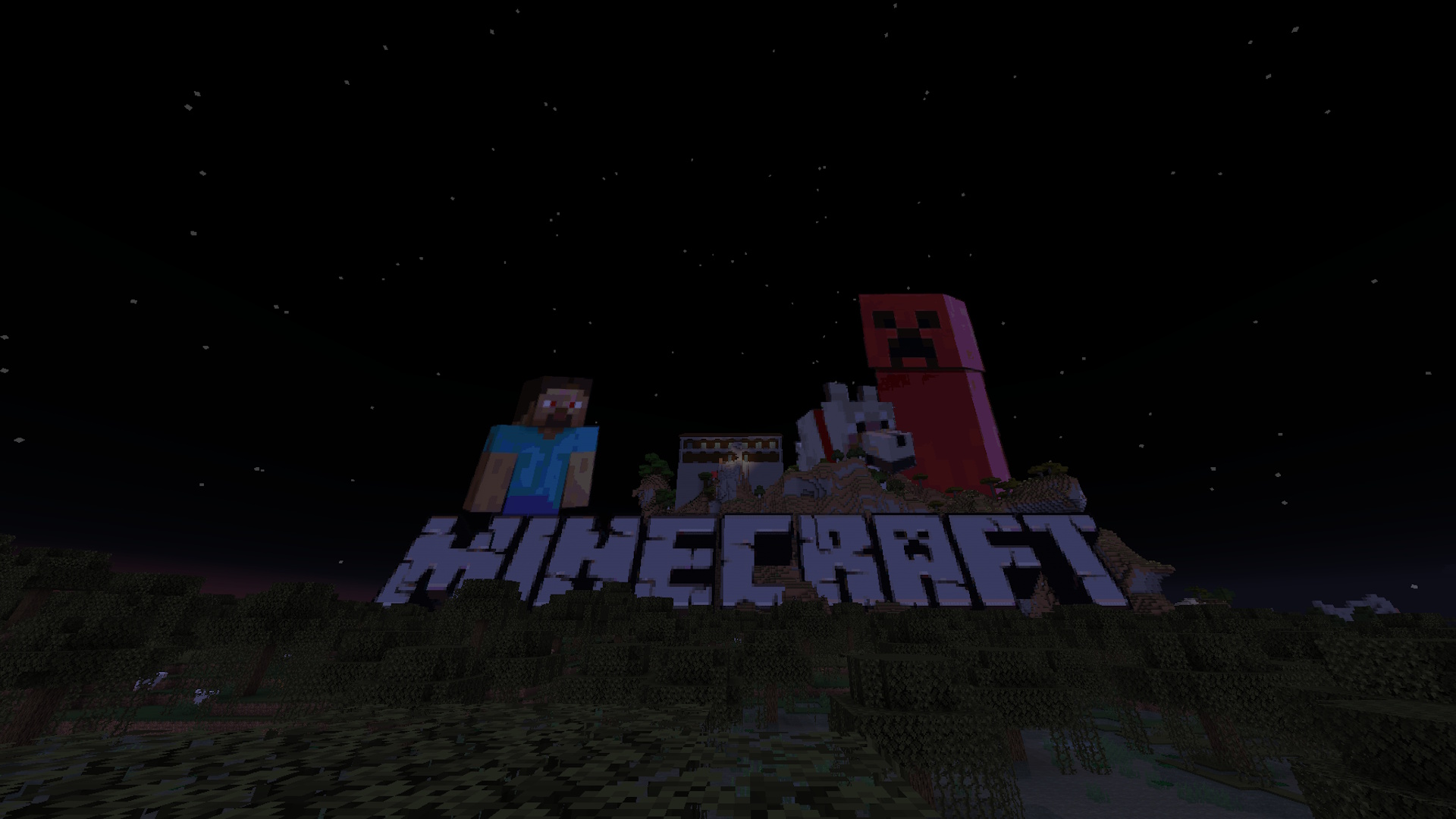 Transparency The algorithm seamlessly blends transparent and colored pixels to the correct block in order to make a pristine result
Versions
Files
Relations
Project Relations
More like this
Similar Mods
Suggestions use data such as tags, dependencies, dependents, descriptions, titles, and more to rank how much they overlap with this mod.
On ModDex
Community snapshot
By the numbers
Statistics

Get it on
Available Platforms
On ModDex
Community snapshot
By the numbers