
Community listing page, reviews may not be monitored by the author.
Inventory Backups

No reviews yet
Records every inventory change. Roll back any moment, find any item and see who took it, even for offline players.

Community voices
Reviews
No reviews yet. Be the first to review this project!
Get it on
Available Platforms
About
Project Details
For authors
Embed Badge
If you're the author of this project, you can embed a live badge anywhere that supports HTML or Markdown. It updates automatically whenever ratings change.
Use HTML for any page that supports it, or Markdown for README files and Markdown-based descriptions.
Identifiers
Platform IDs
About
Description
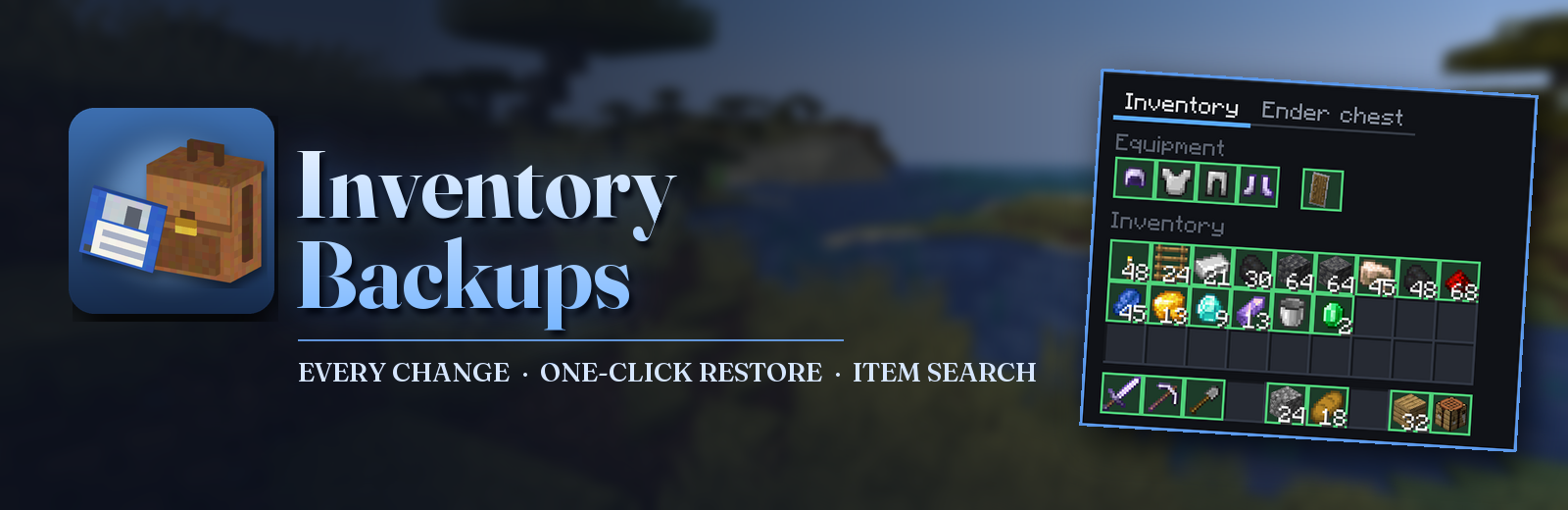




Inventory backups for server admins.
The mod records every change in every player's inventory, armor, ender chest and mod slots. When someone loses their things to a server bug, a crash, a bad connection or anything like it, open their timeline, pick the moment before it happened and give everything back with one click.
About 100 bytes per change · Offline players too · Vanilla clients work through chat
Main command: /inventory ui
Opens the admin screen; Ctrl+I does the same. The admin needs the mod on their client too.
After a death
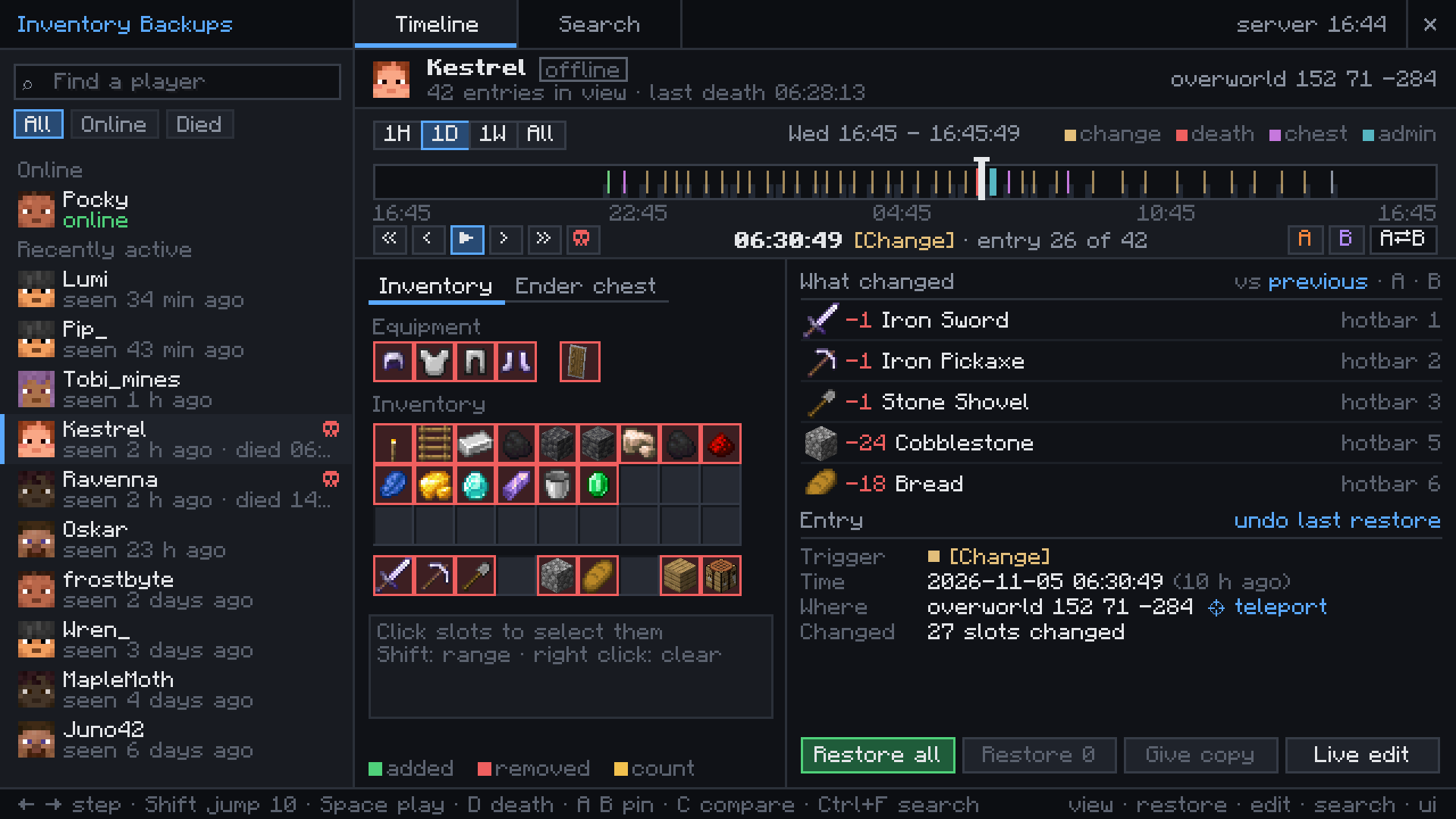
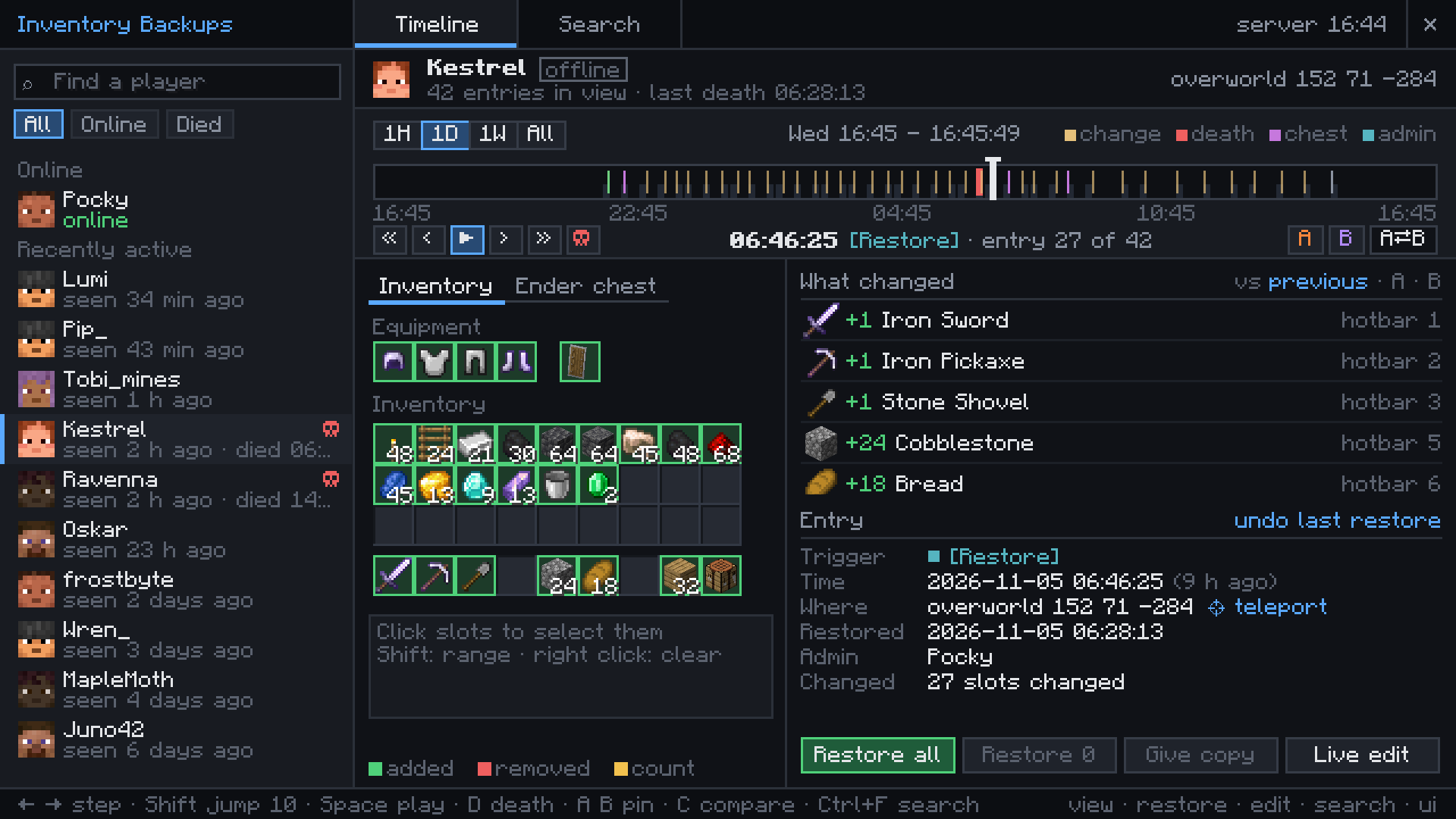
Kestrel was blown up by a creeper deep in a mine and came back with nothing. The death entry still holds every slot, with the cause and the place.
Restore all puts it back, or pick only some slots. An admin who restored the wrong moment can undo it.
Every change on the timeline
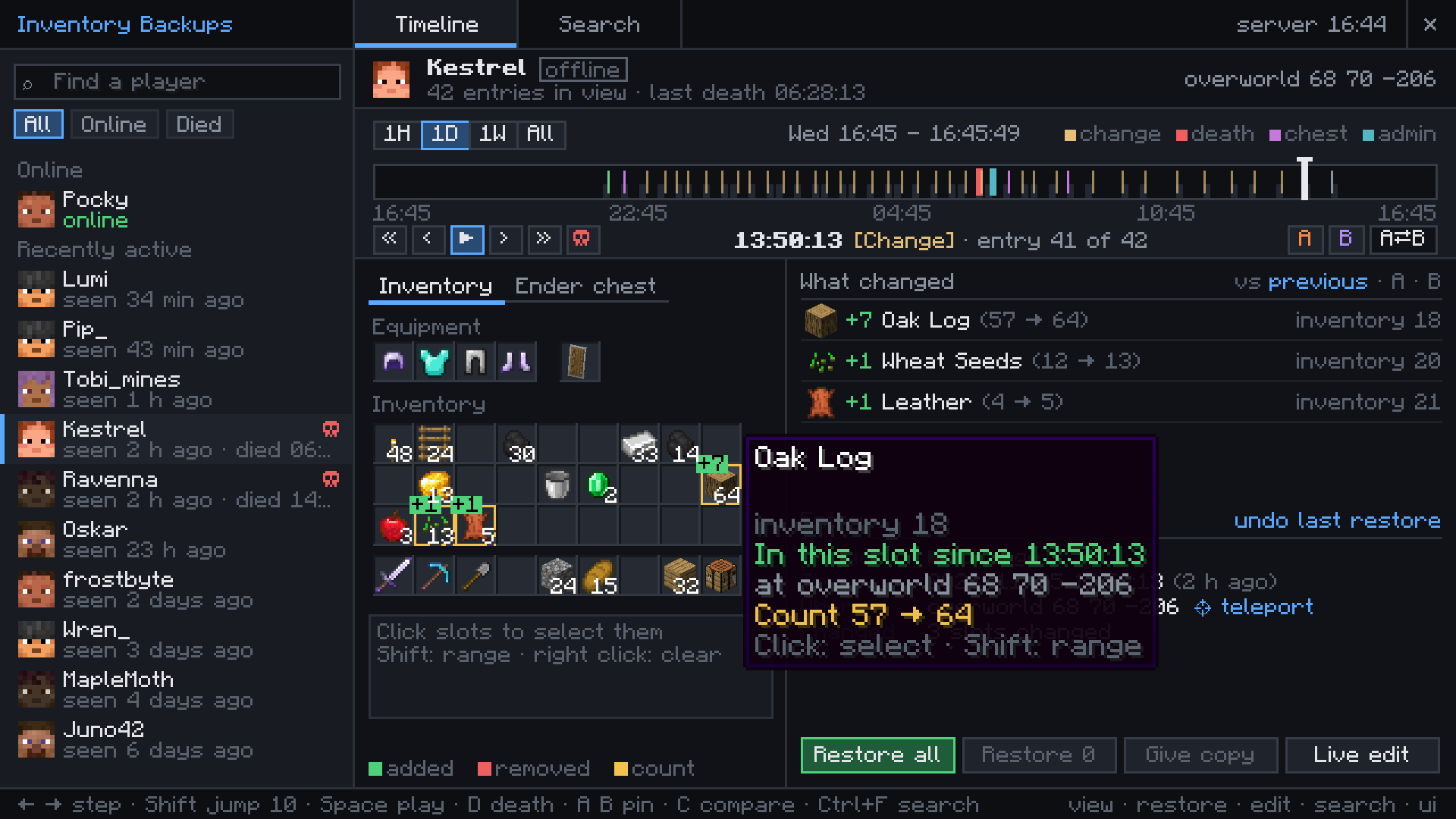
Pickups, crafting and chest visits become entries, one for each burst of changes. Hover a slot to see when the item got there and where the player stood.
Pin two moments as A and B to compare them, or play the whole day back.
Where did the sword go?
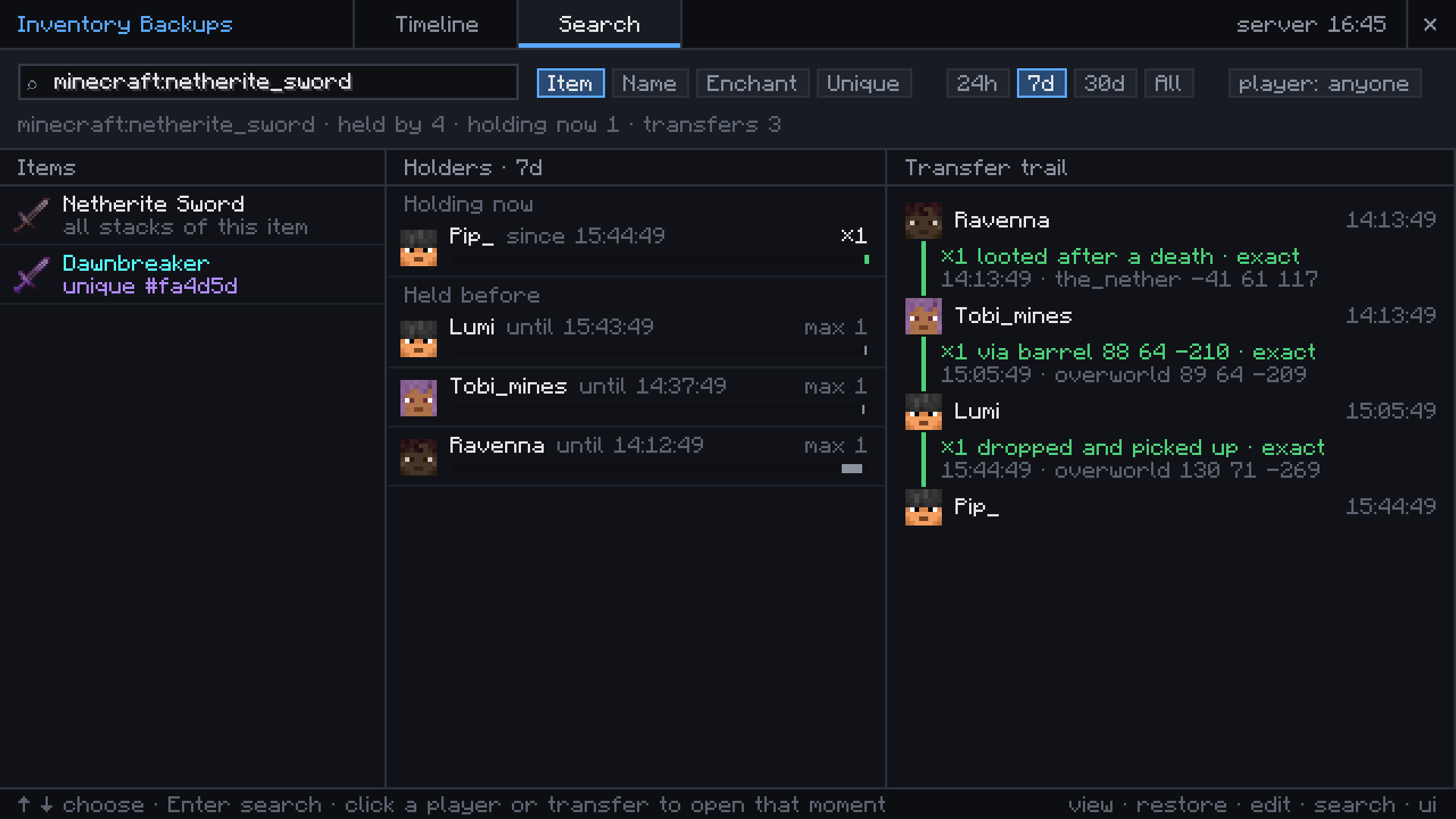
Search for any item by id, name or enchantment and see who has it now and who had it before.
One named or enchanted stack can be followed from player to player: dropped at a death, picked up, put into a barrel, taken out.
From chat, without the client mod
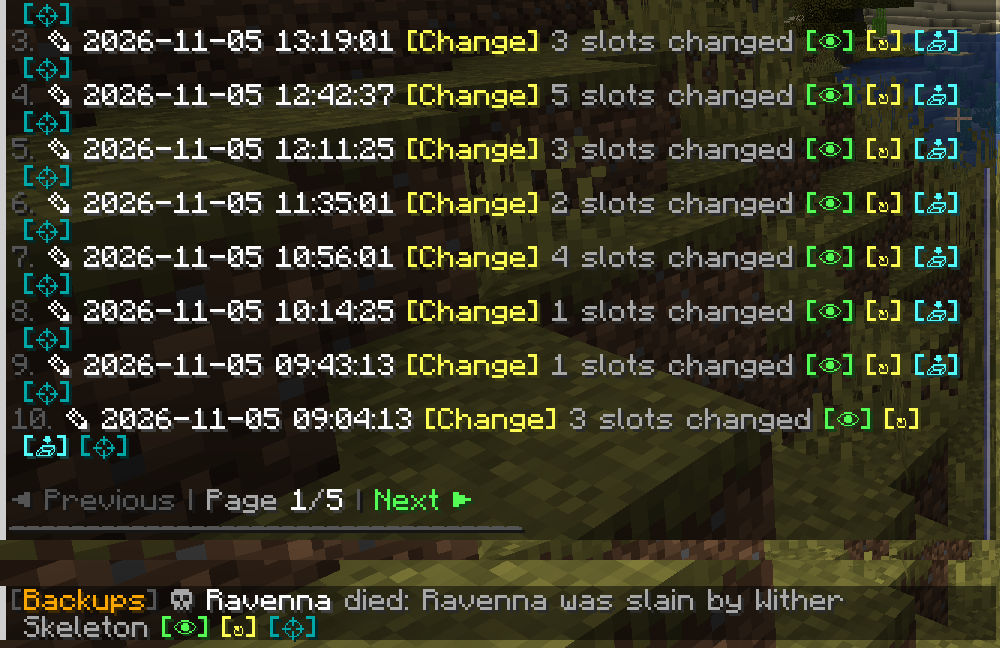
Admins with a vanilla client get clickable lists in chat with view, restore, copy and teleport buttons on every entry.
With deathAlerts on, online admins get a message about every death with items and can restore it from there.
Getting started
Put the mod into the mods folder of the server. On Fabric it also needs Fabric API and Forge Config API Port.
Admins who want the timeline screen put the same file into their own mods folder and type /inventory ui or press Ctrl+I. Other players do not need it.
Operators can use everything. With LuckPerms, grant inventorybackups.view, .restore, .edit, .search and .ui per group./inventory list <player> shows the timeline in chat and /invsearch <item> finds items. Backups and configs of version 2.x are taken over on the first start.
Works with


More mods by Pocky


Made by Pocky. The earlier Minecraft 1.20.1 Forge and Fabric versions (2.0) were made by DjJewl. Special thanks to PiglinMine.com. Source on GitHub (MIT).
Screenshots
Gallery
Versions
Files
Relations
Project Relations
More like this
Similar Mods
Suggestions use data such as tags, dependencies, dependents, descriptions, titles, and more to rank how much they overlap with this mod.
On ModDex
Community snapshot
By the numbers
Statistics

Get it on
Available Platforms
On ModDex
Community snapshot
By the numbers