
Community listing page, reviews here may not be monitored by the author.
Inventory Presets

No reviews yet
Save your inventory layouts and load them!
Community voices
Reviews
No reviews yet. Be the first to review this project!
Get it on
Available Platforms
Compatibility
Supported Environments
Runs entirely on the client. Works on vanilla servers.
About
Project Details
For authors
Embed Badge
If you're the author of this project, you can embed a live badge anywhere that supports HTML or Markdown. It updates automatically whenever ratings change.
Use HTML for any page that supports it, or Markdown for README files and Markdown-based descriptions.
Identifiers
Platform IDs
Resources
External Links
About
Description
Your perfect inventory. One key away.
You know the ritual. You die, you trek back, and then you spend two minutes rebuilding your hotbar from memory — sword here, blocks there, wait, where did the ender pearls go?
Inventory Presets remembers so you don't have to. Press J, and every item snaps back to the exact slot you saved it in. Every time.
Why you'll keep it installed
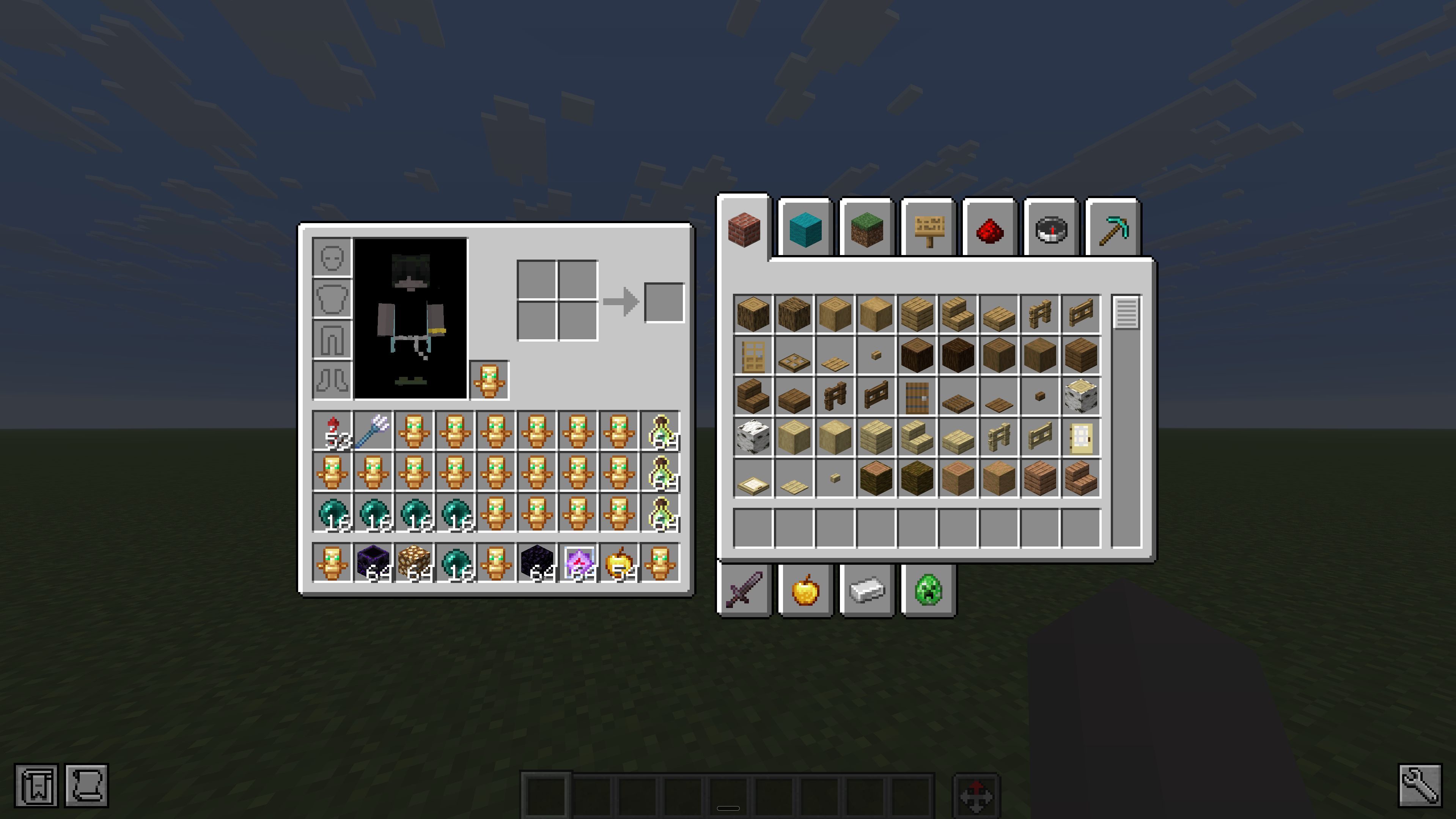
- Every item, exactly where you left it. Not "roughly sorted" — the sword is in your sword slot, the pearls are in your pearl slot. Muscle memory just works.
- A loadout for everything you do. PvP kit. Building palette. Mining run. Save as many presets as you play styles, and switch in one click.
- Works on any server. Loading uses ordinary inventory clicks — the same ones you'd make by hand, just faster. No server mod, no permissions, no setup. Survival-safe.
- Creative? Instant. Presets restore immediately and exactly — including items you don't currently have on you.
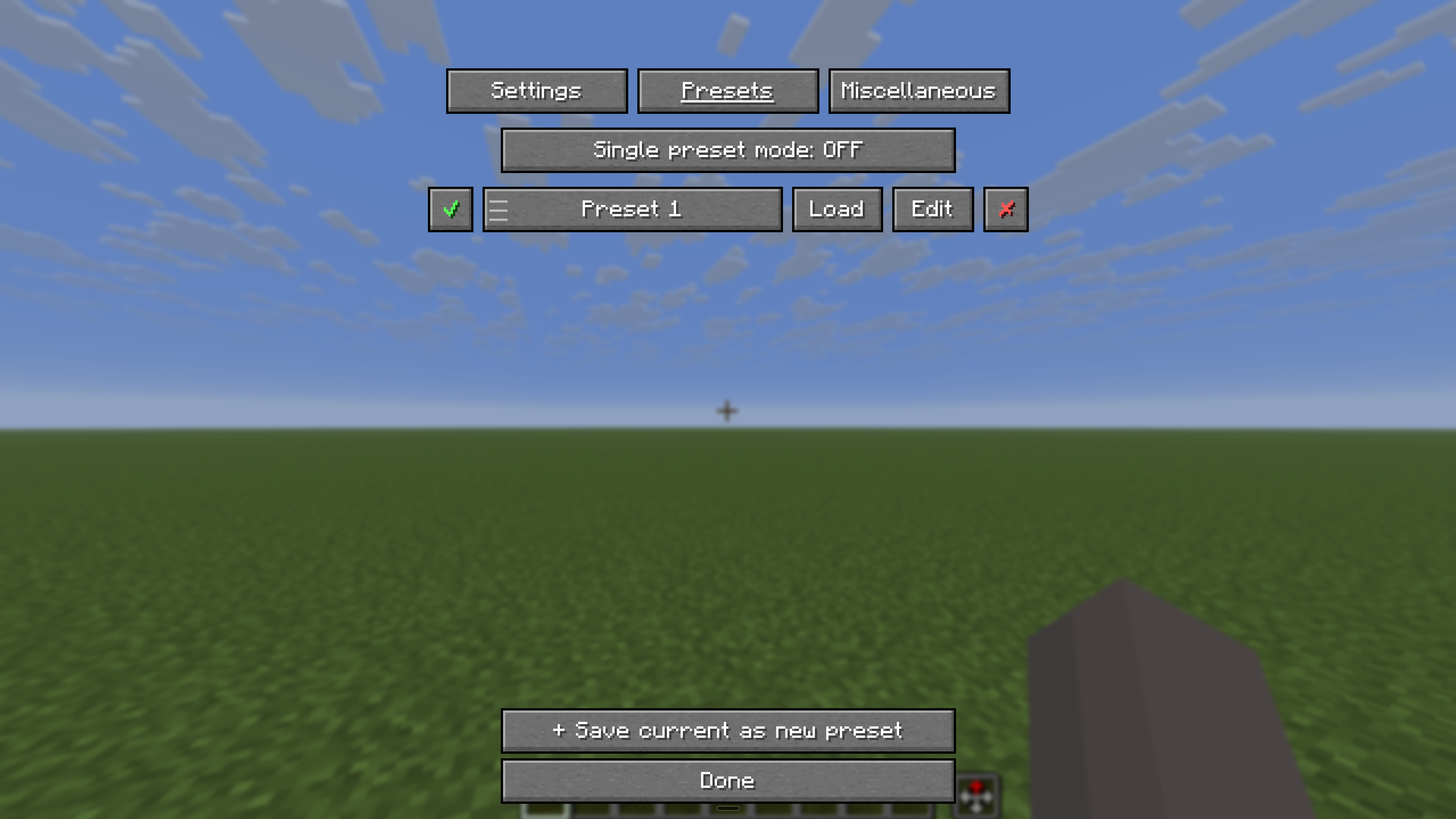
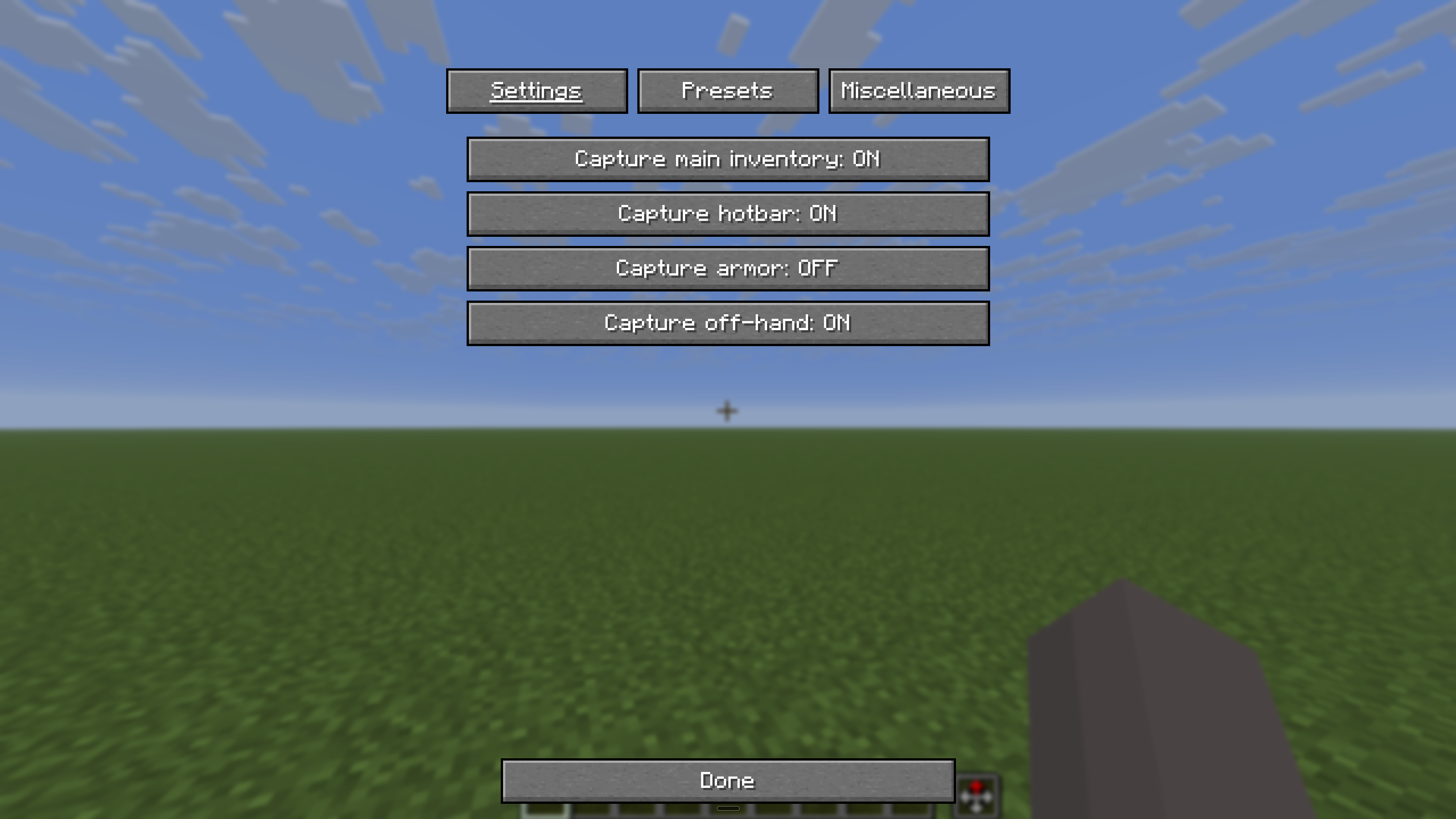
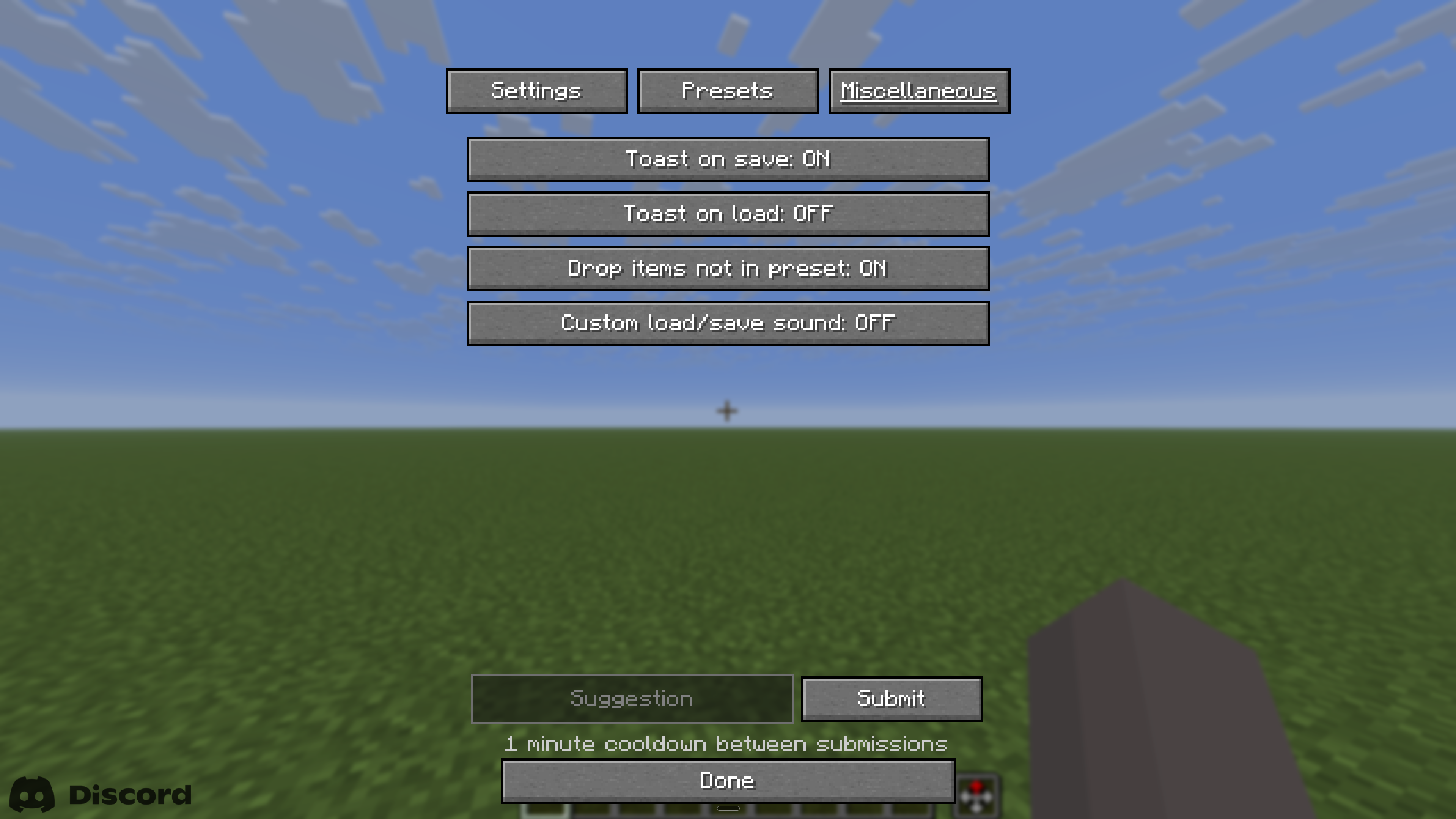
- Your presets, your rules. Rename, edit, reorder, and manage everything from one clean screen — just press ~.
- Keep it simple if you want. Single Preset Mode turns the whole mod into one button: save overwrites, load restores. Done.
Everything persists across sessions. Client-side only — install it and it just works, on every server you join.
Set up your inventory once. Never rebuild it from memory again.
Screenshots
Gallery
Versions
Files
Relations
Project Relations
More like this
Similar Mods
Suggestions use data such as tags, dependencies, dependents, descriptions, titles, and more to rank how much they overlap with this mod.
On ModDex
Community snapshot
By the numbers
Statistics

Want to reach Minecraft players?
We're looking for a server hosting partner to feature here and other parts of the site. Interested? Send us a message!
Get in touchGet it on
Available Platforms
On ModDex
Community snapshot
By the numbers
Statistics
Resources