
Community listing page, reviews here may not be monitored by the author.
Isometric Renders


No reviews yet
Creates high-resolution isometric screenshots of game objects

Community voices
Reviews
No reviews yet. Be the first to review this project!
Get it on
Available Platforms
Compatibility
Supported Environments
Runs entirely on the client. Works on vanilla servers.
About
Project Details
For authors
Embed Badge
If you're the author of this project, you can embed a live badge anywhere that supports HTML or Markdown. It updates automatically whenever ratings change.
Use HTML for any page that supports it, or Markdown for README files and Markdown-based descriptions.
Identifiers
Platform IDs
About
Description

━◦○◦━◦○◦━◦○◦━◦○◦━◦○◦━◦○◦━
Isometric Renders allows you to take isometric screenshots, or rather, create renders of game objects like parts of world, blocks, items and entities.
These are automatically keyed to have a transparent background and you can adjust scale, positioning and many more options right in-game in a fancy gui.
This was designed with modded wikis or similar documentation in mind, should be easy to use and mostly pretty performant.
In-Depth documentation is available on https://docs.wispforest.io/isometric-renders/home/
🌟 Currently Supported Rendering Targets 🌟
Items
Blocks
Entities
Areas of the world
Batch export of multiple blocks or items
Item Atlases (Overviews)
Have a look at Images to see what Isometric Renders is capable of
The basic command is /isorender
━◦○◦━◦○◦━◦○◦━◦○◦━◦○◦━◦○◦━

Join the Wisp Forest Discord if you have any questions, issues or other remarks - we'll be happy to help

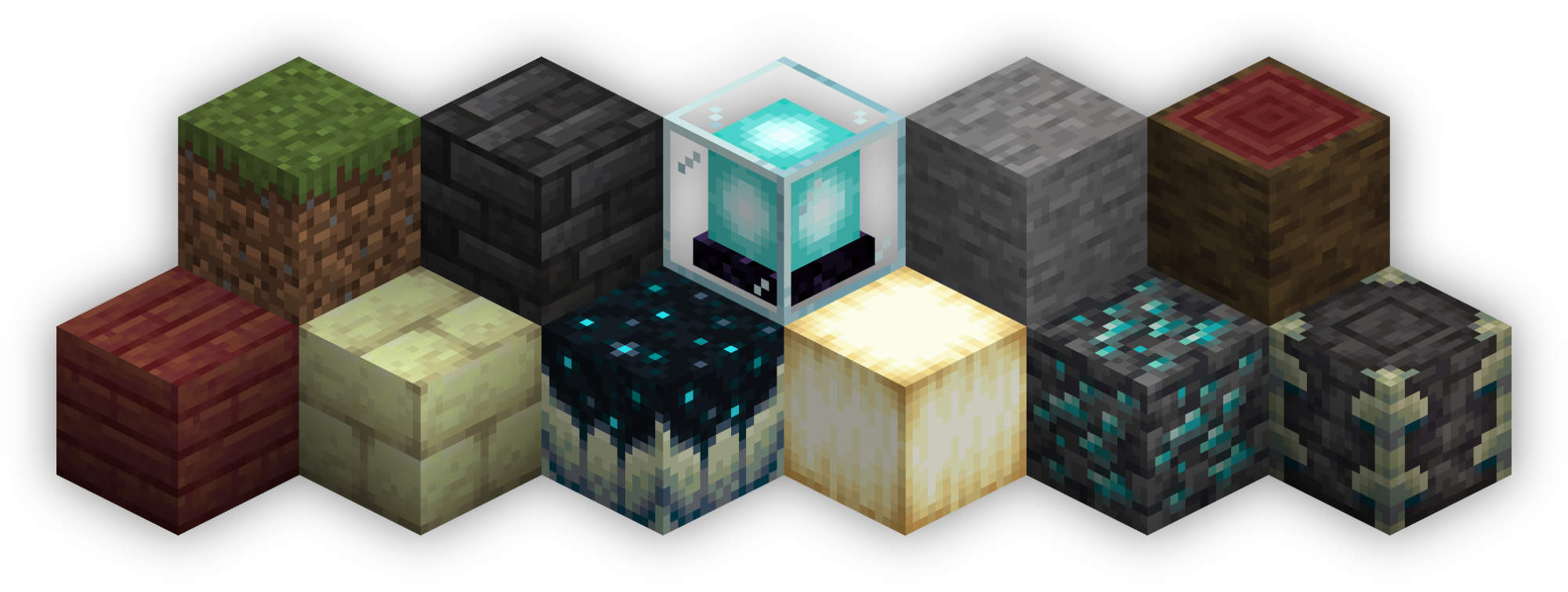 Isometric Renders allows you to take isometric screenshots, or rather, create renders of game objects like parts of world, blocks, items and entities.
These are automatically keyed to have a transparent background and you can adjust scale, positioning and many more options right in-game in a fancy gui.
This was designed with modded wikis or similar documentation in mind, should be easy to use and mostly pretty performant.
In-Depth documentation is available on https://docs.wispforest.io/isometric-renders/home
🌟 Currently Supported Rendering Targets 🌟
- Items
- Blocks
- Entities
- Areas of the world
- Batch export of multiple blocks or items
- Item Atlases (Overviews)
The basic command is /isorender
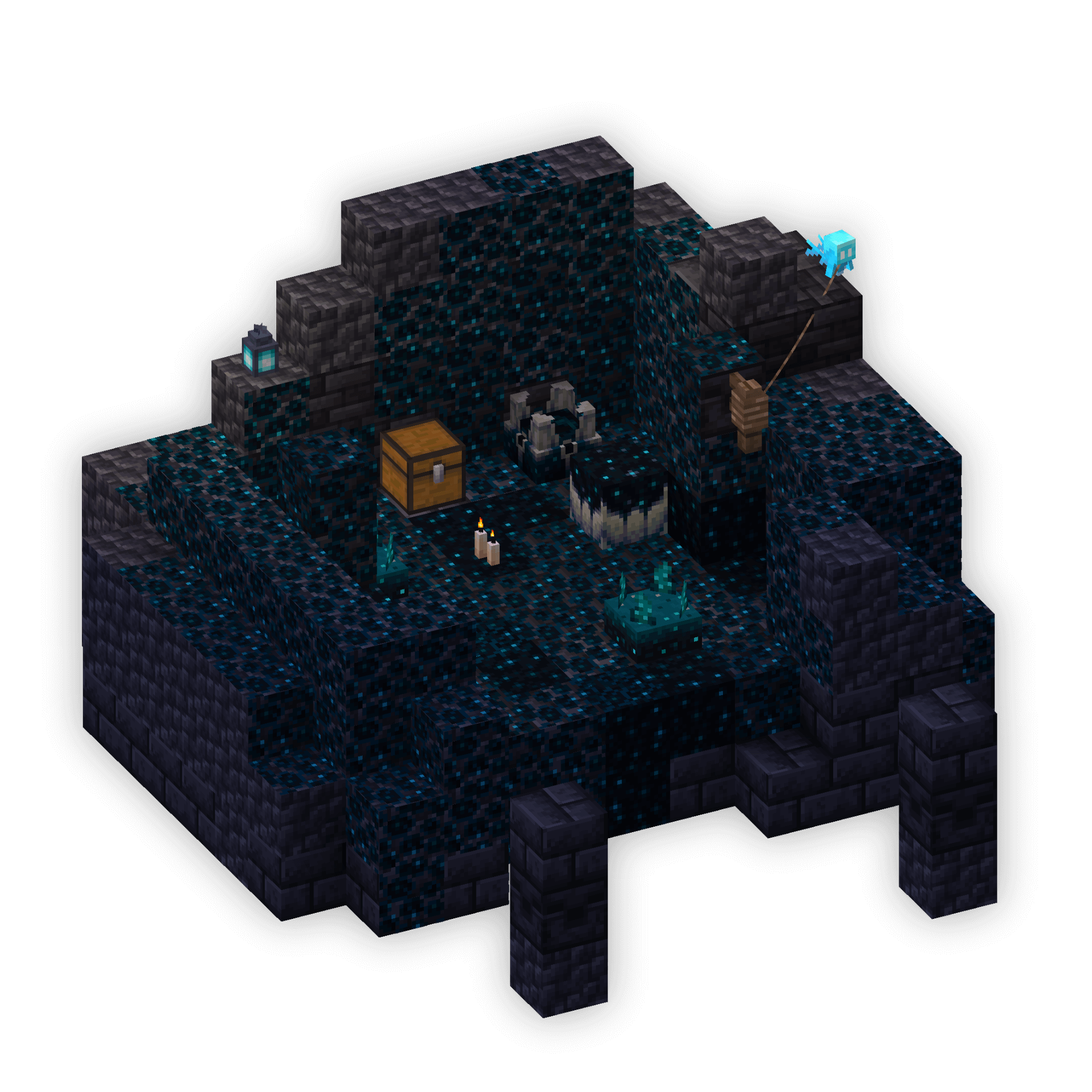
Screenshots
Gallery
-
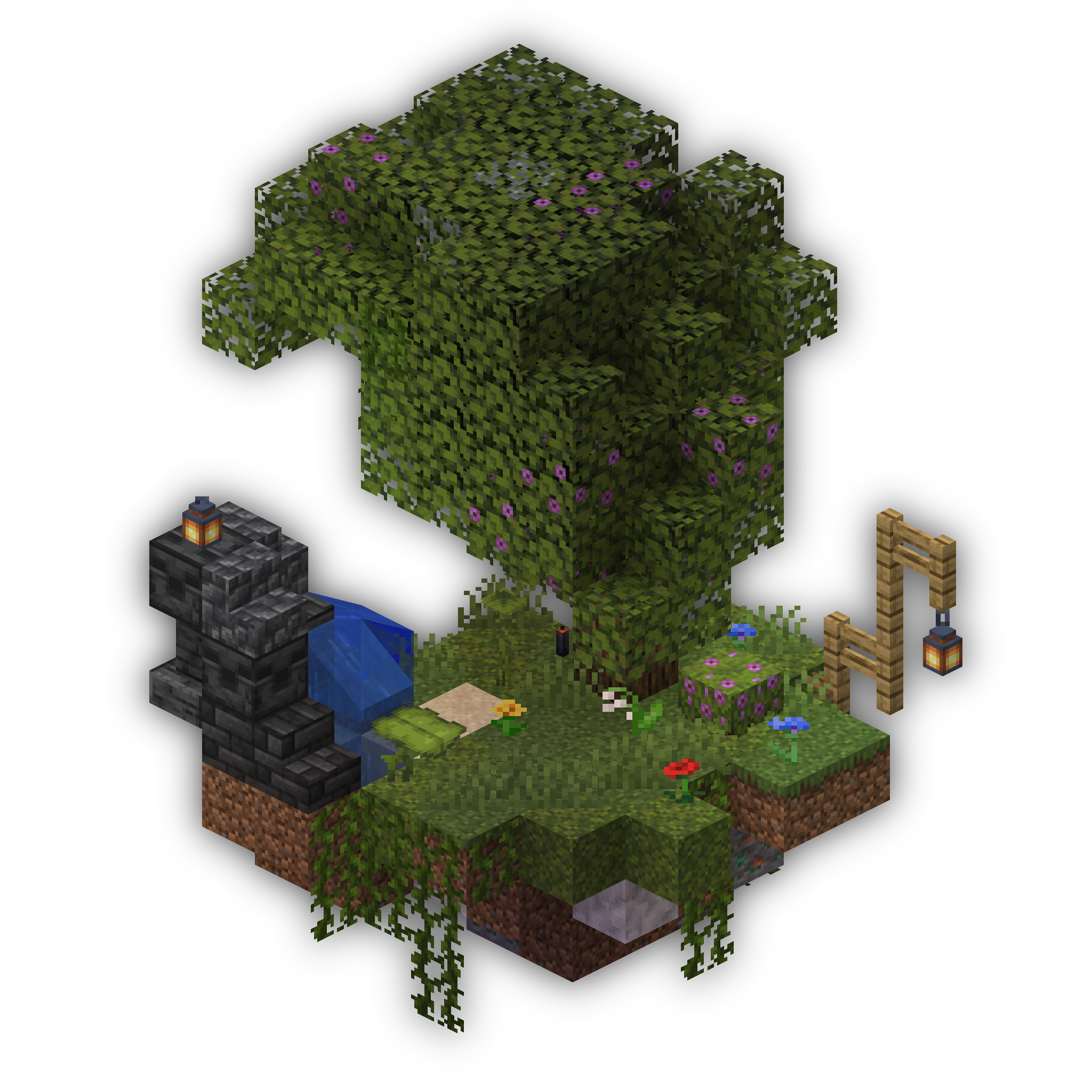 Area Render 2 A beautiful floating island with an Azalea Tree
 -
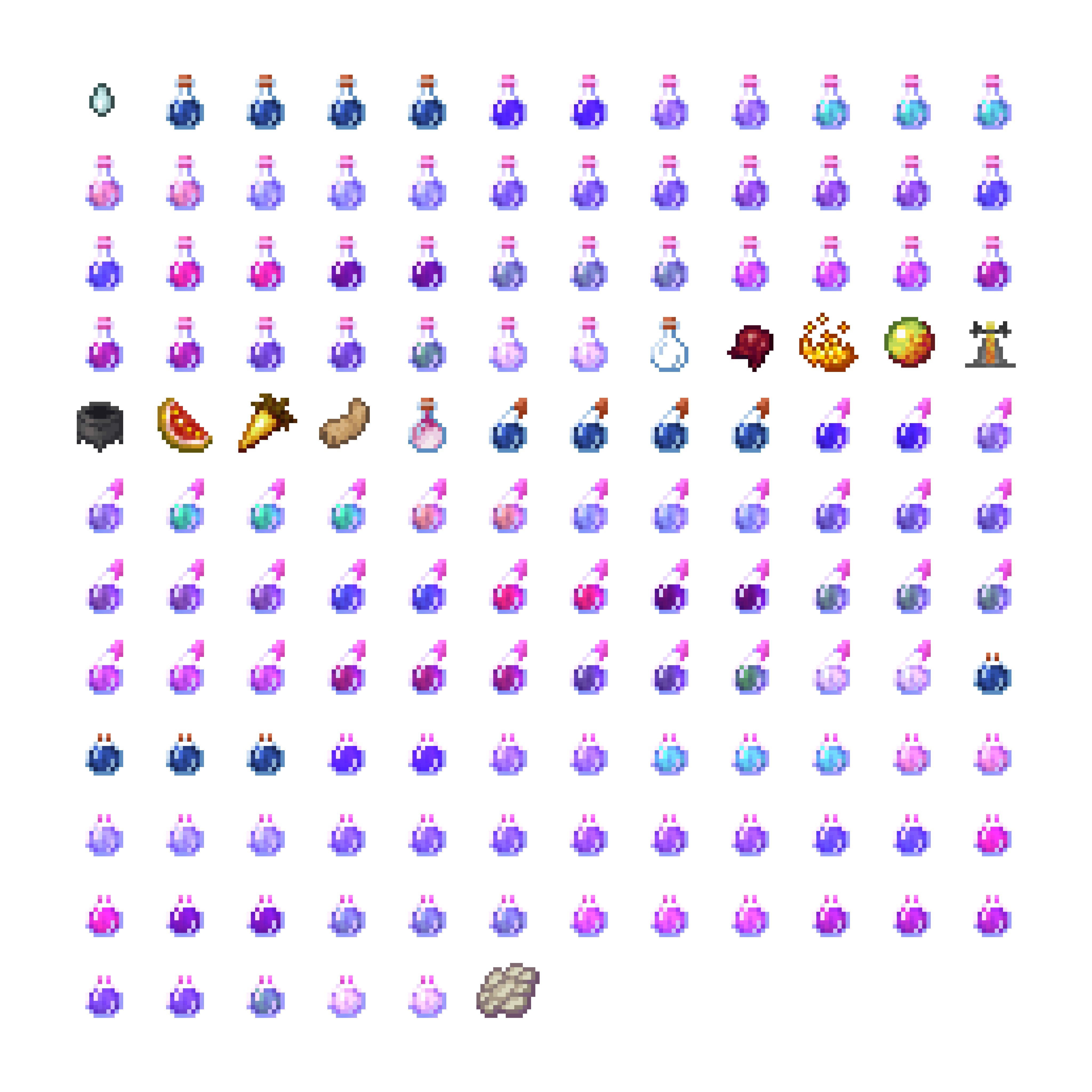 Item Atlas An Item Atlas of the creative inventory brewing tab
 -
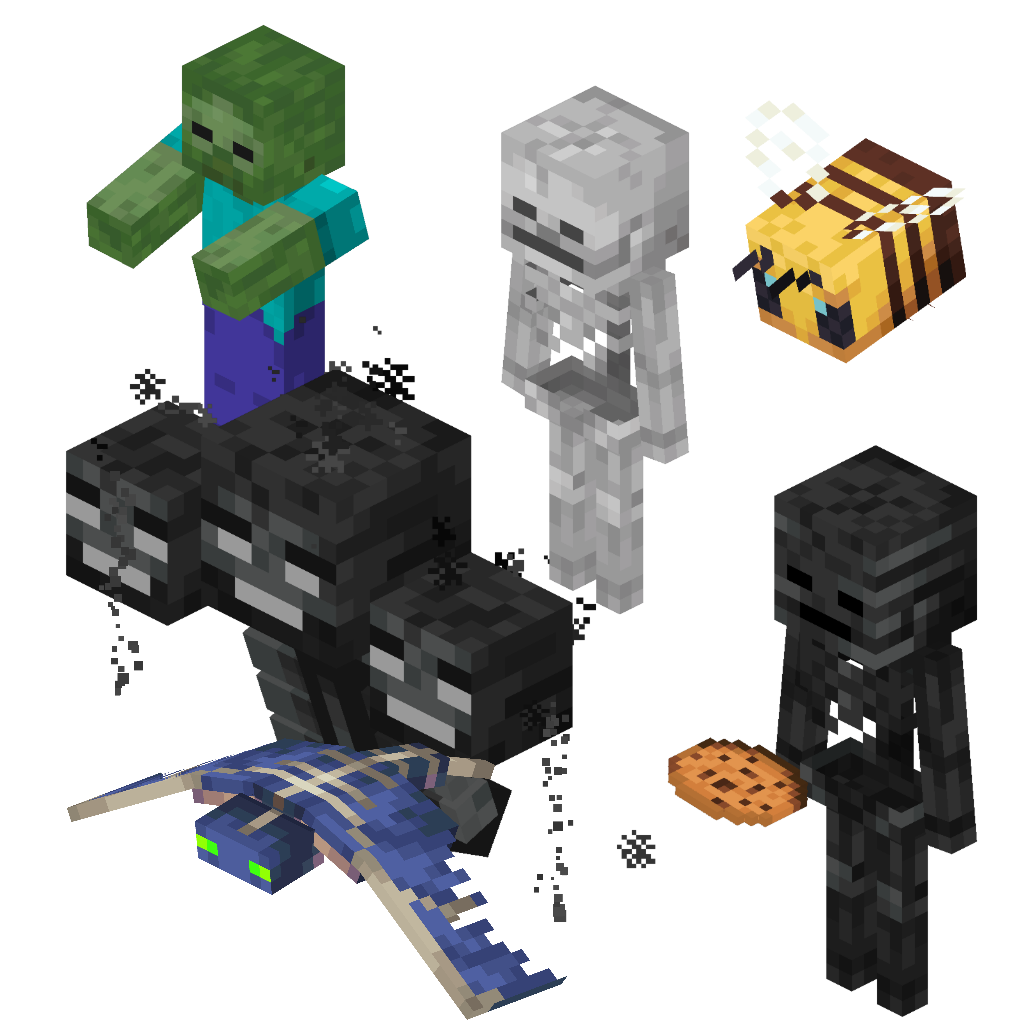 Entities Some entities rendered and combined into one picture
 -
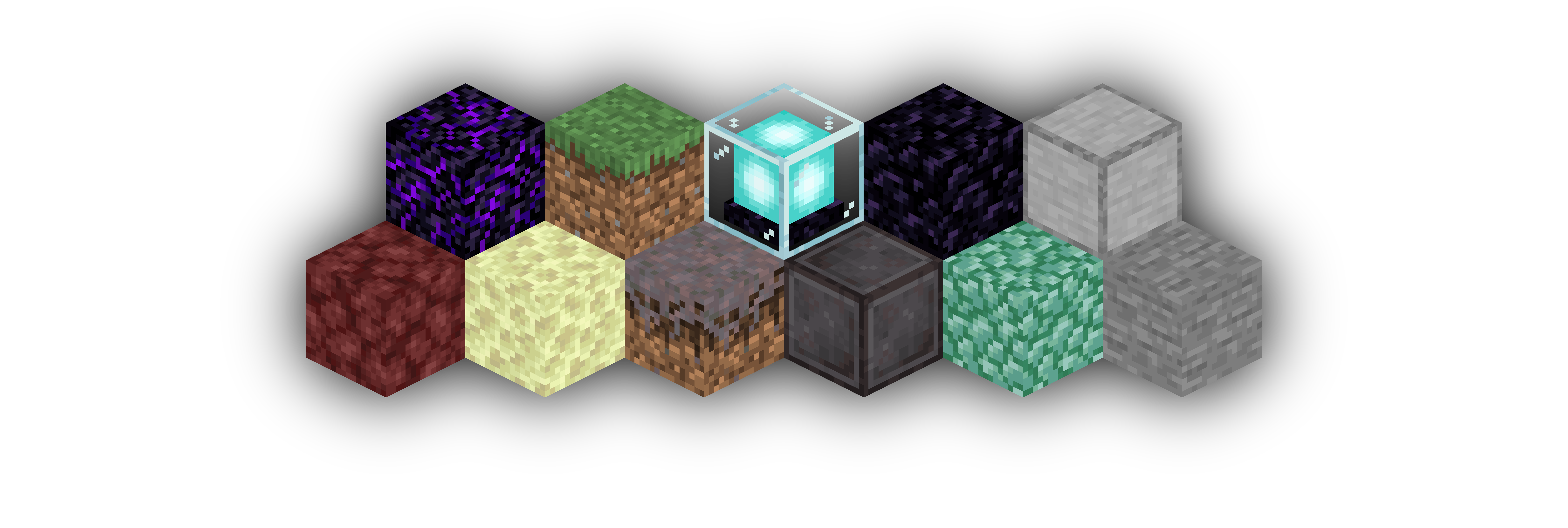 Area Render 1 An example of an area render of a few blocks lined up
Versions
Files
Relations
Project Relations
More like this
Similar Mods
Suggestions use data such as tags, dependencies, dependents, descriptions, titles, and more to rank how much they overlap with this mod.
On ModDex
Community snapshot
By the numbers
Statistics
 (opens in a new tab)
Get it on
Available Platforms
On ModDex
Community snapshot
By the numbers