
Community listing page, reviews here may not be monitored by the author.
JeremySeq's Damage Indicators


No reviews yet
Adds a directional damage indicator and damage text.
Community voices
Reviews
No reviews yet. Be the first to review this project!
Get it on
Available Platforms
Compatibility
Supported Environments
Runs entirely on the client. Works on vanilla servers.
About
Project Details
For authors
Embed Badge
If you're the author of this project, you can embed a live badge anywhere that supports HTML or Markdown. It updates automatically whenever ratings change.
Use HTML for any page that supports it, or Markdown for README files and Markdown-based descriptions.
Identifiers
Platform IDs
Resources
External Links
About
Description

No more guessing or searching for enemies! With the Damage Indicator, you'll instantly know the source of incoming damage.
This mod was inspired by the damage indicators in many popular first person shooter games.
2.0 and onward is client-side. 1.0 requires the mod to be on the server.
If you like this mod, you should check out my other mod, Better Hotbars.
Features
- Directional Damage Indicator: an arrow pointing in the direction of any incoming damage
- Damage Text: text showing the amount of damage dealt to other mobs
- Health Bars: a text health bar for other mobs
- Blood Overlay (disabled by default): an overlay of red outlining your screen when you take damage
Config
- There is one config file called "damageindicator-client.toml" You can…
- enable/disable each feature
- change the color, placement, timing, and texture of the directional indicator
- make the health bar only show for targeted mobs


While I support a variety of versions and modloaders, I aim to keep the latest version of the mod available for the following major versions and modloaders that I primarily support (these may change, but should be considered LTS):
- Forge 1.20.1
- NeoForge 1.21.1
No more guessing or searching for enemies! With the Damage Indicator, you'll instantly know the source of incoming damage.
This mod was inspired by the damage indicators in many popular first person shooter games.
2.0 and onward is client-side. 1.0 requires the mod to be on the server.
Features
- Directional Damage Indicator: an arrow pointing in the direction of any incoming damage
- Damage Text: text showing the amount of damage dealt to other mobs
- Health Bars: a text health bar for other mobs
- Blood Overlay (disabled by default): an overlay of red outlining your screen when you take damage
Config
- There is one config file called "damageindicator-client.toml" You can...
- enable/disable each feature
- change the color, placement, timing, and texture of the directional indicator
- make the health bar only show for targeted mobs
While you're here, check out ProtonMC – a free self-hostable control panel for Minecraft servers, built and maintained entirely by me. Click the image below for more details.

Screenshots
Gallery
-
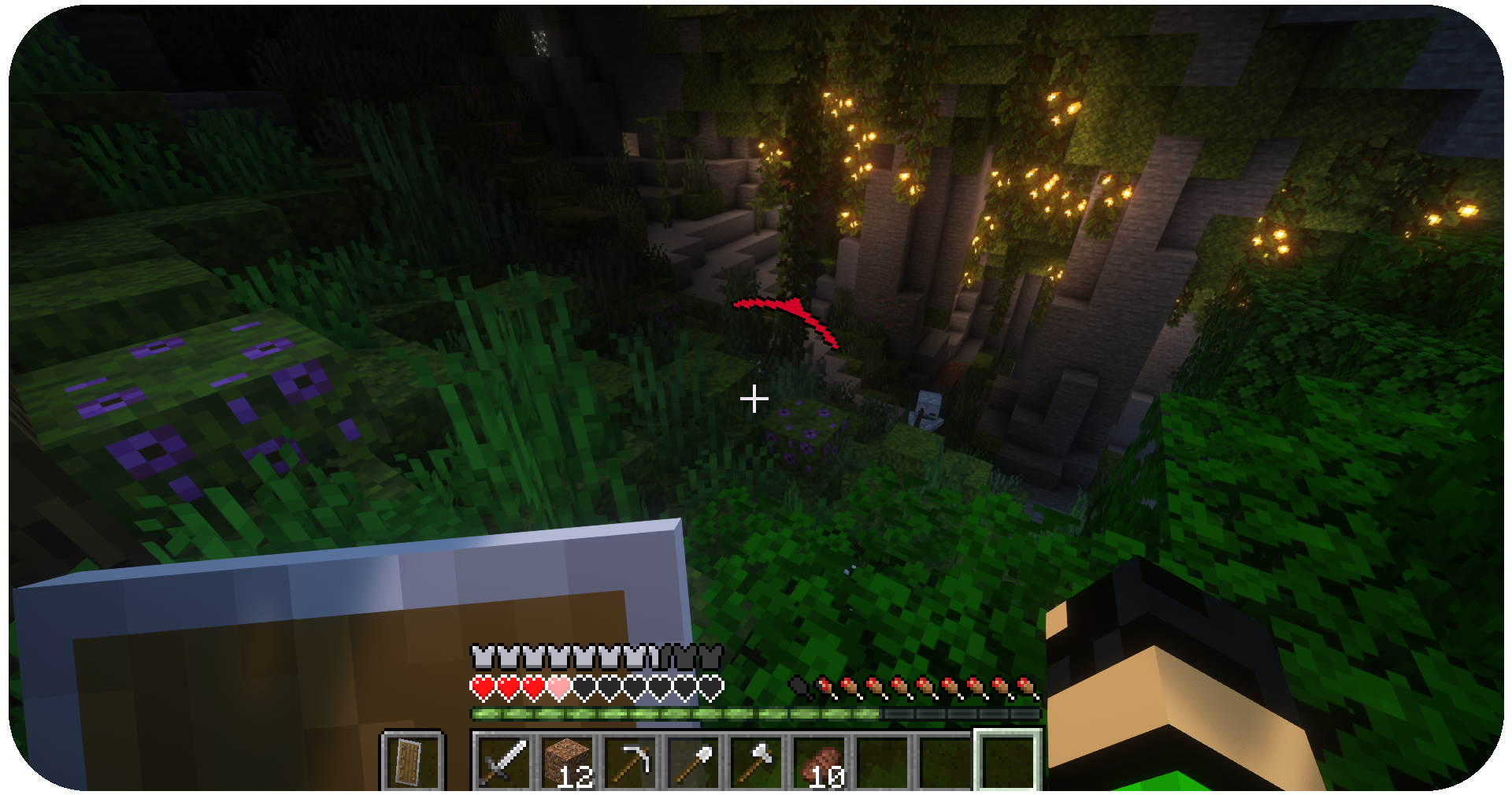 Directional Indicator The Directional Indicator shows the direction you took damage.
 -
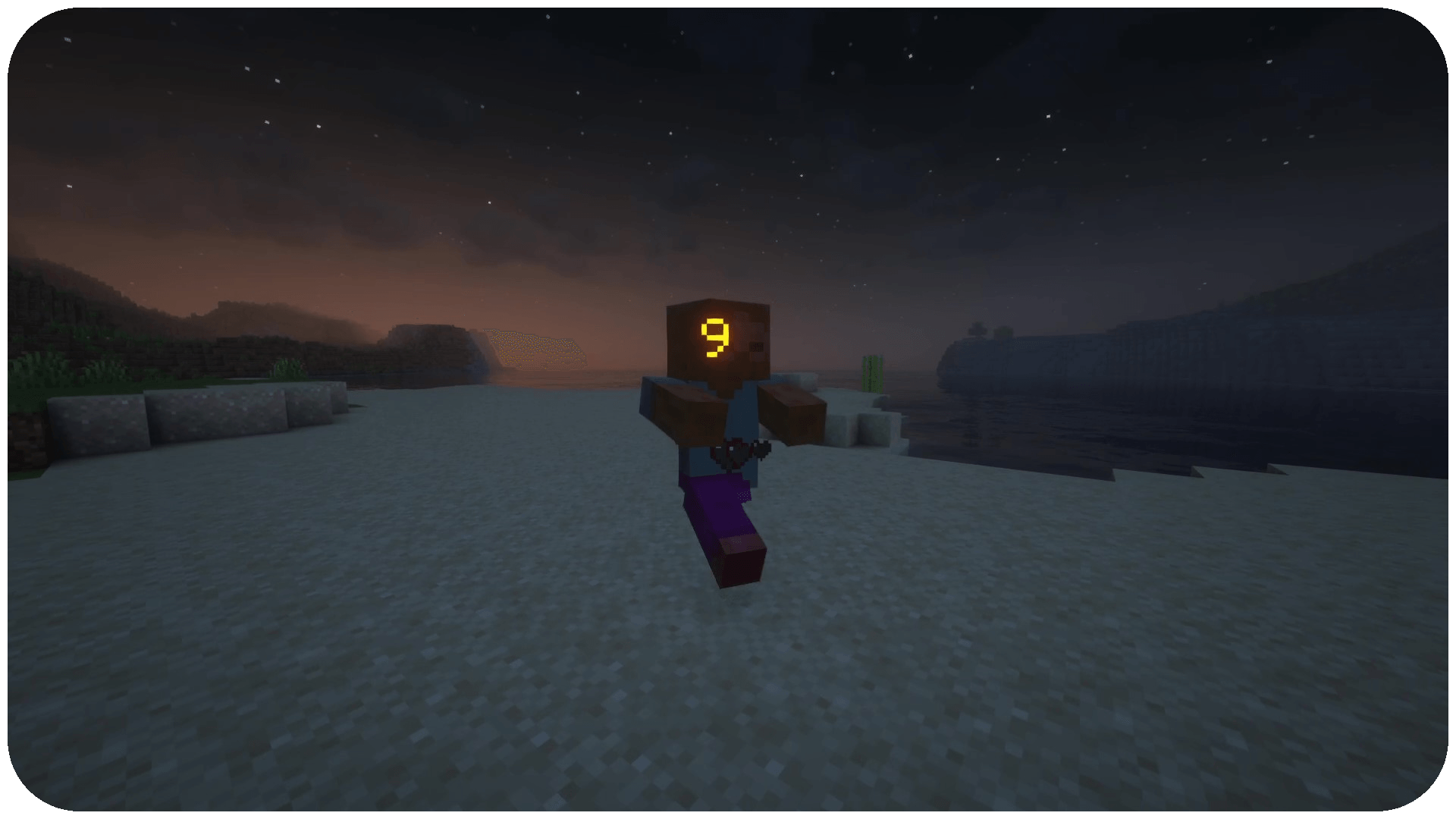 Damage Text Damage Text shows damage done to other entities.
-
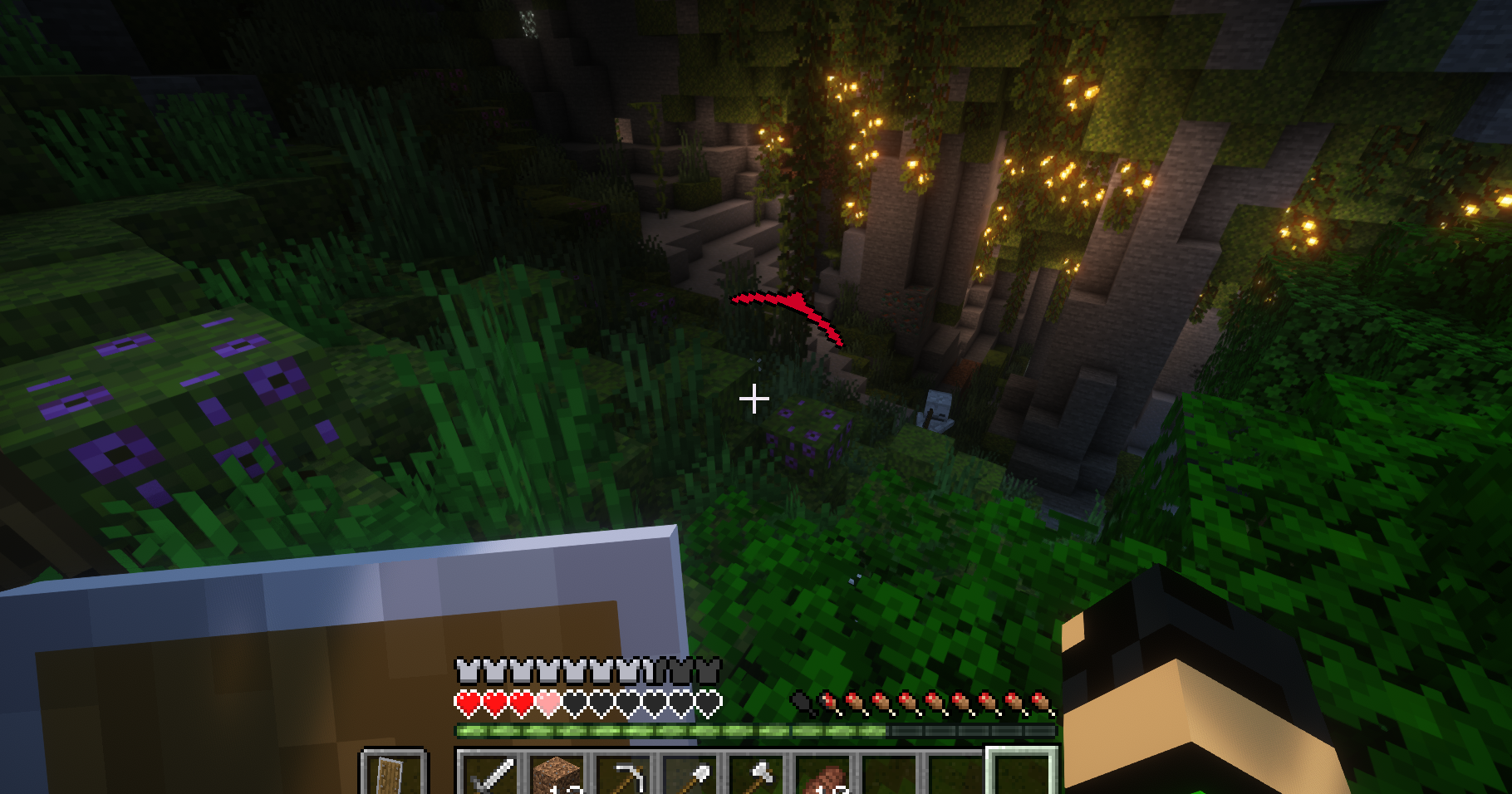 Shot by Skeleton
Versions
Files
Relations
Project Relations
More like this
Similar Mods
Suggestions use data such as tags, dependencies, dependents, descriptions, titles, and more to rank how much they overlap with this mod.
On ModDex
Community snapshot
By the numbers
Statistics
Want to reach Minecraft players?
We're looking for a server hosting partner to feature here and other parts of the site. Interested? Send us a message!
Get in touchGet it on
Available Platforms
On ModDex
Community snapshot
By the numbers
Statistics
Resources