
Community listing page, reviews here may not be monitored by the author.
JPG Screenshot

No reviews yet
Saves screenshots as JPG files, reduce file size by about 80%
Community voices
Reviews
No reviews yet. Be the first to review this project!
Get it on
Available Platforms
Compatibility
Supported Environments
Runs entirely on the client. Works on vanilla servers.
About
Project Details
For authors
Embed Badge
If you're the author of this project, you can embed a live badge anywhere that supports HTML or Markdown. It updates automatically whenever ratings change.
Use HTML for any page that supports it, or Markdown for README files and Markdown-based descriptions.
Identifiers
Platform IDs
About
Description
JPG Screenshot has a new look!


New icon, same old two-mixin mod. Now updated for 26.1!
Why save screenshots as jpg?
Save disk space!
Minecraft saves screenshots as ~2MB png files at 1080p. This mod changes it to ~400KB high quality jpg files which look almost indistinguishable.
Perfect if you:
- Take lots of screenshots
- Can't let them go
- Don't want to buy another harddisk
Small downside: saving the screenshot is slightly longer, although the screenshot itself is instantaneous. Taking many screenshots in succession may cause the game to stutter.
Can I still take png screenshots?
Yes, just hold Left CTRL Key while taking a screenshot. You can change this key in the game's Key Binds setting.
About older versions
Prior to version 2.0.0, the default modifier key was Left Alt Key. Also, the jpg quality used to be worse.
Issues
If you find an issue, feel free to open an issue here.
Other things
Fabric API is required to properly display the keybind label and modmenu description.
Screenshots
Gallery
-
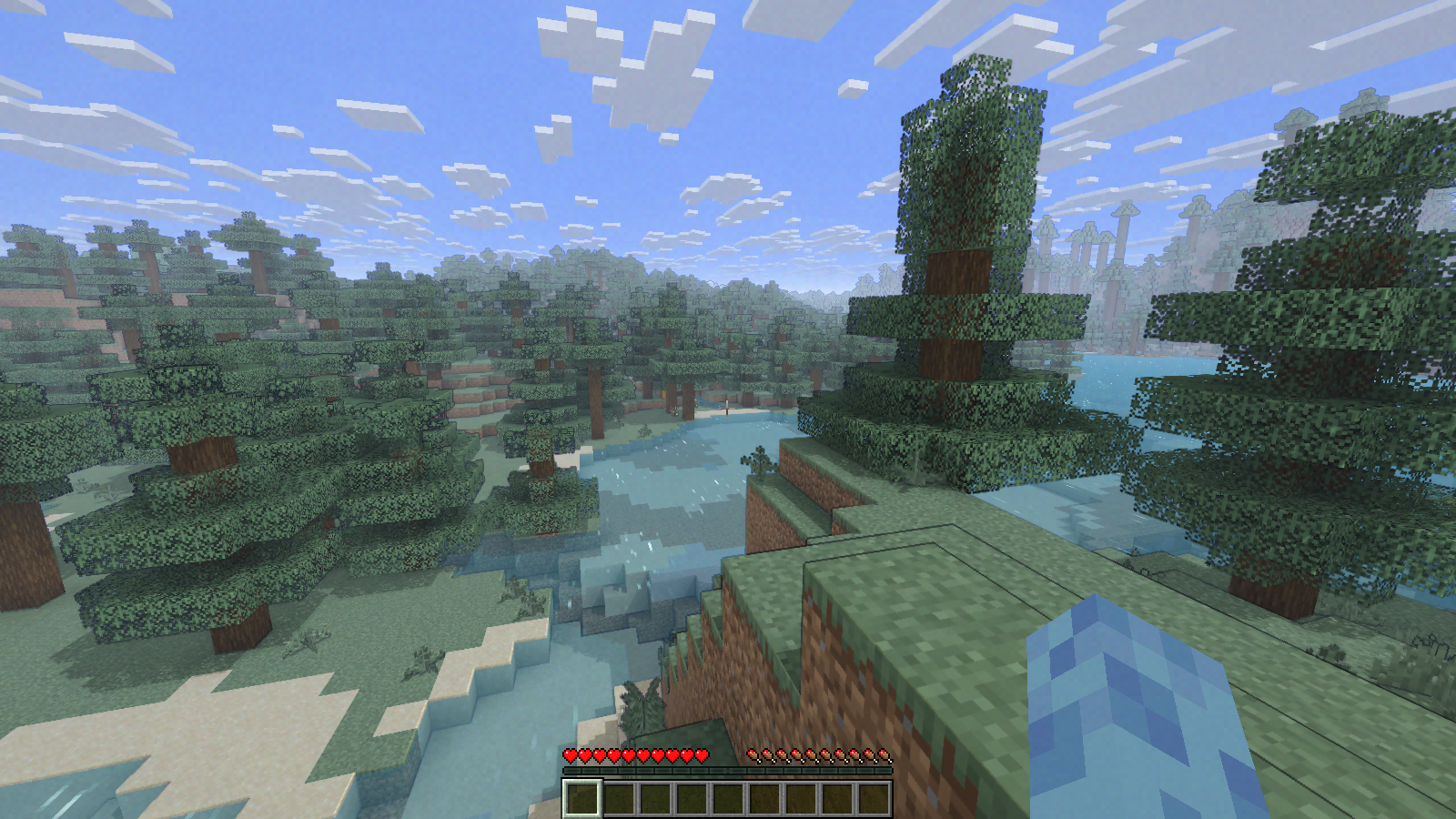 png sample for comparison
 -
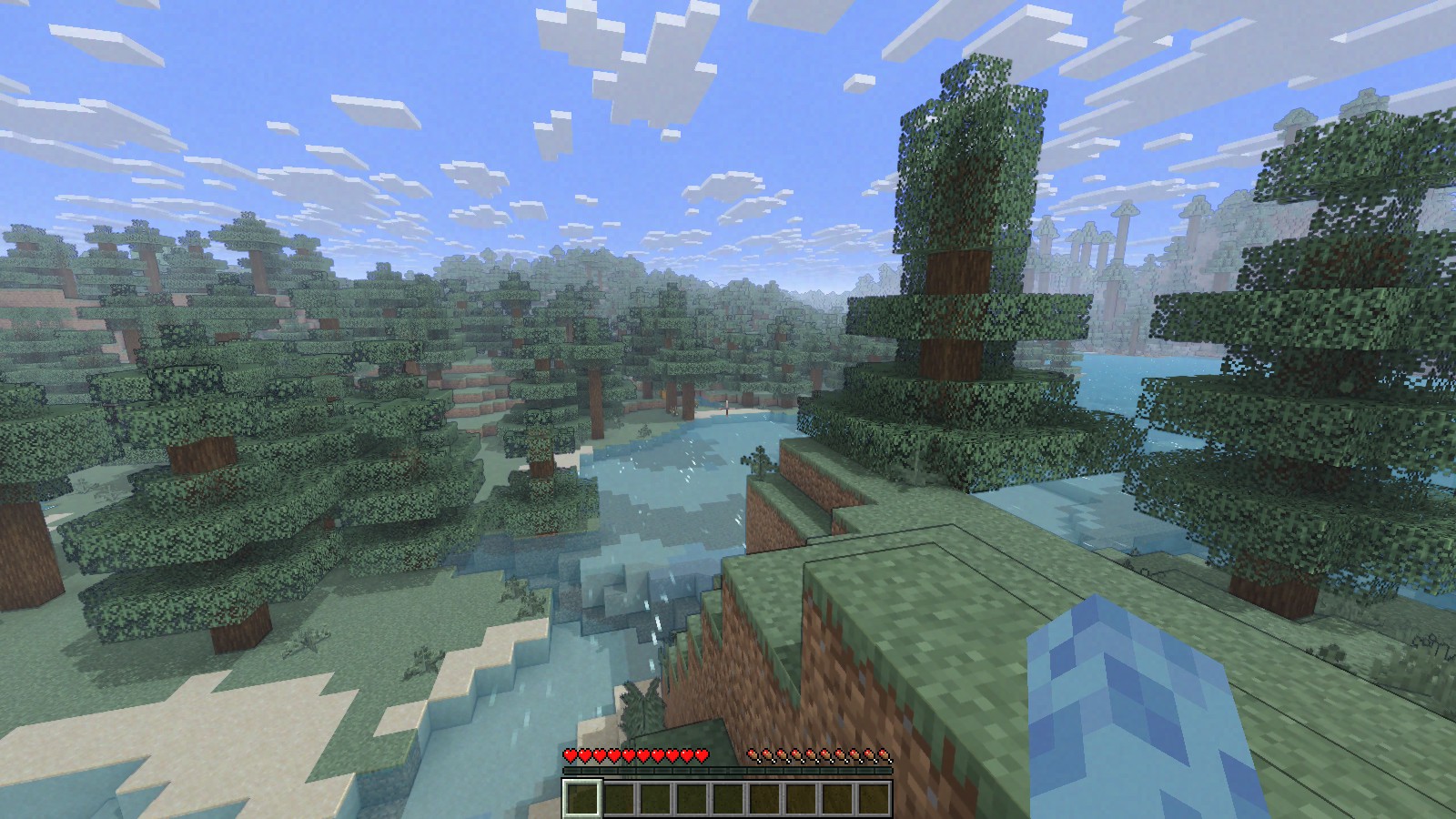 jpg sample
Versions
Files
Relations
Project Relations
More like this
Similar Mods
Suggestions use data such as tags, dependencies, dependents, descriptions, titles, and more to rank how much they overlap with this mod.
On ModDex
Community snapshot
By the numbers
Statistics

Want to reach Minecraft players?
We're looking for a server hosting partner to feature here and other parts of the site. Interested? Send us a message!
Get in touchGet it on
Available Platforms
On ModDex
Community snapshot
By the numbers