
Community listing page, reviews may not be monitored by the author.
KubeThaum

No reviews yet
Add and customize Thaumaturge research, create and edit magical recipes, and configure infernal furnace bonuses with KubeJS!

Community voices
Reviews
No reviews yet. Be the first to review this project!
Get it on
Available Platforms
About
Project Details
For authors
Embed Badge
If you're the author of this project, you can embed a live badge anywhere that supports HTML or Markdown. It updates automatically whenever ratings change.
Use HTML for any page that supports it, or Markdown for README files and Markdown-based descriptions.
Identifiers
Platform IDs
About
Description
KubeThaum
Your modpack. Your research. Your Thaumaturge progression.
KubeThaum connects Thaumaturge with KubeJS, letting you create research branches, customize the Thaumonomicon, and shape magical recipes with JavaScript.
Make metallurgy part of your progression. Give copper a new purpose in alchemy. Unlock a powerful infusion at the end of your own research branch. Your scripts decide how Thaumaturge fits into your pack.
Create your own research
- Add Thaumonomicon tabs and research entries with custom names, icons, and page text.
- Connect entries into progression trees and unlock recipes through research.
- Configure item and crafting requirements, research notes, knowledge rewards, and warp.
- Edit existing research, copy it into a new branch, or add pages that appear later.
Everything works through Thaumaturge’s native research system, including its Thaumonomicon interface and saved player progress.
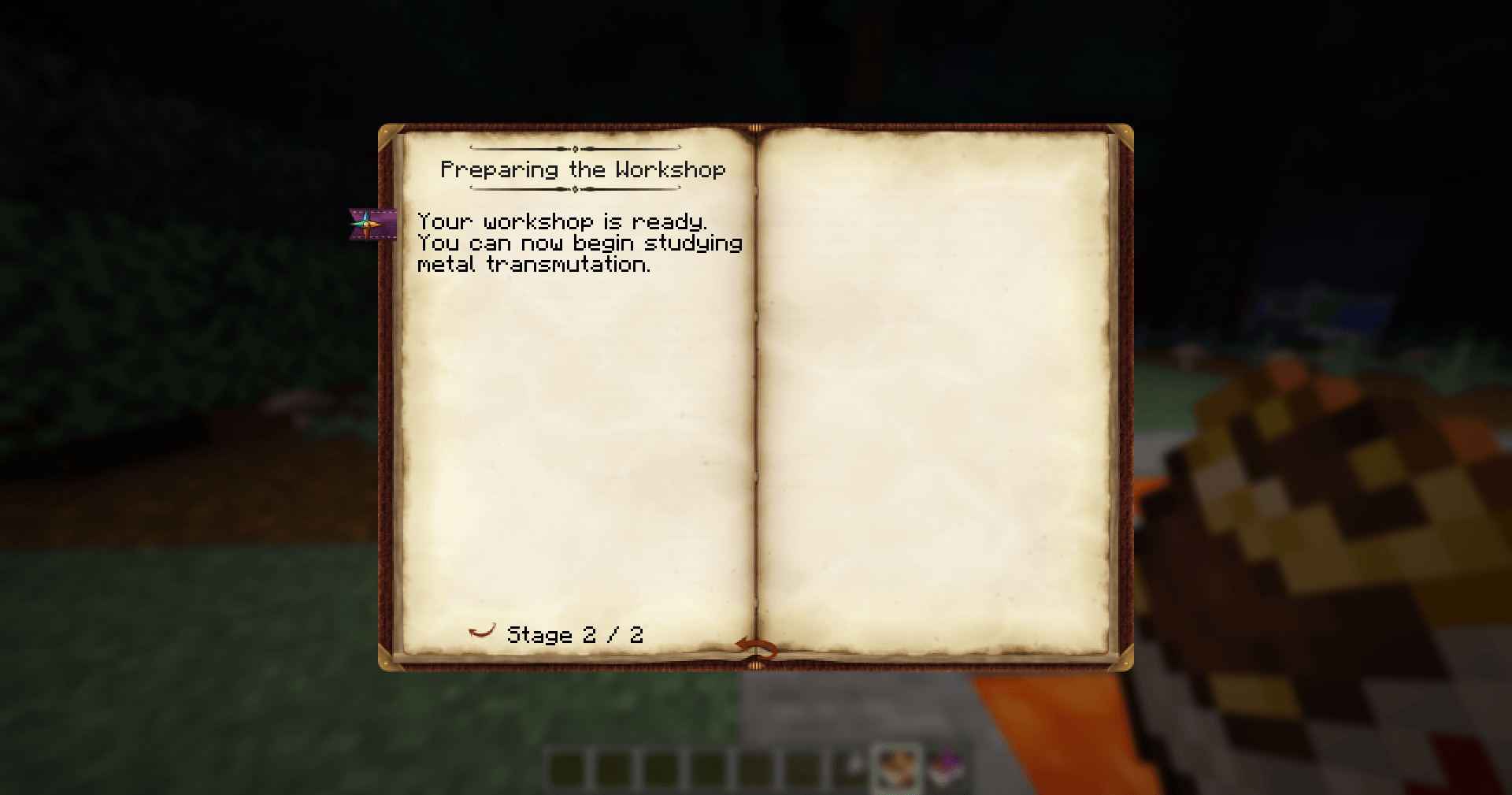
Add a new Ironworking entry to the Alchemy tab. Save this as kubejs/server_scripts/metallurgy.js:
ThaumaturgeEvents.research(event => {
  event.create('kubejs:ironworking')
    .category('thaumaturge:alchemy')
    .title('Ironworking')
    .icon('minecraft:iron_ingot')
    .position(8, 0)
    .stage(stage => {
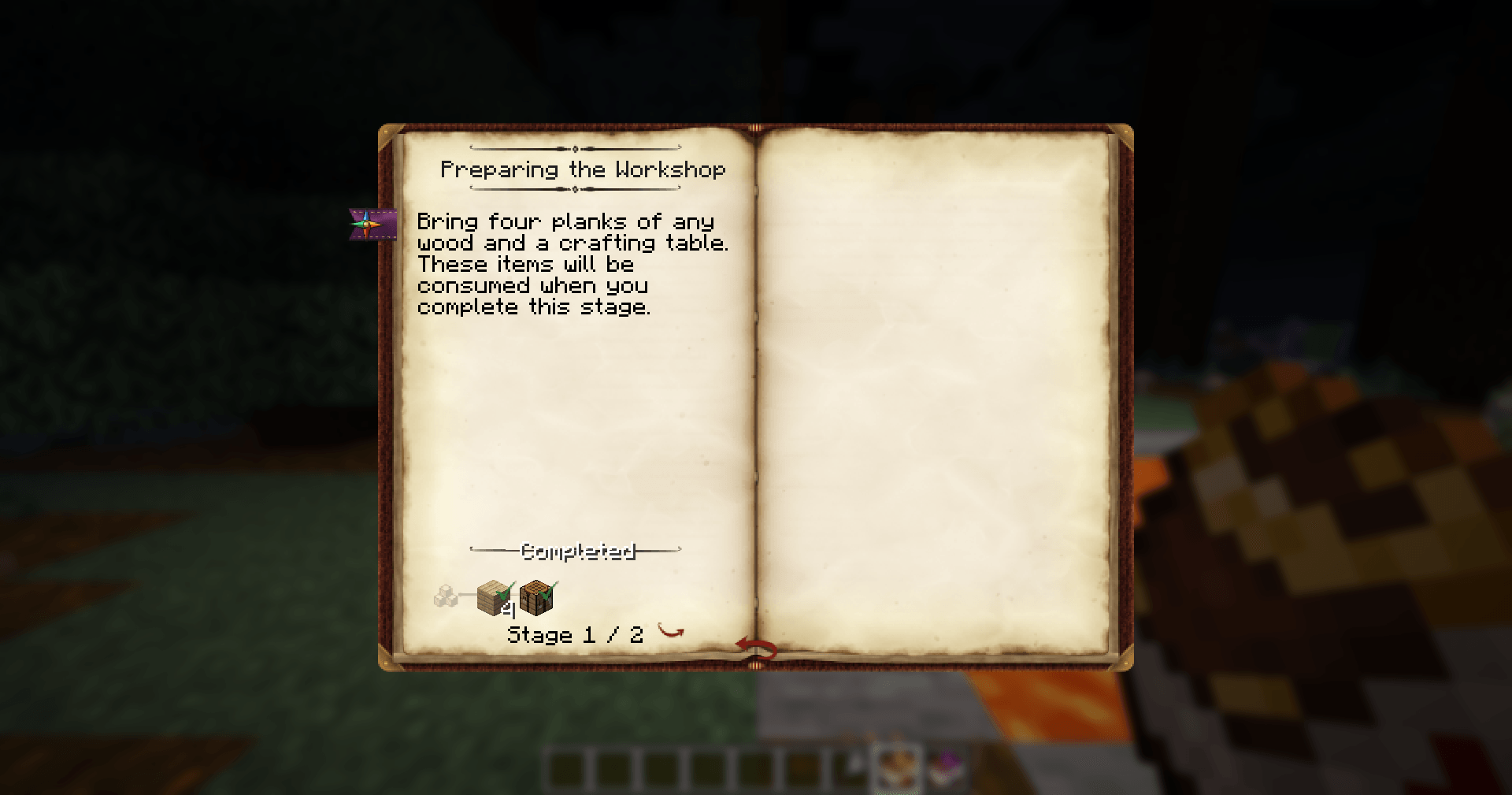
      stage.text('Prepare four iron ingots for your experiments.')
      stage.obtain('minecraft:iron_ingot', 4)
    })
    .stage(stage => {
      stage.text('You are ready to experiment with other metals.')
    })
})
Reopen the world to apply the script. Your entry will appear in the Thaumonomicon, where players can hand in four iron ingots and complete the research.
From here, you can add another entry, connect it with .parent('kubejs:ironworking'), or unlock a recipe with .research('kubejs:ironworking').
Shape your recipes
- Add crucible, arcane workbench, infusion, infusion enchantment, and Salis Mundus transformation recipes.
- Adjust ingredients, results, aspect costs, vis, and instability.
- Change individual recipes or rebalance an entire recipe type with familiar KubeJS filters.
- Customize infernal furnace bonuses, including their drops, quantities, and chances.
A small script, a new recipe
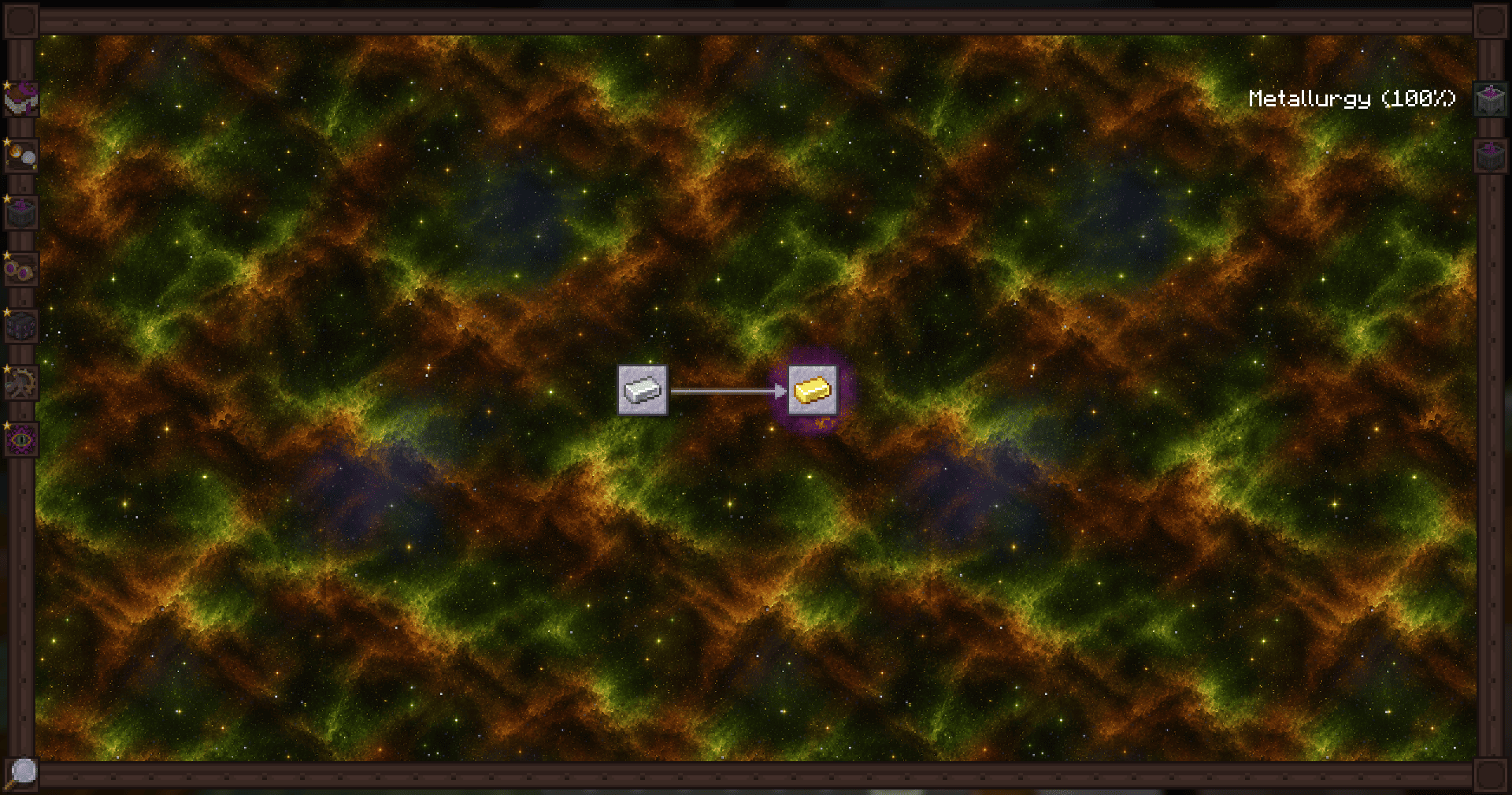
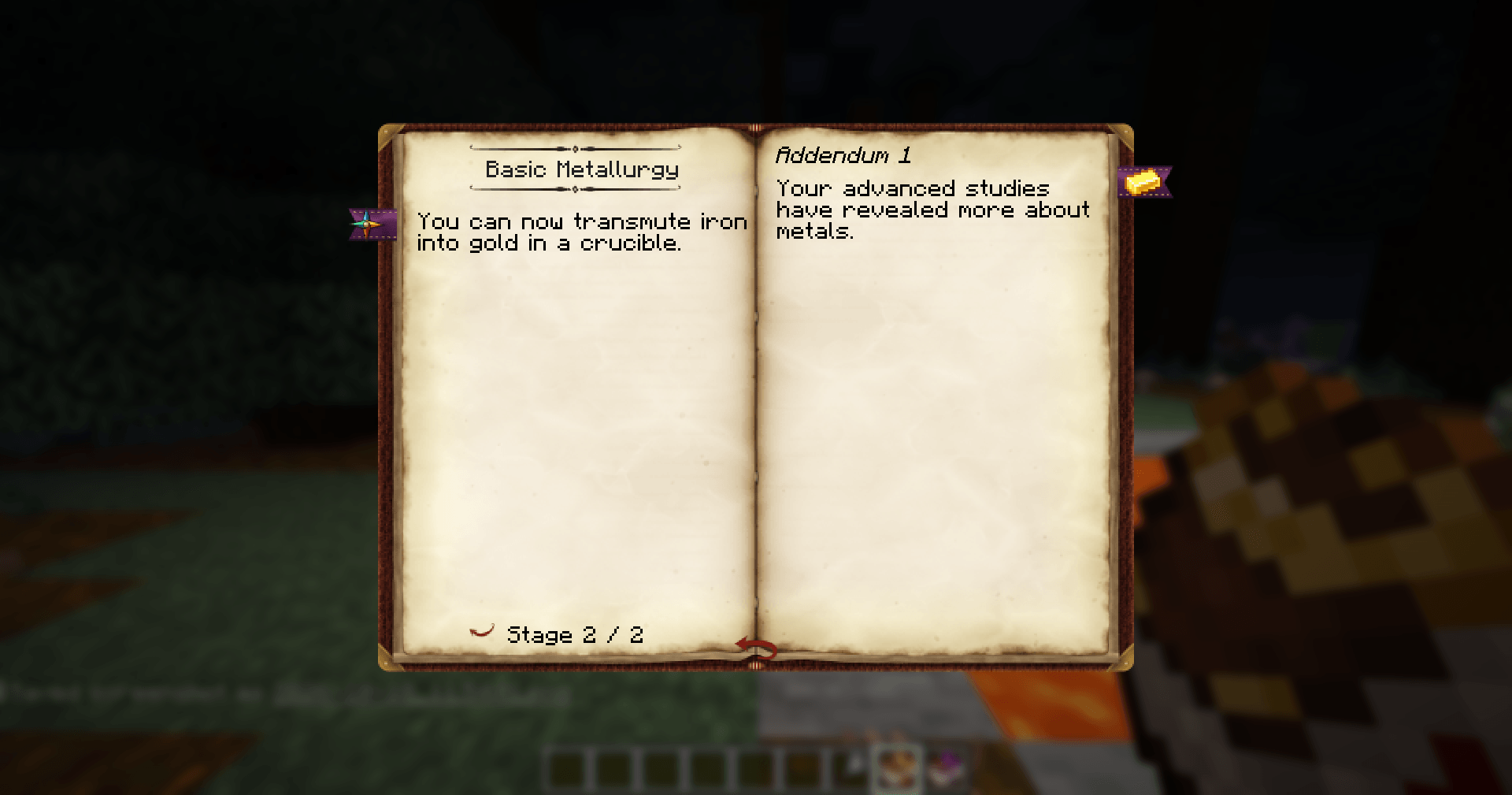
Want players to turn iron into gold after completing Metallurgy? Put this in kubejs/server_scripts/gold.js:
ServerEvents.recipes(event => {
  event.recipes.thaumaturge.crucible(
    'minecraft:gold_ingot',
    'minecraft:iron_ingot',
    { 'thaumaturge:ordo': 5 }
  )
    .id('kubejs:gold_from_iron')
    .research('thaumaturge:metallurgy')
})
Run /reload, and your recipe is ready: one iron ingot and five Ordo become one gold ingot, available after the built-in Metallurgy research.
Getting started
- Install Thaumaturge, KubeJS, KubeThaum, and their dependencies.
- Add your scripts to
kubejs/server_scripts/. Translation scripts belong inkubejs/client_scripts/. - Reopen the world to apply research changes. Use
/reloadfor recipes and infernal furnace bonuses.
Use /kubethaum check to check saved research scripts before reopening the world. The command reports errors without applying changes to your game.
Guides and examples
Practical guides are available in English and Russian, with examples you can copy and adapt to your pack.
| Topic | English | Русский |
|---|---|---|
| Research and progression | Research guide | Исследования |
| Recipes and processing | Recipe guide | Рецепты |
Screenshots
Gallery
-
 KubeThaum Example 1
 -
 KubeThaum Example 2
 -
 KubeThaum Example 3
 -
 KubeThaum Example 4
Versions
Files
Relations
Project Relations
More like this
Similar Mods
Suggestions use data such as tags, dependencies, dependents, descriptions, titles, and more to rank how much they overlap with this mod.
On ModDex
Community snapshot
By the numbers
Statistics
 (opens in a new tab)
Get it on
Available Platforms
On ModDex
Community snapshot
By the numbers