Community listing page, reviews may not be monitored by the author.
Loading Backgrounds


No reviews yet
Customize the loading background of the games, and place customizable images.

Community voices
Reviews
No reviews yet. Be the first to review this project!
Get it on
Available Platforms
Compatibility
Supported Environments
Runs entirely on the client. Works on vanilla servers.
About
Project Details
For authors
Embed Badge
If you're the author of this project, you can embed a live badge anywhere that supports HTML or Markdown. It updates automatically whenever ratings change.
Use HTML for any page that supports it, or Markdown for README files and Markdown-based descriptions.
Identifiers
Platform IDs
About
Description
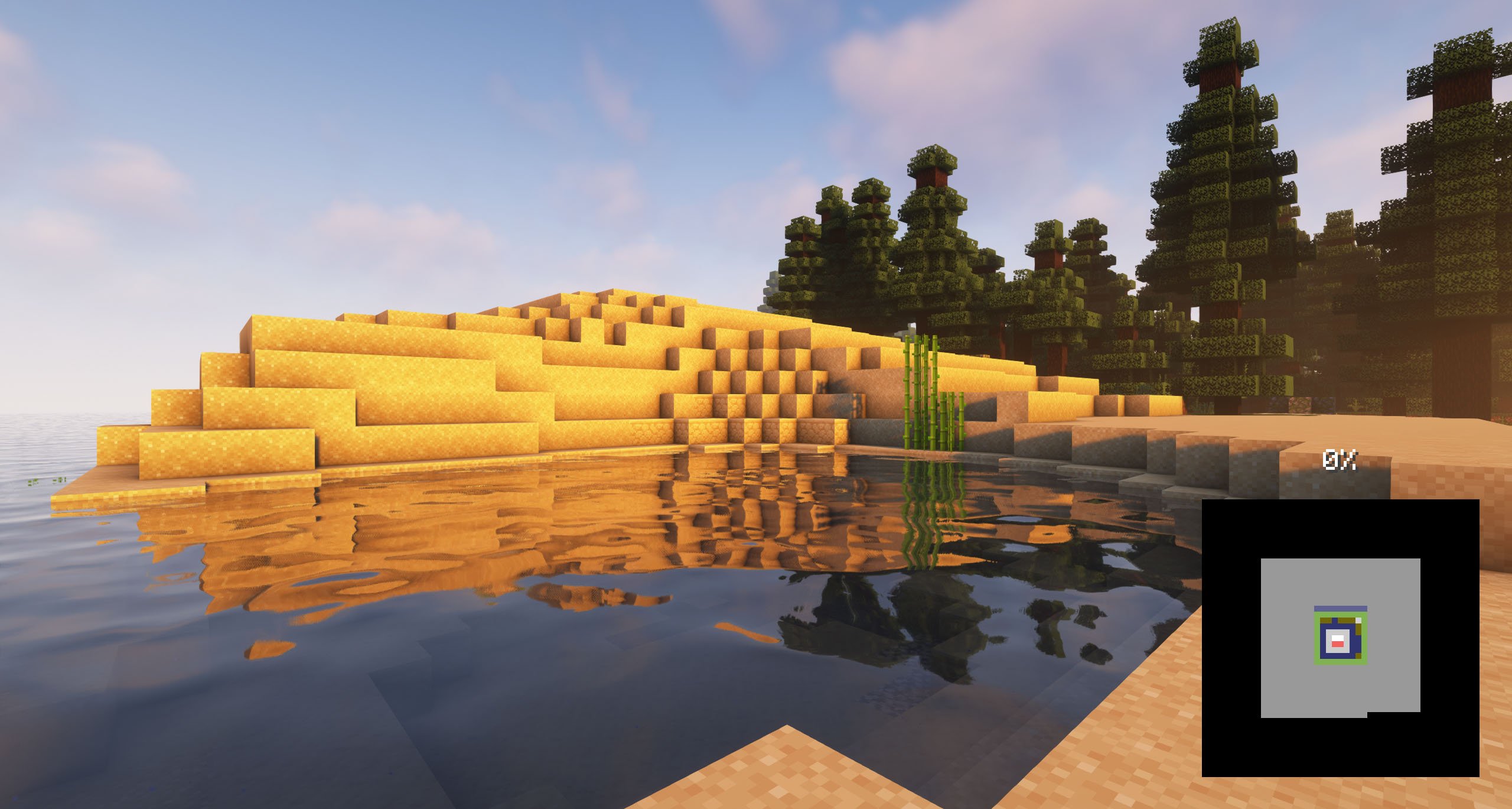
With this mod you will be able to customize the background of the loading screens of the Minecraft games, placing any type of customizable image. It is recommended for all those creators of modpacks who want to give a better sensation to their contents, loading images of the modpack and placing them as background.
Do you need a server to play with your friends?

If you are looking for a server to play any mod or modpack with your friends, Bisect Hosting is your solution! They have the best quality-price Minecraft servers, and if you click on this link you will get a 25% discount, using the code "Lupin".

To add background images, you'll want to create a resource pack with the folder /assets/minecraft/textures/gui/backgrounds/ and put .png image files in there. Ideally you'd name them image1.png, image2.png, image3.png, etc.
If the mod detects that there are no loading images currently enabled, it'll look for any resource packs that have names containing "loading" and "background", and then enable those resource packs.
It is essential to place the pack.mcmeta. Create a notepad with that name and put the following text:
{
  "pack": {
    "pack_format": 15,
    "description": "Loading Backgrounds images"
  }
}
Also, you can look at this resourcepack as an example.
We have also created some great resourcepacks for you! You can install them or create your own.
Loading Backgrounds is possible thanks to the work of Luavixen!

Does it work on servers?
Sure! It works perfectly! Remember that the best way to play with mods and friends is with BisectHosting, and by clicking on this link you can get a 25% discount.
Can this mod be used in modpacks?
Of course! As long as it is published only on Modrinth or CurseForge. Uploading it to any other platform would be violating our rights and is not allowed at all.
However, we are really grateful if you consider adding it to your Modrinth or CurseForge modpack. If you need any small changes or have any questions, contact us!
Can I record a video of this mod and show it on my channel?
Sure, you are free to play this mod or any of our modpacks on your channel and make a video about it, in fact, we would be very grateful for it!

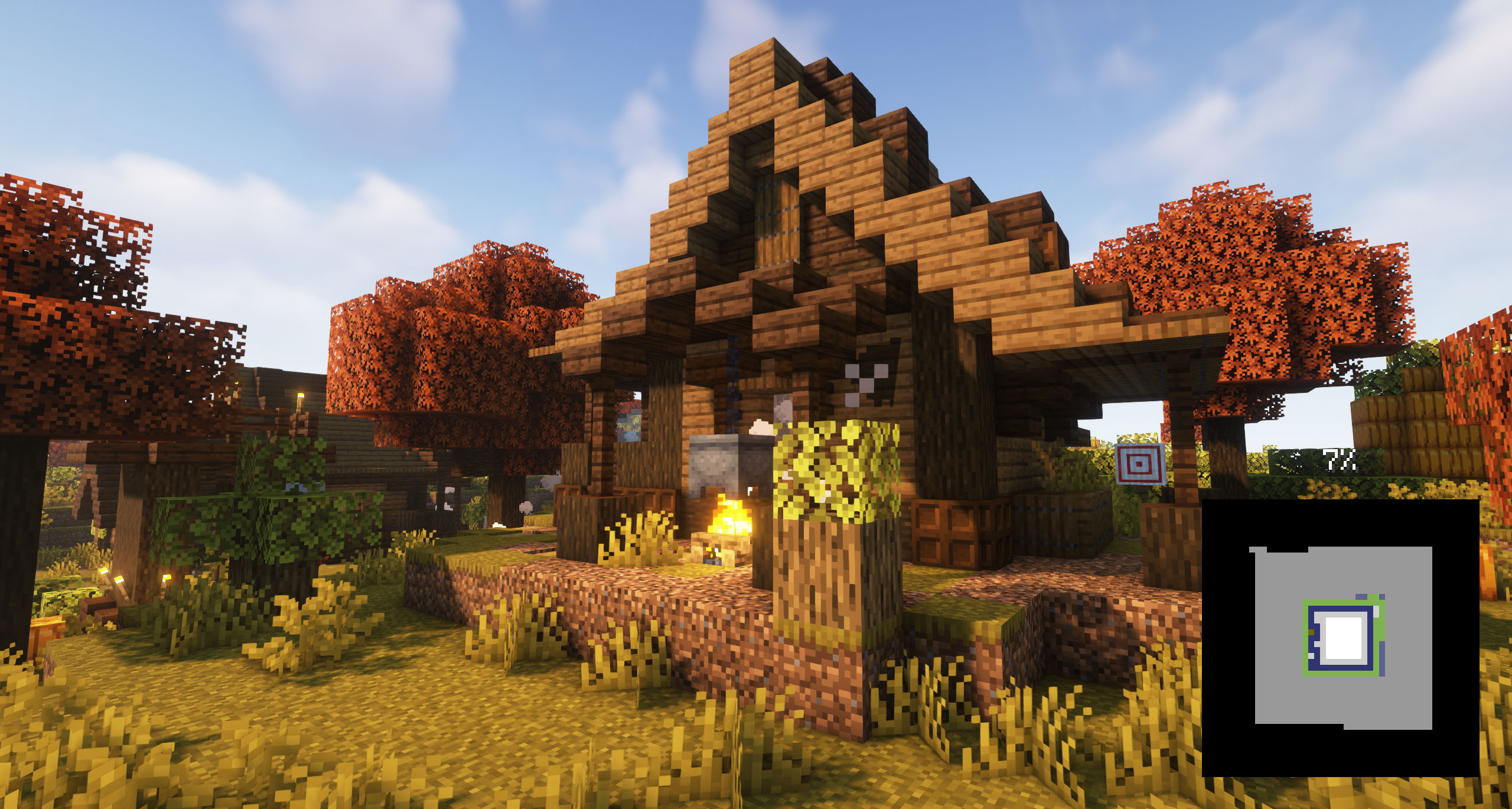
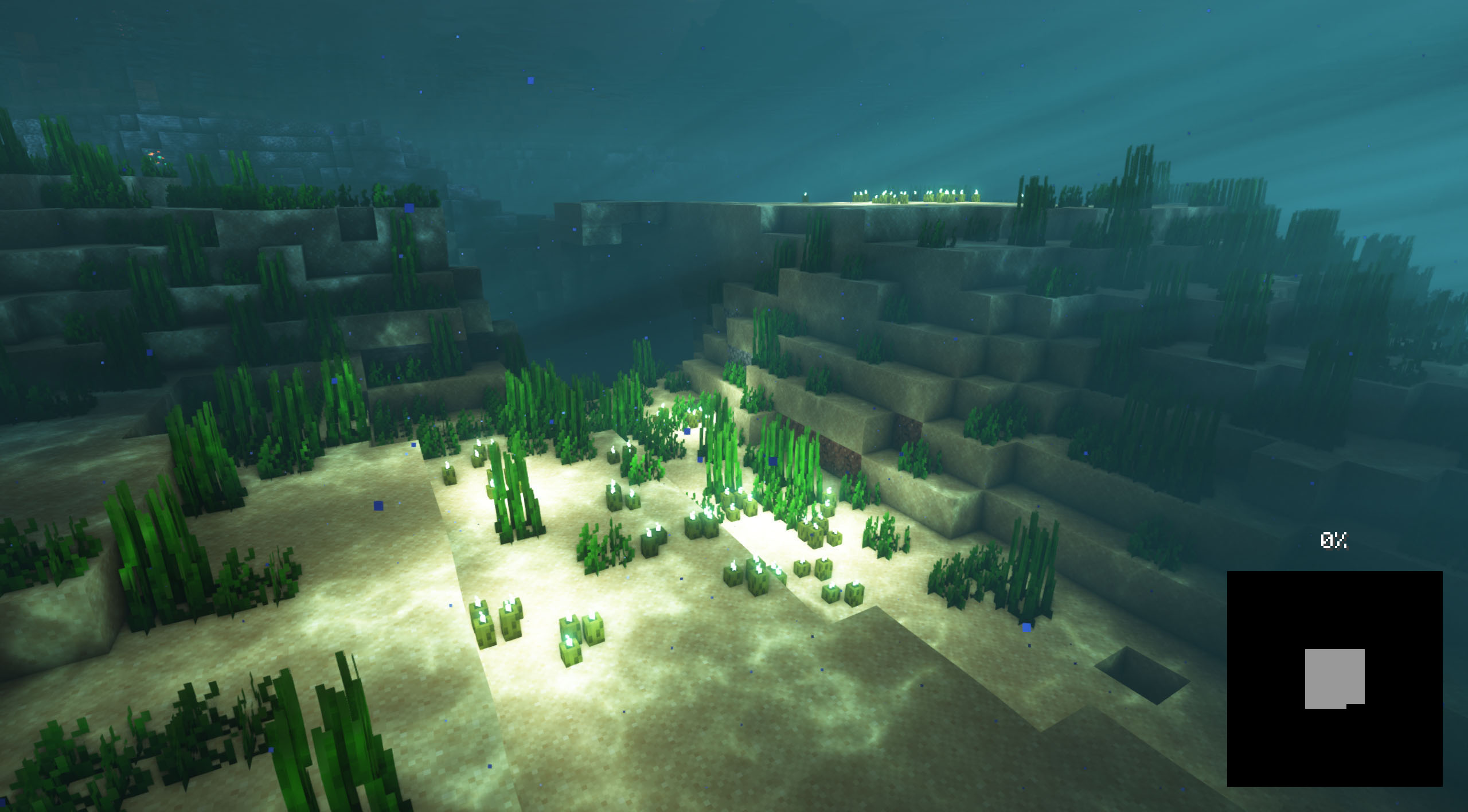

With this mod you will be able to customize the background of the loading screens of the Minecraft games, placing any type of customizable image.
It is recommended for all those creators of modpacks who want to give a better sensation to their contents, loading images of the modpack and placing them as background.
Do you need a server to play with your friends?

For exceptional server hosting services, look no further than BisectHosting. Of course, you can install all the mods or modpacks you want, and their support team is always available to help you.
With the code "Lupin" you will get a 25% discount! Click here!

To add background images, you'll want to create a resource pack with the folder /assets/minecraft/textures/gui/backgrounds/ and put .png image files in there. Ideally you'd name them image1.png, image2.png, image3.png, etc. You can include background images in any resource pack and easily pack them in with any other resources.
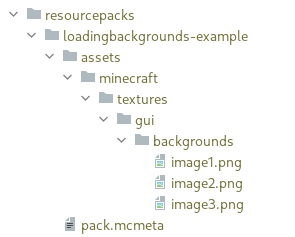
It is essential to place the pack.mcmeta. Create a notepad with that name and put the following text:
{
"pack": {
"pack_format": 15,
"description": "Loading Backgrounds images"
}
}
Also, you can look at this resourcepack as an example.

Does it work on servers?
Sure! Remember that the best way to play with mods and friends is with BisectHosting, and by clicking on this link you can get a 25% discount.
Can this mod be used in modpacks?
Of course! As long as it is published only on Modrinth or CurseForge. Uploading it to any other platform would be violating our rights and is not allowed at all.
However, we are really grateful if you consider adding it to your Modrinth or CurseForge modpack. If you need any small changes or have any questions, contact us!


.
Screenshots
Gallery
Versions
Files
Relations
Project Relations
More like this
Similar Mods
Suggestions use data such as tags, dependencies, dependents, descriptions, titles, and more to rank how much they overlap with this mod.
On ModDex
Community snapshot
By the numbers
Statistics
 (opens in a new tab)
Get it on
Available Platforms
On ModDex
Community snapshot
By the numbers