
Community listing page, reviews here may not be monitored by the author.
Localised Wither Remover

No reviews yet
This minecraft datapack is geared toward protecting specific areas in your world from wither grief. It will allow you to kill automatically any wither from specific locations of your world.
Community voices
Reviews
No reviews yet. Be the first to review this project!
Get it on
Available Platforms
About
Project Details
For authors
Embed Badge
If you're the author of this project, you can embed a live badge anywhere that supports HTML or Markdown. It updates automatically whenever ratings change.
Use HTML for any page that supports it, or Markdown for README files and Markdown-based descriptions.
Identifiers
Platform IDs
About
Description
Localised Wither Remover v1.0.0
- Creator : Marghost
- Email : marghost[@]protonmail.com
- Website : https://thegeekghost.com
- Project's Github : https://github.com/marghost/localised_wither_remover/
Description
This minecraft datapack is geared toward protecting specific areas in your world from wither grief. It will allow you to kill automaticly any wither from specific locations of your world. By default it is configured to protect your world spawn and the main end island.
This mod dispose of the wither in a way that prevent player to get Nether Star or Wither Heads. It help reduce abuse of this datapack mecanics.
Tested on minecraft java version 1.20.4.
Installation
- Download the zip file named localised_wither_remover-1.0.0.zip from the project release page : localised_wither_remover-1.0.0.zip
- Drop localised_wither_remover-1.0.0.zip in the .\world\datapack\ directory of your server
- Reboot your server or run the /reload command
Protected Areas
Overworld
The default mecanic of this datapack protect a range of 300 blocks centered on x=0 y=64 z=0 in the overworld.
This correspond to SPAWN on most servers.
The End
The default mecanic of this datapact protect a range of 200 blocks centered on x=0 y=63 z=0 in the end.
This protect the main island but also prevent wither skulls to go through the end portal and destroy your world spawn.
Protected Area Customization
Take a look at this section if you have custom world spawn coordinates.
By default this datapack take for granted that your spawn is located ad x=0 y=64 z=0. If you edited this value on your server, you need to modify this datapack to make it compatible and cover your actual spawn.
How to modify Spawn coordinates
- Unzip this datapack to make the modifications
- Open .\data\localisedwitherremover\functions\localisedwitherremover.mcfunction
- The spawn coordinate values can be modified by editing line 4 and line 7
- Drop the edited datapack in the \world\datapack\ directory of your server
Line 4
execute in minecraft:overworld run tp @e[type=wither,x=<SPAWN_X_COORD>,y=<SPAWN_Y_COORD>,z=<SPAWN_Z_COORD>,distance=..<RANGE>] -15 -65 -15
Line 7
execute in minecraft:overworld run kill @e[type=wither,x=<SPAWN_X_COORD>,y=<SPAWN_Y_COORD>,z=<SPAWN_Z_COORD>,distance=..<RANGE>]
Values description
- <SPAWN_X_COORD> : Spawn X value. Default value = 0
- <SPAWN_Y_COORD> : Spawn Y value. Default value = 64
- <SPAWN_Z_COORD> : Spawn Z value. Default value = 0
- < RANGE > : Range of the area protected. Default value = 300
EXTRA
- To disable Spawn protection you need to put a # in front of lines 4 and 7.
- To disable End protection you need to put a # in front of lines 10 and 13
- This script is made to run every 5 seconds, you can adjust this value in ticks by adjusting
100tline 17.
License
Screenshots
Gallery
-
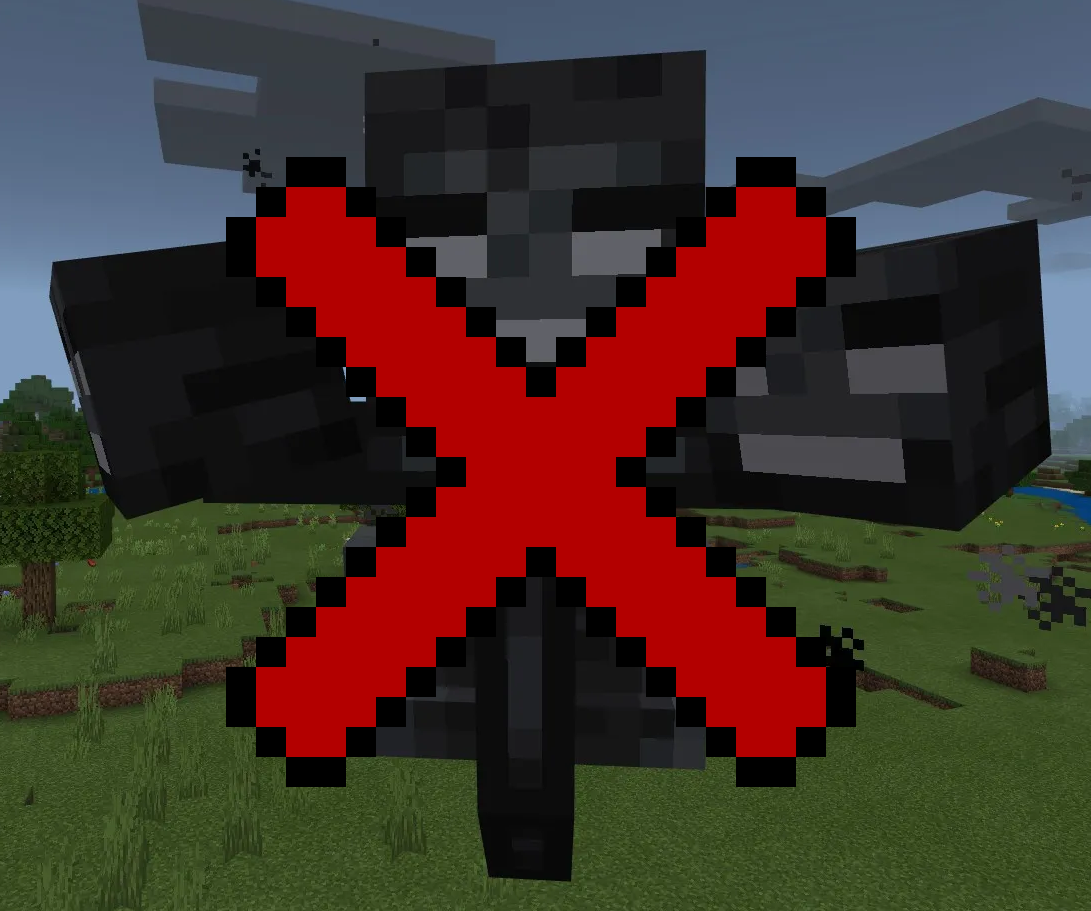 Localised Wither Remover This minecraft datapack is geared toward protecting specific areas in your world from wither grief. It will allow you to kill automaticly any wither from specific locations of your world.
Versions
Files
Relations
Project Relations
More like this
Similar Mods
Suggestions use data such as tags, dependencies, dependents, descriptions, titles, and more to rank how much they overlap with this mod.
On ModDex
Community snapshot
By the numbers
Statistics

Want to reach Minecraft players?
We're looking for a server hosting partner to feature here and other parts of the site. Interested? Send us a message!
Get in touchGet it on
Available Platforms
On ModDex
Community snapshot
By the numbers