Community listing page, reviews here may not be monitored by the author.
Logistics Drones


No reviews yet
Automated logistics drones that fly fixed routes between containers to move items for you — five upgradeable tiers, remote-controlled routes, and a charge station to keep them powered.
Community voices
Reviews
No reviews yet. Be the first to review this project!
Get it on
Available Platforms
Compatibility
Supported Environments
Must be installed on both the client and the server.
About
Project Details
For authors
Embed Badge
If you're the author of this project, you can embed a live badge anywhere that supports HTML or Markdown. It updates automatically whenever ratings change.
Use HTML for any page that supports it, or Markdown for README files and Markdown-based descriptions.
Identifiers
Platform IDs
Resources
External Links
About
Description
Logistics Drones
Automated item transport for Minecraft. Drones fly a fixed route between two containers and move items back and forth on their own — no hoppers, no minecart rails, no redstone contraptions.
How it works
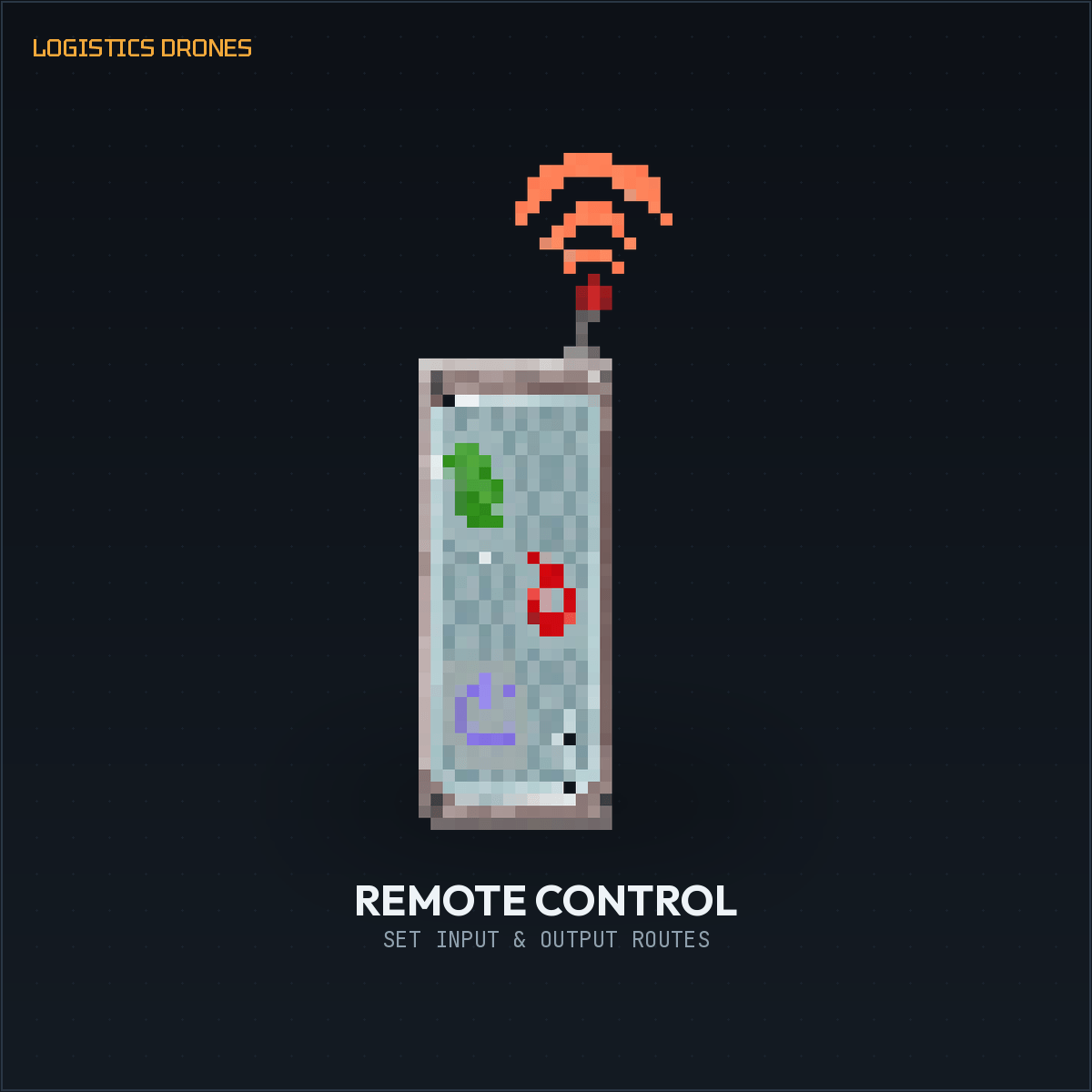
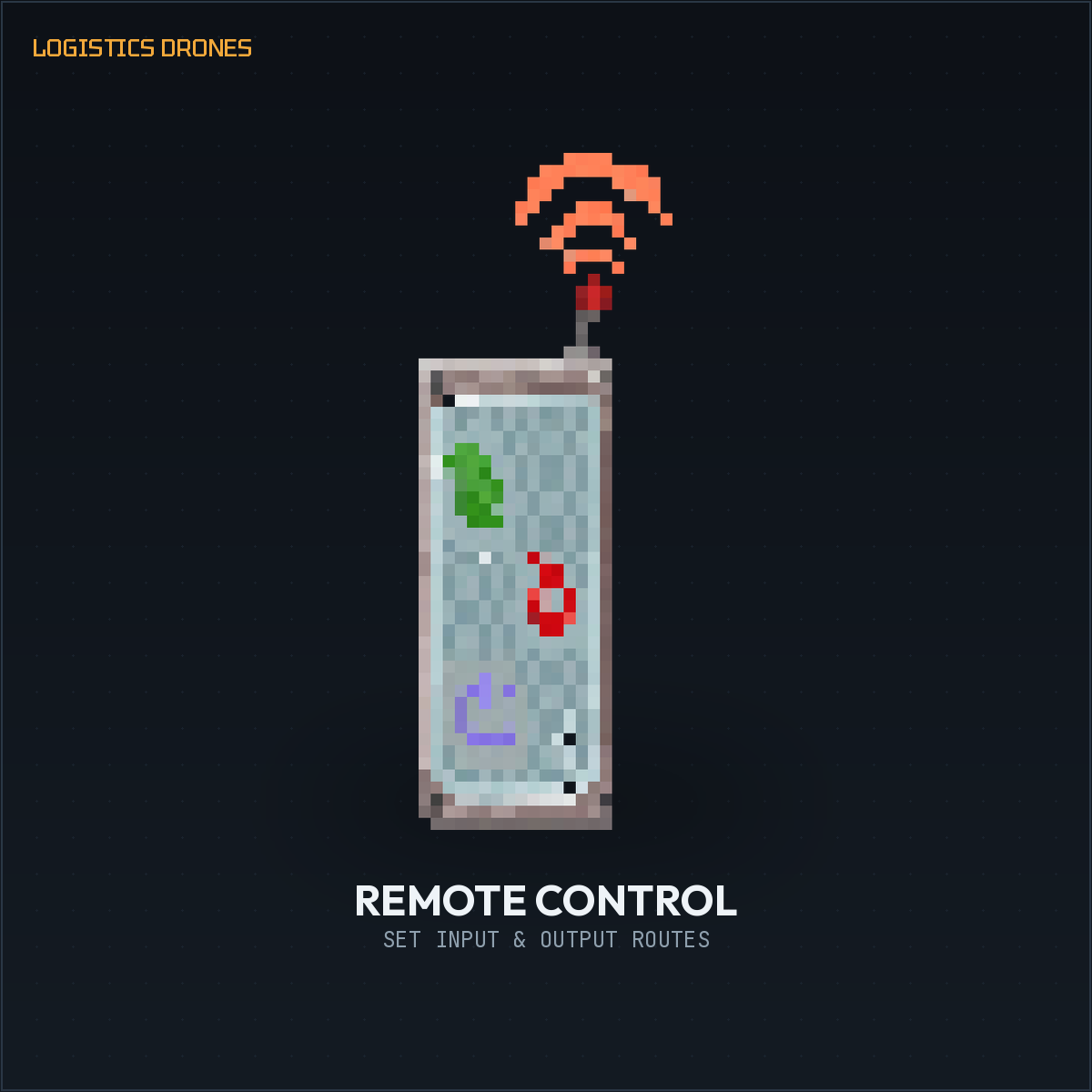
Craft a drone, place it, then right-click it with a Remote Control to set an input and an output container. Once both points are set, the drone flies to the input, picks up items, flies to the output, drops them off, and repeats — forever, or until it runs out of power.
Drone tiers
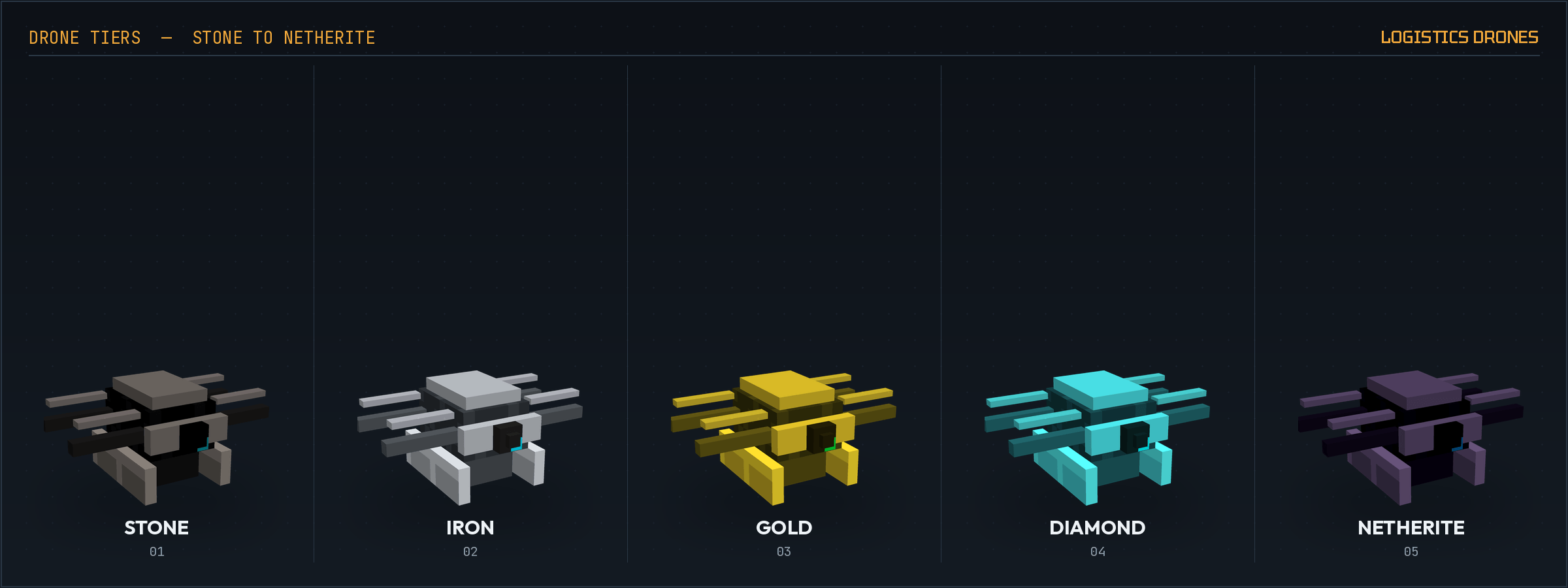
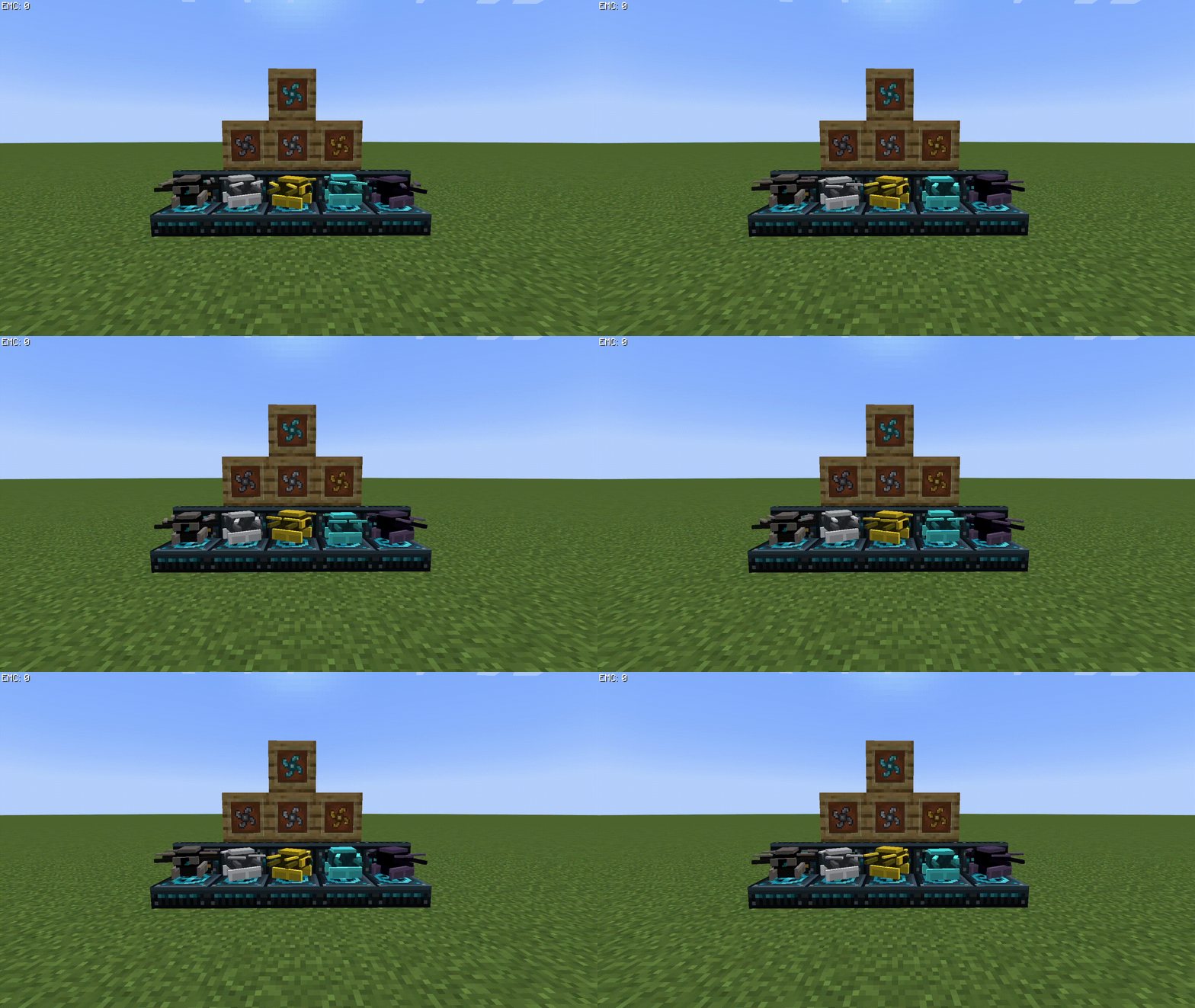
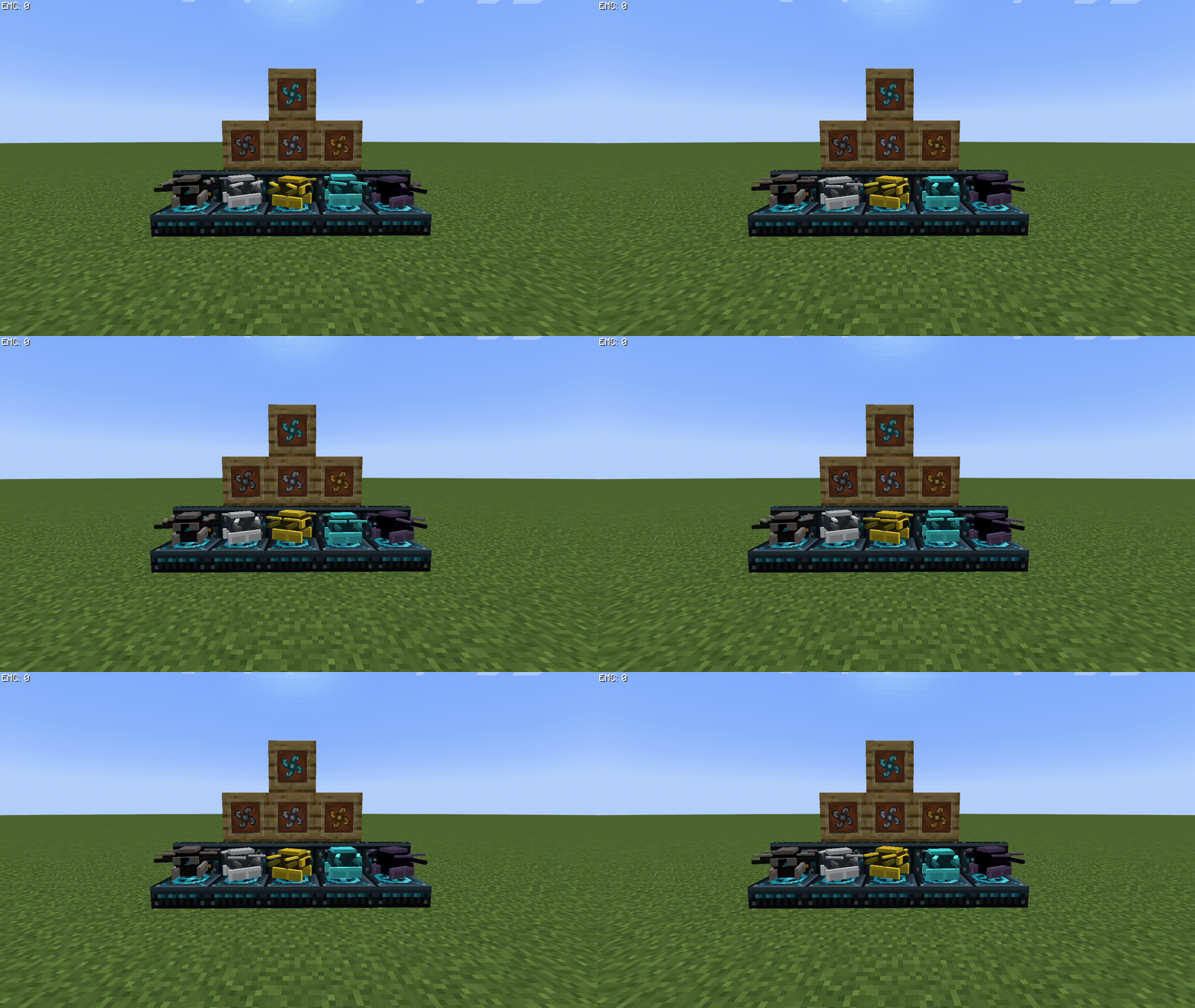
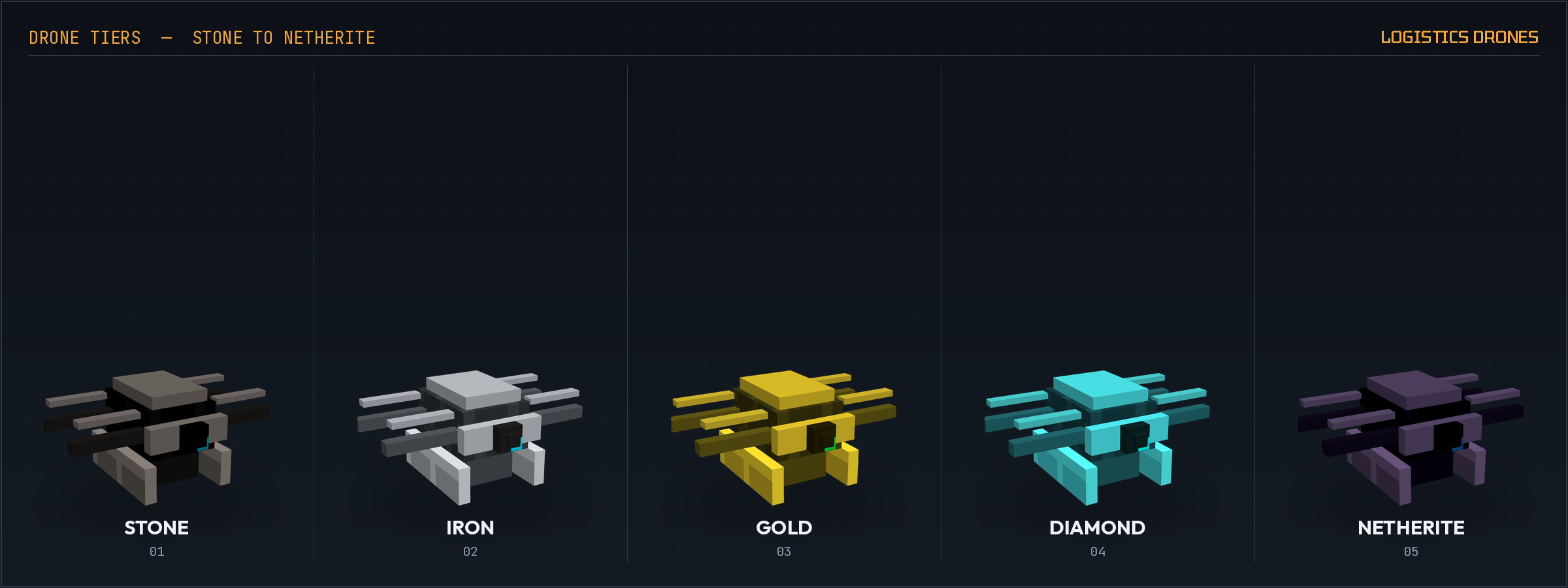
Five tiers, each faster and stronger than the last:
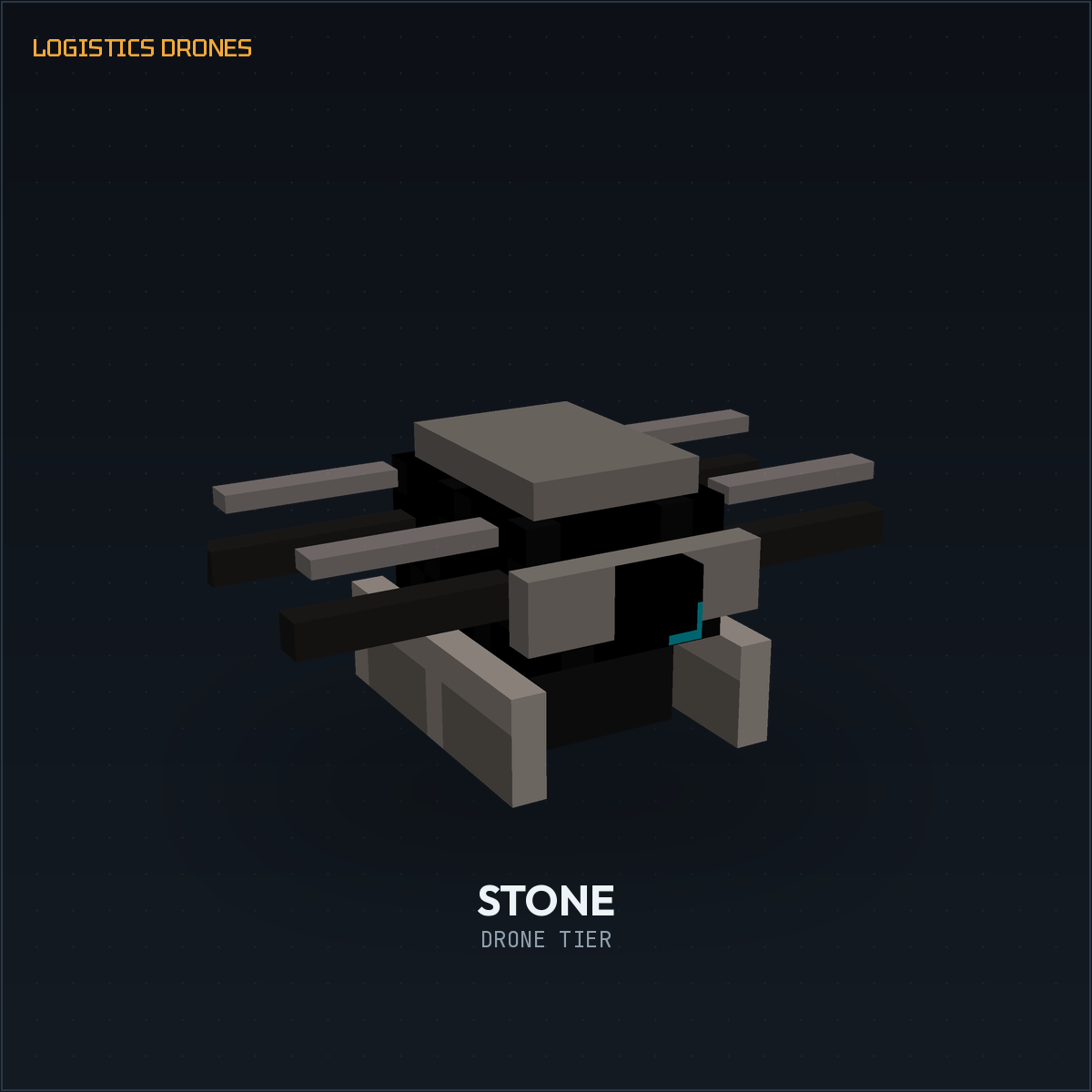
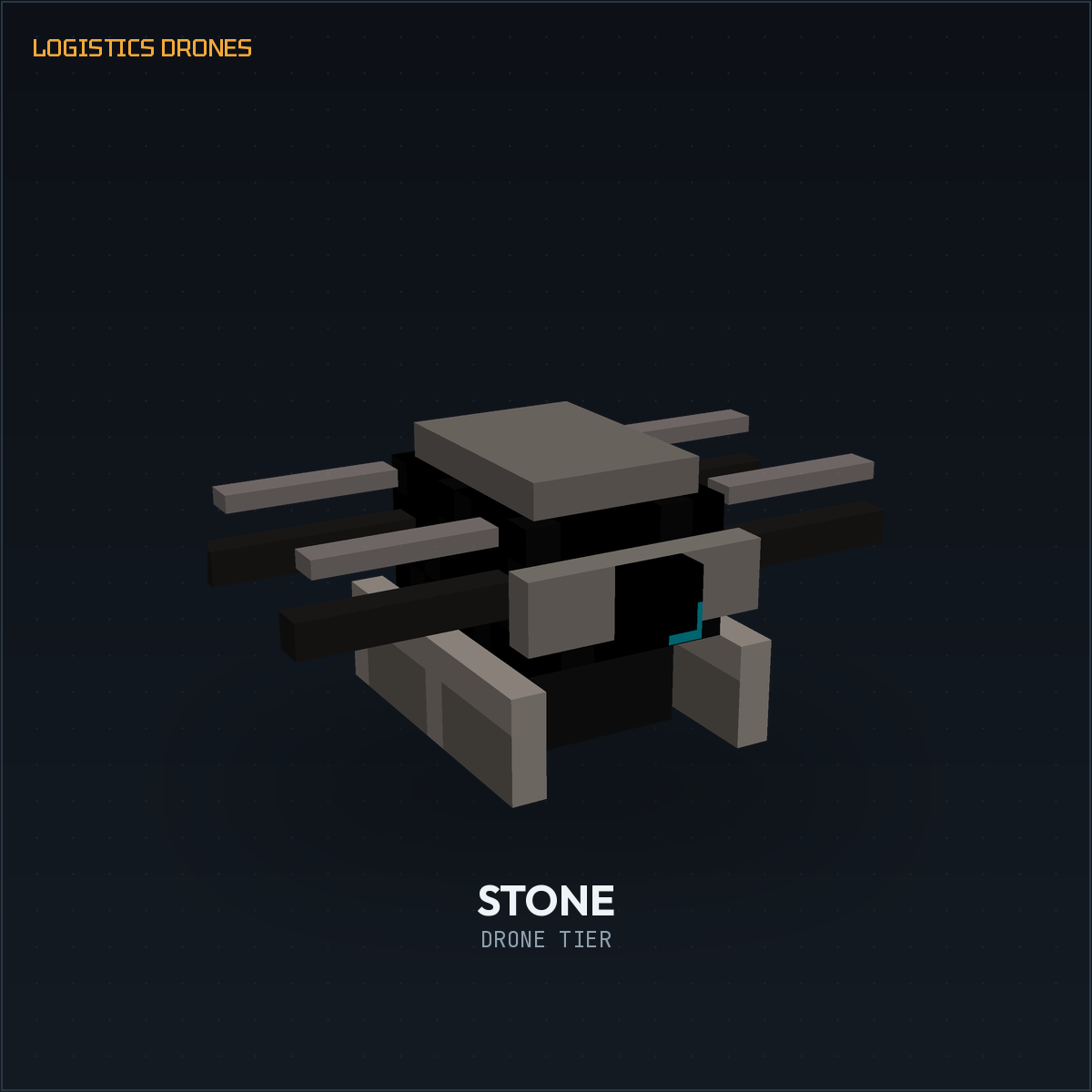
- Stone Drone — the free starter tier. No energy required, but slow and only carries a couple of items at a time.
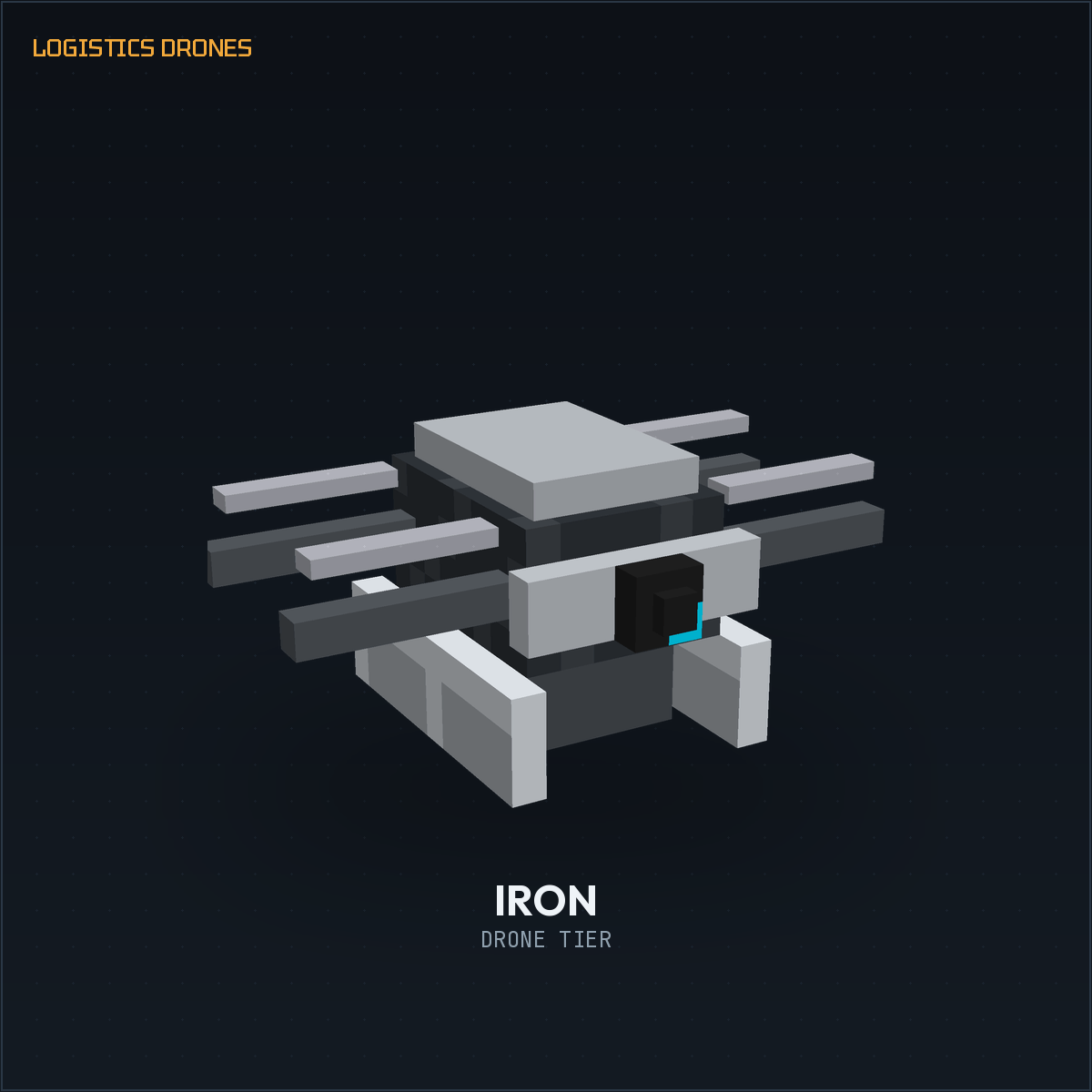
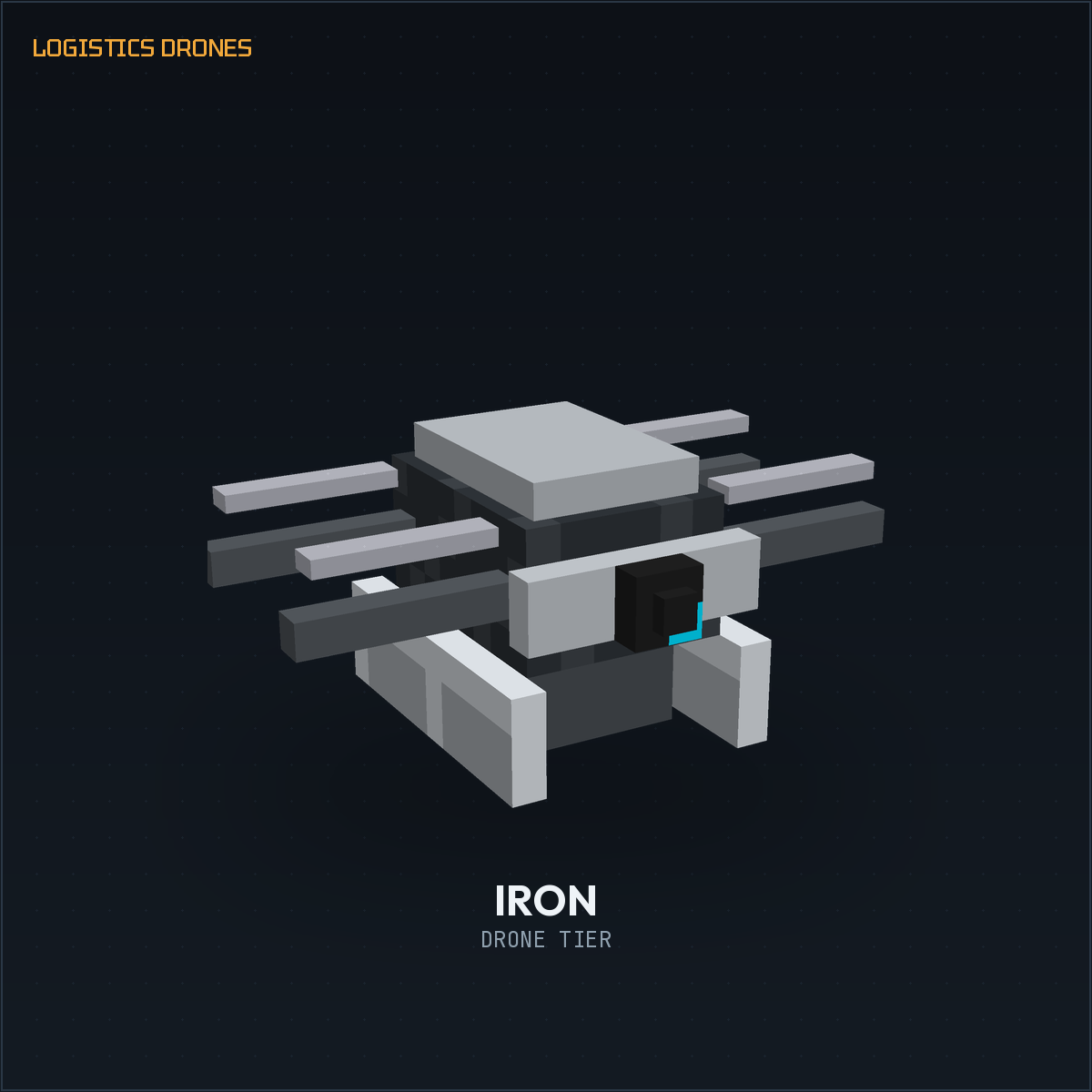
- Iron Drone — needs Forge Energy (FE) to fly, larger inventory.
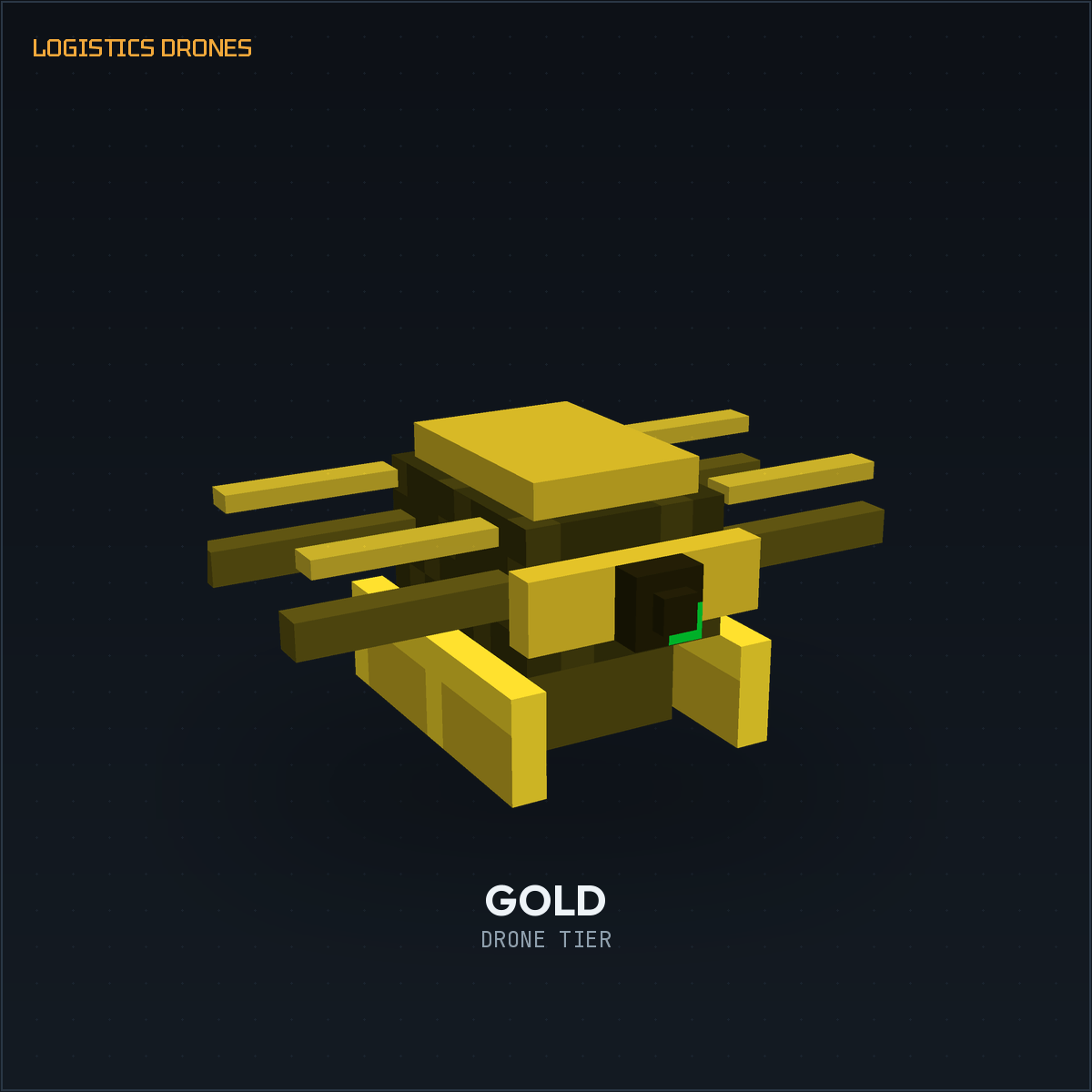
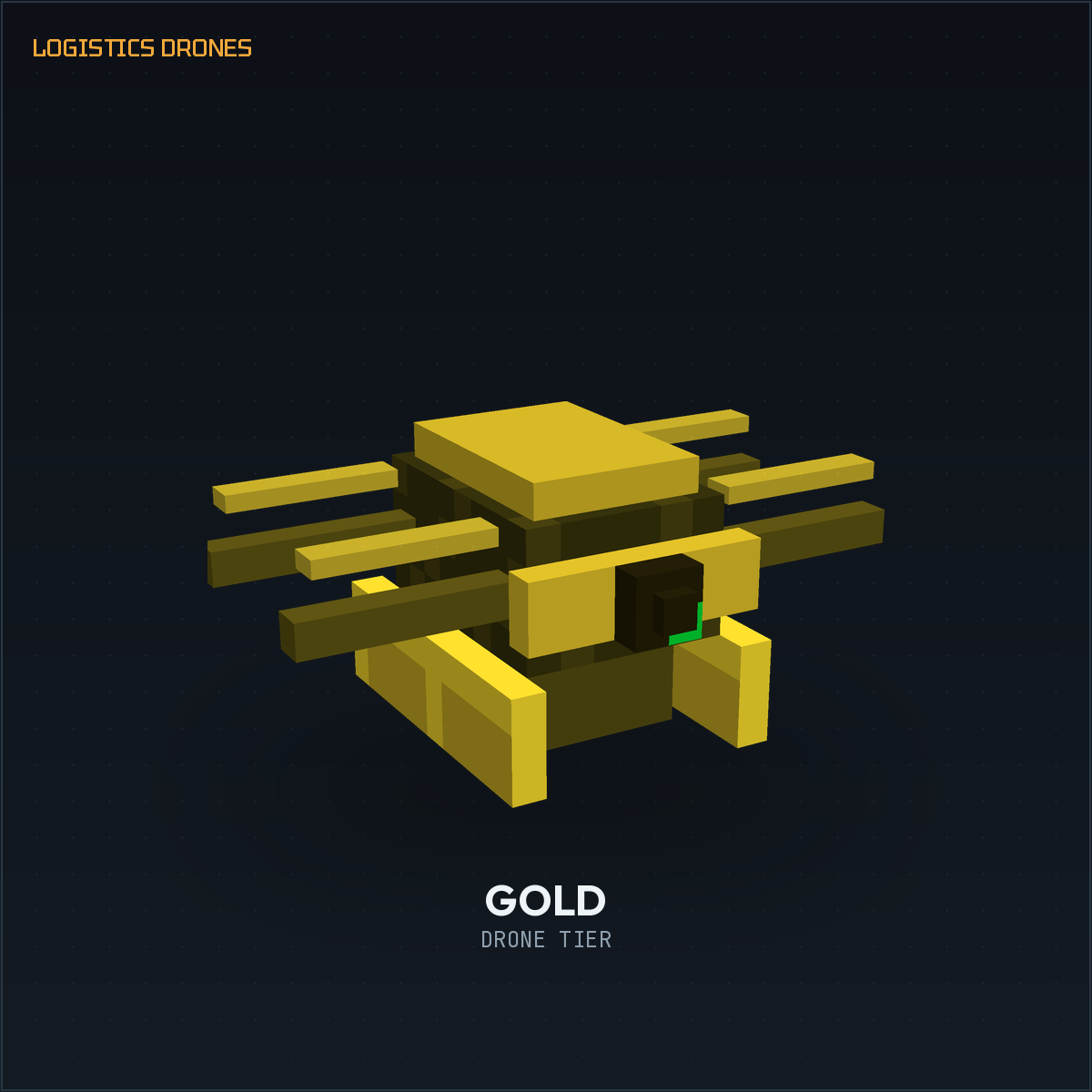
- Gold Drone — faster and roomier still.
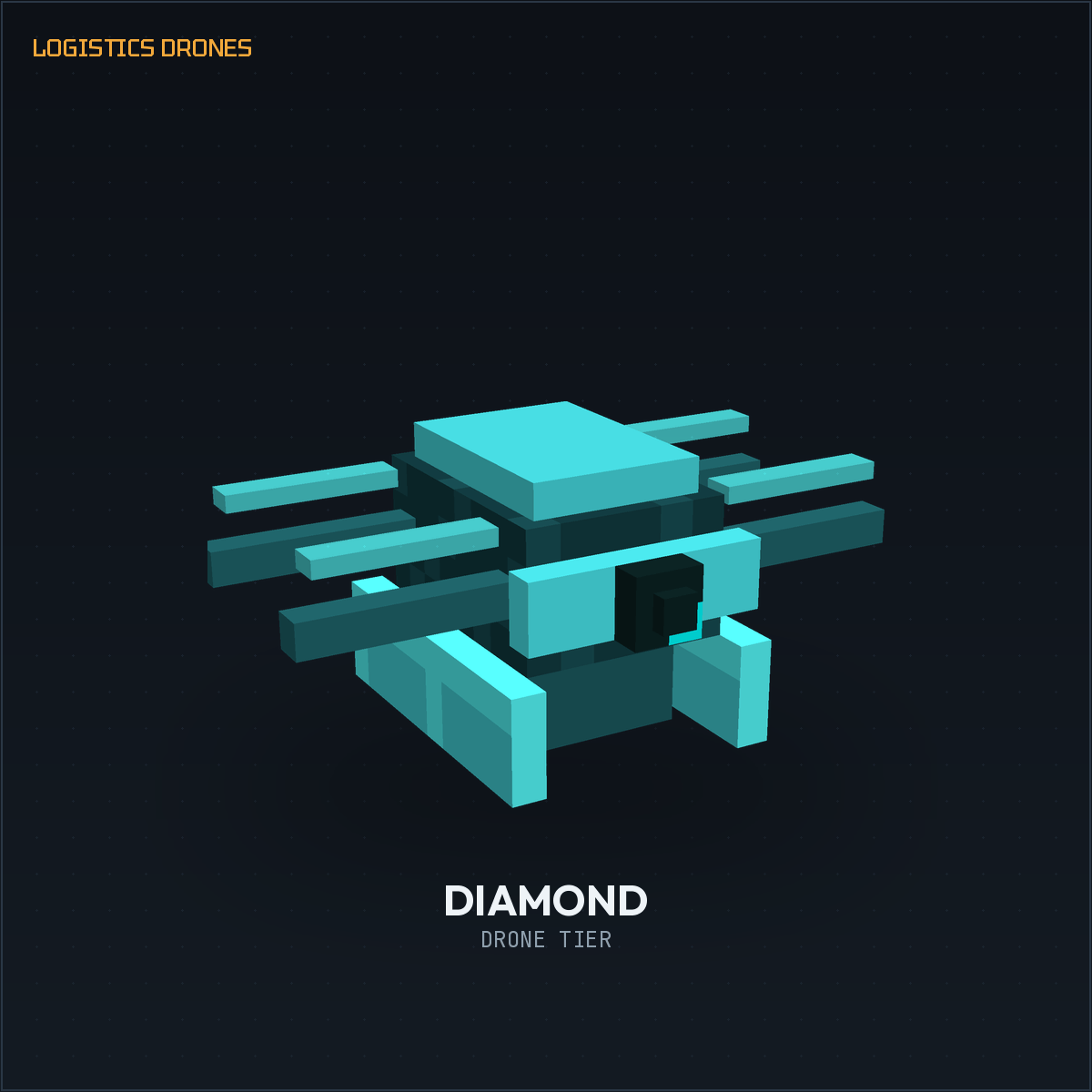
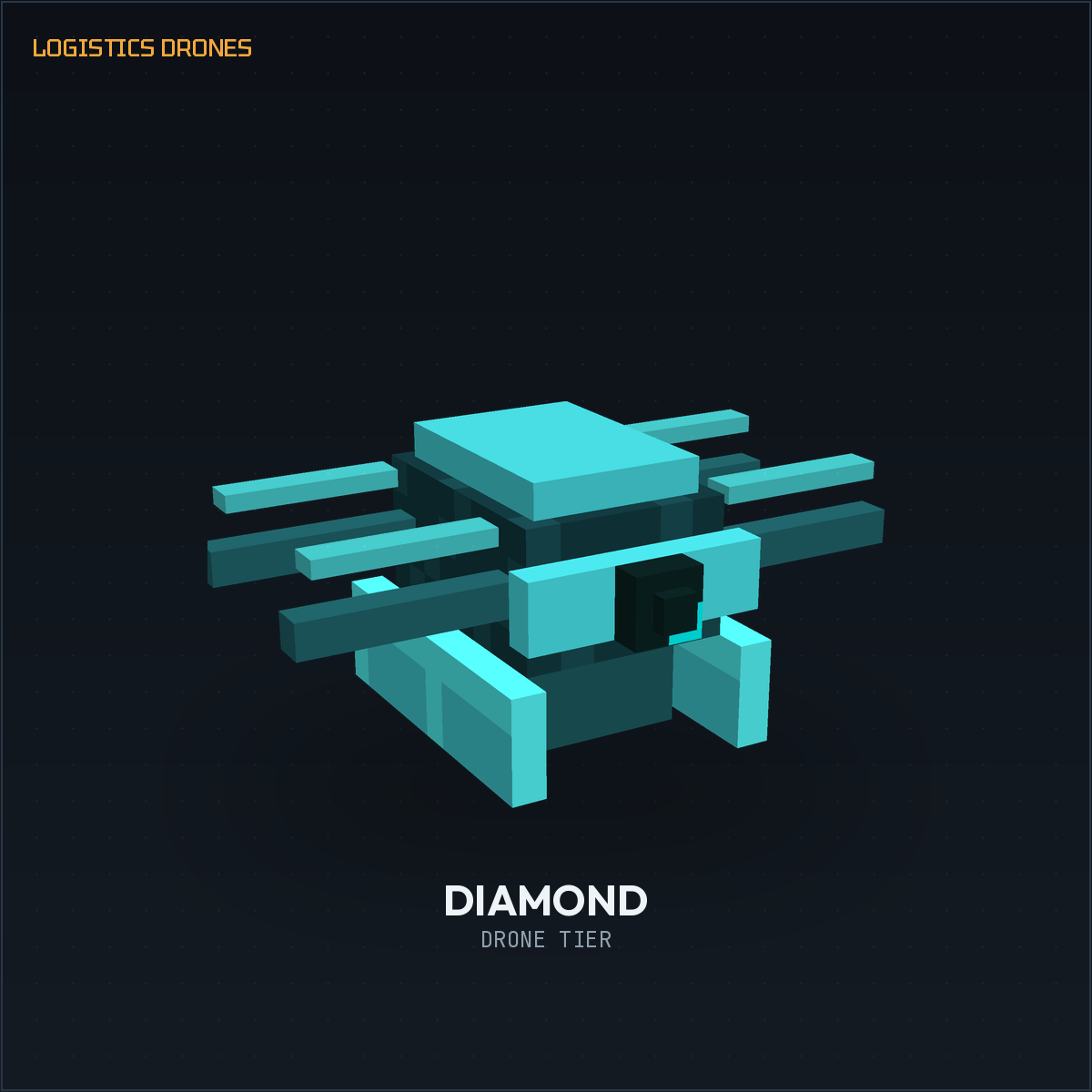
- Diamond Drone — a serious hauler for late-game bases.
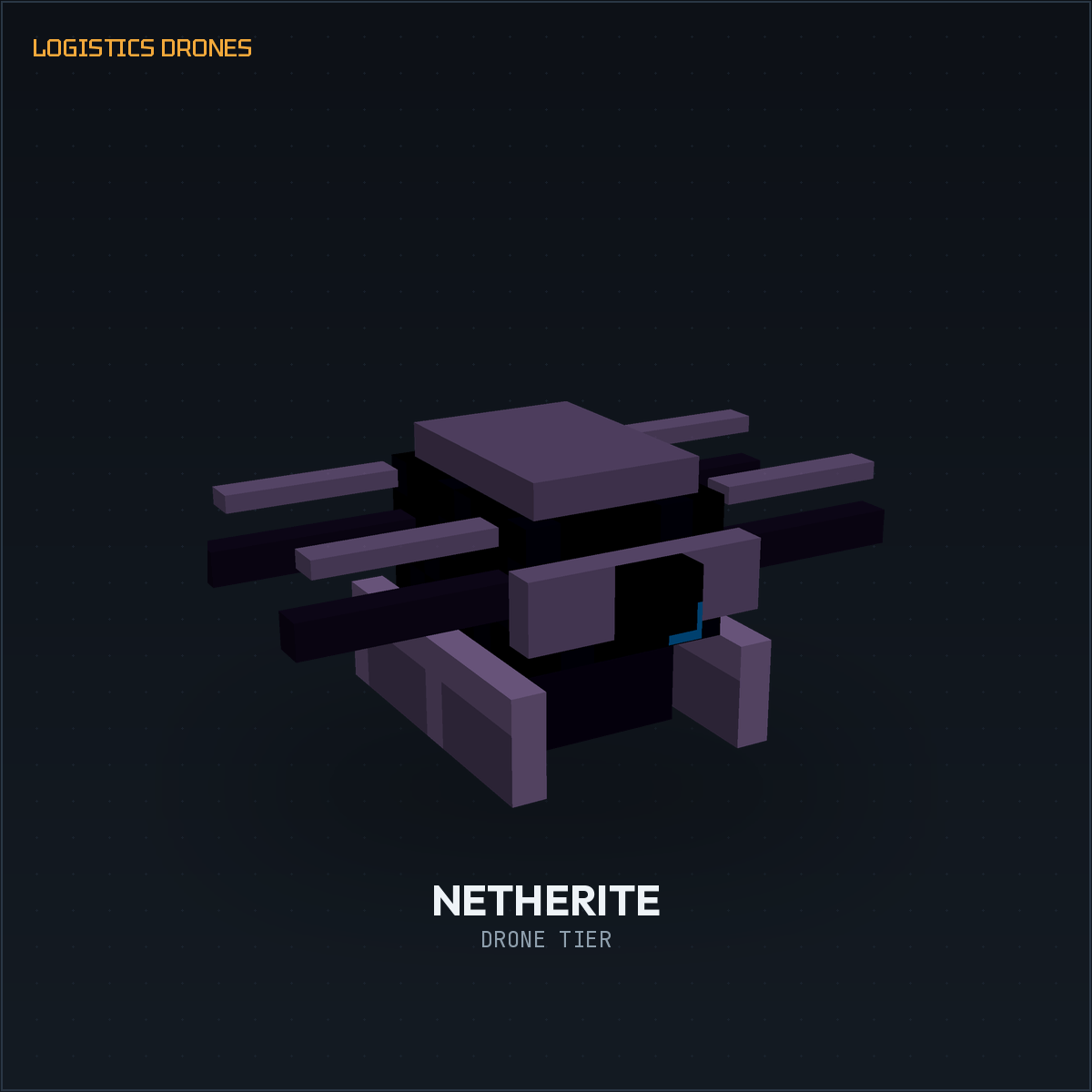
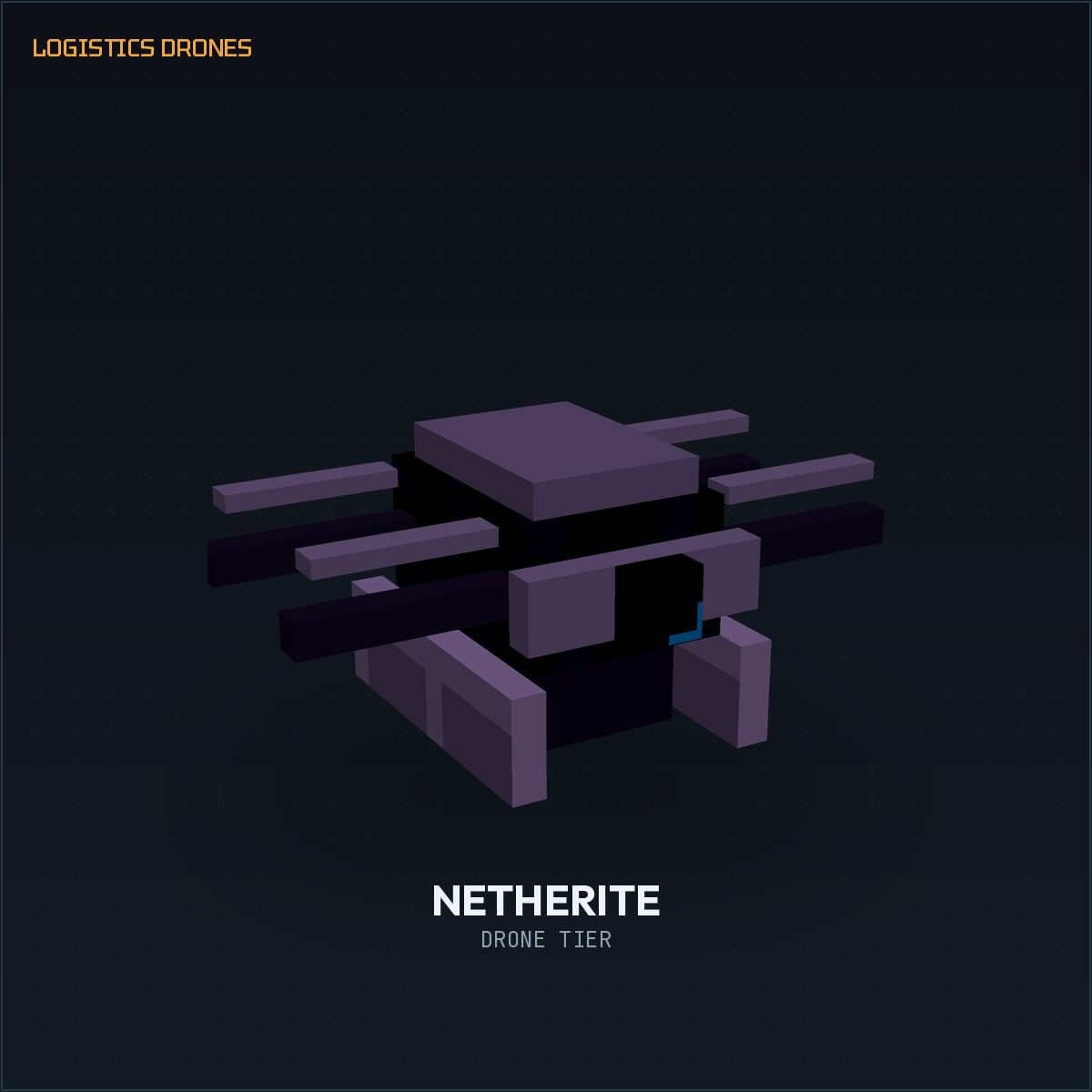
- Netherite Drone — the fastest and highest-capacity tier.
Every tier above Stone runs on FE and needs recharging.
Upgrades
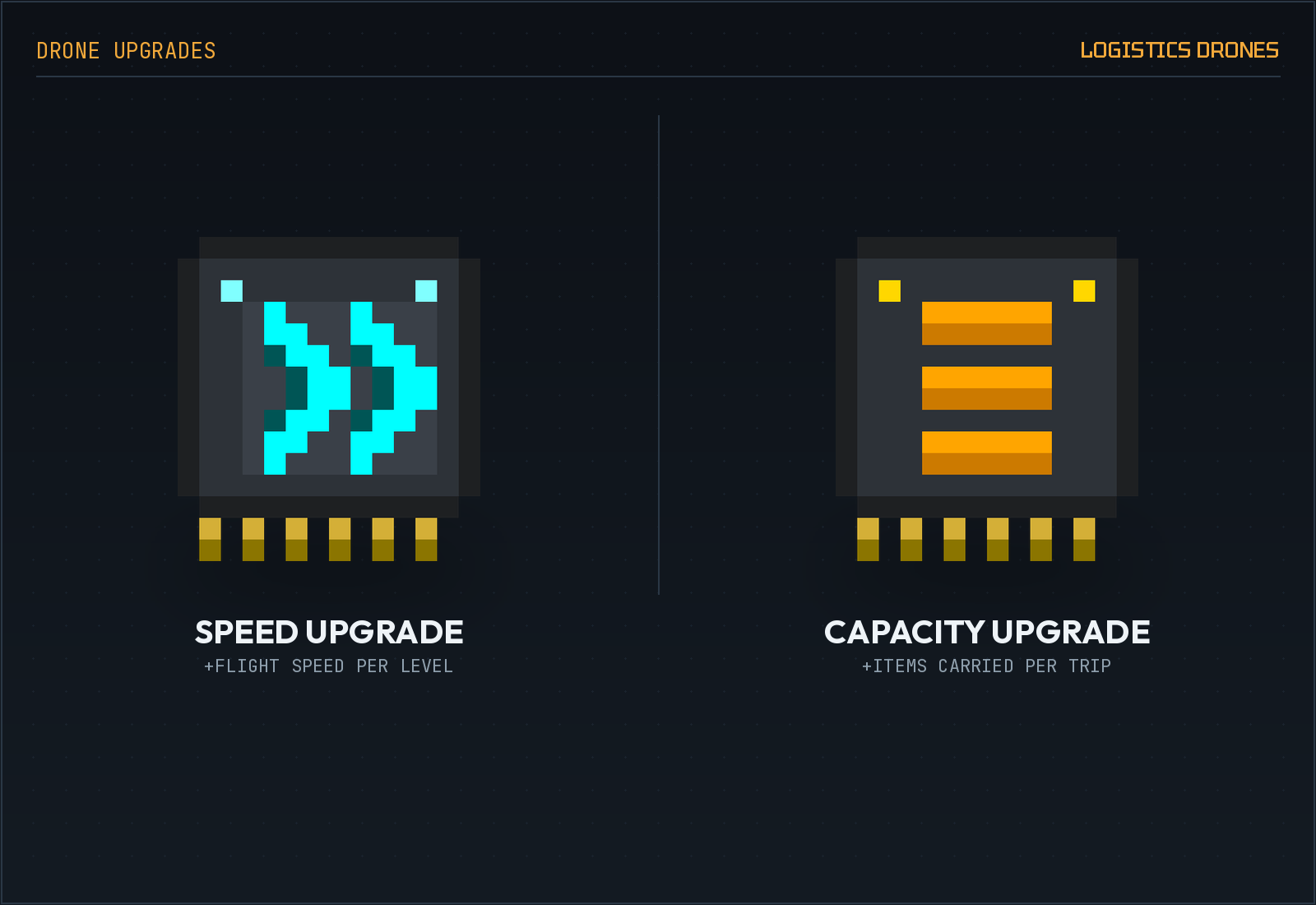
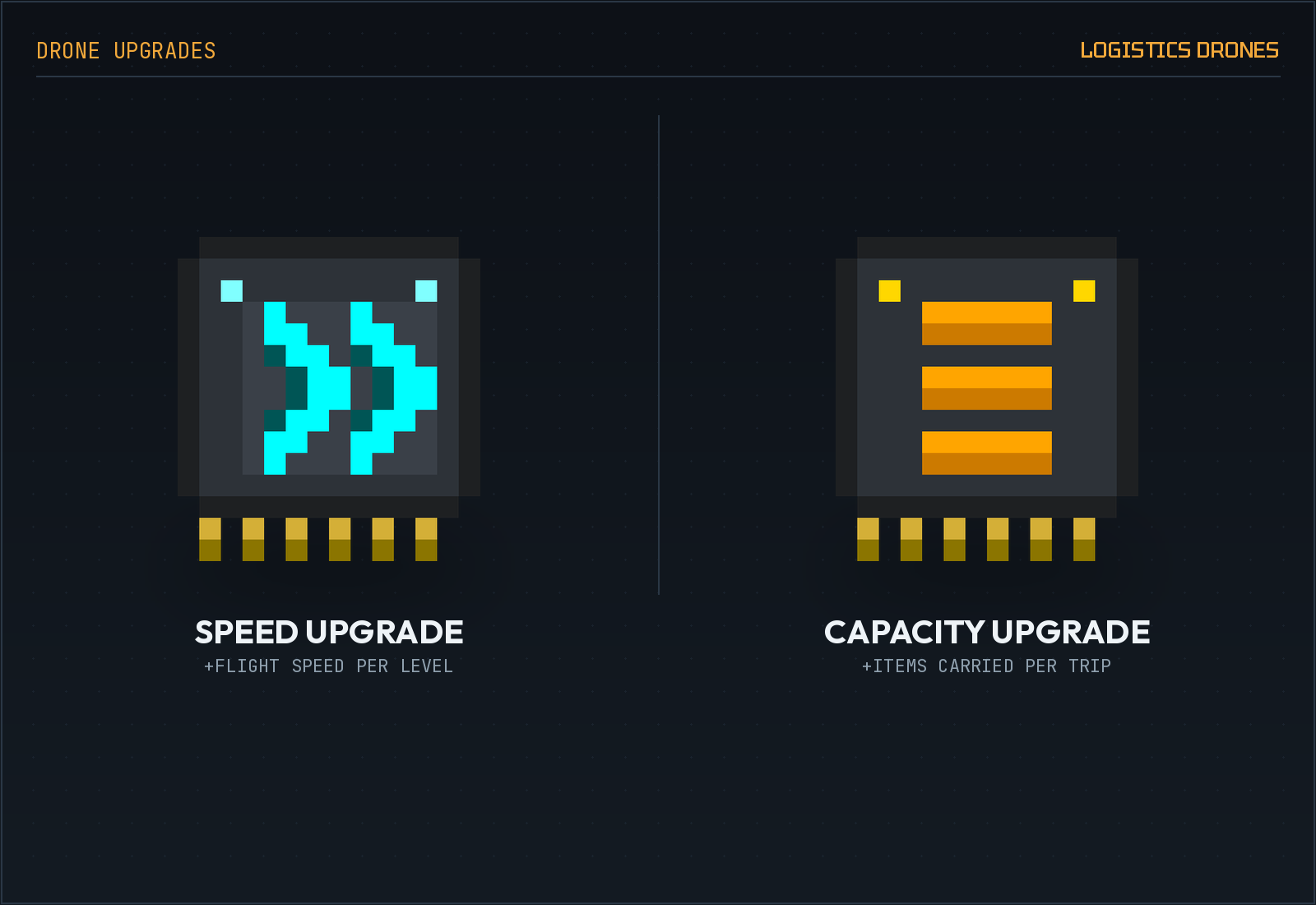
Two upgrade items slot into a drone to boost it further:
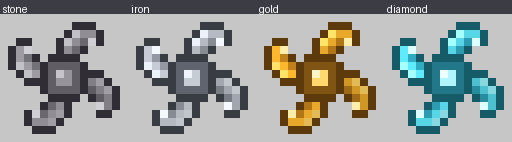
- Speed Upgrade — increases flight speed.
- Capacity Upgrade — increases how many items the drone carries per trip.
Charge Station
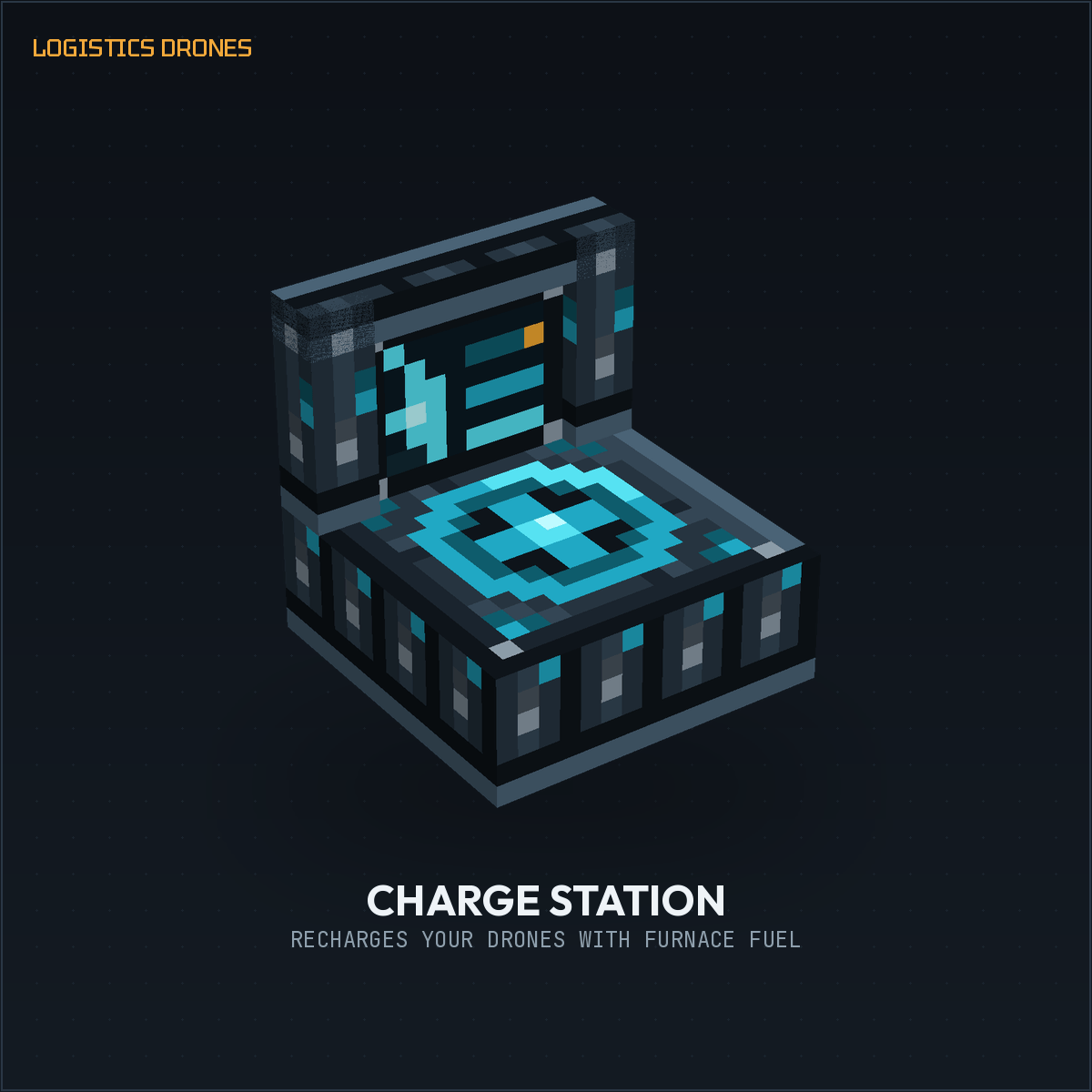
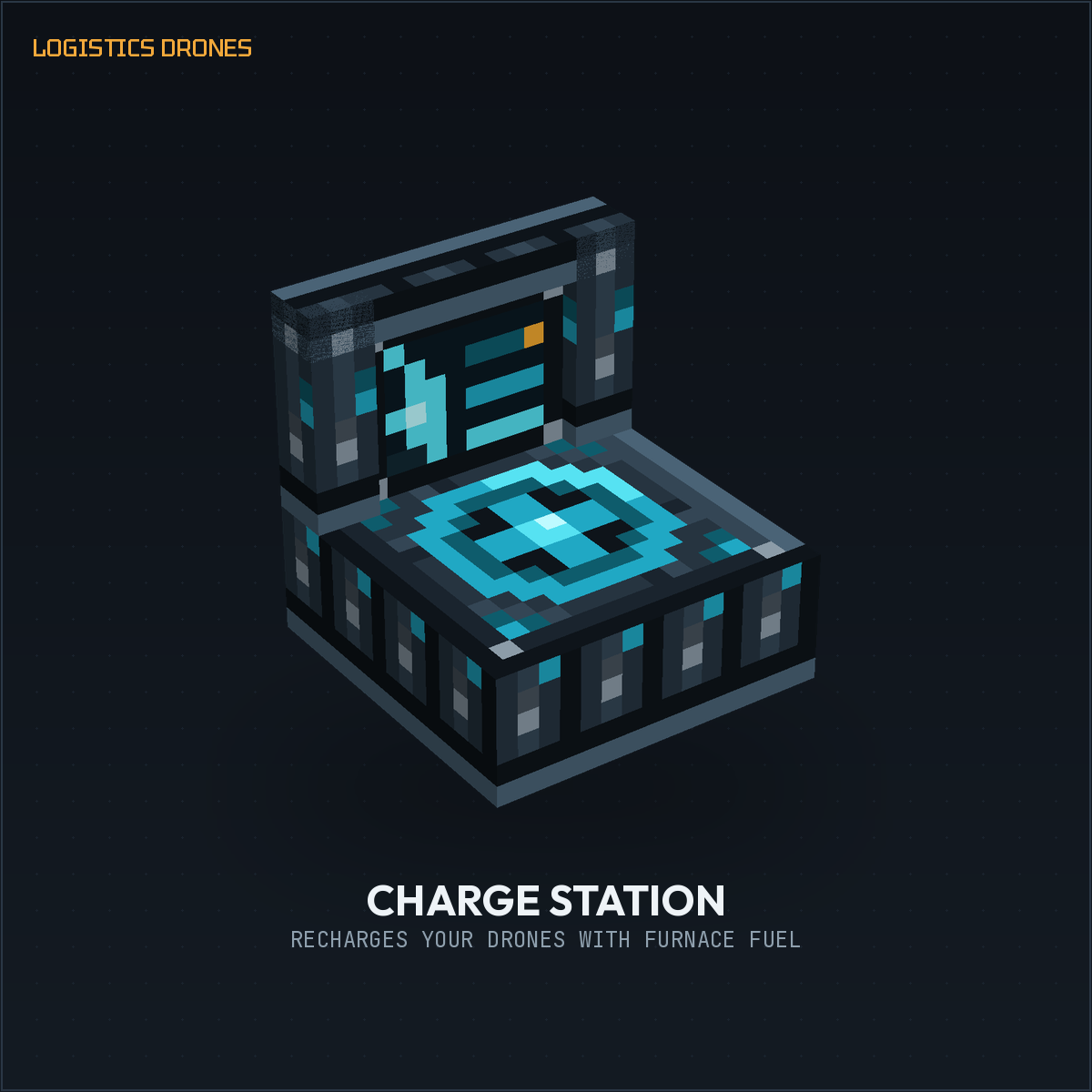
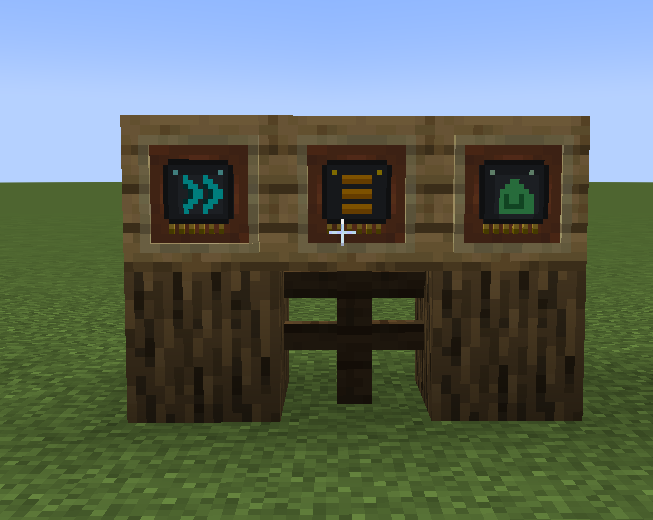
A dedicated block for keeping powered drones topped up. Feed it any furnace fuel and it generates FE, which it feeds into whichever drone is parked on its landing platform.
- Call Drone / Release Drone button — recall a drone to the station from anywhere on its route with one click. The drone lands, holds position, and stays parked — even once fully charged — until you press the button again to send it back to work. No more drones taking off mid-charge or bouncing on and off the pad.
- Visual FE and battery gauges so you can see exactly how much fuel and charge are left.
Drone Manual
An in-game guide item (right-click to read) covering every mechanic above, so new players don't need to leave the game to learn the mod
Languages
Fully translated: English, Portuguese (Portugal), Portuguese (Brazil).
TUTORIAL:https://www.youtube.com/watch?v=9zbEwh1F9Yo
Logistics Drones
Automated item transport for Minecraft. Drones fly a fixed route between two containers and move items back and forth on their own — no hoppers, no minecart rails, no redstone contraptions.
How it works
Craft a drone, place it, then right-click it with a Remote Control to set an input and an output container. Once both points are set, the drone flies to the input, picks up items, flies to the output, drops them off, and repeats — forever, or until it runs out of power.
Drone tiers
Five tiers, each faster and stronger than the last:
- Stone Drone — the free starter tier. No energy required, but slow and only carries a couple of items at a time.
- Iron Drone — needs Forge Energy (FE) to fly, larger inventory.
- Gold Drone — faster and roomier still.
- Diamond Drone — a serious hauler for late-game bases.
- Netherite Drone — the fastest and highest-capacity tier.
Every tier above Stone runs on FE and needs recharging.
Upgrades
Two upgrade items slot into a drone to boost it further:
- Speed Upgrade — increases flight speed.
- Capacity Upgrade — increases how many items the drone carries per trip.
Charge Station
A dedicated block for keeping powered drones topped up. Feed it any furnace fuel and it generates FE, which it feeds into whichever drone is parked on its landing platform.
- Call Drone / Release Drone button — recall a drone to the station from anywhere on its route with one click. The drone lands, holds position, and stays parked — even once fully charged — until you press the button again to send it back to work. No more drones taking off mid-charge or bouncing on and off the pad.
- Visual FE and battery gauges so you can see exactly how much fuel and charge are left.
Drone Manual
An in-game guide item (right-click to read) covering every mechanic above, so new players don't need to leave the game to learn the mod.
Languages
Fully translated: English, Portuguese (Portugal), Portuguese (Brazil).
Screenshots
Gallery
-
 drone-05-netherite.png drone-05-netherite.png
 -
 props_preview.png props_preview.png
 -
 drone-01-stone.png drone-01-stone.png
 -
 drone-02-iron.png drone-02-iron.png
 -
 drone-04-diamond.png drone-04-diamond.png
 -
 drone-lineup-all-tiers.png drone-lineup-all-tiers.png
 -
 upgrades-speed-capacity.png upgrades-speed-capacity.png
 -
 remote-control.png remote-control.png
 -
 drone-03-gold.png drone-03-gold.png
 -
 charge-station.png charge-station.png
 -
 2026-08-09-00-10-00.gif 2026-08-09-00-10-00.gif
 -
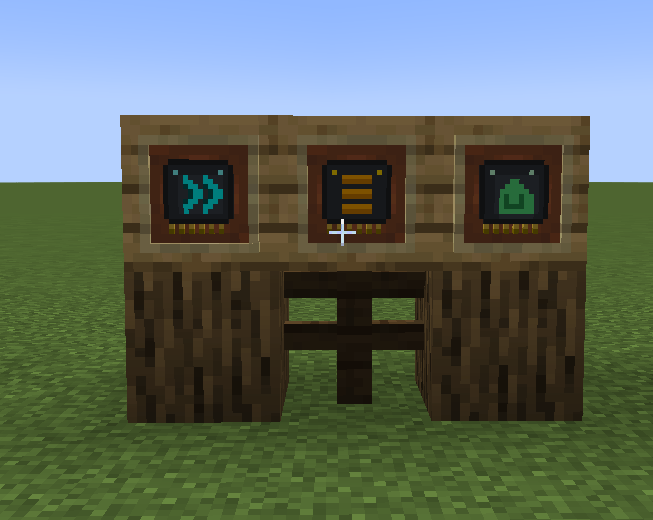 Captura de ecrã 2026-08-09 001714.png Captura de ecrã 2026-08-09 001714.png
 -
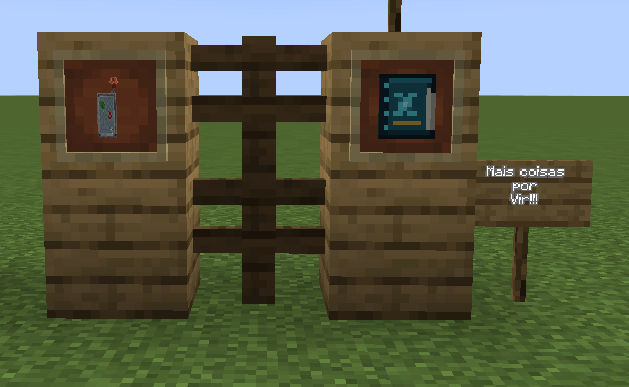 Captura de ecrã 2026-08-09 001855.png Captura de ecrã 2026-08-09 001855.png
Versions
Files
Relations
Project Relations
More like this
Similar Mods
Suggestions use data such as tags, dependencies, dependents, descriptions, titles, and more to rank how much they overlap with this mod.
On ModDex
Community snapshot
By the numbers
Statistics
Want to reach Minecraft players?
We're looking for a server hosting partner to feature here and other parts of the site. Interested? Send us a message!
Get in touchGet it on
Available Platforms
On ModDex
Community snapshot
By the numbers
Statistics
Resources