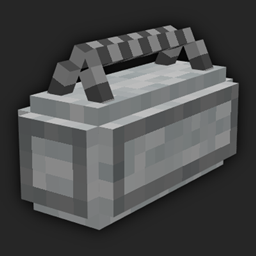
Community listing page, reviews here may not be monitored by the author.
Loot Block

No reviews yet
Randomized loot in a stylish duffle bag.
Community voices
Reviews
No reviews yet. Be the first to review this project!
Get it on
Available Platforms
About
Project Details
For authors
Embed Badge
If you're the author of this project, you can embed a live badge anywhere that supports HTML or Markdown. It updates automatically whenever ratings change.
Use HTML for any page that supports it, or Markdown for README files and Markdown-based descriptions.
Identifiers
Platform IDs
Resources
External Links
About
Description
About
Loot Block is a mod that adds a respawnable block that gives a randomized block. This mod is intended for use by server/map/modpack creators and should not be used in a normal survival game, as the block is a creative-only item.
Usage
After installing the mod you have to first create a "LootCategory". You can think of it as a vanilla LootTable. It stores the information about the possible loot, the times it takes for loot to respawn and the color of the block.
First, prepare all the items you want to spawn in your inventory. Then write to the chat "/ccategory <name> <hex> <time>" (replace <name>, <hex>,.... with the values you want to use). Name is the name of the LootCategory, hex is the color of the block in hexadecimal format (for example 0xFF00FF = magenta). Time is the time (in ticks) it takes for the loot to respawn. Keep in mind the command also saves the amount, metadata, and NBT of the items in your inventory. The command does not save your armor or offhand slots. If you did everything right, you should see a green "Successfully saved name!" message in the chat.
To use the LootCategory take the Loot Block block from the Decoration Blocks Creative tab and rename it to the name you used previously in the command. You can place the renamed block anywhere you want.
If you want to add an item to an existing LootCategory, use the "/acategory <name>" command while holding the time in hand. You can remove one or all categories from the cache using the "/rcategory <name>". Keep in mind that any changes to categories are not reflected in existing Loot Blocks, unless you restart the world!
The LootCategories are stored in .json files in your save folder. You can edit those files manually if you feel like it.

Screenshots
Gallery
-
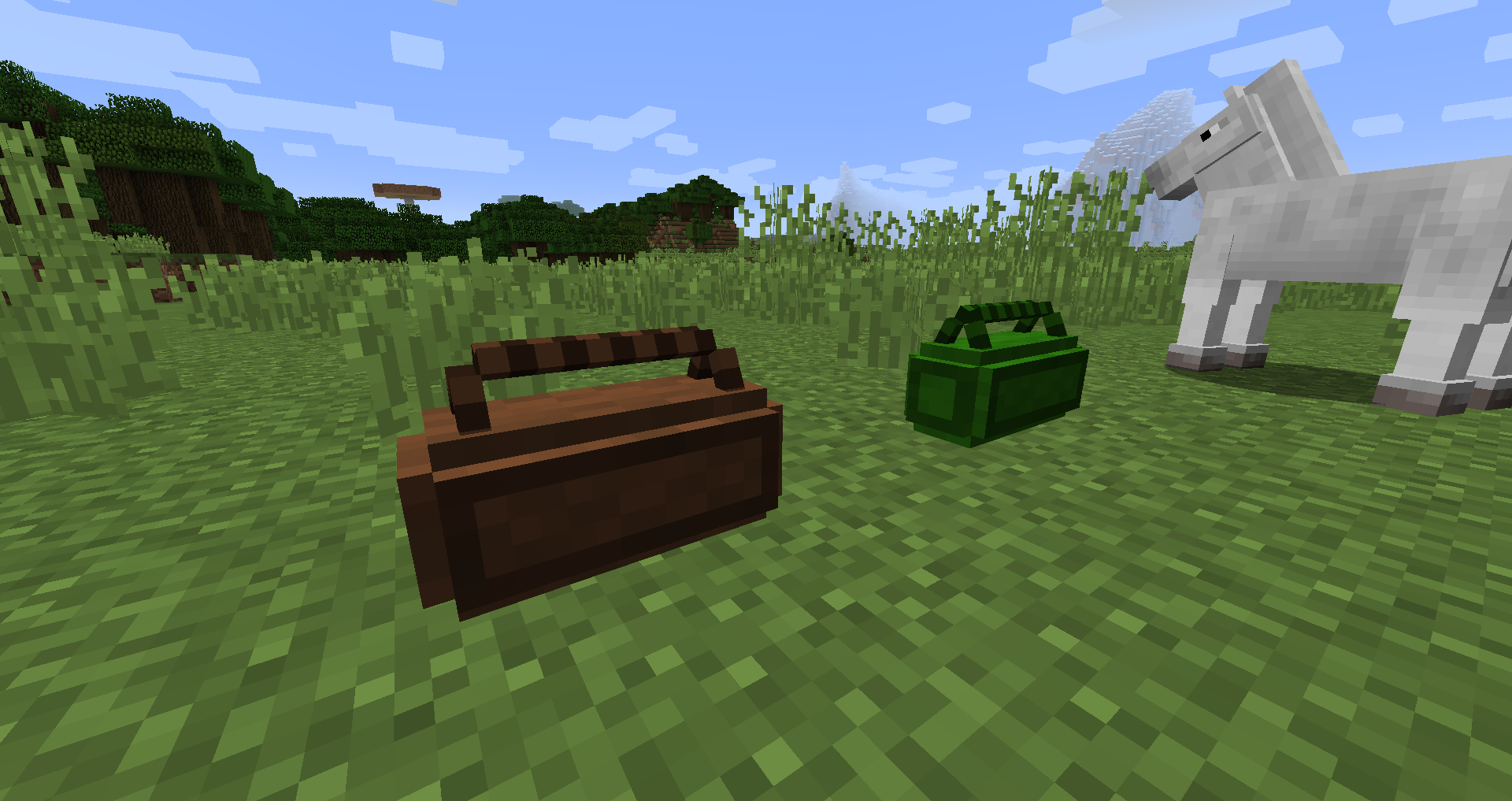 Brown and Green Loot Block
Versions
Files
Relations
Project Relations
More like this
Similar Mods
Suggestions use data such as tags, dependencies, dependents, descriptions, titles, and more to rank how much they overlap with this mod.
On ModDex
Community snapshot
By the numbers
Statistics
Want to reach Minecraft players?
We're looking for a server hosting partner to feature here and other parts of the site. Interested? Send us a message!
Get in touchGet it on
Available Platforms
On ModDex
Community snapshot
By the numbers
Statistics
Resources