
Community listing page, reviews here may not be monitored by the author.


Community voices
Reviews
No reviews yet. Be the first to review this project!
Get it on
Available Platforms
Compatibility
Supported Environments
Runs entirely on the server. Also works in singleplayer.
About
Project Details
For authors
Embed Badge
If you're the author of this project, you can embed a live badge anywhere that supports HTML or Markdown. It updates automatically whenever ratings change.
Use HTML for any page that supports it, or Markdown for README files and Markdown-based descriptions.
Identifiers
Platform IDs
Resources
External Links
About
Description
📦 Loot Drops (Universal)
Take your server events to the next level! Loot Drops is a lightweight but powerful administrative tool that allows Operators to spawn high-tier supply crates anywhere in the world.
🌟 Ultimate Mod Compatibility
This mod is designed to be fully universal. It doesn't matter which mods you are running; Loot Drops can handle them all:
Cross-Mod Support: You can spawn items from ANY other mod (e.g., Thermal Expansion, Twilight Forest, etc.) simply by using their ID in the command.
Modpack Ready: Perfect for server owners who want to create custom events using items from various different mods.
Smart Search: The command automatically detects if an item belongs to Minecraft, your own mod, or a third-party mod.
🚀 Features
5 Rarity Levels: Choose between Common, Uncommon, Rare, Legendary, and Mythic.
Global Alerts: Every drop is announced in chat with custom colors and a dragon's growl sound to alert all players.
Visual FX: Drops land with a flash and explosion particles to make them stand out.
Admin Friendly: Operators receive a welcome message with a command guide upon joining.
🛠 How to use
Only players with Operator (OP) Permissions can use the command:
/lootdrop <rarity> <x> <z> <dimension> <item> <itemcount>
Pro Tip: To spawn items from other mods, just use the format modid:item_name (e.g., draconicevolution:draconium_ingot).
💎 Default Loot Table
If no items are specified, the mod uses built-in rewards:
Common/Uncommon/Rare: Iron, Gold, or Diamonds.
Legendary/Mythic: Enchanted Golden Apples and specialized gear.
Installation Note: This mod must be installed on both the Server and the Client.
📦 Loot Drops (Universal)
Take your server events to the next level! Loot Drops is a lightweight but powerful administrative tool that allows Operators to spawn high-tier supply crates anywhere in the world. 🌟 Ultimate Mod Compatibility
This mod is designed to be fully universal. It doesn't matter which mods you are running; Loot Drops can handle them all:
Cross-Mod Support: You can spawn items from ANY other mod (e.g., Thermal Expansion, Twilight Forest, etc.) simply by using their ID in the command.
Modpack Ready: Perfect for server owners who want to create custom events using items from various different mods.
Smart Search: The command automatically detects if an item belongs to Minecraft, your own mod, or a third-party mod.
🚀 Features
5 Rarity Levels: Choose between Common, Uncommon, Rare, Legendary, and Mythic.
Global Alerts: Every drop is announced in chat with custom colors and a dragon's growl sound to alert all players.
Visual FX: Drops land with a flash and explosion particles to make them stand out.
Admin Friendly: Operators receive a welcome message with a command guide upon joining.
🛠 How to use
Only players with Operator (OP) Permissions can use the command:
/lootdrop [optional: item_name amount ... ]

Pro Tip: To spawn items from other mods, just use the format modid:item_name (e.g., draconicevolution:draconium_ingot). 💎 Default Loot Table
If no items are specified, the mod uses built-in rewards:
Common/Uncommon/Rare: Iron, Gold, or Diamonds.
Legendary/Mythic: Enchanted Golden Apples and specialized gear.
Installation Note: This mod must be installed on both the Server and the Client.
Screenshots
Gallery
-
 Command The lootdrop Command! Replace the colorful words for your own!
 -
 Loot Drop Information! The Information which rarity the lootdrop is and where you can find it!
 -
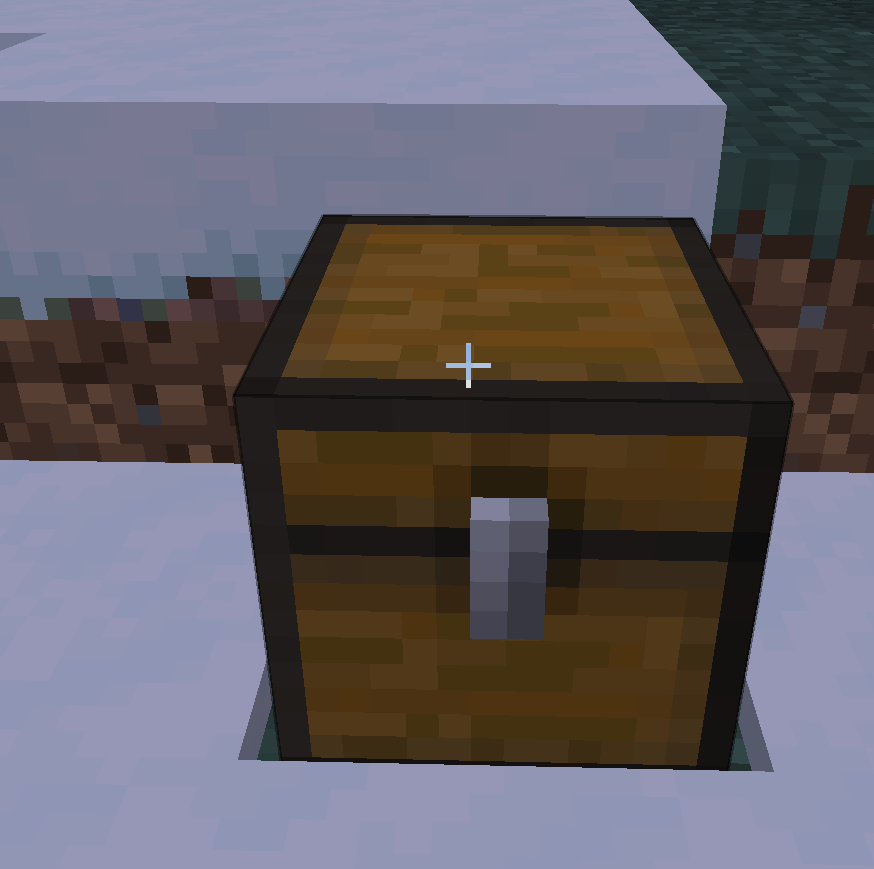 LootDrop This is the Loot Drop!
-
 Loot Drop Information! The Information which rarity the lootdrop is and where you can find it!
 -
 Command The lootdrop Command! Replace the colorful words for your own!
 -
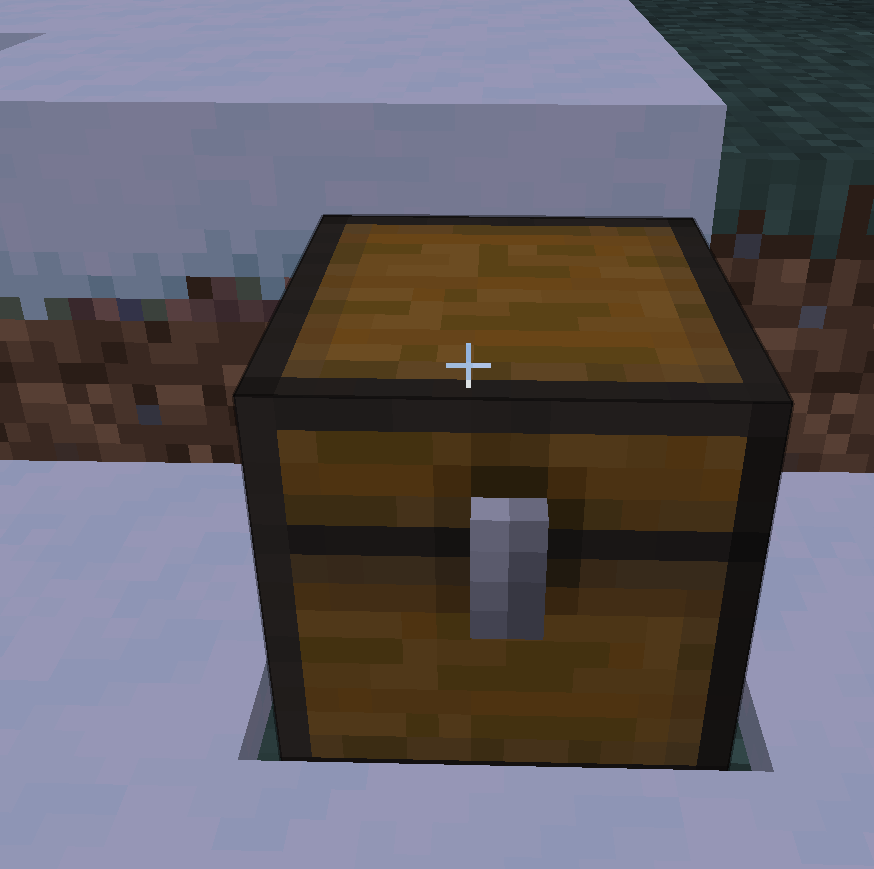 LootDrop This is the Loot Drop!
Versions
Files
Relations
Project Relations
More like this
Similar Mods
Suggestions use data such as tags, dependencies, dependents, descriptions, titles, and more to rank how much they overlap with this mod.
On ModDex
Community snapshot
By the numbers
Statistics
Want to reach Minecraft players?
We're looking for a server hosting partner to feature here and other parts of the site. Interested? Send us a message!
Get in touchGet it on
Available Platforms
On ModDex
Community snapshot
By the numbers
Statistics
Resources