
Community listing page, reviews here may not be monitored by the author.
MCLLM


No reviews yet
A mod for using LLM in Minecraft
Community voices
Reviews
No reviews yet. Be the first to review this project!
Get it on
Available Platforms
Compatibility
Supported Environments
Runs entirely on the client. Works on vanilla servers.
About
Project Details
For authors
Embed Badge
If you're the author of this project, you can embed a live badge anywhere that supports HTML or Markdown. It updates automatically whenever ratings change.
Use HTML for any page that supports it, or Markdown for README files and Markdown-based descriptions.
Identifiers
Platform IDs
About
Description
MCLLM
If you like this project, please consider giving it a ⭐ on GitHub!
This is a fork of MCChatGPT.
Unlike the original, the base URI is no longer hardcoded—you can now configure it via a file, making it compatible with nearly any LLM service, not just OpenAI.
How to Use
Download the JAR file compatible with your Minecraft version from GitHub or here, and place it in your
modsfolder.
(Make sure the appropriate mod loader is installed.)Download the required dependencies from the same source and also place them in the
modsfolder.- Supported platforms: Fabric (>= 1.20.1), Forge (1.19.4–1.20.1), and NeoForge (>= 1.21.1)
Launch the game once to generate the configuration file.
Open
config/mcllm.jsonand edit the following fields:baseurl: Set this to the endpoint of your preferred LLM service, e.g.https://api.deepseek.com/v1model: Specify the model name, e.g.deepseek-chat
Re-launch the game, then run:
/mcllm-auth YourToken
This securely stores your token (it will be encrypted in the config file).Use
/ask YourQuestionto send a message to the LLM.
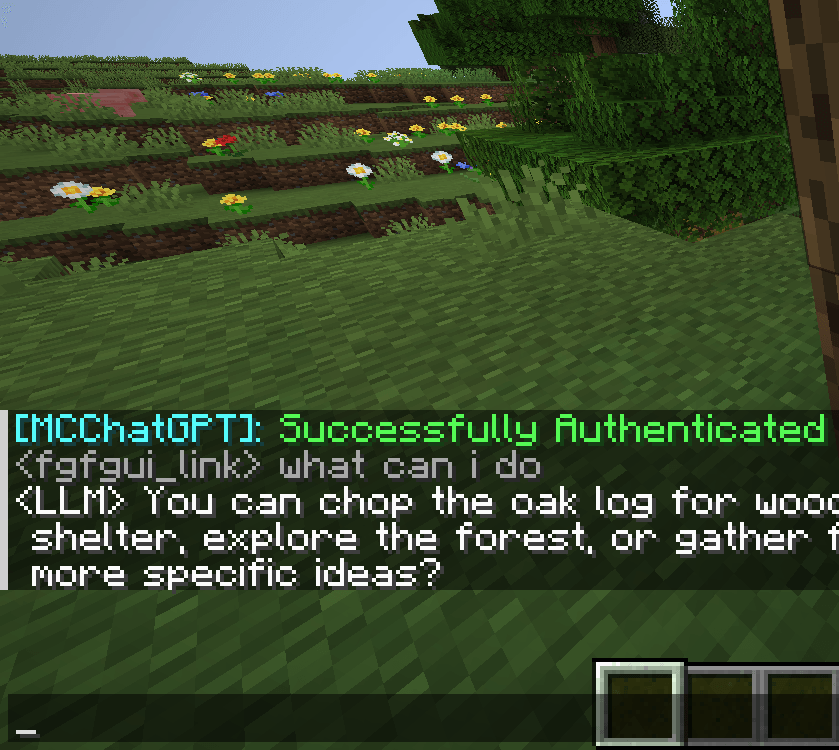
The LLM’s reply will appear in your local chat—only you can see it.
MCLLM
If you like this project, please consider giving it a ⭐ on GitHub!
This is a fork of MCChatGPT.
Unlike the original, the base URI is no longer hardcoded—you can now configure it via a file, making it compatible with nearly any LLM service, not just OpenAI.
How to Use
-
Download the JAR file compatible with your Minecraft version from Modrinth or GitHub, and place it in your
modsfolder.
(Make sure the appropriate mod loader is installed.) -
Download the required dependencies from the same source and also place them in the
modsfolder.
(They are usually listed on the Modrinth.)- Supported platforms: Fabric (>= 1.20.1), Forge (1.19.4–1.20.1), and NeoForge (>= 1.21.1)
-
Launch the game once to generate the configuration file.
-
Open
config/mcllm.jsonand edit the following fields:baseurl: Set this to the endpoint of your preferred LLM service, e.g.https://api.deepseek.com/v1model: Specify the model name, e.g.deepseek-chat
-
Re-launch the game, then run:
/mcllm-auth YourToken
This securely stores your token (it will be encrypted in the config file). -
Use
/ask YourQuestionto send a message to the LLM.
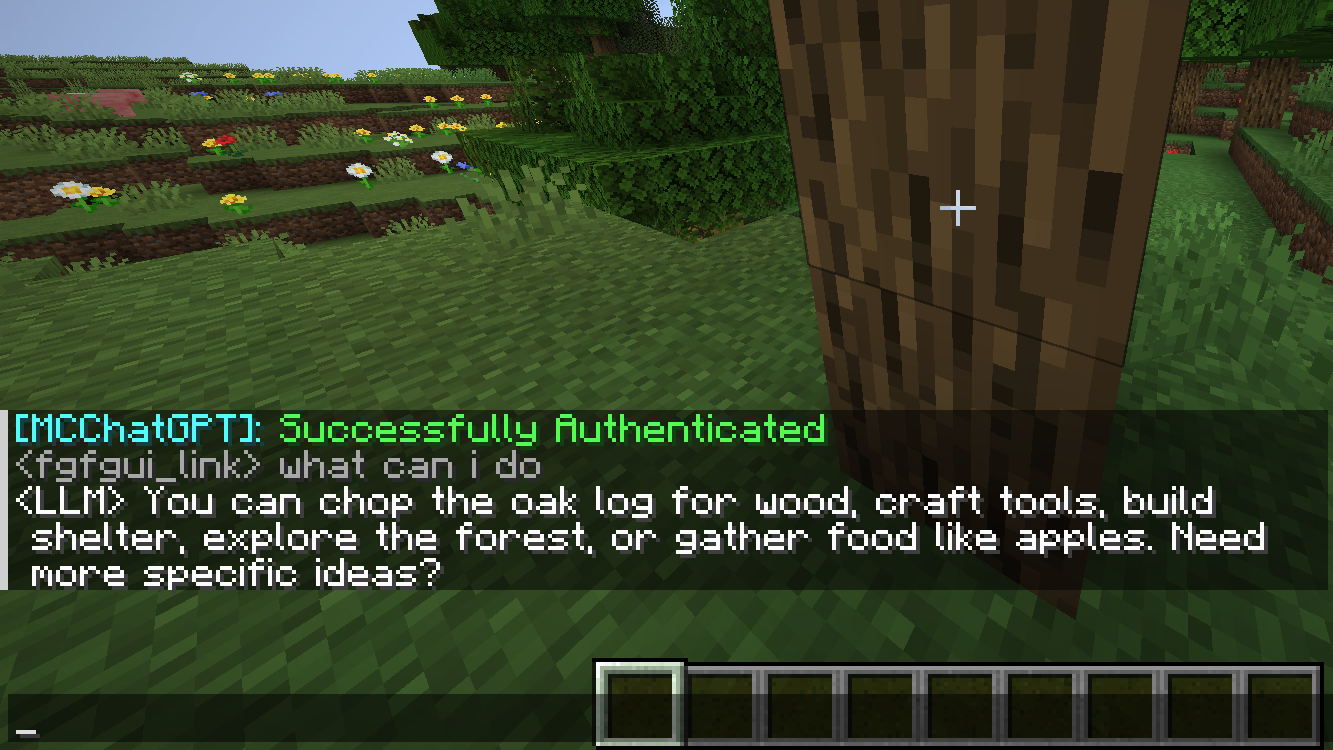
The LLM’s reply will appear in your local chat—only you can see it.
Screenshots
Gallery
-
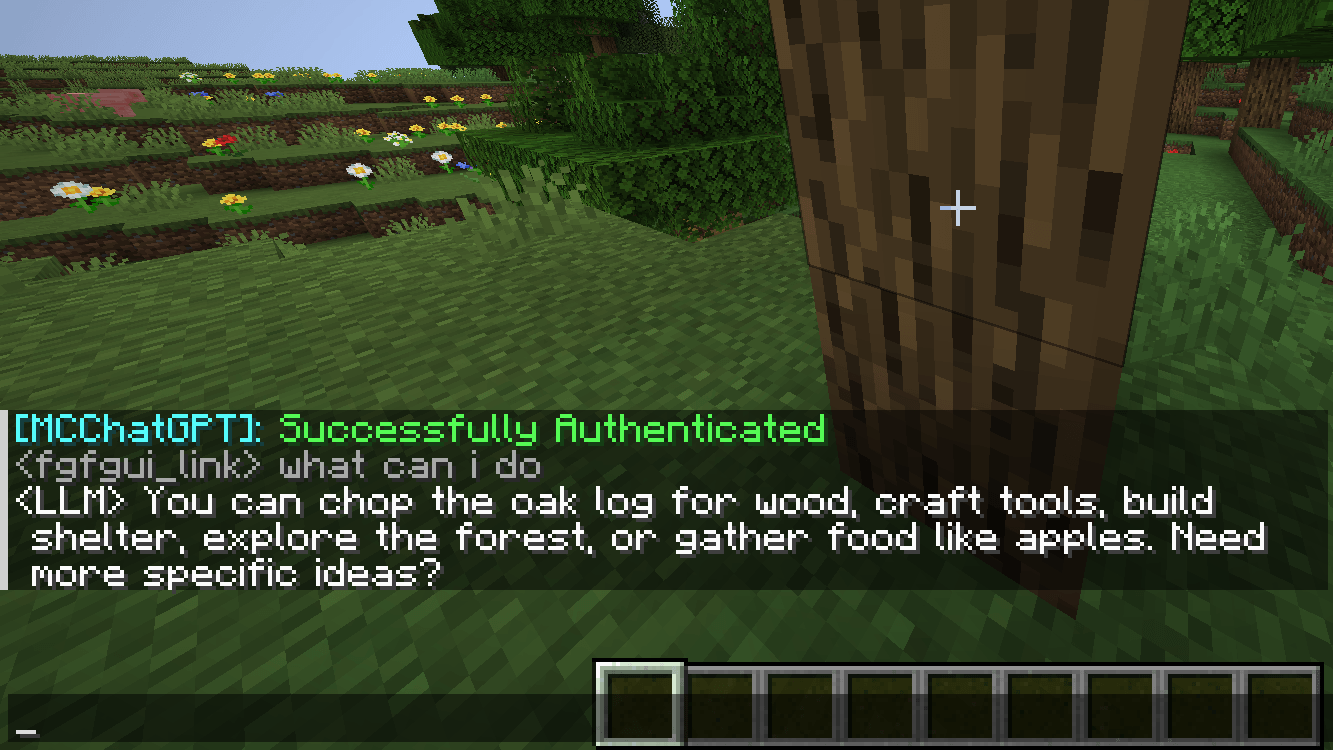 Screenshot Screenshot using this mod
-
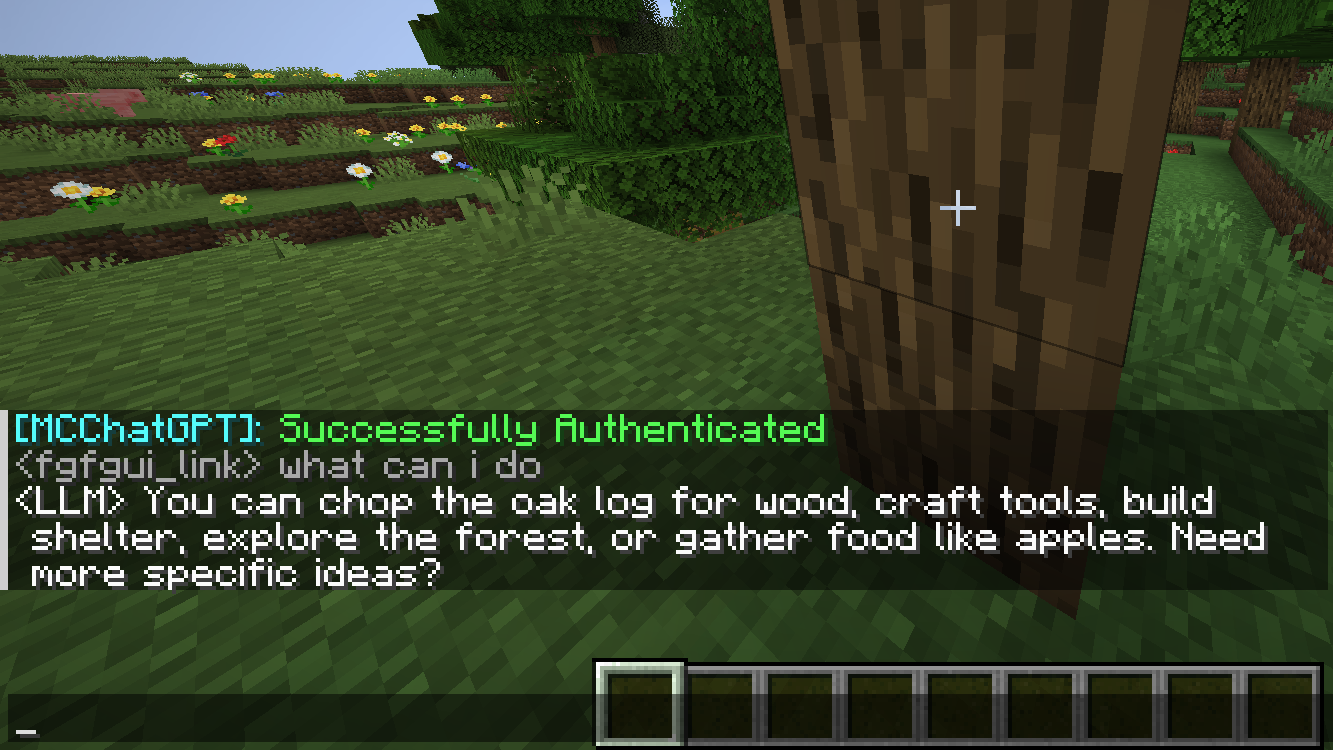 Ask LLM
Versions
Files
Relations
Project Relations
More like this
Similar Mods
Suggestions use data such as tags, dependencies, dependents, descriptions, titles, and more to rank how much they overlap with this mod.
On ModDex
Community snapshot
By the numbers
Statistics
Want to reach Minecraft players?
We're looking for a server hosting partner to feature here and other parts of the site. Interested? Send us a message!
Get in touchGet it on
Available Platforms
On ModDex
Community snapshot
By the numbers