
Community listing page, reviews here may not be monitored by the author.
ME Placement Tool


No reviews yet
A mod that lets players place blocks, AE2 parts, and fluids directly from their AE network by inserting the tool into an ME Wireless Access Point.
Community voices
Reviews
No reviews yet. Be the first to review this project!
Get it on
Available Platforms
Compatibility
Supported Environments
Must be installed on both the client and the server.
About
Project Details
For authors
Embed Badge
If you're the author of this project, you can embed a live badge anywhere that supports HTML or Markdown. It updates automatically whenever ratings change.
Use HTML for any page that supports it, or Markdown for README files and Markdown-based descriptions.
Identifiers
Platform IDs
About
Description
Overview
An add-on mod for Applied Energistics 2, providing a set of placement tools connected wirelessly via an ME Wireless Access Point. It features 18 configuration slots (supports JEI/REI integration, allowing items to be dragged in directly) to streamline ME network construction and enhance your gameplay experience.
Features
ME Placement Tool
A versatile tool for placing blocks, AE2 cable parts (buses, panels, cables), and fluids directly from your ME network.
- Supports quick item switching via a radial menu.
- Supports auto-crafting: if an item is unavailable but craftable, a crafting request menu opens automatically.
- Compatible with AE2 Memory Cards and Mekanism Configuration Cards for automatically configuring placed devices.
ME Multiblock Placement Tool
Capable of placing 1, 8, 64, 256, or 1024 blocks or fluids at once, supporting smart expansion algorithms that automatically fill along surfaces of the same block type.
- Dual-layer radial menu: inner ring for placement count, outer ring for item selection.
- Visual preview shows exactly where blocks will be placed.
- Undo support lets you revert recent placements with Ctrl + Left-click.
ME Cable Placement Tool
Built specifically for AE2 cabling, this tool supports multiple cable types (Glass, Covered, Smart, Dense Covered, Dense Smart) and offers three placement modes:
- Line Mode: lay straight cable runs.
- Plane Fill: cover a rectangular area with cables.
- Plane Branching: create tree-like branching cable networks.
The smart dyeing system automatically prioritizes dye sources (Inventory > ME Network > Offhand). With the Key of Spectrum upgrade, cables can be placed in any of the 17 colors without consuming dye or requiring it in the offhand.
Configuration
The mod provides a configuration file at config/meplacementtool-common.toml with options for:
- Energy capacity and cost per placement for each tool
- Item blacklist to prevent certain items from being placed
- NBT matching rules for items that require exact data matching (e.g., AE2 cable facades)
Acknowledgements
- ME Multiblock Placement Tool references Construction Wand by Theta-Dev (MIT License).
- Radial menu references Ars Nouveau by baileyholl (LGPL-3.0).
- Uses the Applied Energistics 2 API and references its implementation (LGPL-3.0, API: MIT).
- GUI textures modified from AE2 assets (CC BY-NC-SA 3.0).
- Item models and textures by _leng (CC BY-NC-SA 4.0).
Overview
An add-on mod for Applied Energistics 2, providing a set of placement tools connected wirelessly via an ME Wireless Access Point. It features 18 configuration slots (supports JEI/REI integration, allowing items to be dragged in directly) to streamline ME network construction and enhance your gameplay experience.
Features
ME Placement Tool
A versatile tool for placing blocks, AE2 cable parts (buses, panels, cables), and fluids directly from your ME network.
- Supports quick item switching via a radial menu.
- Supports auto-crafting: if an item is unavailable but craftable, a crafting request menu opens automatically.
- Compatible with AE2 Memory Cards and Mekanism Configuration Cards for automatically configuring placed devices.
ME Multiblock Placement Tool
Capable of placing 1, 8, 64, 256, or 1024 blocks or fluids at once, supporting smart expansion algorithms that automatically fill along surfaces of the same block type.
- Dual-layer radial menu: inner ring for placement count, outer ring for item selection.
- Visual preview shows exactly where blocks will be placed.
- Undo support lets you revert recent placements with Ctrl + Left-click.
ME Cable Placement Tool
Built specifically for AE2 cabling, this tool supports multiple cable types (Glass, Covered, Smart, Dense Covered, Dense Smart) and offers three placement modes:
- Line Mode: lay straight cable runs.
- Plane Fill: cover a rectangular area with cables.
- Plane Branching: create tree-like branching cable networks.
The smart dyeing system automatically prioritizes dye sources (ME Network > Inventory > Offhand). With the Key of Spectrum upgrade, cables can be placed in any of the 17 colors without consuming dye or requiring it in the offhand.
Configuration
The mod provides a configuration file at config/meplacementtool-common.toml with options for:
- Energy capacity and cost per placement for each tool
- Item blacklist to prevent certain items from being placed
- NBT matching rules for items that require exact data matching (e.g., AE2 cable facades)
Acknowledgements
- ME Multiblock Placement Tool references Construction Wand by Theta-Dev (MIT License).
- Radial menu references Ars Nouveau by baileyholl (LGPL-3.0).
- Uses the Applied Energistics 2 API and references its implementation (LGPL-3.0, API: MIT).
- GUI textures modified from AE2 assets (CC BY-NC-SA 3.0).
- Item models and textures by _leng (CC BY-NC-SA 4.0).
Screenshots
Gallery
-
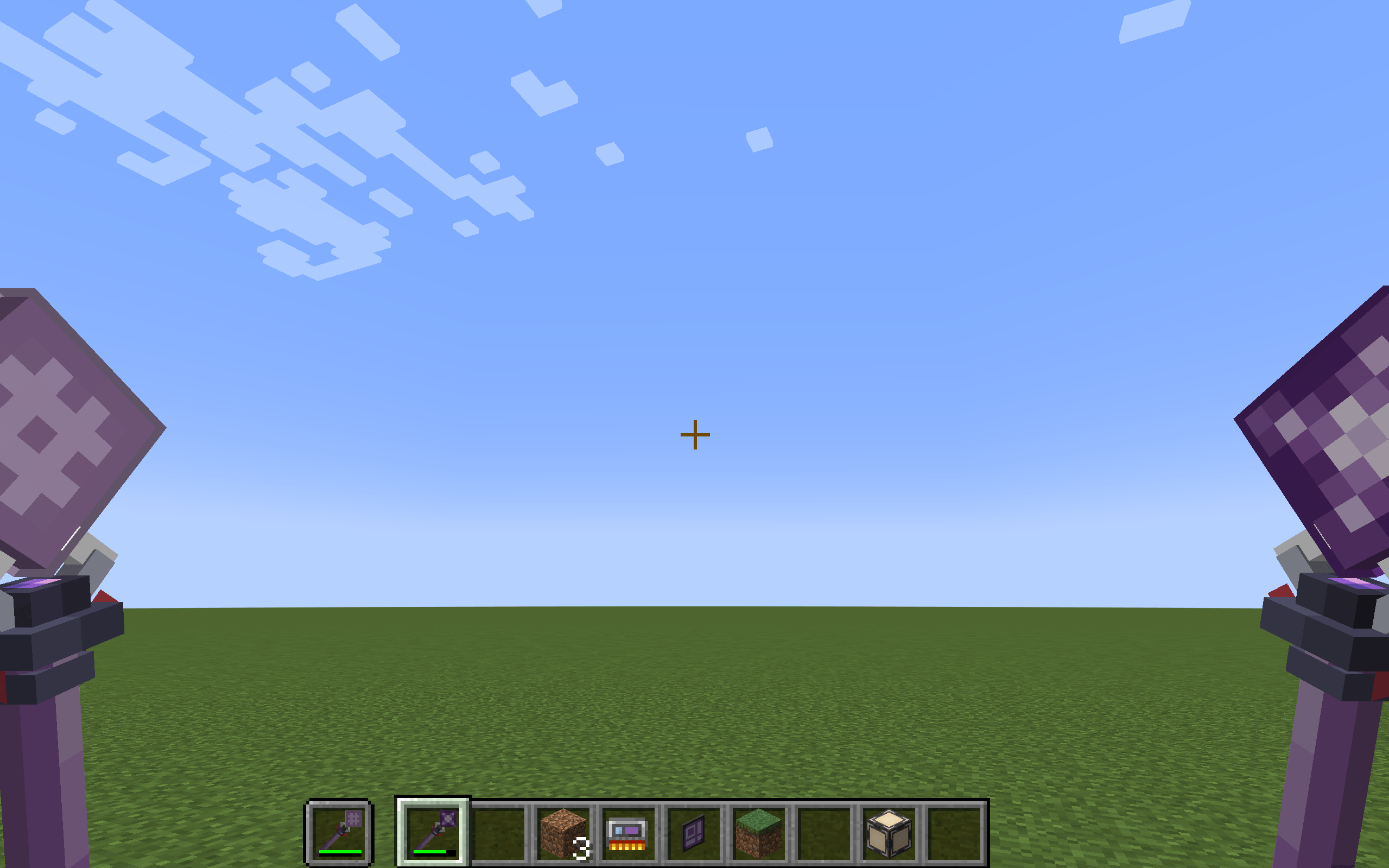 011c18da546c5959b76bfa6964846b83.png 011c18da546c5959b76bfa6964846b83.png
 -
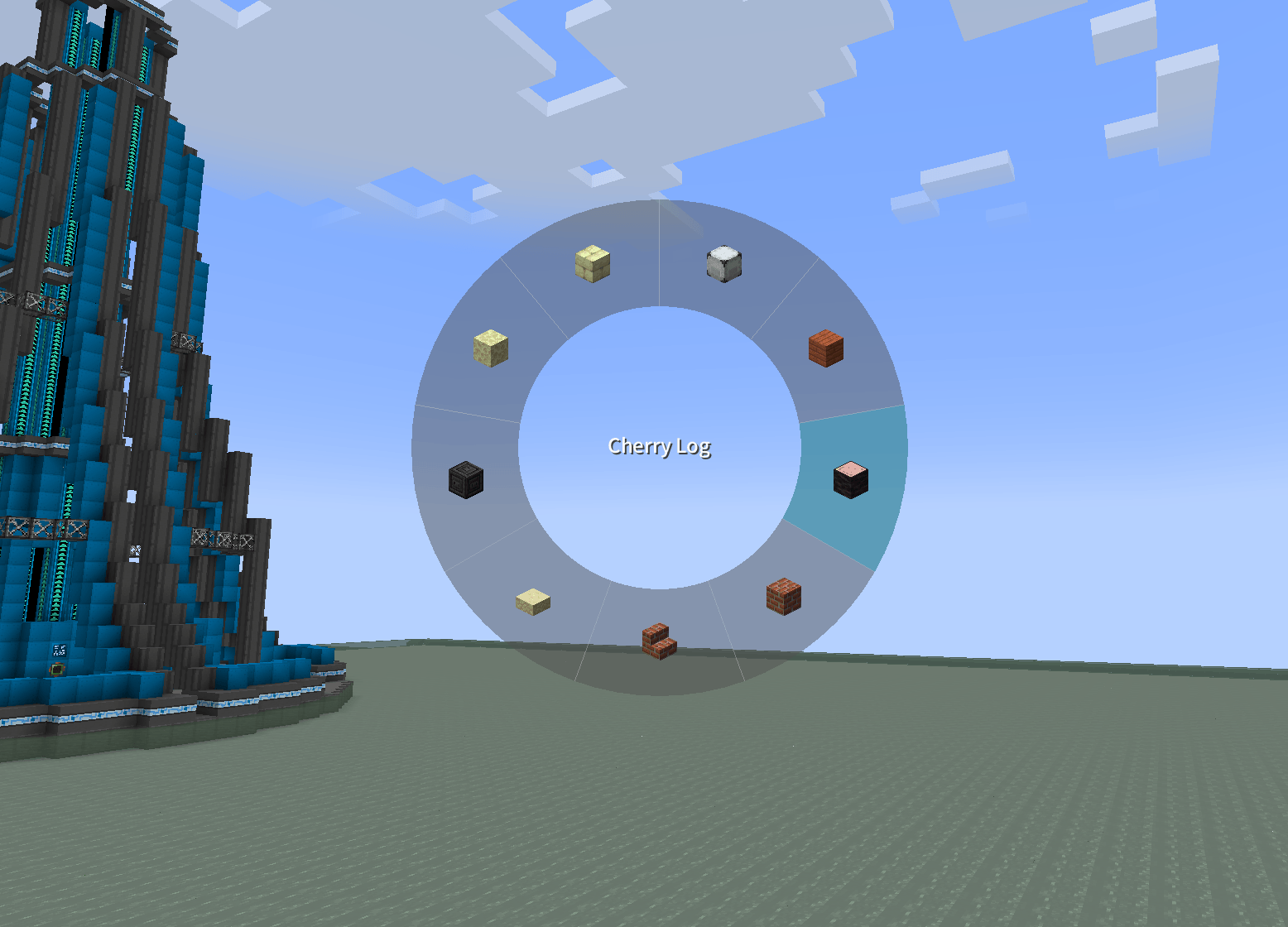 c1bb1db1627181fe27b5552ae68ce51d.png c1bb1db1627181fe27b5552ae68ce51d.png
 -
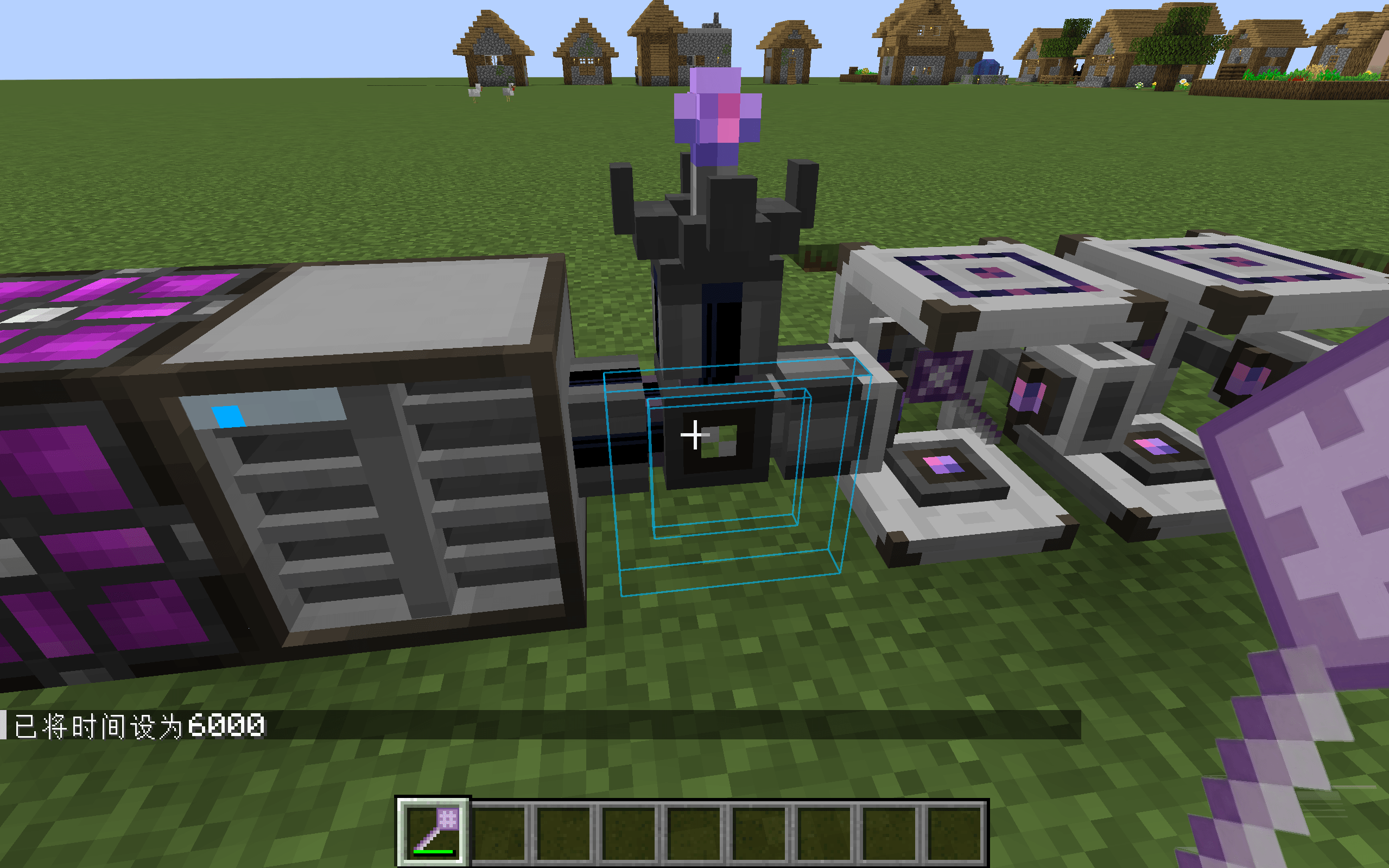 8e00d11cb7b99586789a5302083c8709.png 8e00d11cb7b99586789a5302083c8709.png
 -
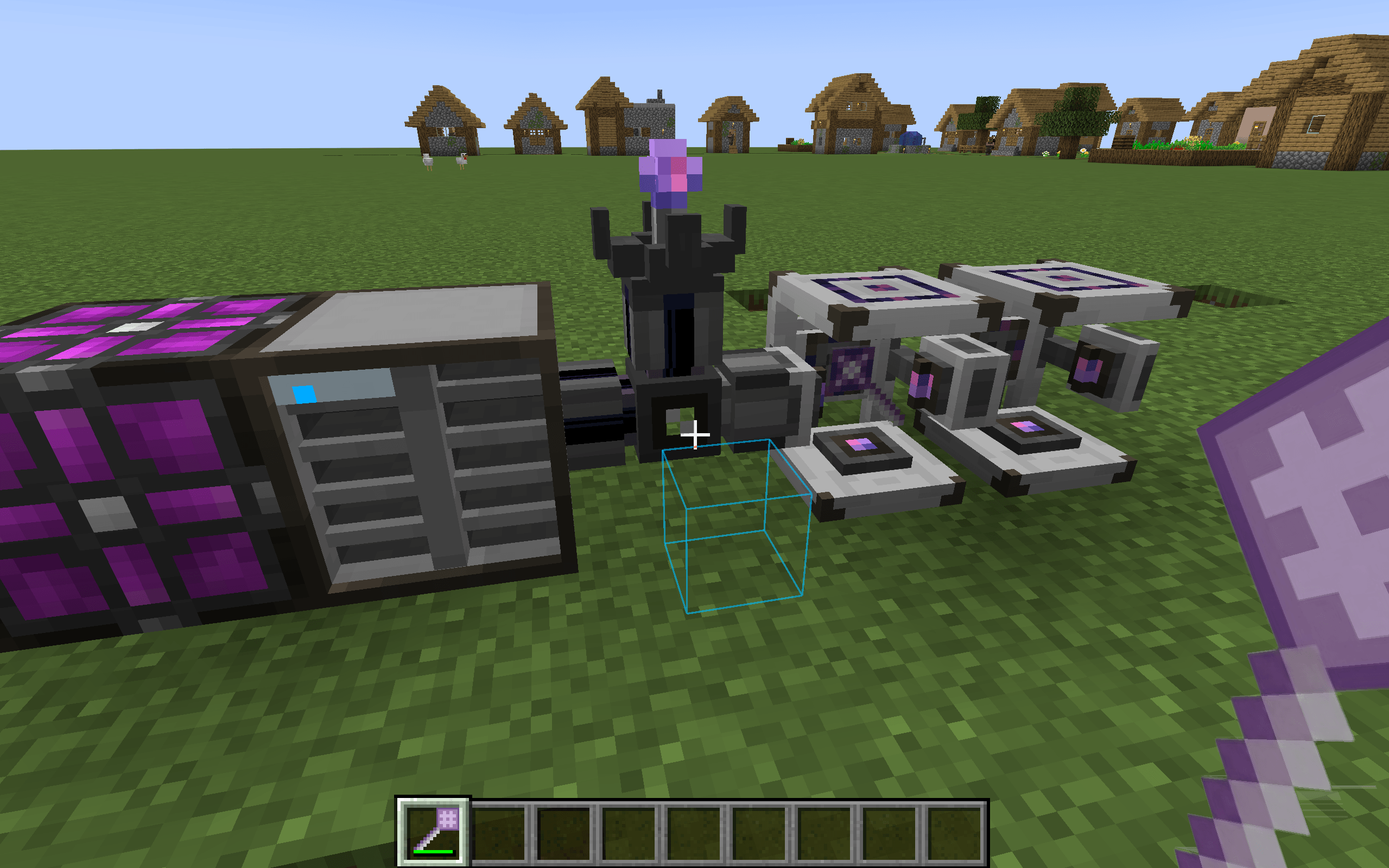 0de51c8bbc3d9e9377b82990b008c9bd.png 0de51c8bbc3d9e9377b82990b008c9bd.png
 -
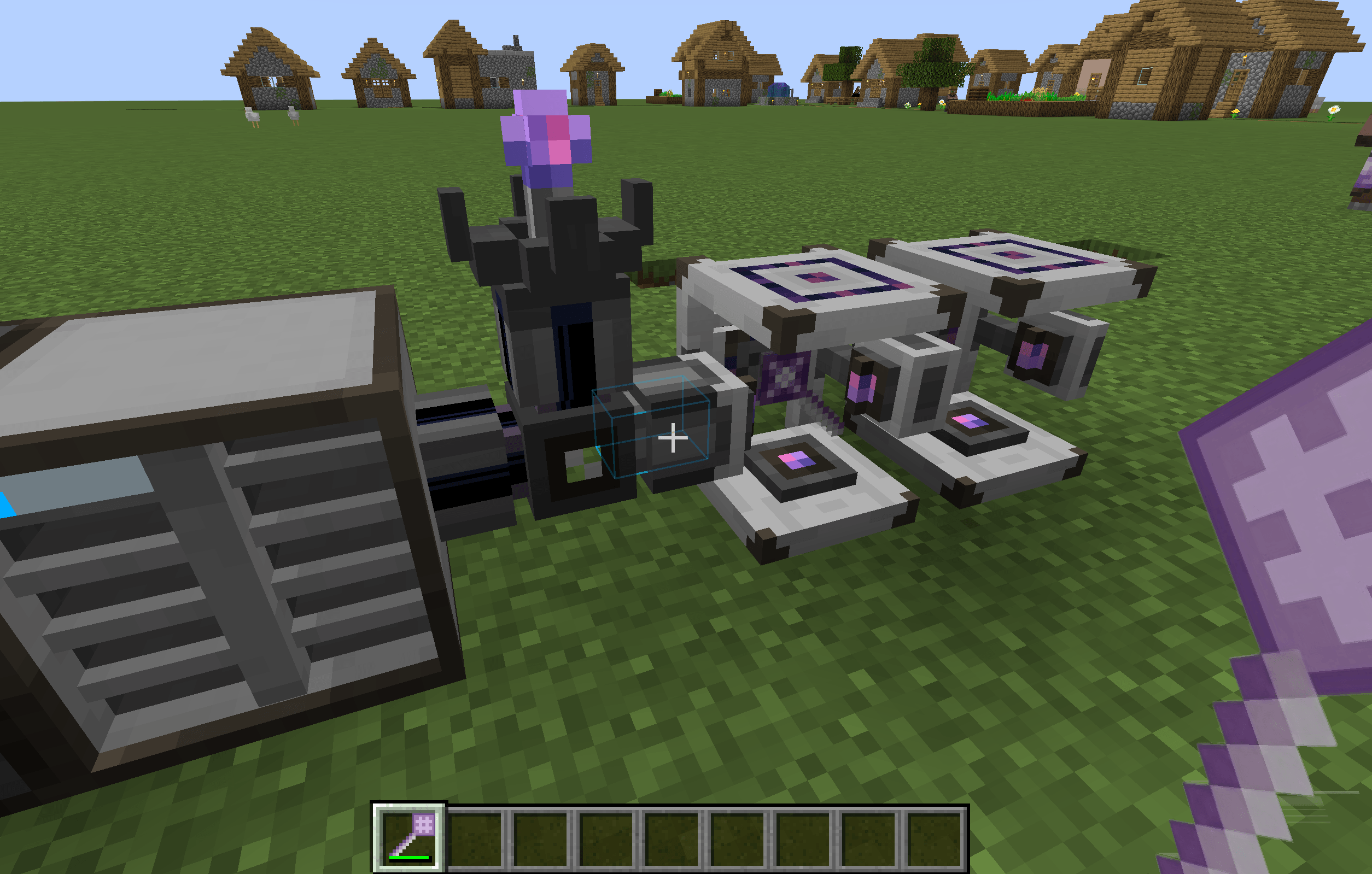 d645a9b0781d73b3010fea82ddd42ad3.png d645a9b0781d73b3010fea82ddd42ad3.png
-
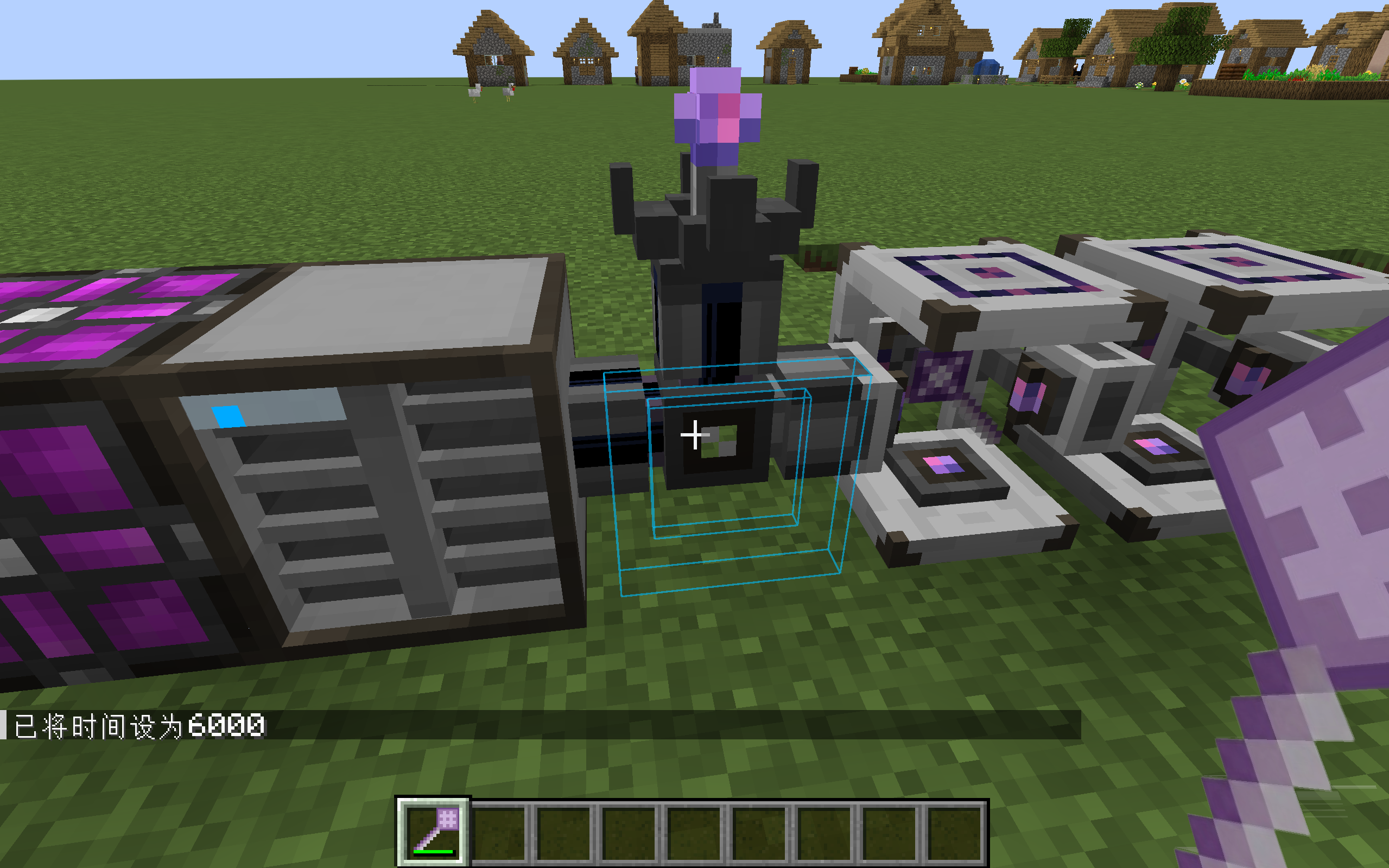 Preview - ME Placement Tool
 -
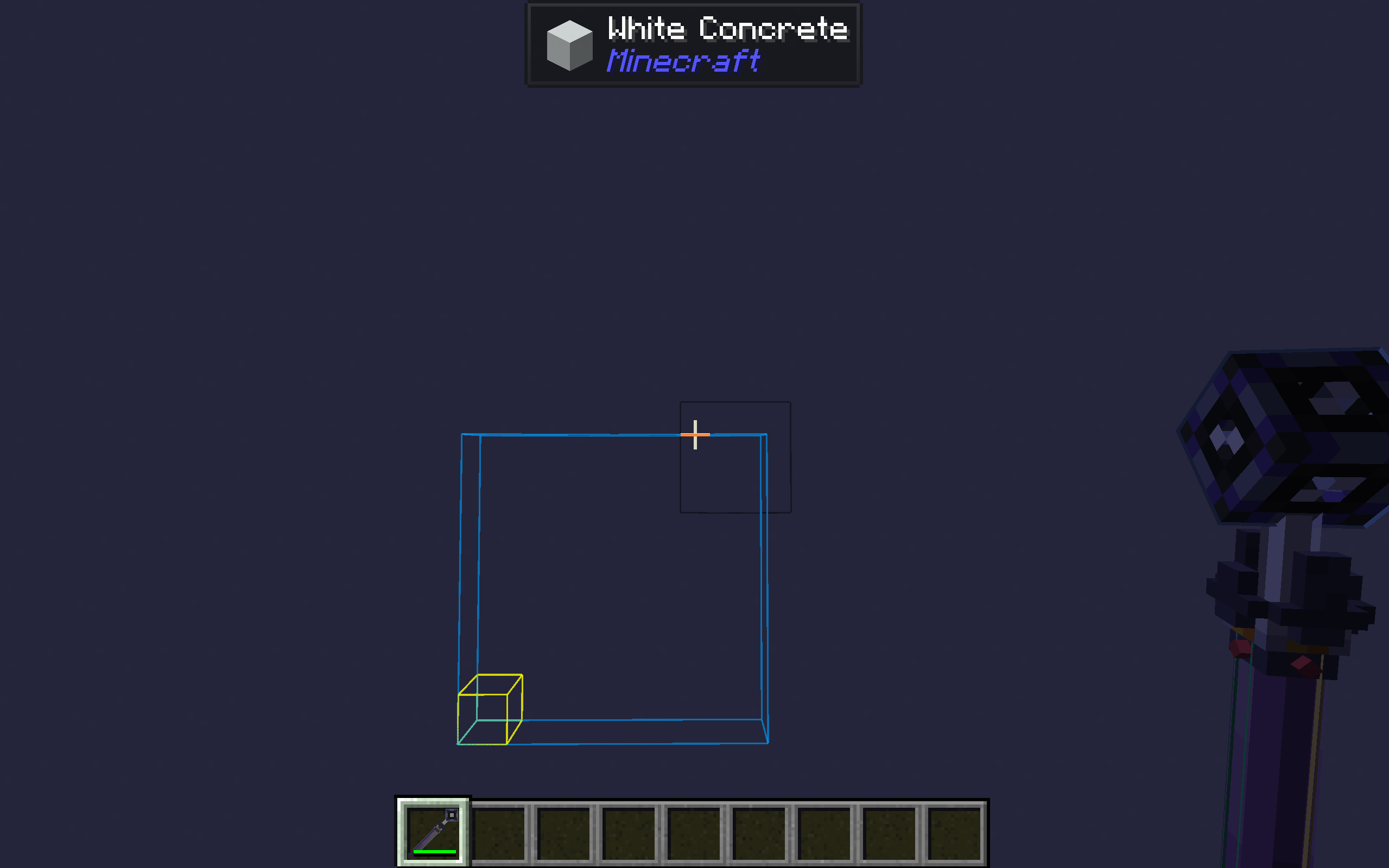 Fill mode - ME Cable Placement Tool
 -
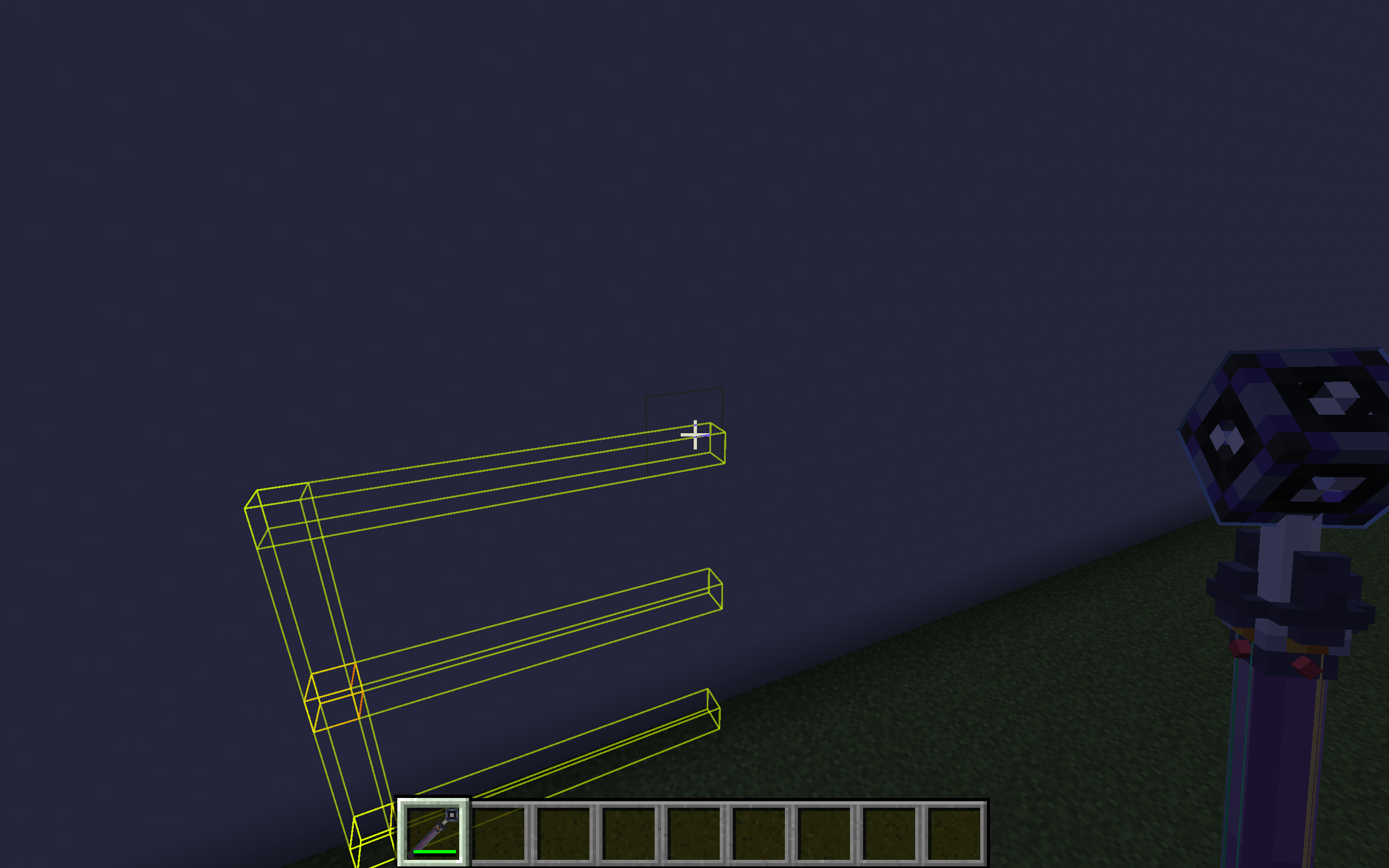 Branch mode - ME Cable Placement Tool
 -
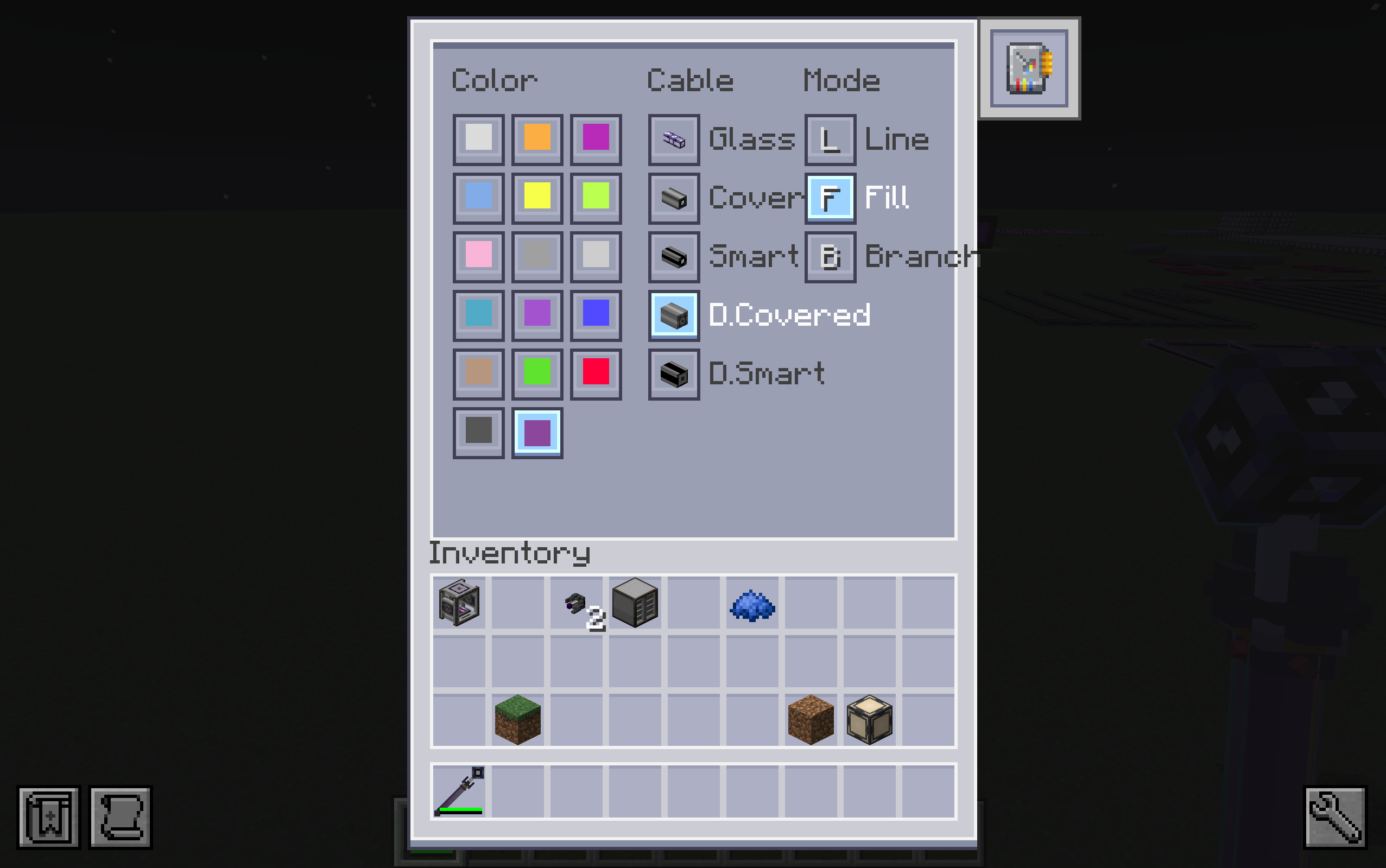 GUI - ME Cable Placement Tool
 -
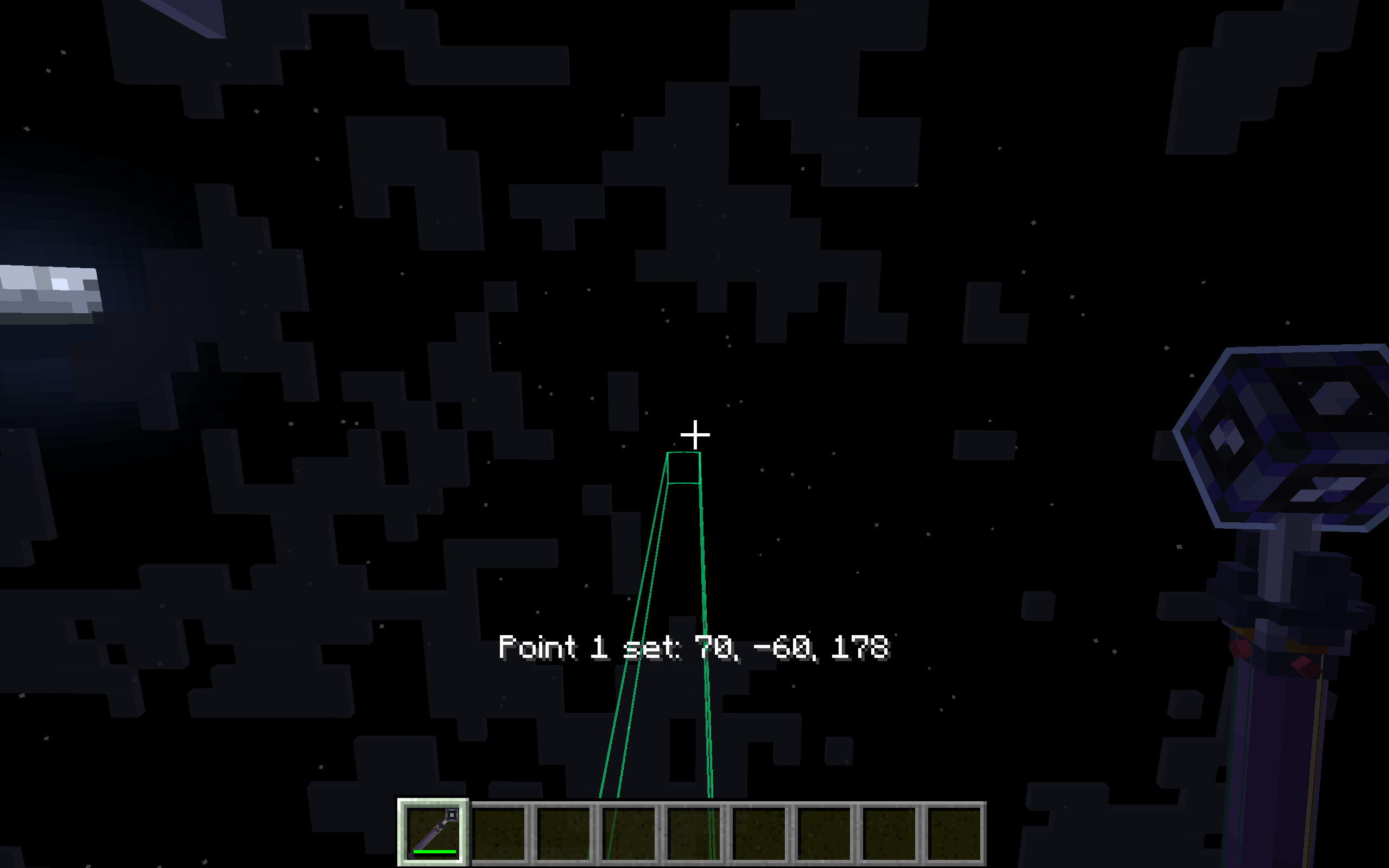 Line mode - ME Cable Placement Tool
 -
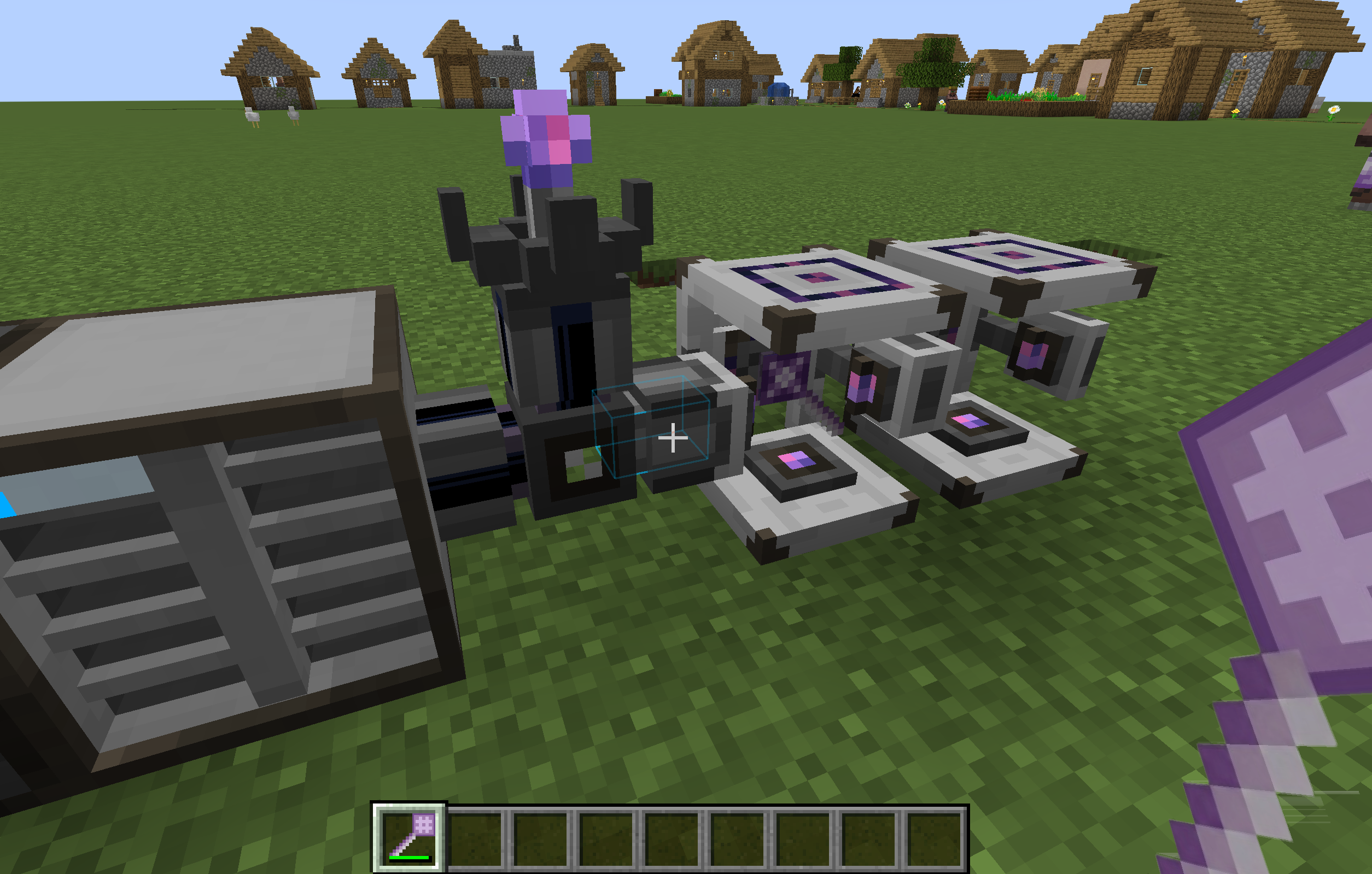 Preview - ME Placement Tool
Versions
Files
Relations
Project Relations
More like this
Similar Mods
Suggestions use data such as tags, dependencies, dependents, descriptions, titles, and more to rank how much they overlap with this mod.
On ModDex
Community snapshot
By the numbers
Statistics
Want to reach Minecraft players?
We're looking for a server hosting partner to feature here and other parts of the site. Interested? Send us a message!
Get in touchGet it on
Available Platforms
On ModDex
Community snapshot
By the numbers