Community listing page, reviews here may not be monitored by the author.
Mega Randomizer

No reviews yet
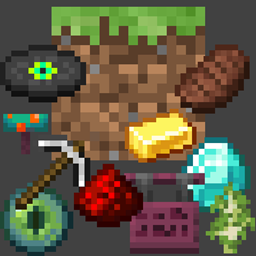
Customizable Minecraft randomizer for block, mob, and player drops, and even mob spawn randomization!
Community voices
Reviews
No reviews yet. Be the first to review this project!
Get it on
Available Platforms
About
Project Details
For authors
Embed Badge
If you're the author of this project, you can embed a live badge anywhere that supports HTML or Markdown. It updates automatically whenever ratings change.
Use HTML for any page that supports it, or Markdown for README files and Markdown-based descriptions.
Identifiers
Platform IDs
Resources
External Links
About
Description

Welcome to Mega Randomizer, the Minecraft randomizer that you can customize.
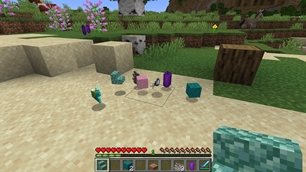
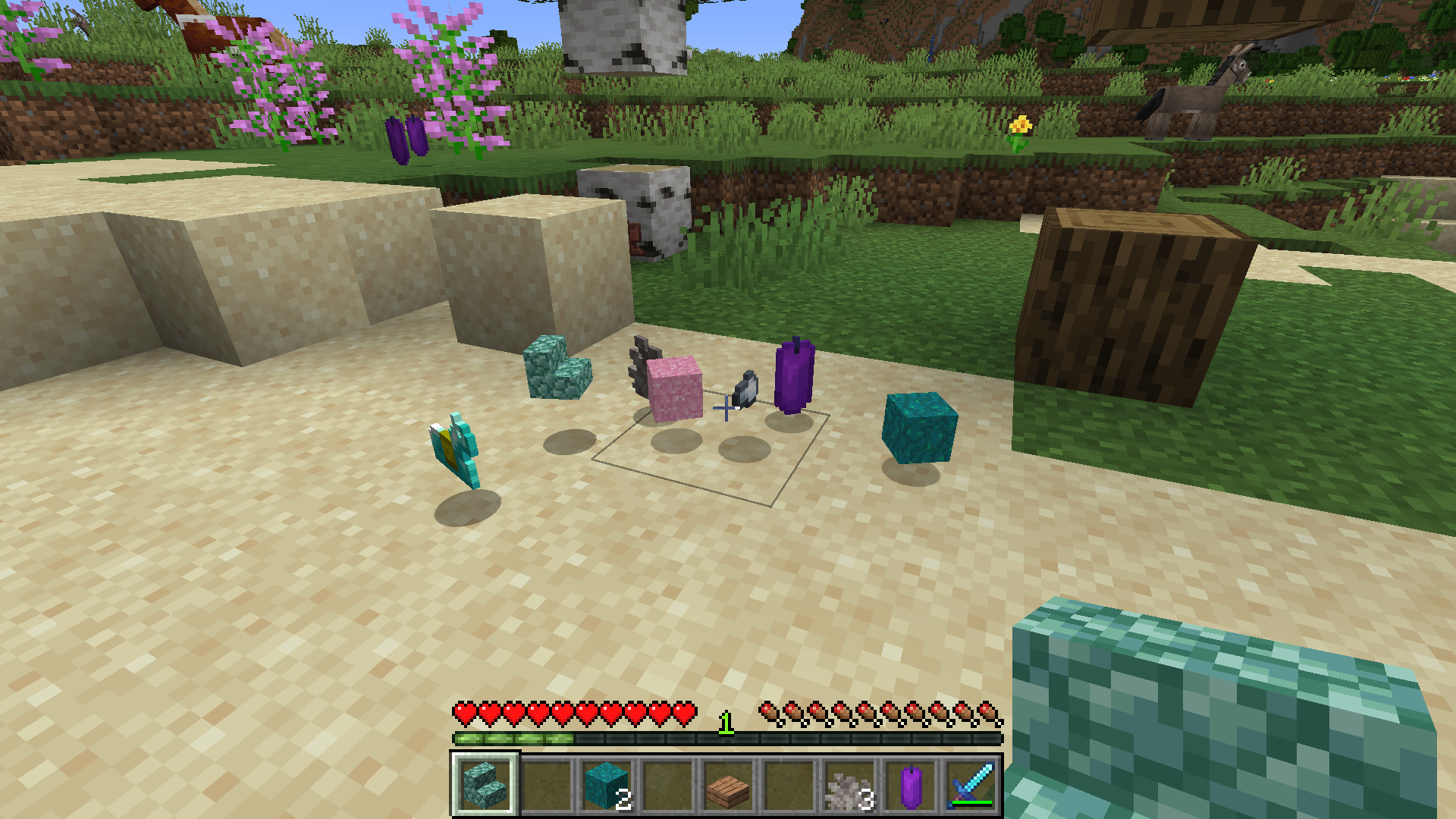
- You can choose whether to randomize drops from blocks, mobs, players, or all three!
- Mob spawns are now also randomized!
- Even more randomization features are planned for future updates.
- Toggle "volatile" mode for randomizing drops every break/kill instead of per-world seed.
- Each randomization feature can be turned on or off using the in-game menu, or with /gamerule commands.
- You can also choose to include or exclude non-survival mode items as available randomized drops.
- (Special thanks to TheUnknownLarry for contributing this feature!) **Only in version 1.20.1 and up
Join our official Discord for support, suggestions, and community!
- Using the gamerule
doVolatileDrops, drops from mobs and blocks can now be randomized with every break or kill, rather than consistent drops based on the world seed. - Mob spawns are now randomized!!
- Bosses can be included in spawn randomization with
/gamerule excludeBosses false - "Bosses" in this context includes:
- Elder Guardian
- Ender Dragon
- Giant
- Warden
- Wither
- Bosses can be included in spawn randomization with
** Sep 12, 2026 Updates:
- There is now a 'Tracker' screen to help you keep track of drop randomizations.
- It also shows what randomized mobs have replaced the vanilla-spawned ones!
- You can access the Tracker screen from the in-game Pause menu, or by simply pressing the
Gkey while in-game.- The Tracker screen maps vanilla drops to their randomized replacements:
<vanilla drop> ➡ <randomized drop>- For example: If you break a Grass Block, the Tracker screen will show
Dirt ➡ <randomized drop> - Please keep in mind that this means randomized drops are tracked in the Tracker screen based on the drop they have replaced, not the "source" they dropped from.
- This intentional: Tracking drops by their "source" would have made for a much messier, harder-to-read Tracker screen, since some things drop multiple items, have different drops based on tools/enchantments used, or sometimes drop nothing, etc.
- For example: If you break a Grass Block, the Tracker screen will show
- Items show up in the tracker screen as they are discovered, so you will start with an (almost) empty tracker, and as you discover more drops and spawns, they will be added to the Tracker.
- When any of the "exclude" game rules are changed, the tracker will be reset for either drops or mobs because the entire drop or mob pool will have changed, meaning the previous Tracker information would have been out-of-date.
- The Tracker screen maps vanilla drops to their randomized replacements:
- The
/reshufflecommand has been removed. Drop and spawn pools are now updated automatically when one of the 'exclude' gamerules is changed.
Basic Usage
The Mega Tracker screen can be accessed by pressing the G key while in-game, or from the in-game Pause menu.
The Mega Randomizer options menu screen can be accessed from the in-game Pause menu.
Alternatively, randomization features can be customized using the following commands:
- For block drops randomization:
/gamerule doBlockRandomDrops <true/false> - For mob drops randomization:
/gamerule doEntityRandomDrops <true/false> - For player drops randomization:
/gamerule doPlayerRandomDrops <true/false> - For mob spawn randomization:
/gamerule doRandomizeSpawns <true/false> - For "volatile randomization" of drops:
/gamerule doVolatileDrops <true/false> - To exclude/include spawn eggs:
/gamerule excludeSpawnEggs <true/false> - To exclude/include mob heads:
/gamerule excludeHeads <true/false> - To exclude/include creative-mode-only items:
/gamerule excludeCreativeItems <true/false> - To exclude/include bosses in mob spawn randomization:
/gamerule excludeBosses <true/false> - **Note that the old
/reshufflecommand has been removed, as it is now unnecessary; changes made to the drop/spawn pools using 'exclude' commands now take effect immediately.
For example, to include mob heads, you would run:
/gamerule excludeHeads false
If you like Mega Randomizer, consider buying me a cup of coffee! Your generosity helps keep this project going.

Screenshots
Gallery
-
 Sample Picture
 -
 TitleImage
 -
mega_rand_title_new.png mega_rand_title_new.png
Versions
Files
Relations
Project Relations
More like this
Similar Mods
Suggestions use data such as tags, dependencies, dependents, descriptions, titles, and more to rank how much they overlap with this mod.
On ModDex
Community snapshot
By the numbers
Statistics
Want to reach Minecraft players?
We're looking for a server hosting partner to feature here and other parts of the site. Interested? Send us a message!
Get in touchGet it on
Available Platforms
On ModDex
Community snapshot
By the numbers
Statistics
Resources