
Community listing page, reviews may not be monitored by the author.
MLua

No reviews yet
Pure Java Lua-style scripting library mod for Minecraft.

Community voices
Reviews
No reviews yet. Be the first to review this project!
Get it on
Available Platforms
Compatibility
Supported Environments
Must be installed on both the client and the server.
Works on the client or the server alone, but does more when on both.
Varies by version.
About
Project Details
For authors
Embed Badge
If you're the author of this project, you can embed a live badge anywhere that supports HTML or Markdown. It updates automatically whenever ratings change.
Use HTML for any page that supports it, or Markdown for README files and Markdown-based descriptions.
Identifiers
Platform IDs
Resources
External Links
About
Description
MLua
MLua lets you write Minecraft mod scripts in Lua. Scripts can interact with the game through APIs for players, worlds, events, commands, UI, and registered content.
Scripts
During development, place scripts in:
run/mlua/scripts/
Mods can bundle scripts in their JAR at:
assets/<modid>/mlua/scripts/
It will recognizes these script types:
*.mixin.lua      mixin scripts
*.registry.lua   registry scripts
*.commands.lua   command scripts
*.server.lua     server scripts
*.client.lua     client scripts
*.lua            module scripts
API reference
MLua would generate its documentation in the Minecraft client. Open run/mlua/docs/index.html after launching the game. It shows you the APIs available in that build.
Example
local Players = Minecraft:GetService("Players")
local World = Minecraft:GetService("World")

Players.PlayerAdded:Connect(function(player)
    player:SendMessage("Hello from MLua!")
    player:SetGameMode(GameMode.Creative)
end)

World:SetWeather(Weather.Clear)
Using MLua from another mod
Include MLua with your mod and declare it as a dependency.
Screenshots
Gallery
-
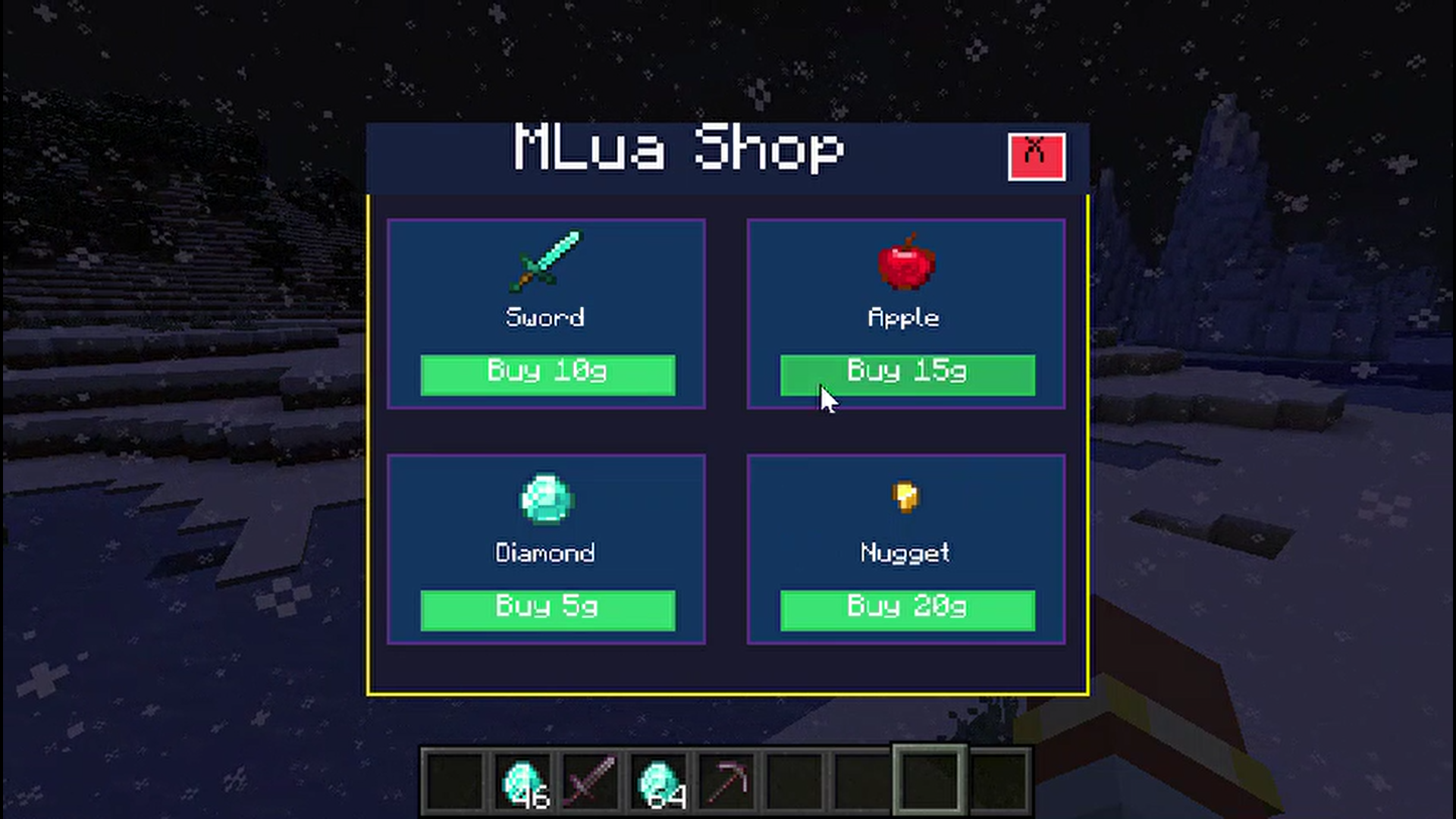 UI Coded Thru Lua
 -
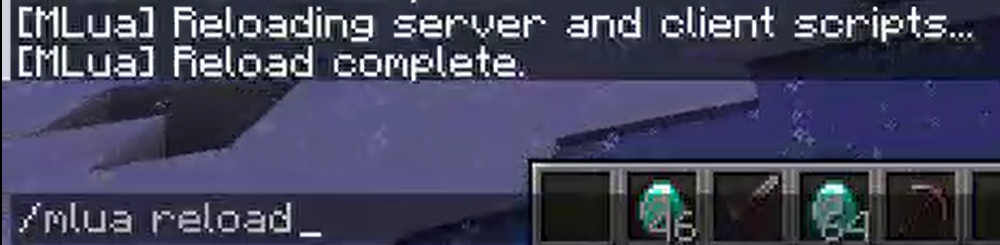 Reload Server And Client Side Scripts thru a Command
Versions
Files
Relations
Project Relations
More like this
Similar Mods
Suggestions use data such as tags, dependencies, dependents, descriptions, titles, and more to rank how much they overlap with this mod.
On ModDex
Community snapshot
By the numbers
Statistics

 (opens in a new tab)
Get it on
Available Platforms
On ModDex
Community snapshot
By the numbers
Statistics
Resources