Community listing page, reviews here may not be monitored by the author.
Mod Tabs

No reviews yet
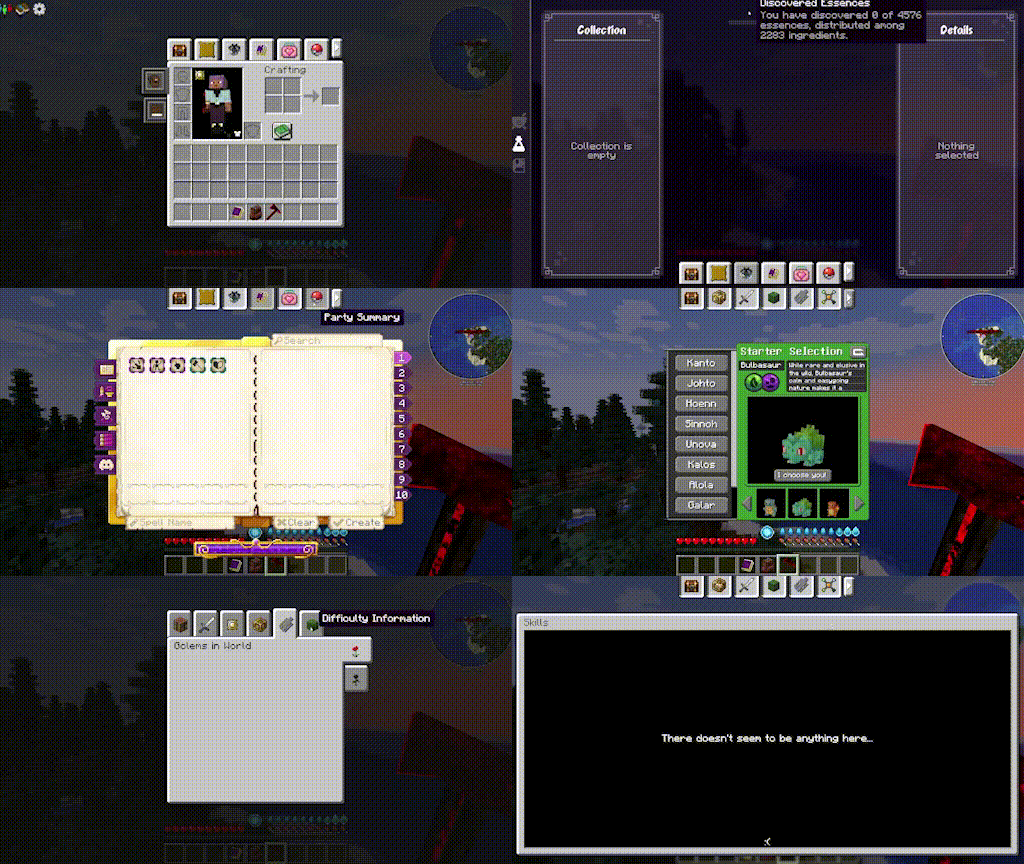
Access mods like maps or other guis easily from tabs in the inventory

Community voices
Reviews
No reviews yet. Be the first to review this project!
Get it on
Available Platforms
About
Project Details
For authors
Embed Badge
If you're the author of this project, you can embed a live badge anywhere that supports HTML or Markdown. It updates automatically whenever ratings change.
Use HTML for any page that supports it, or Markdown for README files and Markdown-based descriptions.
Identifiers
Platform IDs
About
Description
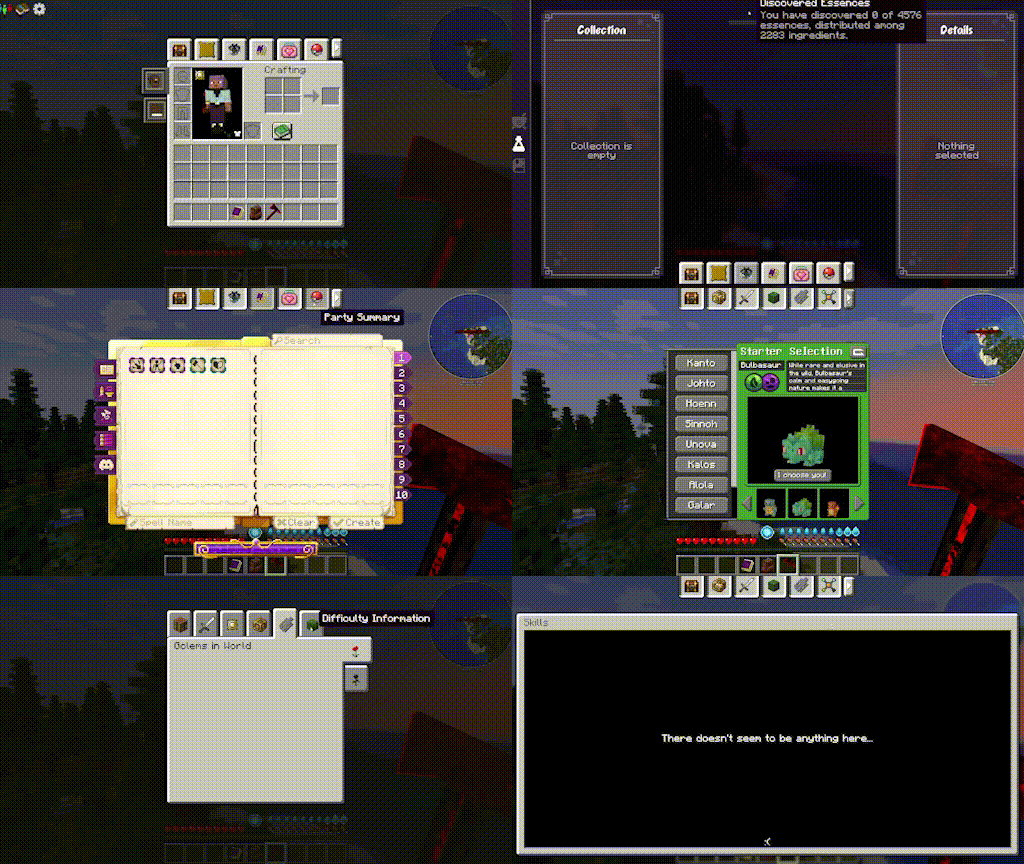
- Access various mod screens directly from your inventory
- Tabs will appear on the supported mods screens for easy back and forth tabbing
- Press the inventory key (default e) to return to the inventory from a clicked tab
- Tab Cycling: When on any screen with tabs, press shift+tab to go to the next tab in order (configurable in keybinds)
- Sticky Inventory tab on far left (configurable)
- Sort tabs in your prefered order (configurable)
- Prioritize which slot to open on Sophisticated Backpacks via config
- Full compatability list below, just note that now that the mod is multiplatform (Neoforge/Fabric/Forge) only mods that support that version will be able to work with Mod Tabs, so there may be some Fabric only or Neoforge or Forge only mods listed here:
- Ars Nouveau
- L2 mods (hostility / artifacts) etc
- Apothic Attributes (forge and neo)
- Advanced Team (forge)
- Villager Recruits (forge)
- Diet / Bulk (forge)
- The Aether
- Curios
- Epic Fight
- Epic Skills
- Mine and Slash (forge)
- Completionists Index
- Blue Skies (forge)
- SDM Shop
- Quest Log
- mapwright (neoforge)
- Field Guide
- Modnomicon
- Quark Oddities Backpacks
- Origins
- NeoOrigins
- Modular Backpacks
- Kindred
- Item Collectors
- Yttr
- Ars Zero

Instructions:
1. Go to your install: config/modtabs/icons (this folder structure will be created the first time you run the game with the mod installed) and add any png images you want. They should be 16x16 px
2. Go into the game, click and hold on the tab you want to swap icons for
3. In the opened edit menu, click the arrow in the left middle side of the screen. Click the custom icon dropdown and choose your new icon.
Tuck option:
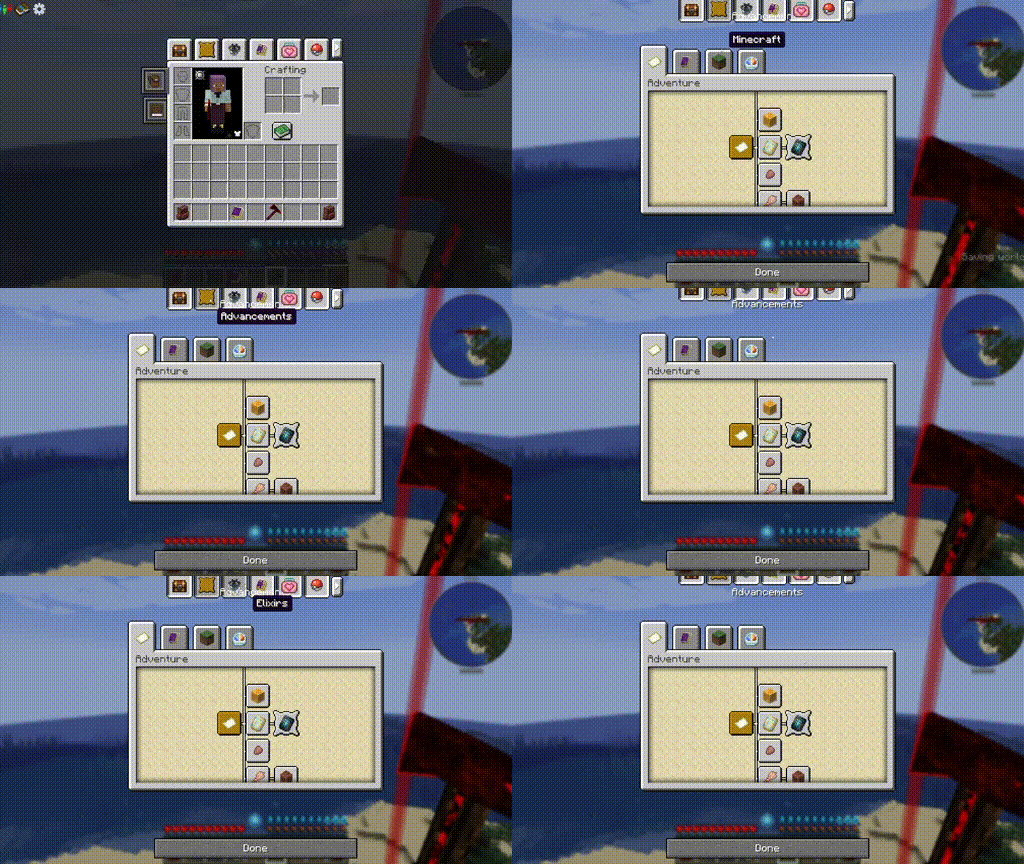
Here is an example with Ars Nouveau's tutorial book.
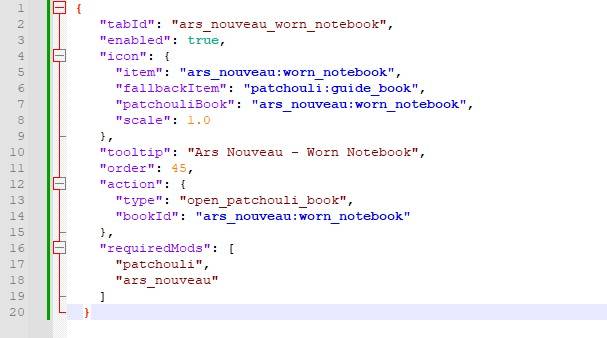
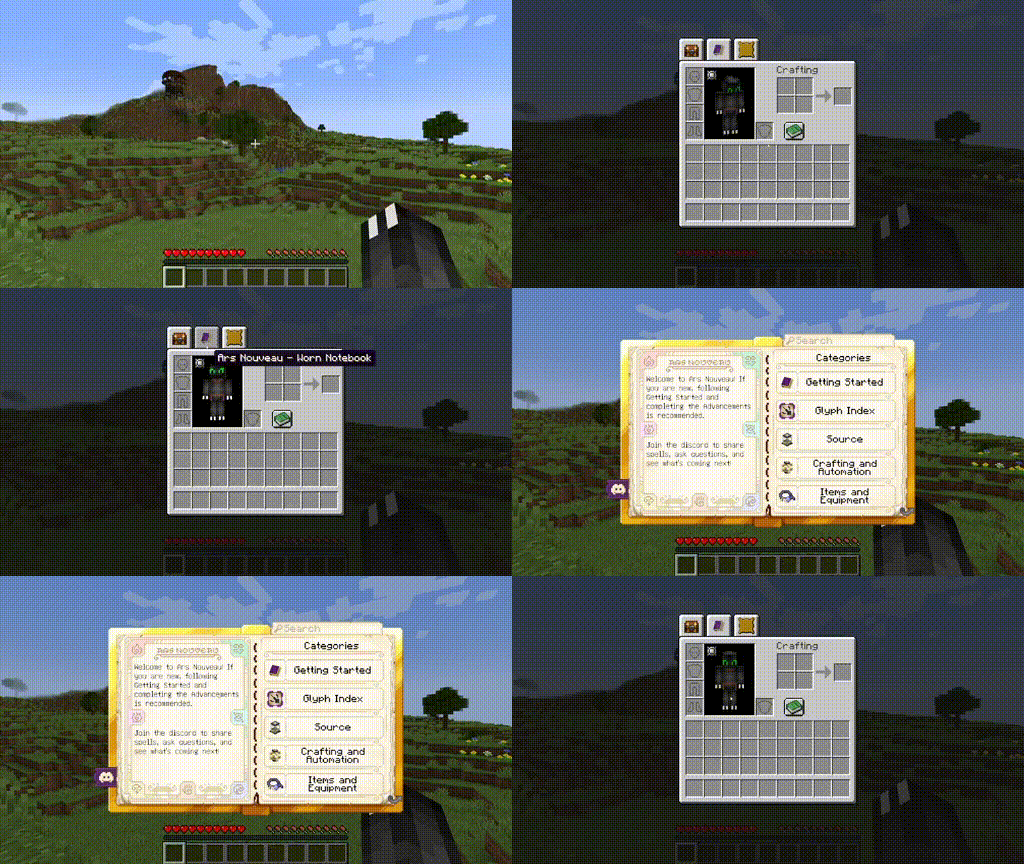
My custom tabs come with full patchouli integration, as well as many other options. Visit the wiki for more information on possibilities and limitations https://github.com/morelandjo/ModTabs/wiki/Information-regarding-custom-tabs
This mod was originally created by legendary_workshop, under the name Legendary Tabs, for several versions of Forge and has been updated by vodmordia (me) to work with Neoforge under (at the time of fork) MIT license.
Thank you to the following Patrons for keeping my projects alive:
Whiro (Patron Ultimate)
Cabo Sneaker (Patron Plus)
If you would like to assist with development and get access to other cool features you can do so here: https://www.patreon.com/cw/Vodmordia
General FAQ:
- Who do I contact for issues with this mod:
- Contact me via comment, message, or github issue: https://github.com/morelandjo/LegendaryTabsNeoforged
- I am always interrested in collaboration! I am a seasoned developer, but not a texture artist or modeler by any means. If you can create art and models and have an idea for a mod I may be interested in collaborating! Private message me or find me on discord: discord.gg/DQWYpZqj

Screenshots
Gallery
-
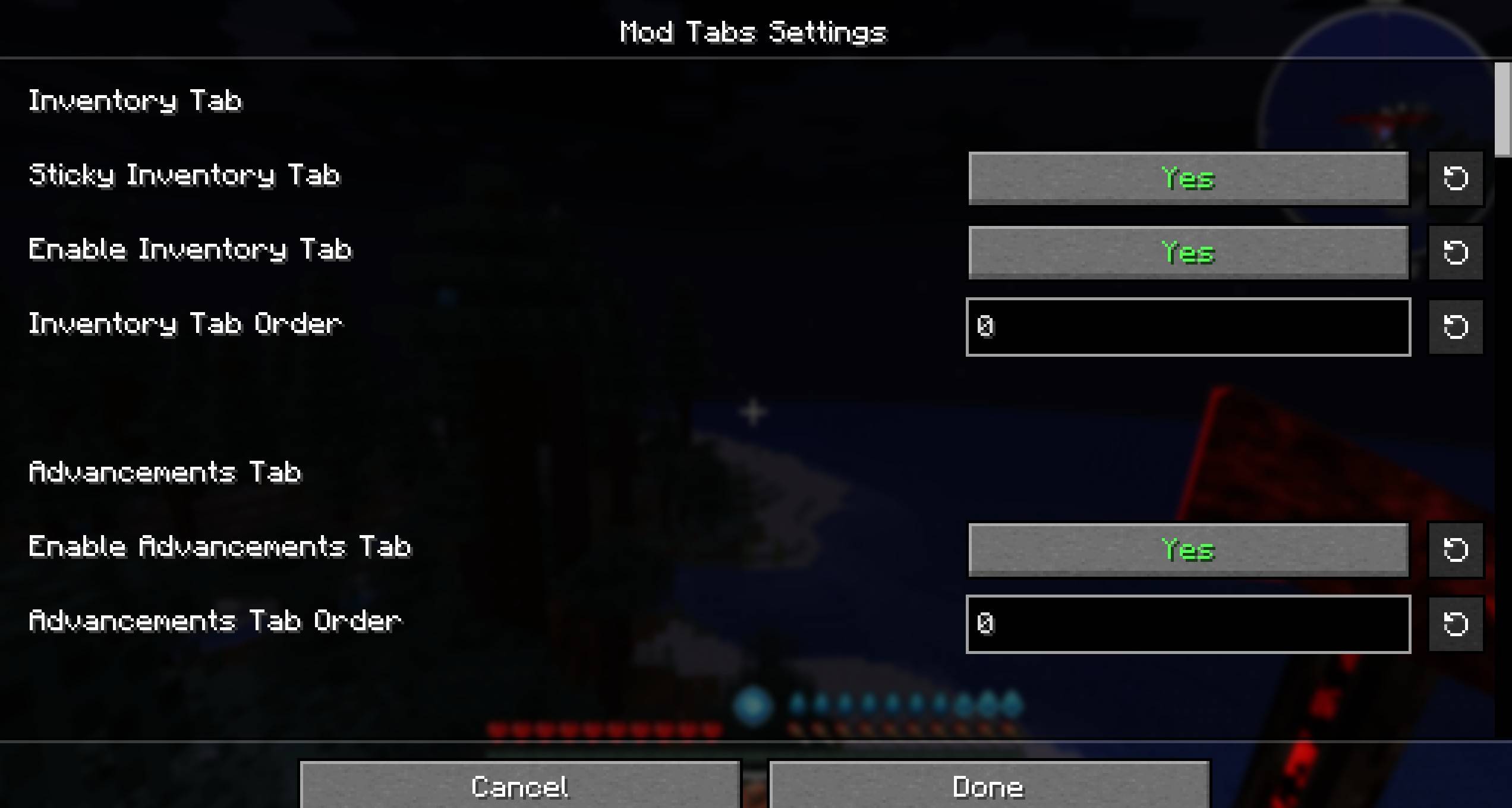 image_03.jpg image_03.jpg
 -
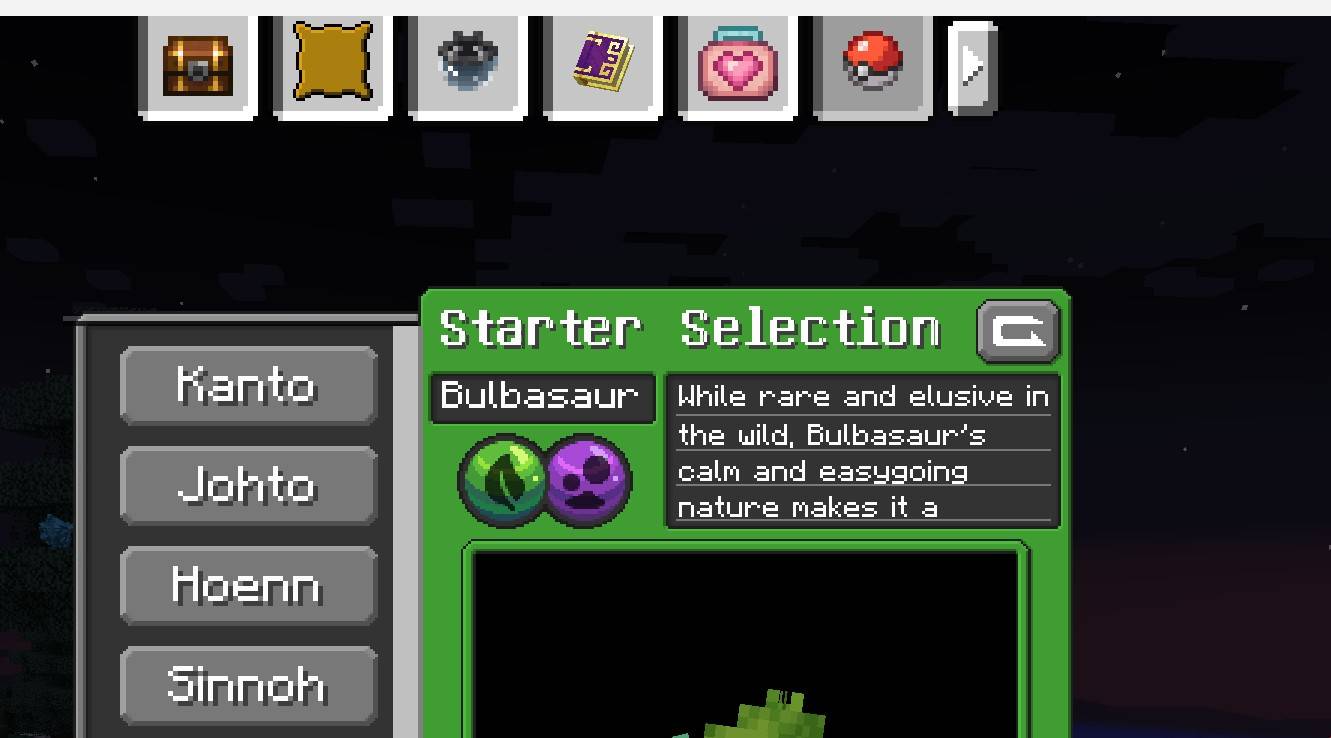 image02.jpg image02.jpg
 -
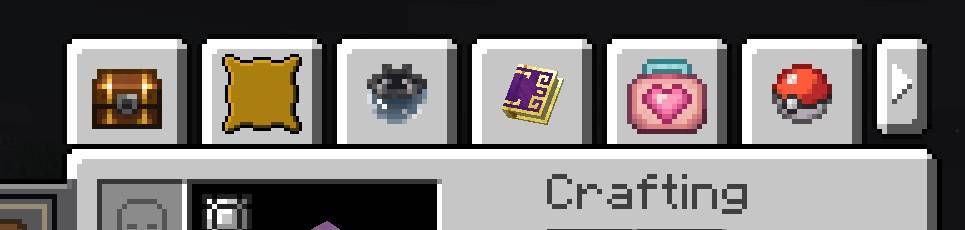 image_01.jpg image_01.jpg
 -
 new.gif new.gif
Versions
Files
Relations
Project Relations
More like this
Similar Mods
Suggestions use data such as tags, dependencies, dependents, descriptions, titles, and more to rank how much they overlap with this mod.
On ModDex
Community snapshot
By the numbers
Statistics
 (opens in a new tab)
Get it on
Available Platforms
On ModDex
Community snapshot
By the numbers