Community listing page, reviews may not be monitored by the author.
Multi Summon (Multisummon command)


No reviews yet
Adds an alternative /summon command taking in a number of entities to spawn, plus allowing for spreading

Community voices
Reviews
No reviews yet. Be the first to review this project!
Get it on
Available Platforms
Compatibility
Supported Environments
Must be installed on both the client and the server.
About
Project Details
For authors
Embed Badge
If you're the author of this project, you can embed a live badge anywhere that supports HTML or Markdown. It updates automatically whenever ratings change.
Use HTML for any page that supports it, or Markdown for README files and Markdown-based descriptions.
Identifiers
Platform IDs
Resources
External Links
About
Description
MULTI SUMMON
New Discord server https://discord.gg/sQQPZQSEpS
A very simple and useful mod that adds a similar variant of the standard /summon command allowing for multiple mobs. Should work on client or server with permission level 1 minimum, and should be compatible with virtually any other forge mods. Feel free to use with any modpacks or servers. The command works exactly like a regular /summon command after the extra parameters, so it will work with any mod and specific options.
As of version 2.0, there is now an extra "spread" option added.
Includes a configuration file where you can choose the maximum amount of mobs you want to allow to be summoned at once by a multisummon. This could prevent overuse on servers. Or you could even use the mod for stress-testing, alternatively.
The command is: /multisummon
Syntax:
/multisummon <number of entities to summon> <entity> [<pos>] [<nbt>]
OR
Spread syntax:
/multisummon spread <spreadx> <spreadz> <spreadspacing> <entity> [<pos>] [<nbt>]
Example:
/multisummon 5 zombie
Spawns five zombies at your position.
Example 2:
/multisummon 5 arphex:spider_moth 5 5 5 {CustomName:'{"text":"Super Moth"}'}
Spawns five spider moths from my other mod, Arthropod Phobia Expansions (if installed), each with a name label "Super Moth". They all spawn at coordinates x=5, y=5, z=5.
Example 3:
/multisummon spread 3 3 4 zombie
This command would summon 9 zombies, spread out in a 3x3 grid centred around your approximate execution position, each spaced out 4 blocks away from each other. The number to spawn in spread mode is determined by the X value multiplied by the Z value.
Example 4:
/multisummon spread 50 2 2 wither ~ ~10 ~ {CustomName:'{"text":"Wither Lord"}'}
This command would summon 100 withers, spread out in a 50x2 line 10 blocks above and centred around your approximate execution position, each spaced out 2 blocks away from each other and given the name "Wither Lord". Perfect for creating an army of any mob.
Proudly sponsored by BisectHosting - Do you want to play with friends? BisectHosting provides all your gaming server needs - New customers can use code PHOBIA to save 25% on the first month - 24/7 support available for a seamless gaming experience. Supports the development of my mods! 
MULTI SUMMON
A very simple and useful mod that adds a similar variant of the standard /summon command allowing for multiple mobs. Should work on client or server with permission level 1 minimum, and should be compatible with virtually any other forge mods. Feel free to use with any modpacks or servers. The command works exactly like a regular /summon command after the extra parameters, so it will work with any mod and specific options.
As of version 2.0, there is now an extra "spread" option added.
Includes a configuration file where you can choose the maximum amount of mobs you want to allow to be summoned at once by a multisummon. This could prevent overuse on servers. Or you could even use the mod for stress-testing, alternatively.
The command is: /multisummon
Syntax:
/multisummon [] []
OR
Spread syntax:
/multisummon spread [] []
Example:
/multisummon 5 zombie
Spawns five zombies at your position.
Example 2:
/multisummon 5 arphex:spider_moth 5 5 5 {CustomName:'{"text":"Super Moth"}'}
Spawns five spider moths from my other mod, Arthropod Phobia Expansions (if installed), each with a name label "Super Moth". They all spawn at coordinates x=5, y=5, z=5.
Example 3:
/multisummon spread 3 3 4 zombie
This command would summon 9 zombies, spread out in a 3x3 grid centred around your approximate execution position, each spaced out 4 blocks away from each other. The number to spawn in spread mode is determined by the X value multiplied by the Z value.
Example 4:
/multisummon spread 50 2 2 wither ~ ~10 ~ {CustomName:'{"text":"Wither Lord"}'}
This command would summon 100 withers, spread out in a 50x2 line 10 blocks above and centred around your approximate execution position, each spaced out 2 blocks away from each other and given the name "Wither Lord". Perfect for creating an army of any mob.
Proudly sponsored by BisectHosting - Do you want to play with friends? BisectHosting provides all your gaming server needs - New customers can use code PHOBIA to save 25% on the first month - 24/7 support available for a seamless gaming experience. Supports the development of my mods!
Screenshots
Gallery
-
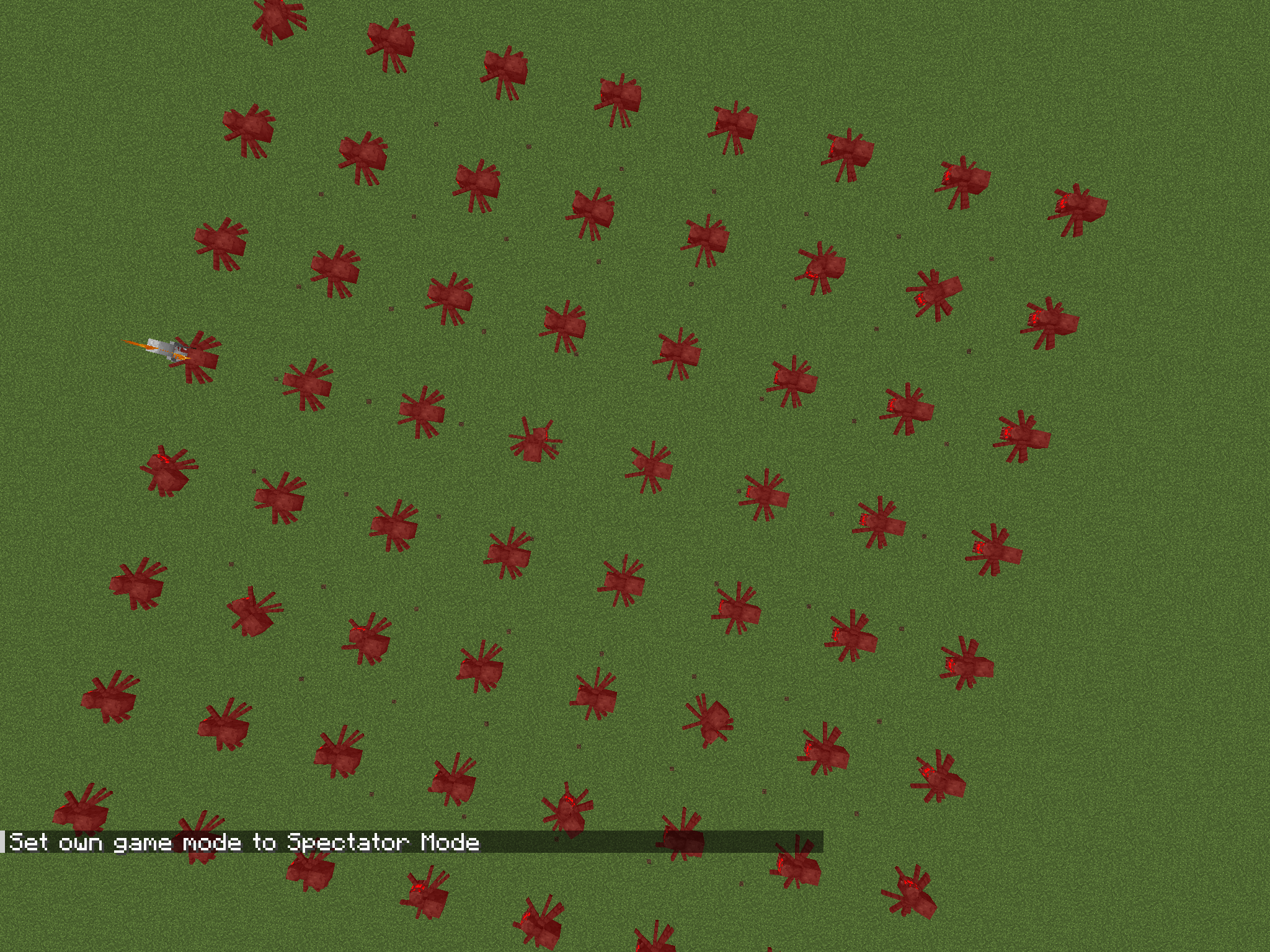 /multisummon spread 8 8 5 spider /multisummon spread 8 8 5 spider
 -
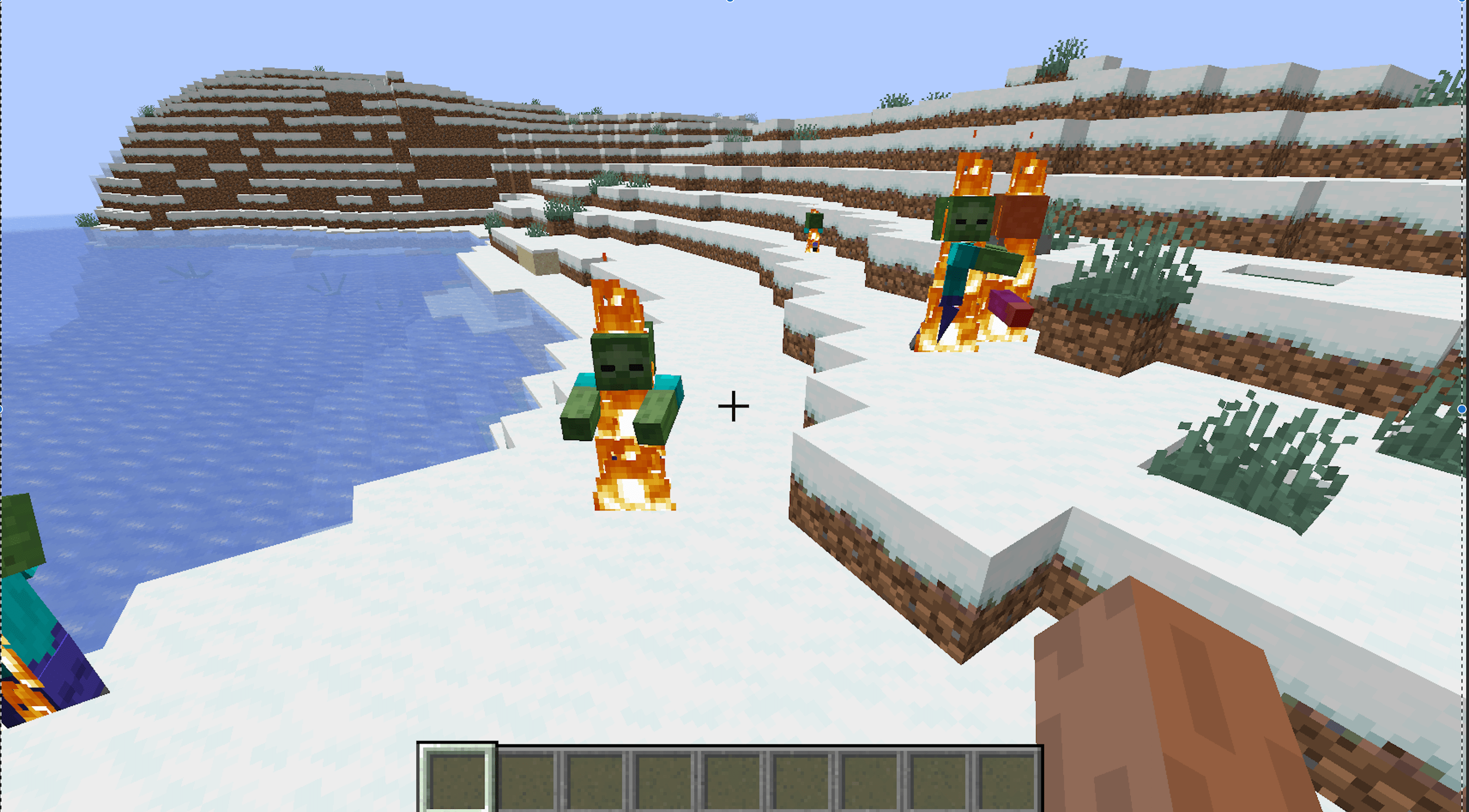 Executed the command Executed the command
 -
 Typed the command Typed the command
-
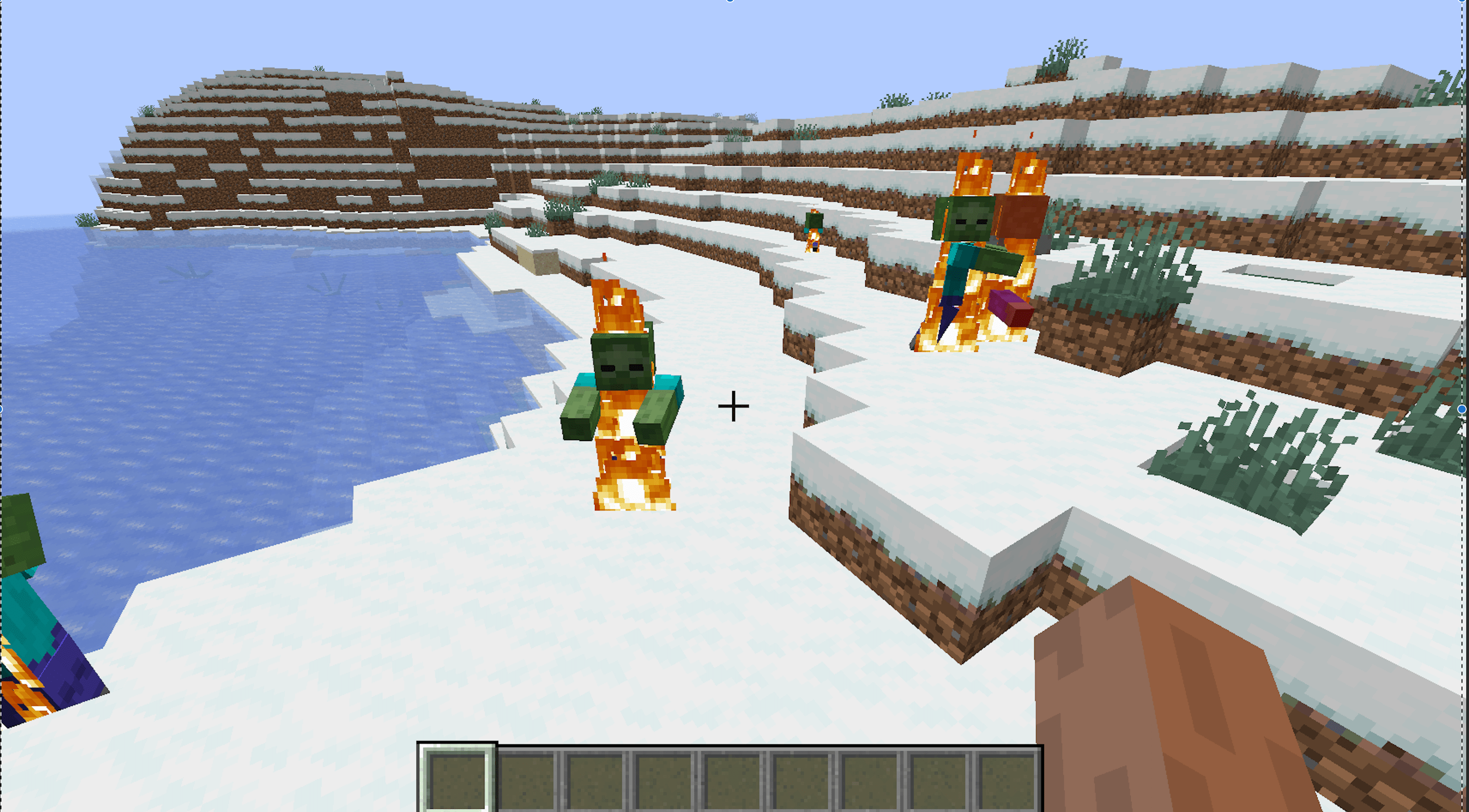 Command executed to summon five zombies Command executed to summon five zombies
 -
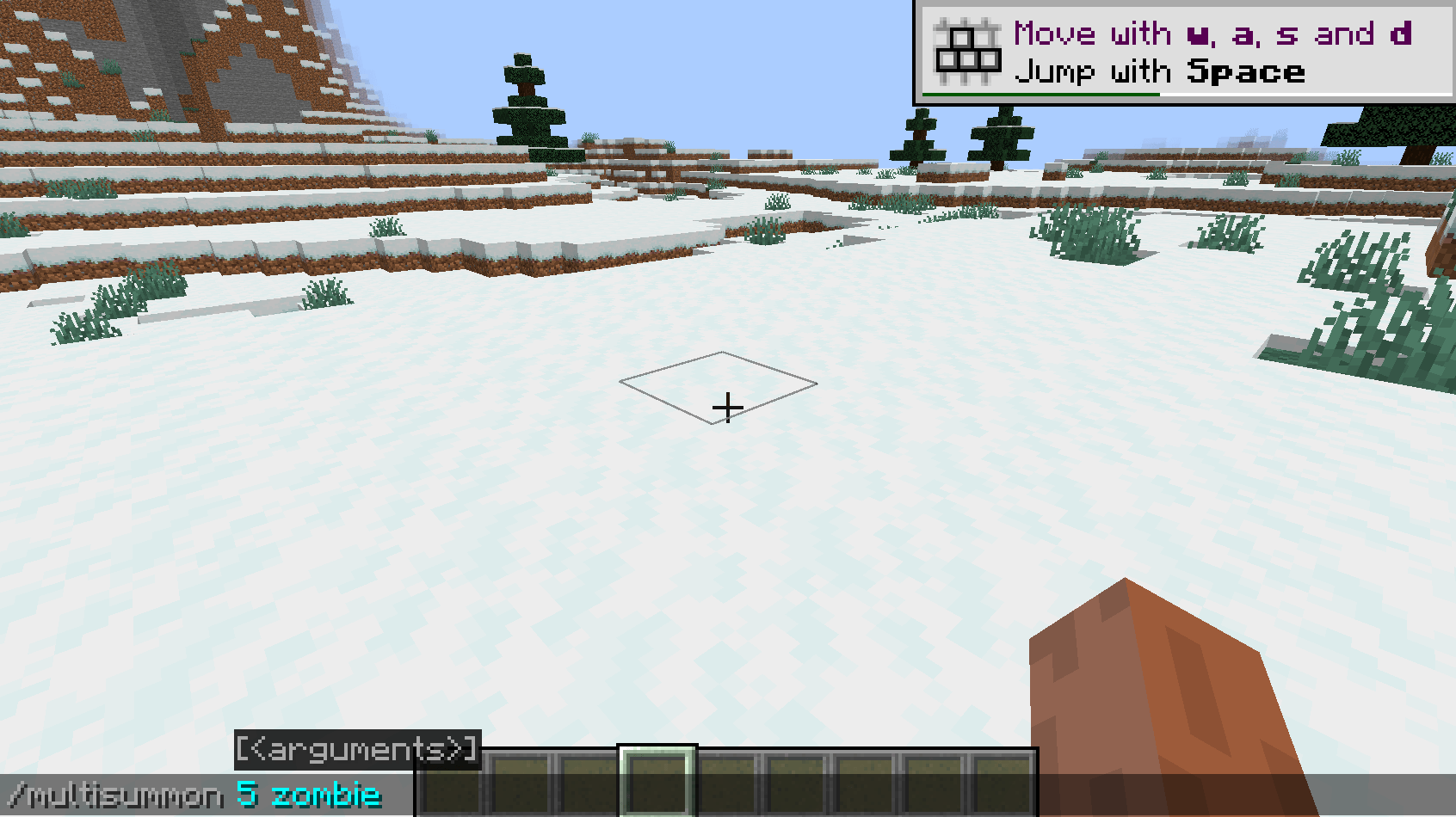 Command typed Command typed to summon five zombies
 -
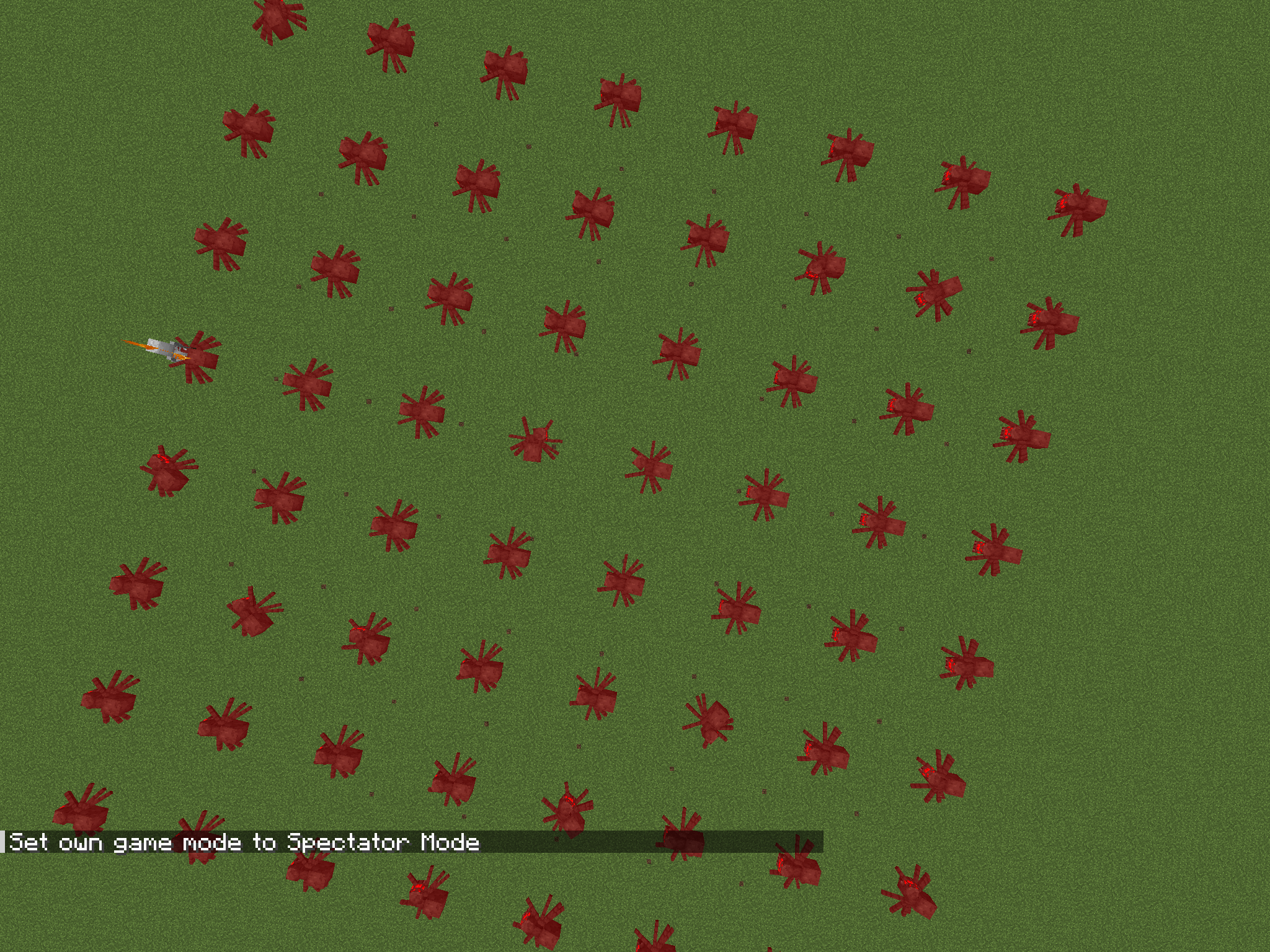 /multisummon spread 8 8 5 spider /multisummon spread 8 8 5 spider
Versions
Files
Relations
Project Relations
More like this
Similar Mods
Suggestions use data such as tags, dependencies, dependents, descriptions, titles, and more to rank how much they overlap with this mod.
On ModDex
Community snapshot
By the numbers
Statistics

Get it on
Available Platforms
On ModDex
Community snapshot
By the numbers
Statistics
Resources