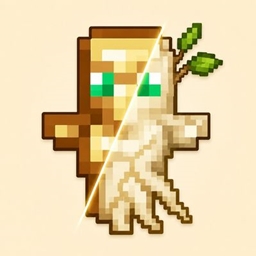
Community listing page, reviews here may not be monitored by the author.
MyTotem


No reviews yet
Customize your Totem of Undying with your own image!

Community voices
Reviews
No reviews yet. Be the first to review this project!
Get it on
Available Platforms
Compatibility
Supported Environments
Runs entirely on the client. Works on vanilla servers.
About
Project Details
For authors
Embed Badge
If you're the author of this project, you can embed a live badge anywhere that supports HTML or Markdown. It updates automatically whenever ratings change.
Use HTML for any page that supports it, or Markdown for README files and Markdown-based descriptions.
Identifiers
Platform IDs
Resources
External Links
About
Description
MyTotem
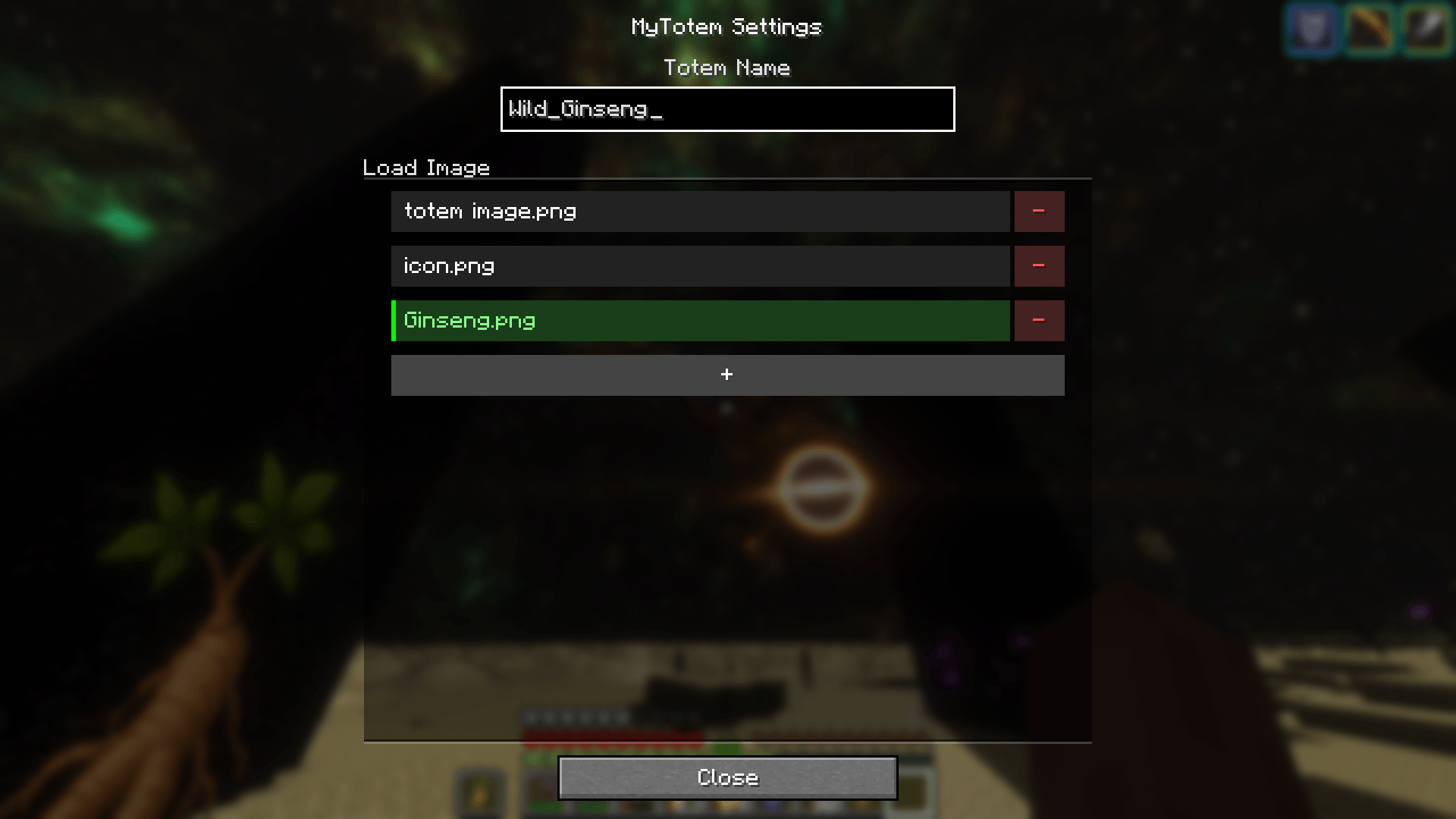
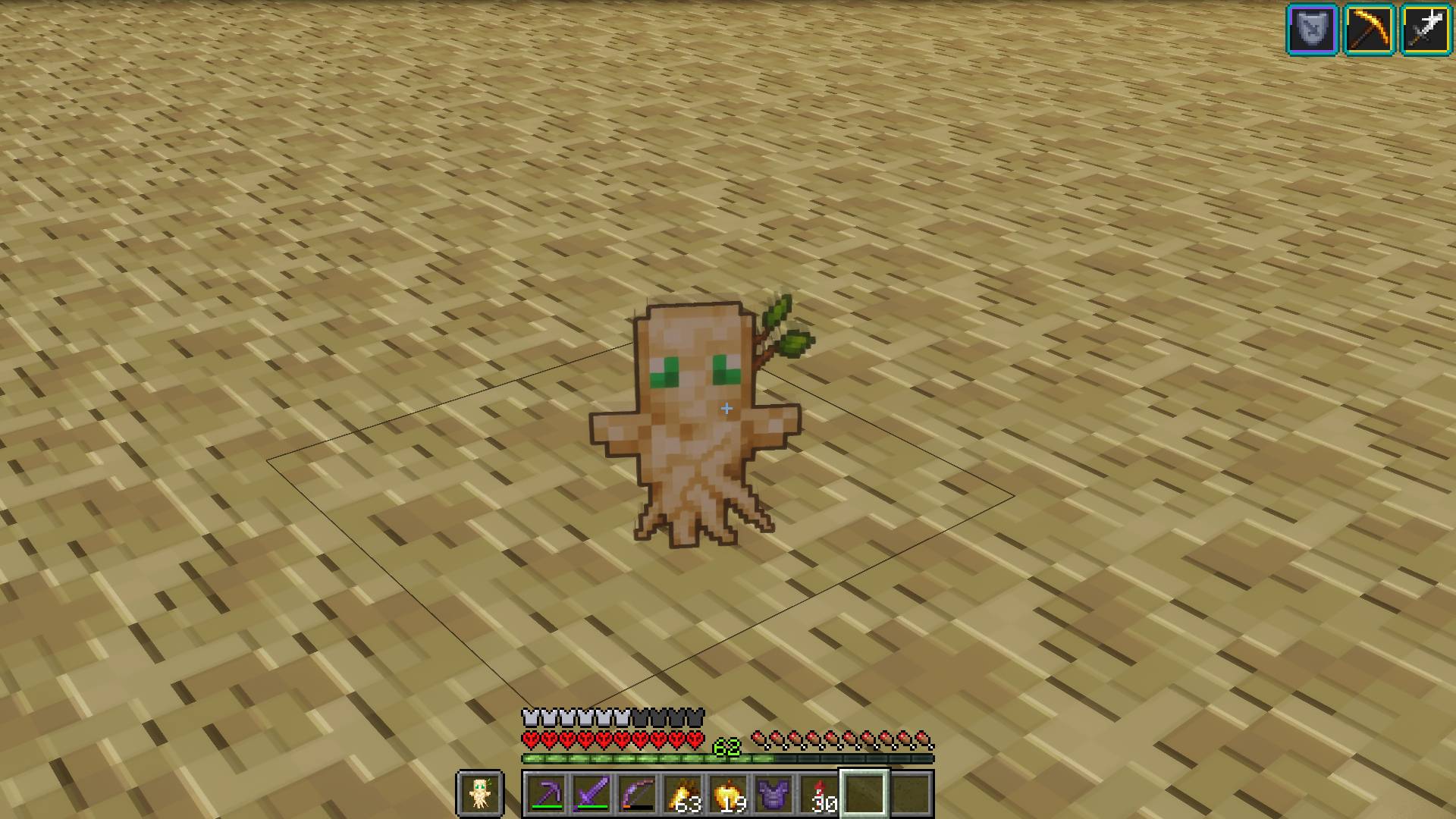
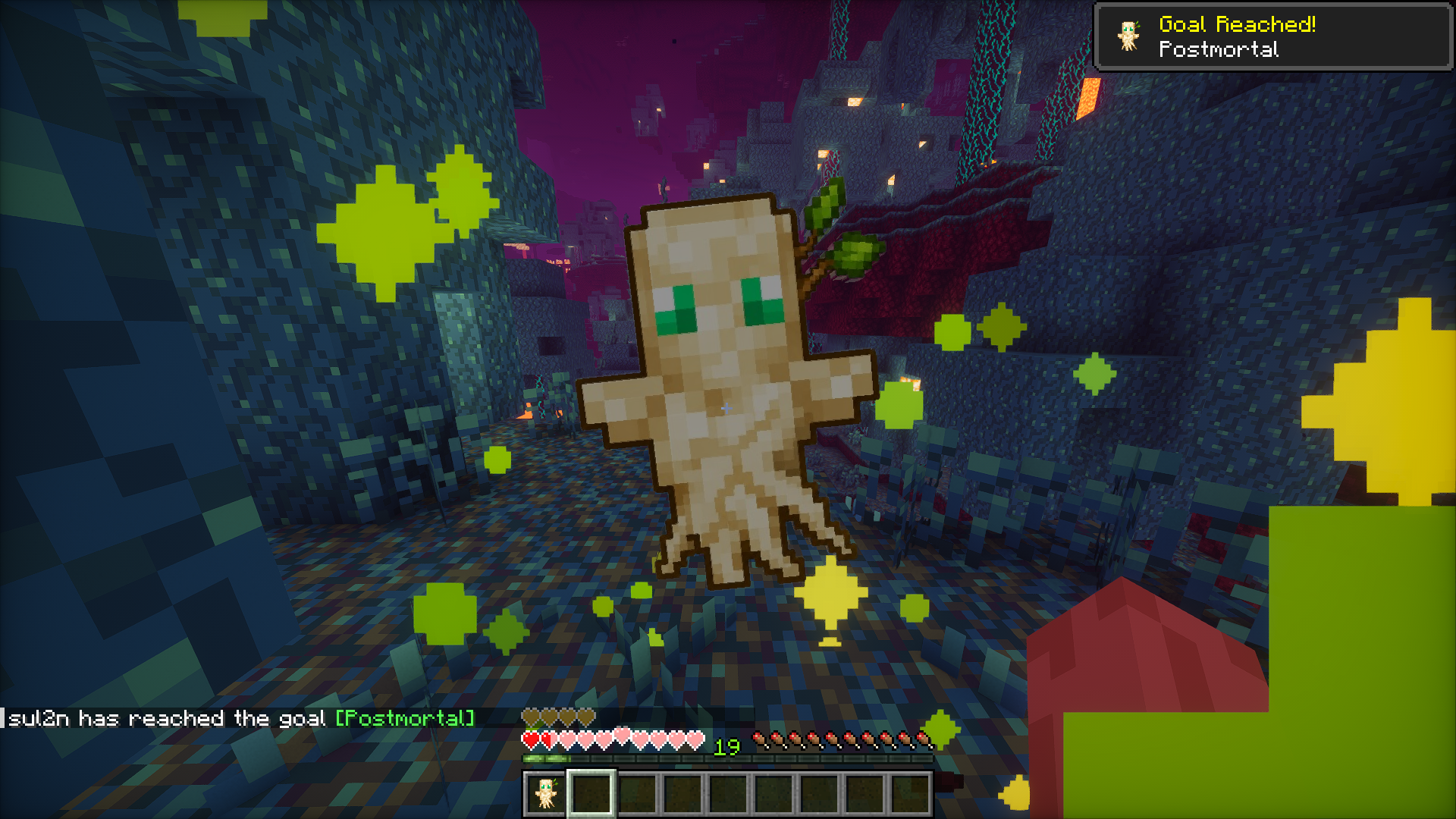
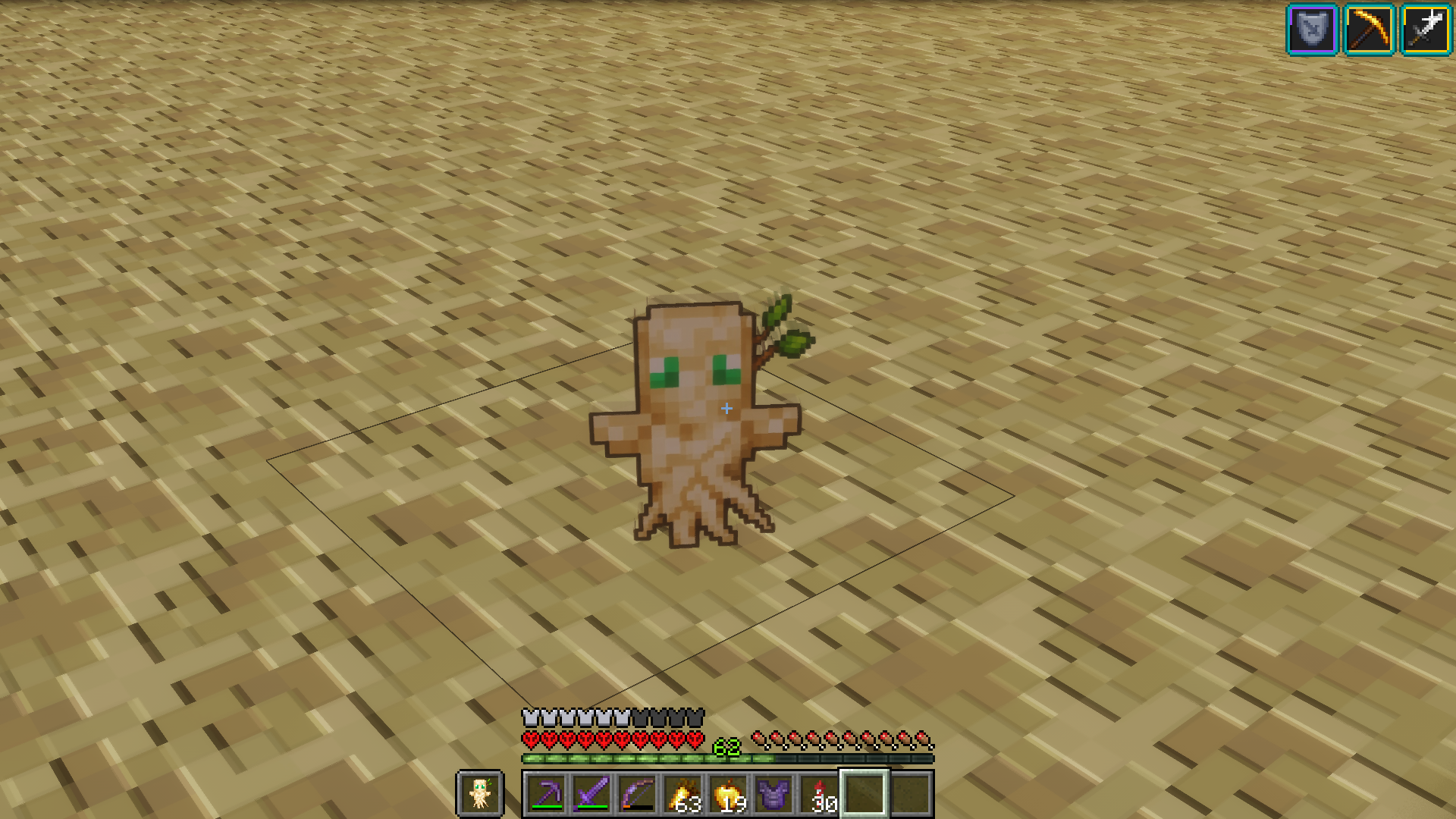
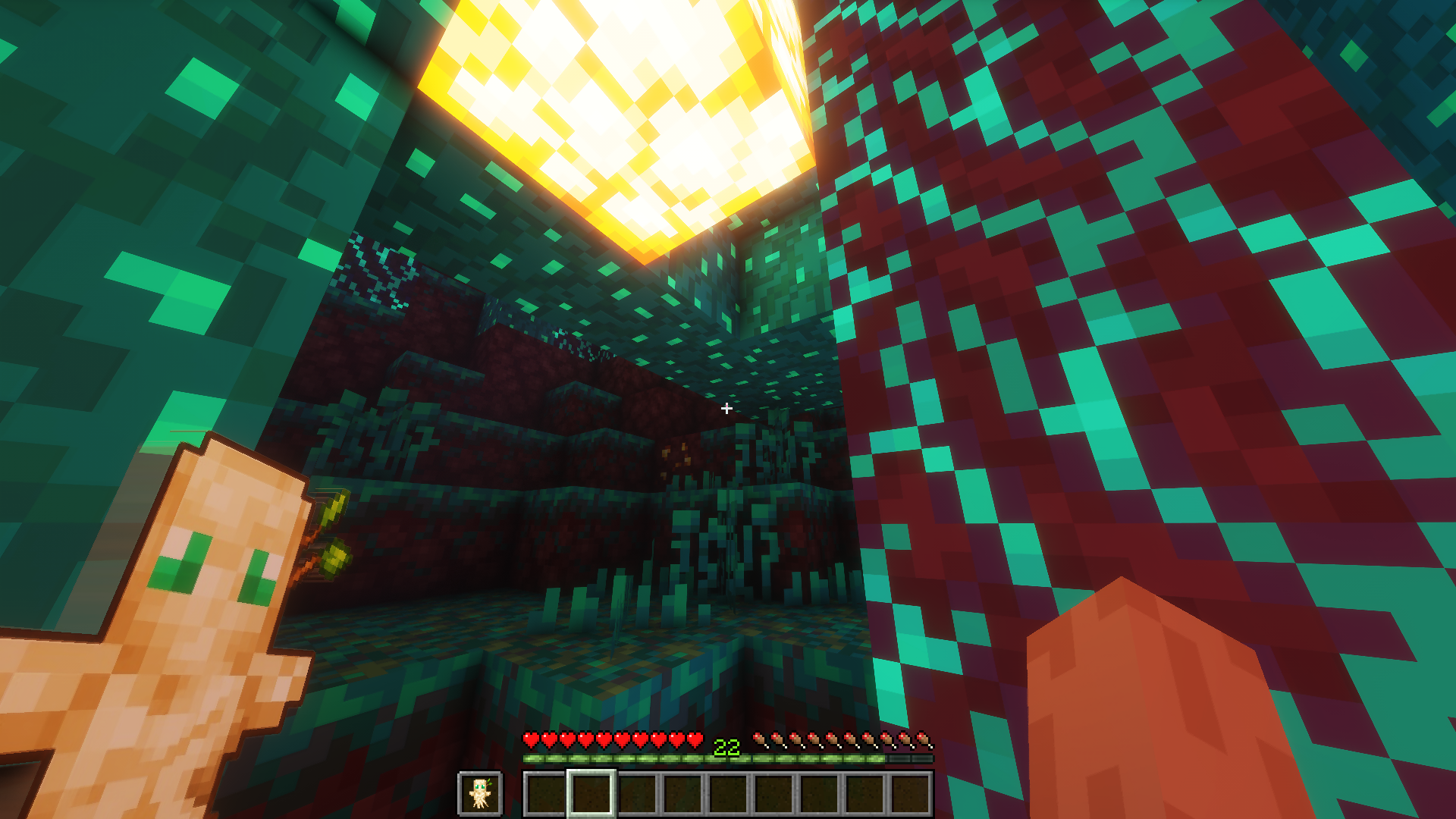
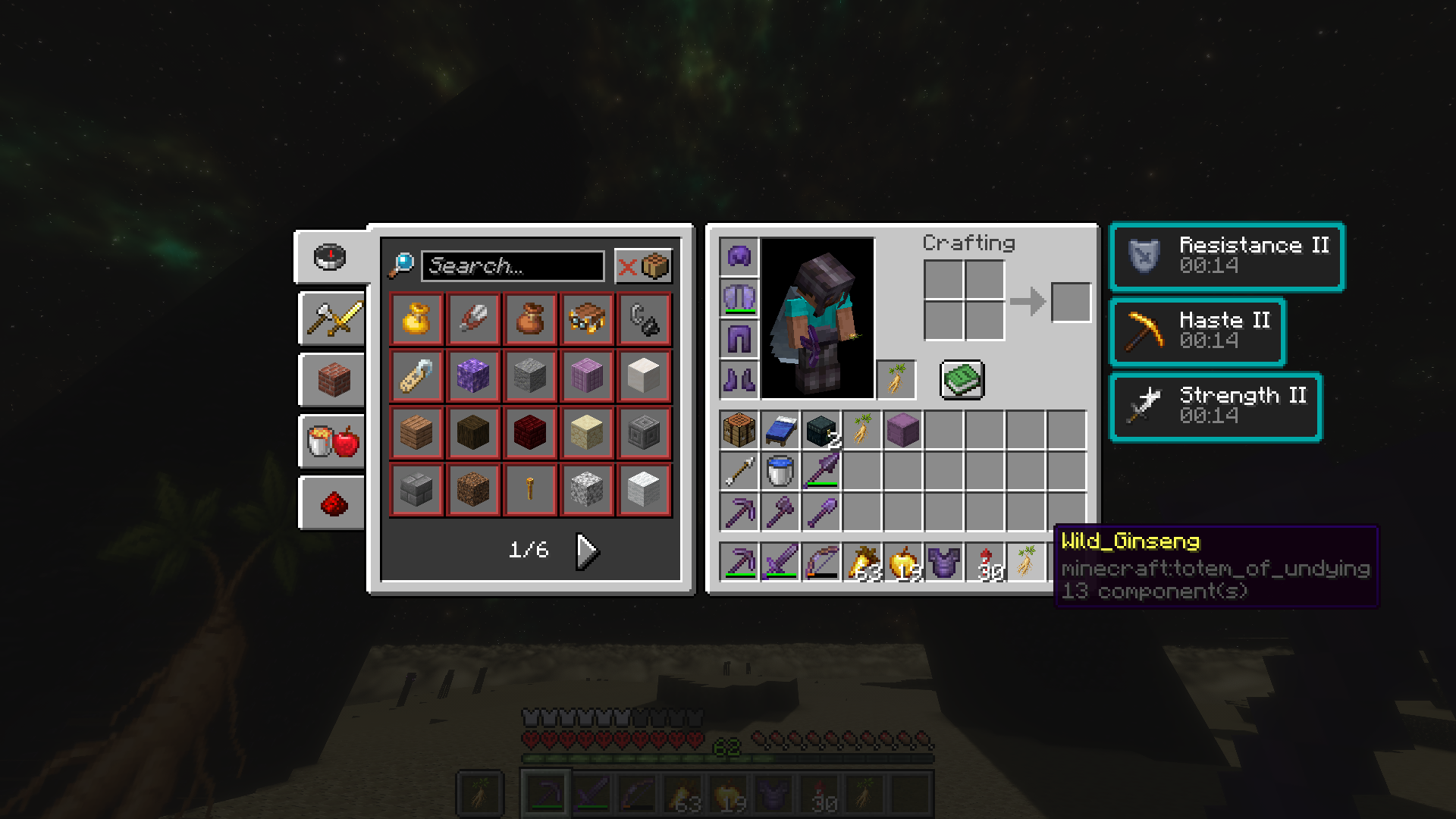
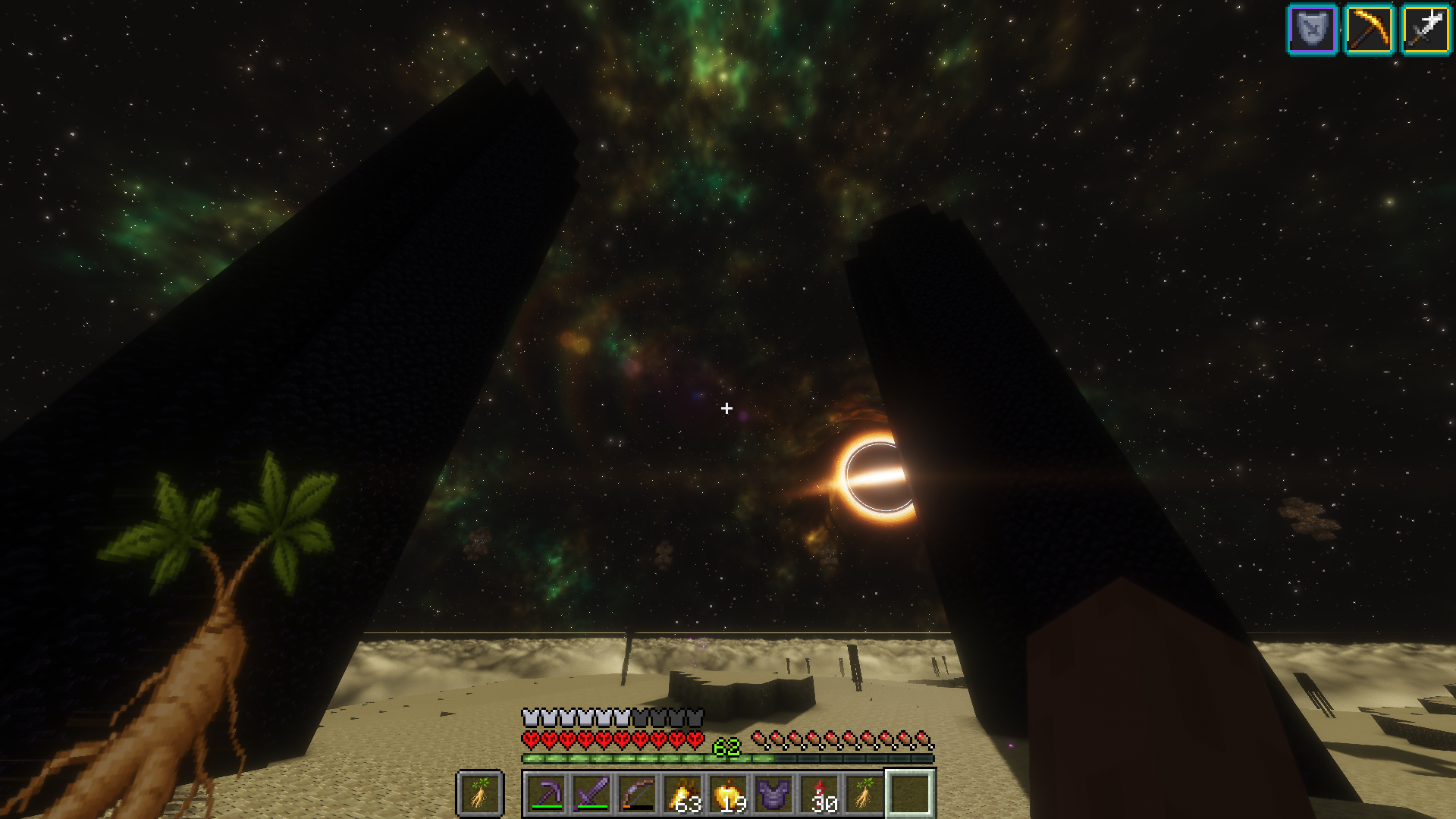
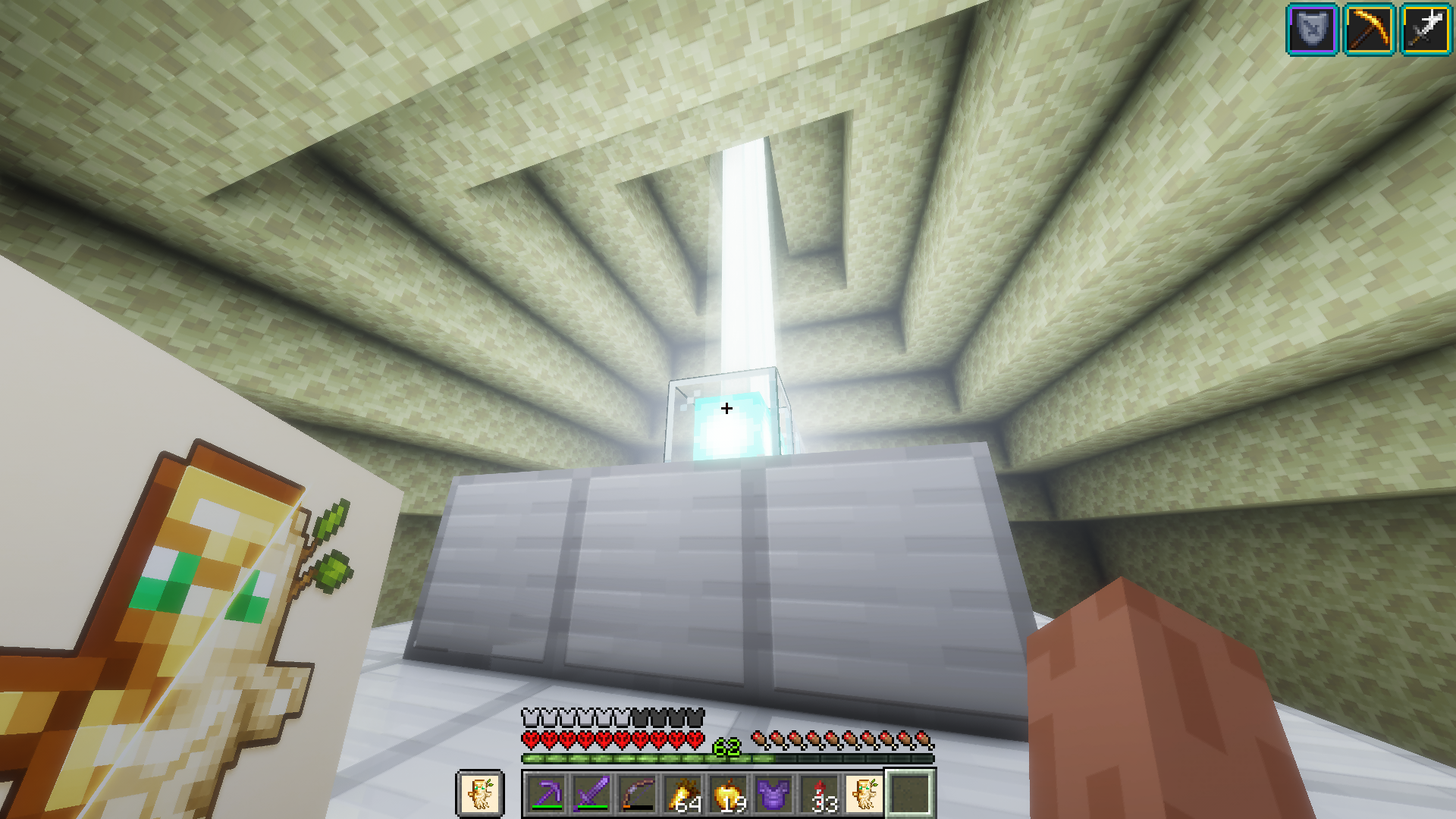
MyTotem is a client-side Fabric mod that lets you customize the Totem of Undying with your own image.
Instead of manually creating a resource pack, MyTotem automatically generates and applies one from the image you choose in-game.
It is useful for players who want a custom totem without manually editing textures or building a resource pack.
Features
- Customize the Totem of Undying with your own image
- Automatically generate a resource pack from the selected image
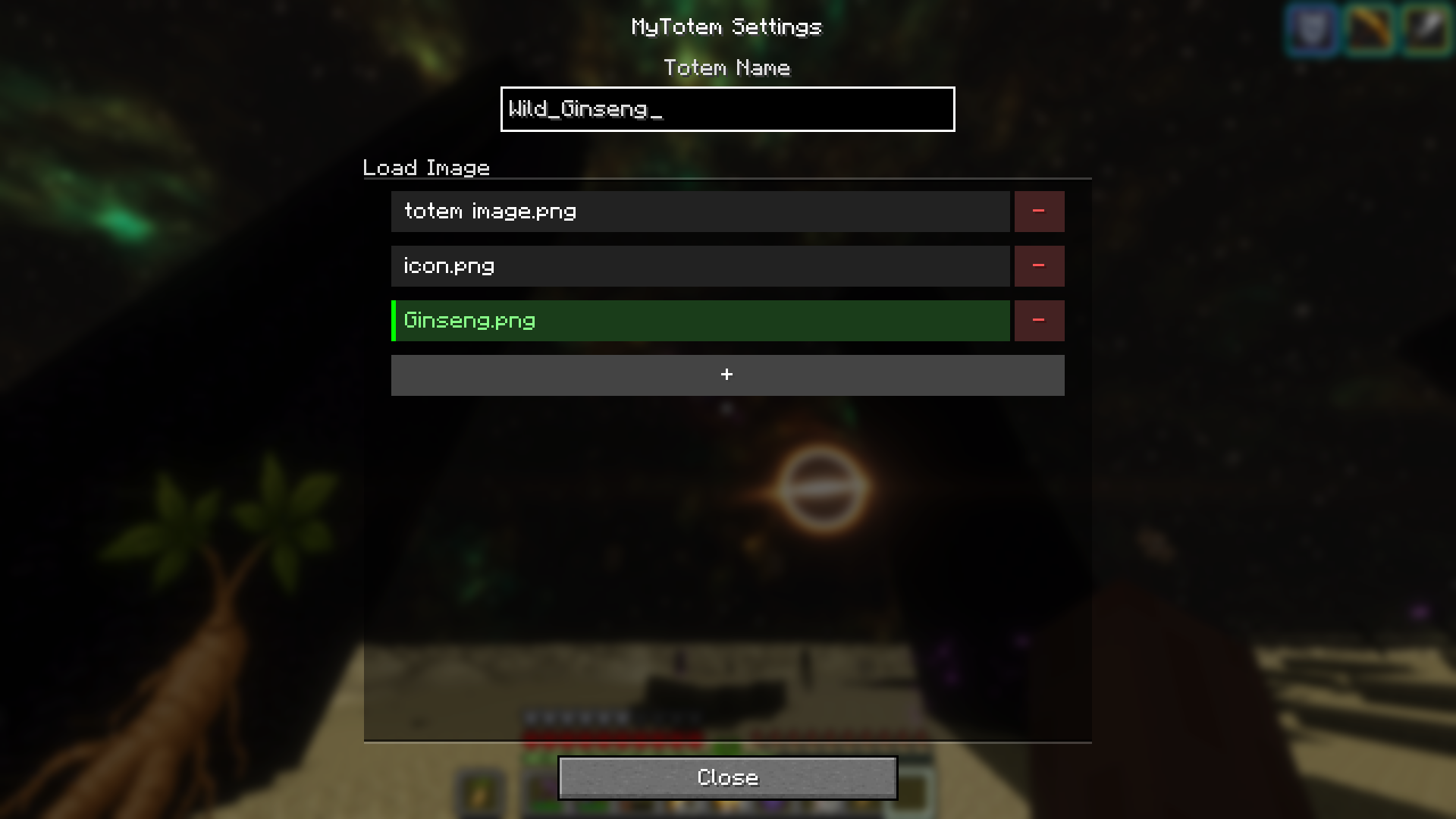
- Add custom image files in-game
- Select saved totem images
- Delete registered images
- Change the displayed totem name
- Simple and clean configuration screen
- Client-side only
- Supports 23 languages
How to Use
- Install Fabric Loader.
- Install Fabric API.
- Install Mod Menu for easier access to the config screen.
- Launch Minecraft.
- Open the MyTotem configuration screen.
- Add your custom image.
- Select the image you want to use.
- MyTotem will automatically generate and apply the resource pack.
Supported Languages
- Arabic
- German
- English Canada
- English US
- Spanish Spain
- Spanish Mexico
- Filipino
- French
- Hindi
- Indonesian
- Italian
- Japanese
- Korean
- Dutch
- Polish
- Portuguese Brazil
- Russian
- Swedish
- Thai
- Turkish
- Vietnamese
- Chinese Simplified
- Chinese Traditional
Supported Minecraft Versions
- 1.20.1
- 1.21.1
- 26.1.2
Requirements
- Fabric Loader
- Fabric API
- Mod Menu recommended
Notes
MyTotem works by automatically creating and applying a resource pack based on the custom image selected in-game.
It only changes the visual appearance of the Totem of Undying on the client side.
It does not change the vanilla totem behavior, effects, or gameplay mechanics.
License
All Rights Reserved / No License
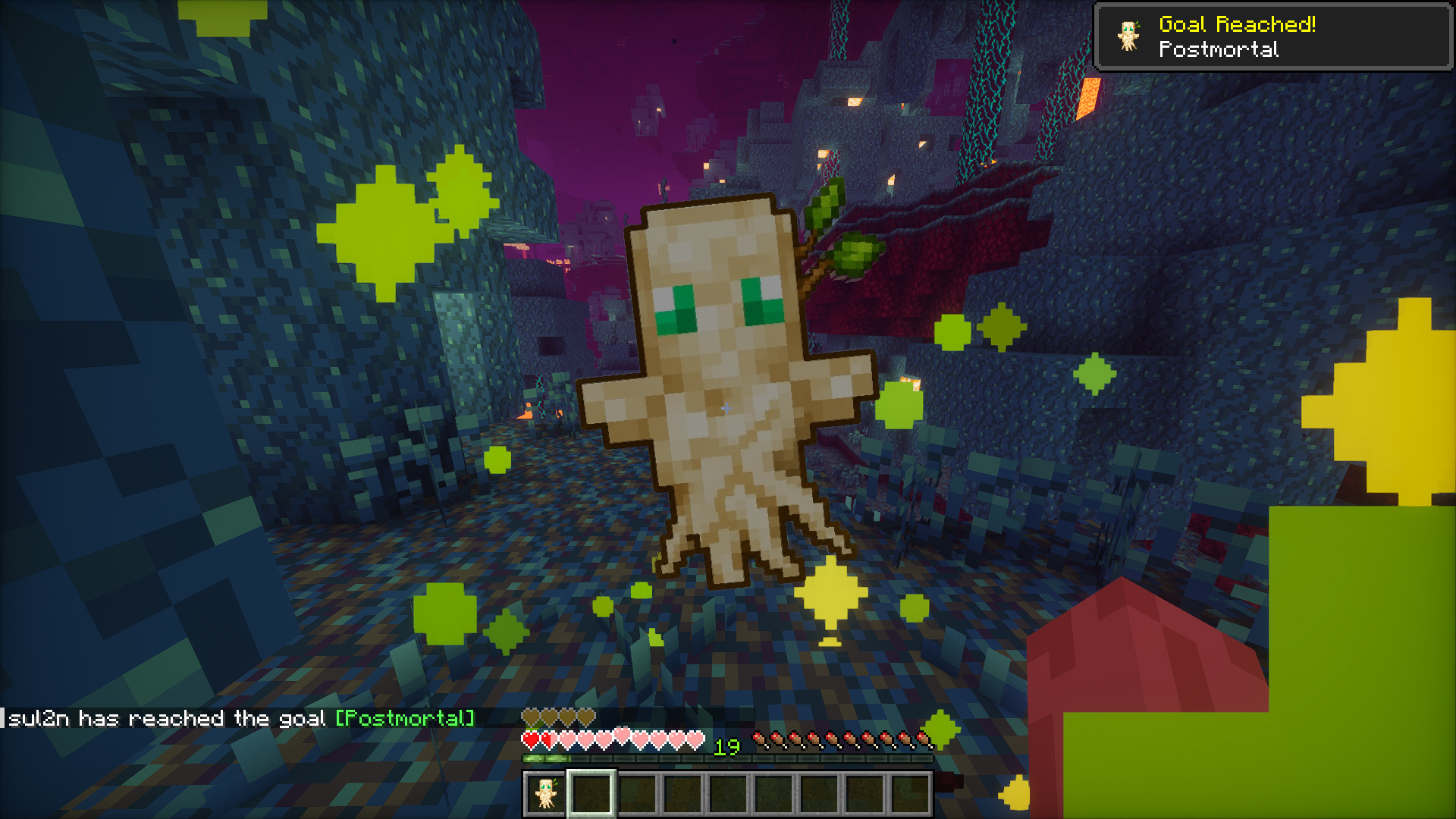
MyTotem
MyTotem is a client-side Fabric mod that lets you customize the Totem of Undying with your own image.
Instead of manually creating a resource pack, MyTotem automatically generates and applies one from the image you choose in-game.
It is useful for players who want a custom totem without manually editing textures or building a resource pack.
Features
- Customize the Totem of Undying with your own image
- Automatically generate a resource pack from the selected image
- Add custom image files in-game
- Select saved totem images
- Delete registered images
- Change the displayed totem name
- Simple and clean configuration screen
- Client-side only
- Supports 23 languages
How to Use
- Install
Fabric Loader. - Install
Fabric API. - Install
Mod Menufor easier access to the config screen. - Launch Minecraft.
- Open the MyTotem configuration screen.
- Add your custom image.
- Select the image you want to use.
- MyTotem will automatically generate and apply the resource pack.
Supported Languages
- Arabic
- German
- English (Canada)
- English (US)
- Spanish (Spain)
- Spanish (Mexico)
- Filipino
- French
- Hindi
- Indonesian
- Italian
- Japanese
- Korean
- Dutch
- Polish
- Portuguese (Brazil)
- Russian
- Swedish
- Thai
- Turkish
- Vietnamese
- Chinese (Simplified)
- Chinese (Traditional)
Supported Minecraft Versions
1.20.11.21.126.1.2
Requirements
Fabric LoaderFabric APIMod Menurecommended
Notes
MyTotem works by automatically creating and applying a resource pack based on the custom image selected in-game.
It only changes the visual appearance of the Totem of Undying on the client side. It does not change the vanilla totem behavior, effects, or gameplay mechanics.
License
All Rights Reserved / No License
Screenshots
Gallery
-
 2026-06-04_10.33.28.png 2026-06-04_10.33.28.png
 -
 2026-06-04_10.35.53.jpg 2026-06-04_10.35.53.jpg
 -
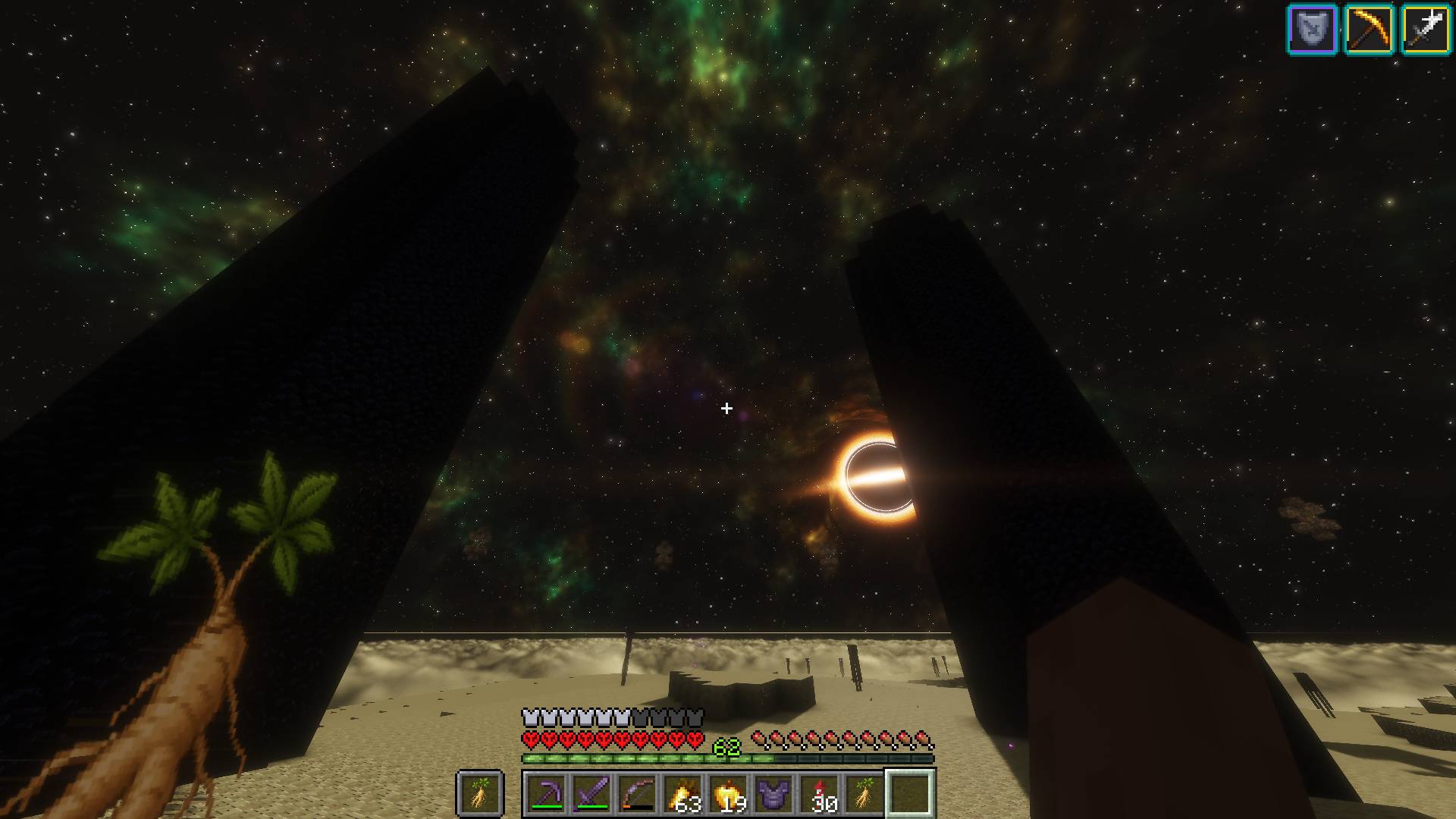 2026-06-04_10.31.57.jpg 2026-06-04_10.31.57.jpg
 -
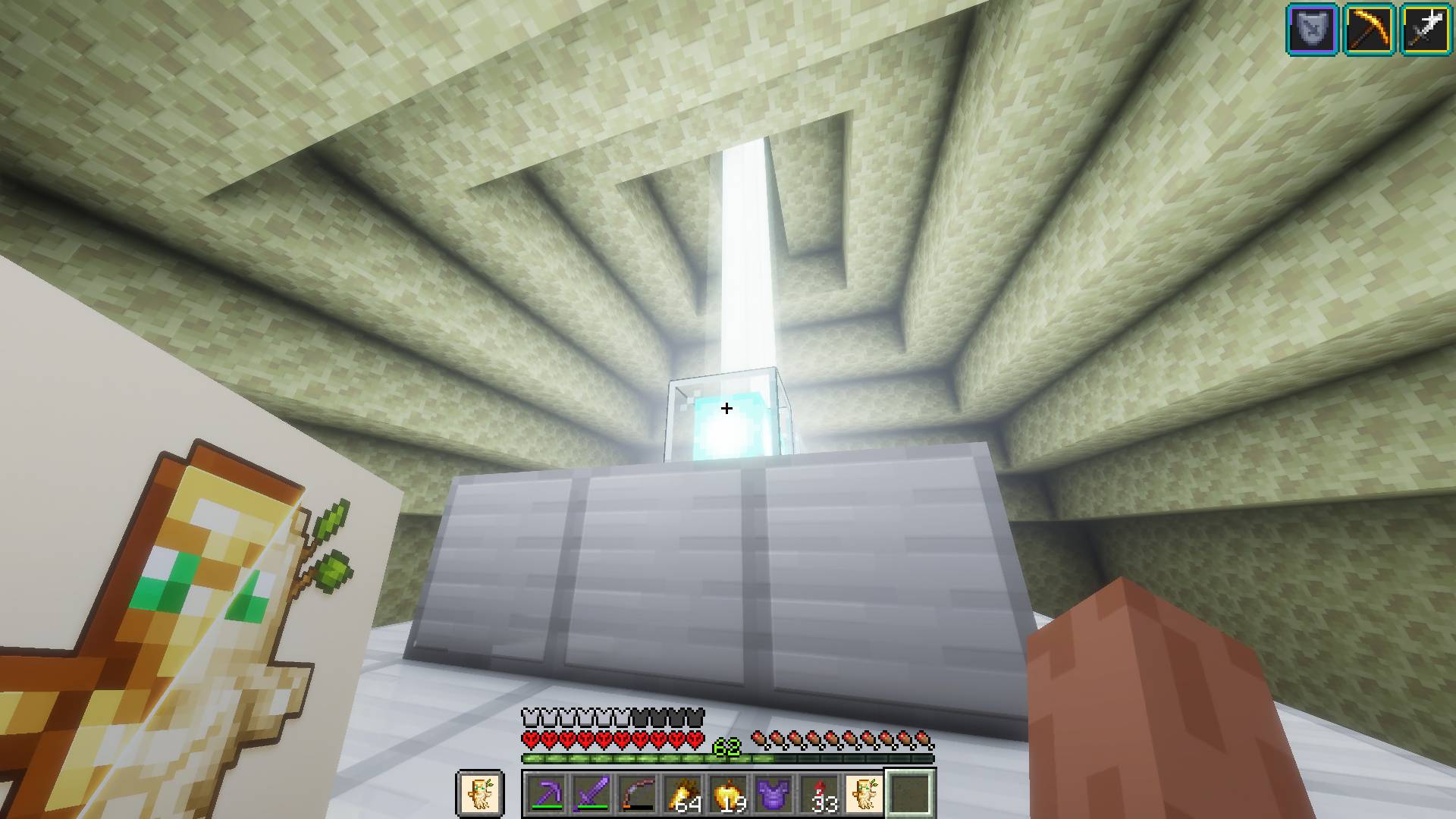 2026-06-04_10.12.36.jpg 2026-06-04_10.12.36.jpg
 -
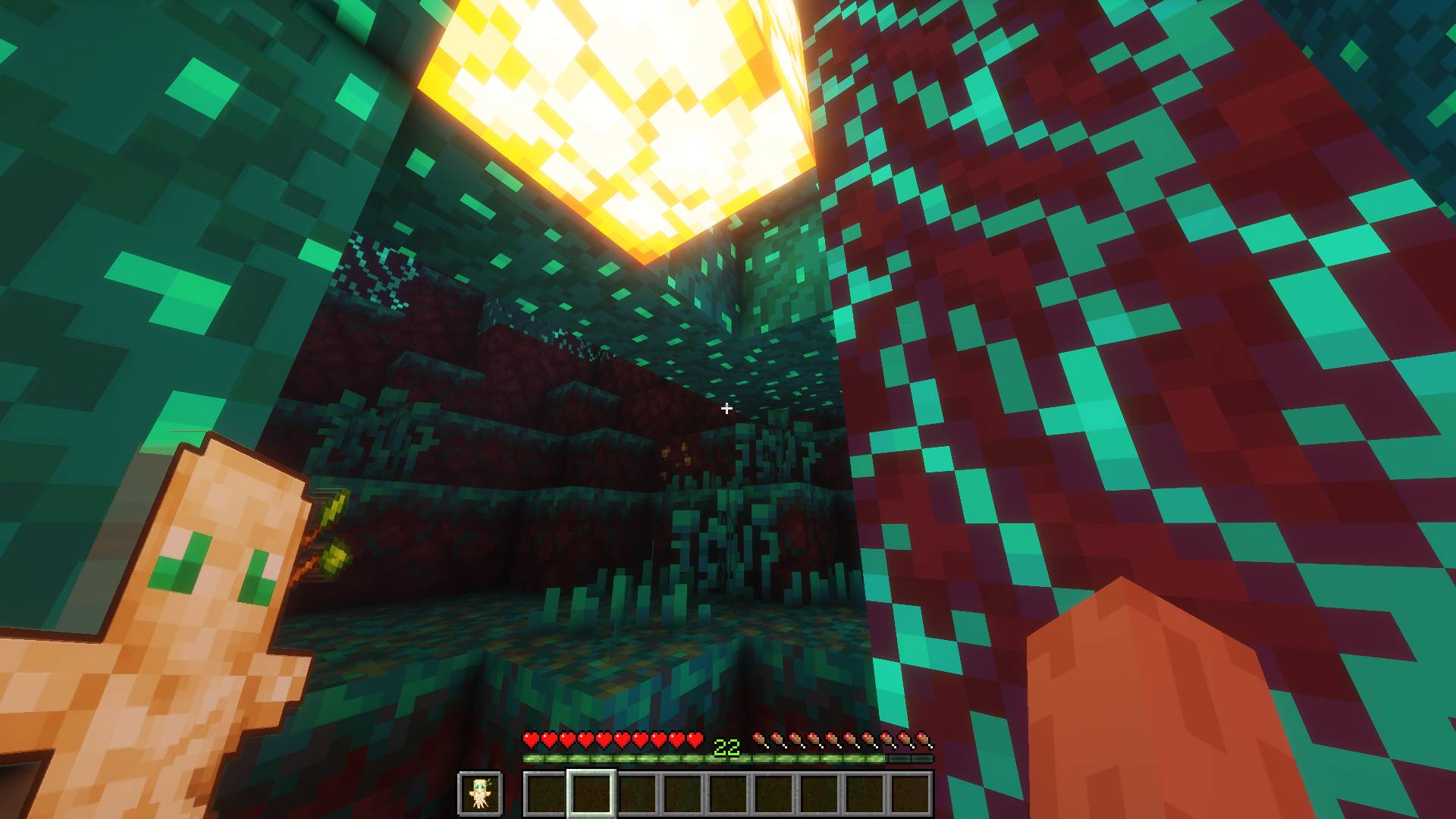 2026-06-04_10.18.00.jpg 2026-06-04_10.18.00.jpg
 -
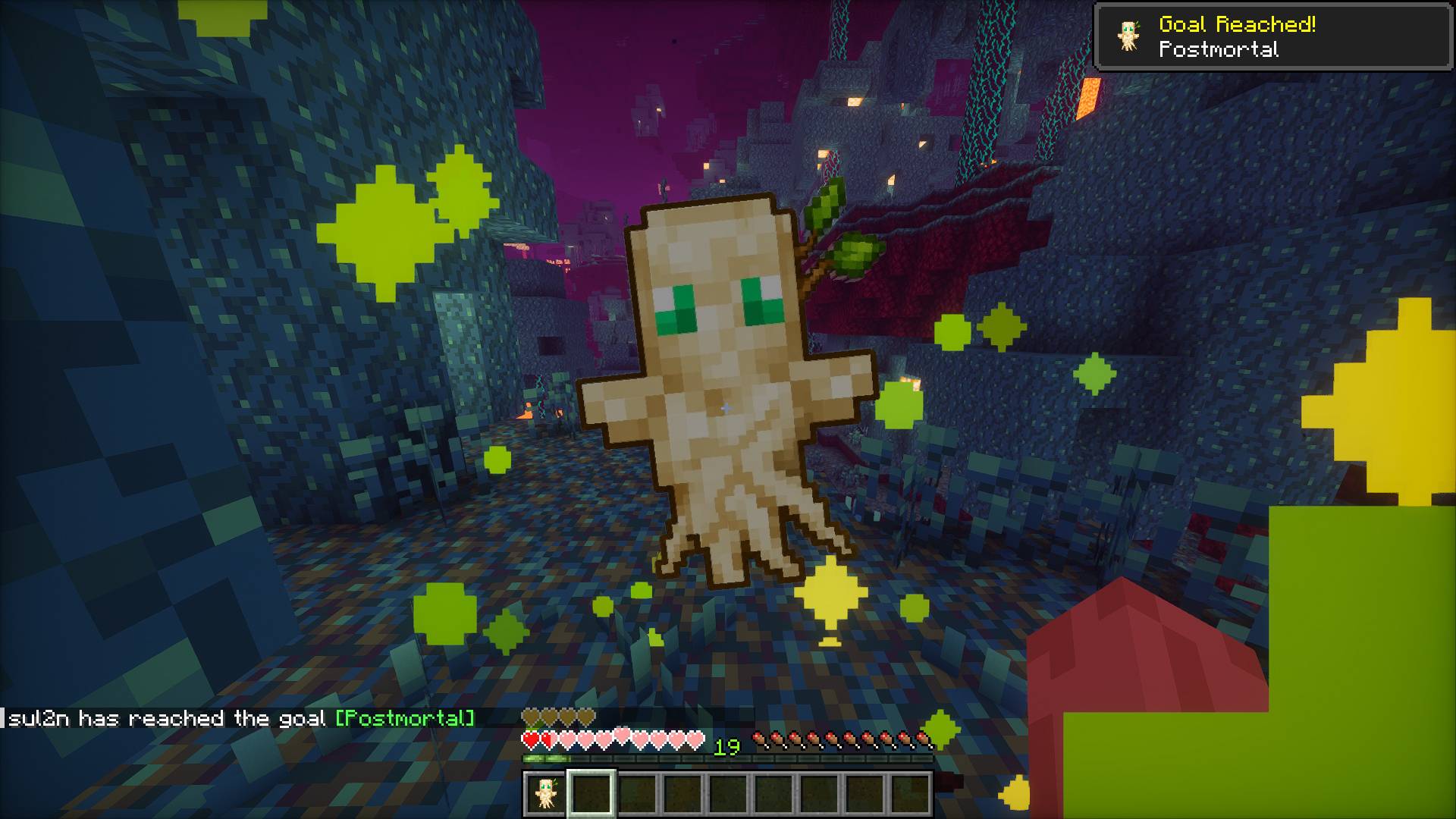 2026-06-04_10.29.00.jpg 2026-06-04_10.29.00.jpg
Versions
Files
Relations
Project Relations
More like this
Similar Mods
Suggestions use data such as tags, dependencies, dependents, descriptions, titles, and more to rank how much they overlap with this mod.
On ModDex
Community snapshot
By the numbers
Statistics
 (opens in a new tab)
Get it on
Available Platforms
On ModDex
Community snapshot
By the numbers
Statistics
Resources