
Community listing page, reviews here may not be monitored by the author.
NBTtooltips


No reviews yet
A simple fabric Minecraft mod which adds a feature that allows you to see the custom NBT data of an item when you hover over it and press your shift key.
Community voices
Reviews
No reviews yet. Be the first to review this project!
Get it on
Available Platforms
Compatibility
Supported Environments
Runs entirely on the client. Works on vanilla servers.
About
Project Details
For authors
Embed Badge
If you're the author of this project, you can embed a live badge anywhere that supports HTML or Markdown. It updates automatically whenever ratings change.
Use HTML for any page that supports it, or Markdown for README files and Markdown-based descriptions.
Identifiers
Platform IDs
Resources
External Links
About
Description
NBTtooltips
NBTtooltips is a simple Minecraft fabric mod, which adds a feature that allows you to see the custom NBT data of an item when you hover over it and hold your shift key.
You will only be able to see the custom NBT data when you have your advanced tooltips on (F3+H).
From update 0.1.3 - 1.19.x and above the keybind isn't hardcoded anymore.
Config
Since version 0.1.0 - 1.18.x there was a config added to the mod.
In the config file, you're able to set the colours from the different text elements and the maximum line size.
Configurable data:
nbttooltips.line.length= 50
nbttooltips.stringColour= blue
nbttooltips.quotationColour= white
nbttooltips.separationColour= white
nbttooltips.integerColour= gold
nbttooltips.typeColour= red
nbttooltips.fieldColour= aqua
nbttooltips.lstringColour= yellow
FAQ
Is the mod clientside?
Yes, the mod is clientside only!
NBTtooltips
NBTtooltips is a simple Minecraft fabric mod, which adds a feature that allows you to see the custom NBT data of an item when you hover over it and hold your left alt key. You will only be able to see the custom NBT data when you have your advanced tooltips on (F3+H).
From update 0.1.3 - 1.19.x and above the keybind isn't hardcoded anymore.
Config
Since version 0.1.0 - 1.18.x there was a config added to the mod. In the config file, you're able to set the colours from the different text elements and the maximum line size.
Configurable data: nbttooltips.line.length= 50 nbttooltips.stringColour= blue nbttooltips.quotationColour= white nbttooltips.separationColour= white nbttooltips.integerColour= gold nbttooltips.typeColour= red nbttooltips.fieldColour= aqua nbttooltips.lstringColour= yellow
FAQ
Is the mod clientside? Yes, the mod is clientside only!
Screenshots
Gallery
-
 NBTtooltips How it shows long strings for heads for example
 -
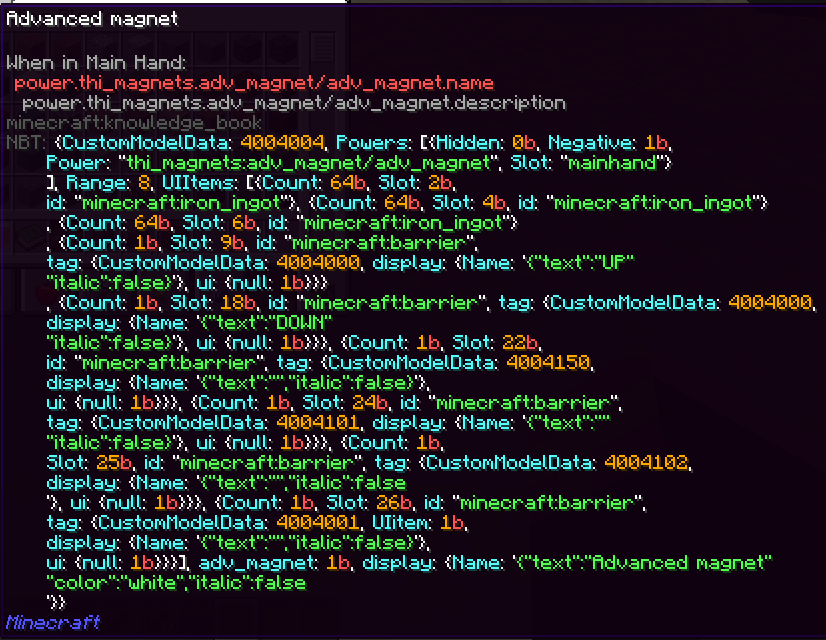 NBTtooltips With a lot of nbt
 -
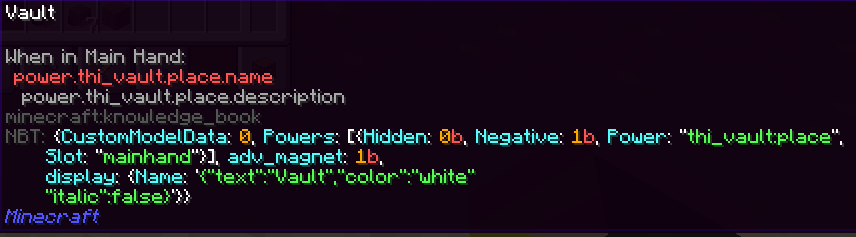 NBTtooltips
-
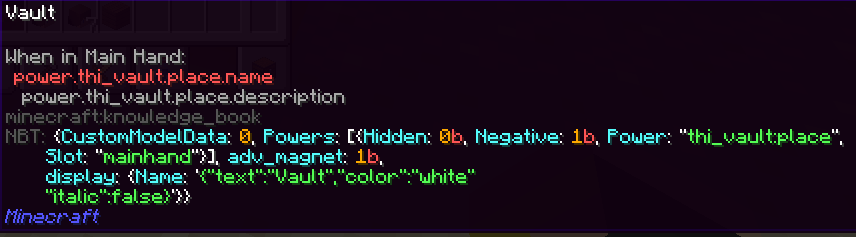 NBTtooltips Just a normal example
 -
 NBTtooltips How it displays long strings for example with heads
 -
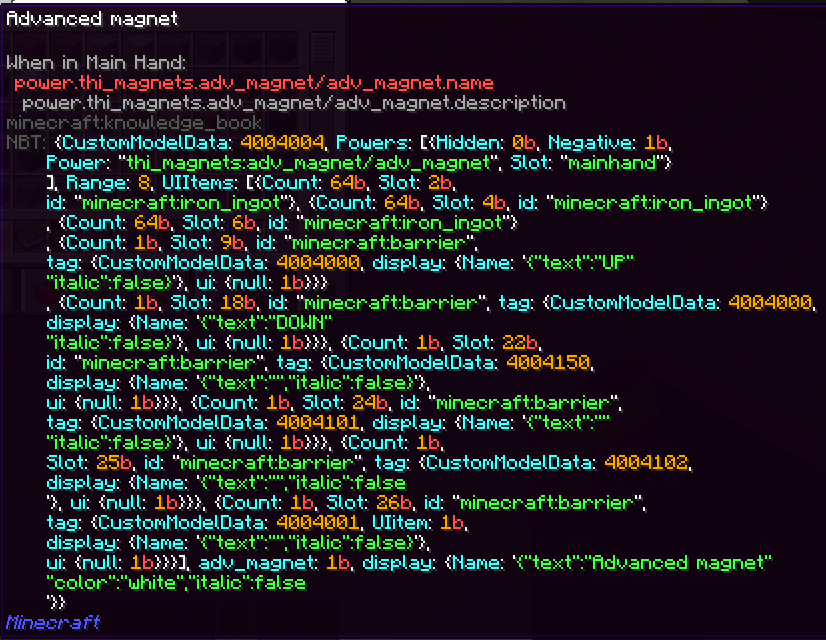 NBTtooltips With a lot of NBT
Versions
Files
Relations
Project Relations
More like this
Similar Mods
Suggestions use data such as tags, dependencies, dependents, descriptions, titles, and more to rank how much they overlap with this mod.
On ModDex
Community snapshot
By the numbers
Statistics
Want to reach Minecraft players?
We're looking for a server hosting partner to feature here and other parts of the site. Interested? Send us a message!
Get in touchGet it on
Available Platforms
On ModDex
Community snapshot
By the numbers
Statistics
Resources