
Community listing page, reviews here may not be monitored by the author.
Nice Mob Manager

No reviews yet
Probably the most advanced mob customizing data pack out there - tweak individual mobs, equipment, behavior and more easily via in-game menus.
Community voices
Reviews
No reviews yet. Be the first to review this project!
Get it on
Available Platforms
Compatibility
Supported Environments
Required on the server. Installing it on the client adds functionality.
The author has not specified where this runs.
Varies by version.
About
Project Details
For authors
Embed Badge
If you're the author of this project, you can embed a live badge anywhere that supports HTML or Markdown. It updates automatically whenever ratings change.
Use HTML for any page that supports it, or Markdown for README files and Markdown-based descriptions.
Identifiers
Platform IDs
About
Description
📖 Description
Nice Mob Manager is a super versatile tool that lets you control pretty much everything about mobs. It uses Mojang’s new Dialog system to give you easy, menu-based access to tons of features — only one command needed. You can tweak individual mobs or mob groups, add cool stuff like rarities with better loot, randomize gear, and even mess with vanilla gamerules. If you’ve thought about it, chances are you can do it.
Command to open the Menu
/function mob_manager
📋 Features
Mob Settings
Tweak stuff like size, attack damage, health, and head drop chances for individual mobs or groups — perfect for dialing in your ideal playstyle or server vibe.
Rarity Mobs
Set up special mobs with rarity tags. They’re tougher by default and drop better loot — because rare should feel rare.
Mob Equipment
Randomize what gear mobs can spawn with — from helmets to boots. Mix it up or go full chaos mode.
Additional Mob Drops
Add extra drop chances for certain mobs — like letting Husks drop Sand or giving the Ender Dragon a shot at dropping a Dragon Egg.
Vanilla Gamerules
Easily check and tweak mob-related vanilla gamerules without digging through commands.
Villager Settings
Give Villagers custom names, randomize baby types, and even let them name their meeting points (or keep it boring, up to you).
Wandering Trader Settings
Control announcements, glowing effects, and set up fun trades like Miniblocks, Plushies, or Enchanted Books.
And many more!
There’s a ton more to explore — you’ll just have to dive in and see what you can mess with.
🛠️ Technical Gibberish
This data pack double functions as the optional resource pack needed for the Spawn Egg Locator Bar Icons. So simply slap that one also into your Resource folder and make sure to enable it in game for the textures to show properly. (This is not needed for the auto converted mod versions)
Custom Dialogs/Menus were first introduced in Minecraft 1.21.6 - Therefore a backport to older versions is simply not possible!
For PaperMC users, it is recommended to set the paper.maxChatCommandInputSize property to a value between 512 and 1024. More information can be found in the PaperMC Docs. Also make sure to have allow-non-player-entities-on-scoreboards enabled in your paper configs.
📝 Translations
Want to play in your own language? You can help us out by contributing on our Website!
✍️ Feedback, Questions & Suggestions
We're here to help! If you happen to have questions, suggestions or just encountered a bug, then feel free to hop on our discord server to ask for help in our Data Pack Section. Click to join the server
🎮 Explorer's Eden SMP
Join A Realm Recrafted, our Minecraft SMP! Enjoy a world featuring all of our (actively maintained) data packs, as well as some exclusive ones. It’s completely free without any microtransactions. Come build, explore, and craft with us today!

Screenshots
Gallery
-
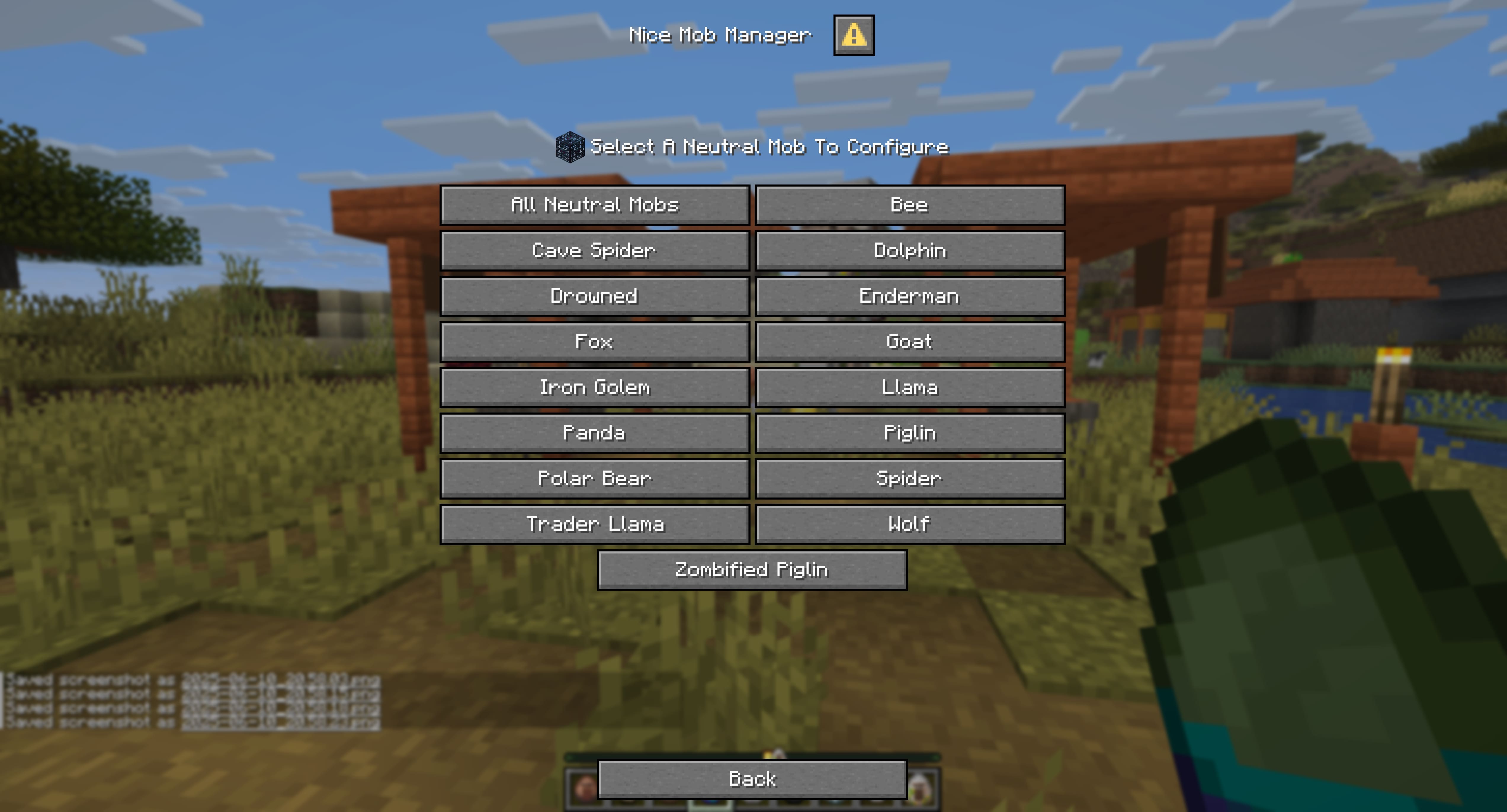 Menu Example 4 Menu Example 4
 -
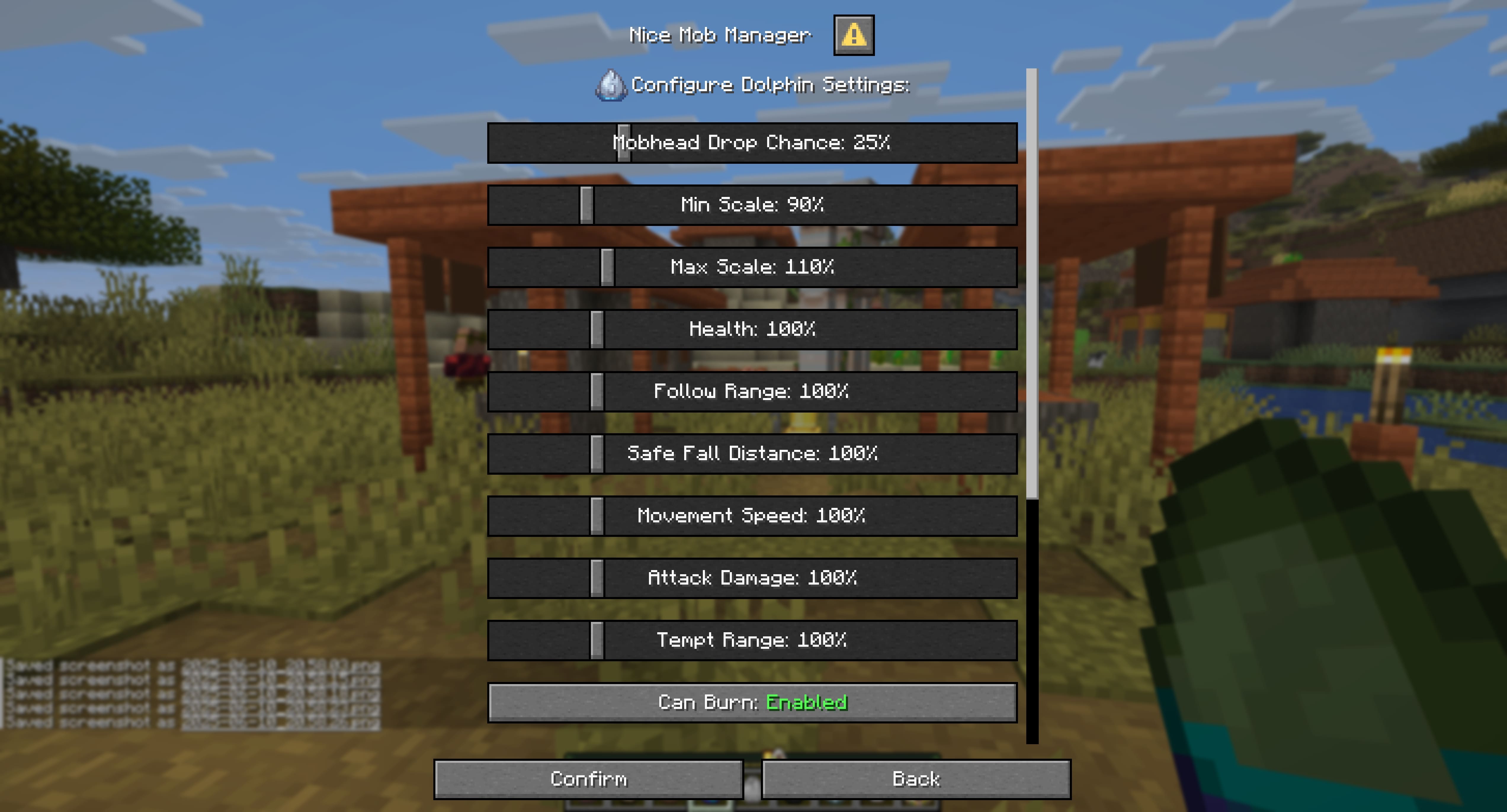 Menu Example 5 Menu Example 5
 -
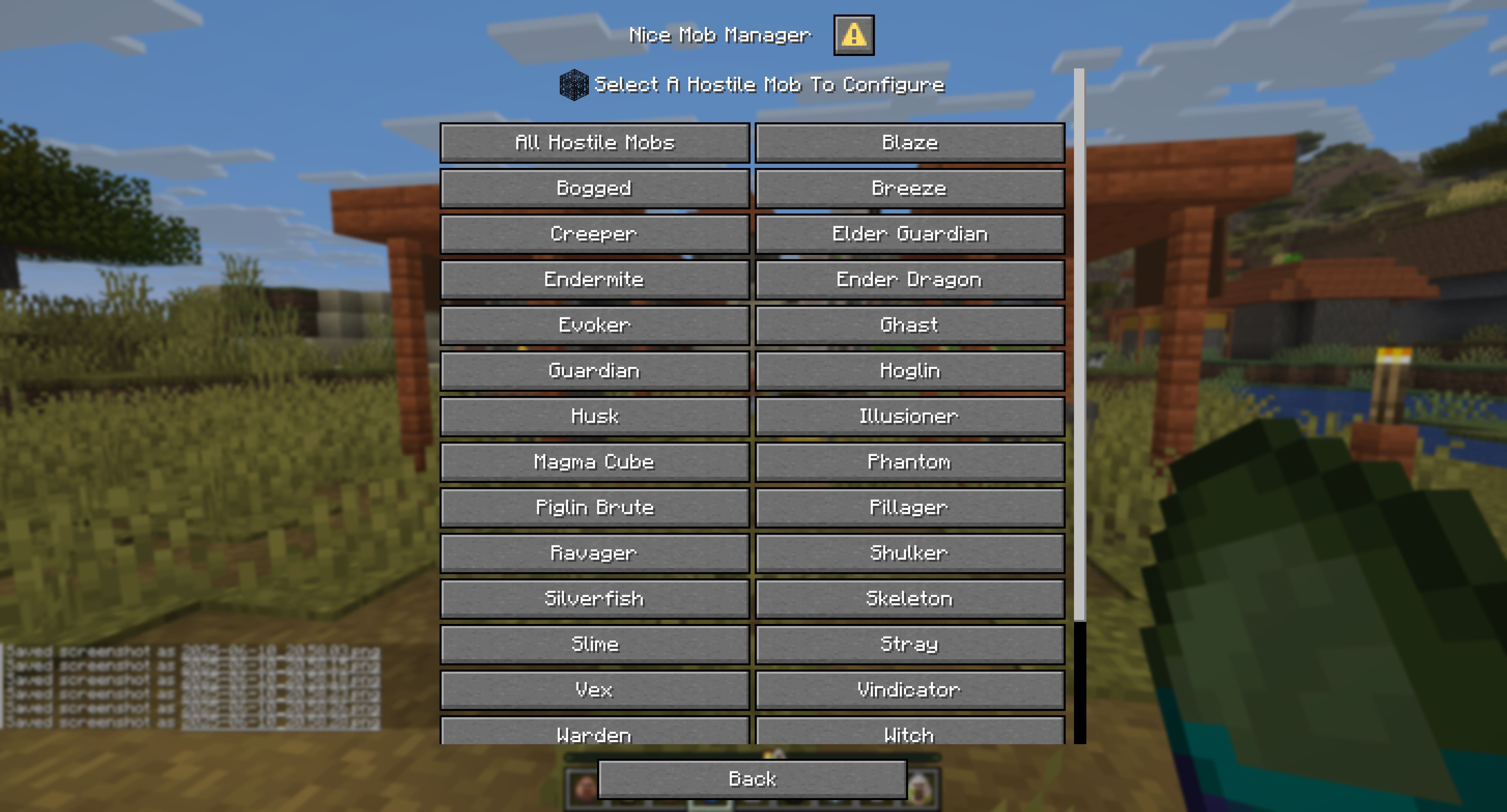 Menu Example 6 Menu Example 6
 -
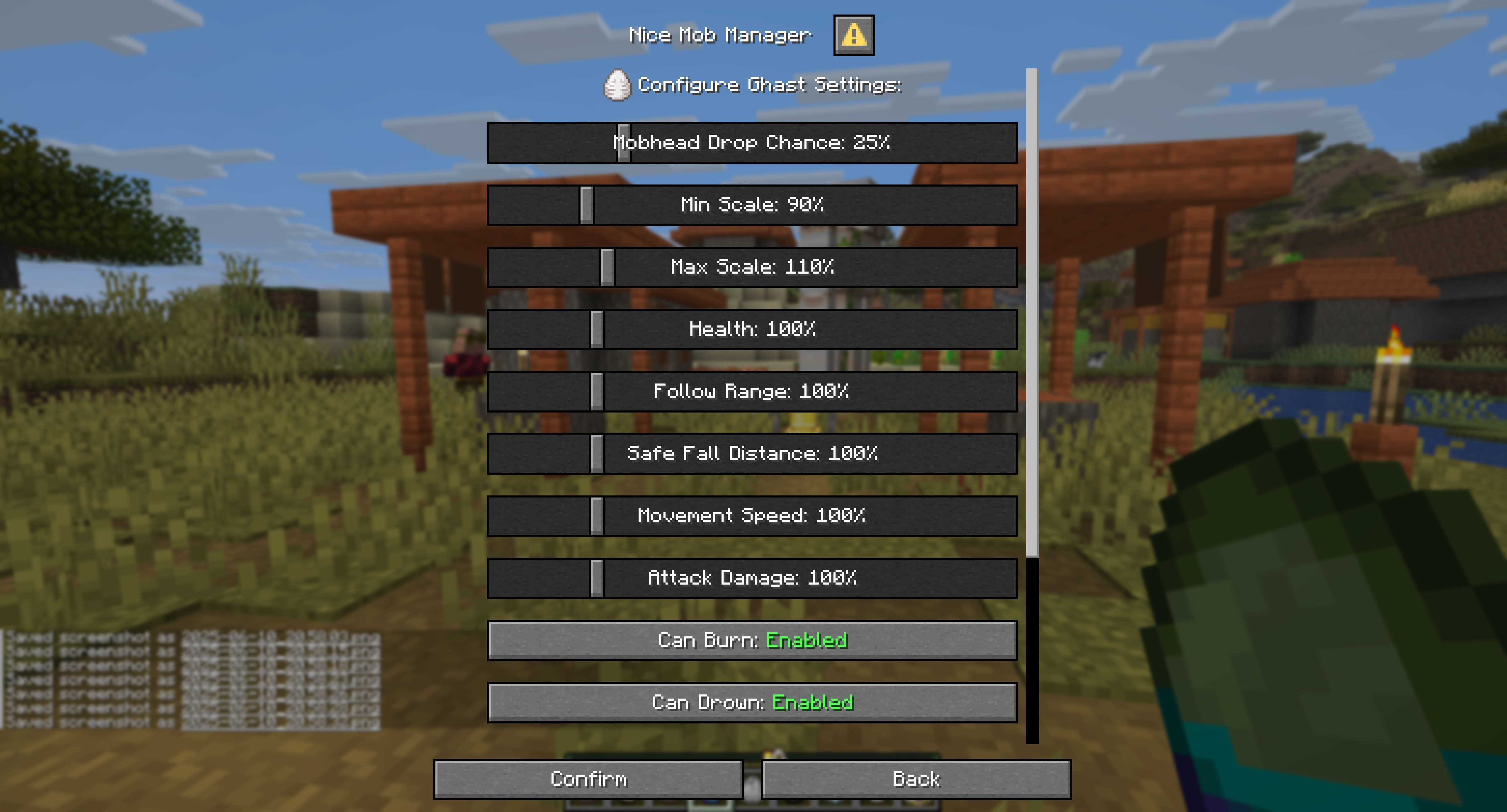 Menu Example 7 Menu Example 7
 -
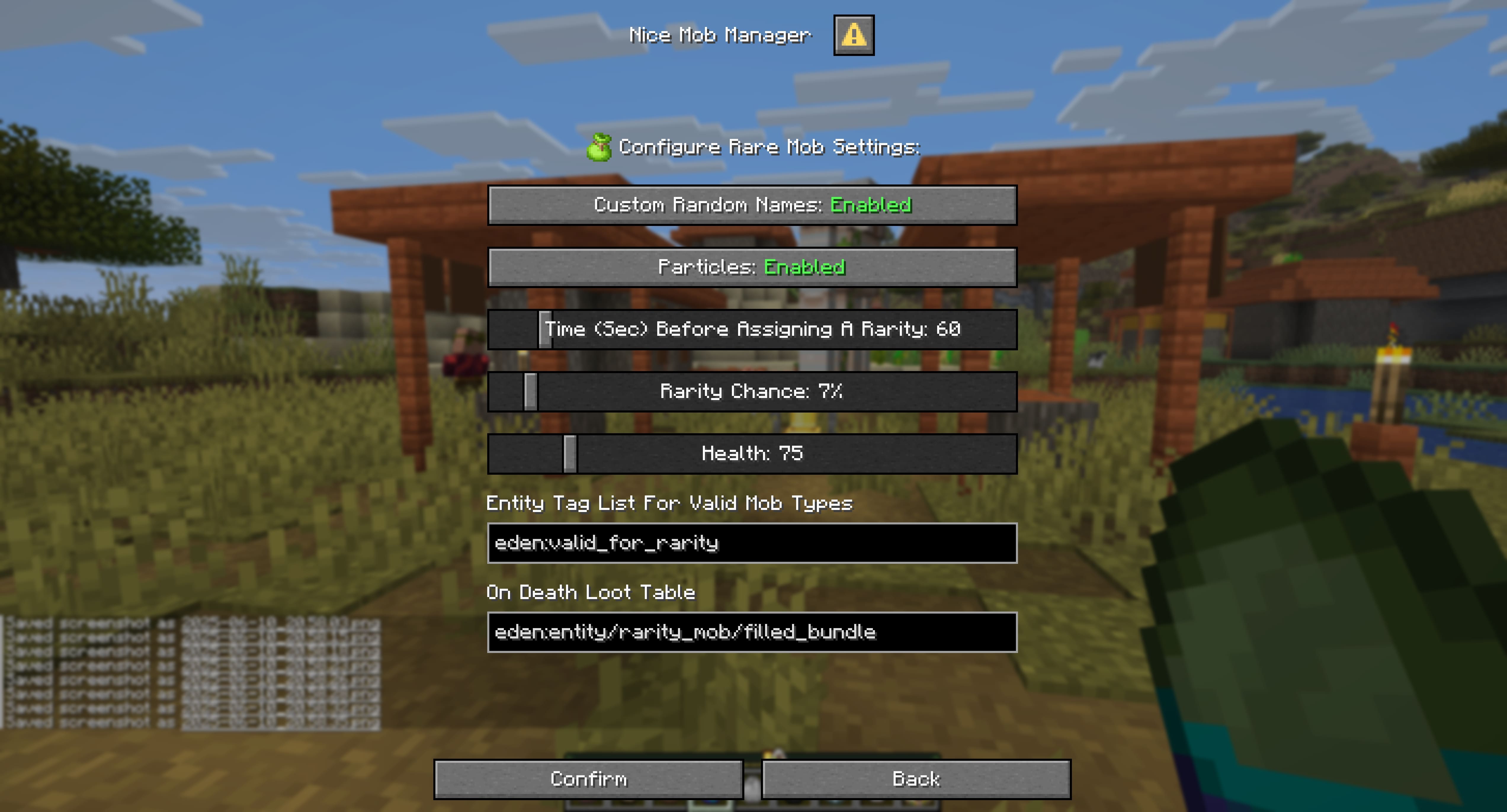 Menu Example 8 Menu Example 8
 -
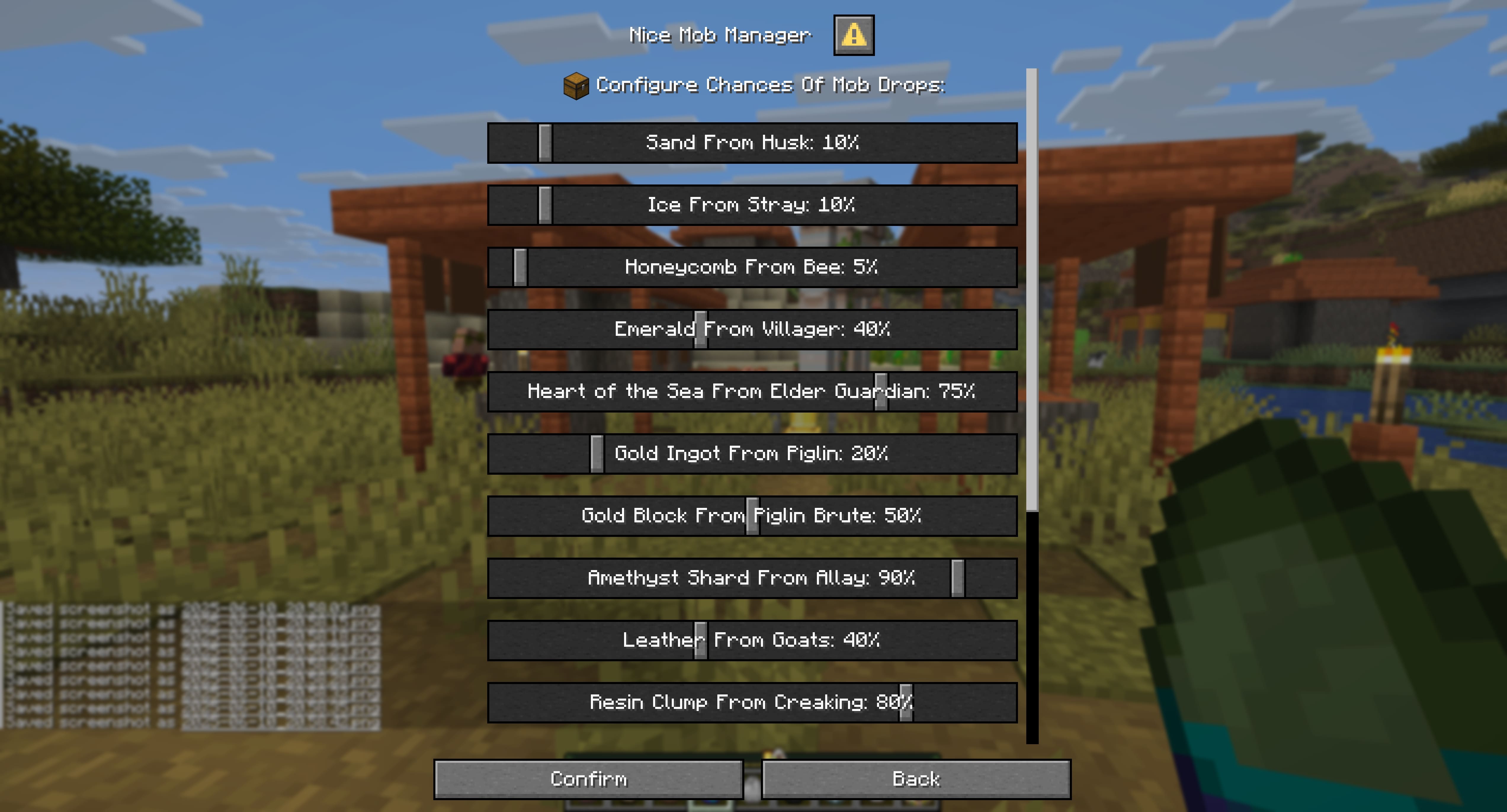 Menu Example 9 Menu Example 9
 -
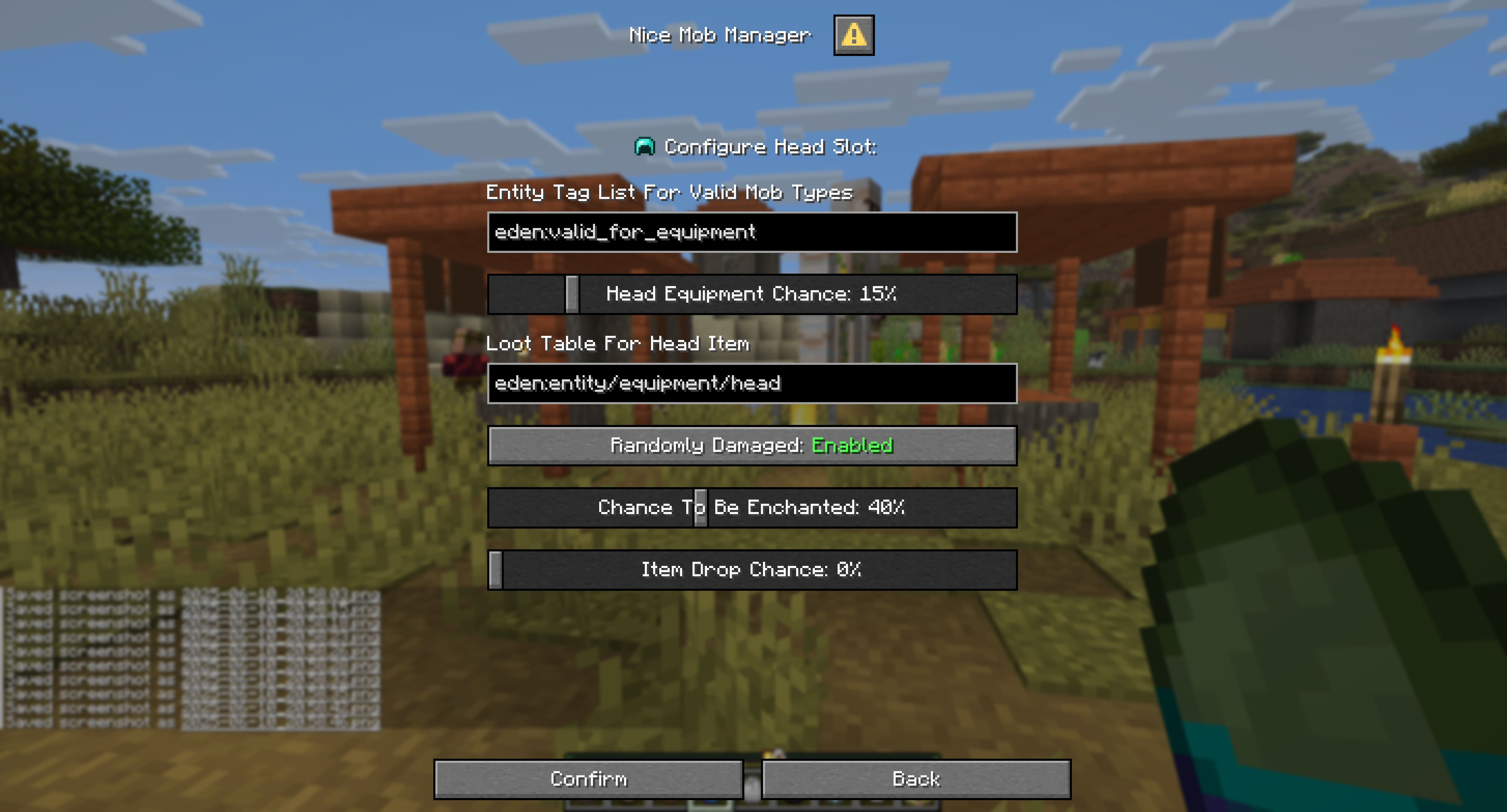 Menu Example 10 Menu Example 10
 -
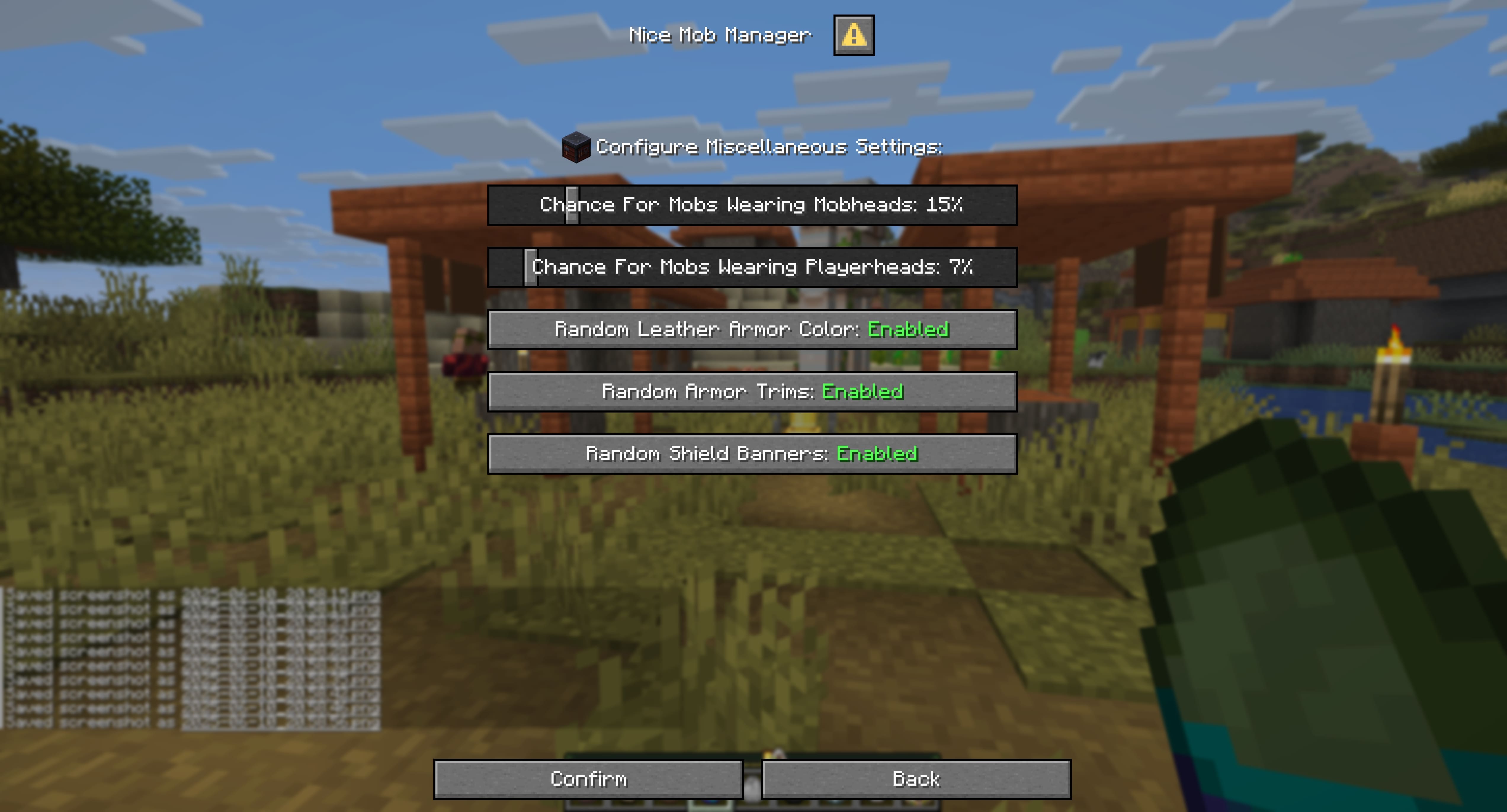 Menu Example 11 Menu Example 11
 -
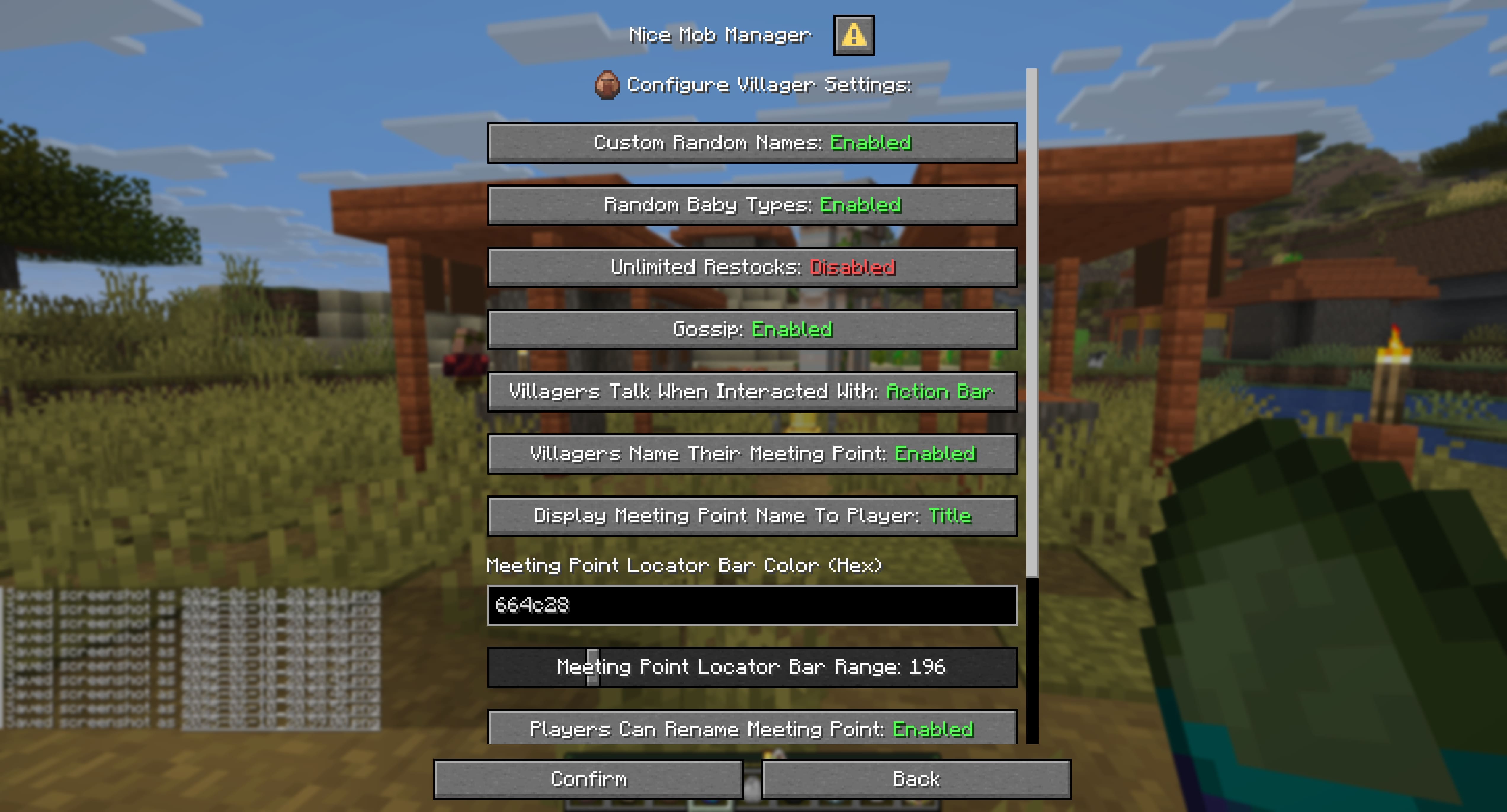 Menu Example 12 Menu Example 12
 -
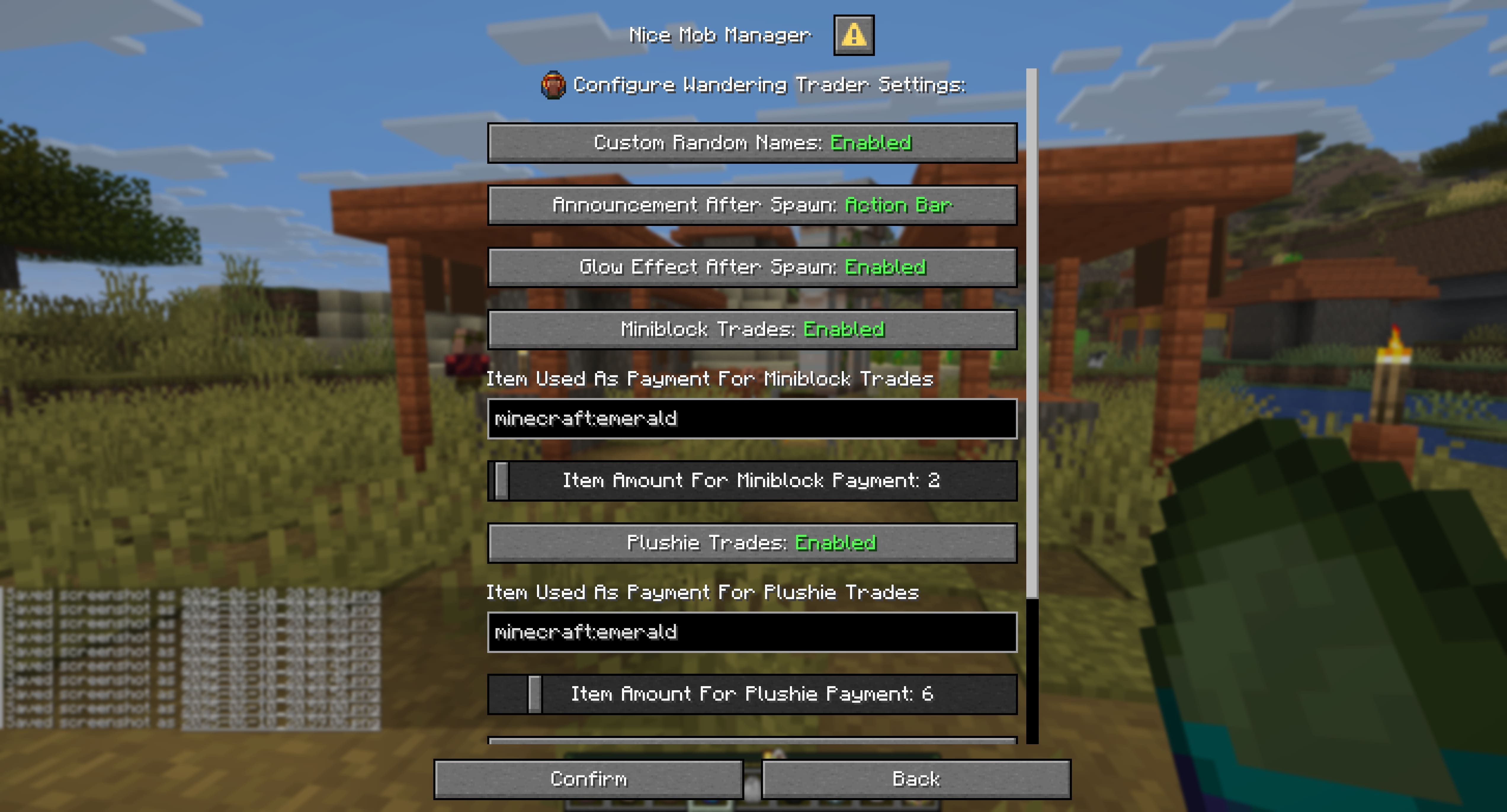 Menu Example 13 Menu Example 13
 -
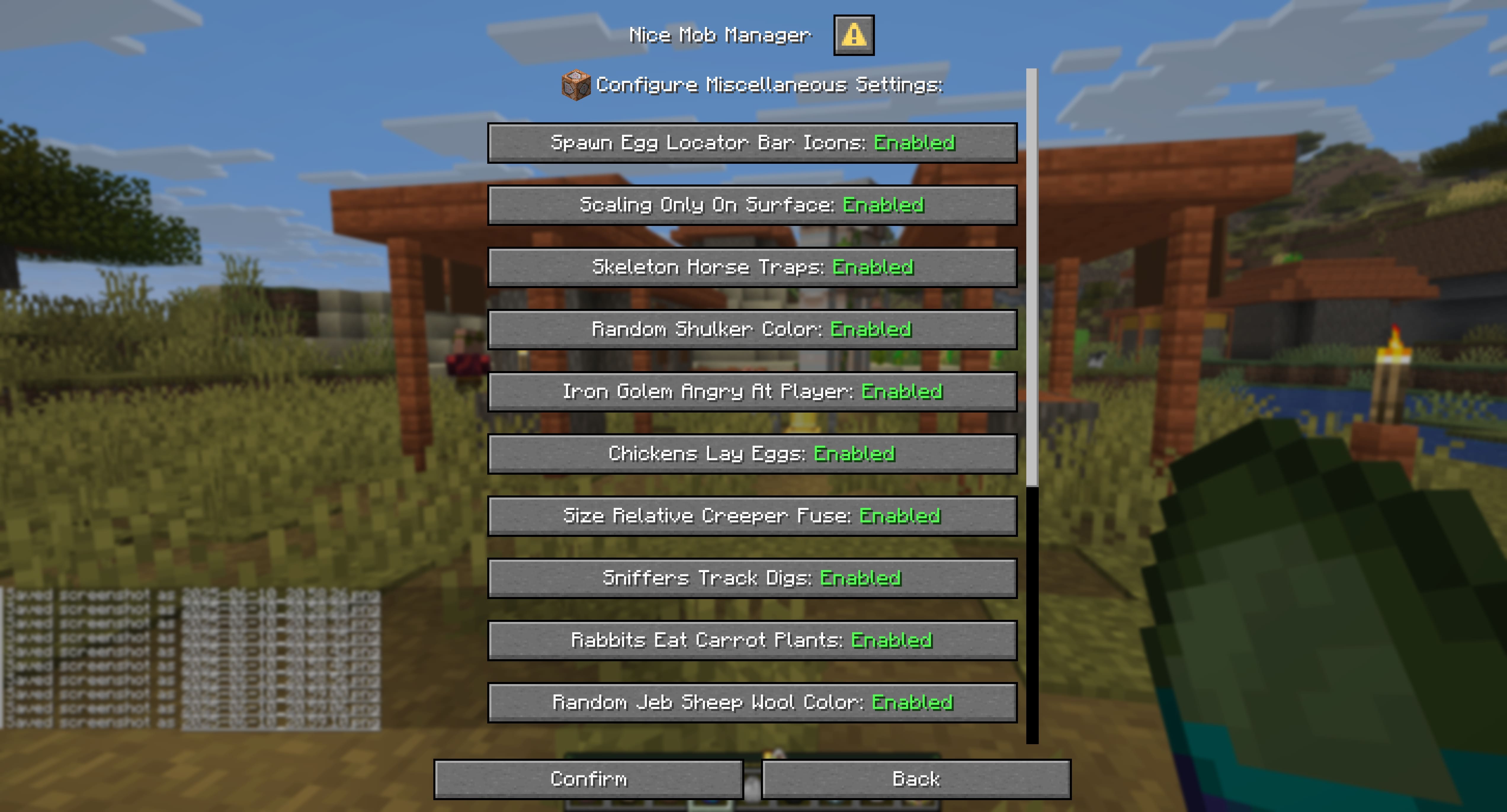 Menu Example 14 Menu Example 14
 -
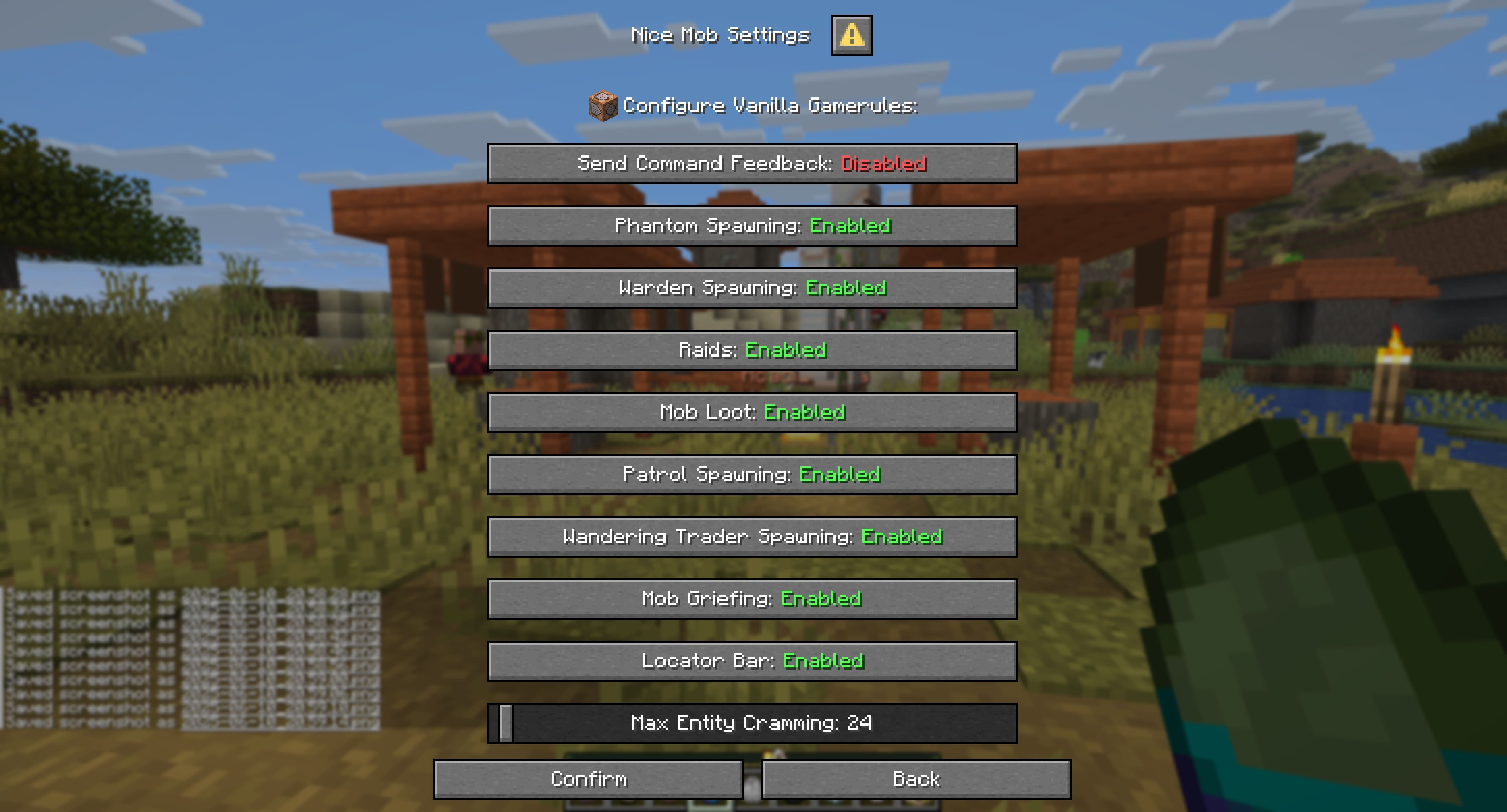 Menu Example 15 Menu Example 15
 -
 Feature Image Just the title Image
 -
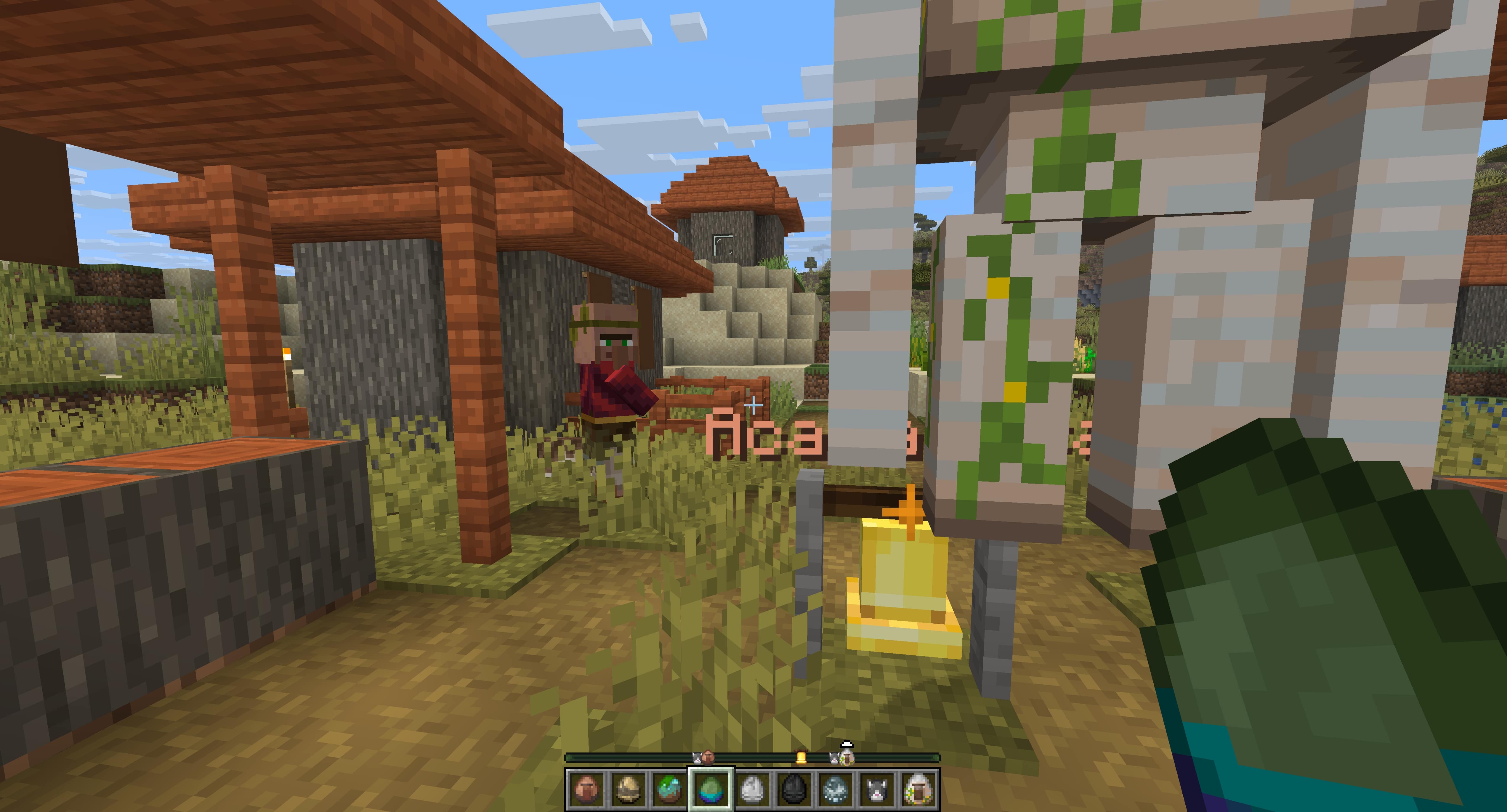 Locator Bar Icons Example of Locator Bar Spawn Egg Icons
 -
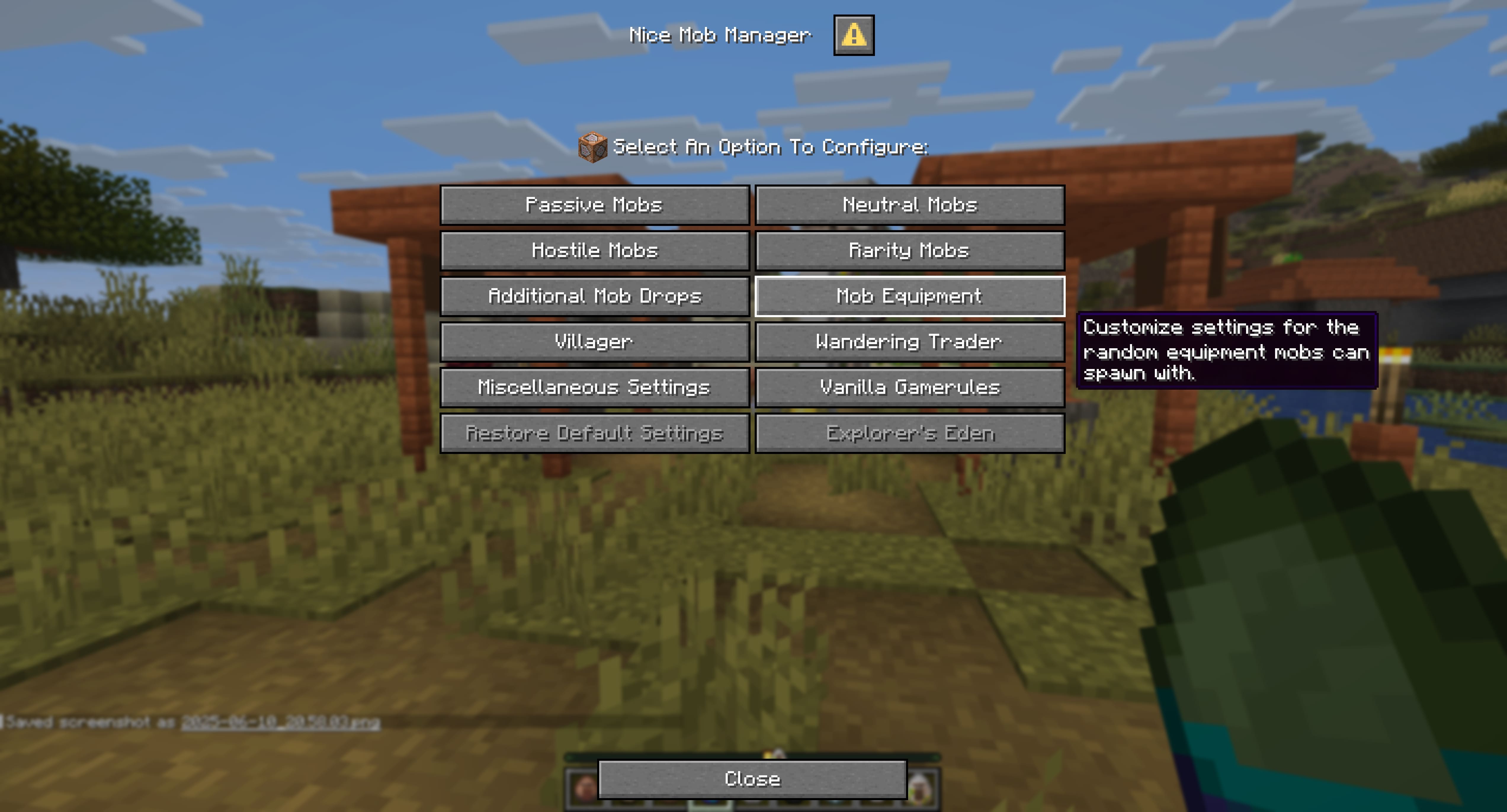 Menu Example 1 Menu Example 1
 -
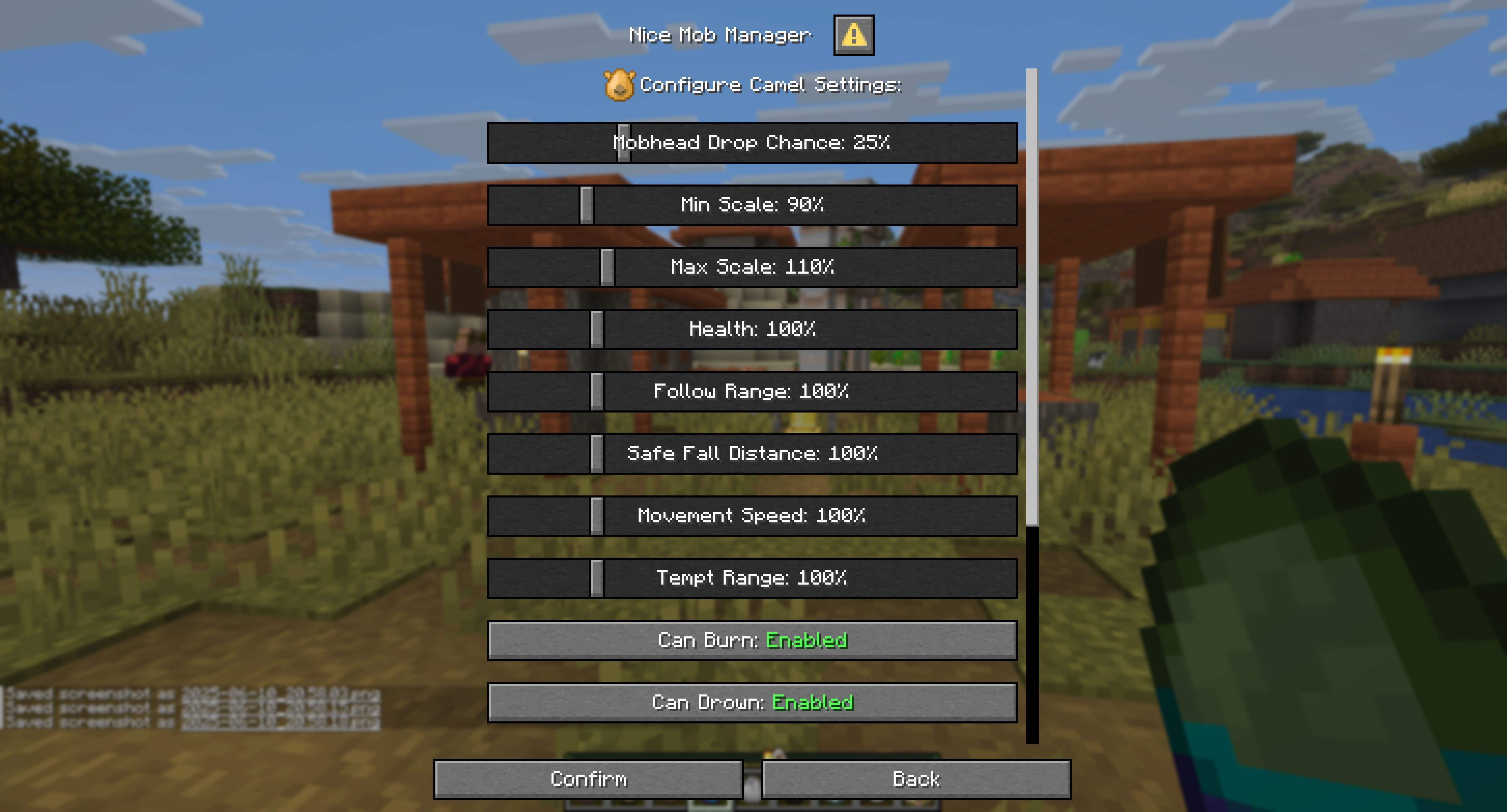 Menu Example 2 Menu Example 2
 -
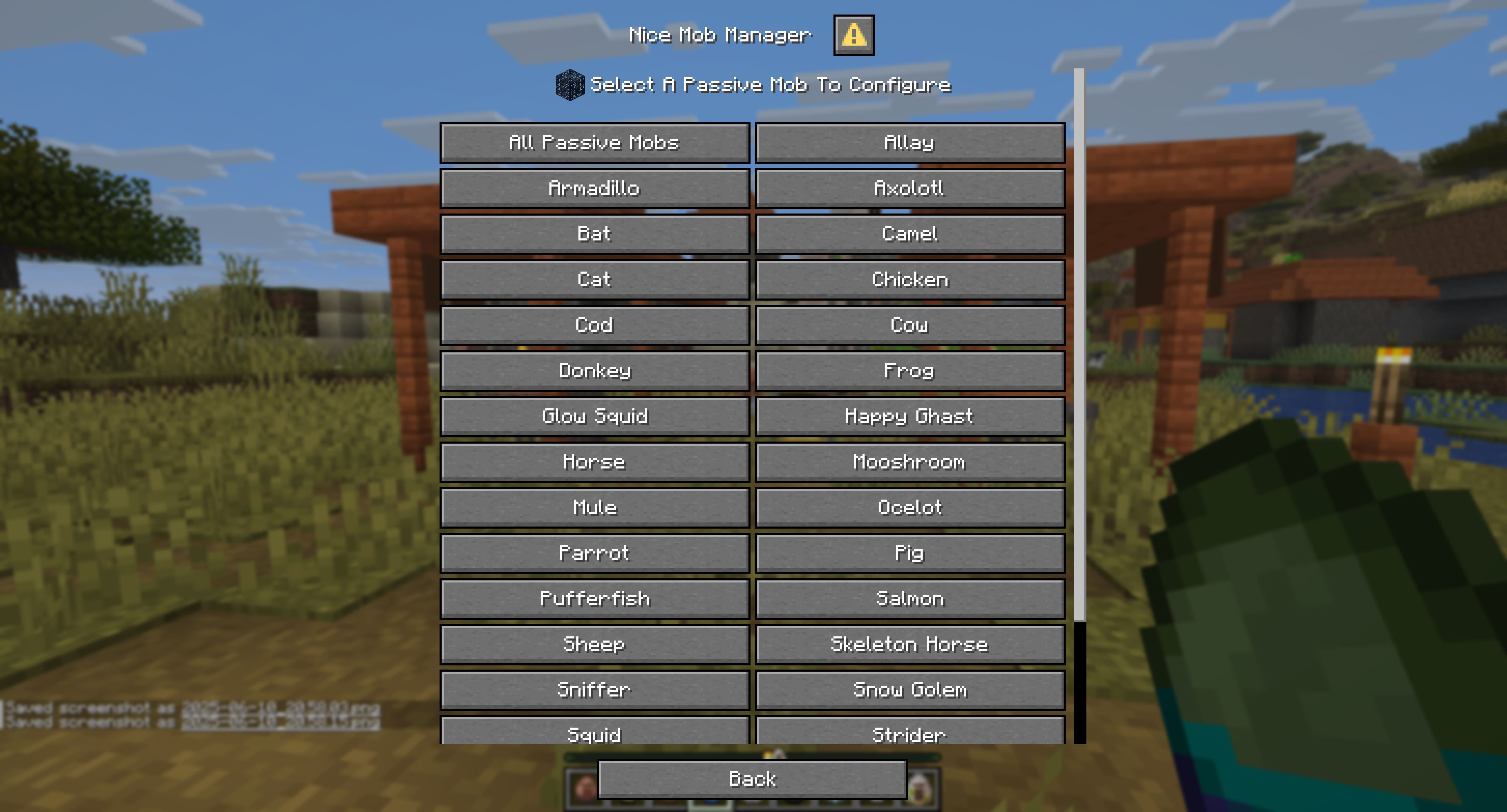 Menu Example 3 Menu Example 3
Versions
Files
Relations
Project Relations
More like this
Similar Mods
Suggestions use data such as tags, dependencies, dependents, descriptions, titles, and more to rank how much they overlap with this mod.
On ModDex
Community snapshot
By the numbers
Statistics

Want to reach Minecraft players?
We're looking for a server hosting partner to feature here and other parts of the site. Interested? Send us a message!
Get in touchGet it on
Available Platforms
On ModDex
Community snapshot
By the numbers