
Community listing page, reviews here may not be monitored by the author.
No Barrier Outline 🚫


No reviews yet
Removes the block outline when looking at barrier blocks. The feature can be enabled or disabled in a config file, and you can choose which game modes should hide the outline.
Community voices
Reviews
No reviews yet. Be the first to review this project!
Get it on
Available Platforms
Compatibility
Supported Environments
Runs entirely on the client. Works on vanilla servers.
About
Project Details
For authors
Embed Badge
If you're the author of this project, you can embed a live badge anywhere that supports HTML or Markdown. It updates automatically whenever ratings change.
Use HTML for any page that supports it, or Markdown for README files and Markdown-based descriptions.
Identifiers
Platform IDs
Resources
External Links
About
Description
Created by fenny (fenny013)

This is a client-side mod that hides the block outline when aiming at specific blocks. Originally designed for barrier blocks, it now supports any block you want by using a configurable list.
The mod allows you to fully control when and where the outline should disappear:
- Enable or disable the feature at any time
- Choose which game modes should hide the outline
- Add or remove any blocks from the hide list
- All config changes apply immediately in-game without restarting
Because the mod affects only rendering, it does not need to be installed on the server and does not affect gameplay or world data.
Perfect for map creators, adventure maps, lobby design, cinematic use, or any situation where block outlines break immersion.
Config Guide
The config file is located at: config/no_barrier_outline-client.toml
1. Enable or disable the mod
enabled = true
Set to false to completely turn off the mod.
2. Choose game modes where the outline is hidden
game_modes = ["survival", "adventure"]
Supported values:
survivalcreativeadventurespectator
If the player is not in one of these modes, the outline will render normally.
3. Select which blocks should hide their outline
hidden_blocks = [
    "minecraft:barrier",
    "minecraft:glass",
    "minecraft:stone"
]
Use full block IDs from the Minecraft registry:
"minecraft:barrier""minecraft:glass""minecraft:oak_planks""minecraft:bedrock"
You can add as many as you want.
How it works
When the player looks at a block, the mod checks:
- If the mod is enabled
- If the current game mode is allowed
- If the block is in the hidden block list
If all conditions match, the default white outline is canceled. Changes to the config become active almost instantly during gameplay.
Created by fenny (fenny013)
This is a client-side mod that hides the block outline when aiming at specific blocks. Originally designed for barrier blocks, it now supports any block you want by using a configurable list.
The mod allows you to fully control when and where the outline should disappear:
- Enable or disable the feature at any time
- Choose which game modes should hide the outline
- Add or remove any blocks from the hide list
- All config changes apply immediately in-game without restarting
Because the mod affects only rendering, it does not need to be installed on the server and does not affect gameplay or world data.
Perfect for map creators, adventure maps, lobby design, cinematic use, or any situation where block outlines break immersion.
Config Guide
The config file is located at: config/no_barrier_outline-client.toml
1. Enable or disable the mod
enabled = true
Set to false to completely turn off the mod.
2. Choose game modes where the outline is hidden
game_modes = ["survival", "adventure"]
Supported values:
survivalcreativeadventurespectator
If the player is not in one of these modes, the outline will render normally.
3. Select which blocks should hide their outline
hidden_blocks = [
    "minecraft:barrier",
    "minecraft:glass",
    "minecraft:stone"
]
Use full block IDs from the Minecraft registry:
"minecraft:barrier""minecraft:glass""minecraft:oak_planks""minecraft:bedrock"
You can add as many as you want.
How it works
When the player looks at a block, the mod checks:
- If the mod is enabled
- If the current game mode is allowed
- If the block is in the hidden block list
If all conditions match, the default white outline is canceled. Changes to the config become active almost instantly during gameplay.
Screenshots
Gallery
-
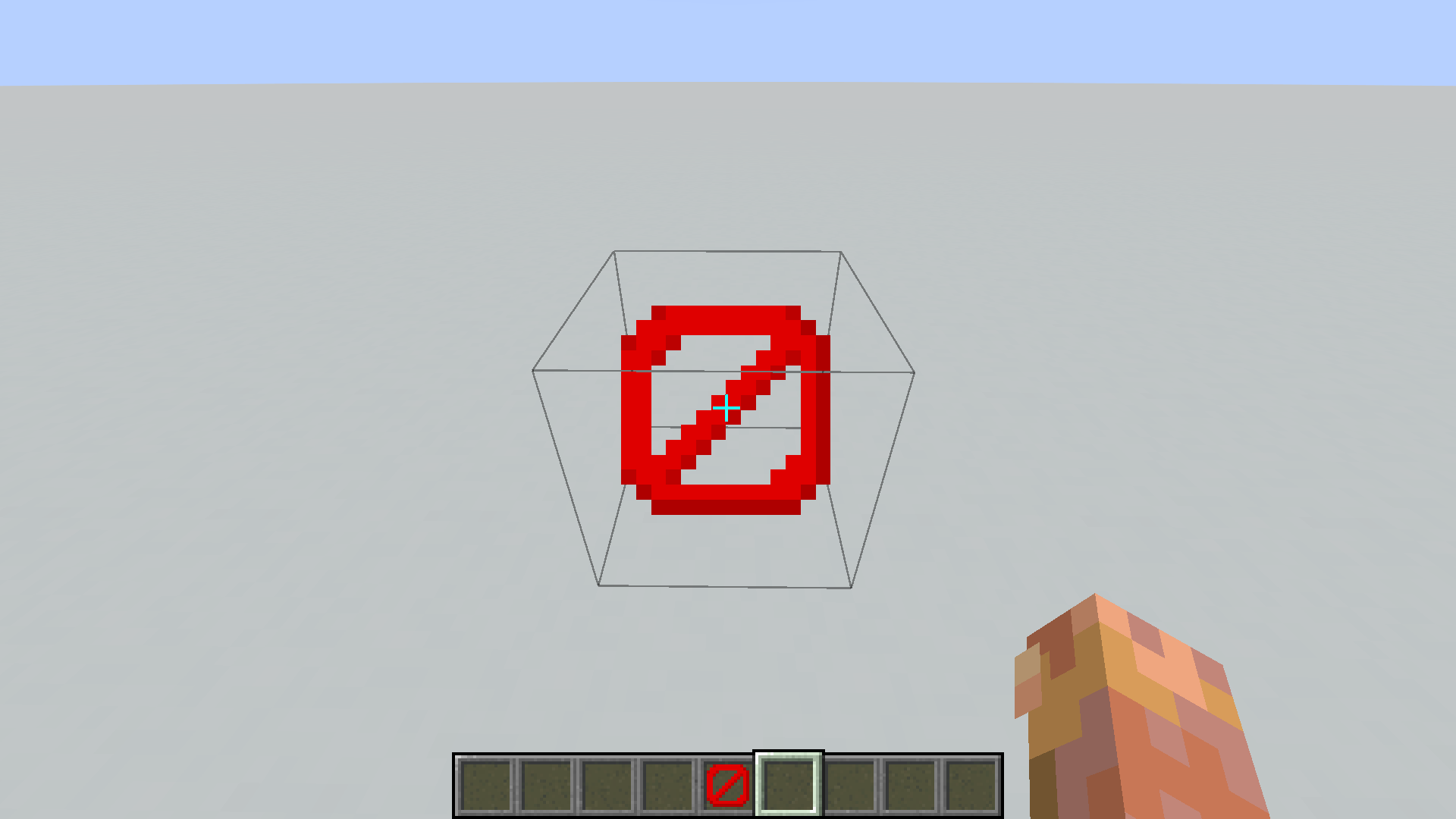 e7c764292b240c630fca3802095b3e283232af4b.png e7c764292b240c630fca3802095b3e283232af4b.png
 -
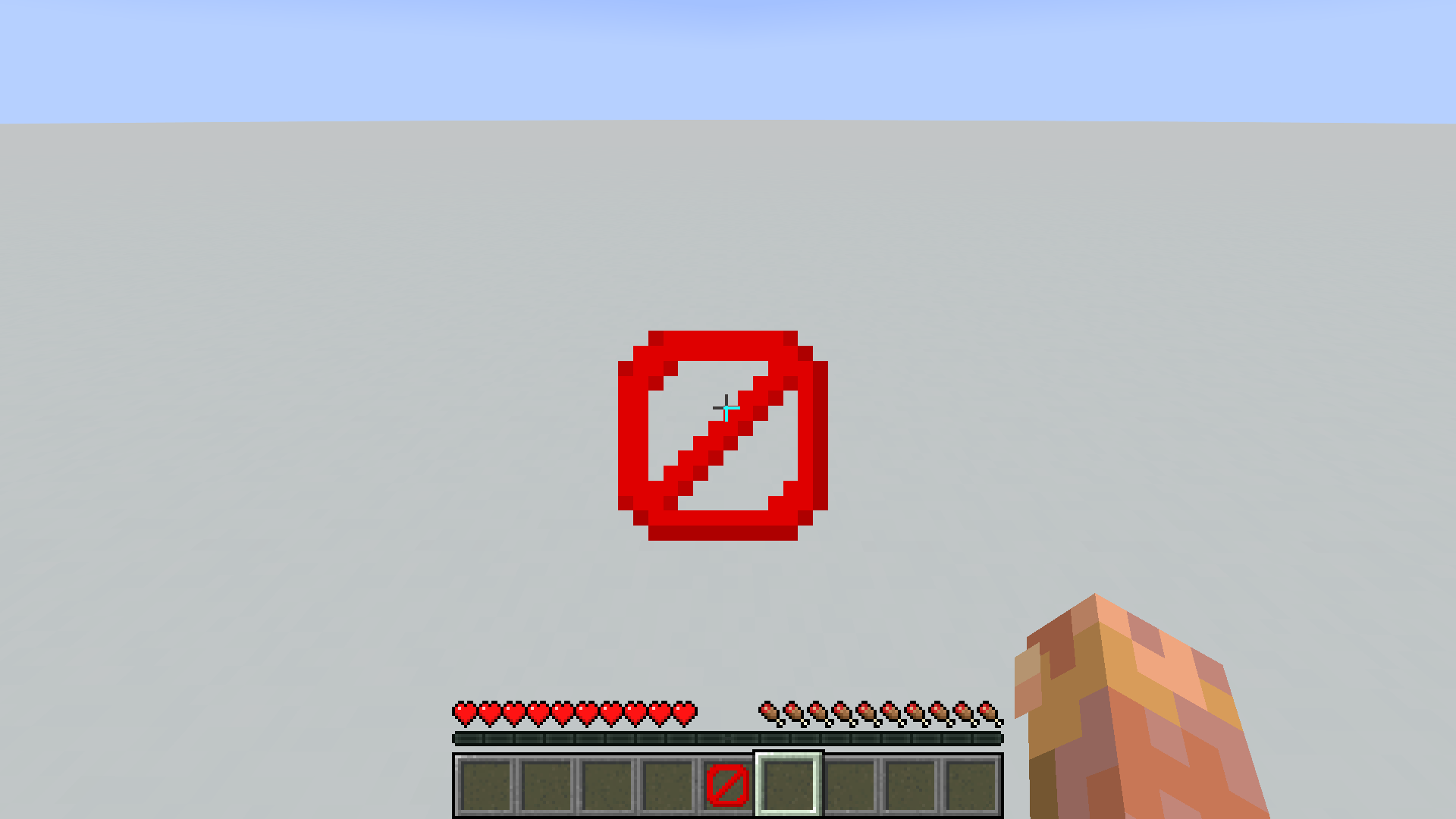 db33e5c38fc363a9472469bc4108dea1949afa37.png db33e5c38fc363a9472469bc4108dea1949afa37.png
 -
 ace93d1179e6eb8d6bf0a992fbf6c7f3ee9327d6.webp ace93d1179e6eb8d6bf0a992fbf6c7f3ee9327d6.webp
-
 Video demonstration of the mod's functionality
 -
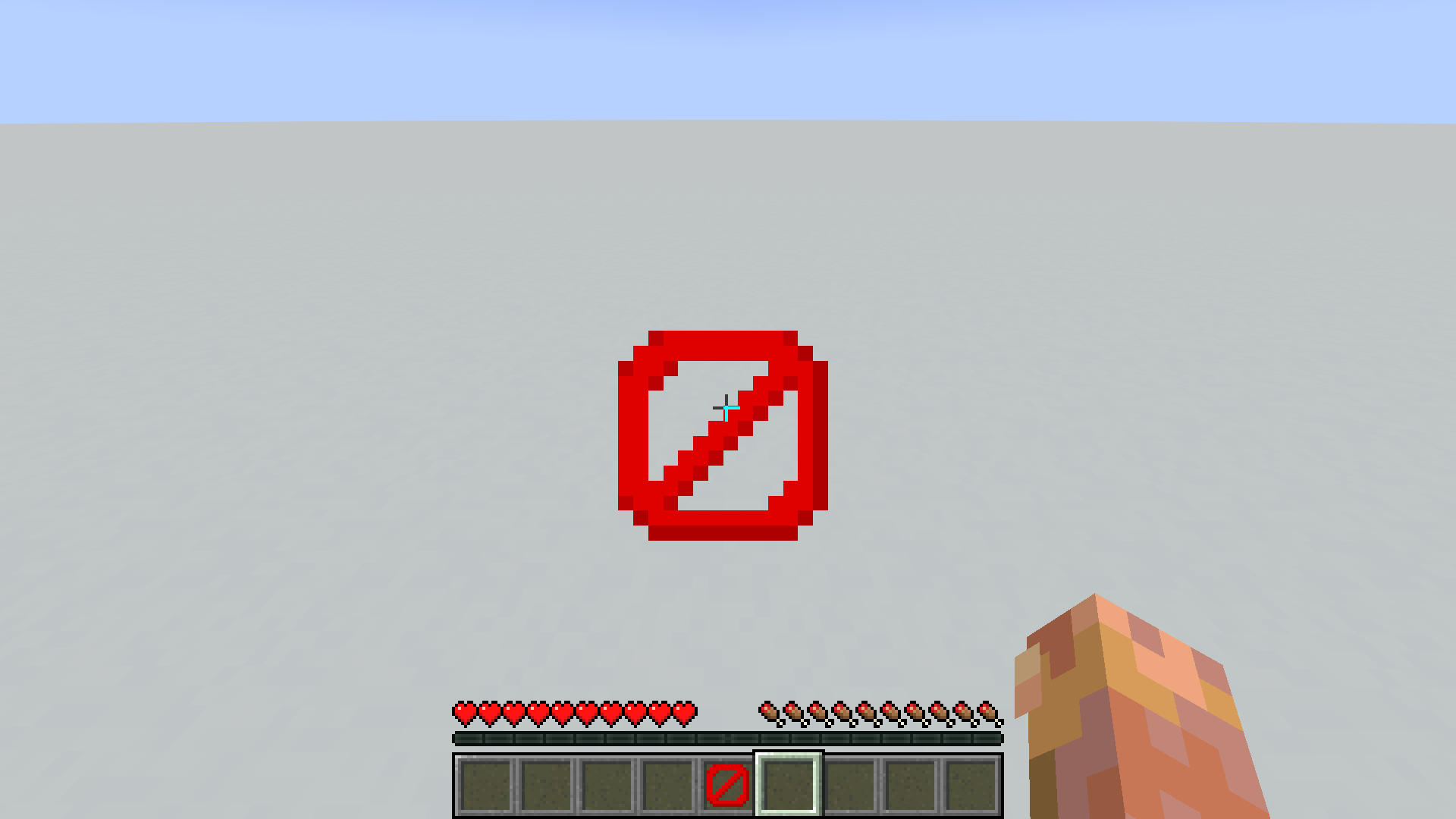 Disabled outline in survival
 -
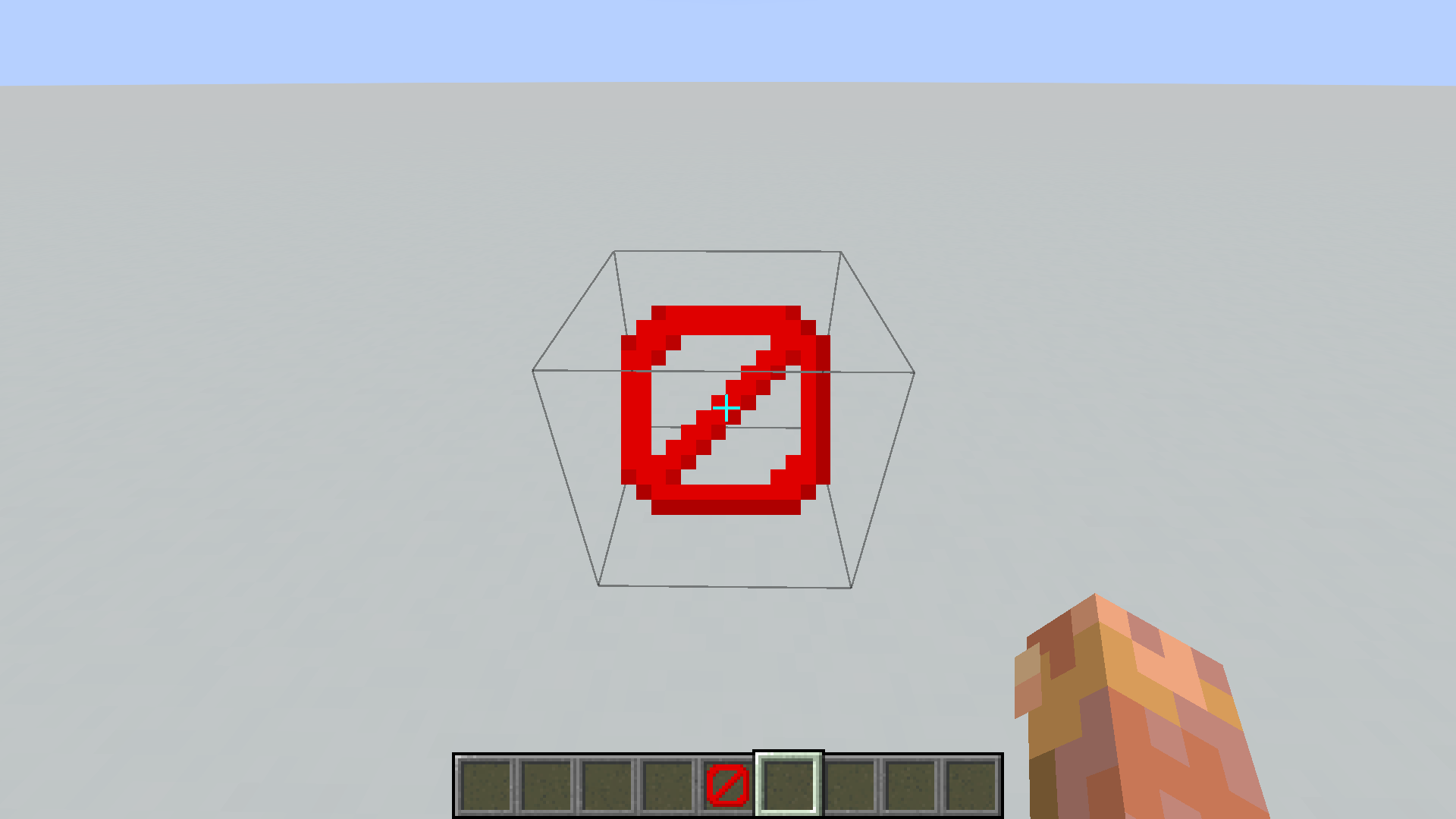 Enabled outline in creative
Versions
Files
Relations
Project Relations
More like this
Similar Mods
Suggestions use data such as tags, dependencies, dependents, descriptions, titles, and more to rank how much they overlap with this mod.
On ModDex
Community snapshot
By the numbers
Statistics
Want to reach Minecraft players?
We're looking for a server hosting partner to feature here and other parts of the site. Interested? Send us a message!
Get in touchGet it on
Available Platforms
On ModDex
Community snapshot
By the numbers
Statistics
Resources