Community listing page, reviews here may not be monitored by the author.
No LAN Cheating


No reviews yet
Removes the "Allow Cheats" button from the "Open to LAN" menu.

Community voices
Reviews
No reviews yet. Be the first to review this project!
Get it on
Available Platforms
Compatibility
Supported Environments
Works in singleplayer only; does not function in multiplayer.
About
Project Details
For authors
Embed Badge
If you're the author of this project, you can embed a live badge anywhere that supports HTML or Markdown. It updates automatically whenever ratings change.
Use HTML for any page that supports it, or Markdown for README files and Markdown-based descriptions.
Identifiers
Platform IDs
About
Description
Functionality
This mod removes the "Allow Cheats" button from the "Open to LAN" menu to disallow players from using cheats when opening their world to LAN. This can be useful if a player doesn't want to have an easy option to turn on cheats in their world.
This mod is client side only, it does nothing when installed on a server.
No LAN Cheating also supports the LAN World Plug-n-Play mod, editing its screen to remove the relevant cheat buttons.
Configuration
There are two configuration options:
removeButtonInOpenToLANScreen - Removes the "Allow Cheats" button in the "Open to LAN" screen. (The button is removed by default)
removeButtonInCreateNewWorldScreen - Removes the "Allow Cheats" button in the "Create New World" screen. (The button is shown by default)
Showcase
As of Minecraft 1.19.3, the Open to LAN screen looks a bit different. This does not change how the mod interacts with the screen, the Allow Cheats button is the one being removed.
With the mod installed:
Without the mod installed:
You are allowed to use this mod in any modpack.


Come join me on Discord! https://discord.gg/kgZUAxK

Follow me on Twitter for mod updates and other shenanigans! https://twitter.com/bl4ckscor3
Functionality
This mod removes the "Allow Cheats" button from the "Open to LAN"/"Create New World" screens to disallow players from using cheats when opening their world to LAN. This can be useful if a player doesn't want to have an easy option to turn on cheats in their world.
This mod is client side only, it does nothing when installed on a server.
No LAN Cheating also supports the LAN World Plug-n-Play mod, editing its screen to remove the relevant cheat buttons.
Configuration
There are two configuration options:
- removeButtonInOpenToLANScreen - Removes the "Allow Cheats" button in the "Open to LAN" screen. (The button is removed by default)
- removeButtonInCreateNewWorldScreen - Removes the "Allow Cheats" button in the "Create New World" screen. (The button is shown by default)
Showcase
As of Minecraft 1.19.3, the Open to LAN screen looks a bit different. This does not change how the mod interacts with the screen, the Allow Cheats button is the one being removed.
With the mod installed:
Without the mod installed:
You are allowed to use this mod in any modpack
Screenshots
Gallery
-
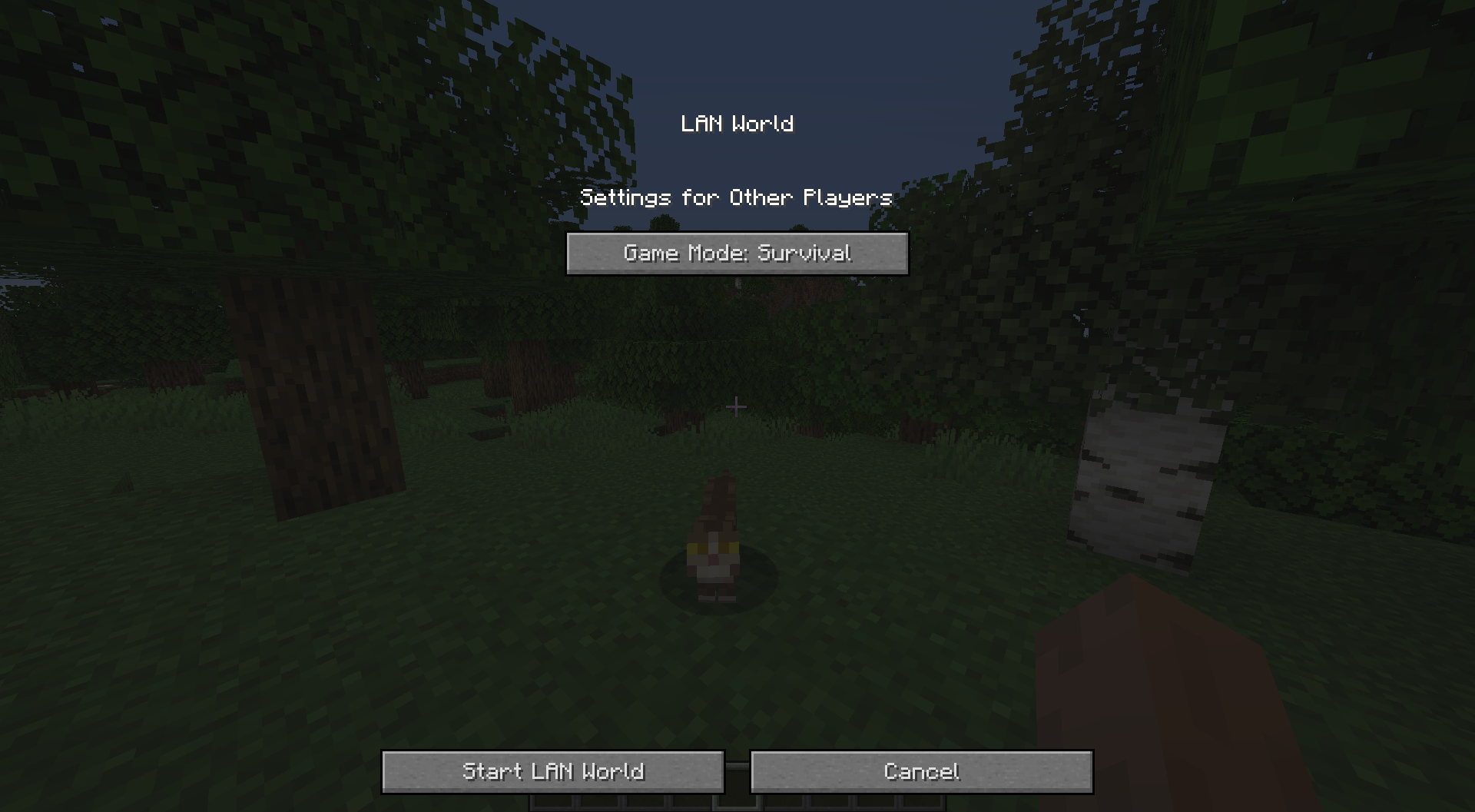 With mod
 -
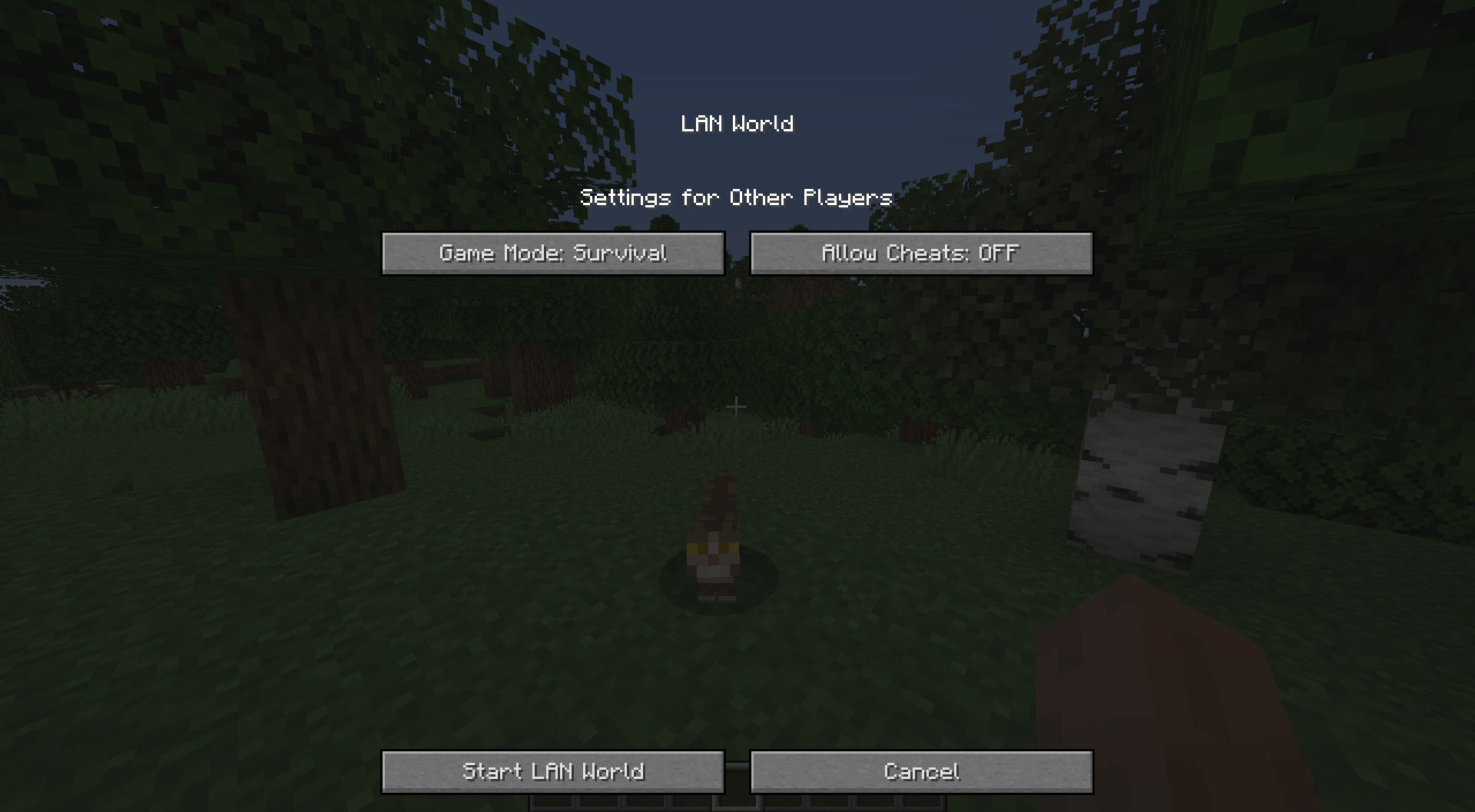 Without mod
-
 Without the mod installed The vanilla "Open to LAN" screen for comparison.
 -
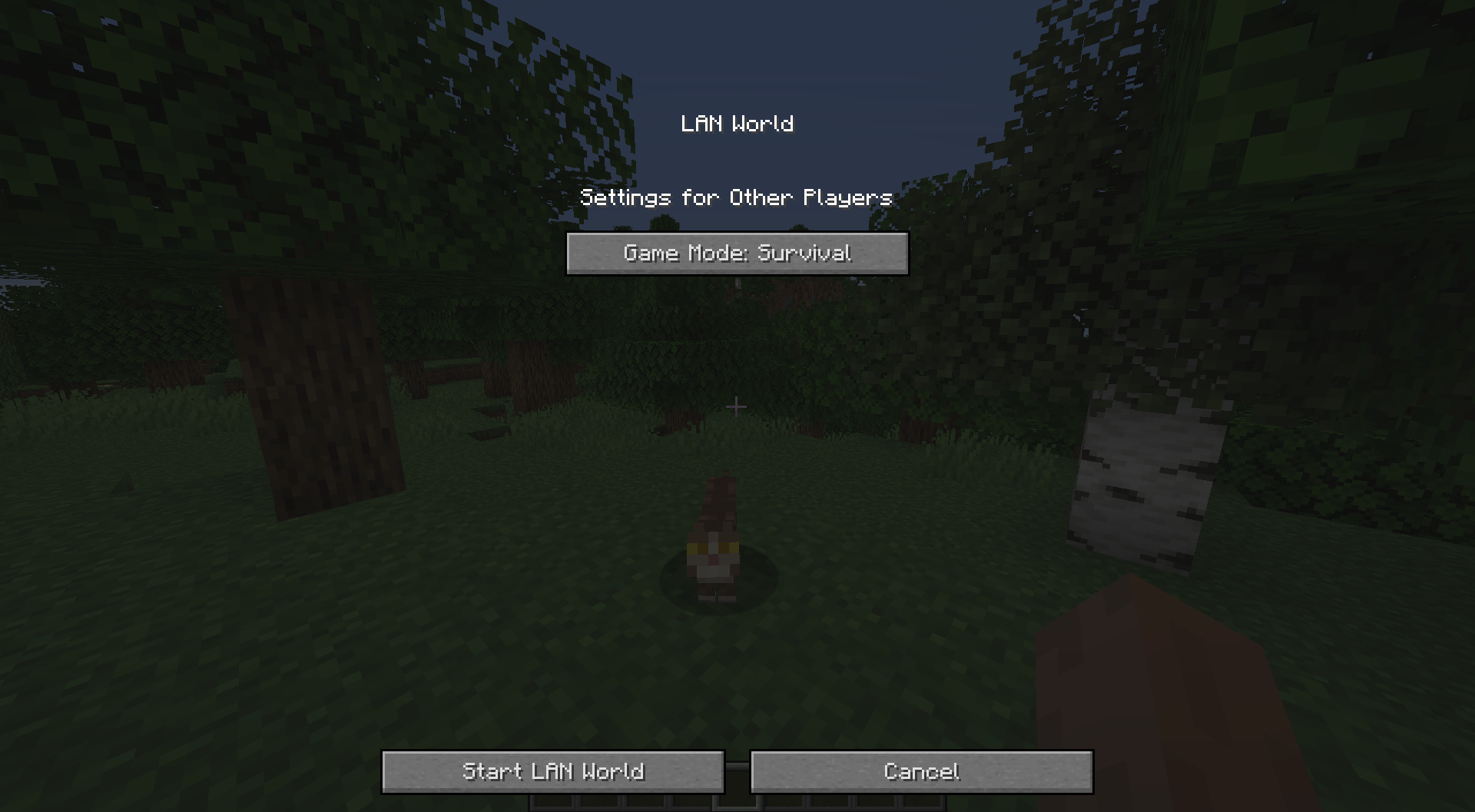 With the mod installed This is the effect the mod has on the "Open to LAN" screen.
Versions
Files
Relations
Project Relations
More like this
Similar Mods
Suggestions use data such as tags, dependencies, dependents, descriptions, titles, and more to rank how much they overlap with this mod.
On ModDex
Community snapshot
By the numbers
Statistics
 (opens in a new tab)
Get it on
Available Platforms
On ModDex
Community snapshot
By the numbers