
Community listing page, reviews here may not be monitored by the author.
No Screen Shake


No reviews yet
Disables the Screen Shake while using view bobbing but keeps the model bobbing.
Community voices
Reviews
No reviews yet. Be the first to review this project!
Get it on
Available Platforms
Compatibility
Supported Environments
Runs entirely on the client. Works on vanilla servers.
About
Project Details
For authors
Embed Badge
If you're the author of this project, you can embed a live badge anywhere that supports HTML or Markdown. It updates automatically whenever ratings change.
Use HTML for any page that supports it, or Markdown for README files and Markdown-based descriptions.
Identifiers
Platform IDs
About
Description
NoScreenShake
A small utility mod for Minecraft 1.8.9 Forge that disables camera shake effects during view bobbing. There are many mods that aim to disable viewbobbing screen shake, sadly most of those are either for newer versions or are bundled with many other features. This mod aims to fix that, it's a lightweight mod that only includes a small, but very useful feature.
Features
- Disabled the screen and crosshair shaking with viewbobbing to make aiming easier.
- Configurable via a simple in-game toggle with OneConfig.
- Lightweight.
Installation
- Make sure you have Minecraft 1.8.9 with Forge installed.
- Place
NoScreenShake-1.8.9-forge-1.0.0.jarin yourmodsfolder. - Launch Minecraft.
Configuration
- Open the in-game config GUI to enable or disable the mod on the fly.
- The toggle controls whether the mod logic is active.
Credits
- Nickotato - Author
- Polyfrost OneConfig - Configuration framework used for in-game settings
- Polyfrost Example Mod - The Example Mod this Mod is built on top of.
- Forge - Minecraft modding platform
License
This project is licensed under the MIT License. See LICENSE for details.
NoScreenShake
A small utility mod for Minecraft 1.8.9 Forge that disables camera shake effects during view bobbing. There are many mods that aim to disable viewbobbing screen shake, sadly most of those are either for newer versions or are bundled with many other features. This mod aims to fix that, it's a lightweight mod that only includes a small, but very useful feature.
Features
- Disabled the screen and crosshair shaking with viewbobbing to make aiming easier.
- Configurable via a simple in-game toggle with OneConfig.
- Lightweight.
Installation
- Make sure you have Minecraft 1.8.9 with Forge installed.
- Place
NoScreenShake-1.8.9-forge-1.0.0.jarin yourmodsfolder. - Launch Minecraft.
Configuration
- Open the in-game config GUI to enable or disable the mod on the fly.
- The toggle controls whether the mod logic is active.
Credits
- Nickotato - Author
- Polyfrost Example Mod - The Example Mod this Mod is built on top of.
- Forge - Minecraft modding platform
License
This project is licensed under the MIT License. See LICENSE for details.
NoScreenShake
A small utility mod for Minecraft 1.8.9 Forge that disables camera shake effects during view bobbing. There are many mods that aim to disable viewbobbing screen shake, sadly most of those are either for newer versions or are bundled with many other features. This mod aims to fix that, it's a lightweight mod that only includes a small, but very useful feature.
Features
- Disabled the screen and crosshair shaking with viewbobbing to make aiming easier.
- Configurable via a simple in-game toggle with OneConfig.
- Lightweight.
Installation
- Make sure you have Minecraft 1.8.9 with Forge installed.
- Place
NoScreenShake-1.8.9-forge-1.0.0.jarin yourmodsfolder. - Launch Minecraft.
Configuration
- Open the in-game config GUI to enable or disable the mod on the fly.
- The toggle controls whether the mod logic is active.
Contributing
- Pull requests are welcome. For major changes, please open an issue first to discuss what you would like to change.
- For bug reporting, please report it in my discord: https://discord.gg/aEGxqg8VbZ
- Feel free to also put suggestions in the discord as well
Credits
- Nickotato - Author
- Polyfrost OneConfig - Configuration framework used for in-game settings
- Polyfrost Example Mod - The Example Mod this Mod is built on top of.
- Forge - Minecraft modding platform
License
This project is licensed under the MIT License. See LICENSE for details.
Screenshots
Gallery
-
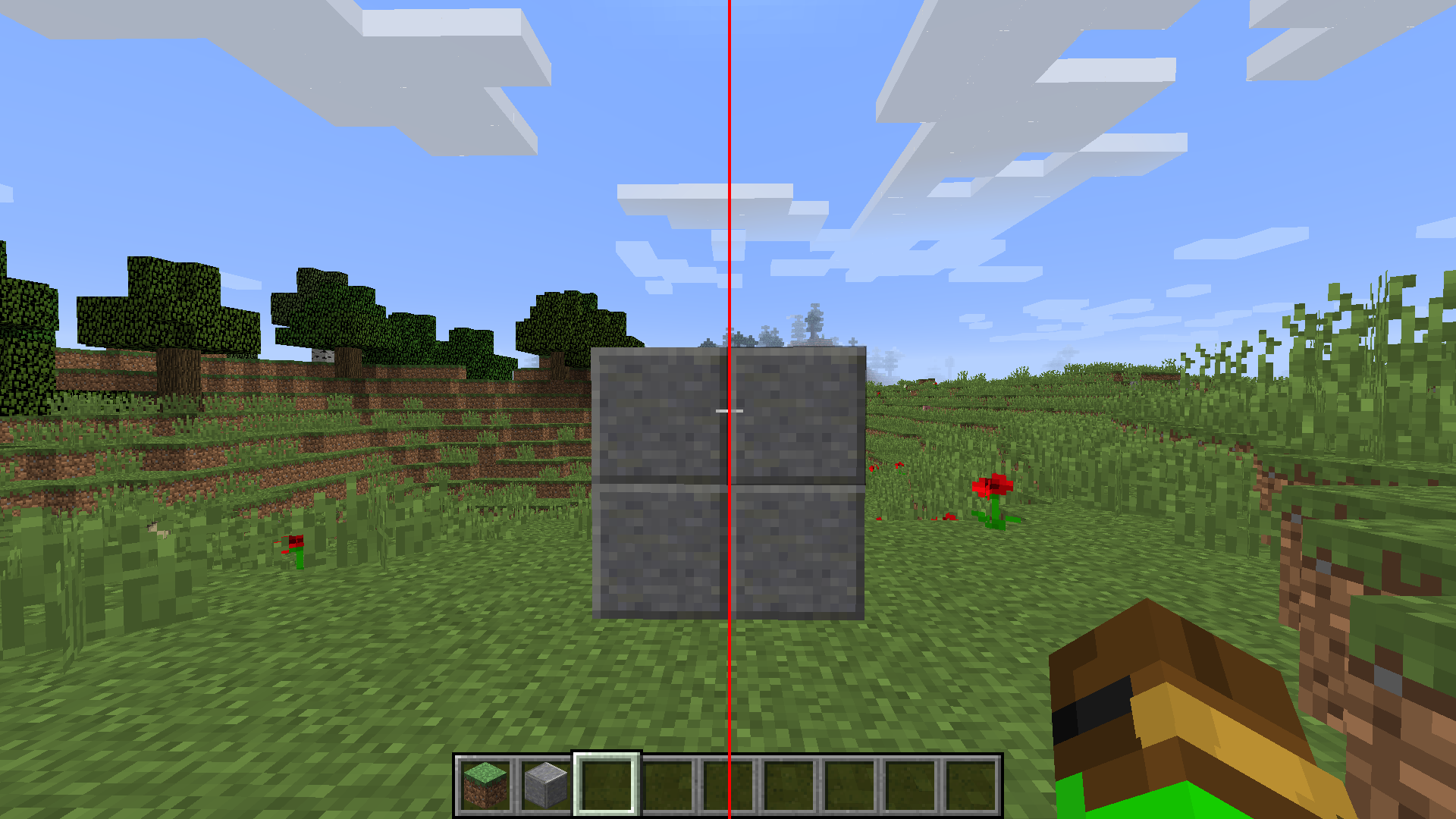 Mod Enabled
 -
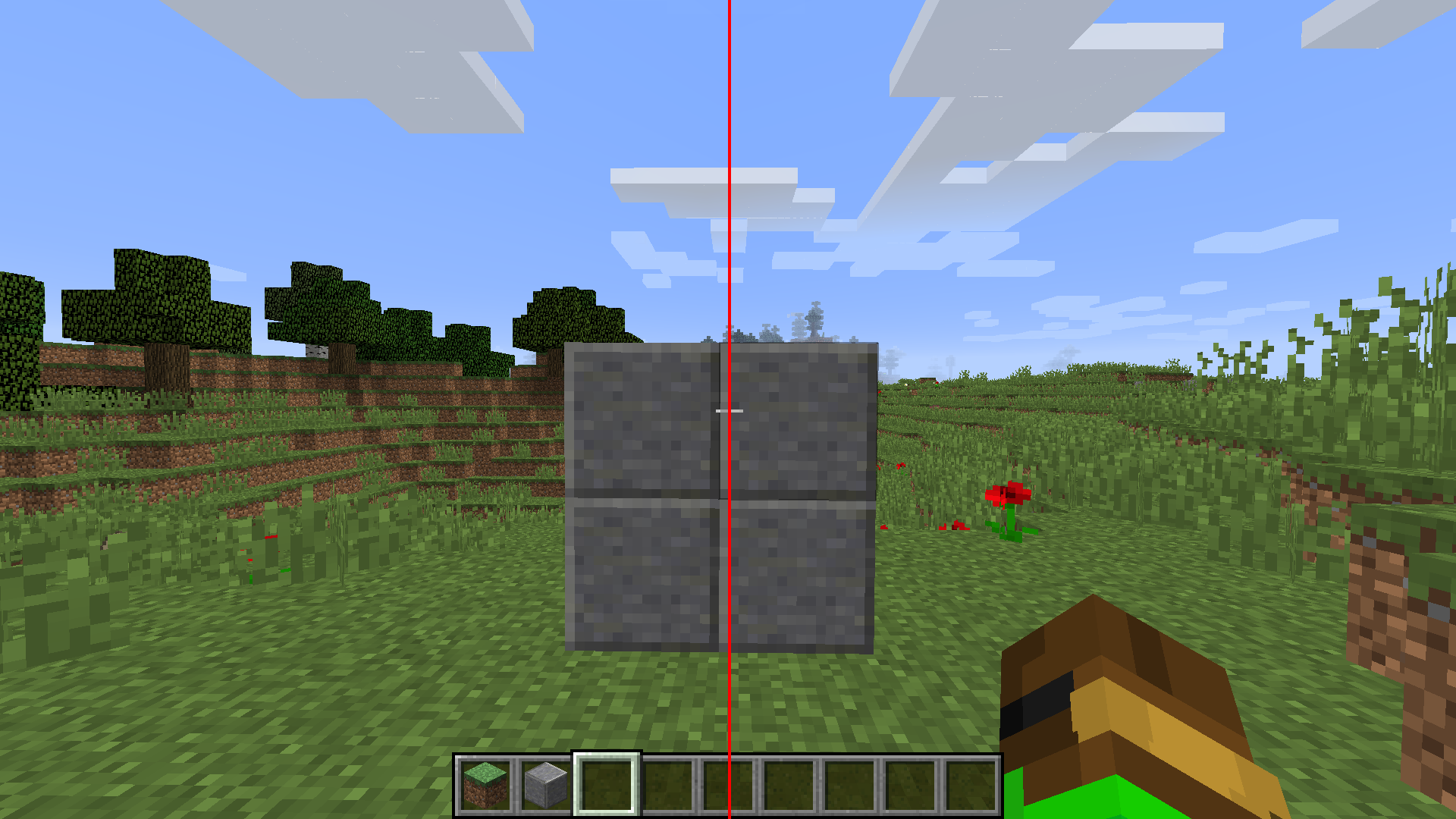 Mod Disabled
-
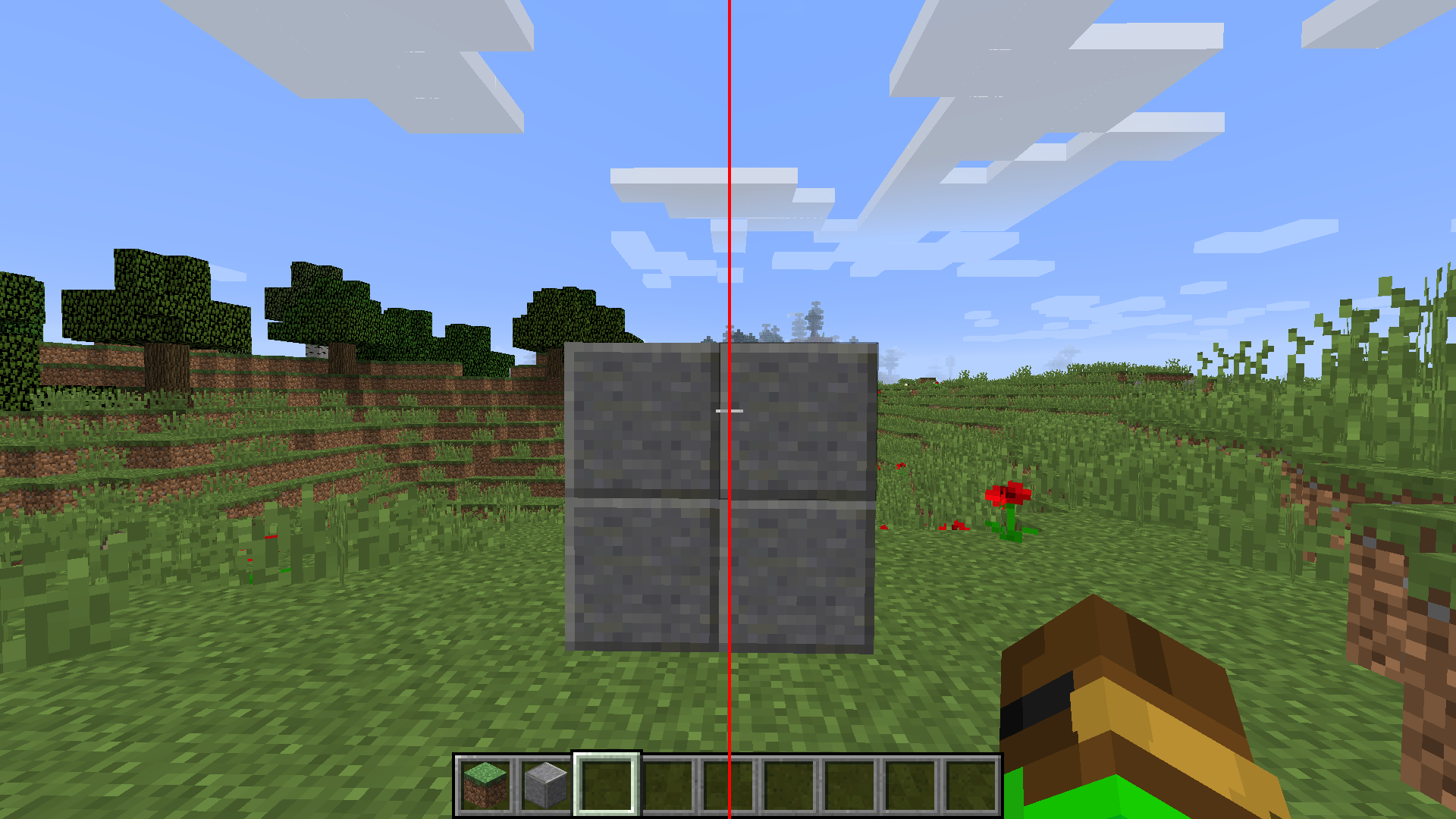 Mod Disabled You can see the crosshair is not centered which can make it hard to aim
 -
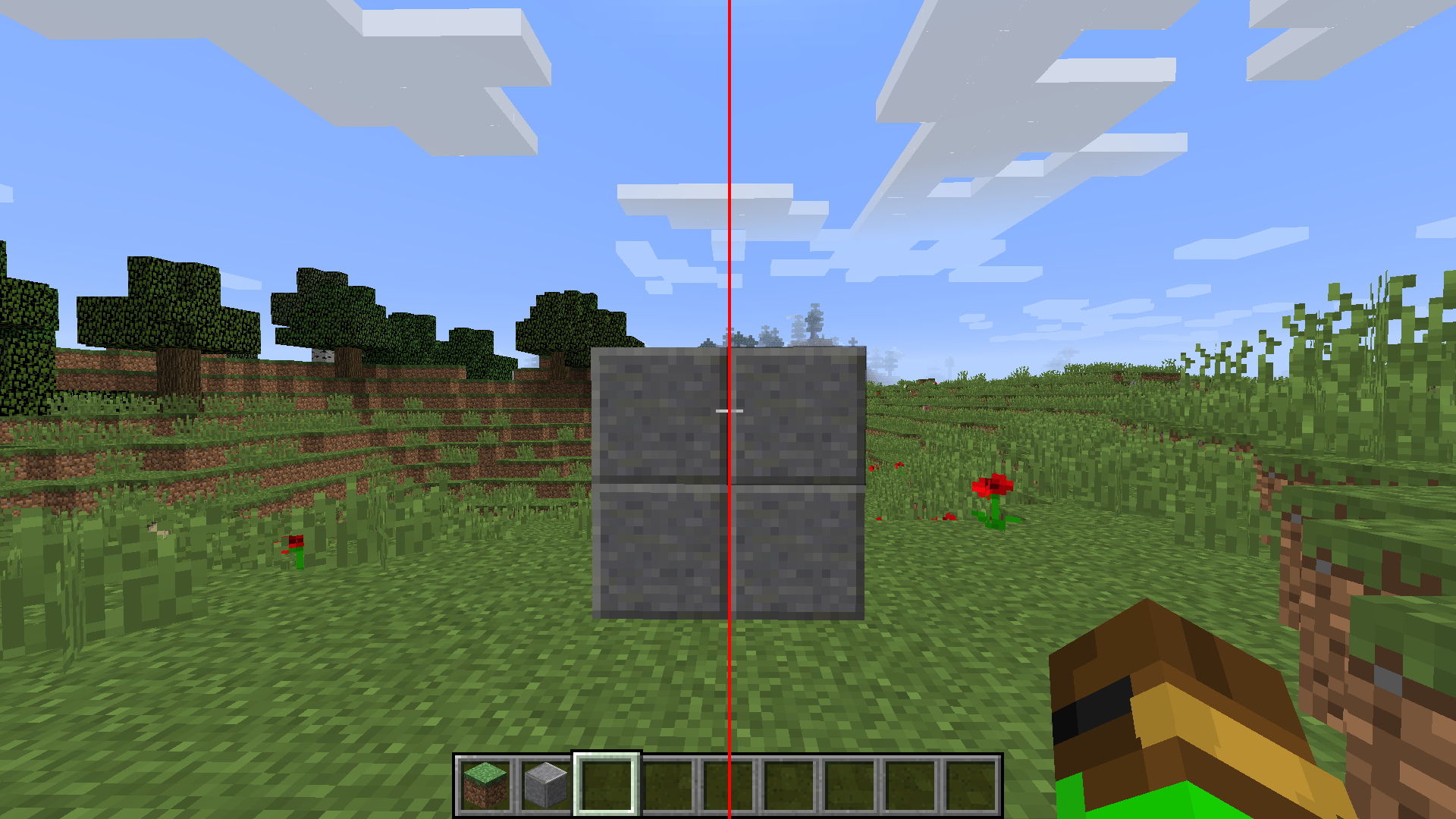 Mod Enabled You can see the crosshair stays lined up in the middle of the screen
Versions
Files
Relations
Project Relations
More like this
Similar Mods
Suggestions use data such as tags, dependencies, dependents, descriptions, titles, and more to rank how much they overlap with this mod.
On ModDex
Community snapshot
By the numbers
Statistics
Want to reach Minecraft players?
We're looking for a server hosting partner to feature here and other parts of the site. Interested? Send us a message!
Get in touchGet it on
Available Platforms
On ModDex
Community snapshot
By the numbers