
Community listing page, reviews here may not be monitored by the author.

Community voices
Reviews
No reviews yet. Be the first to review this project!
Get it on
Available Platforms
Compatibility
Supported Environments
Runs entirely on the client. Works on vanilla servers.
About
Project Details
For authors
Embed Badge
If you're the author of this project, you can embed a live badge anywhere that supports HTML or Markdown. It updates automatically whenever ratings change.
Use HTML for any page that supports it, or Markdown for README files and Markdown-based descriptions.
Identifiers
Platform IDs
Resources
External Links
About
Description
Notes+
A Fabric mod for Minecraft 1.21.11 that adds a floating notes editor, calculator, and timer — all accessible as overlay windows without pausing the game.
Features
📝 Notes Editor — F7
- Multi-file system with a sidebar file browser and nested folder organization
- Drag-to-reorder files and folders
- Full Markdown rendering: headings, bold, italic, strikethrough, underline, inline code, blockquotes, bullets, checkboxes, code blocks
- Clickable wiki-style note links with
[[Note Name]]syntax - Smart word-wrap with proper bullet/heading indentation
- Text selection, copy/cut/paste, undo — full keyboard support
- Right-click context menu with configurable actions
- Insert player coordinates (dimension-aware)
- Export notes to clipboard, desktop, or system file manager
- Quick Note shortcut for rapid capture (
Ctrl+Shift+N) - Autosave on 2-second idle; manual save with
Ctrl+S - Per-world notes in singleplayer; shared notes in multiplayer
- Configurable window opacity and color scheme
🔢 Calculator — F6
- Standard arithmetic via recursive-descent expression parser
- Supports
+,-,*,/, parentheses, decimals, and negatives - Session-scoped history (up to 50 entries)
- Send results directly to Notes with one click
- Full keyboard and mouse input
⏱ Timer — F8
- Countdown timer with digit-entry input and preset buttons
- Stopwatch mode with lap tracking
- Sound notification on completion
- Tab switching between Timer and Stopwatch modes
📌 HUD Pinning — F9
- Pin Notes or Timer to the in-game HUD for always-visible display
- Drag, resize, and adjust opacity via the HUD Configuration screen
- Interact with pinned elements by holding
Alt - Scroll pinned notes with
Ctrl+Up/Ctrl+Down
⚙️ Settings — via Mod Menu
- Fully configurable keybinds for all actions
- HSB color picker for color scheme customization
- HUD display toggles and background visibility
- Right-click context menu item toggles
- Notes window opacity control
- Replay guided tutorial
🎓 Tutorial
- 12-step interactive guided tour on first launch
- Per-window help cards via
[?]buttons with keybind reference - Spotlight and tooltip-based instruction
Default Keybinds
| Key | Action |
|---|---|
F6 |
Open Calculator |
F7 |
Open Notes |
F8 |
Open Timer |
F9 |
Toggle HUD pin |
Alt (hold) |
Interact with pinned HUD |
Ctrl+N |
New Note |
Ctrl+Shift+N |
Quick Note |
Ctrl+Shift+F |
Find in Sidebar |
Ctrl+Shift+G |
Insert Coordinates |
Ctrl+Shift+E |
Export to Clipboard |
Ctrl+S |
Save |
Ctrl+A |
Select All |
All keybinds are configurable in the Notes+ settings screen (via Mod Menu) or in Minecraft's Controls menu.
Requirements
| Dependency | Version |
|---|---|
| Minecraft | 1.21.11 |
| Fabric Loader | >= 0.15.0 |
| Fabric API | 0.141.3+1.21.11 |
| Mod Menu | 17.0.0-beta.2 |
| Java | 21+ |
Installation
- Install Fabric Loader for Minecraft
1.21.11 - Install Fabric API and Mod Menu
- Download the latest
notes+X.Y.Z.jarfrom Releases - Place the jar in your
.minecraft/mods/folder - Launch Minecraft and press
F7to start
Building from Source
git clone https://github.com/finneritter/Notes-Plus.git
cd igcalc
./gradlew build
Output: build/libs/notes+<version>.jar
Requires Gradle 9.4.0 (included via wrapper) and Java 21.
License
MIT
Screenshots
Gallery
-
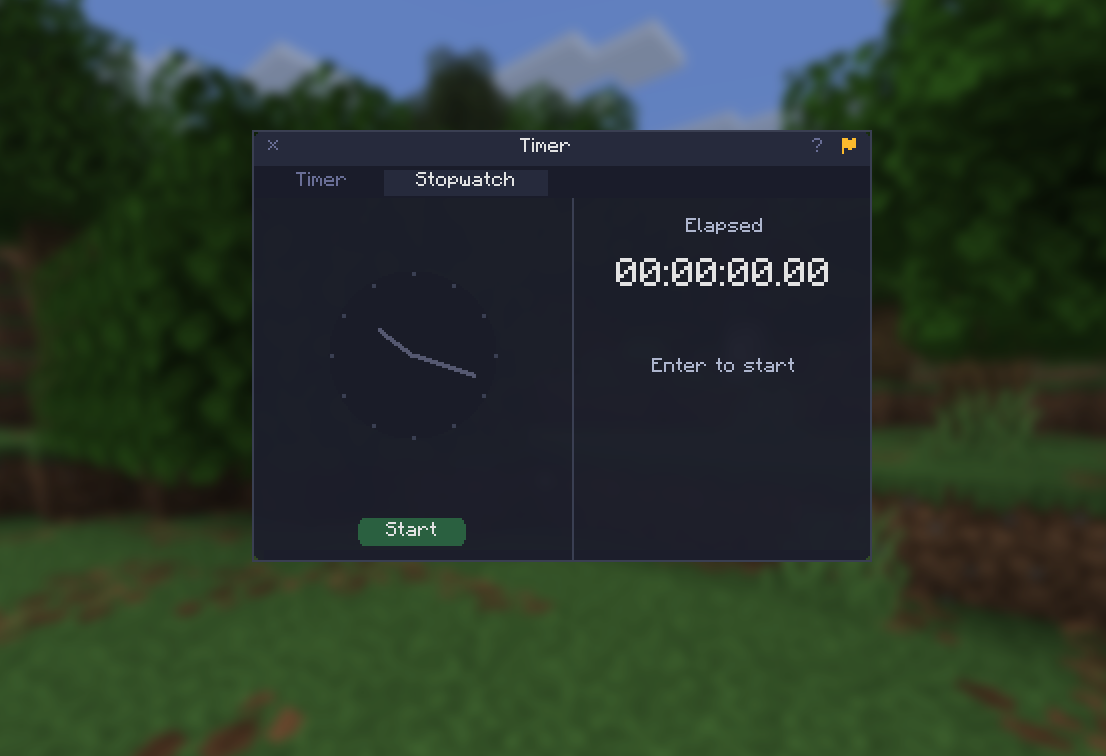 Stopwatch Screen
 -
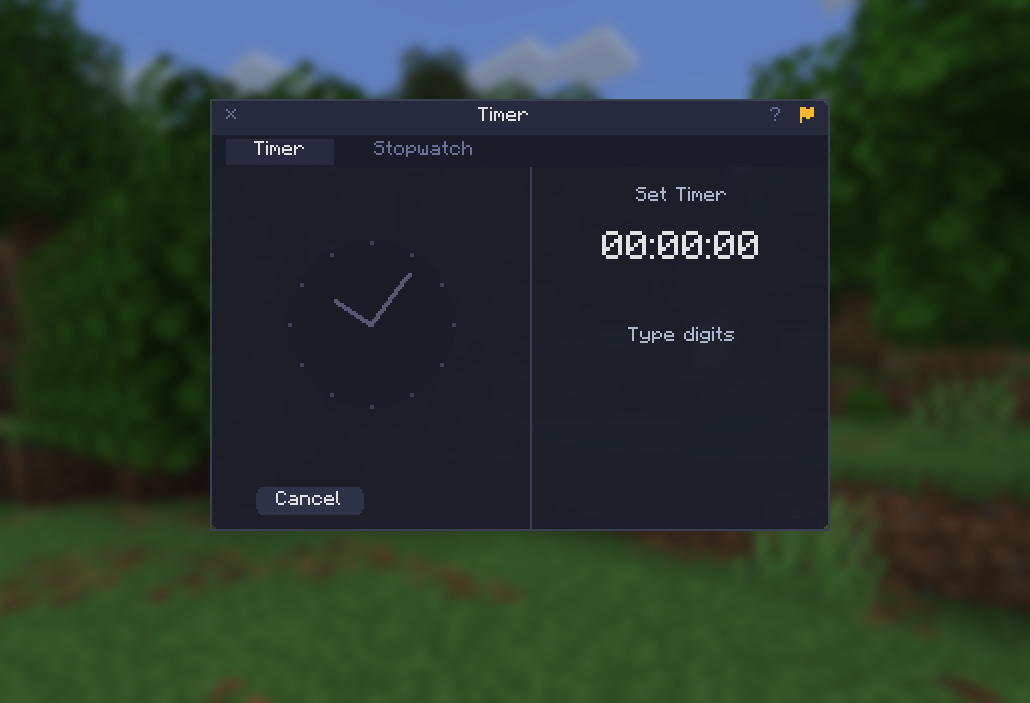 Timer Screen
 -
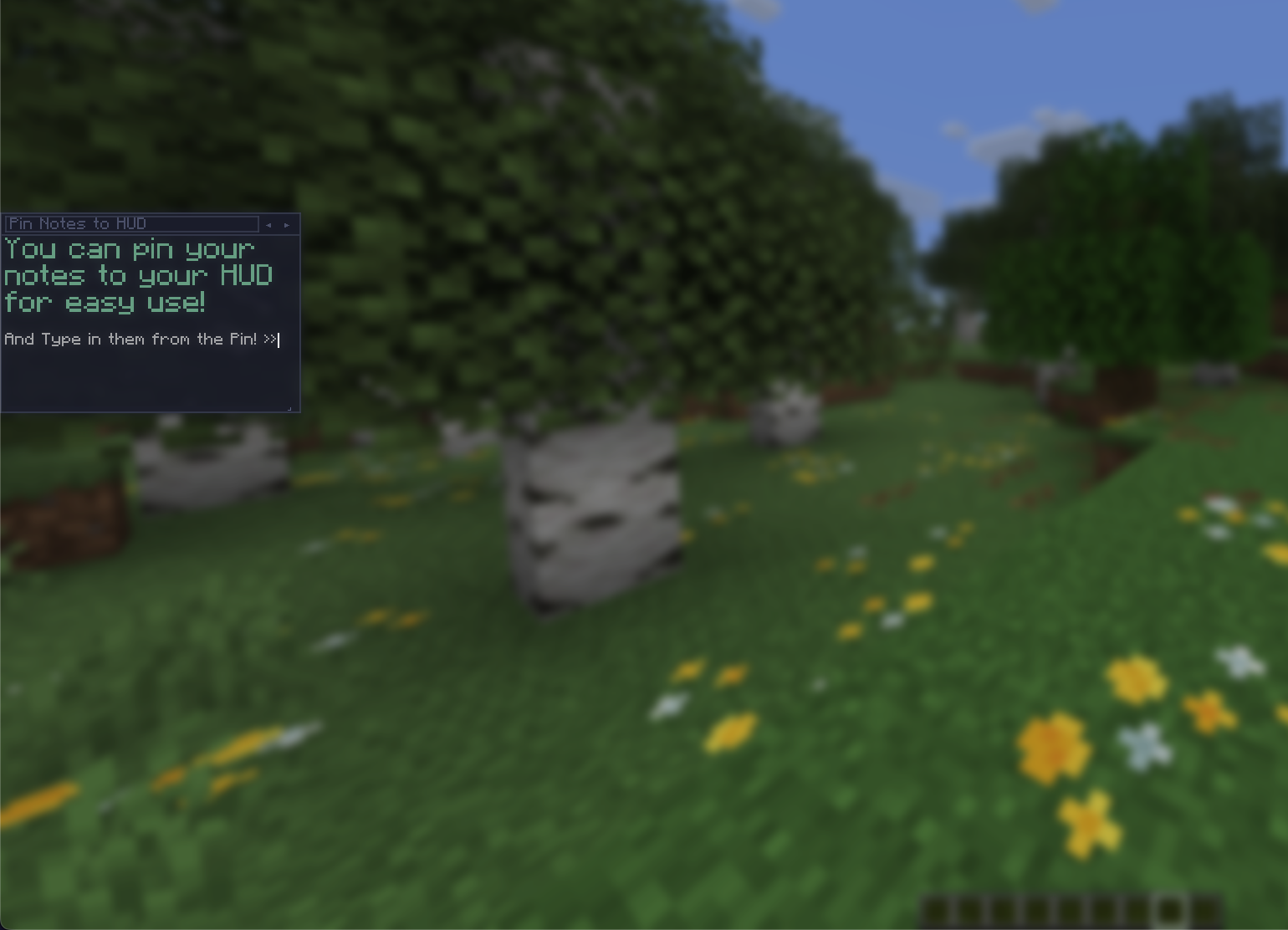 Pin Notes to HUD
 -
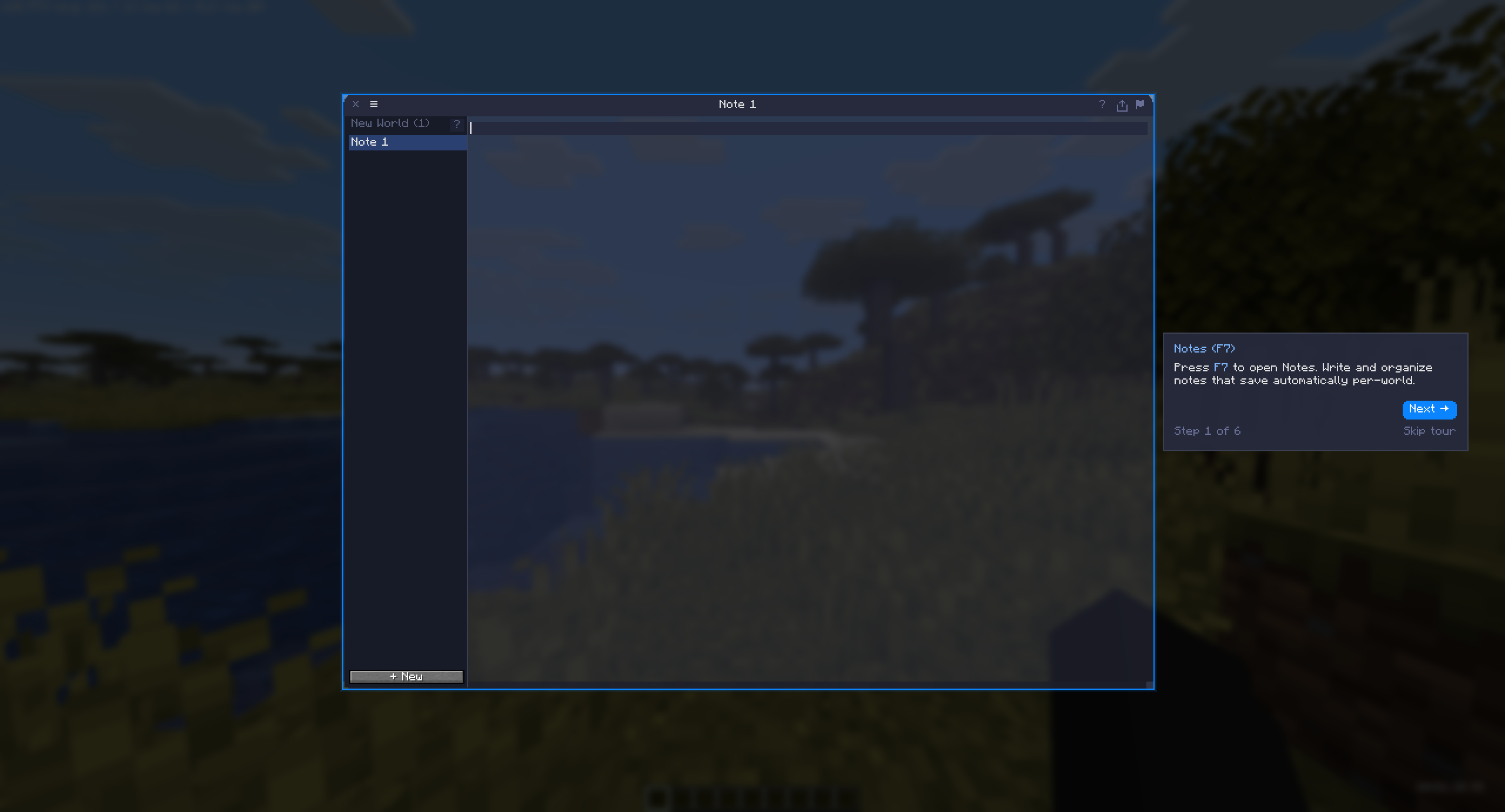 Full Tutorial for each window
 -
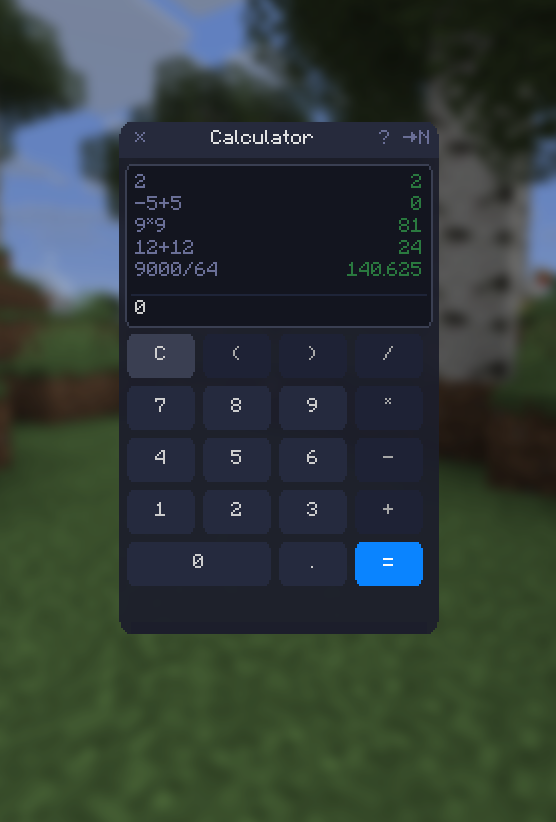 Calculator Showcase
 -
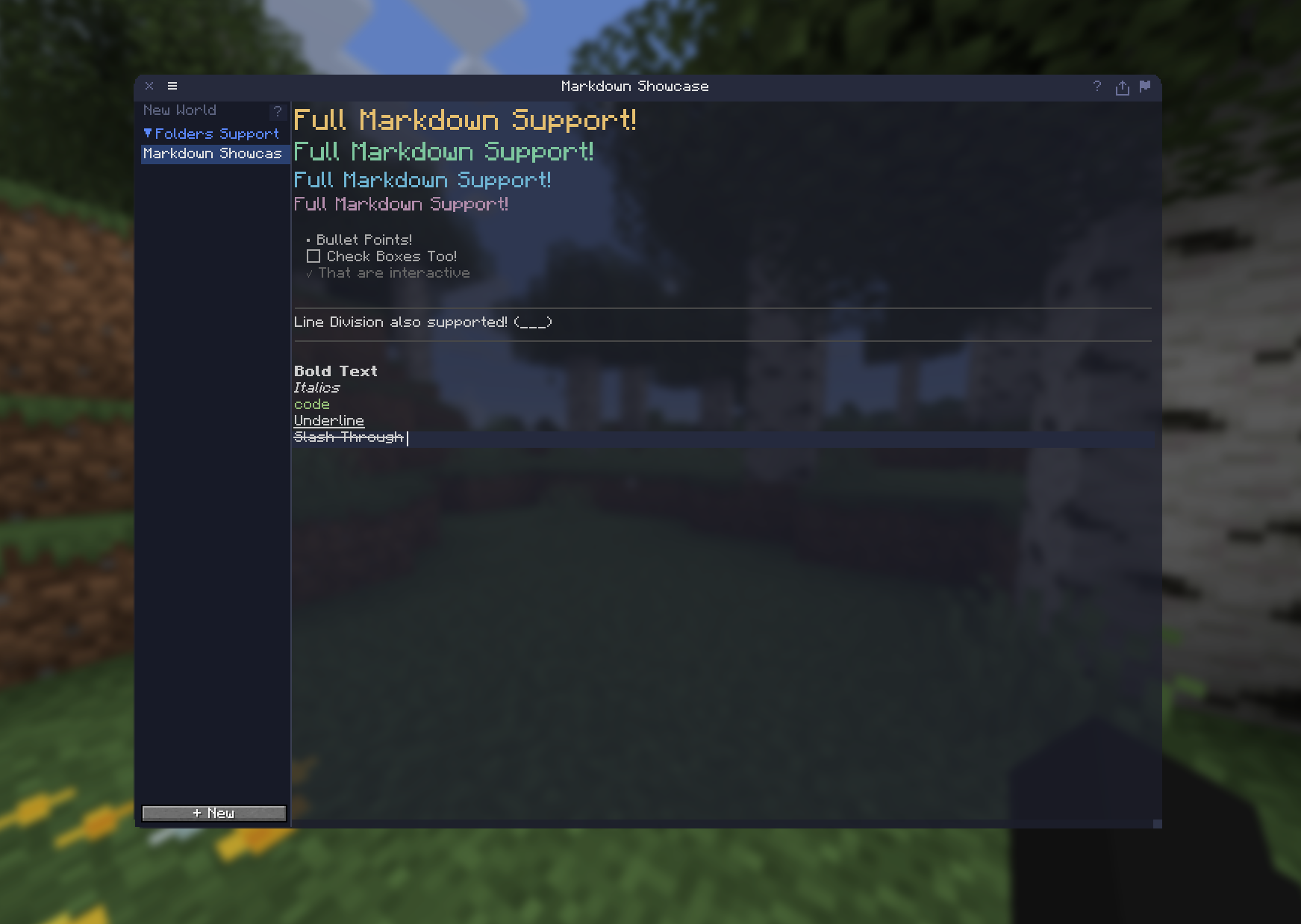 Notes Showcase
 -
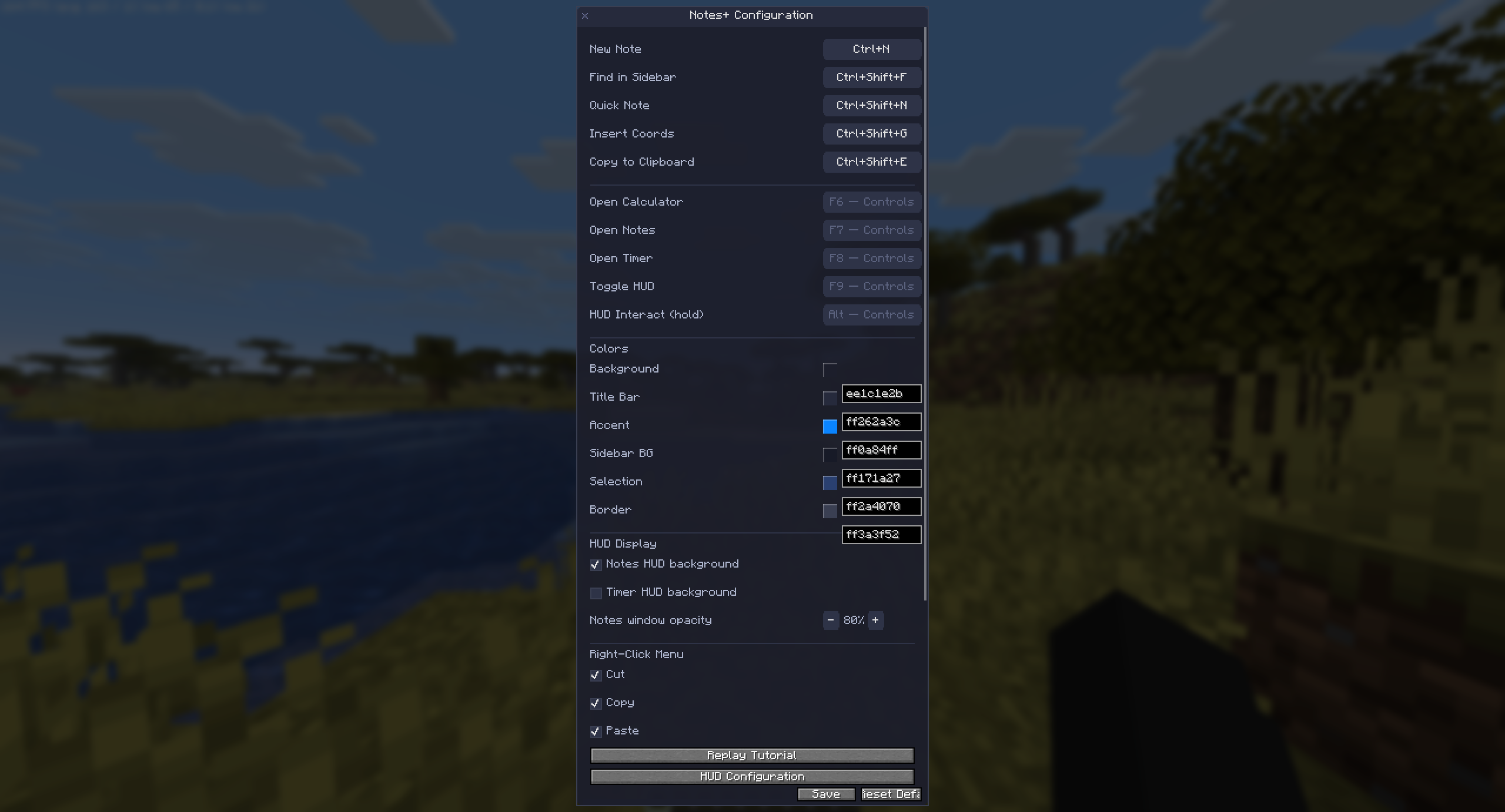 Mod Menu Screen
 -
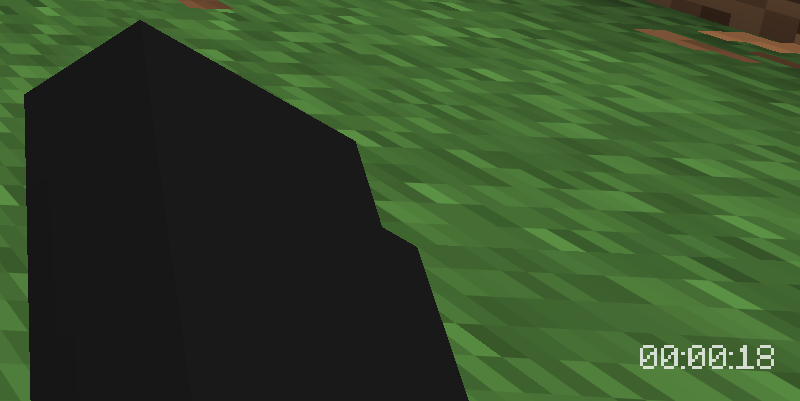 Pin timers to your HUD
Versions
Files
Relations
Project Relations
More like this
Similar Mods
Suggestions use data such as tags, dependencies, dependents, descriptions, titles, and more to rank how much they overlap with this mod.
On ModDex
Community snapshot
By the numbers
Statistics

Want to reach Minecraft players?
We're looking for a server hosting partner to feature here and other parts of the site. Interested? Send us a message!
Get in touchGet it on
Available Platforms
On ModDex
Community snapshot
By the numbers
Statistics
Resources