Community listing page, reviews here may not be monitored by the author.
NPC Studio


- camilo-zuluagaUI/UX Designer
,
- GFXHub
,
- literal.uuDeveloper
,
- mangofxManager
,
- ViviSpookTexture Artist
,
- wSmoothieContributor
No reviews yet
The best mod to upgrade your minecraft thumbnails and graphics

Community voices
Reviews
No reviews yet. Be the first to review this project!
Get it on
Available Platforms
Compatibility
Supported Environments
Runs entirely on the client. Works on vanilla servers.
About
Project Details
For authors
Embed Badge
If you're the author of this project, you can embed a live badge anywhere that supports HTML or Markdown. It updates automatically whenever ratings change.
Use HTML for any page that supports it, or Markdown for README files and Markdown-based descriptions.
Identifiers
Platform IDs
About
Description
Seltop's NPC Studio
Designed by the community, for the community.

cover art: glimps, glitchartz
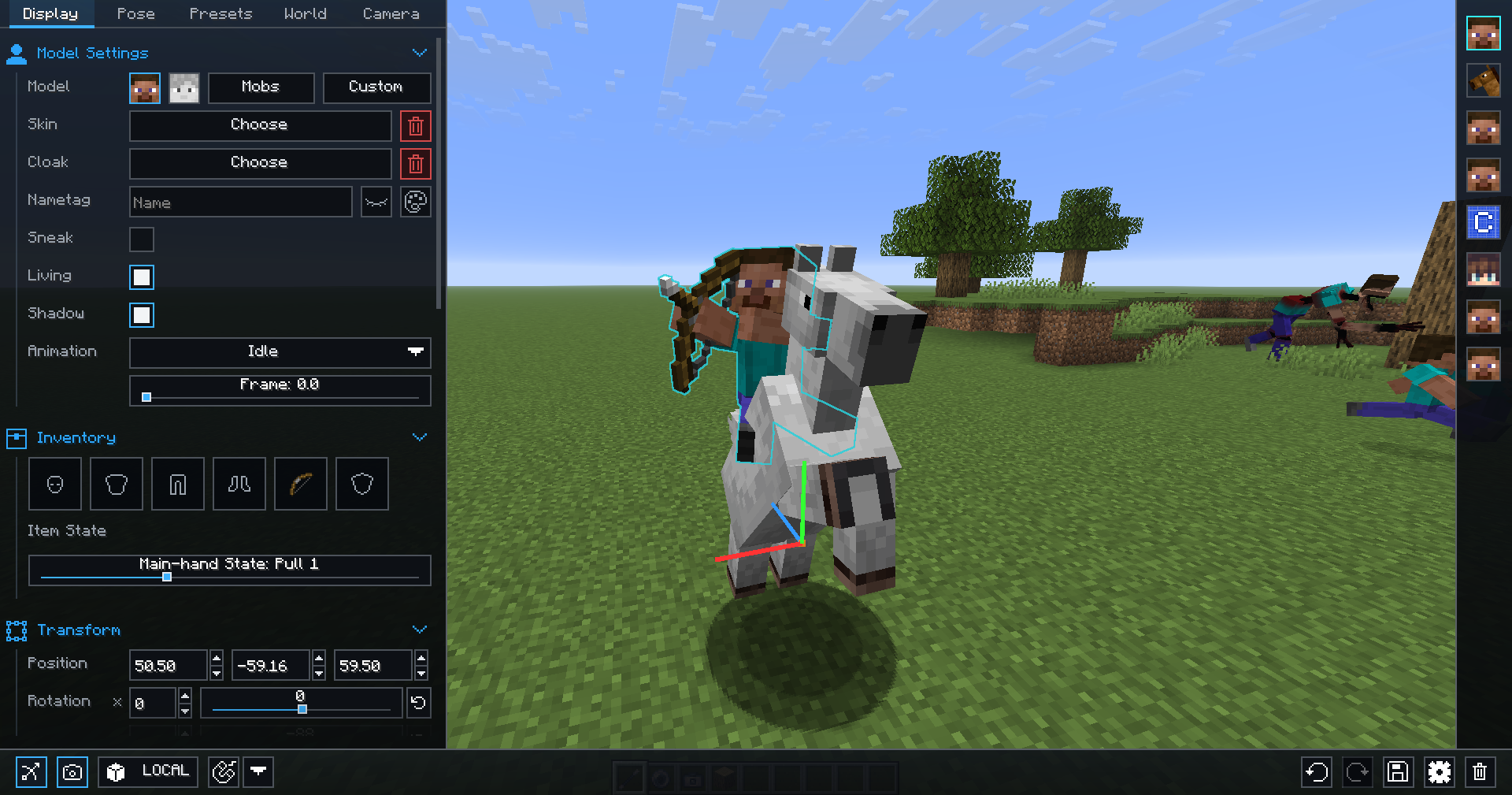
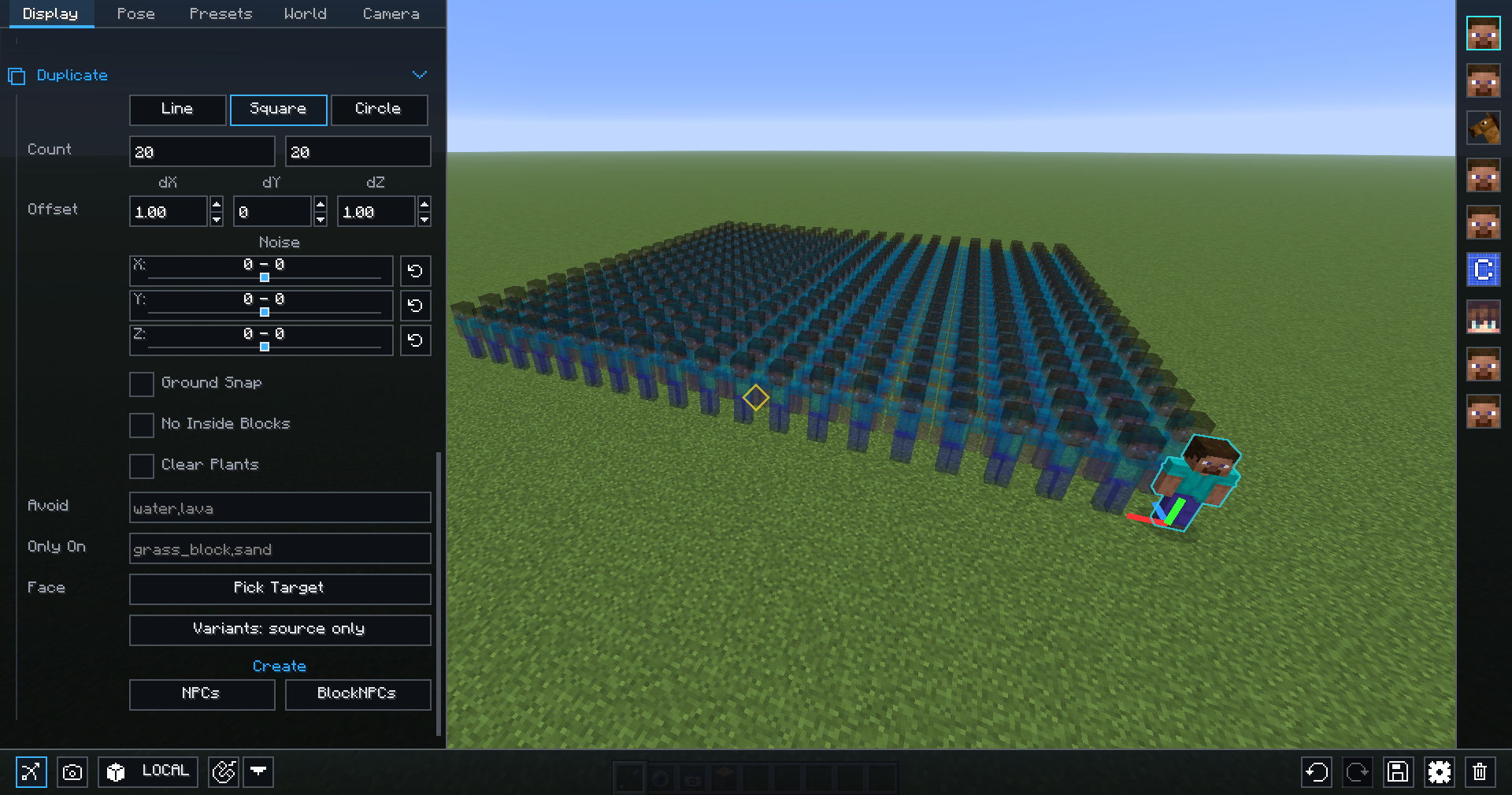
NPC Studio mod allows you full control over your graphics.
The mod incorporates a multitude of useful features to help you get better.
Installation
Download the mod.
Make sure you have Rubidium and Oculus installed.
The mod is also compatible with 3D skins.
Go into %APPDATA%/.minecraft .
Place the mod inside your mods folder.
Installing forge before hand is required. Launching the mod through feather client will not work.
Features
Items:
- Wand - Creates and controls NPCs.
- Presets - Saves premade NPCs to a preset.
- Rotator - Rotates NPC facing the player.
- Stamp - Copy and paste NPCs
- Deactivator - Sets all NPCs on/off with a right click .
- Teleporter - Teleport between scenes/biomes in an instant.
features:
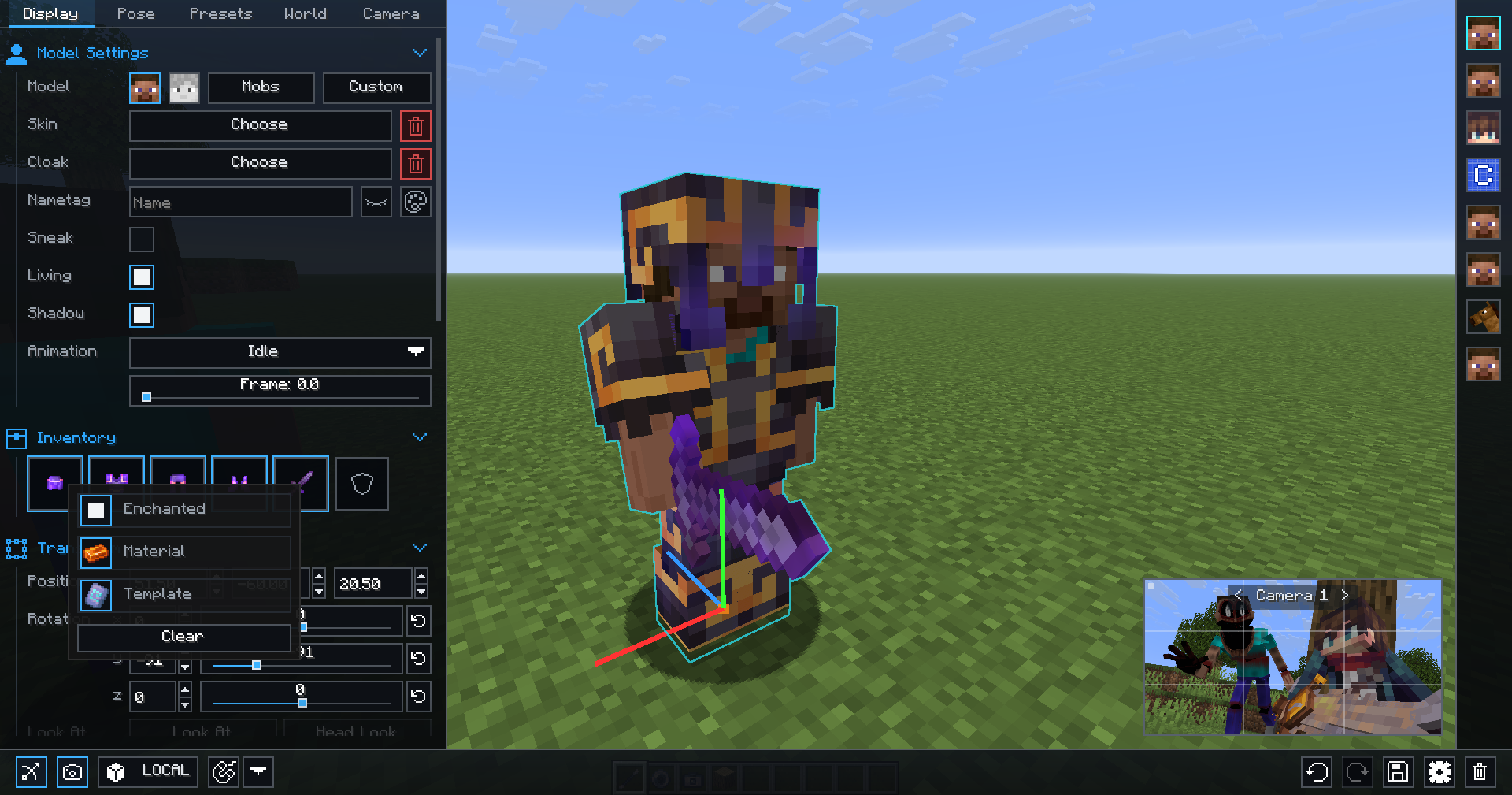
- Additional inventory tabs for Bedwars armor and Skywars items.
- Position points are used by hitting CTRL+F6 to create one and F6 to get back to it.
- To access the screenshot menu hit F7.
- Modify flight speed by typing in game /flightspeed x. (x can be a decimal)
Credits:
Creator - Seltop
Staff - Ivan, Glimps, Flod, MonkeyFog
Donators: Marlow, Mangofx, Jordaxn, ark, painpega
1.20 Devs - hinoob, retrooper, itskillerluc, JavaJumper, Seltop, Noppes
1.8.9 Devs - Picono435, Roadhod360, Seltop, Noppes
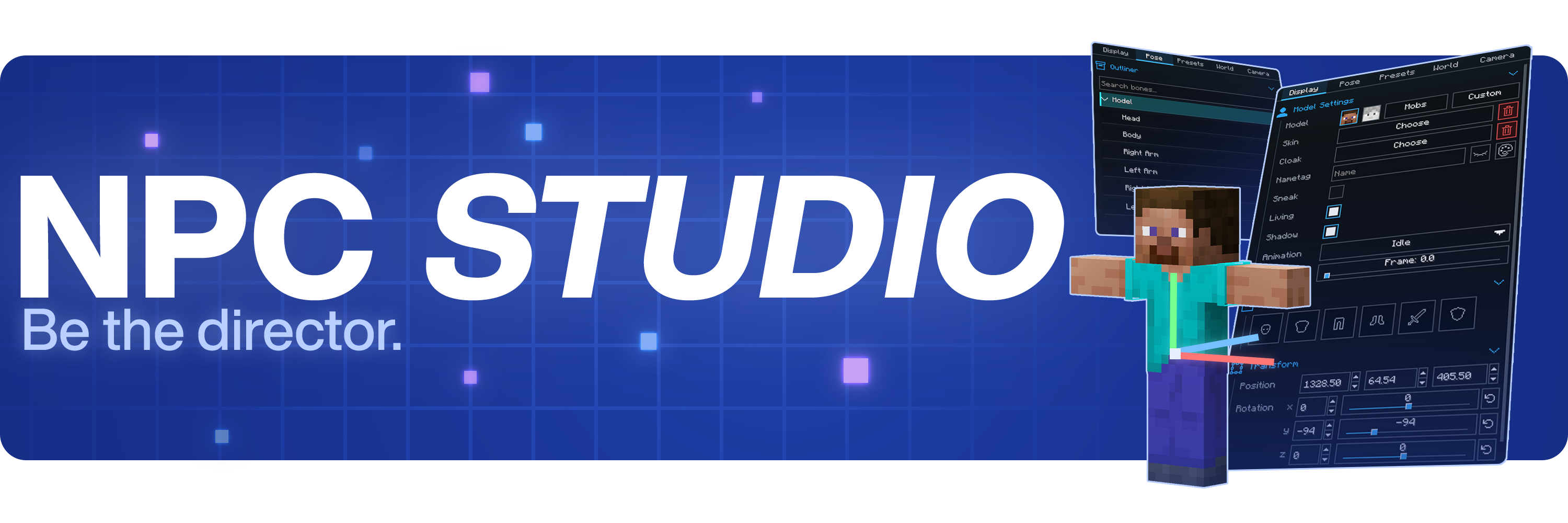


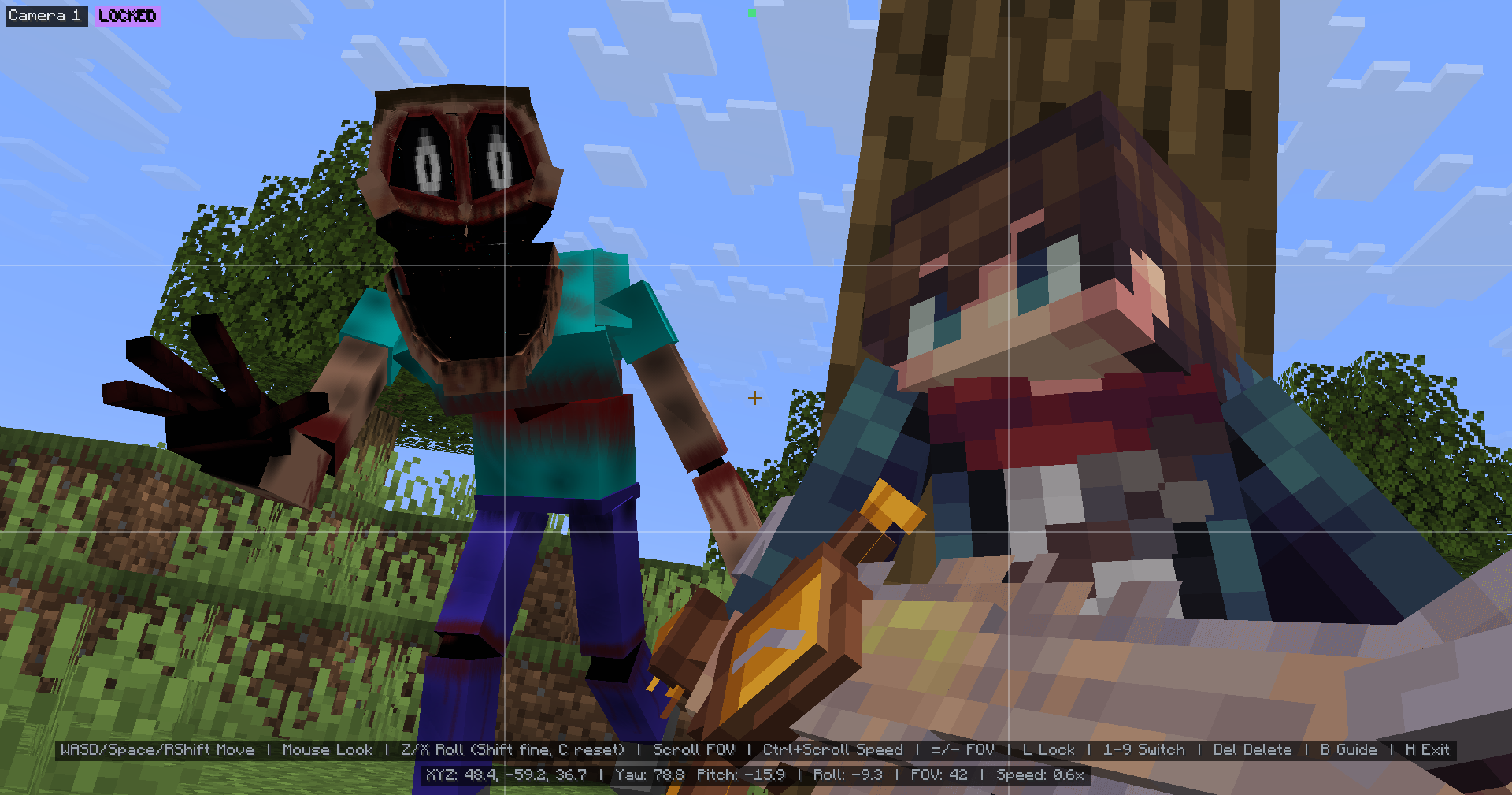
Be the director of your best thumbnail yet.
Stage the shot, pose the characters, control the world, and capture it all inside Minecraft.
Create with control
- Advanced character posing
- Custom mob & item support
- Detailed world and lighting control
- Powerful in-game camera tools
- Pose presets, scene saving, and more
Watch the full showcase
FAQ
Where can I report bugs or suggest features?
Join the Discord at discord.gg/mdh. For bug reports, include your Minecraft version, NPC Studio version, mod loader, what you expected to happen, what actually happened, and any useful logs or screenshots.
How do I import custom models?
Open the model picker, then use the import folder button. NPC Studio supports .bbmodel, .geo.json, and .jar files. For .bbmodel and .geo.json models, place the matching .png texture beside the model file and use the same file name.
How do I share presets?
Open the preset folder from the Presets tab, then share the preset .json file or the folder that contains it. The other person can place it in their config/npcstudio/presets folder and load it from the Presets tab.
How do I make batch screenshots automatically cut out the player?
Install Iris and a WEM cutout-compatible shaderpack, then enable WEM Cutout in the Batch Screenshots screen. If you have more than one compatible shaderpack installed, choose the one you want to use for the cutout pass before running the batch.
Screenshots
Gallery
Versions
Files
Relations
Project Relations
More like this
Similar Mods
Suggestions use data such as tags, dependencies, dependents, descriptions, titles, and more to rank how much they overlap with this mod.
On ModDex
Community snapshot
By the numbers
Statistics
 (opens in a new tab)
Get it on
Available Platforms
On ModDex
Community snapshot
By the numbers