
Community listing page, reviews may not be monitored by the author.
Folders!


No reviews yet
Organize your worlds and servers with folders in the play screens.

Community voices
Reviews
No reviews yet. Be the first to review this project!
Get it on
Available Platforms
Compatibility
Supported Environments
Runs entirely on the client. Works on vanilla servers.
About
Project Details
For authors
Embed Badge
If you're the author of this project, you can embed a live badge anywhere that supports HTML or Markdown. It updates automatically whenever ratings change.
Use HTML for any page that supports it, or Markdown for README files and Markdown-based descriptions.
Identifiers
Platform IDs
About
Description
Folders / Organizable Play Screens
Organize your worlds and servers with folders in the play screens.
- Add folders with custom names to your singleplayer and multiplayer screens.
- Move entries in and out of folders.
- Organize your worlds and servers as you wish.
- The path to the current folder is shown at the top, except for the root folder.
- Searching for worlds still works. The path of the selected world will be shown. You will be taken to the selected world's folder after you finish searching.
This mod does not alter vanilla behavior. You can remove this mod at any time and all your worlds and servers will be
displayed normally. You can even reinstall this mod and your folders will still be there (unless you delete the organizable_worlds.dat and organizable_servers.dat files in the run directory).
Pictures


Requirements

Minecraft Version 1.19+
Folders! / Organizable Play Screens
Organize your worlds and servers with folders in the play screens.
- Add folders with custom names to your singleplayer and multiplayer screens.
- Move entries in and out of folders.
- Organize your worlds and servers as you wish.
- The path to the current folder is shown at the top, except for the root folder.
- Searching for worlds still works. The path of the selected world will be shown. You will be taken to the selected world's folder after you finish searching.
This mod does not alter vanilla behavior. You can remove this mod at any time and all your worlds and servers will be
displayed normally. You can even reinstall this mod and your folders will still be there (unless you delete
the organizable_worlds.dat and organizable_servers.dat files in the run directory).
Pictures
Click to expand
Requirements
Minecraft Version 1.19+
Fabric Loader
Screenshots
Gallery
-
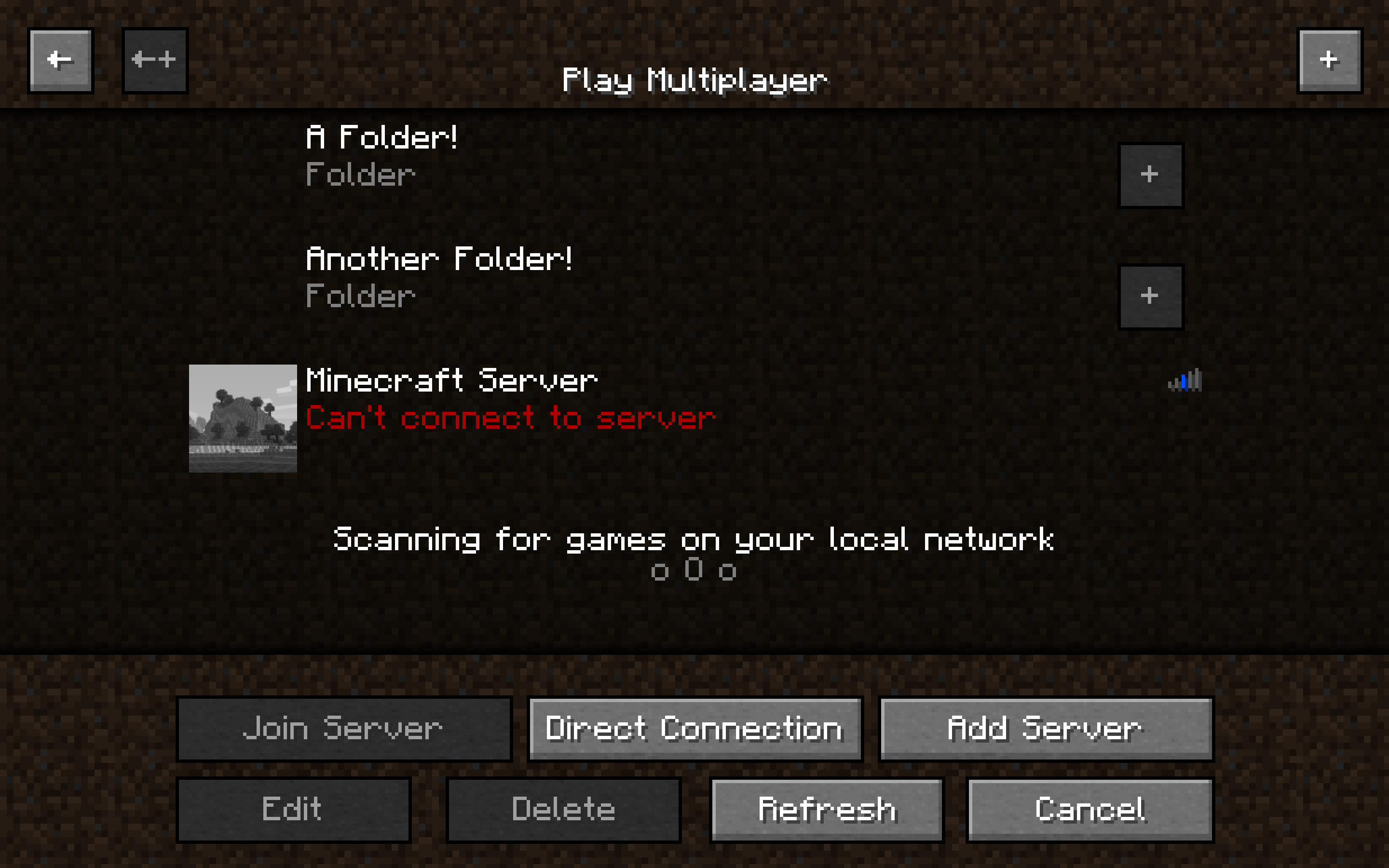 Showcase 3
 -
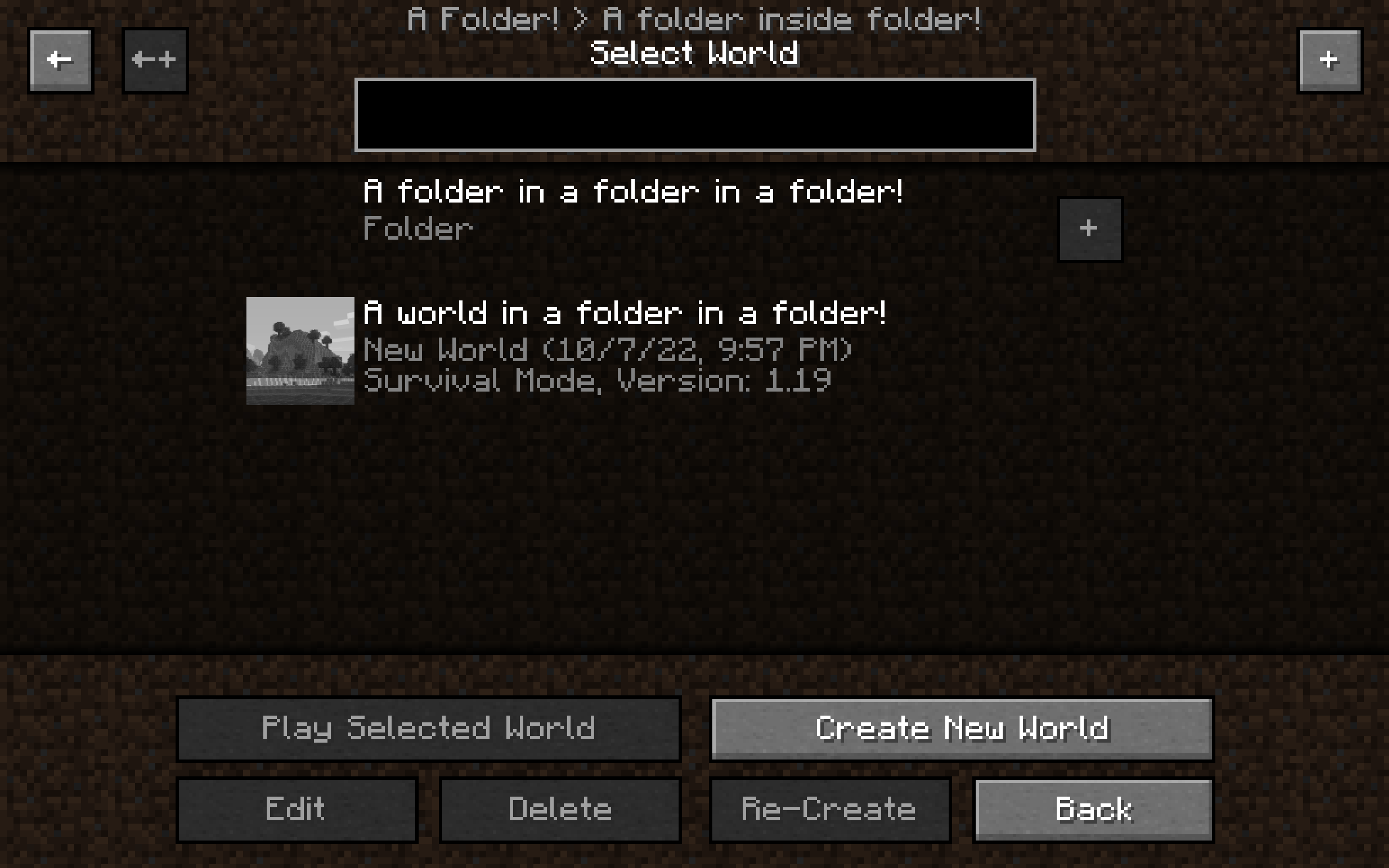 Showcase 2
 -
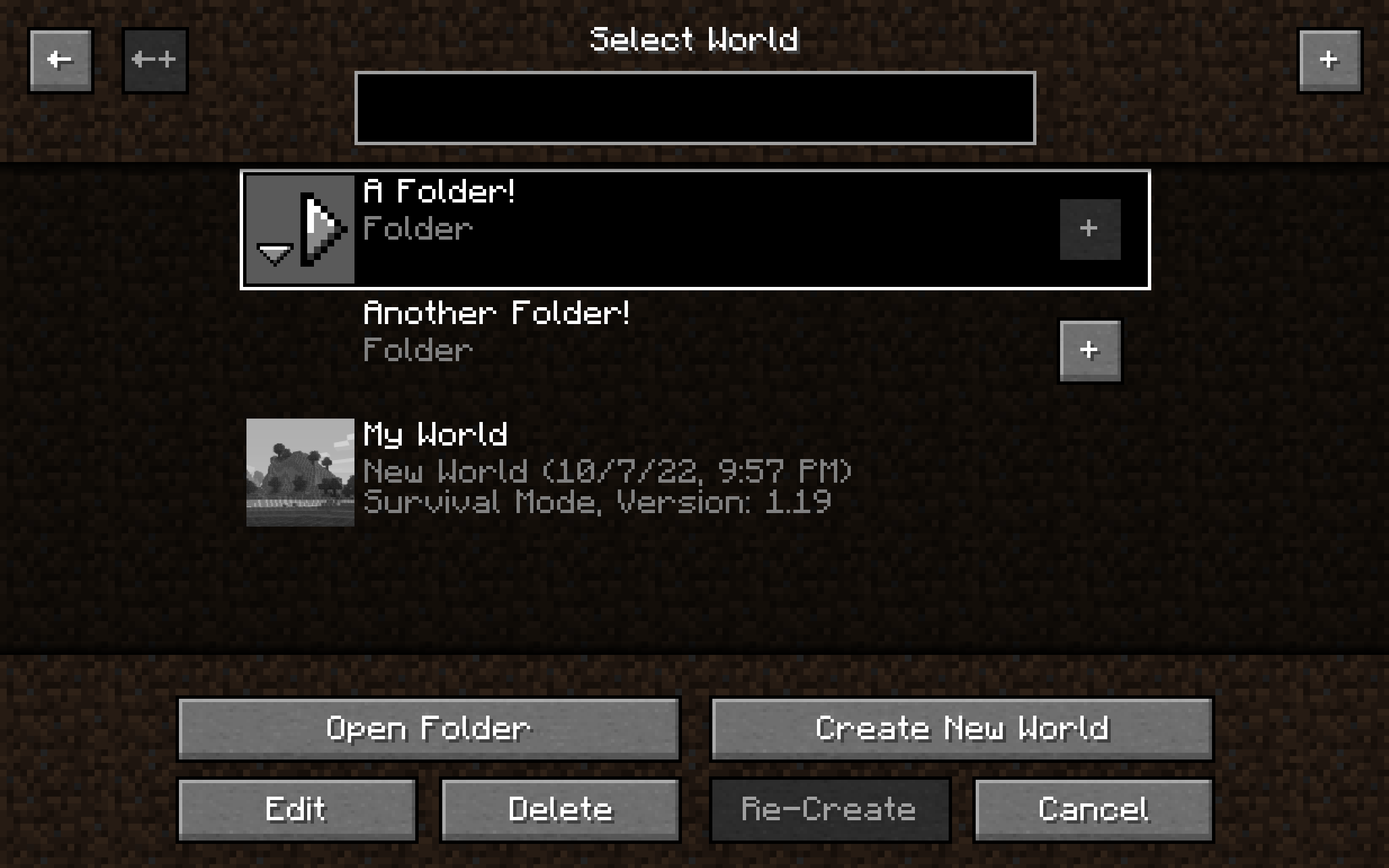 Showcase 1
-
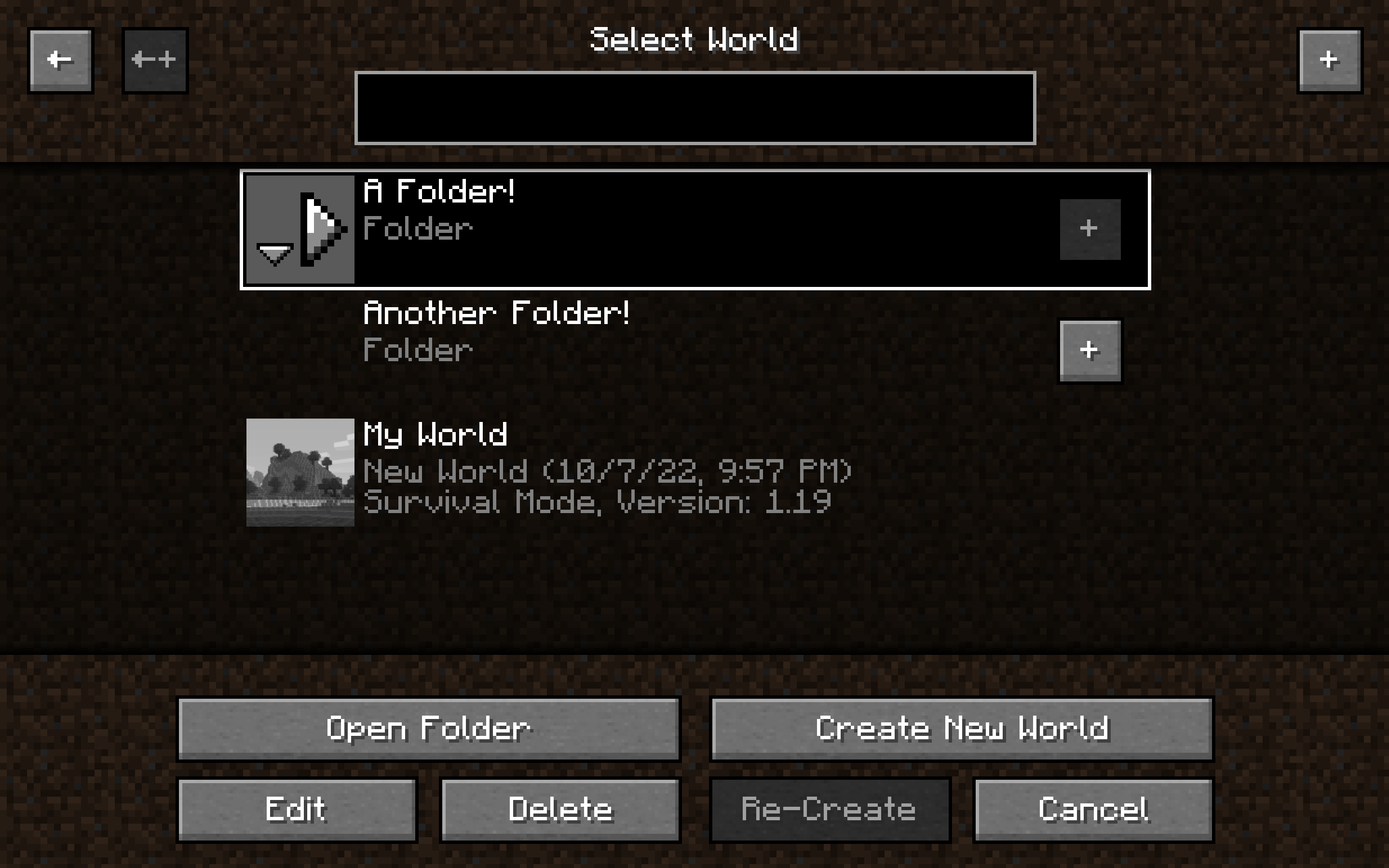 Showcase 1
 -
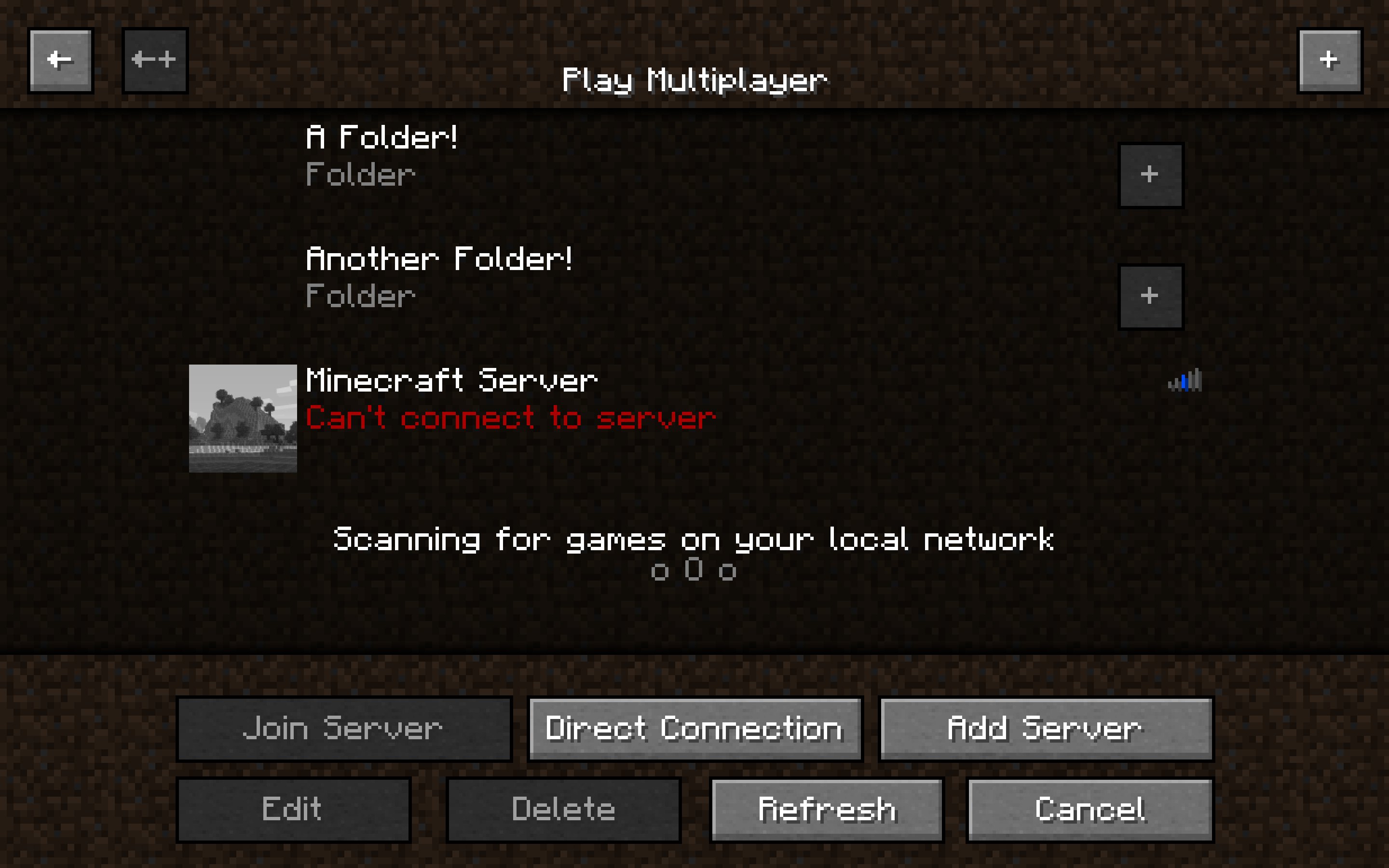 Showcase 3
 -
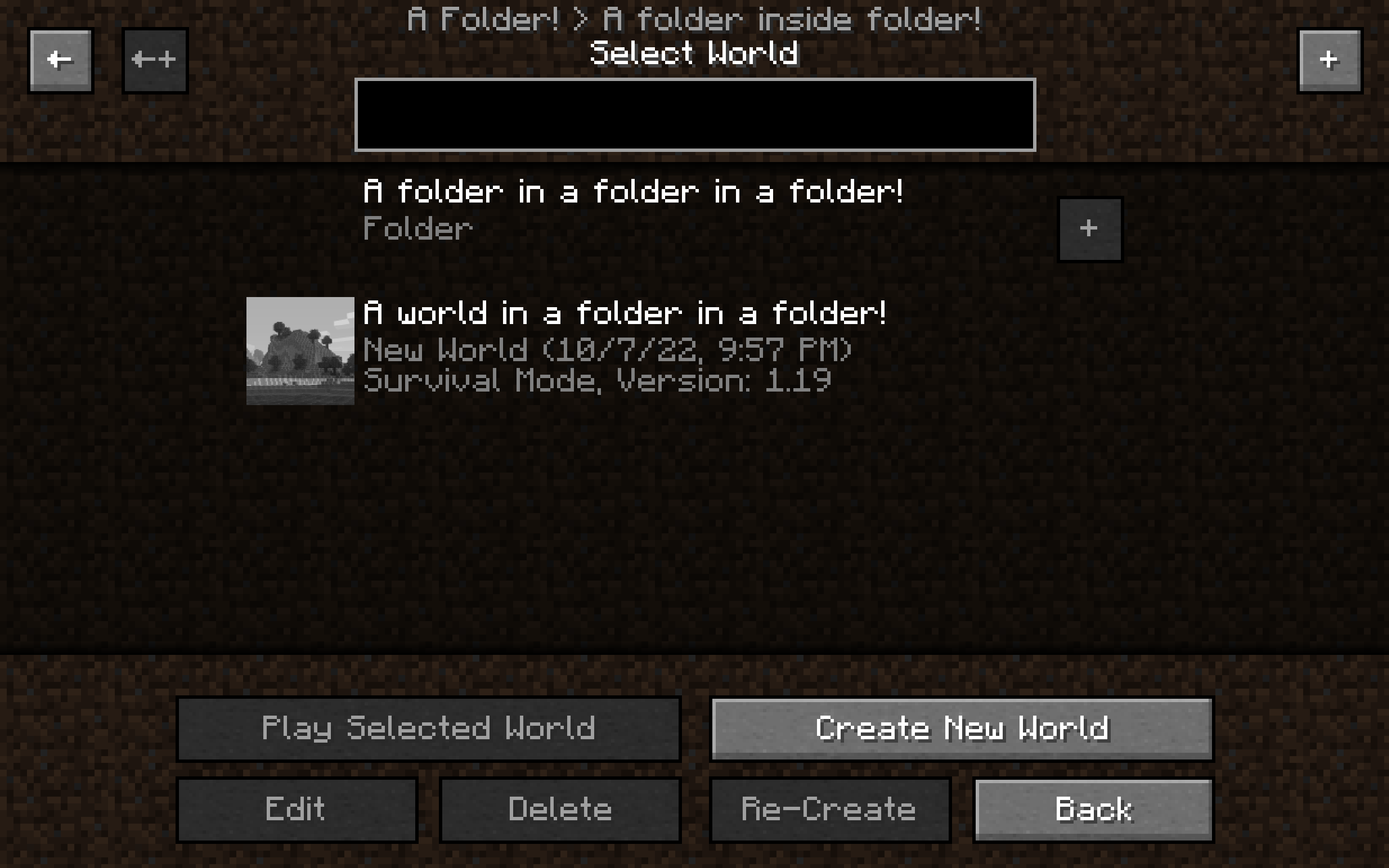 Showcase 2
Versions
Files
Relations
Project Relations
More like this
Similar Mods
Suggestions use data such as tags, dependencies, dependents, descriptions, titles, and more to rank how much they overlap with this mod.
On ModDex
Community snapshot
By the numbers
Statistics
 (opens in a new tab)
Get it on
Available Platforms
On ModDex
Community snapshot
By the numbers