
Community listing page, reviews here may not be monitored by the author.
Pixel Painter - Decals


No reviews yet
A Pixel Painter addon that allows you to place premade low res images in the world
Community voices
Reviews
No reviews yet. Be the first to review this project!
Get it on
Available Platforms
Compatibility
Supported Environments
Must be installed on both the client and the server.
About
Project Details
For authors
Embed Badge
If you're the author of this project, you can embed a live badge anywhere that supports HTML or Markdown. It updates automatically whenever ratings change.
Use HTML for any page that supports it, or Markdown for README files and Markdown-based descriptions.
Identifiers
Platform IDs
Resources
External Links
About
Description
Pixel Painter Decals (Pixel Painter Required!)
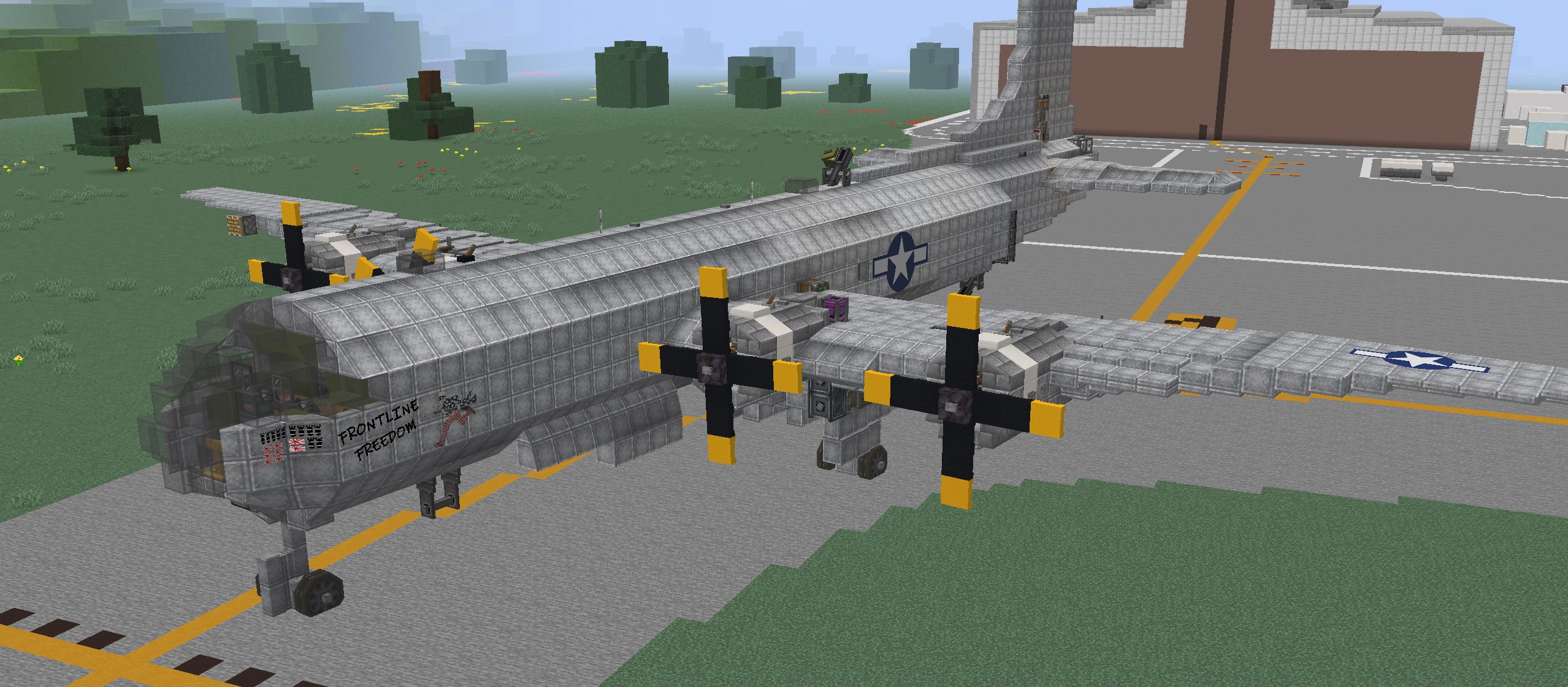
Pixel Painter Decals is an add-on for Pixel Painter that lets you stamp custom PNG images directly into the world as Pixel Painter paint. Drop decal images into the decals folder, pick one from an in-game menu, preview it as a ghost image, then place it across blocks like a sticker.
Once stamped, decals become normal Pixel Painter paint data. They are saved, synced, and handled by Pixel Painter’s existing paint system instead of remaining separate image objects.
Features
- Load PNG decals from
config/pixelpainter/decals/ - Select decals in-game with a Book and Quill in your offhand
- Open the decal folder from the selection screen
- Reload decals without restarting
- Ghost preview before placement
- Rotate decals in 90 degree steps
- Flip decals horizontally
- Stamp decals across multiple blocks
- Wrap decals around corners
- Supports square and rectangular decals up to 256x256 pixels
- Works with Pixel Painter paint storage and networking
- Multiplayer/server compatible
- Experimental support for Copycat blocks, slopes, assembled contraptions, and physics bodies
How To Use
- Install Pixel Painter and Pixel Painter Decals on the client and server.
- Put PNG files in
config/pixelpainter/decals/. - Hold a Book and Quill in your offhand.
- Sneak + right-click to open the decal picker.
- Select a decal, aim at a surface, rotate or mirror if needed, then right-click to stamp it.
Default Controls
- Rotate left/right:
<and> - Mirror horizontally:
; - Open decal picker: Sneak + right-click with Book and Quill in offhand
MOD IS STILL CONSIDERED BETA! BACK UP YOUR WORLDS!
Pixel Painter Decals is an add-on for Pixel Painter that lets you stamp custom PNG images directly into the world as Pixel Painter paint. Drop decal images into the decals folder, pick one from an in-game menu, preview it as a ghost image, then place it across blocks like a sticker.
Once stamped, decals become normal Pixel Painter paint data. They are saved, synced, and handled by Pixel Painter’s existing paint system instead of remaining separate image objects.
Features
Load PNG decals from config/pixelpainter/decals/ Select decals in-game with a Book and Quill in your offhand Open the decal folder from the selection screen Reload decals without restarting Ghost preview before placement Rotate decals in 90 degree steps Flip decals horizontally Stamp decals across multiple blocks Wrap decals around corners Supports square and rectangular decals up to 256x256 pixels Works with Pixel Painter paint storage and networking Multiplayer/server compatible Experimental support for Copycat blocks, slopes, assembled contraptions, and physics bodies How To Use
Install Pixel Painter and Pixel Painter Decals on the client and server. Put PNG files in config/pixelpainter/decals/. Hold a Book and Quill in your offhand. Sneak + right-click to open the decal picker. Select a decal, aim at a surface, rotate or mirror if needed, then right-click to stamp it. Default Controls
Rotate left/right: < and > Mirror horizontally: ; Open decal picker: Sneak + right-click with Book and Quill in offhand
Screenshots
Gallery
-
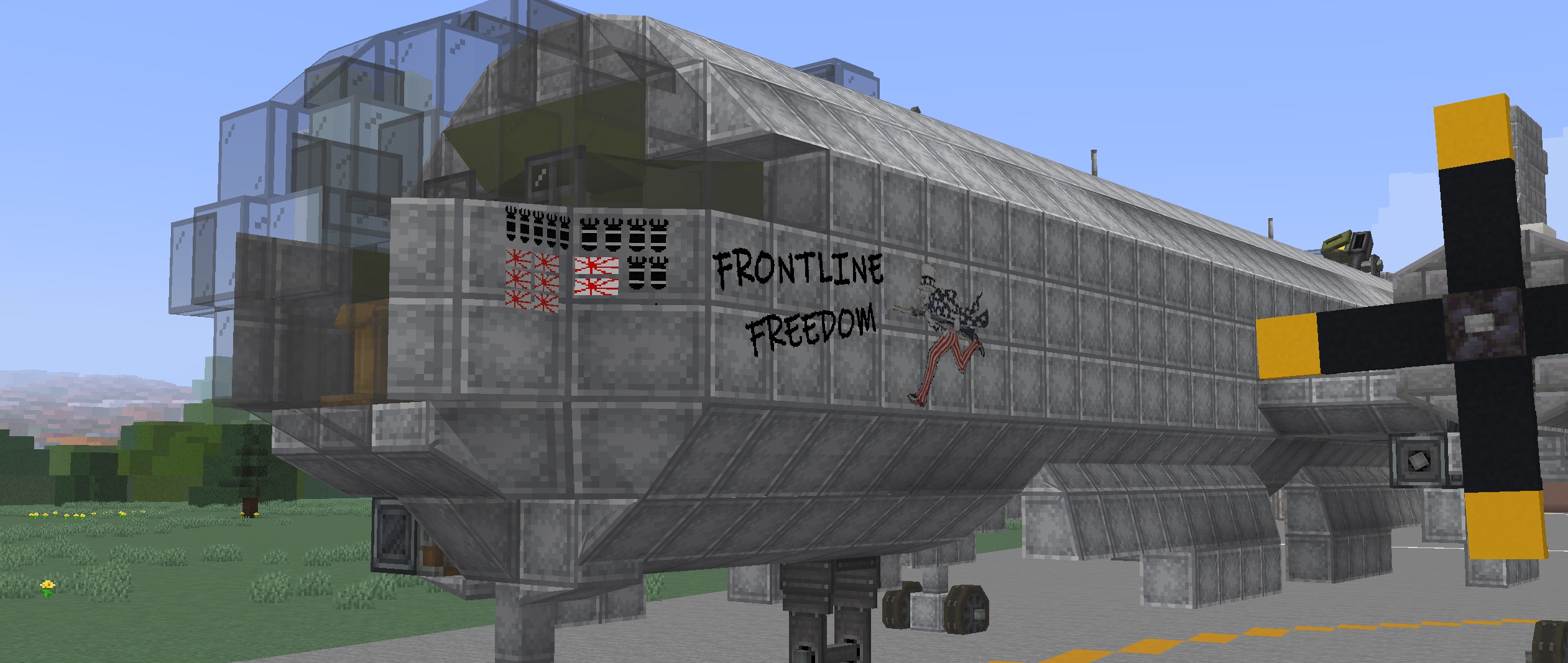
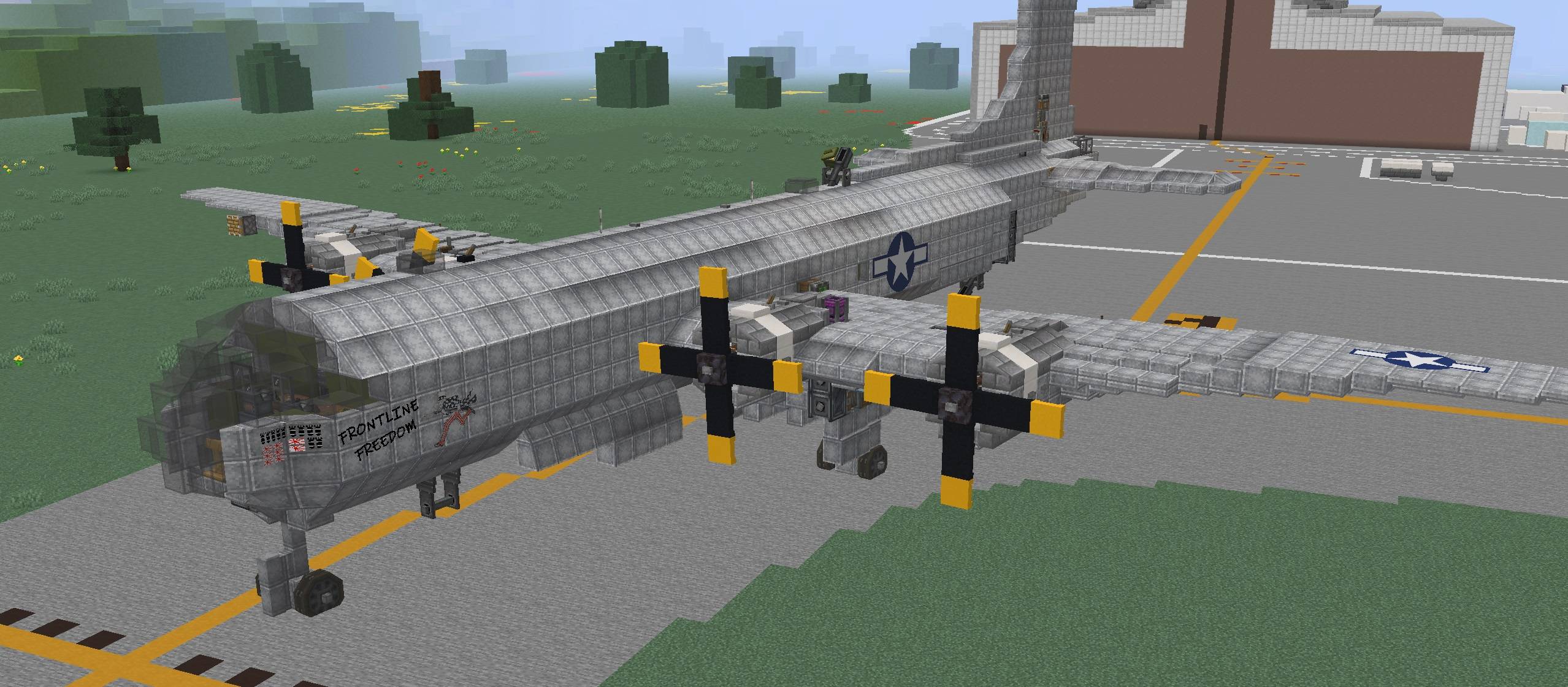 Whole_View.jpg Whole_View.jpg
 -
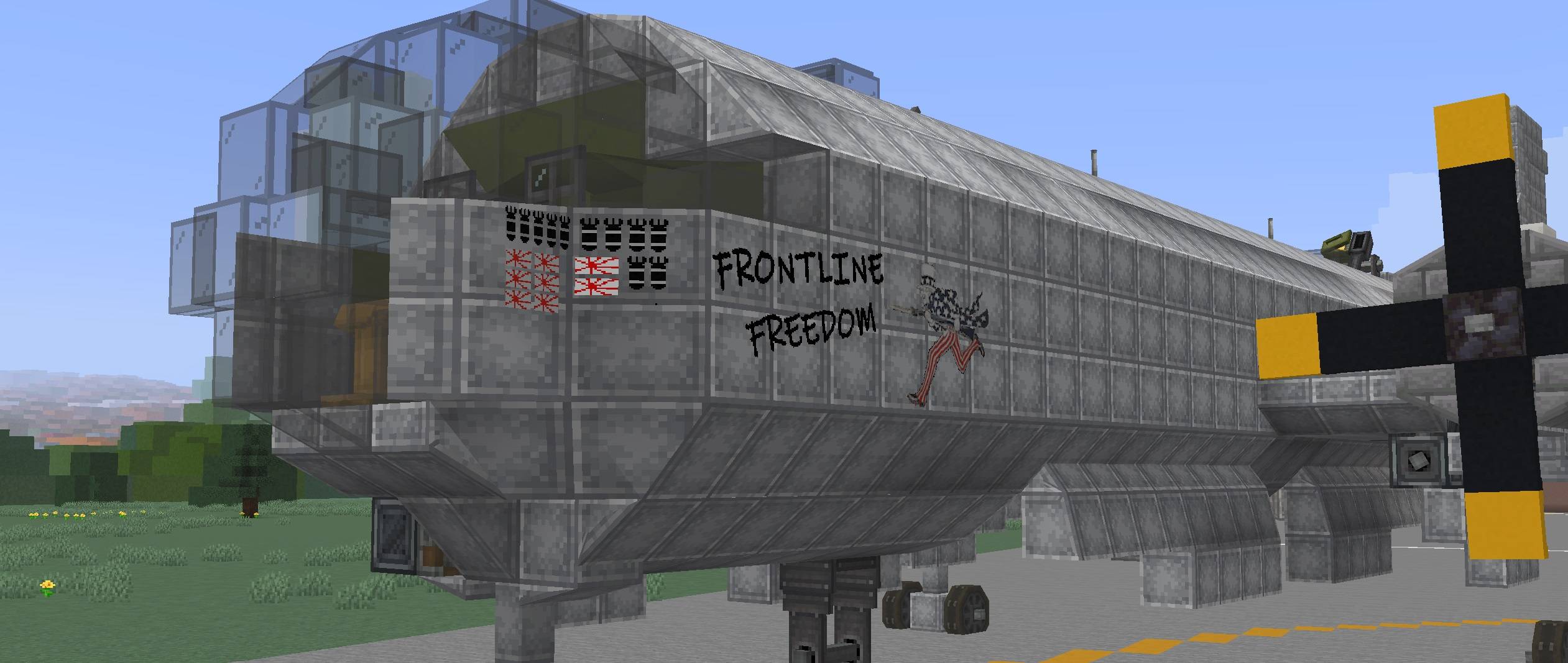 Front_View.jpg Front_View.jpg
 -
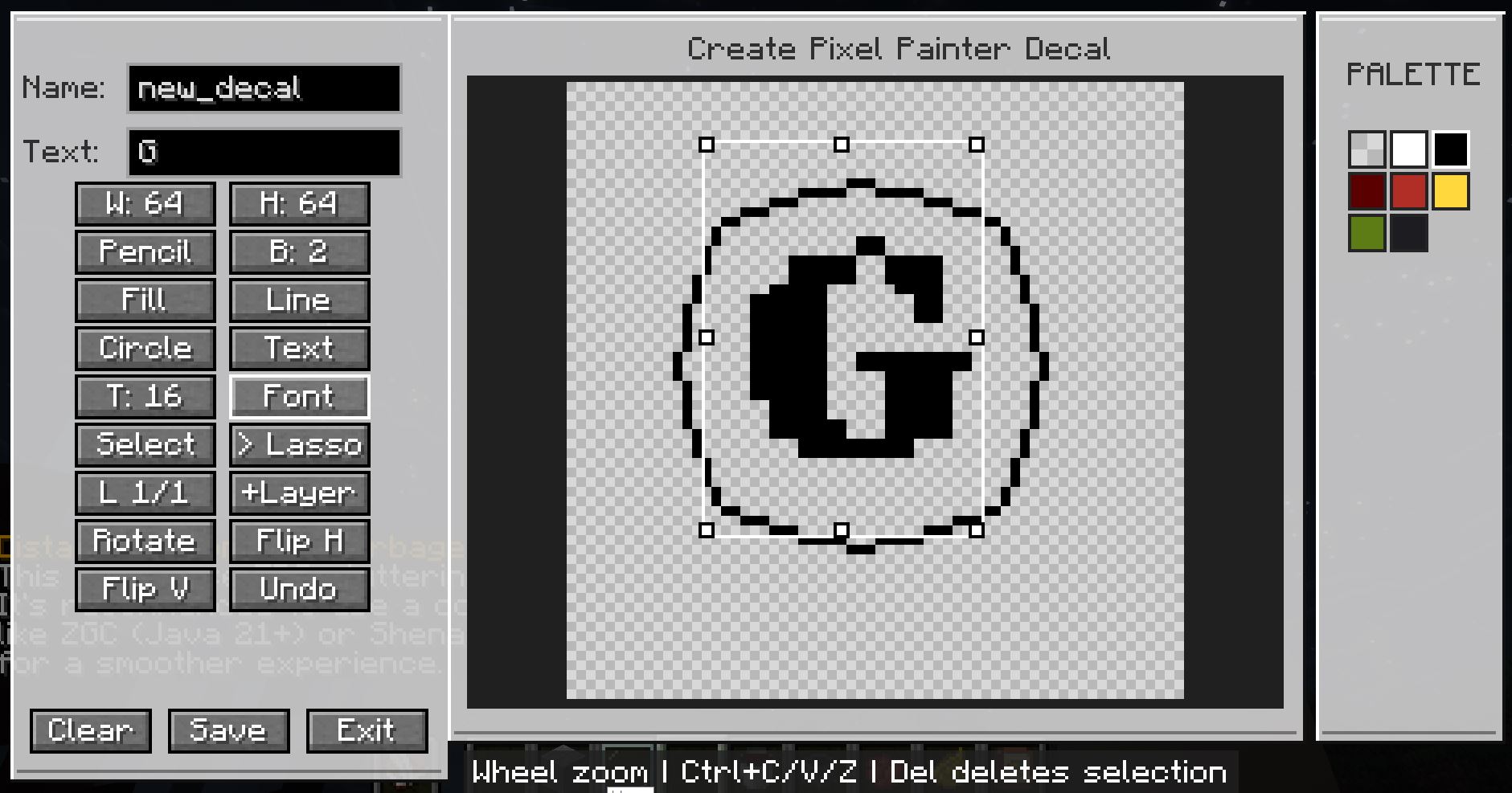
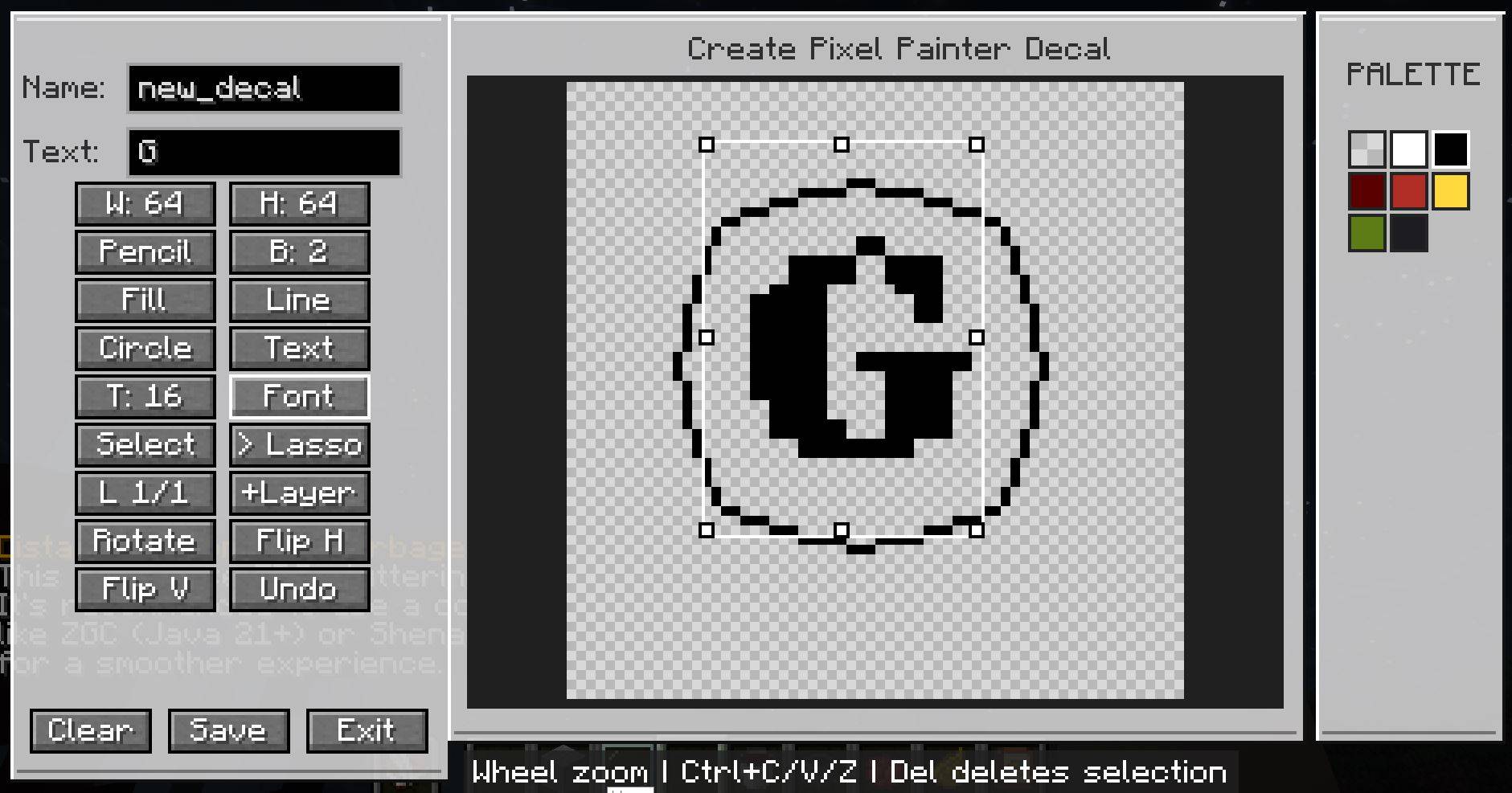 decal creator.JPG decal creator.JPG
 -
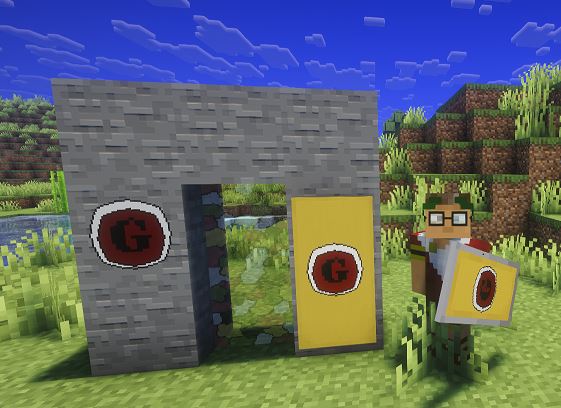
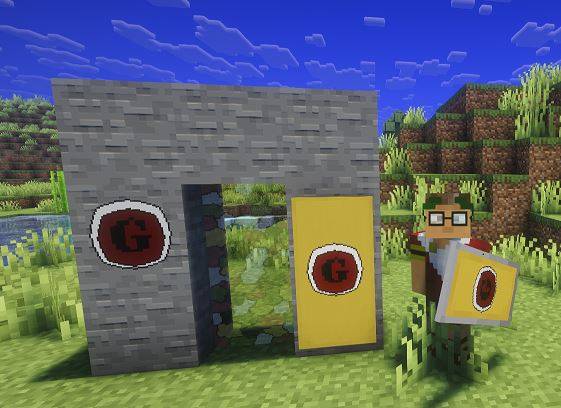 with shield and banner.JPG with shield and banner.JPG
 -
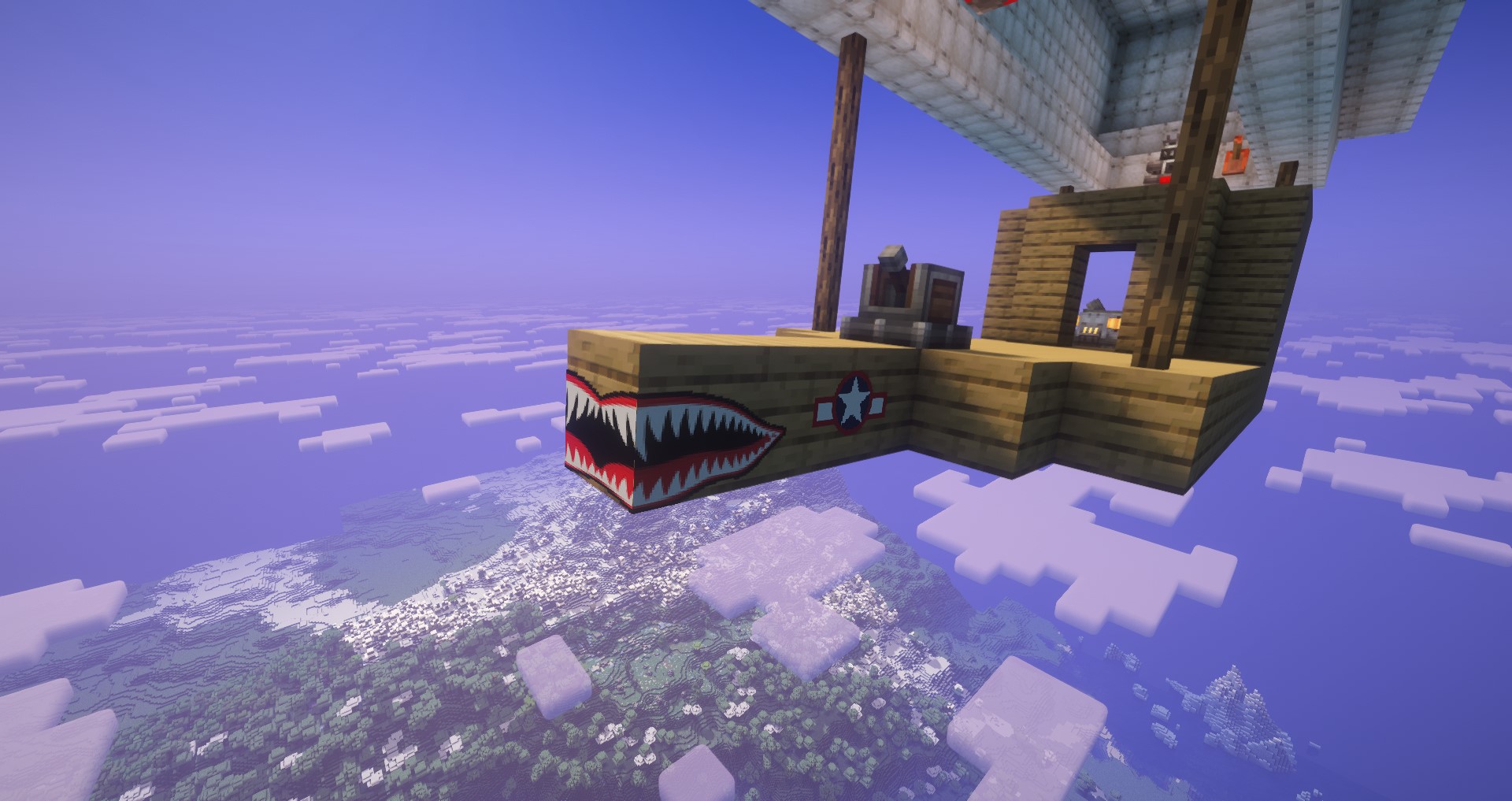
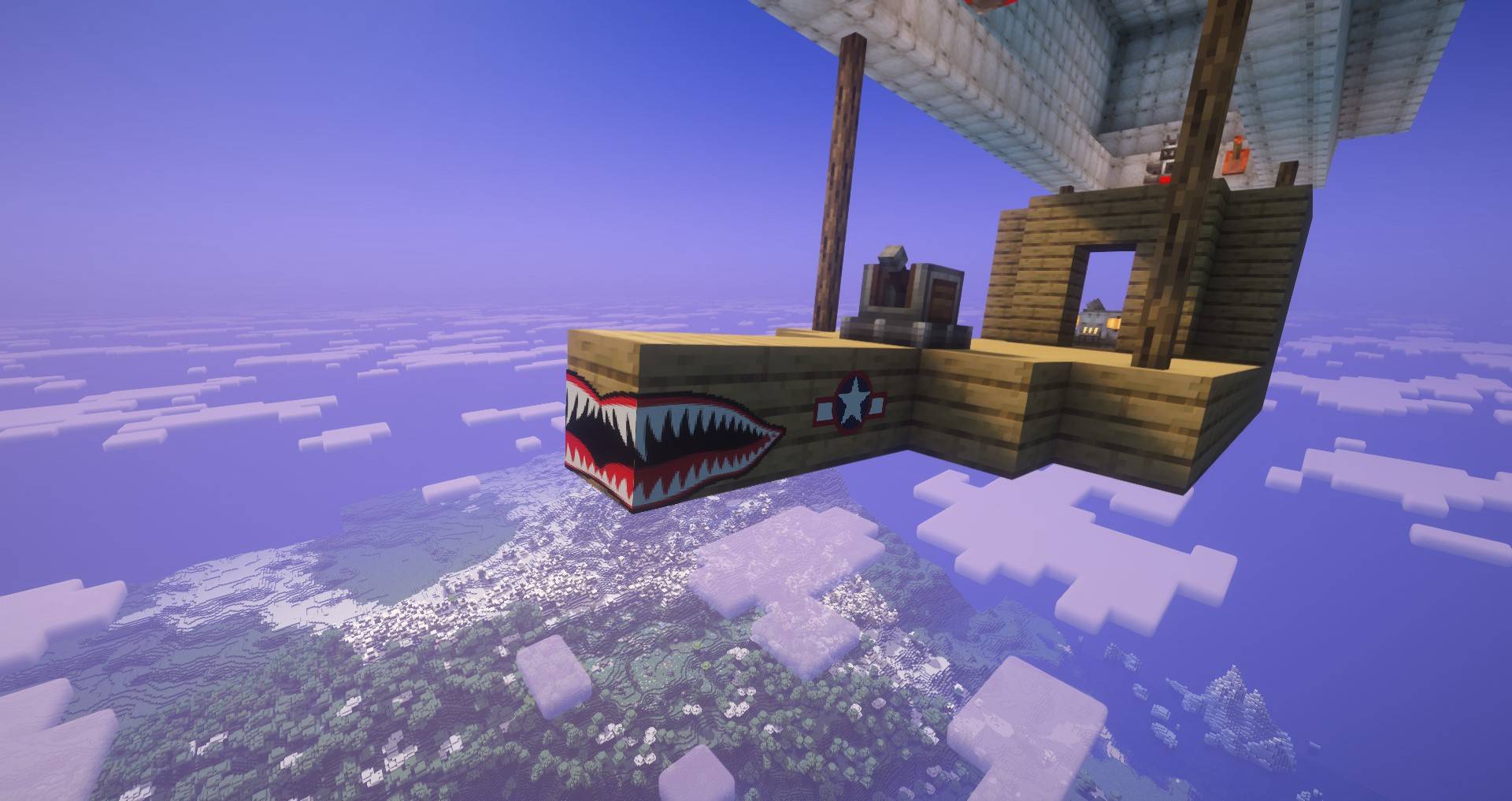 teeth1.jpeg teeth1.jpeg
-
-
-
-
-
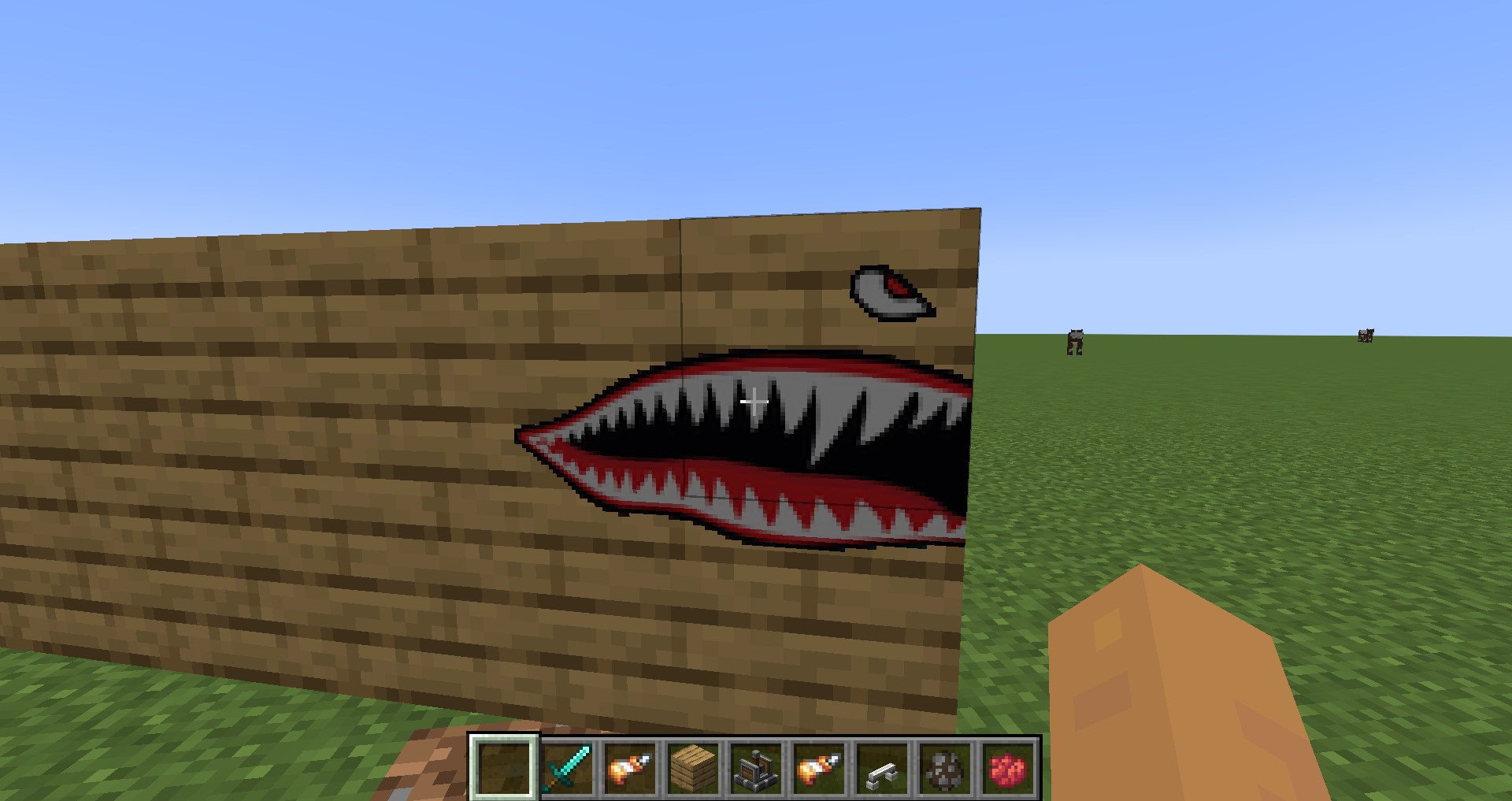 Teeth
Teeth -
Versions
Files
Relations
Project Relations
More like this
Similar Mods
Suggestions use data such as tags, dependencies, dependents, descriptions, titles, and more to rank how much they overlap with this mod.
On ModDex
Community snapshot
By the numbers
Statistics
Want to reach Minecraft players?
We're looking for a server hosting partner to feature here and other parts of the site. Interested? Send us a message!
Get in touchGet it on
Available Platforms
On ModDex
Community snapshot
By the numbers
Statistics
Resources