
Community listing page, reviews may not be monitored by the author.
Pixel Voice

No reviews yet
Talk with your party or nearby players, with simple audio controls.

Community voices
Reviews
No reviews yet. Be the first to review this project!
Get it on
Available Platforms
About
Project Details
For authors
Embed Badge
If you're the author of this project, you can embed a live badge anywhere that supports HTML or Markdown. It updates automatically whenever ratings change.
Use HTML for any page that supports it, or Markdown for README files and Markdown-based descriptions.
Identifiers
Platform IDs
Resources
External Links
About
Description
Installation side
Both. Install on the server and clients that use voice chat.
Description
Keep party conversations private across distances and dimensions, or talk to nearby players with directional proximity voice. No extra server port is needed.
Choose push to talk or open microphone, adjust your devices and volume, mute or deafen, test your microphone locally and move the voice indicator. Voice starts disabled until you enable it.
Press F7 or open Options → Custom Interface → Pixel Voice. Default push to talk keys are V for nearby players and B for your party. Tensura is not required.
Dependencies
- Matching builds of Pixel Library and Pixel Teams and Parties are required.
- Minecraft 1.21.1: NeoForge 21.1.250+, Java 21, Pixel Teams 0.2.2+.
- Minecraft 26.3: NeoForge 26.3.0.101+, Java 25, Pixel Teams 0.3.0-alpha.1+.
- Requires Pixel Library 0.1.0-alpha.2+. Replace Tensura Voice when installing.
Screenshots
Gallery
-
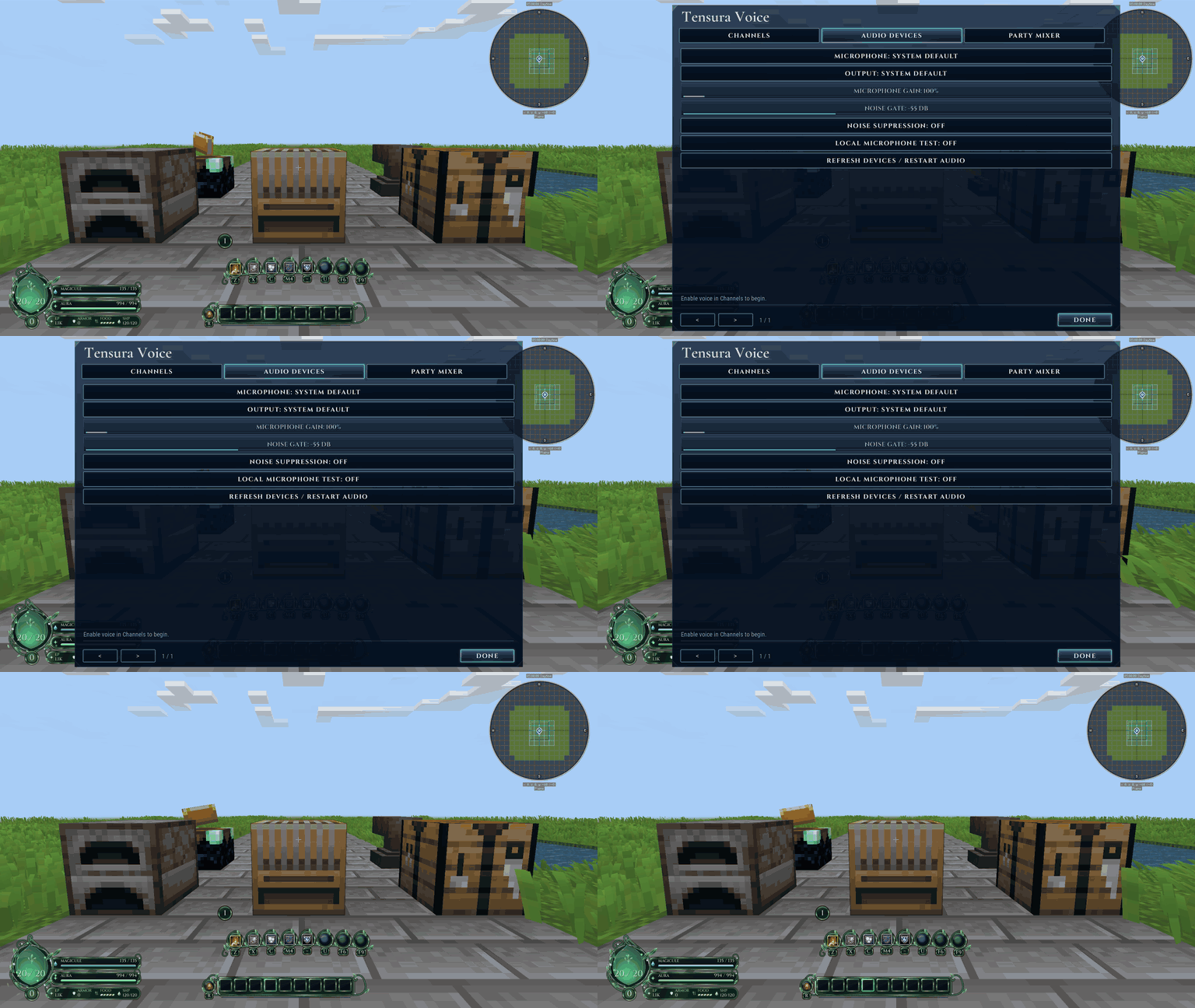 image-attachment_6297eff7-2a4b-4f8f-9ebe-17e4efd93f59.gif
-
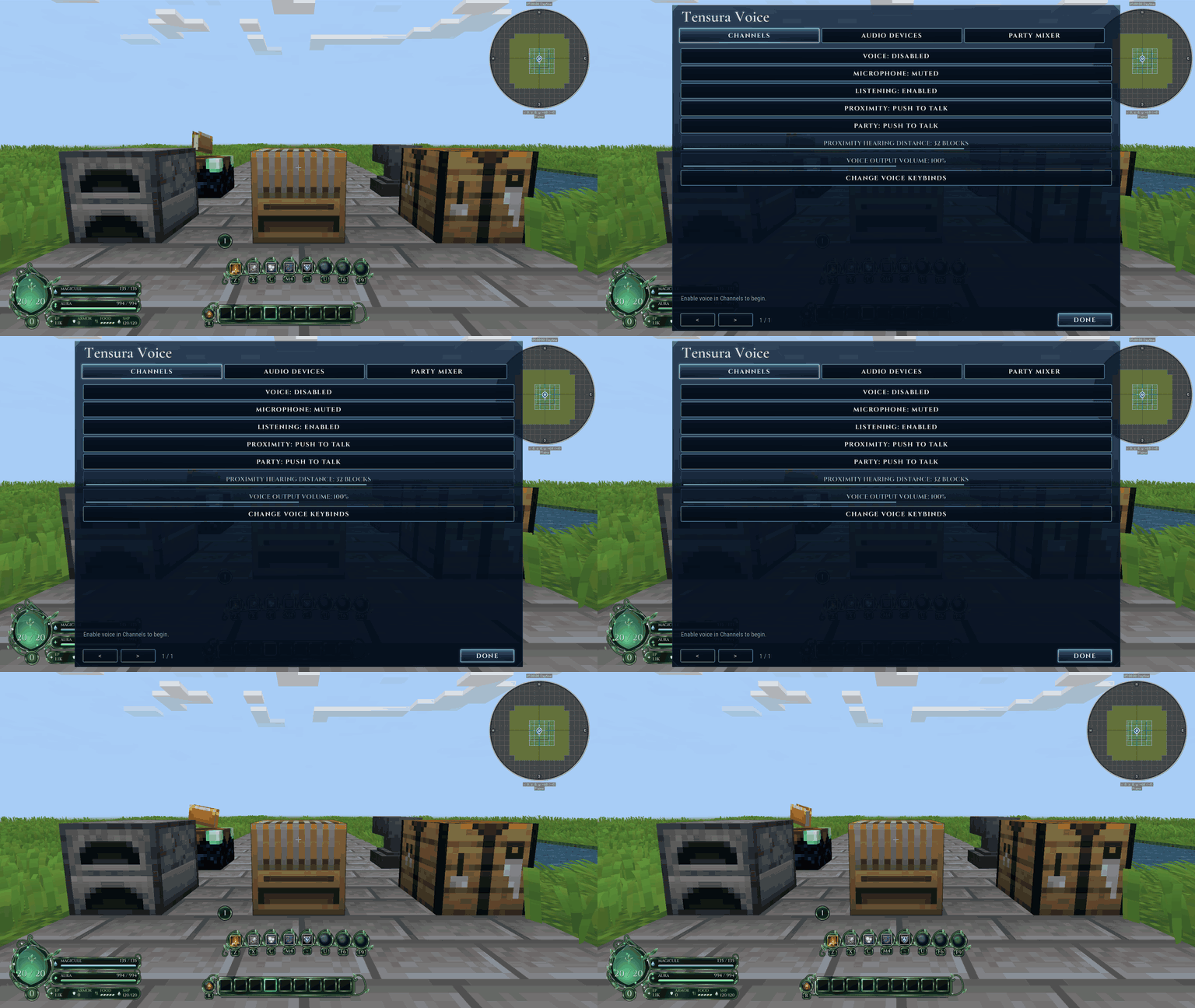 image-attachment_332a7c86-3ddd-4f5b-abfb-ae80eec71362.gif
-
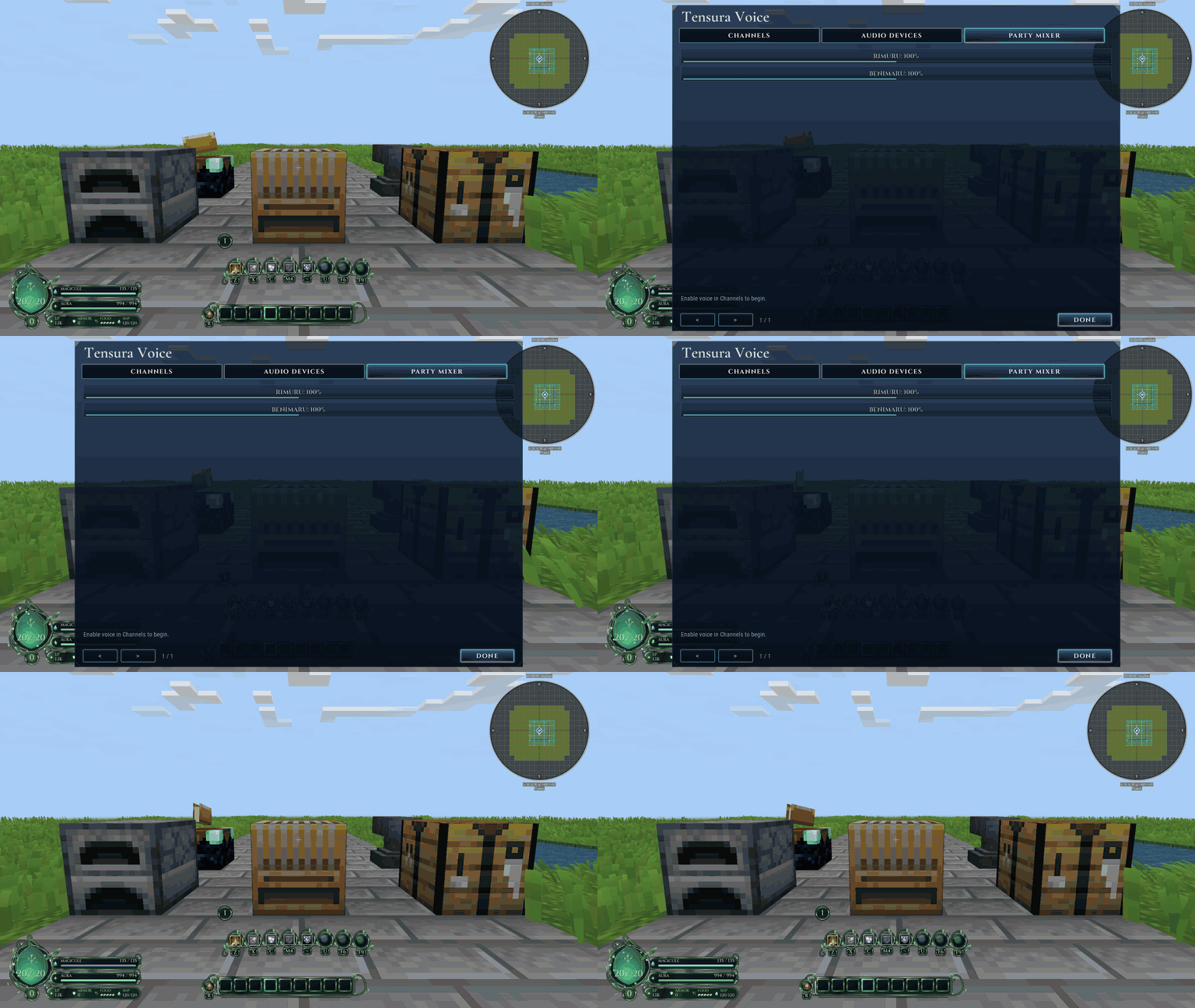 image-attachment_23f79840-2ce9-476d-9dda-17b7ee8be645.gif
Versions
Files
Relations
Project Relations
More like this
Similar Mods
Suggestions use data such as tags, dependencies, dependents, descriptions, titles, and more to rank how much they overlap with this mod.
On ModDex
Community snapshot
By the numbers
Statistics

Get it on
Available Platforms
On ModDex
Community snapshot
By the numbers
Statistics
Resources