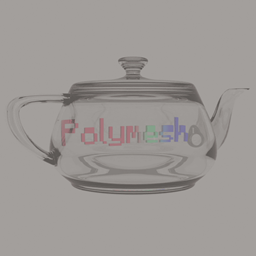
Community listing page, reviews may not be monitored by the author.
Polymesh


No reviews yet
Polymesh is a Forge/NeoForge 1.20.1 client runtime for rendering glTF 2.0 models from mod resources.

Community voices
Reviews
No reviews yet. Be the first to review this project!
Get it on
Available Platforms
Compatibility
Supported Environments
Runs entirely on the client. Works on vanilla servers.
About
Project Details
For authors
Embed Badge
If you're the author of this project, you can embed a live badge anywhere that supports HTML or Markdown. It updates automatically whenever ratings change.
Use HTML for any page that supports it, or Markdown for README files and Markdown-based descriptions.
Identifiers
Platform IDs
About
Description
Polymesh
Polymesh renders glTF 2.0 models in Minecraft Forge and NeoForge 1.20.1. Mods can use it to render items, entities, and block entities.
Install
If a mod uses Polymesh, install Polymesh.
Put polymesh-1.0.0-forge.jar in the Minecraft mods folder.
This file includes the jgltf and Jackson dependencies.
Model functions
- Load
.gltffiles with relative buffers and textures. - Load
.glbfiles with embedded textures. - Render static meshes, animated meshes, skins, and morph targets.
- Control animation speed and transitions between clips.
- Read node transforms and glTF
extrasmetadata. - Find morph targets by their Blender shape key names.
- Select entity and block entity models by camera distance.
The CPU calculates skin and morph deformation. With an active Iris or Oculus shader pack, the default setting selects a Minecraft vertex consumer. The shader pack controls the lighting.
Limits
The renderer does not apply emissive textures or metallic and roughness properties. Items use the base model at all distances. Polymesh does not calculate physics or mesh collisions.
Mod development
Read the developer guide for registration examples and API options.
License: LGPL-3.0-or-later.
Polymesh
Polymesh renders glTF 2.0 models in Minecraft Forge and NeoForge 1.20.1. Mods can use it to render items, entities, and block entities.
Install
If a mod uses Polymesh, install Polymesh.
Put polymesh-1.0.0-forge.jar in the Minecraft mods folder.
This file includes the jgltf and Jackson dependencies.
Model functions
- Load
.gltffiles with relative buffers and textures. - Load
.glbfiles with embedded textures. - Render static meshes, animated meshes, skins, and morph targets.
- Control animation speed and transitions between clips.
- Read node transforms and glTF
extrasmetadata. - Find morph targets by their Blender shape key names.
- Select entity and block entity models by camera distance.
The CPU calculates skin and morph deformation. With an active Iris or Oculus shader pack, the default setting selects a Minecraft vertex consumer. The shader pack controls the lighting.
Limits
The renderer does not apply emissive textures or metallic and roughness properties. Items use the base model at all distances. Polymesh does not calculate physics or mesh collisions.
Mod development
Read the developer guide for registration examples and API options.
License: LGPL-3.0-or-later.
Screenshots
Gallery
-
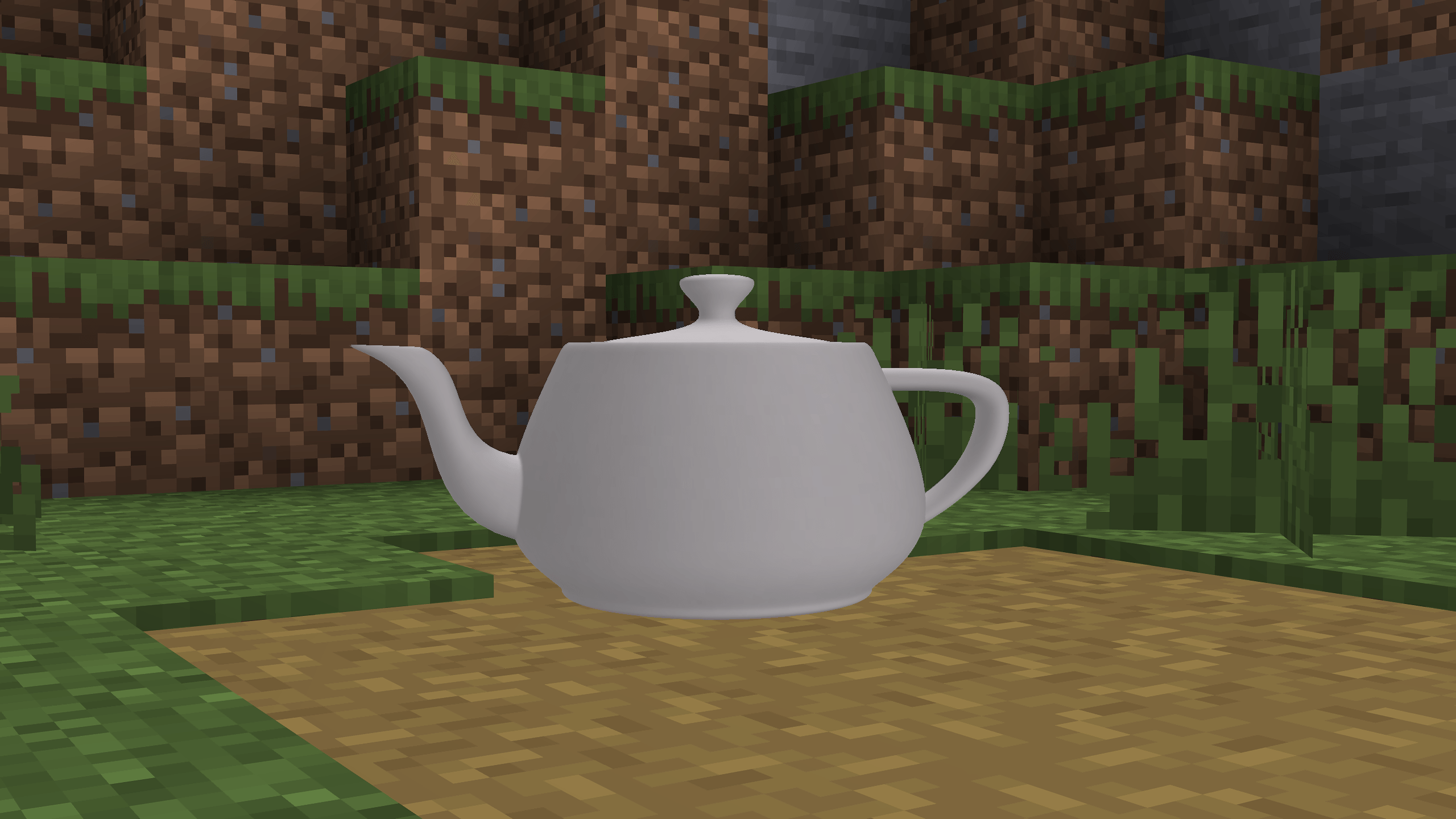 Teapot - Vanilla
-
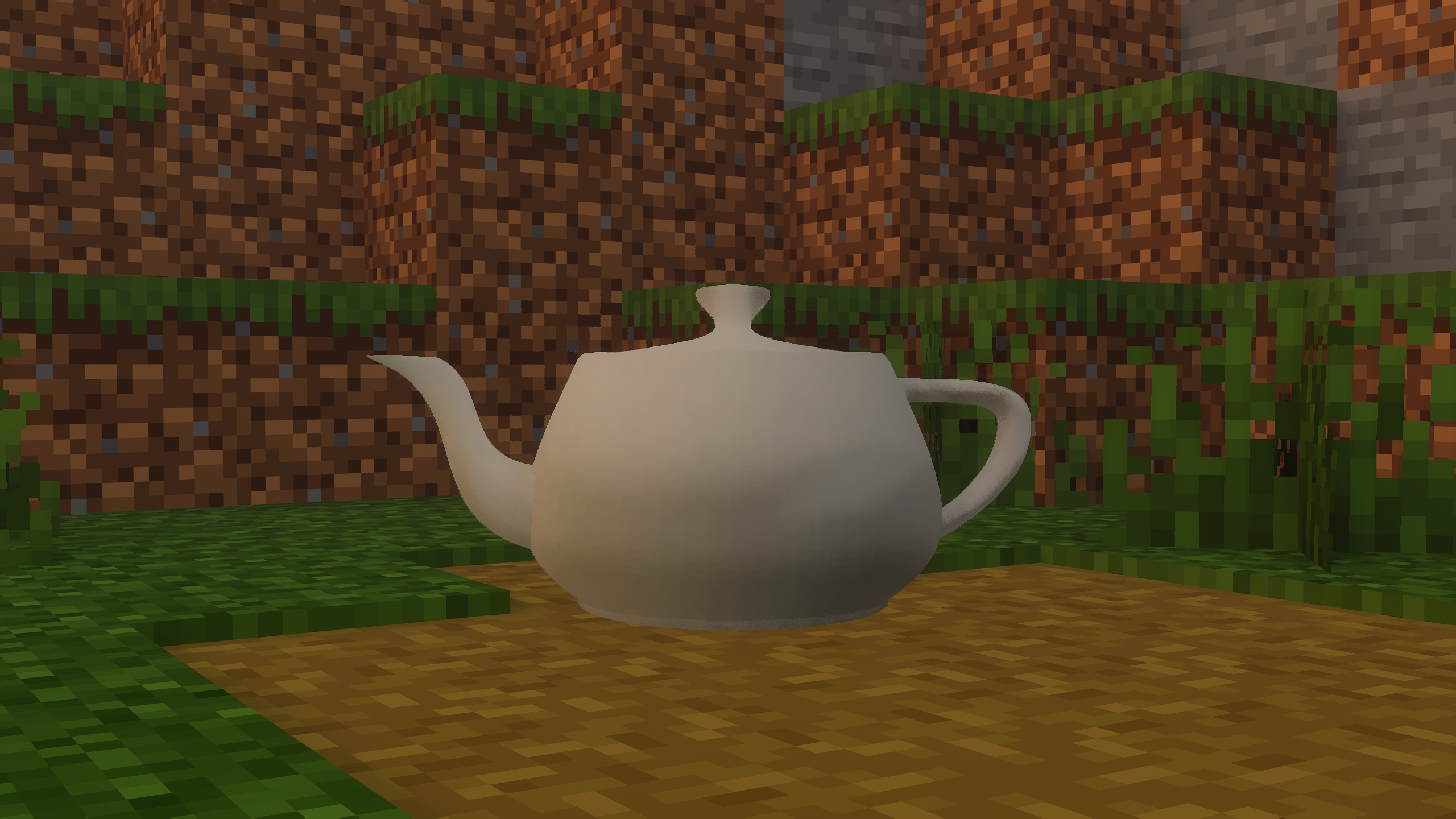 Teapot - Shaders Old screenshot. The new version support smooth normals with shaders.
-
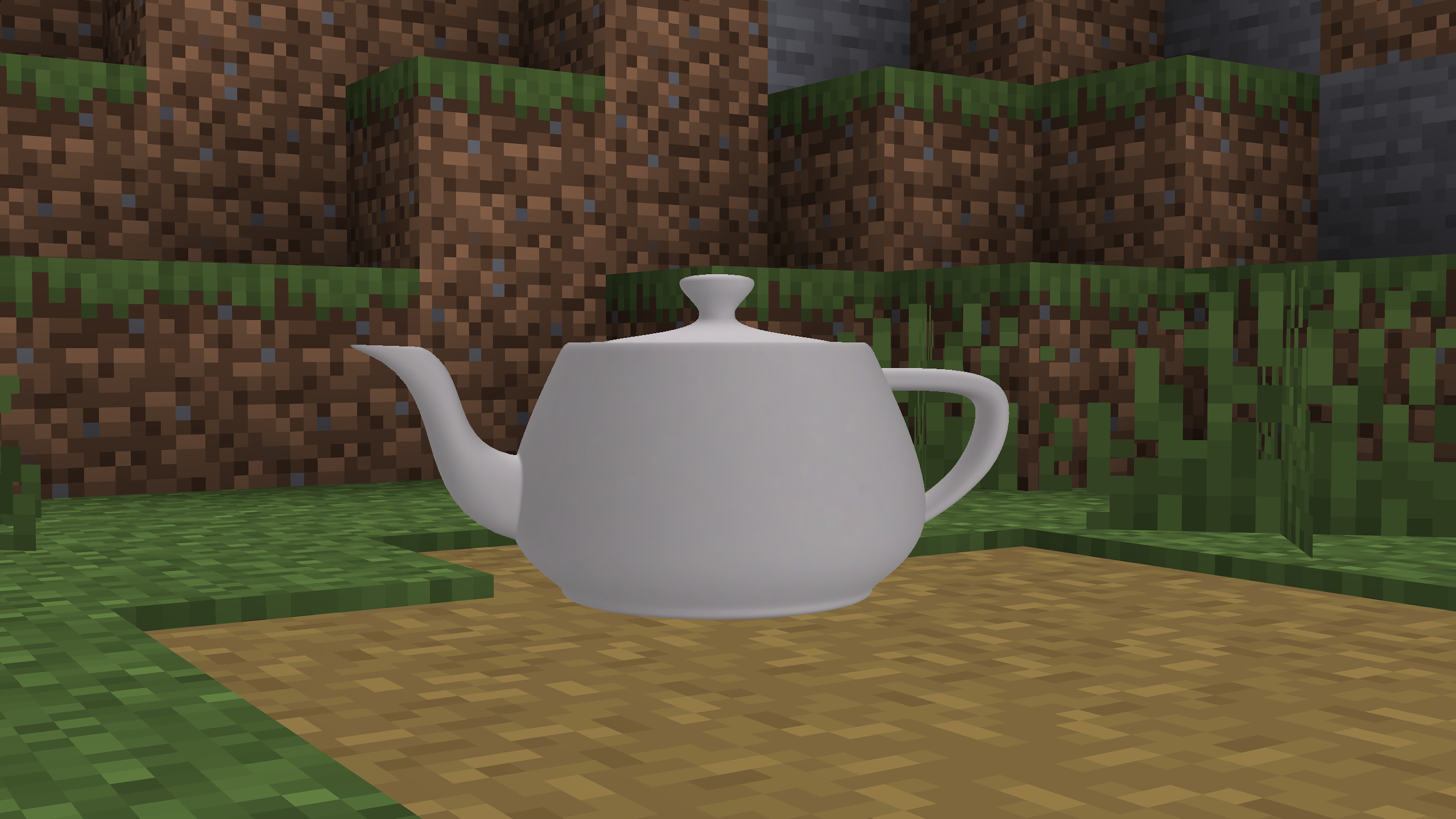 Teapot - Vanilla
Versions
Files
Relations
Project Relations
More like this
Similar Mods
Suggestions use data such as tags, dependencies, dependents, descriptions, titles, and more to rank how much they overlap with this mod.
On ModDex
Community snapshot
By the numbers
Statistics

Get it on
Available Platforms
On ModDex
Community snapshot
By the numbers