Community listing page, reviews may not be monitored by the author.
Pop-up Emotes


No reviews yet
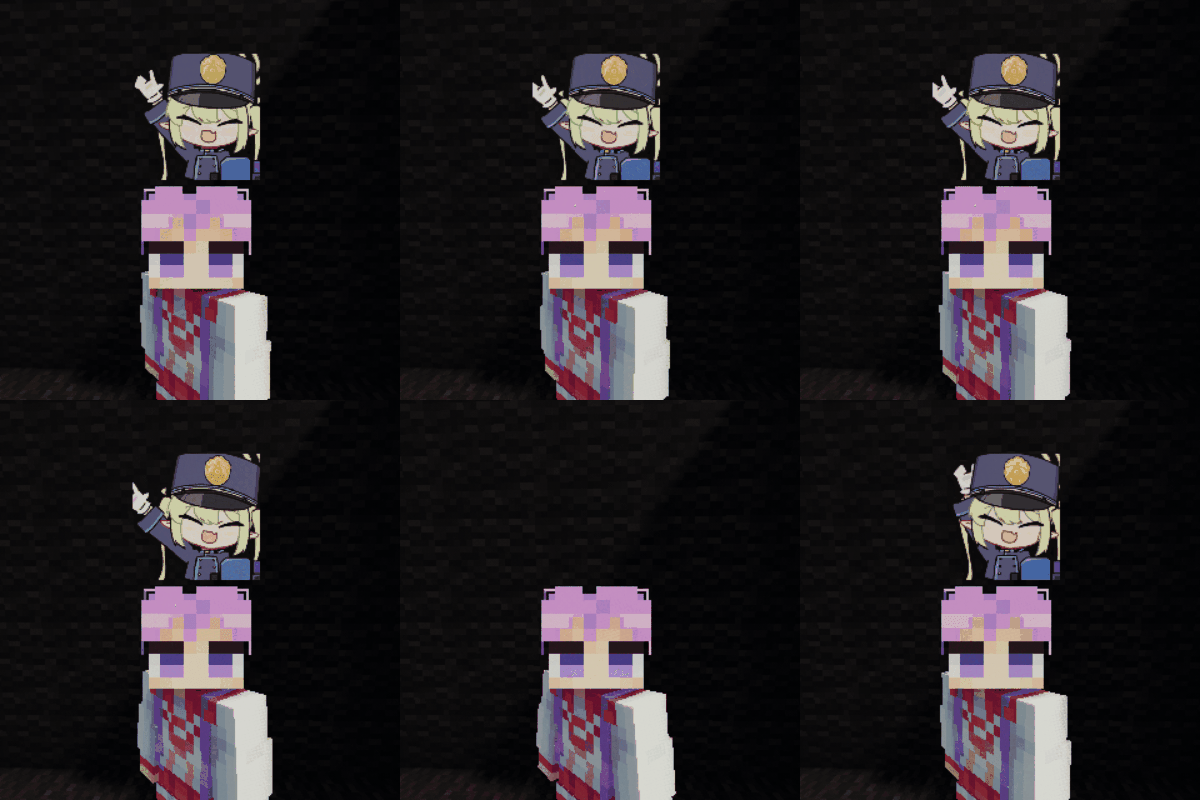
Customize and display pop-up emotes above your character's head

Community voices
Reviews
No reviews yet. Be the first to review this project!
Get it on
Available Platforms
Compatibility
Supported Environments
Must be installed on both the client and the server.
About
Project Details
For authors
Embed Badge
If you're the author of this project, you can embed a live badge anywhere that supports HTML or Markdown. It updates automatically whenever ratings change.
Use HTML for any page that supports it, or Markdown for README files and Markdown-based descriptions.
Identifiers
Platform IDs
About
Description
This mod allows you to customize and display pop-up emotes above your character's head
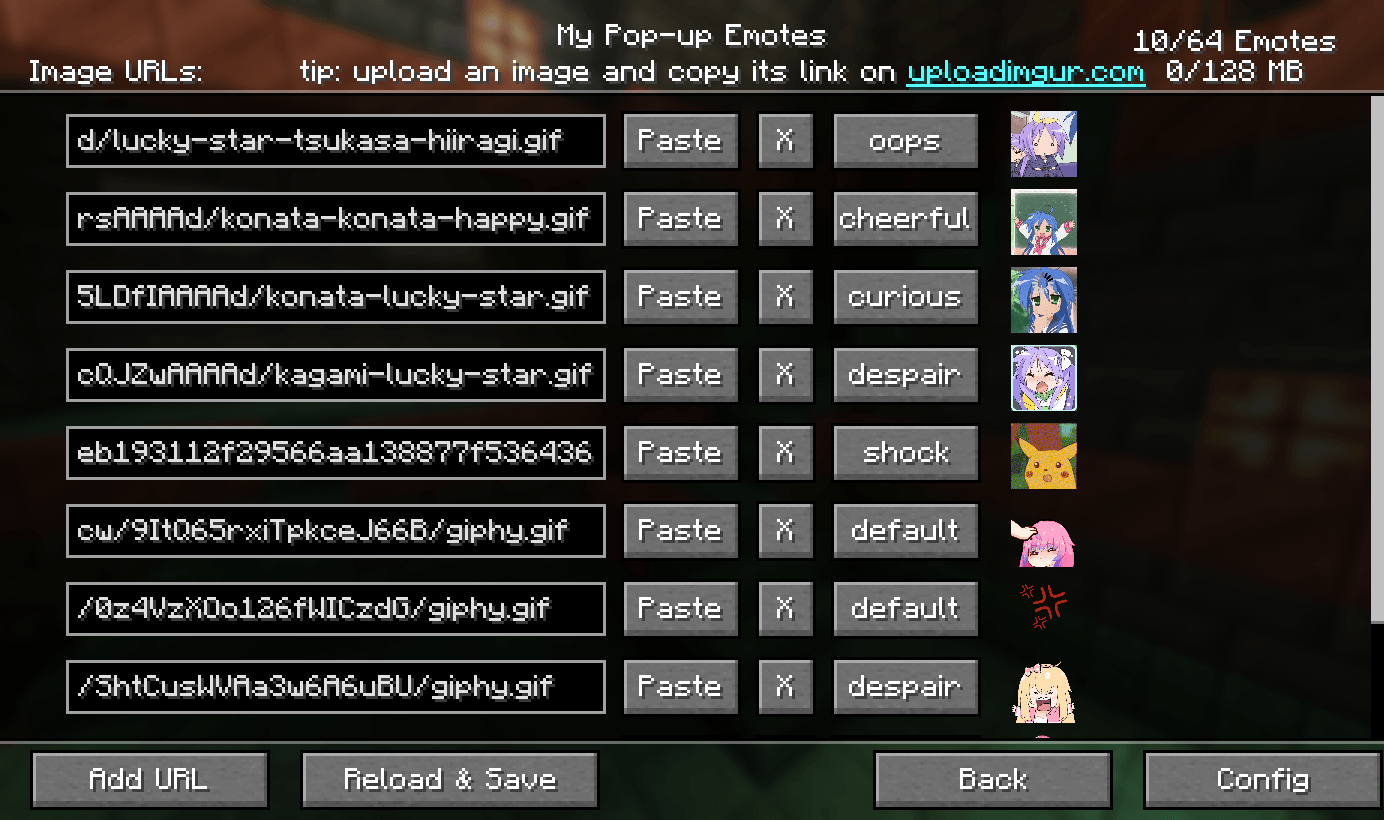
Custom emotes
- Can be added by entering image URLs in the My Emotes screen, accessible through a button on the title screen
- Supported formats are .png, .gif and .jpeg.
- There are several selectable sounds for each emote
Usage
- Open the emote menu by holding the V key
- Move the cursor to the desired emote and release the button
- To change pages, click either the right or left side of the screen
Mods > Pop-up Emotes > Config
- Configure scale and brightness of emotes
- Set personal emote height. Helps when you play with custom player model mods like Yes Steve Model
- Access player blacklist
- If you are using a texture pack to replace default emotes that has fewer emotes than the default emount, you can hide what's left by specifying resourcePackEmoteAmount in the client config file
Server
- Server-side blacklist can be managed via the /popupemotes serverblacklist add/remove/clear/show command. It requires permission level 3 (configurable) or the pop_up_emotes.moderator permission.
Also check out Pop-up Emotes Online Addon


This mod allows you to customize and display pop-up emotes above your character's head
Custom emotes
- Can be added by entering image URLs in the My Emotes screen, accessible through a button on the title screen
- Supported formats are .png, .gif and .jpeg.
- There are several selectable sounds for each emote
Usage
- Open the emote menu by holding the V key
- Move the cursor to the desired emote and release the button
- To change pages, click either the right or left side of the screen
Mods > Pop-up Emotes > Config
- Configure scale and brightness of emotes
- Set personal emote height. Helps when you play with custom player model mods like Yes Steve Model
- Access player blacklist
- If you are using a texture pack to replace default emotes that has fewer emotes than the default emount, you can hide what's left by specifying resourcePackEmoteAmount in the client config file
Server
- Server-side blacklist can be managed via the /popupemotes serverblacklist add/remove/clear/show command. It requires permission level 3 (configurable) or the pop_up_emotes.moderator permission.
Also check out Pop-up Emotes Online Addon
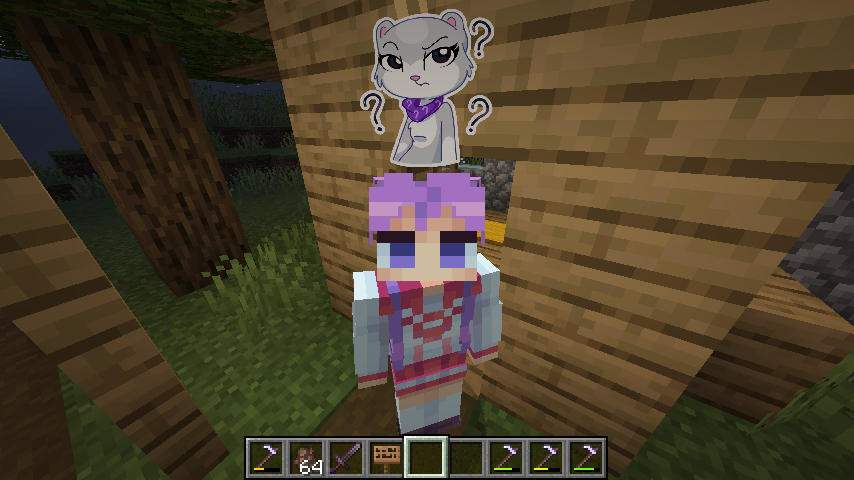
Screenshots
Gallery
-
 Custom emotes
 -
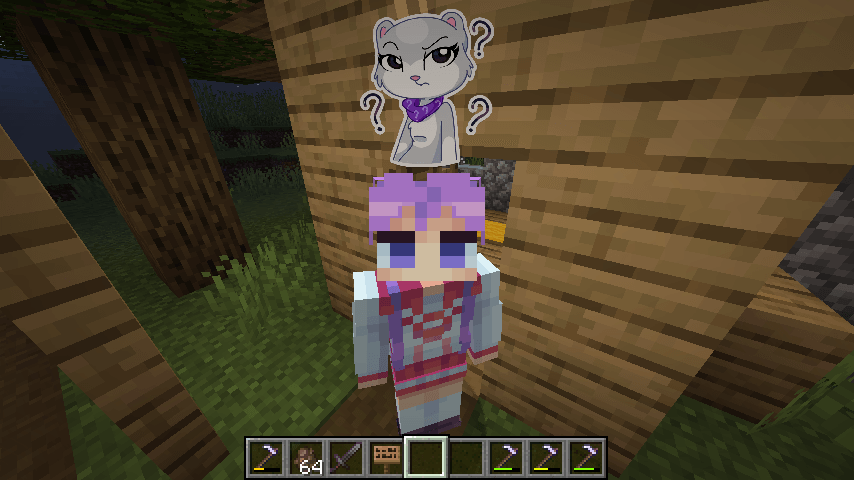 emote
emote -
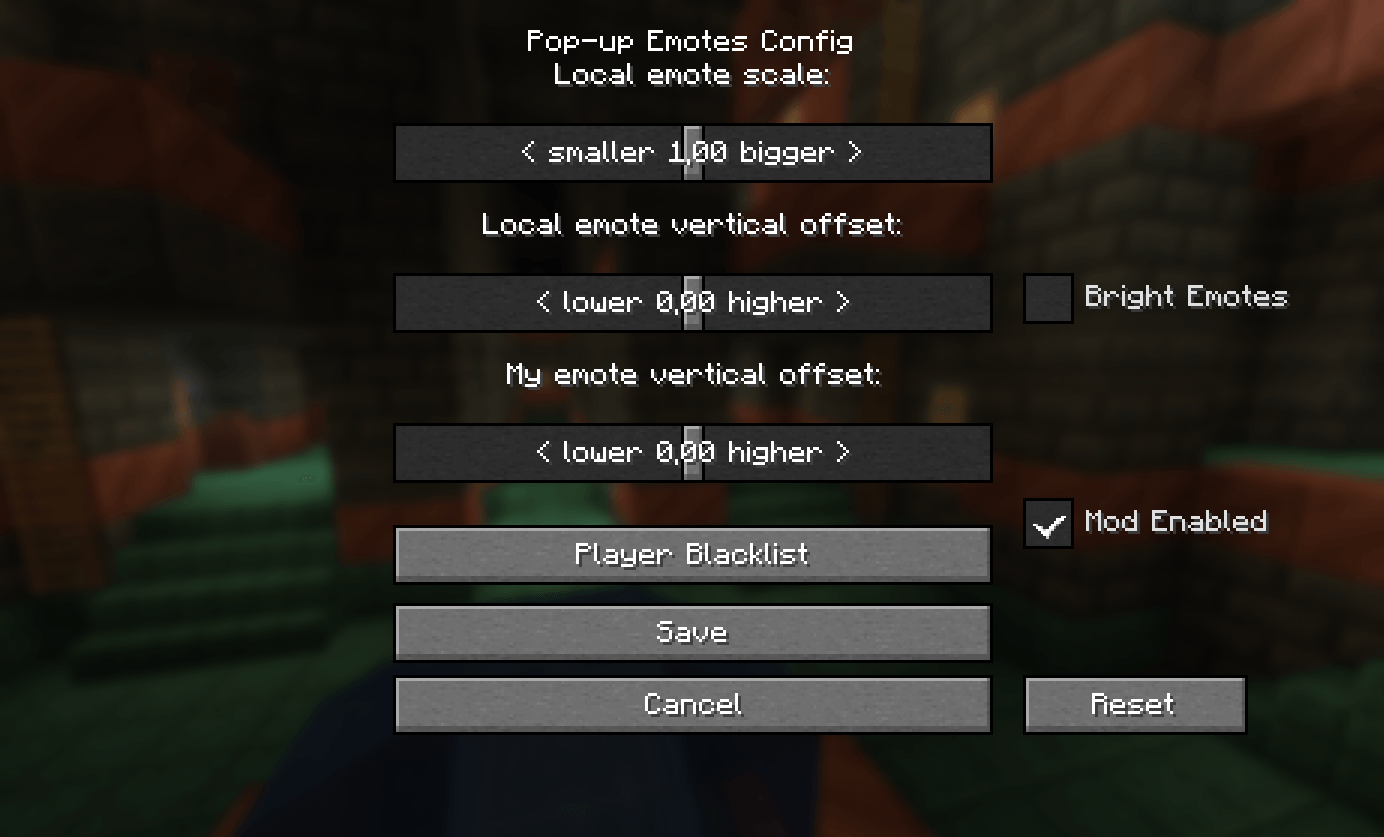 Mods -> Pop-up Emotes -> Config
-
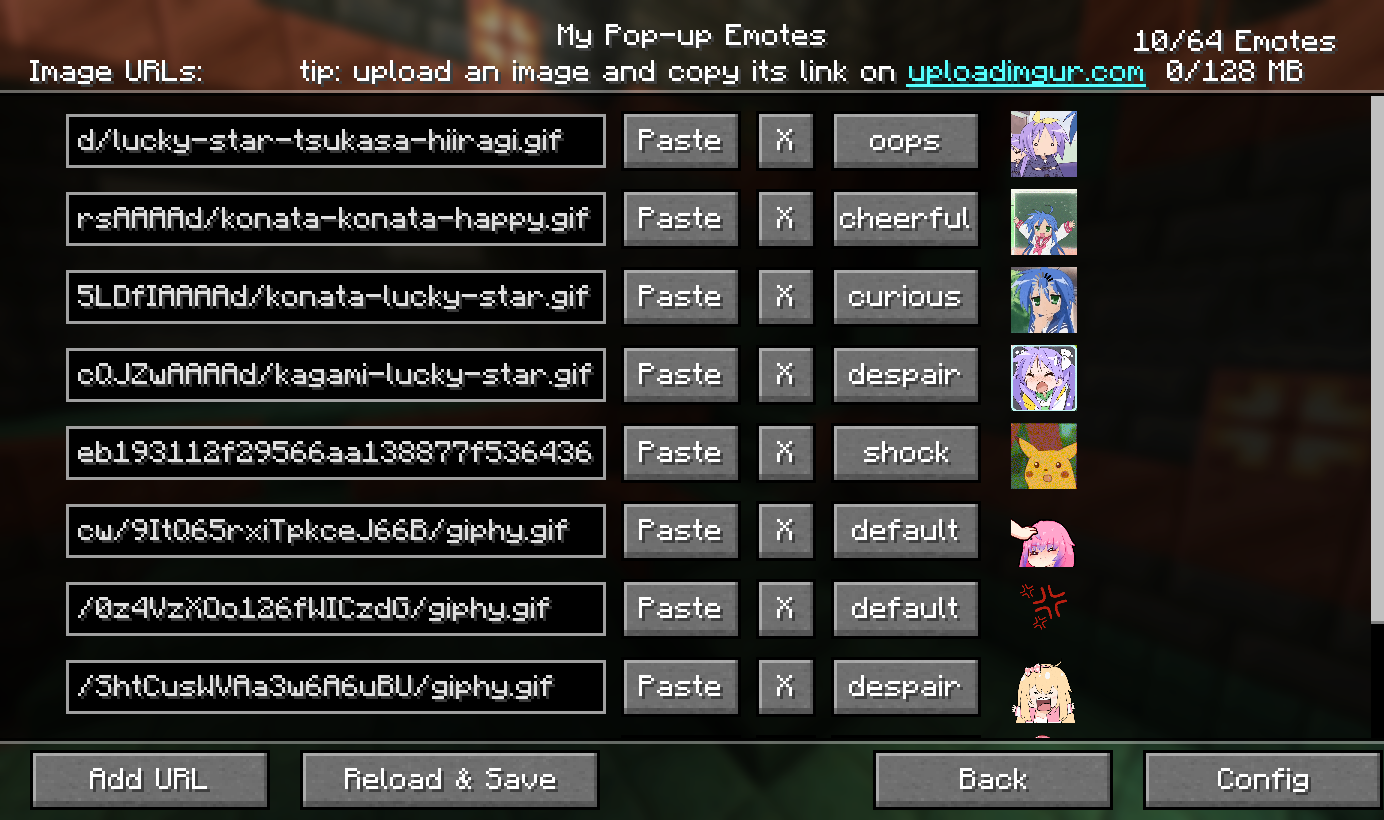 Custom emotes
 -
-
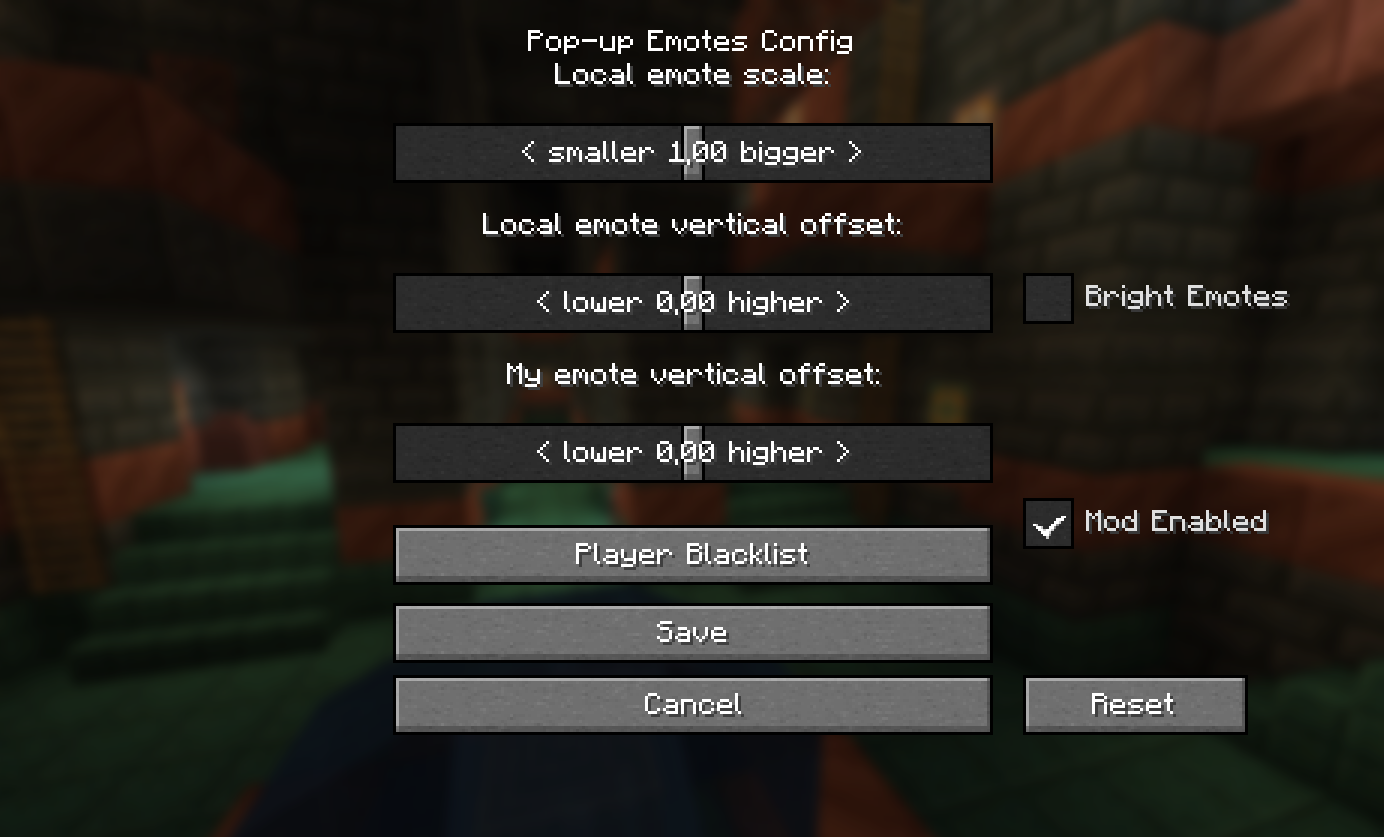 Mods -> Pop-up Emotes -> Config
Versions
Files
Relations
Project Relations
More like this
Similar Mods
Suggestions use data such as tags, dependencies, dependents, descriptions, titles, and more to rank how much they overlap with this mod.
On ModDex
Community snapshot
By the numbers
Statistics
 (opens in a new tab)
Get it on
Available Platforms
On ModDex
Community snapshot
By the numbers