
Community listing page, reviews here may not be monitored by the author.
Pop (up)


No reviews yet
Custom text display for modpack developers via commands or kubejs

Community voices
Reviews
No reviews yet. Be the first to review this project!
Get it on
Available Platforms
Compatibility
Supported Environments
Must be installed on both the client and the server.
About
Project Details
For authors
Embed Badge
If you're the author of this project, you can embed a live badge anywhere that supports HTML or Markdown. It updates automatically whenever ratings change.
Use HTML for any page that supports it, or Markdown for README files and Markdown-based descriptions.
Identifiers
Platform IDs
About
Description
Pop
Pop is a small helper mod for modpack developers to allow for more screen locations to display information on screen in a command driven, or kubejs driven way.
Features
- Display information on screen in a command driven way (
/pop create @s MIDDLE_LEFT "Hello World!") - Supports translations out of the box
- <input type="checkbox" disabled style="margin: 0px 0.35em 0.25em -1.6em; vertical-align: middle;"> (Coming soon) progress bars
- <input type="checkbox" disabled style="margin: 0px 0.35em 0.25em -1.6em; vertical-align: middle;"> (Coming soon) headings & subheadings
- <input type="checkbox" disabled style="margin: 0px 0.35em 0.25em -1.6em; vertical-align: middle;"> (Coming soon) customisation via commands as well as code
- <input type="checkbox" disabled style="margin: 0px 0.35em 0.25em -1.6em; vertical-align: middle;"> (Coming soon) more animations for text
How to use
- Install the mod in your modpack
- Run the game
- Use the
/popcommand to create a new pop up
Alternatively, you can use KubeJS to access the Pop Manager and the Pop Builder.
Example
// server.js
const PopBuilder = java.load('pro.mikey.mods.pop.PopBuilder');
const Placement = java.load('pro.mikey.mods.pop.data.Placement'); // Optional
const pop = PopBuilder.create()
    .duration(5)
    .content({ text: "Hello World!" })
    .placement("middle_left") // Or  .placement(Placement.MIDDLE_LEFT)

// You can now either build it and get a PopData object or directly send it to the player
// If you're on the server
pop.sendToPlayer(player);

// If you're on the client
pop.display()
Requests
If you have any requests for features, please open an issue on the GitHub repository. I will try to get to them as soon as possible. I'm always looking for new ideas to improve the mod and make it more useful for modpack developers.
Pop
Pop is a small helper mod for modpack developers to allow for more screen locations to display information on screen in a command driven, or kubejs driven way.

Features
- Display information on screen in a command driven way (
/pop create @s MIDDLE_LEFT "Hello World!") - Supports translations out of the box
- (Coming soon) progress bars
- (Coming soon) headings & subheadings
- (Coming soon) customisation via commands as well as code
- (Coming soon) more animations for text
How to use
- Install the mod in your modpack
- Run the game
- Use the
/popcommand to create a new pop up
Alternatively, you can use KubeJS to access the Pop Manager and the Pop Builder.
Example
// server.js
const PopBuilder = java.load('pro.mikey.mods.pop.PopBuilder');
const Placement = java.load('pro.mikey.mods.pop.data.Placement'); // Optional
const pop = PopBuilder.create()
    .duration(5)
    .content({ text: "Hello World!" })
    .placement("middle_left") // Or  .placement(Placement.MIDDLE_LEFT)

// You can now either build it and get a PopData object or directly send it to the player
// If you're on the server
pop.sendToPlayer(player);

// If you're on the client
pop.display()
Requests
If you have any requests for features, please open an issue on the GitHub repository. I will try to get to them as soon as possible. I'm always looking for new ideas to improve the mod and make it more useful for modpack developers.
Screenshots
Gallery
-
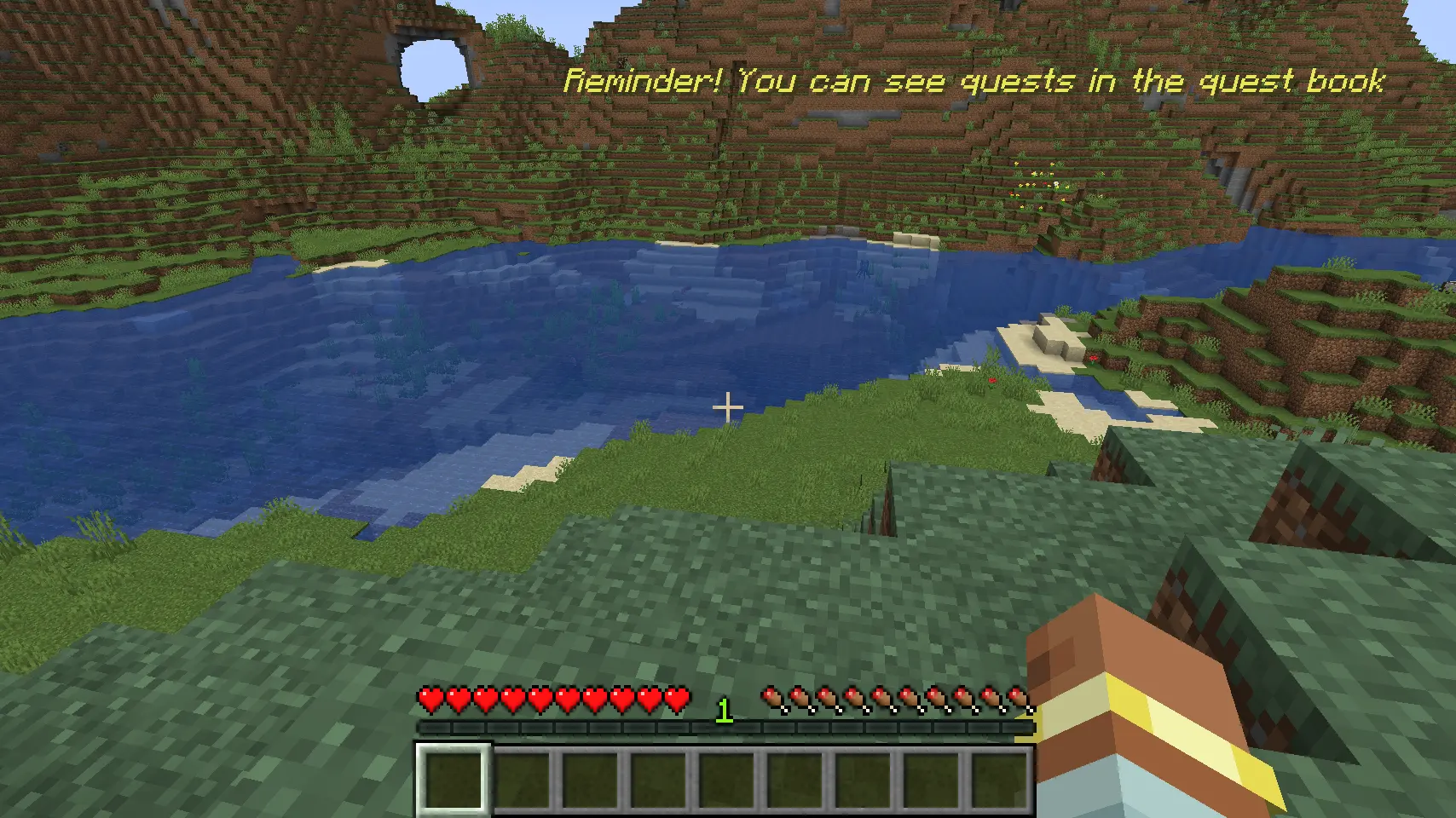 Helpful for reminders Supports any 'component' formatting out of the box including translations
 -
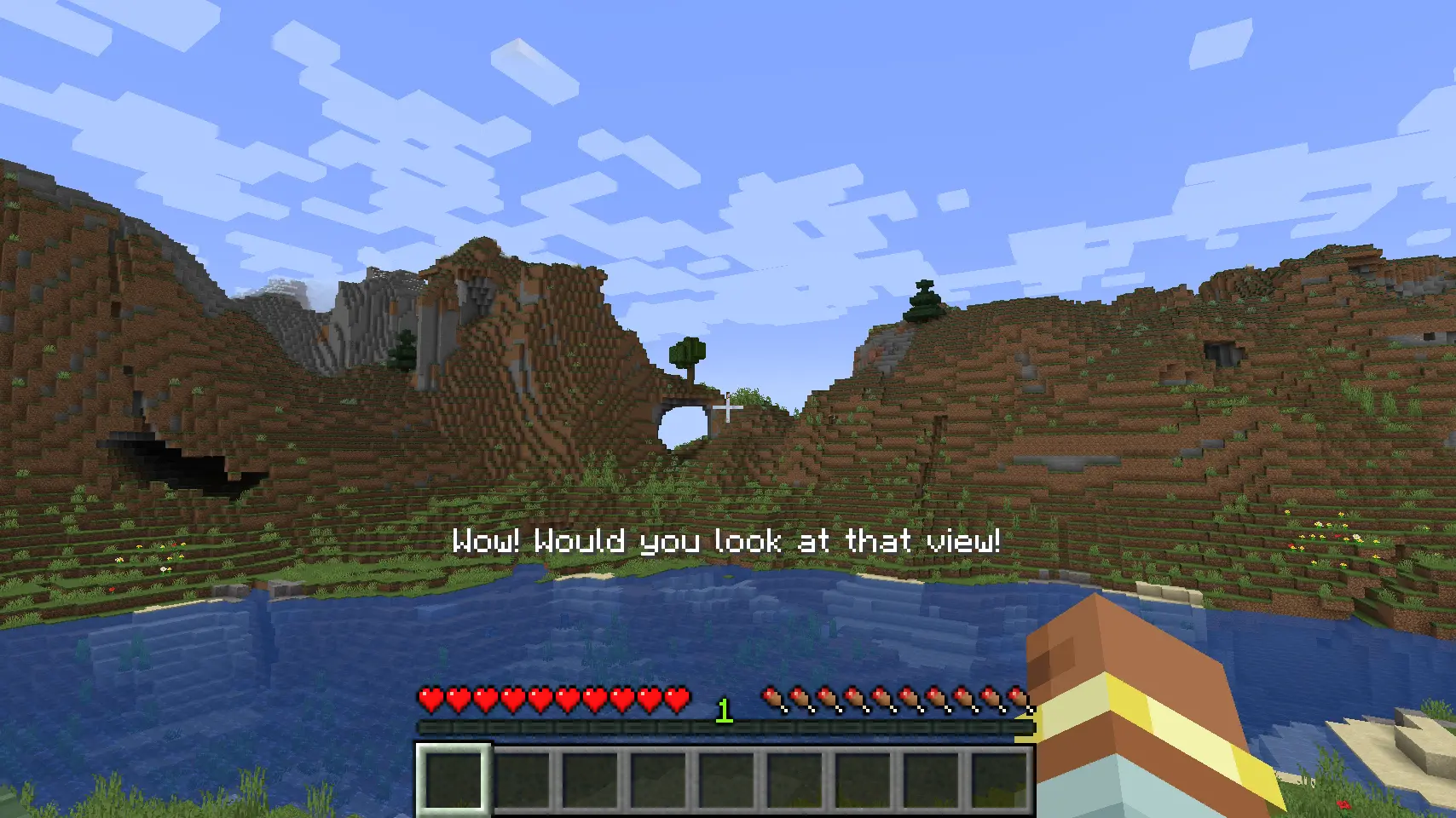 Keep your players involved
 -
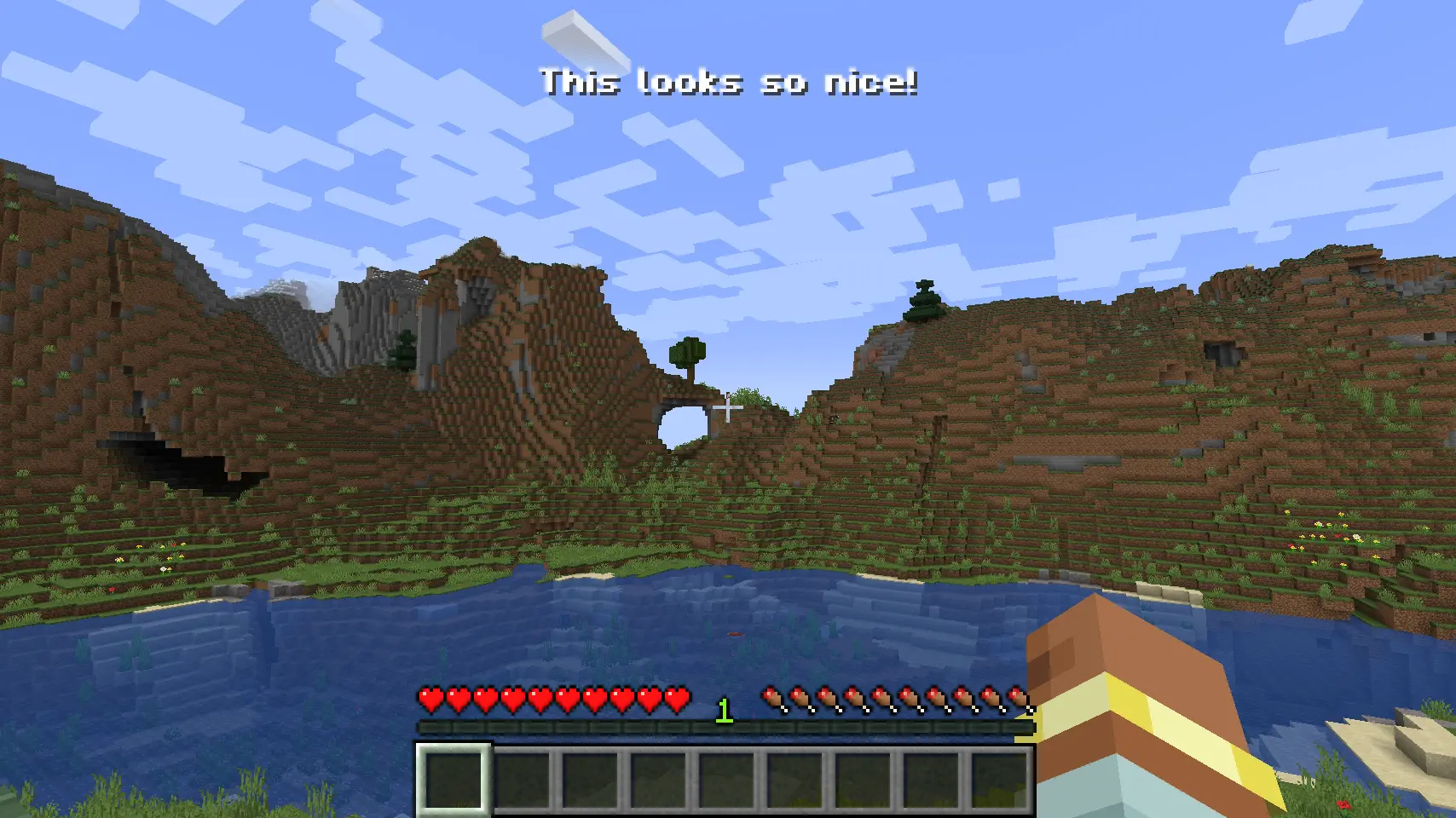 Top and Center
-
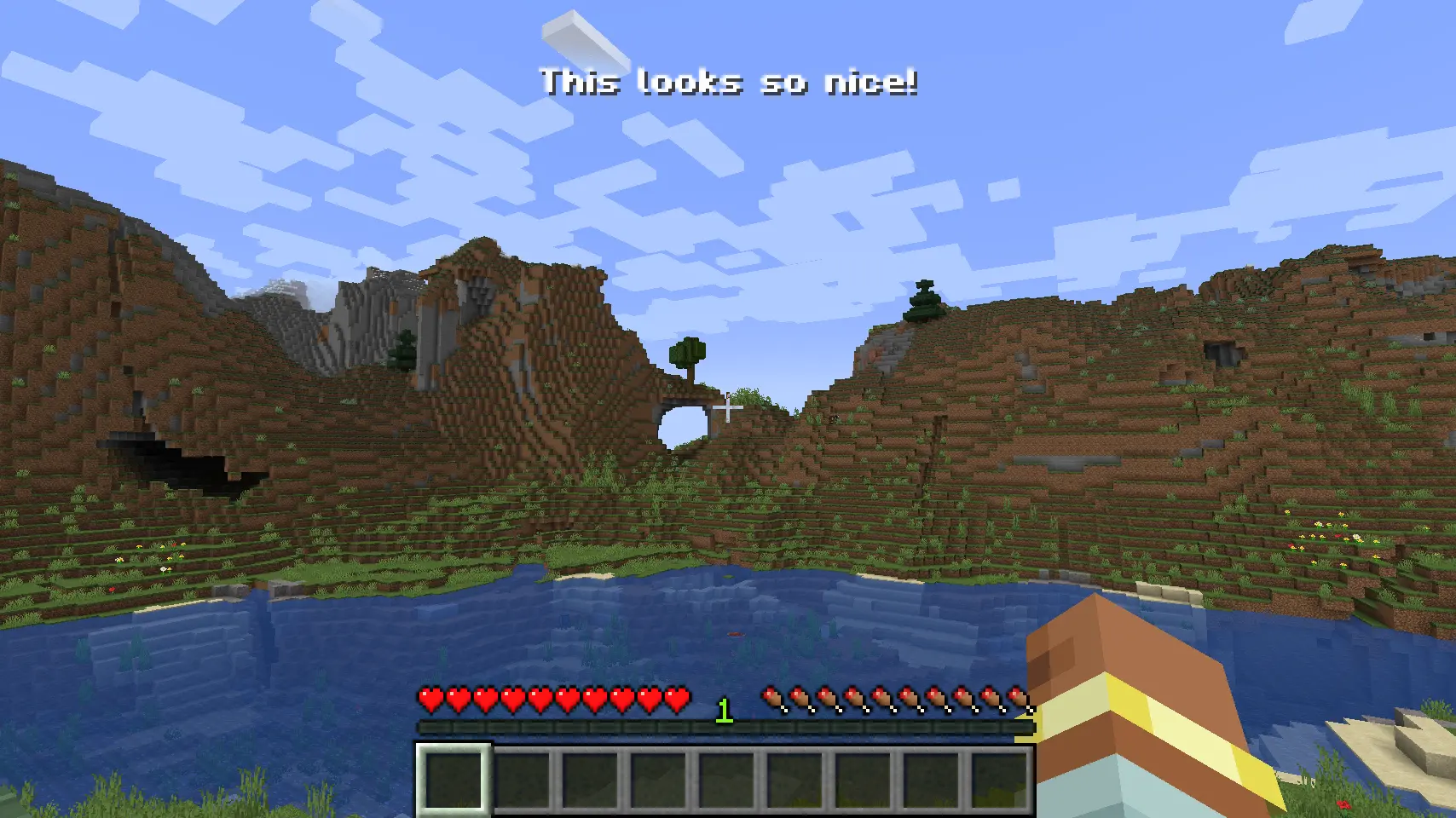 Top and center!
 -
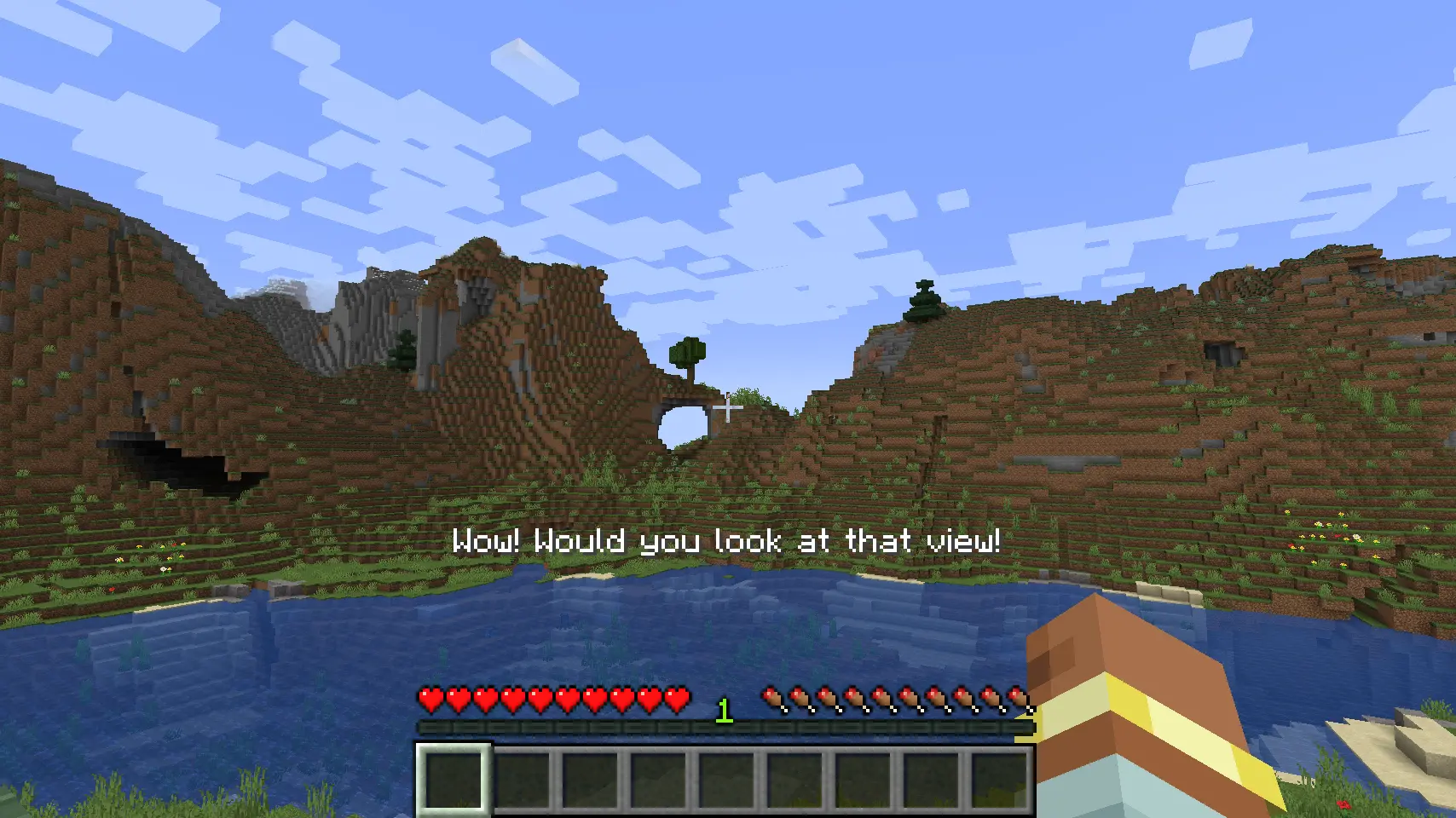 Keep your player involved
 -
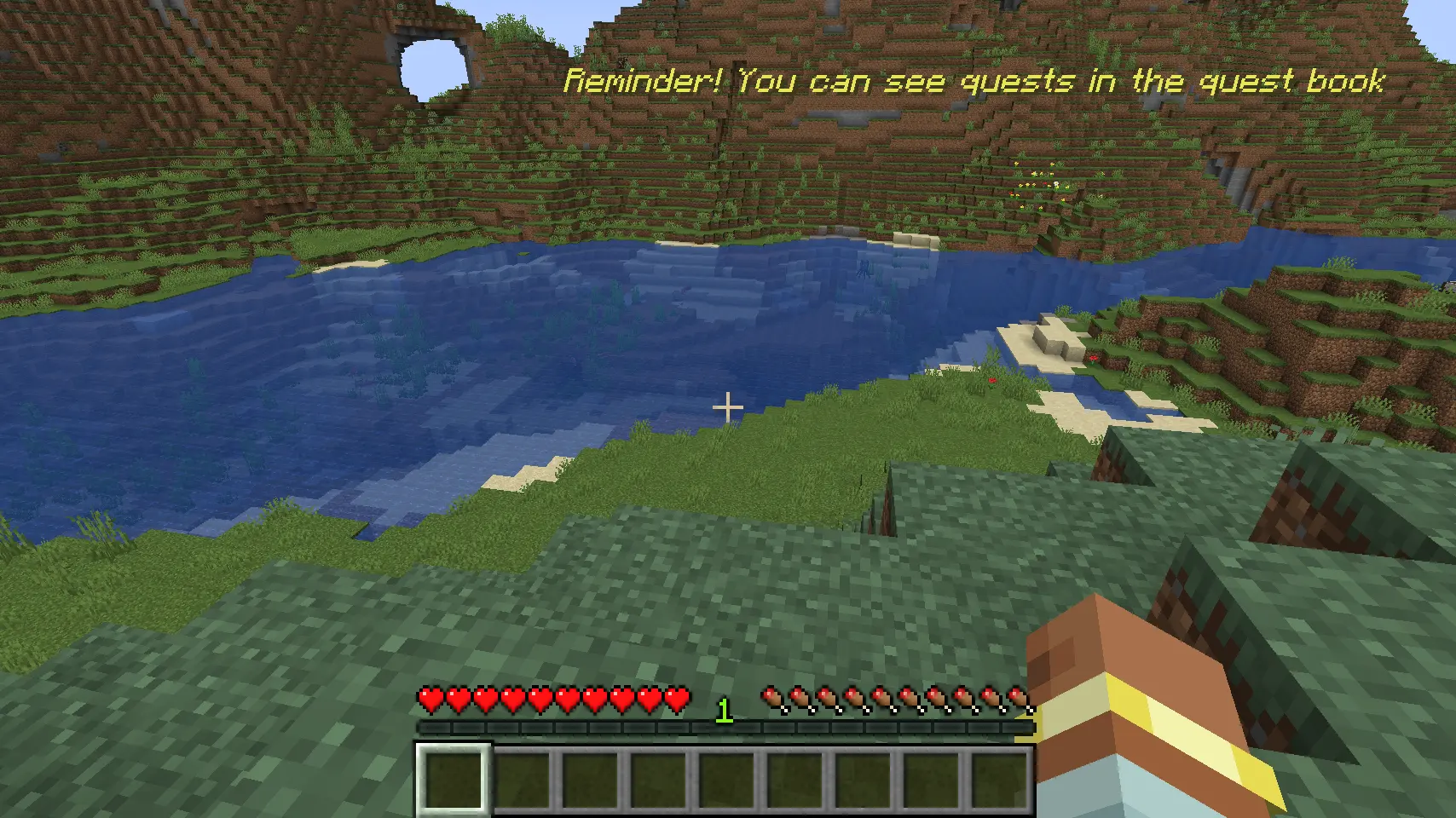 Helpful for reminders Supports any 'component' formatting out of the box including translations
Versions
Files
Relations
Project Relations
More like this
Similar Mods
Suggestions use data such as tags, dependencies, dependents, descriptions, titles, and more to rank how much they overlap with this mod.
On ModDex
Community snapshot
By the numbers
Statistics
 (opens in a new tab)
Get it on
Available Platforms
On ModDex
Community snapshot
By the numbers