Community listing page, reviews here may not be monitored by the author.
Hello Biome


No reviews yet
Highly customizable Pop-Up Text for biomes and dimensions.
Community voices
Reviews
No reviews yet. Be the first to review this project!
Get it on
Available Platforms
Compatibility
Supported Environments
Runs entirely on the client. Works on vanilla servers.
About
Project Details
For authors
Embed Badge
If you're the author of this project, you can embed a live badge anywhere that supports HTML or Markdown. It updates automatically whenever ratings change.
Use HTML for any page that supports it, or Markdown for README files and Markdown-based descriptions.
Identifiers
Platform IDs
Resources
External Links
About
Description
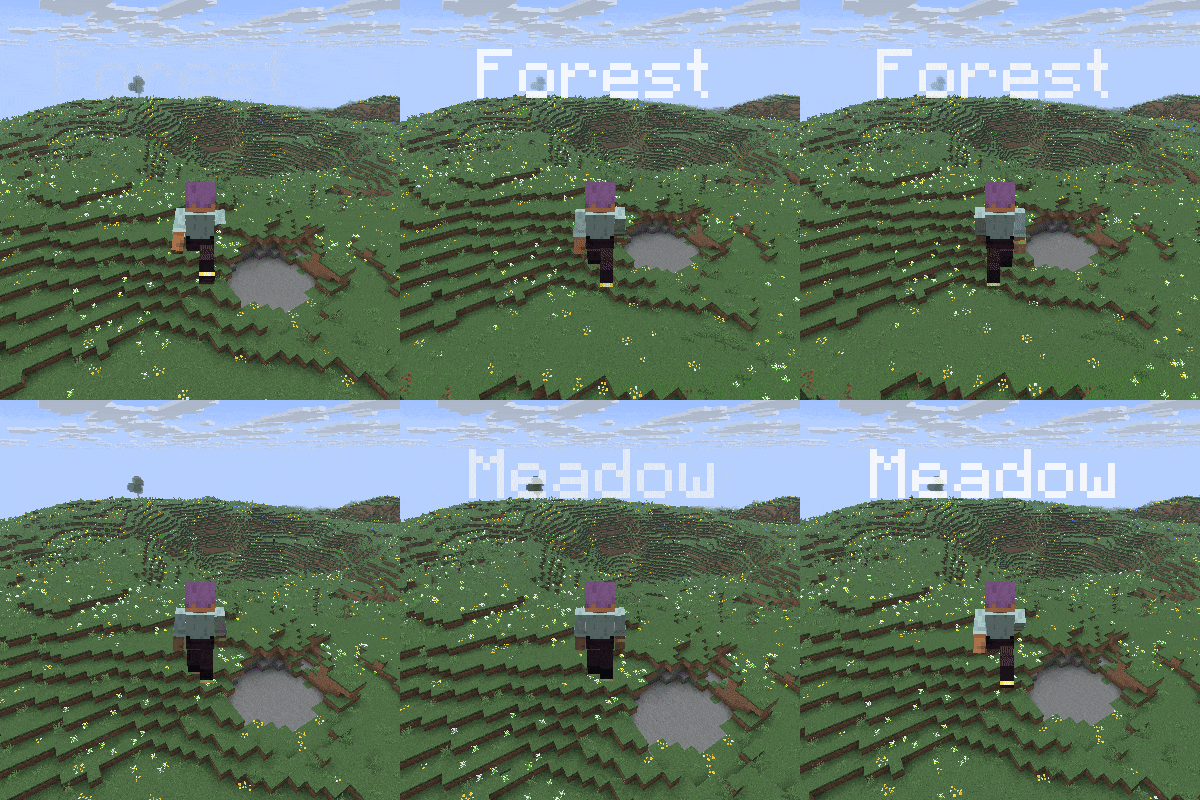
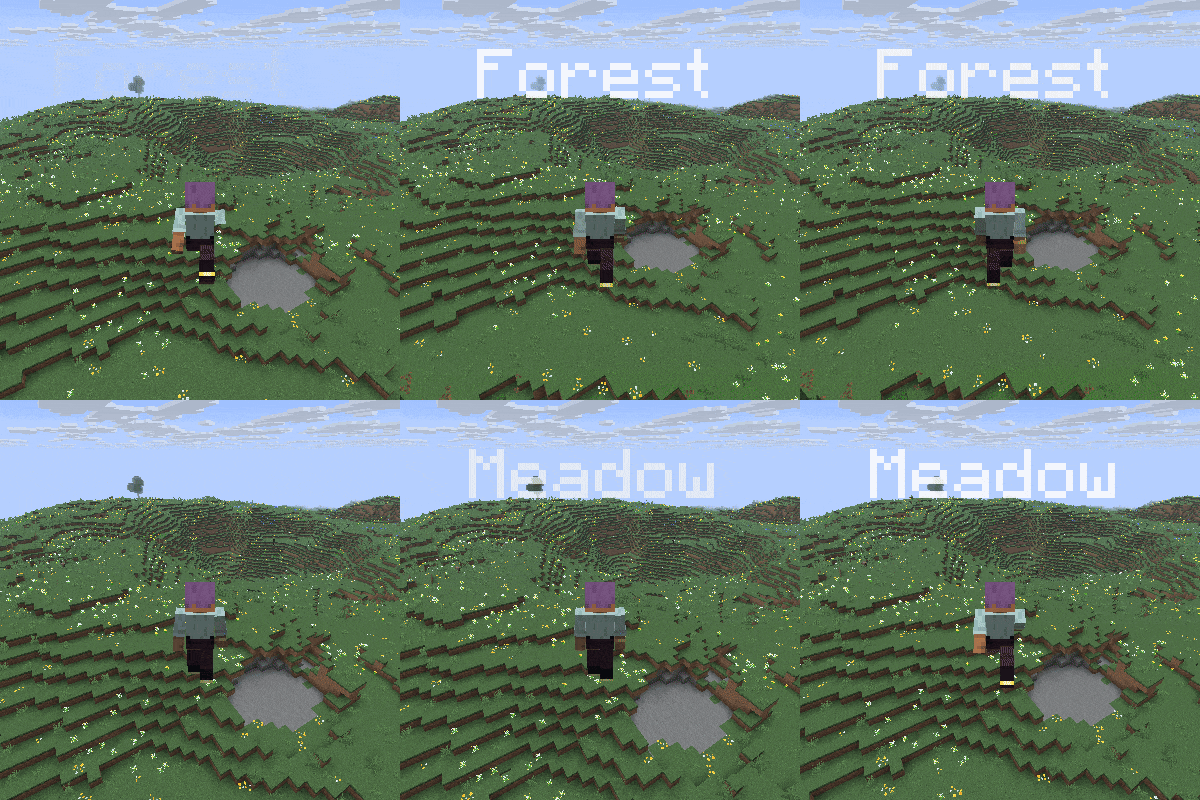
Whenever you go into another biome, the name of the biome pops up at the top of the screen.
Same for dimensions.
Beside that you can edit the text with the inbuilt settings screen that can be opened with the H key by default.
So after you open this screen you can
-switch between biome and dimension settings while clicking on the Biome or dimension button
-disable these texts whenever you want
-add a cooldown time between the texts
-base position
-text-align
-max opacity (opacity of the normal text, fade-in goes to this value, and fade-out starts from this value)
-enable the text shadow
-text size
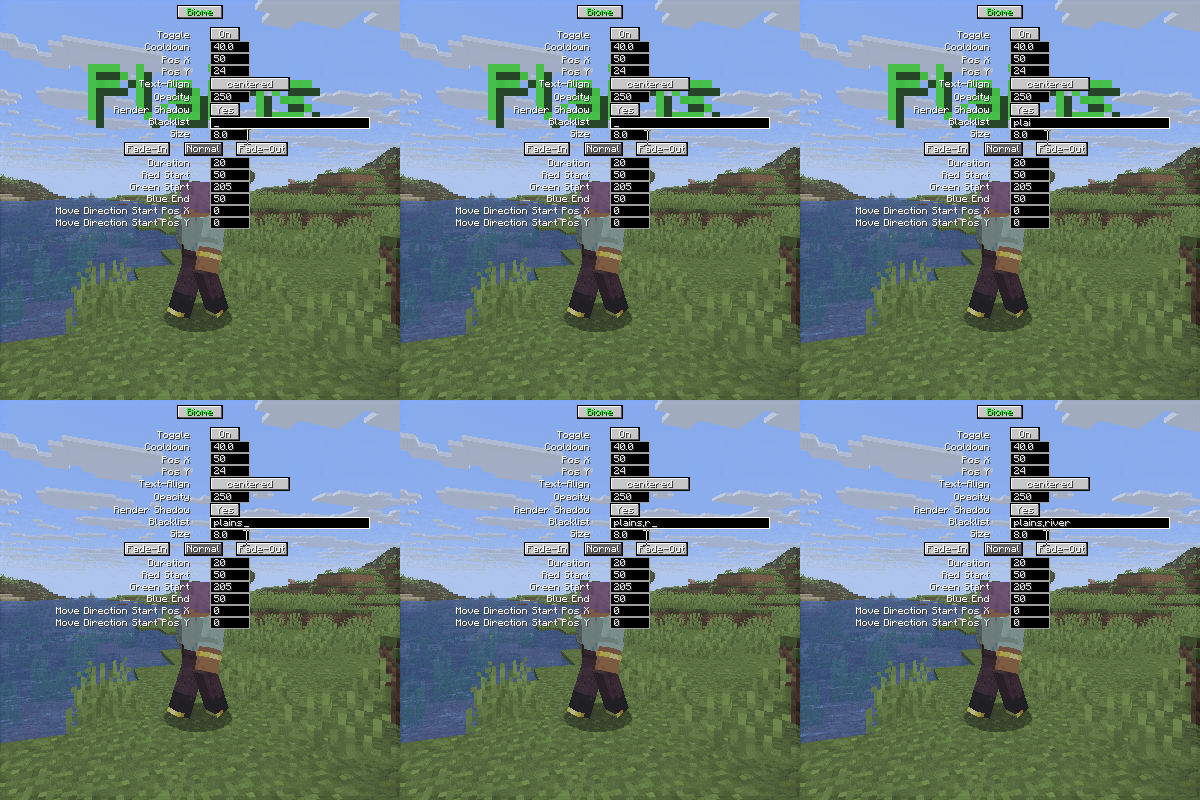
-add biomes to a blacklist (just type river for example)
also you can edit the fade-in, normal and fade-out texts
-duration (uses ticks, and 20 tick is 1 second)
-red, green, blue color (colors changes from fade-in to normal, then from normal to fade out)
-x, y move direction (direction changes from fade-in to normal, then from normal to fade out)
Mod currently supports
Forge 26.x | 1.21.x | 1.20.1
Fabric 26.x | 1.21.x | 1.20.1
Neoforge 26.x | 1.21.x
SEND ME A PRIVATE MESSAGE IF YOU NEED THE MOD IN A DIFFERENT VERSION OR IF YOU ENCOUNTER ANY BUGS AT CURSEFORGE
https://legacy.curseforge.com/members/aquarius_playz/projects
Follow me on X (twitter)


Whenever you go into another biome, the name of the biome pops up at the top of the screen.
Same for dimensions.
Beside that you can edit the text with the inbuilt settings screen that can be opened with the H key by default.
So after you open this screen you can
-switch between biome and dimension settings while clicking on the Biome or dimension button
-disable these texts whenever you want
-add a cooldown time between the texts
-base position
-text-align
-max opacity (opacity of the normal text, fade-in goes to this value, and fade-out starts from this value)
-enable the text shadow
-add biomes to a blacklist (just type river for example)
-size
also you can edit the fade-in, normal and fade-out texts
-duration (uses ticks, and 20 tick is 1 second)
-red, green, blue color (colors changes from fade-in to normal, then from normal to fade out)
-x, y move direction (direction changes from fade-in to normal, then from normal to fade out)
Mod currently supports
Forge 26.x | 1.21.x | 1.20.1
Fabric 26.x | 1.21.x | 1.20.1
Neoforge 26.x | 1.21.x
SEND ME A PRIVATE MESSAGE IF YOU NEED THE MOD IN A DIFFERENT VERSION OR IF YOU ENCOUNTER ANY BUGS AT CURSEFORGE
https://legacy.curseforge.com/members/aquarius_playz/projects
Follow me on X (twitter)

Screenshots
Gallery
-
moves in the direction it is set to
-
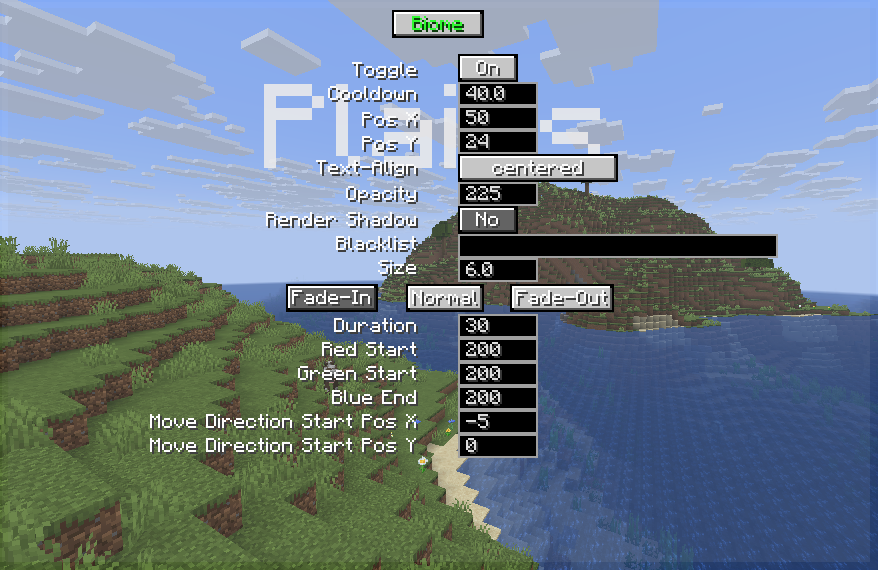 settings screen
 -
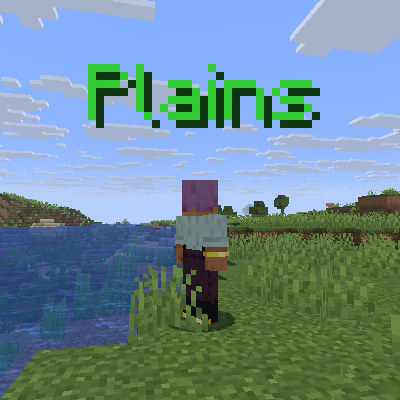 colorable
 -
blacklisting
-
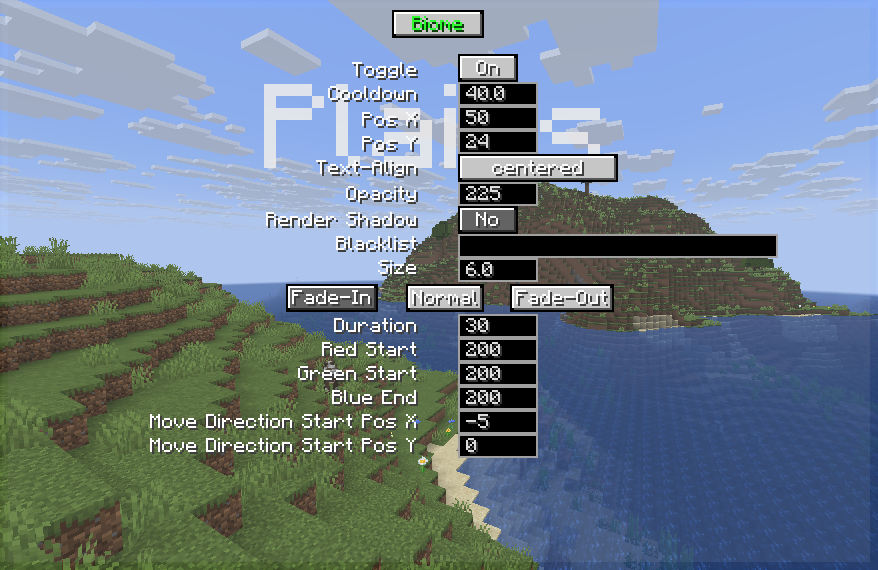 settings screen
 -
 blacklisting
 -
moves in the direction it is set to
Versions
Files
Relations
Project Relations
More like this
Similar Mods
Suggestions use data such as tags, dependencies, dependents, descriptions, titles, and more to rank how much they overlap with this mod.
On ModDex
Community snapshot
By the numbers
Statistics
Want to reach Minecraft players?
We're looking for a server hosting partner to feature here and other parts of the site. Interested? Send us a message!
Get in touchGet it on
Available Platforms
On ModDex
Community snapshot
By the numbers
Statistics
Resources