Community listing page, reviews here may not be monitored by the author.
QCommand (+Macro/Keybind)


No reviews yet
Save and run commands in a simple way
Community voices
Reviews
No reviews yet. Be the first to review this project!
Get it on
Available Platforms
Compatibility
Supported Environments
Runs entirely on the client. Works on vanilla servers.
About
Project Details
For authors
Embed Badge
If you're the author of this project, you can embed a live badge anywhere that supports HTML or Markdown. It updates automatically whenever ratings change.
Use HTML for any page that supports it, or Markdown for README files and Markdown-based descriptions.
Identifiers
Platform IDs
Resources
External Links
About
Description
QCommand is a client-side Minecraft Forge mod that adds quick command buttons to the chat screen. It lets players save one or more commands behind small clickable buttons, choose an icon for each button, assign optional keybinds, and quickly run repeated commands without retyping them.
The mod is designed for players who frequently use commands, server utilities, testing commands, admin tools, teleport commands, gamemode switches, or custom datapack/plugin commands.
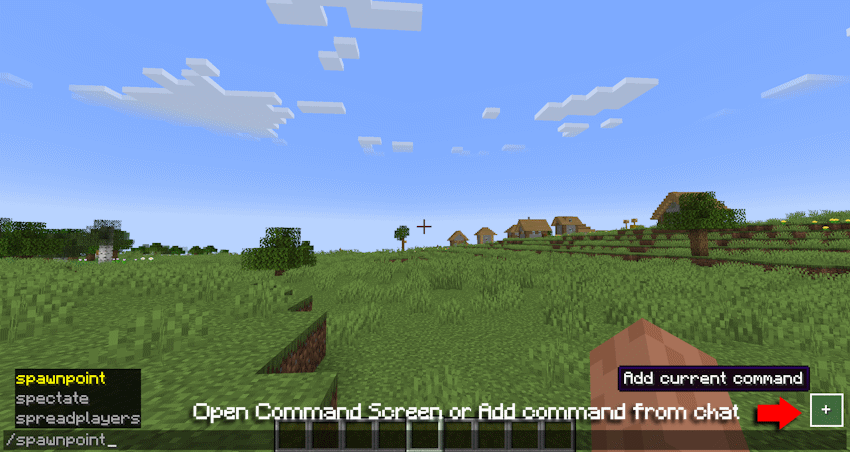
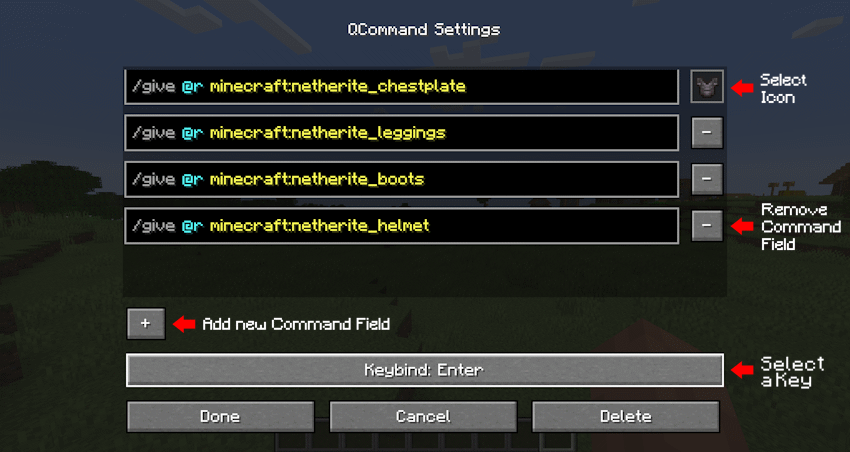
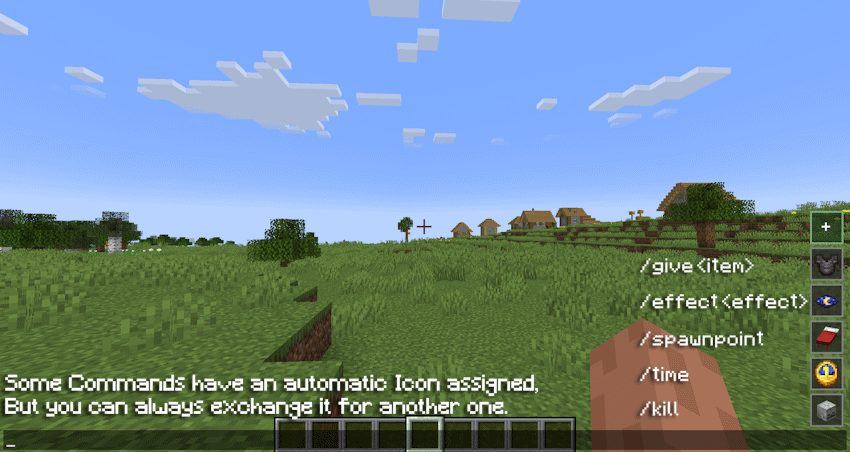
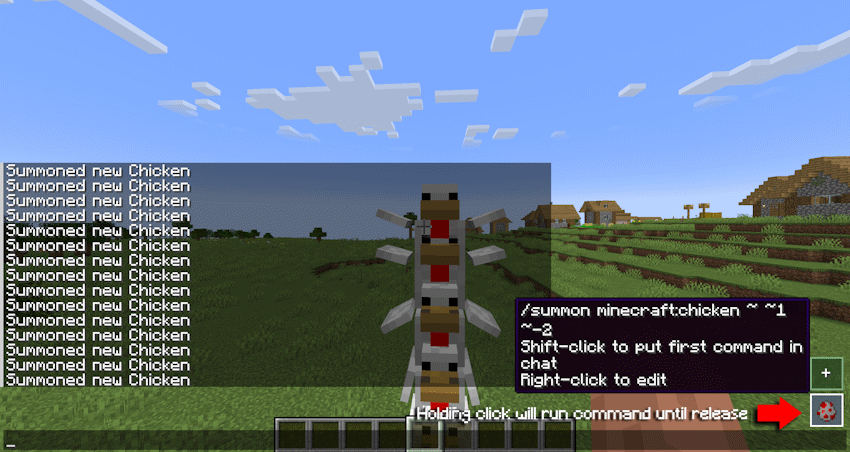
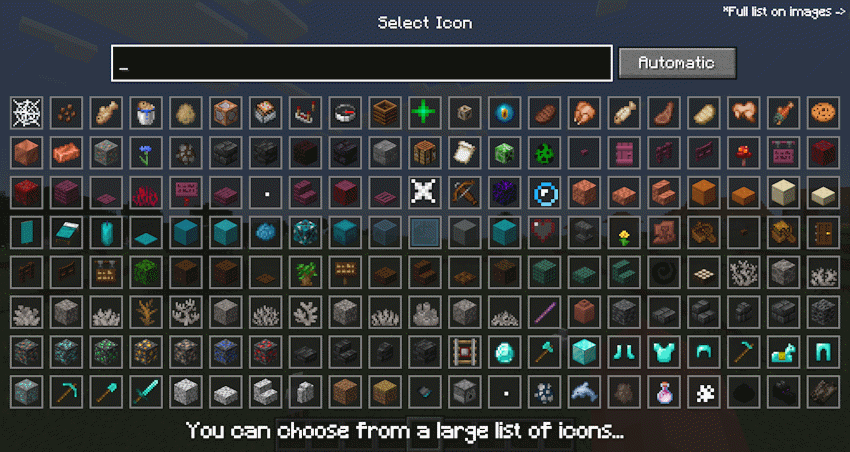
Main features:
•Adds quick command buttons directly to the chat screen.
•Lets you create, edit, delete, and store custom command entries.
•Supports multiple command lines per saved button.
•Executes saved commands quickly from the chat UI.
•Allows choosing custom visual icons from items, effects, or particles.
•Supports optional keybinds for saved commands.
•Includes command autocomplete while editing command fields.
•Supports repeat behavior while holding a command button.
•Stores commands locally on the client.
•Does not require the server to install the mod.
Example uses:
•Save /home, /spawn, /warp, or /back.
•Save admin commands like /gamemode creative, /time set day, or /weather clear.
•Save testing commands for modpacks, datapacks, maps, or servers.
•Group several related commands into one command entry.
•Use icons to visually recognize each command quickly.
In short: QCommand makes Minecraft command usage faster by turning repeated commands into customizable chat-screen buttons.
QCommand (+Macro/Keybind)
QCommand is a client-side Minecraft Forge mod that adds quick command buttons to the chat screen. It lets players save one or more commands behind small clickable buttons, choose an icon for each button, assign optional keybinds, and quickly run repeated commands without retyping them.
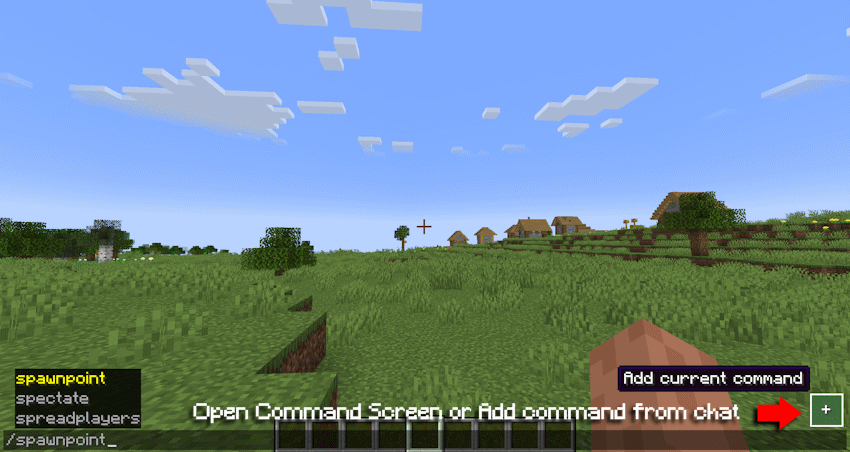
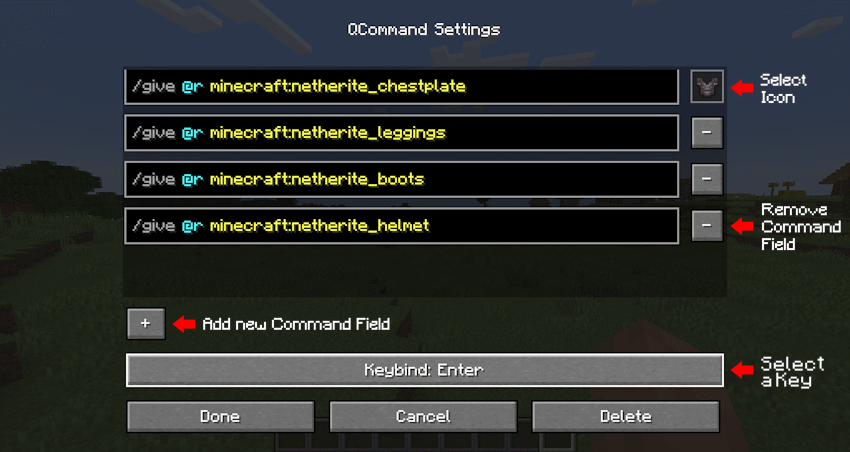
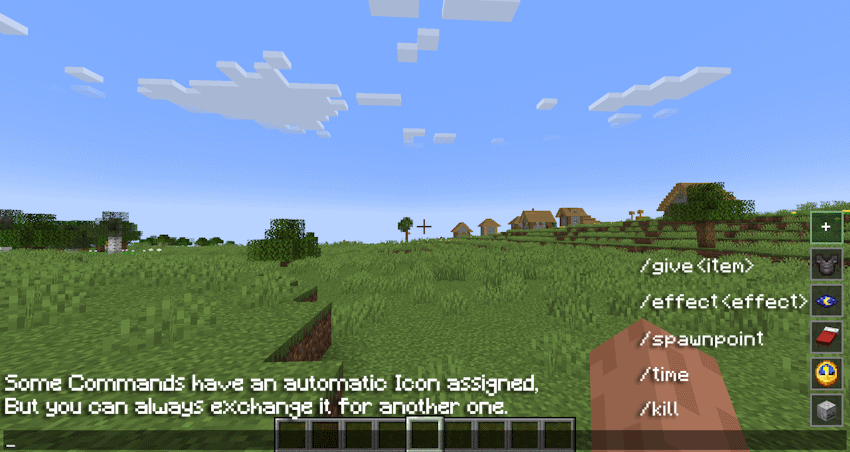
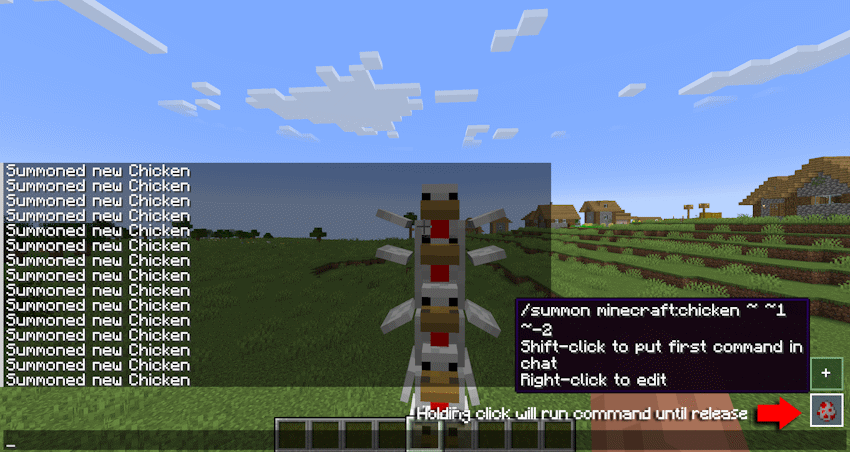
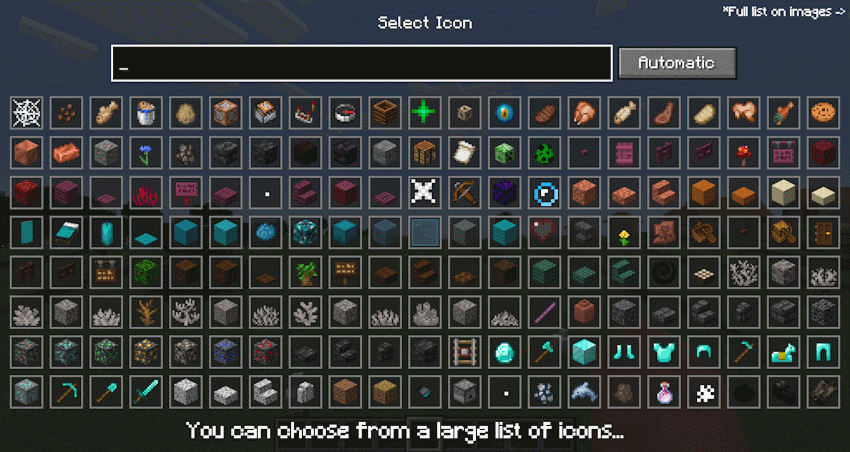
The mod is designed for players who frequently use commands, server utilities, testing commands, admin tools, teleport commands, gamemode switches, or custom datapack/plugin commands.
Main features:
•Adds quick command buttons directly to the chat screen.
•Lets you create, edit, delete, and store custom command entries.
•Supports multiple command lines per saved button.
•Executes saved commands quickly from the chat UI.
•Allows choosing custom visual icons from items, effects, or particles.
•Supports optional keybinds for saved commands.
•Includes command autocomplete while editing command fields.
•Supports repeat behavior while holding a command button.
•Stores commands locally on the client.
•Does not require the server to install the mod.
Example uses:
•Save /home, /spawn, /warp, or /back.
•Save admin commands like /gamemode creative, /time set day, or /weather clear.
•Save testing commands for modpacks, datapacks, maps, or servers.
•Group several related commands into one command entry.
•Use icons to visually recognize each command quickly.
In short: QCommand makes Minecraft command usage faster by turning repeated commands into customizable chat-screen buttons.
Screenshots
Gallery
-
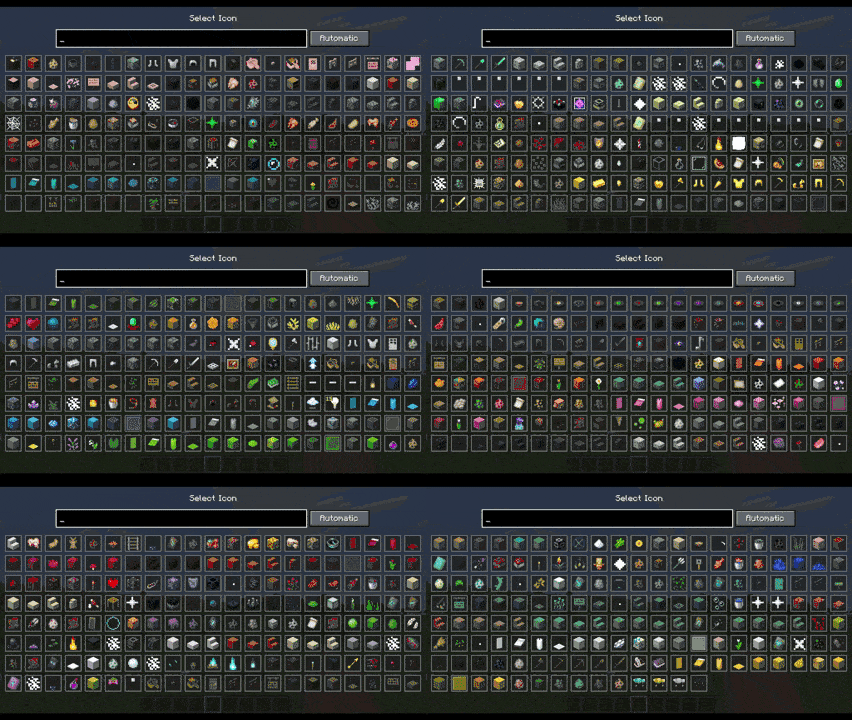 Icon_List.gif Full list of Icons. List also include external mod items
 -
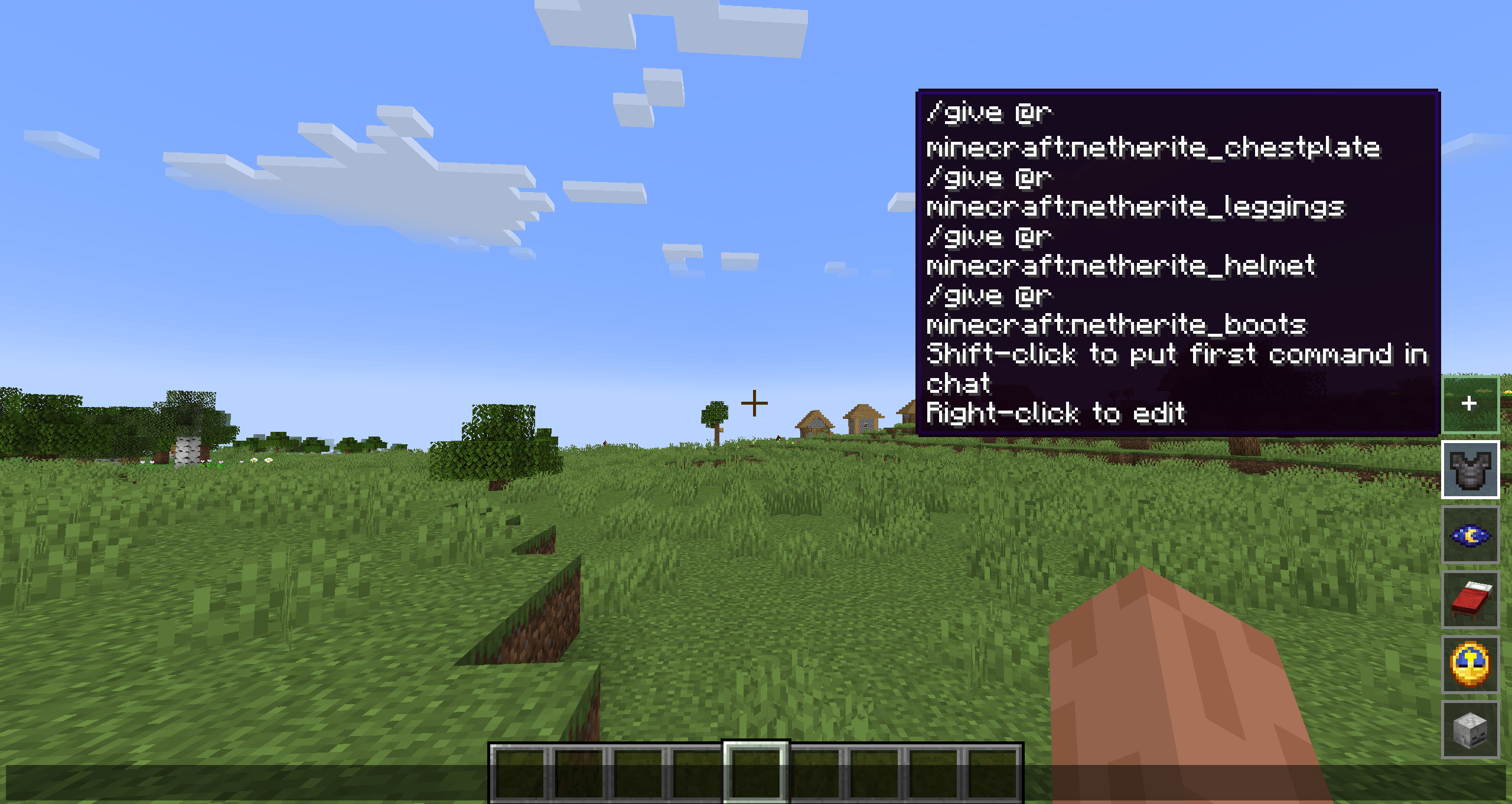 2026-05-29_00.26.45.png /give
 -
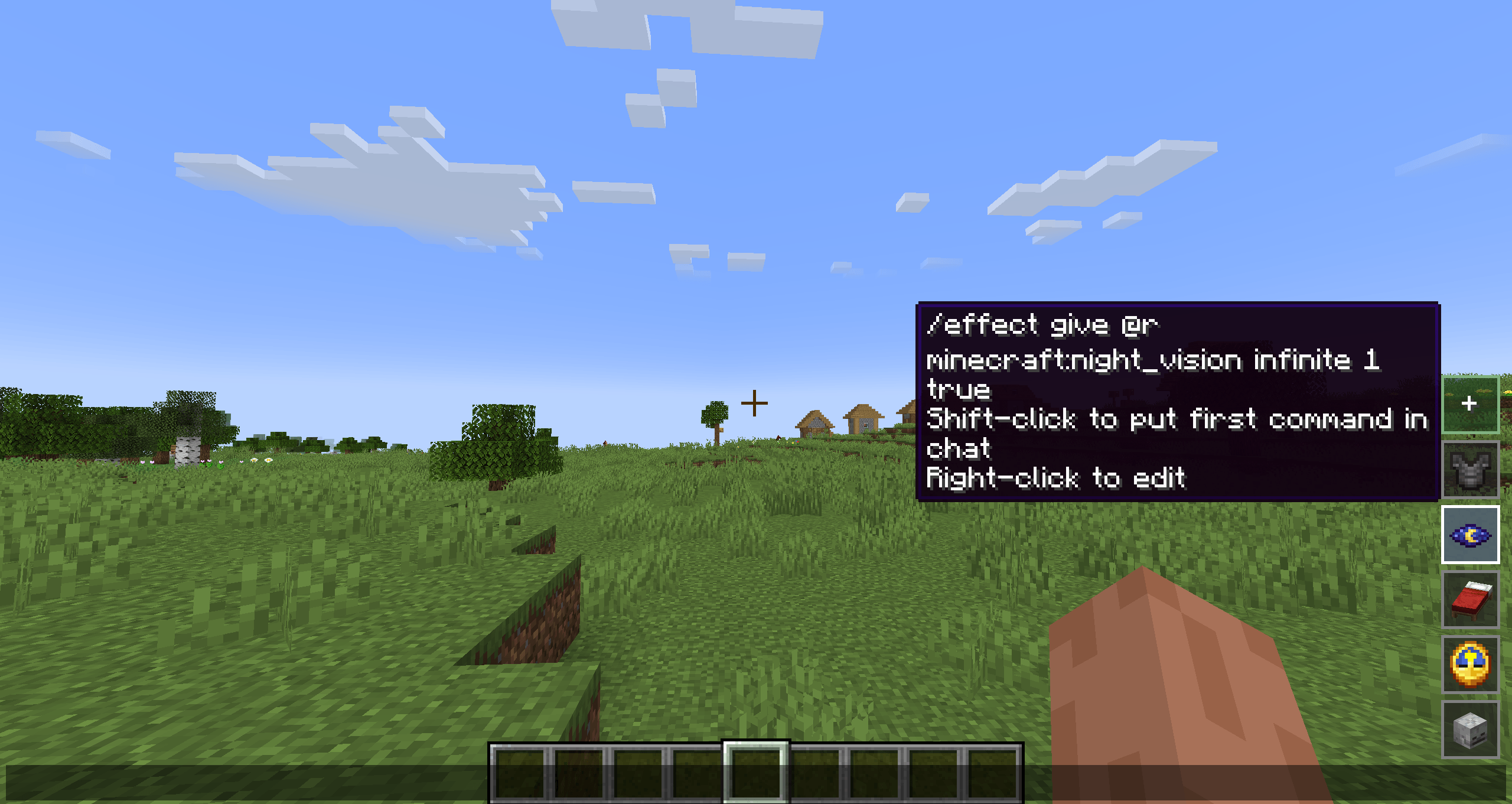 2026-05-29_00.26.38.png /effect
 -
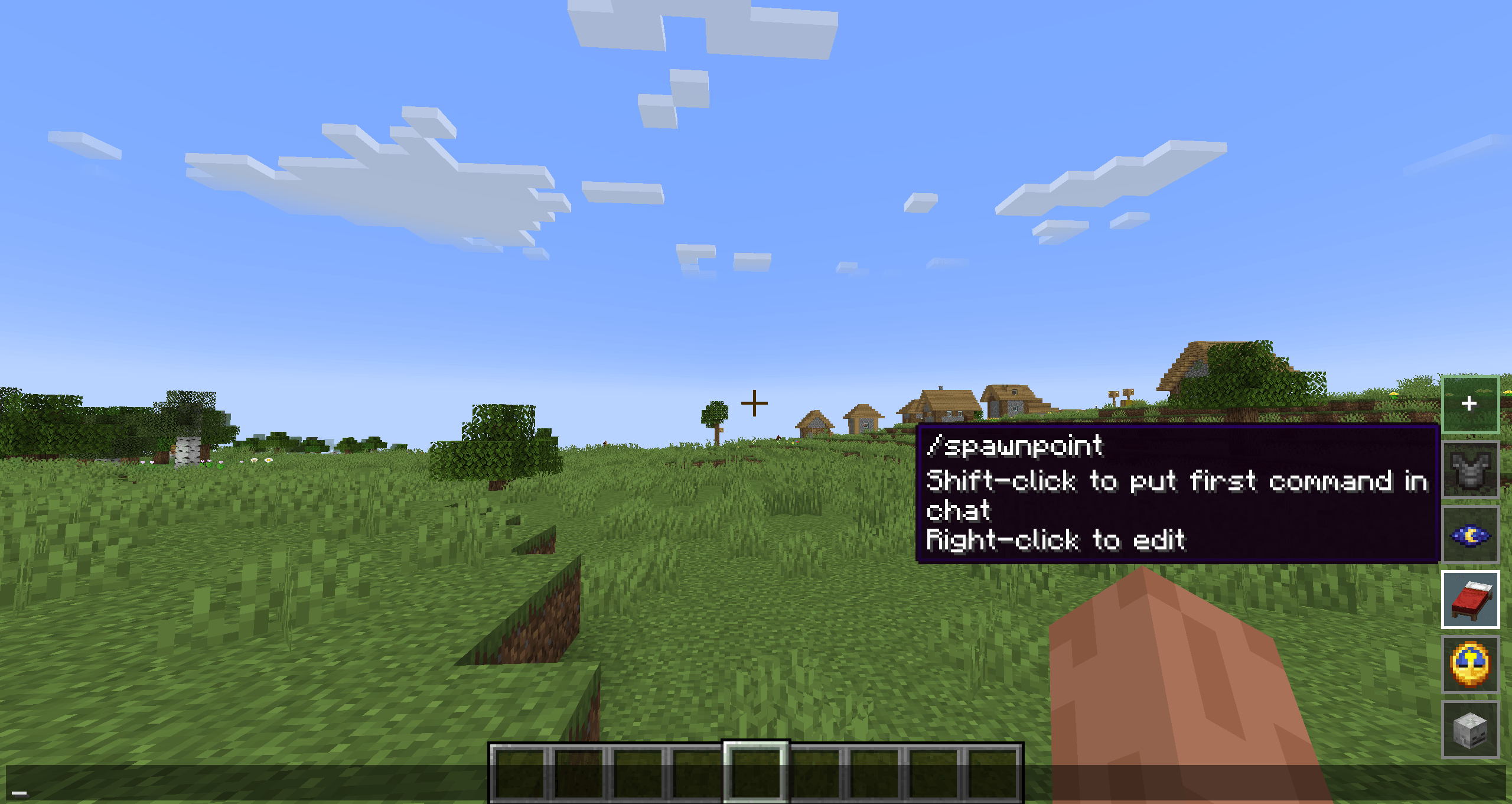 2026-05-29_00.26.31.png /spawnpoint
 -
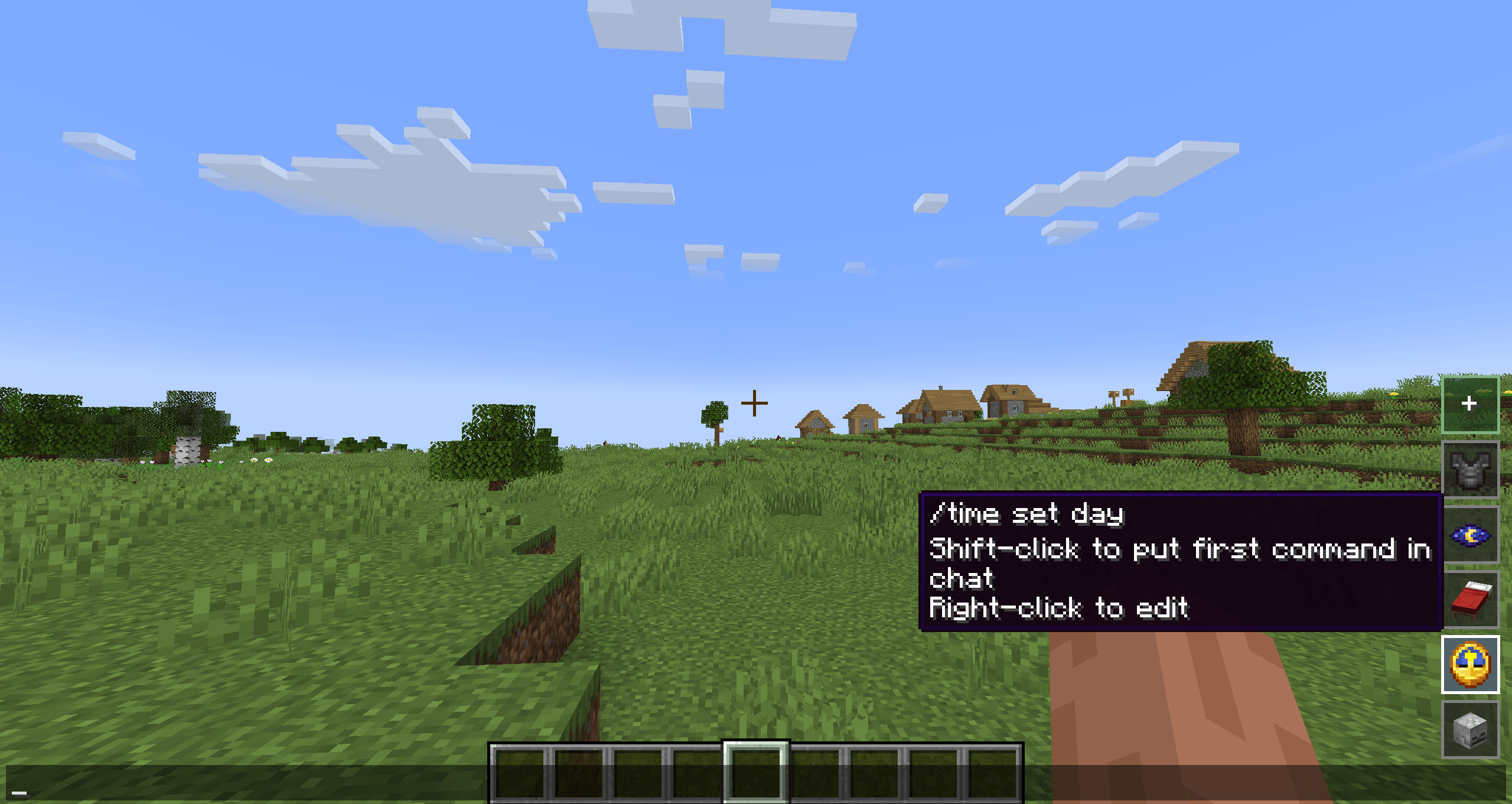 2026-05-29_00.26.23.png /time
 -
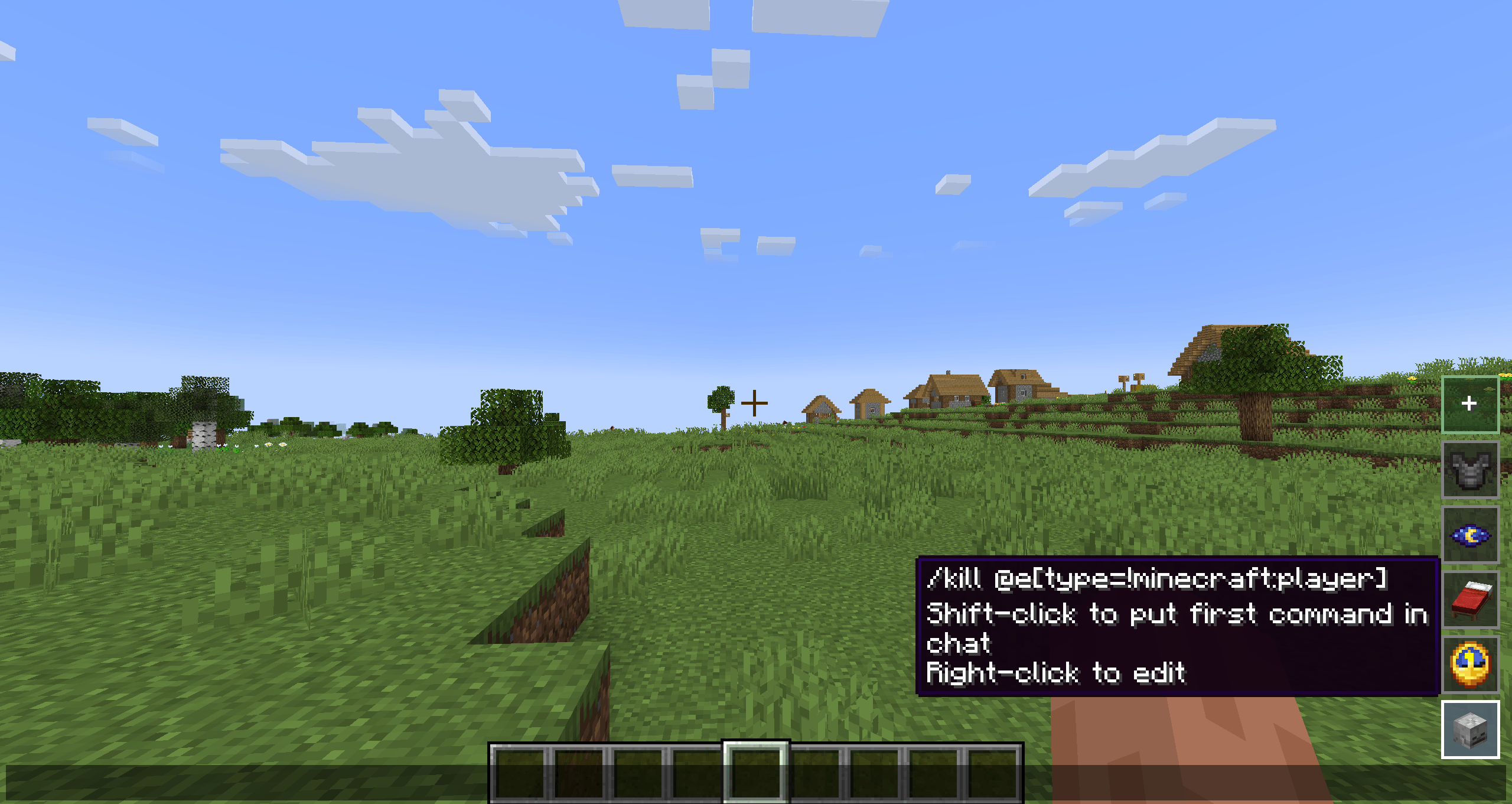 2026-05-29_00.26.12.png /kill
-
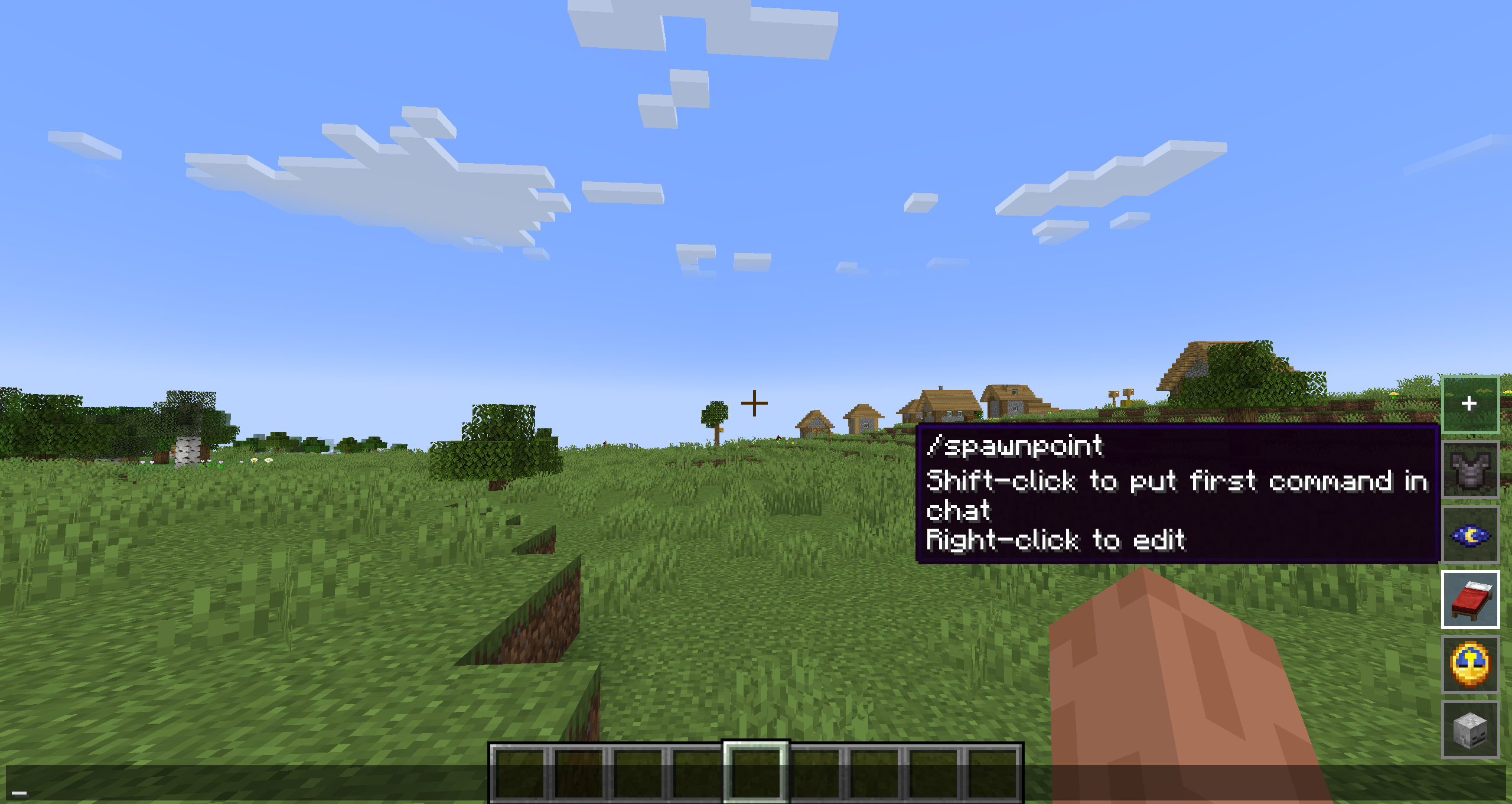 Command saved example
 -
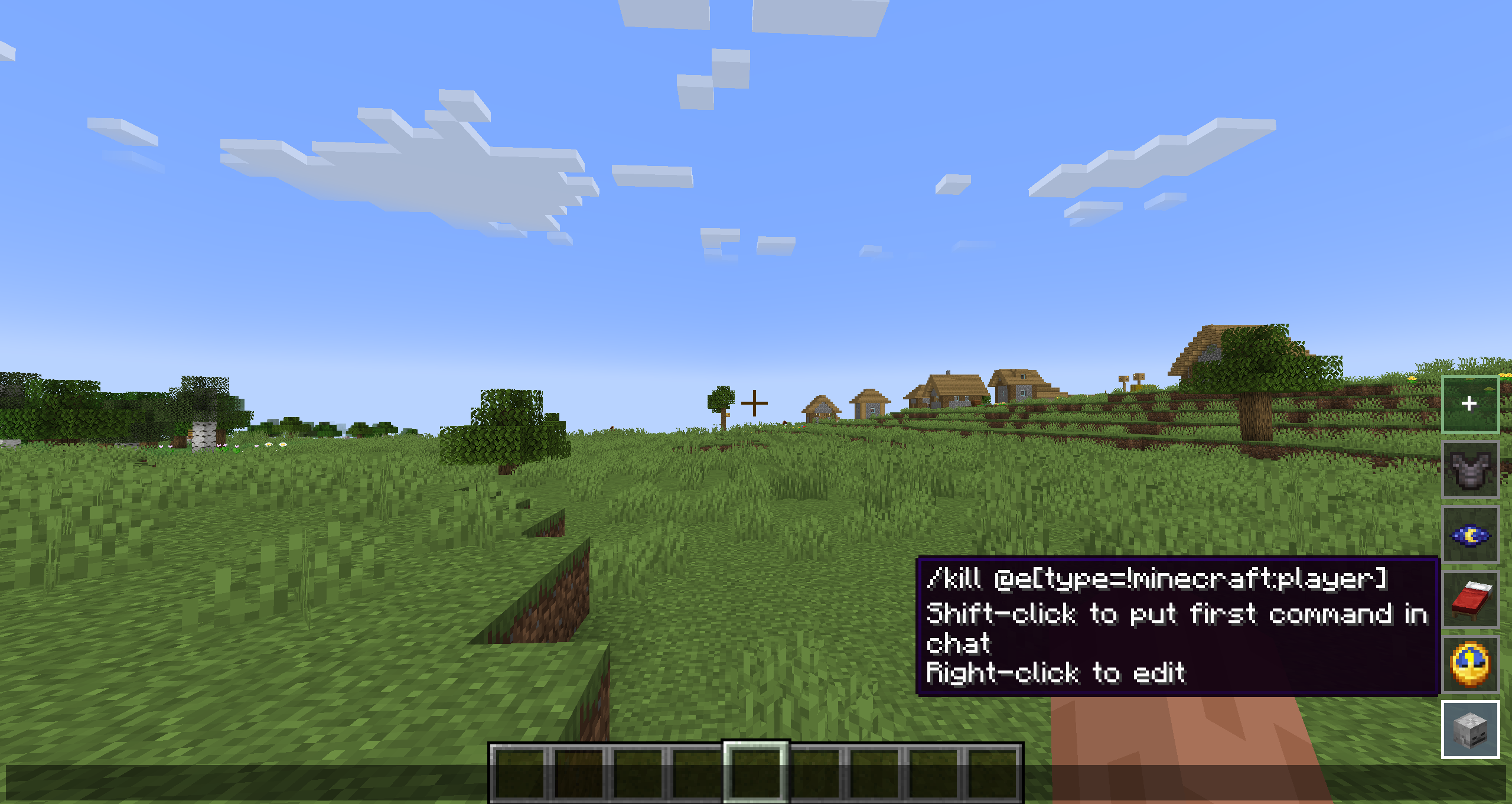 Command saved example
 -
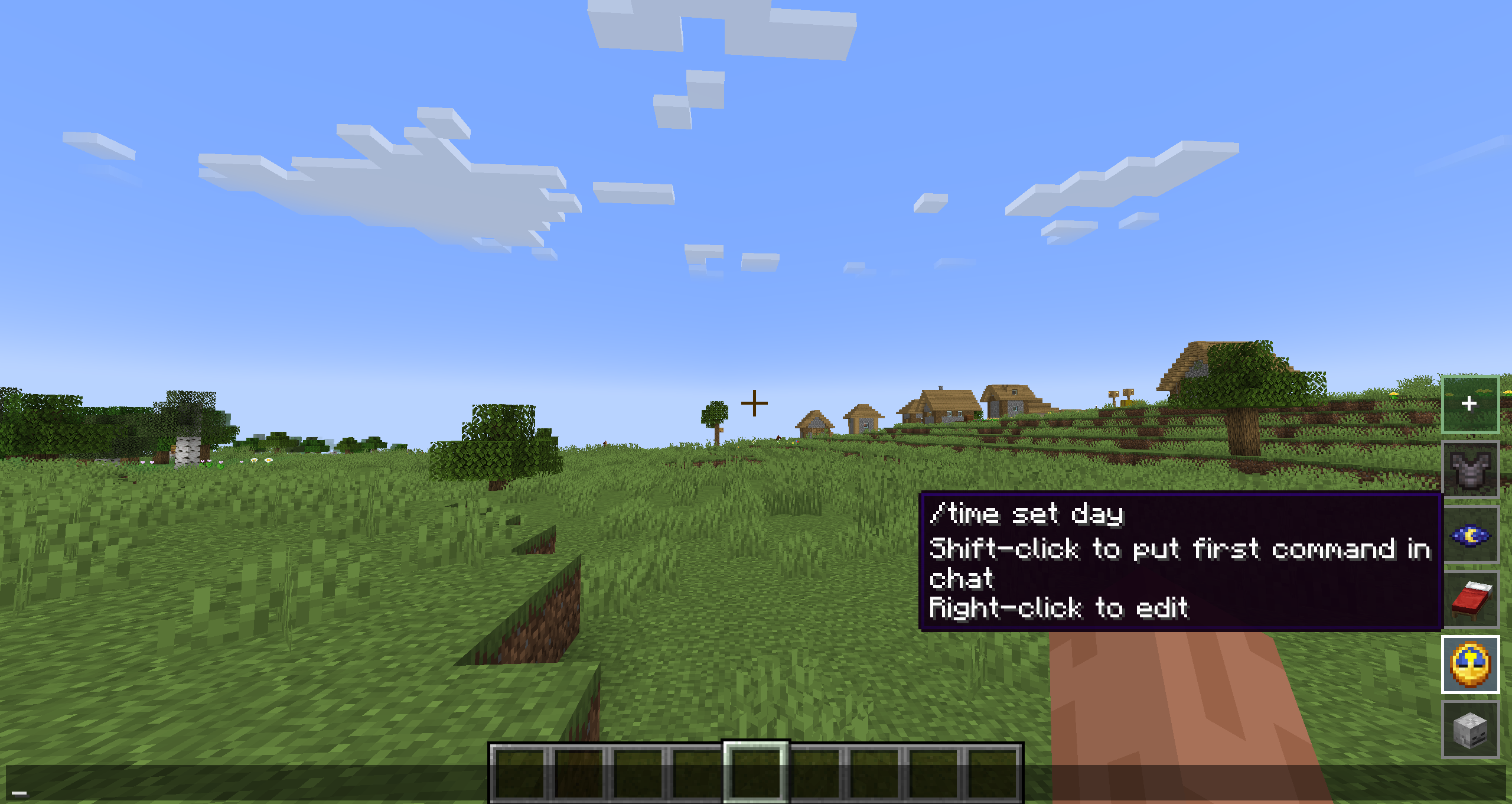 Command saved example
 -
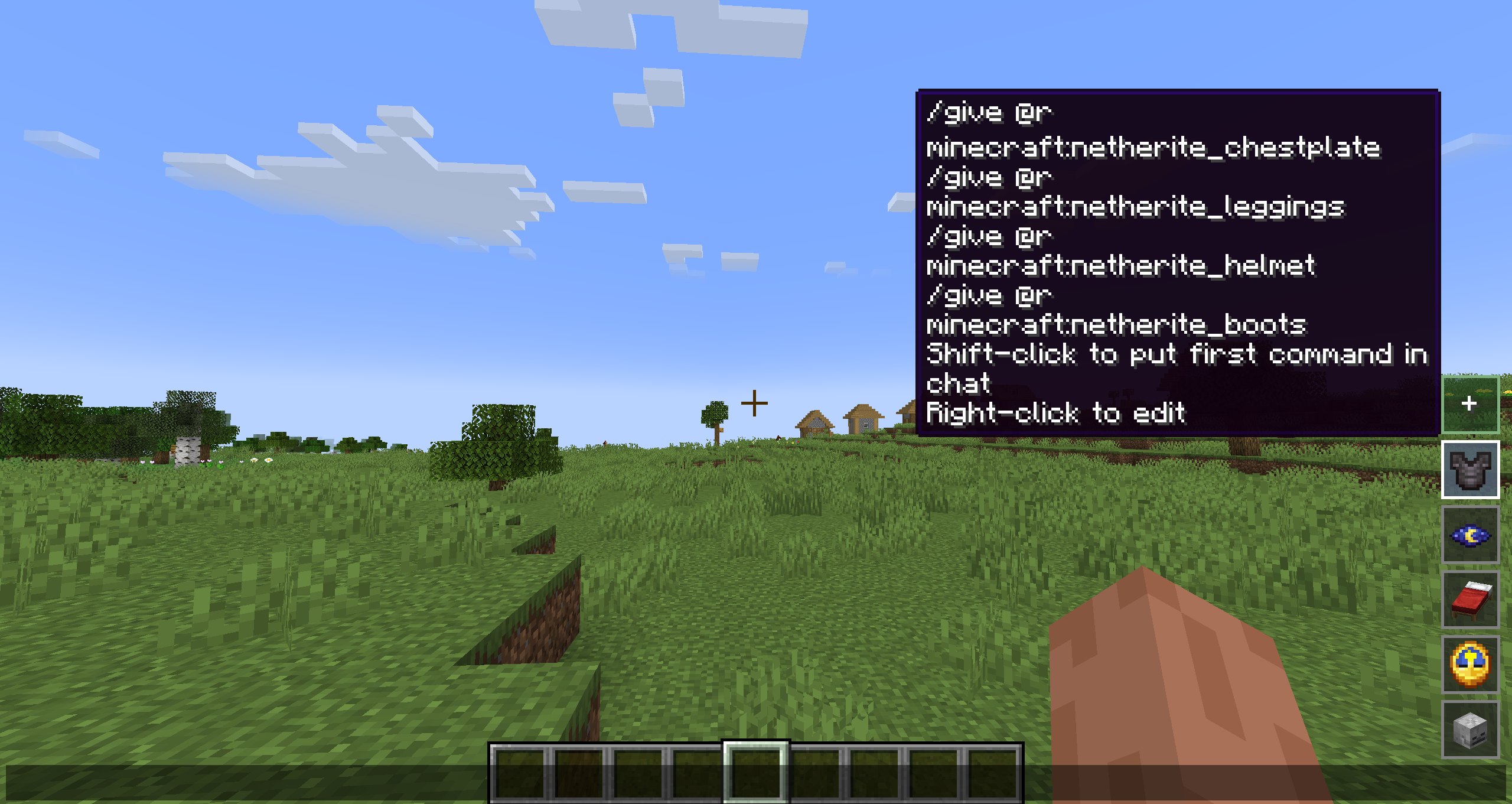 Command saved example
 -
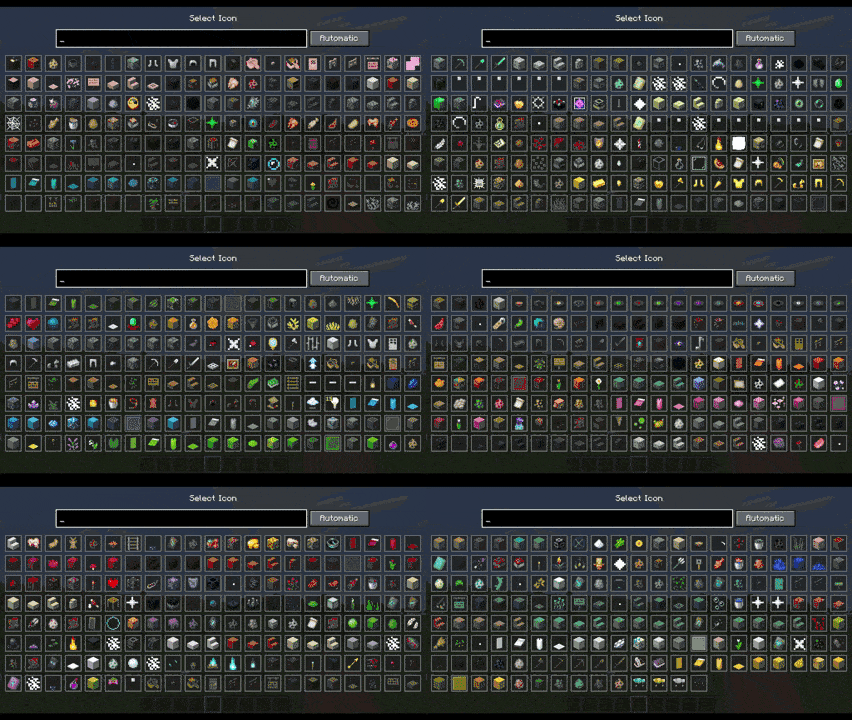 All Icon list (It can include external mods items)
Versions
Files
Relations
Project Relations
More like this
Similar Mods
Suggestions use data such as tags, dependencies, dependents, descriptions, titles, and more to rank how much they overlap with this mod.
On ModDex
Community snapshot
By the numbers
Statistics
Want to reach Minecraft players?
We're looking for a server hosting partner to feature here and other parts of the site. Interested? Send us a message!
Get in touchGet it on
Available Platforms
On ModDex
Community snapshot
By the numbers
Statistics
Resources