
Community listing page, reviews here may not be monitored by the author.
Quick Chat


No reviews yet
Send messages quickly by pressing keys.
Community voices
Reviews
No reviews yet. Be the first to review this project!
Get it on
Available Platforms
Compatibility
Supported Environments
Runs entirely on the client. Works on vanilla servers.
About
Project Details
For authors
Embed Badge
If you're the author of this project, you can embed a live badge anywhere that supports HTML or Markdown. It updates automatically whenever ratings change.
Use HTML for any page that supports it, or Markdown for README files and Markdown-based descriptions.
Identifiers
Platform IDs
Resources
External Links
About
Description
Quick Chat
This is a straightforward Minecraft Mod that allows you to send preset messages in the game by pressing a button.
Additionally, the Mod provides a simple quick message list screen where you can add, modify, and delete custom quick messages. To access this screen, you can press the designated button set in the key bindings within the game. Double-click on the selected quick message, or select it and click the "Send" button to quickly send the message to the chat bar!
Since 1.6.0, the mod also features a quick message wheel with 8 direction slots: hold the wheel key (default G) to open the wheel, and release on a direction to send its message (the cooldown applies as usual); releasing without a selection, or on an empty slot, simply closes it without sending. Each direction's message and comment can be edited in the wheel editor, which you can open from the configuration screen. The old quick-send message configured in versions before 1.6.0 has been replaced by the wheel and will not be migrated.
Please note:
- The mod includes a cooldown mechanism for sending messages, with a default cooldown time of 10 seconds. The cooldown time can be set within the range of 1 to 15 seconds.
- You can configure the mod by navigating to the "config" folder within your game version's directory and finding the configuration file for this mod, named "quick_chat.json". Open it to make changes.
- If you prefer not to manually edit the configuration file, you can easily adjust the mod settings by pressing the "J" key in-game to open the configuration screen. In the NeoForge version, you can access the configuration screen through the Mod Menu. For the Fabric version, you'll need to install the Mod Menu Mod to access the configuration screen.
Please bear in mind that this is a strictly client-side Mod. While you can use it in multiplayer games to quickly send messages, please refrain from abusing it (such as spamming the server and disrupting other players)!
Quick Chat
This is a straightforward Minecraft Mod that allows you to send preset messages in the game by pressing a button.
Additionally, the Mod provides a simple quick message list screen where you can add, modify, and delete custom quick messages. To access this screen, you can press the designated button set in the key bindings within the game. Double-click on the selected quick message, or select it and click the "Send" button to quickly send the message to the chat bar!
Since 1.6.0, the mod also features a quick message wheel with 8 direction slots: hold the wheel key (default G) to open the wheel, and release on a direction to send its message (the cooldown applies as usual); releasing without a selection, or on an empty slot, simply closes it without sending. Each direction's message and comment can be edited in the wheel editor, which you can open from the configuration screen. The old quick-send message configured in versions before 1.6.0 has been replaced by the wheel and will not be migrated.
Please note:
- The mod includes a cooldown mechanism for sending messages, with a default cooldown time of 10 seconds. The cooldown time can be set within the range of 1 to 15 seconds.
- You can configure the mod by navigating to the "config" folder within your game version's directory and finding the configuration file for this mod, named "quick_chat.json". Open it to make changes.
- If you prefer not to manually edit the configuration file, you can easily adjust the mod settings by pressing the "J" key in-game to open the configuration screen. In the NeoForge version, you can access the configuration screen through the Mod Menu. For the Fabric version, you'll need to install the Mod Menu Mod to access the configuration screen.
Please bear in mind that this is a strictly client-side Mod. While you can use it in multiplayer games to quickly send messages, please refrain from abusing it (such as spamming the server and disrupting other players)!
Screenshots
Gallery
-
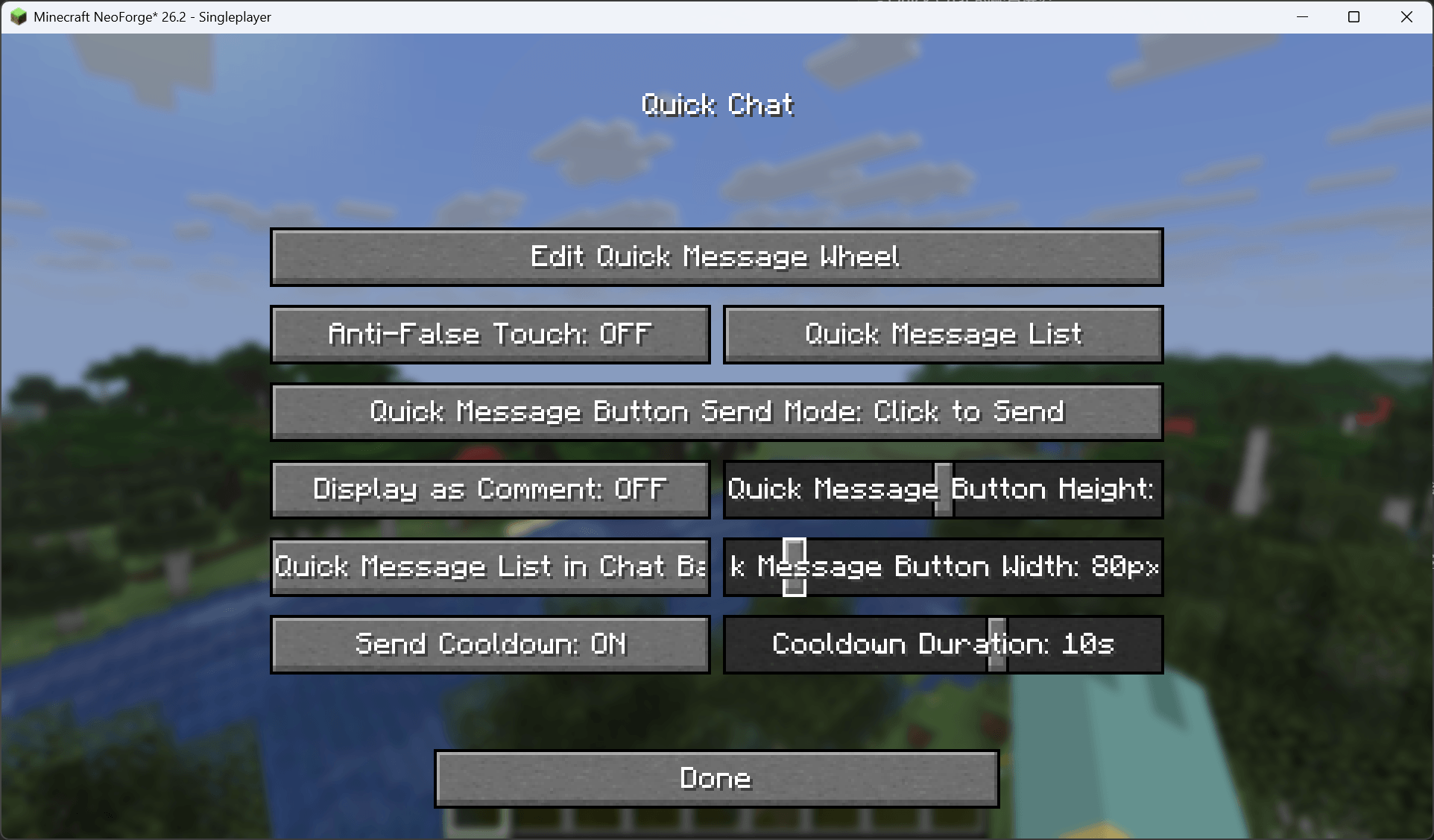 Config Screen
 -
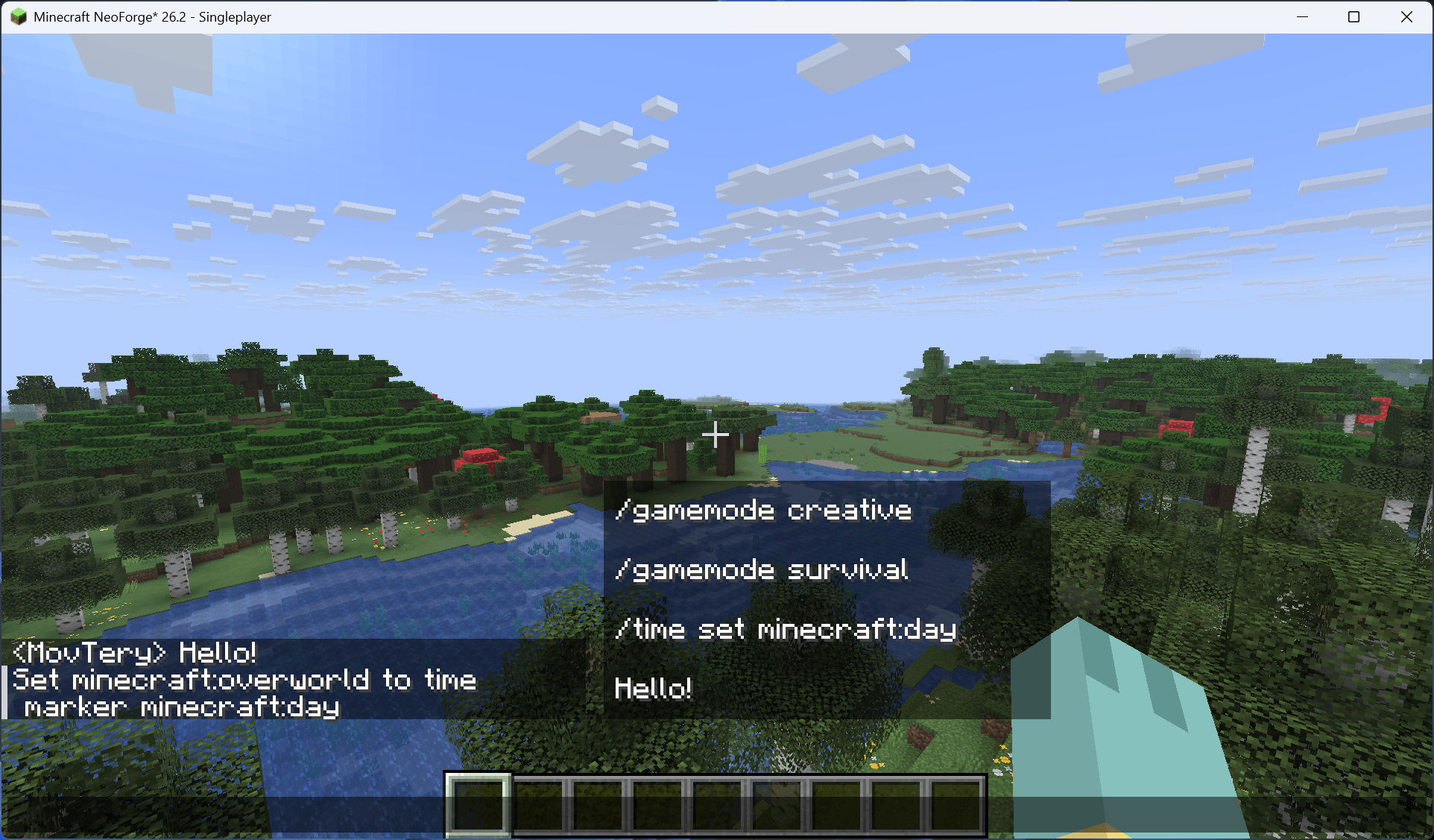 Quick Message List in Chat Bar
 -
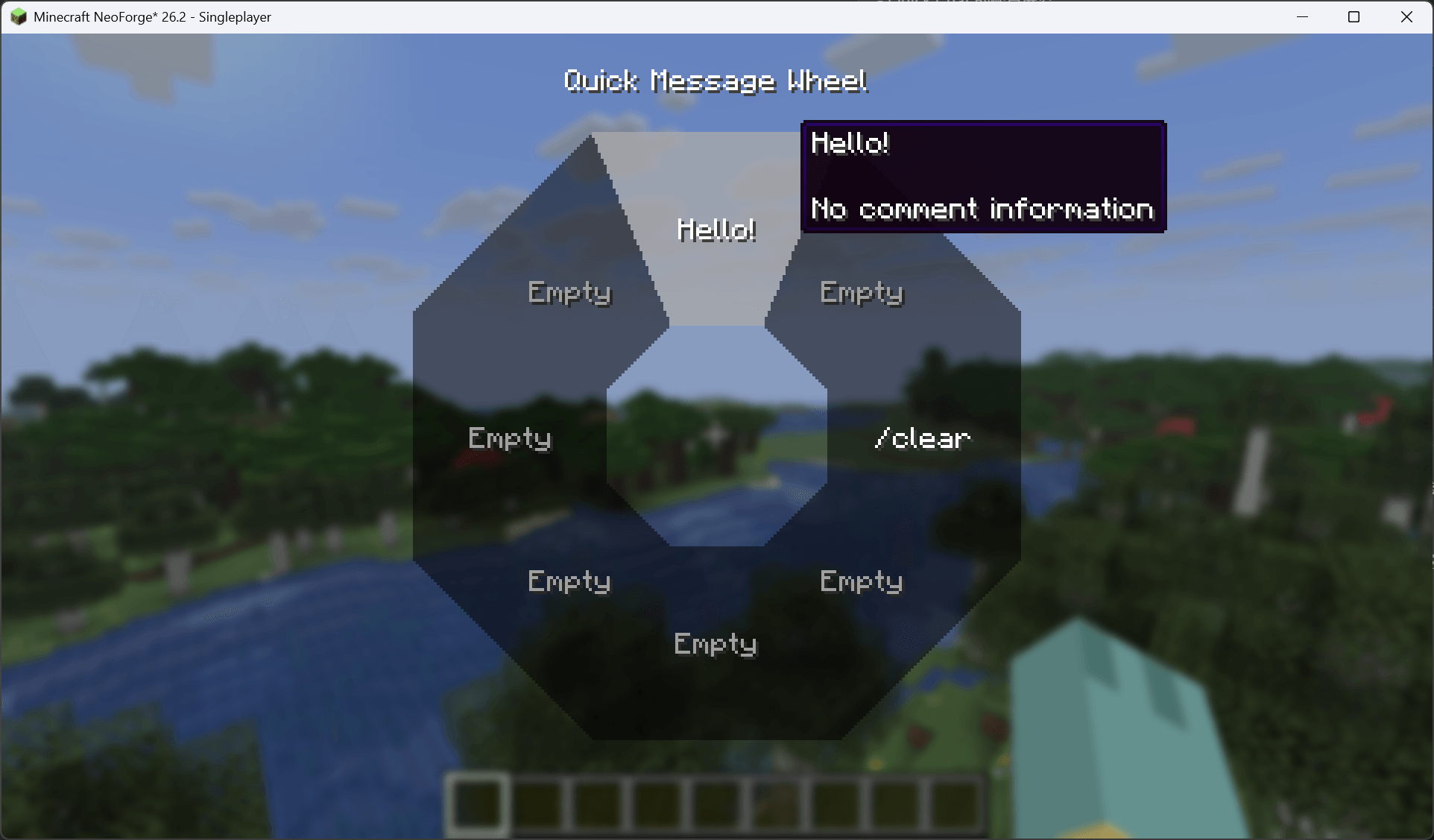 Quick Message Wheel
-
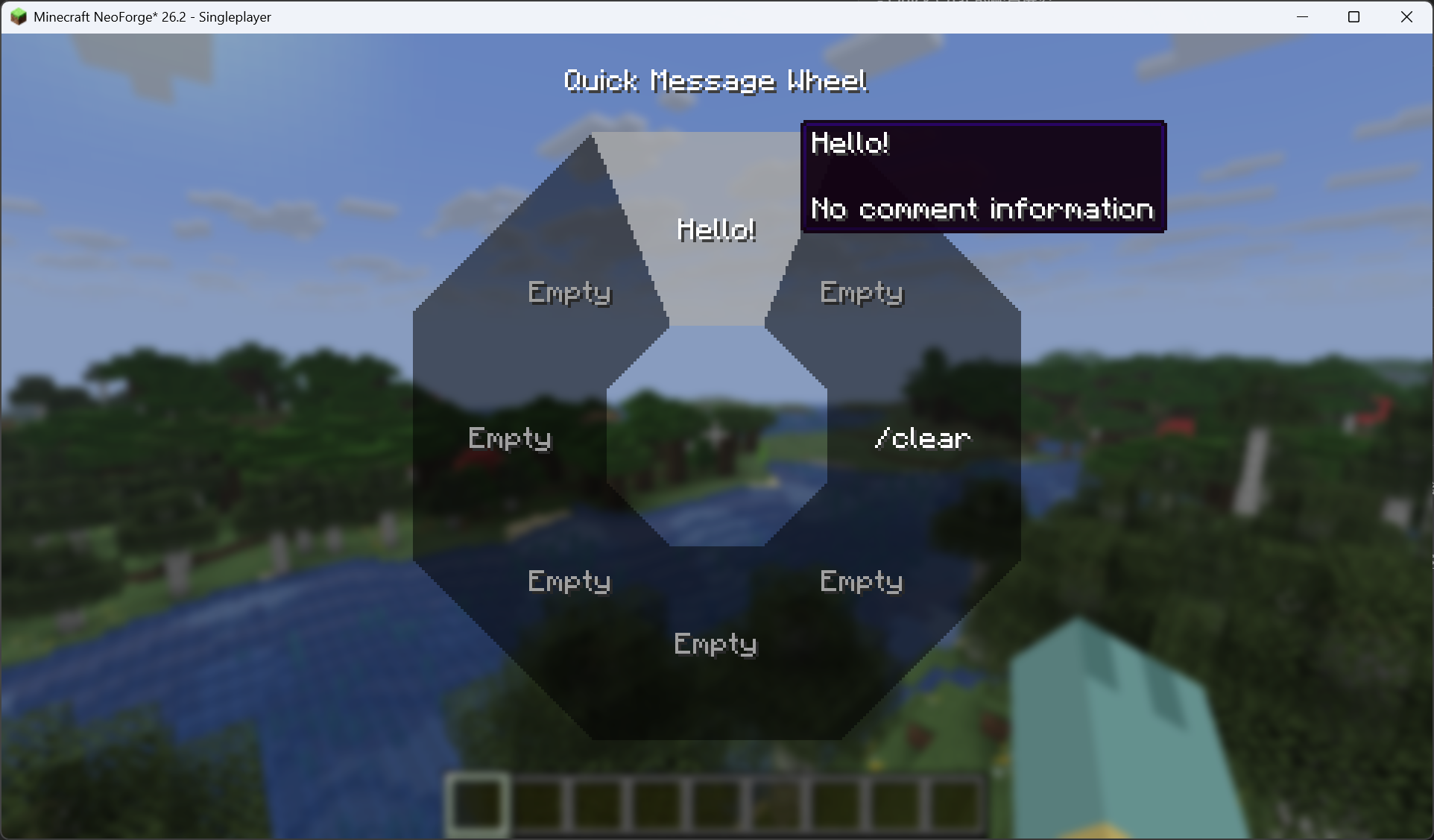 Quick Message Wheel
 -
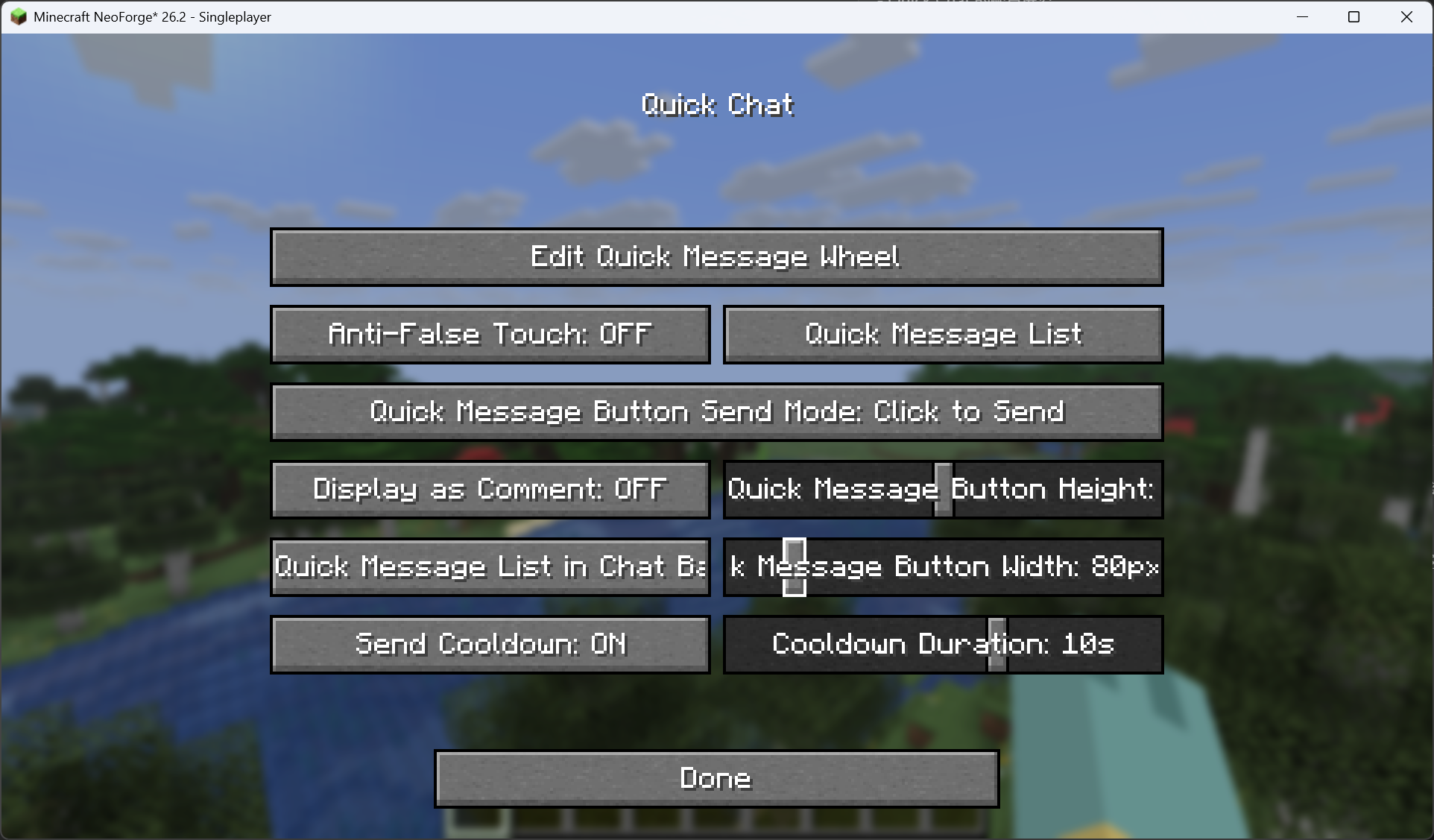 Config Screen
 -
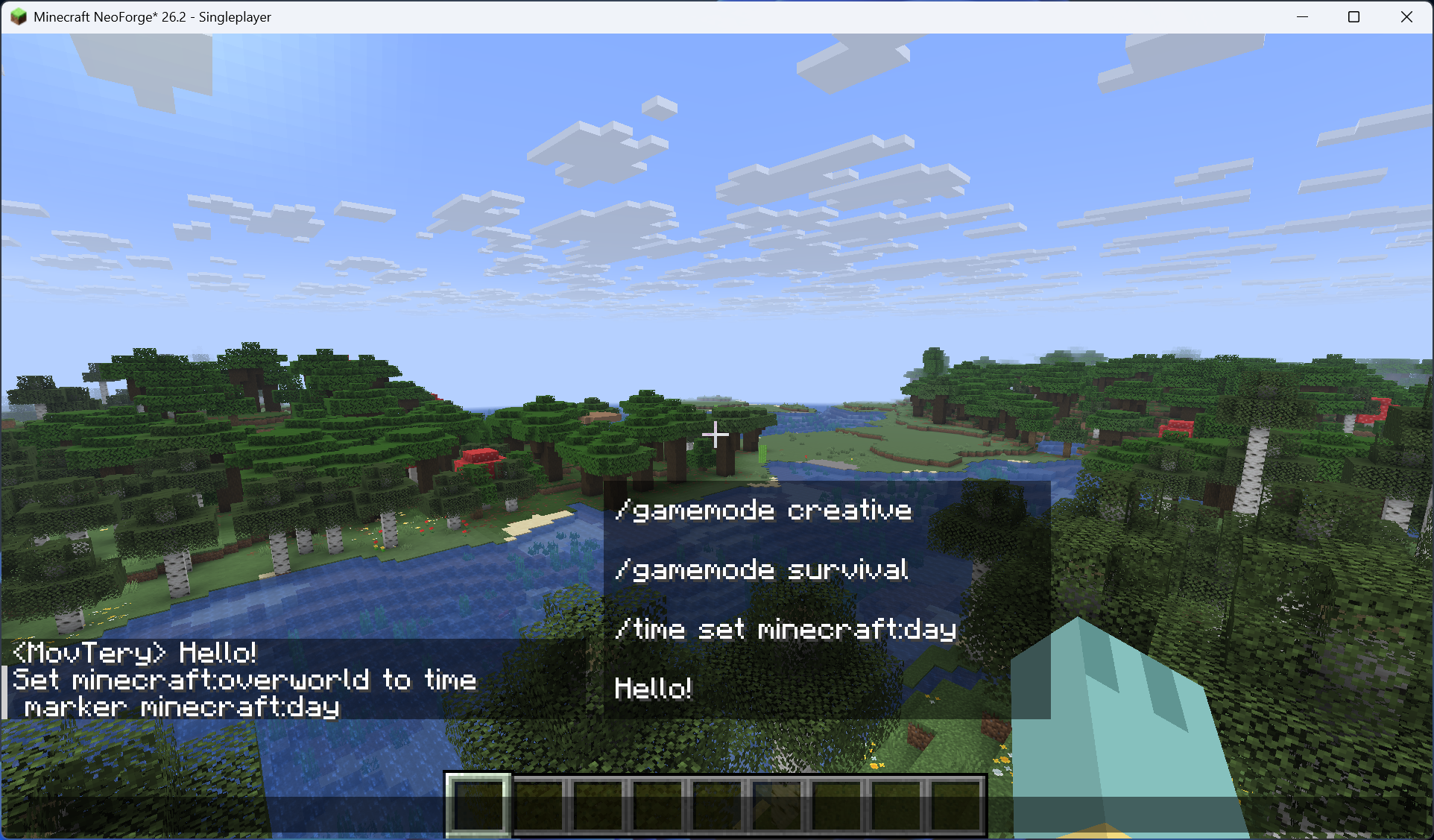 Quick Message List in Chat Bar
Versions
Files
Relations
Project Relations
More like this
Similar Mods
Suggestions use data such as tags, dependencies, dependents, descriptions, titles, and more to rank how much they overlap with this mod.
On ModDex
Community snapshot
By the numbers
Statistics
Want to reach Minecraft players?
We're looking for a server hosting partner to feature here and other parts of the site. Interested? Send us a message!
Get in touchGet it on
Available Platforms
On ModDex
Community snapshot
By the numbers
Statistics
Resources