
Quickvane
Essential quality of life keybinds & commands for every Minecraft player
No ratings yet
Be the first to rate it.
Community listing page
Community listing page, reviews may not be monitored by the author.

Community voices
Reviews
No reviews yet. Be the first to review this project!
Get it on
Available Platforms
Compatibility
Supported Environments
Required on the server. Installing it on the client adds functionality.
About
Project Details
For authors
Embed Badge
If you're the author of this project, you can embed a live badge anywhere that supports HTML or Markdown. It updates automatically whenever ratings change.
Use HTML for any page that supports it, or Markdown for README files and Markdown-based descriptions.
Identifiers
Platform IDs
About
Description
✦ Quickvane
Essential quality of life keybinds & commands for every Minecraft player


✦ Features
✦ Keybindings
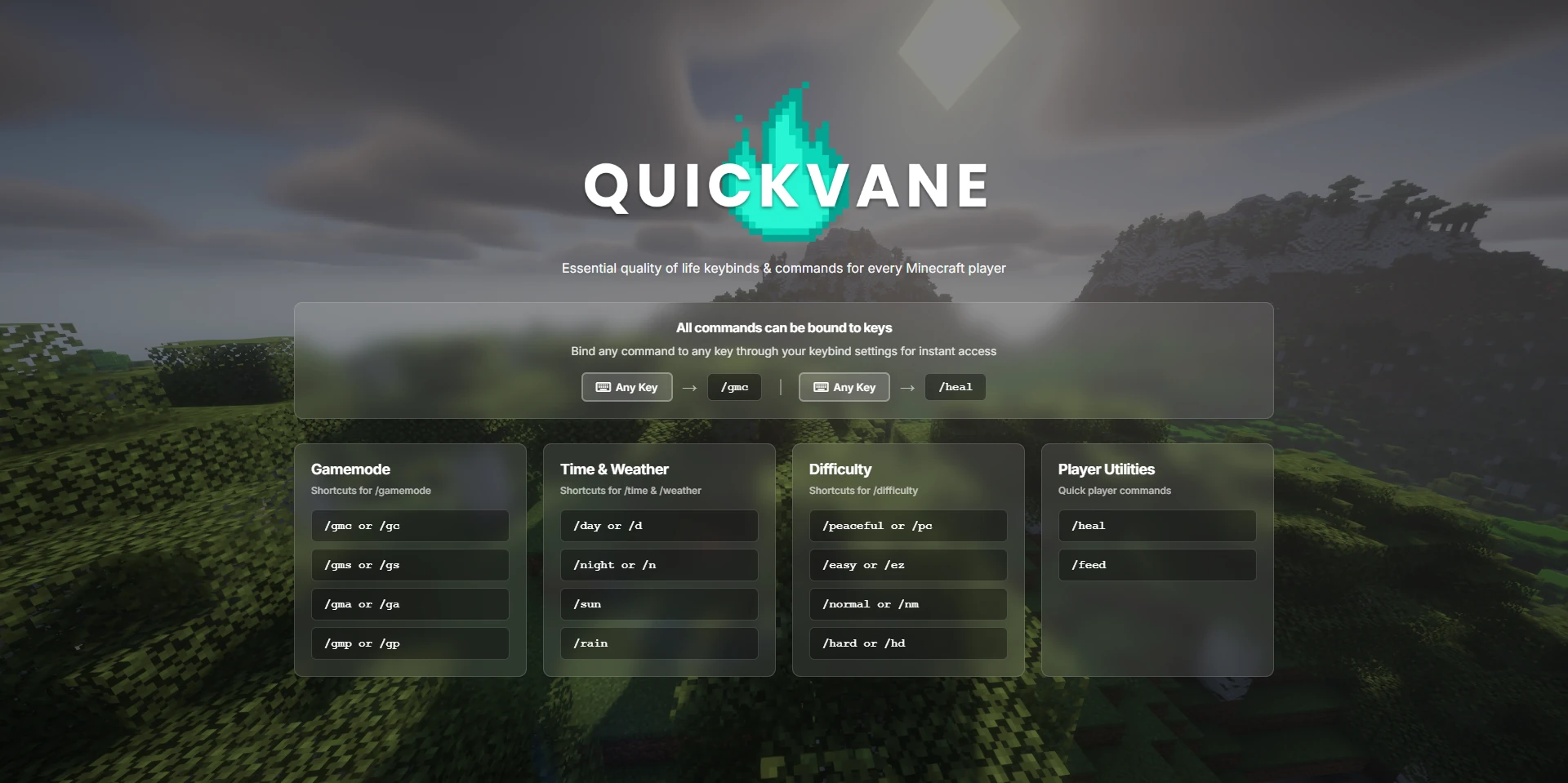
All commands below can be bound to any key for even faster access.
You can do this through the normal keybind settings. (All unbound by default to avoid conflicts)
✦ Gamemode Shortcuts
Quick commands to switch gamemodes instantly.
/gmcor/gc- Set gamemode to creative/gmsor/gs- Set gamemode to survival/gmaor/ga- Set gamemode to adventure/gmpor/gp- Set gamemode to spectator
✦ Time Shortcuts
Control the time of day with simple commands.
/dayor/d- Set time to day/nightor/n- Set time to night
✦ Weather Shortcuts
Change the weather quickly.
/sun- Set weather to clear/rain- Set weather to rain
✦ Difficulty Shortcuts
Adjust difficulty on the fly.
/peacefulor/pc- Set difficulty to peaceful/easyor/ez- Set difficulty to easy/normalor/nm- Set difficulty to normal/hardor/hd- Set difficulty to hard
✦ Player Utilities
Take care of yourself quickly.
/heal- Restore full health, food, remove negative effects, and extinguish fire/feed- Fill your hunger bar
✦ Support the Mod
If you enjoy this mod and want to help keep development going, consider supporting:


✦ Credits
✦ Developer: Modvane
✦ Quickvane
Essential quality of life keybinds & commands for every Minecraft player

✦ Features
✦ Keybindings
All commands below can be bound to any key for even faster access.
You can do this through the normal keybind settings. (All unbound by default to avoid conflicts)
✦ Gamemode Shortcuts
Quick commands to switch gamemodes instantly.
/gmcor/gc- Set gamemode to creative/gmsor/gs- Set gamemode to survival/gmaor/ga- Set gamemode to adventure/gmpor/gp- Set gamemode to spectator
✦ Time Shortcuts
Control the time of day with simple commands.
/dayor/d- Set time to day/nightor/n- Set time to night
✦ Weather Shortcuts
Change the weather quickly.
/sun- Set weather to clear/rain- Set weather to rain
✦ Difficulty Shortcuts
Adjust difficulty on the fly.
/peacefulor/pc- Set difficulty to peaceful/easyor/ez- Set difficulty to easy/normalor/nm- Set difficulty to normal/hardor/hd- Set difficulty to hard
✦ Player Utilities
Take care of yourself quickly.
/heal- Restore full health, food, remove negative effects, and extinguish fire/feed- Fill your hunger bar
✦ Support the Mod
If you enjoy this mod and want to help keep development going, consider supporting:
✦ Credits
✦ Developer: Modvane
Screenshots
Gallery
-
 01.webp 01.webp

Versions
Files
Relations
Project Relations
More like this
Similar Mods
Suggestions use data such as tags, dependencies, dependents, descriptions, titles, and more to rank how much they overlap with this mod.
Stats
- Downloads
-
<1,000
 <1,000
 <1,000
- Used in
- 0 modpacks
- Followers
- 0
- In stacks
- 0
- Created
-
- Last synced
-
Nov 4, 2026 3:11 AM UTC
New file updates sync automatically.
When ModDex last fully re-synced this project from CurseForge or Modrinth. A new file release triggers a resync usually within minutes, and every project is also re-synced on a schedule. Edits that don't ship a file, such as a new description or screenshots, are checked every few hours and can appear before this date changes.
How syncing works
External Links

Stats
- Downloads
-
<1,000
<1,000
<1,000
- Used in
- 0 modpacks
- Followers
- 0
- In stacks
- 0
- Created
-
- Last synced
-
Nov 4, 2026 3:11 AM UTC
New file updates sync automatically.
When ModDex last fully re-synced this project from CurseForge or Modrinth. A new file release triggers a resync usually within minutes, and every project is also re-synced on a schedule. Edits that don't ship a file, such as a new description or screenshots, are checked every few hours and can appear before this date changes.
How syncing works