
Community listing page, reviews may not be monitored by the author.
MT Random Block Placement


No reviews yet
Simple placement of random blocks from hotbar

Community voices
Reviews
No reviews yet. Be the first to review this project!
Get it on
Available Platforms
Compatibility
Supported Environments
Runs entirely on the client. Works on vanilla servers.
About
Project Details
For authors
Embed Badge
If you're the author of this project, you can embed a live badge anywhere that supports HTML or Markdown. It updates automatically whenever ratings change.
Use HTML for any page that supports it, or Markdown for README files and Markdown-based descriptions.
Identifiers
Platform IDs
About
Description
MT Random Block Placement
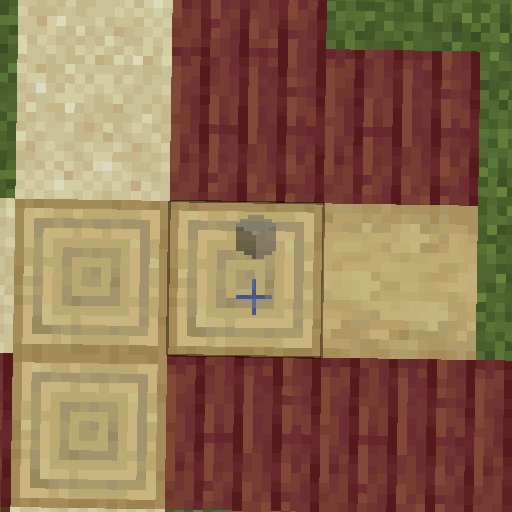
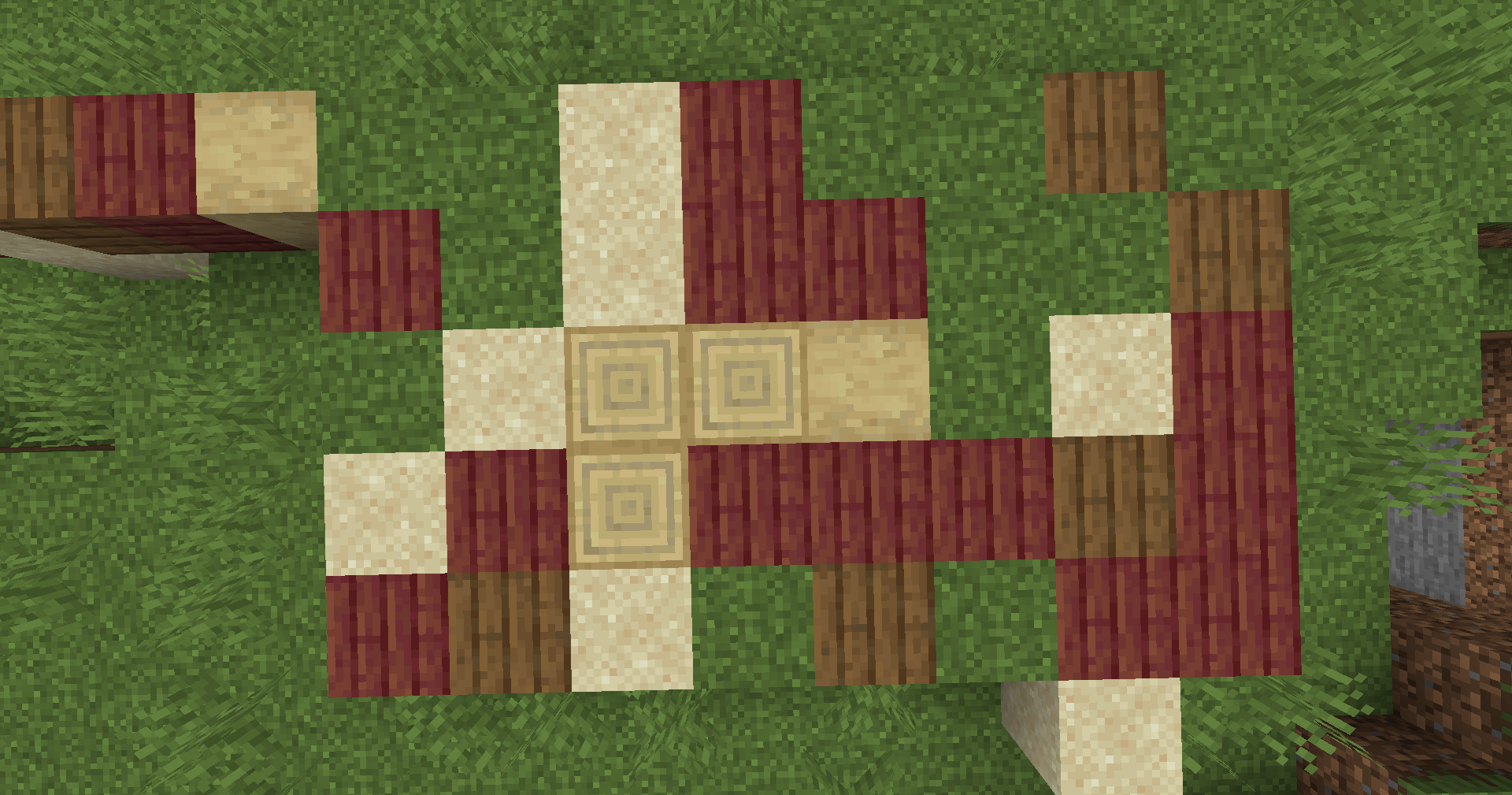
MT Random Block Placement lets you place blocks randomly from your hotbar with a simple press of a button (default: R). It also includes a new Gradient Placement mode inspired by menu patterns from Mojang ore-ui (MIT).
Features
- Random Block Placement: Press R to place blocks randomly from your hotbar.
- Gradient Placement: Build structures with blocks changing smoothly across space while keeping total freedom over your placement order. Press
Xto toggle andShift+Xfor settings (fully rebindable in Controls). - Client-Side Only: Works entirely on the client without requiring server installation.
How Gradient Placement Works
- Palette Setup: Arrange your chosen blocks in hotbar slots 1–9. The mod reads them from left to right as an ordered color stop list, skipping empty slots and non-block items.
- Anchor & Mapping: The first successful placement sets the anchor using your first palette color. Subsequent placements measure distance relative to the anchor, automatically mapping progress across your palette stops regardless of what order you build in.
- Settings & Controls: Configure length, orientation, shape, and optional dithering in the settings menu.
- Compatibility: Client settings save automatically, and the mode safely disables or resets when leaving the world. It cannot run at the same time as Random Placement and will show an actionbar message if they conflict.
Demonstration
Screenshots
Gallery
-
 2024-08-23_19.28.27.png 2024-08-23_19.28.27.png
-
 2024-08-23_19.28.21.png 2024-08-23_19.28.21.png
-
 Demo
Versions
Files
Relations
Project Relations
More like this
Similar Mods
Suggestions use data such as tags, dependencies, dependents, descriptions, titles, and more to rank how much they overlap with this mod.
On ModDex
Community snapshot
By the numbers
Statistics

Get it on
Available Platforms
On ModDex
Community snapshot
By the numbers