Community listing page, reviews here may not be monitored by the author.
Red Options

No reviews yet
Make things less complicated

Community voices
Reviews
No reviews yet. Be the first to review this project!
Get it on
Available Platforms
About
Project Details
For authors
Embed Badge
If you're the author of this project, you can embed a live badge anywhere that supports HTML or Markdown. It updates automatically whenever ratings change.
Use HTML for any page that supports it, or Markdown for README files and Markdown-based descriptions.
Identifiers
Platform IDs
Resources
External Links
About
Description
This mod is supposed to turn complex things into a simple version.
Mod contents:
ITEMS
RO Transfer Item
Mark chests and transfer their contents to another chests (works between dimensions). Right click on the floor or air to change behavior (On/Off, mark or transfer). To clear selections, put in On position and click any chests.
BLOCKS
RO Large ShulkerBox
You can craft using basic recipe or using two shulkerboxes with two shulker shells.
RO Hopper
Hopper with filter. You can select 9 items to filter (weapons, tools, potions works too).
RO Clock
Use this to delay turning output on, delay turning output off or make output pulsed.
A simple pulse at its input will start a counter (configurable up to 90 minutes!)
Now, your circuits will be a lot easer and smallest as possible!
RO Container Changes Check
This sensor will check if items inside a container (chest, hopper, etc. ) start changing and when it stops (for +/- 3 seconds), it will pulse the output
This is ideal to use in load/unload systems! Very very small and easy as possible!
RO Detector
This sensor works likes the observer, the difference is that it detects only when a block appears (not block changes). So, you can use it in pumpkin farms, vertical redstone vertical signals, etc.
This block will detect any new block 15 blocks away, but only the first one is detected, and to detect again, you need to remove all blocks first.
Screenshots
Gallery
-
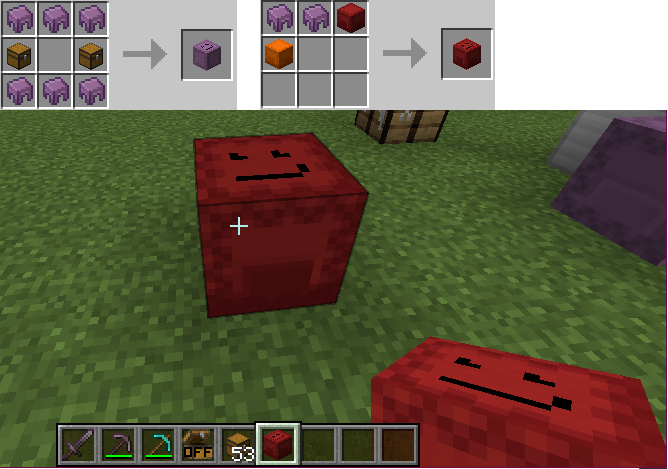 RO Large Shulker Box Double inventory size!
 -
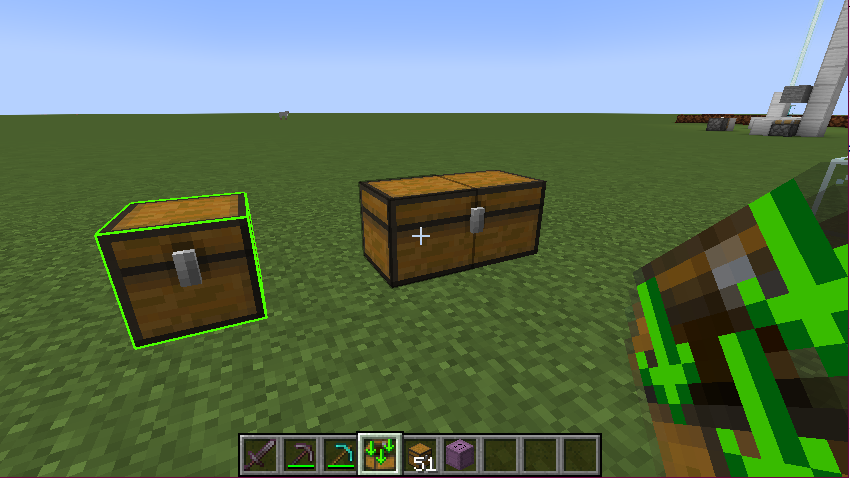 RO Transfer Item Transfer chests contents to another chests
 -
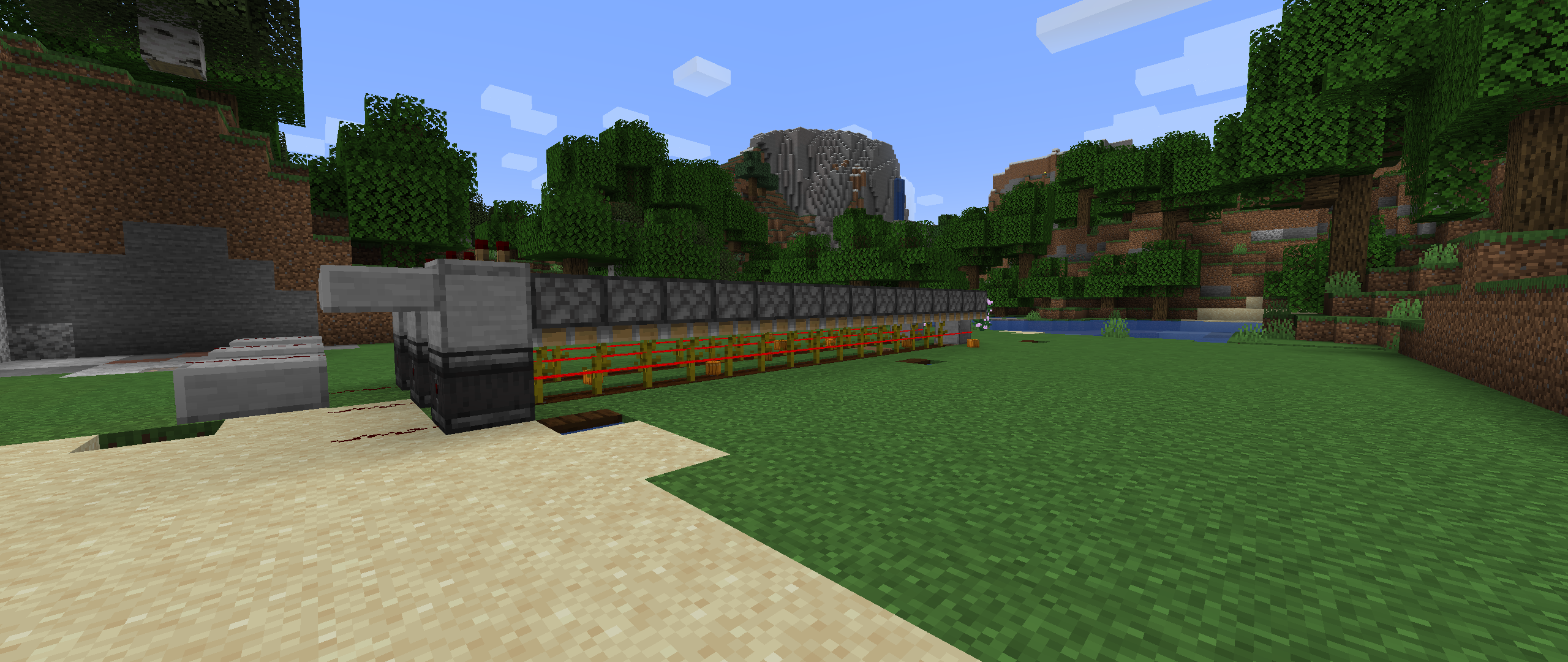 RO Detector Used in a pumpkin farm
 -
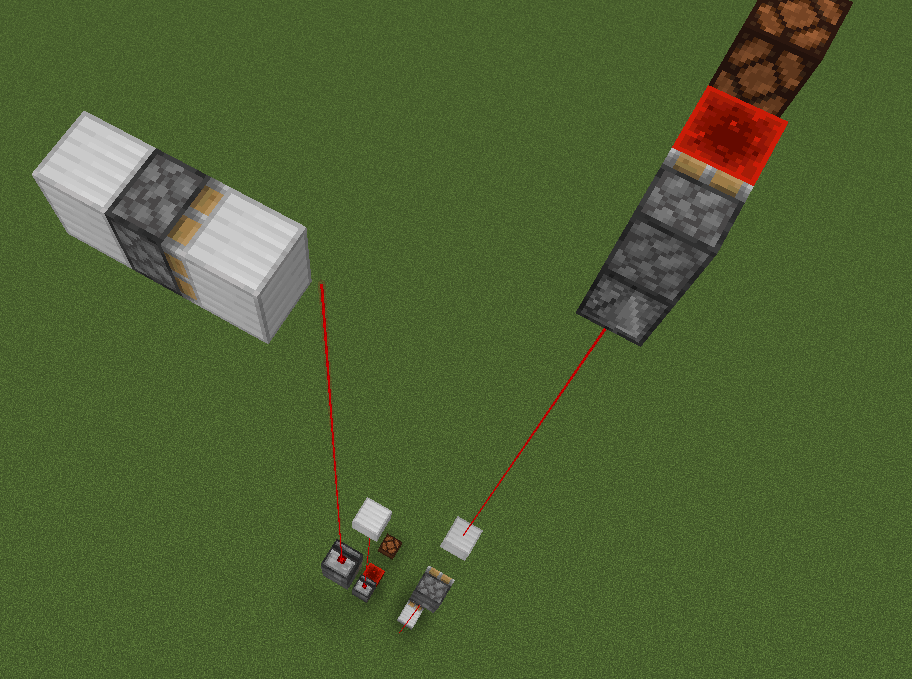 RO Detector Used as vertical redstone signal!
 -
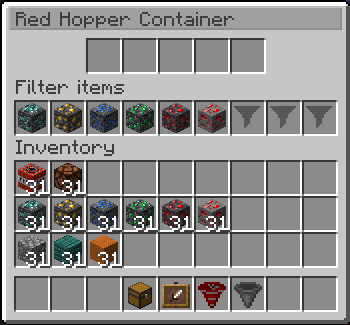 RO Hopper with filter Hopper GUI, with 9 slots to filter!
 -
 RO Hopper with filter! Chests back side
 -
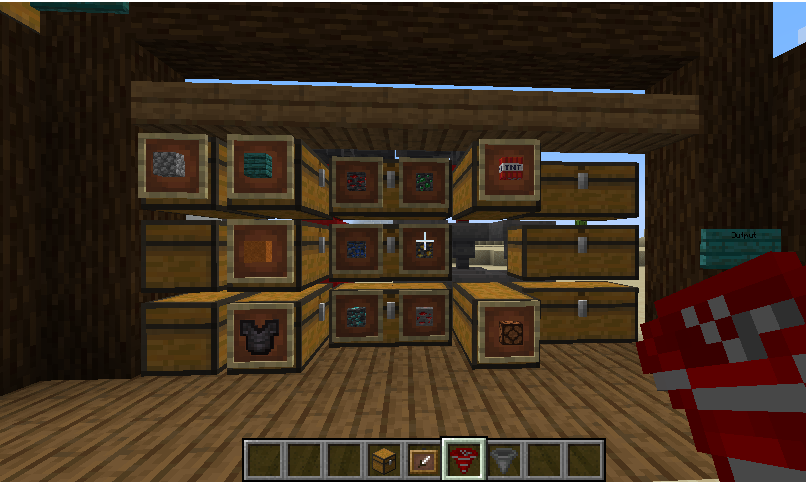 RO Hopper with filter Chests front side
 -
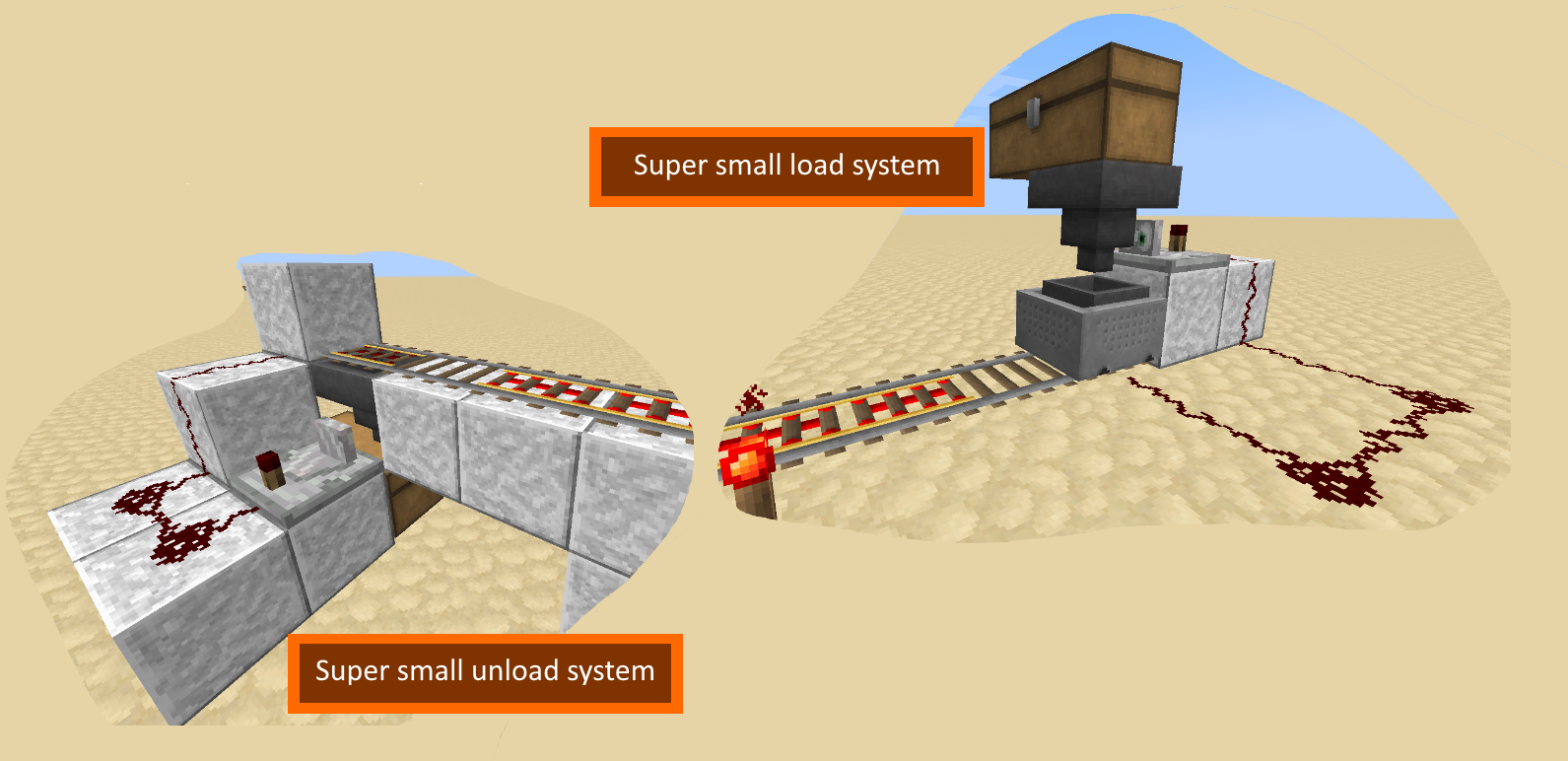 RO Container Changes Check Pulse output when containers stop changing, perfect to use on load/unload minecart systems!
 -
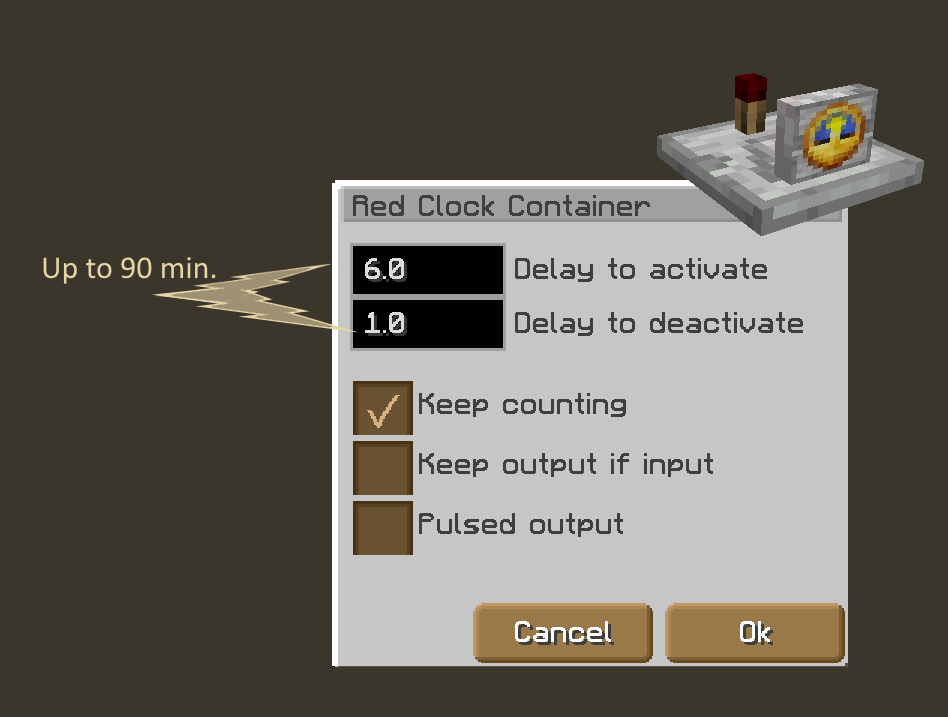 RO Clock Activator with delays (on and off), pulsed output, so cool!
Versions
Files
Relations
Project Relations
More like this
Similar Mods
Suggestions use data such as tags, dependencies, dependents, descriptions, titles, and more to rank how much they overlap with this mod.
On ModDex
Community snapshot
By the numbers
Statistics
 (opens in a new tab)
Get it on
Available Platforms
On ModDex
Community snapshot
By the numbers
Statistics
Resources