
Community listing page, reviews here may not be monitored by the author.
Rescale (Aspect Ratio)


No reviews yet
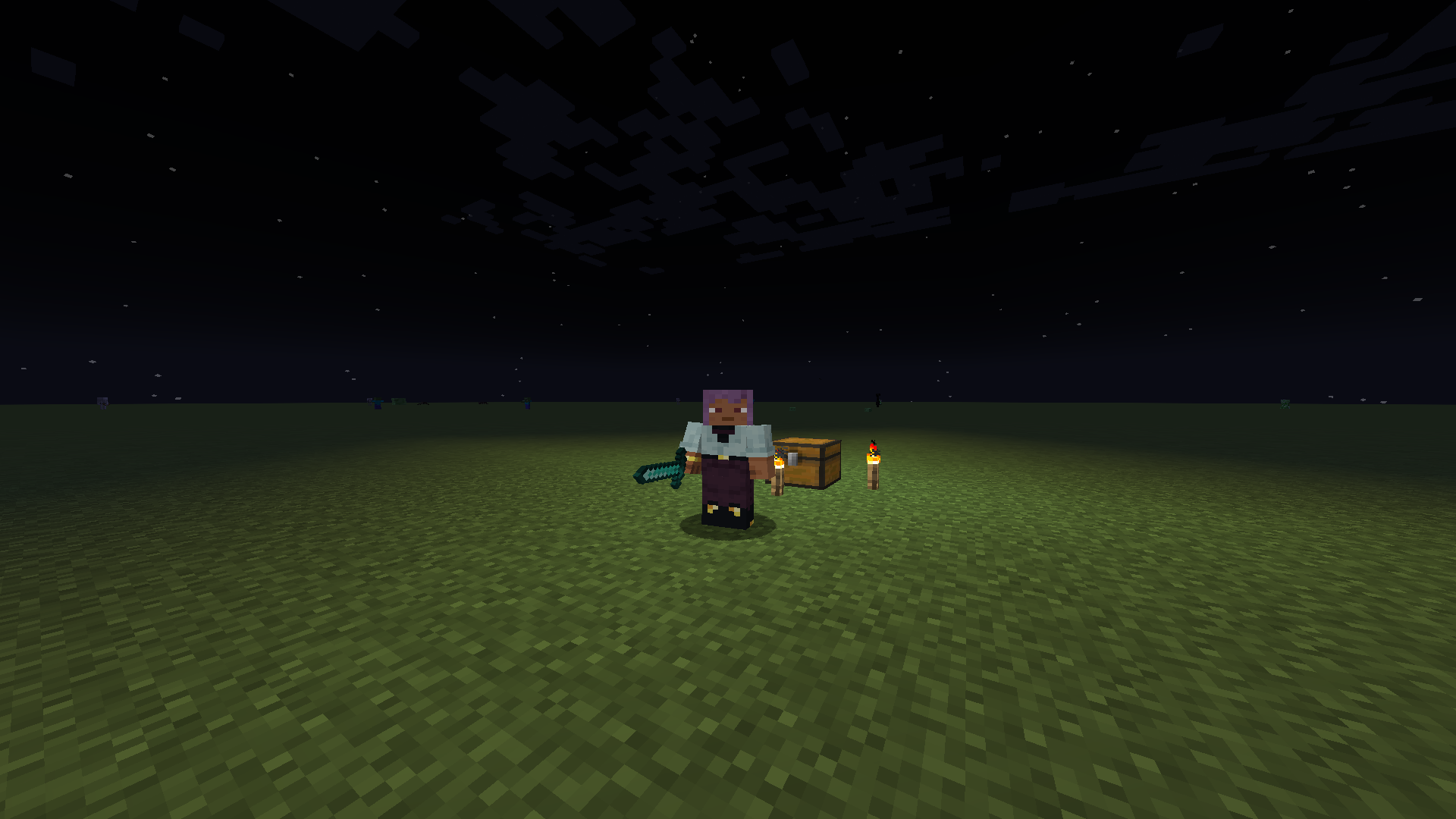
Force any Aspect Ratio (4:3, 5:4, Custom) on any monitor for wider player models. Includes a built-in View Model editor
Community voices
Reviews
No reviews yet. Be the first to review this project!
Get it on
Available Platforms
Compatibility
Supported Environments
Runs entirely on the client. Works on vanilla servers.
About
Project Details
For authors
Embed Badge
If you're the author of this project, you can embed a live badge anywhere that supports HTML or Markdown. It updates automatically whenever ratings change.
Use HTML for any page that supports it, or Markdown for README files and Markdown-based descriptions.
Identifiers
Platform IDs
About
Description
↔️ Rescale
Stretched Resolution. The correct resolution.
Logo by DarkBirdRa
Rescale allows you to force a specific Aspect Ratio (like 4:3) regardless of your actual monitor resolution.
⚡ Features
- True Stretch: Get the 4:3 or 5:4 stretched look while keeping your native resolution.
- Visuals: Makes player models look wider.
🖐️ View Model Fix
Stretching the screen distorts handheld items. Rescale allows you to adjust Position and Scale of your hands.
🎮 Controls
- Config: Mods -> Rescale -> Config.
- Live Editor: Press Insert in-game to adjust hands.
- Use Arrows + Ctrl to move/resize.
- Hold Shift for faster adjustments.
📦 Requirement
Cloth Config API is required.
✨ Check out my new mod
↔️ Rescale
Stretched Resolution. The correct resolution. Растянутое разрешение. Это правильное разрешение.
Logo by DarkBirdRa
🇬🇧 English
Rescale allows you to force a specific Aspect Ratio (like 4:3) regardless of your actual monitor resolution.
⚡ Features
- True Stretch: Get the 4:3 or 5:4 stretched look while keeping your native resolution.
- Visuals: Makes player models look wider.
🖐️ View Model Fix
Stretching the screen distorts handheld items. Rescale allows you to adjust Position and Scale of your hands.
🎮 Controls
- Config: Mods -> Rescale -> Config.
- Live Editor: Press Insert in-game to adjust hands.
- Use Arrows + Ctrl to move/resize.
- Hold Shift for faster adjustments.
📦 Requirement
Cloth Config API is required.
Sleek liquid glass and animated shader materials for your hands and held items.

🇷🇺 Русский
Rescale позволяет форсировать нужное Соотношение Сторон (например, 4:3) вне зависимости от разрешения вашего монитора.
⚡ Возможности
- Растяг: Получите эффект растянутого 4:3, оставаясь в родном разрешении монитора.
- Визуал: Модельки игроков становятся визуально шире.
🖐️ Настройка Рук (View Model)
Растягивание экрана сплющивает предметы в руках. Rescale позволяет настроить Позицию и Размер рук.
🎮 Управление
- Меню: Mods -> Rescale -> Config.
- Live Редактор: Нажмите Insert в игре для настройки рук.
- Используйте Стрелки + Ctrl.
- Зажмите Shift для ускорения.
📦 Требование
Нужен Cloth Config API.
Screenshots
Gallery
Versions
Files
Relations
Project Relations
More like this
Similar Mods
Suggestions use data such as tags, dependencies, dependents, descriptions, titles, and more to rank how much they overlap with this mod.
On ModDex
Community snapshot
By the numbers
Statistics
Want to reach Minecraft players?
We're looking for a server hosting partner to feature here and other parts of the site. Interested? Send us a message!
Get in touchGet it on
Available Platforms
On ModDex
Community snapshot
By the numbers