
Community listing page, reviews here may not be monitored by the author.
Resource Pack Selector

No reviews yet
An efficient and simple QOL mod for resource pack management with an interactive GUI overhaul that surpasses vanilla resource pack management.
Community voices
Reviews
No reviews yet. Be the first to review this project!
Get it on
Available Platforms
Compatibility
Supported Environments
Runs entirely on the client. Works on vanilla servers.
About
Project Details
For authors
Embed Badge
If you're the author of this project, you can embed a live badge anywhere that supports HTML or Markdown. It updates automatically whenever ratings change.
Use HTML for any page that supports it, or Markdown for README files and Markdown-based descriptions.
Identifiers
Platform IDs
Resources
External Links
About
Description
Resource Pack Selector
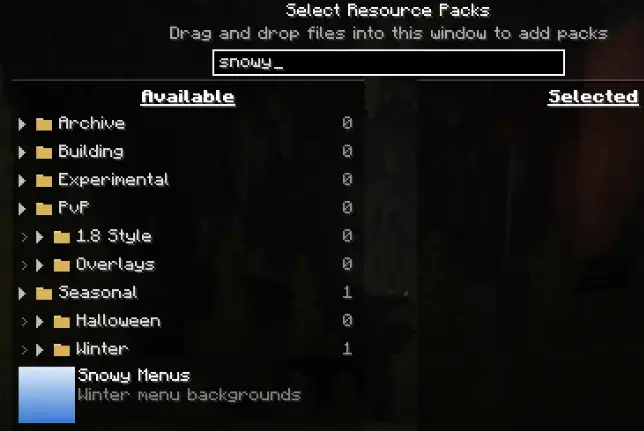
Searching
Search for any pack, even if its in a collapsed folder.
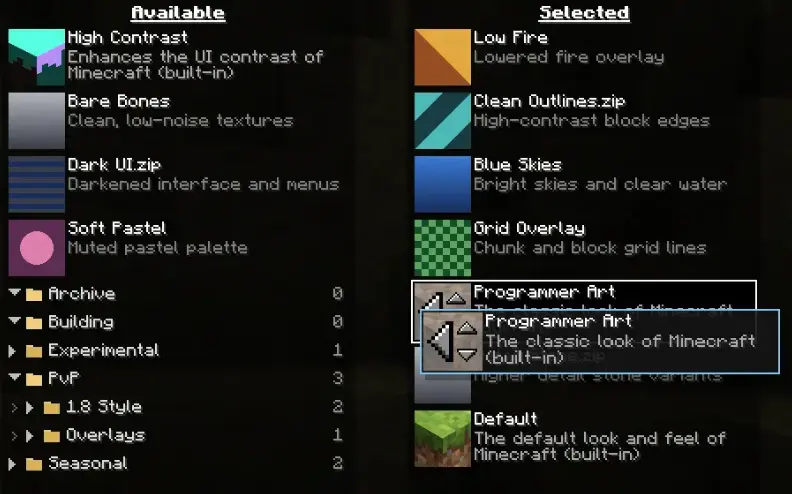
Drag and drop
Grab a pack anywhere outside its icon and drag it. The list reorders live as you
move, and a gap shows exactly where the pack will land. Drag a pack straight from
the available list into position on the selected list.
Dragging near the top or bottom of a list scrolls it automatically, so you can move
a pack across a long list in one motion.
The pack icon keeps all of its vanilla behaviour, so the old click targets still
work exactly as before.
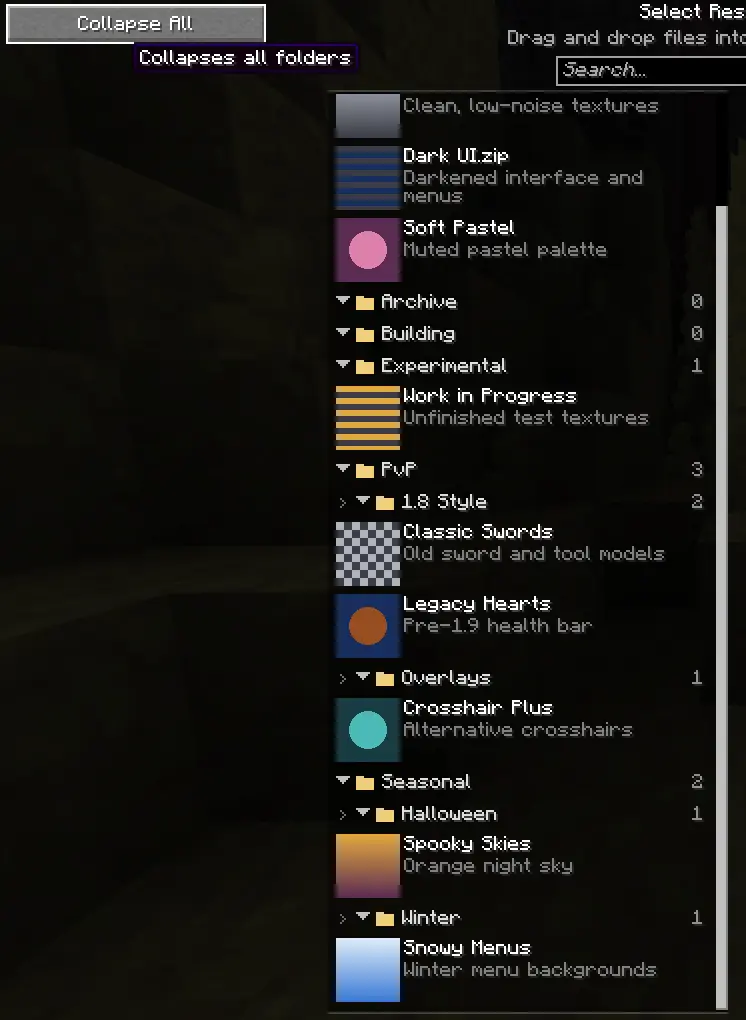
Folders
Folders remember whether they're open, there's an expand/collapse all button, and
searching temporarily opens everything so no match can hide inside a closed folder.
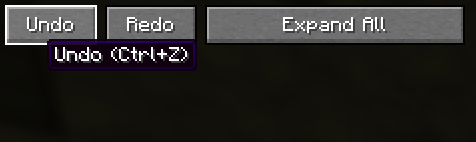
Undo and redo
"Ctrl+Z" and "Ctrl+Y" (or "Ctrl+Shift+Z"), plus buttons on the screen. Covers
everything: dragging, selecting, the arrow buttons, keyboard moves.
Fewer interruptions
- Skip the Mojang loading screen. The red splash on startup and on every pack
change becomes a plain progress bar which skips the annoying fading animation. Toggleable on the pack screen.
Old
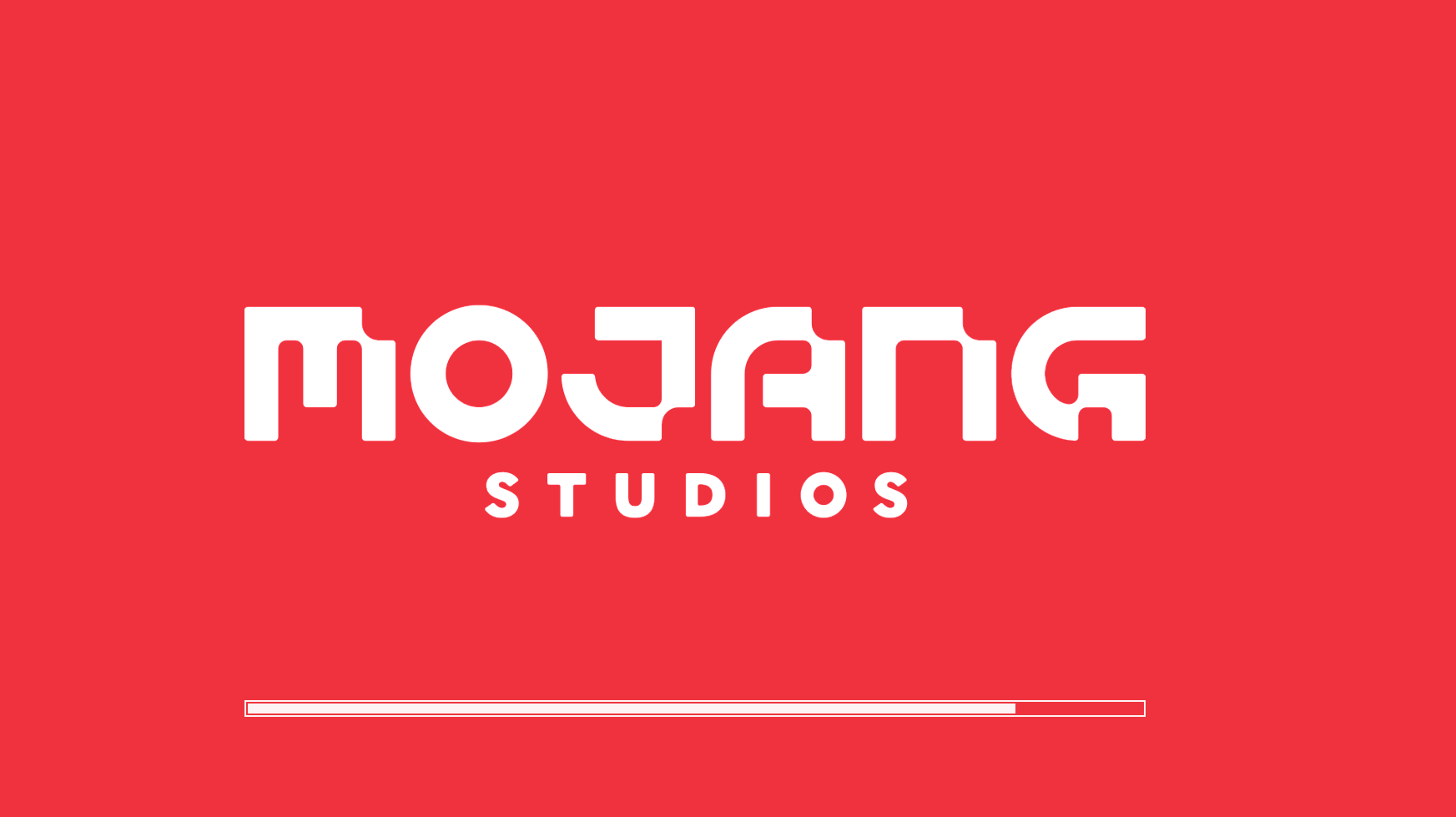
New

-
Optional incompatibility warnings. Turn off the red highlight and the
confirmation prompt for packs built for other versions.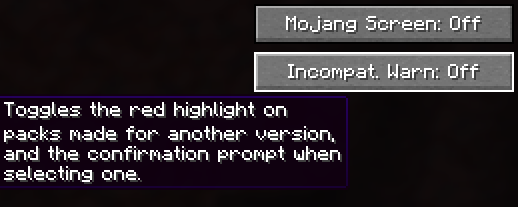
-
Your place is kept. Editing a pack while the screen is open no longer throws
you back to the top of the list.
Requirements
- Fabric
- Fabric API (optional)
Screenshots
Gallery
-
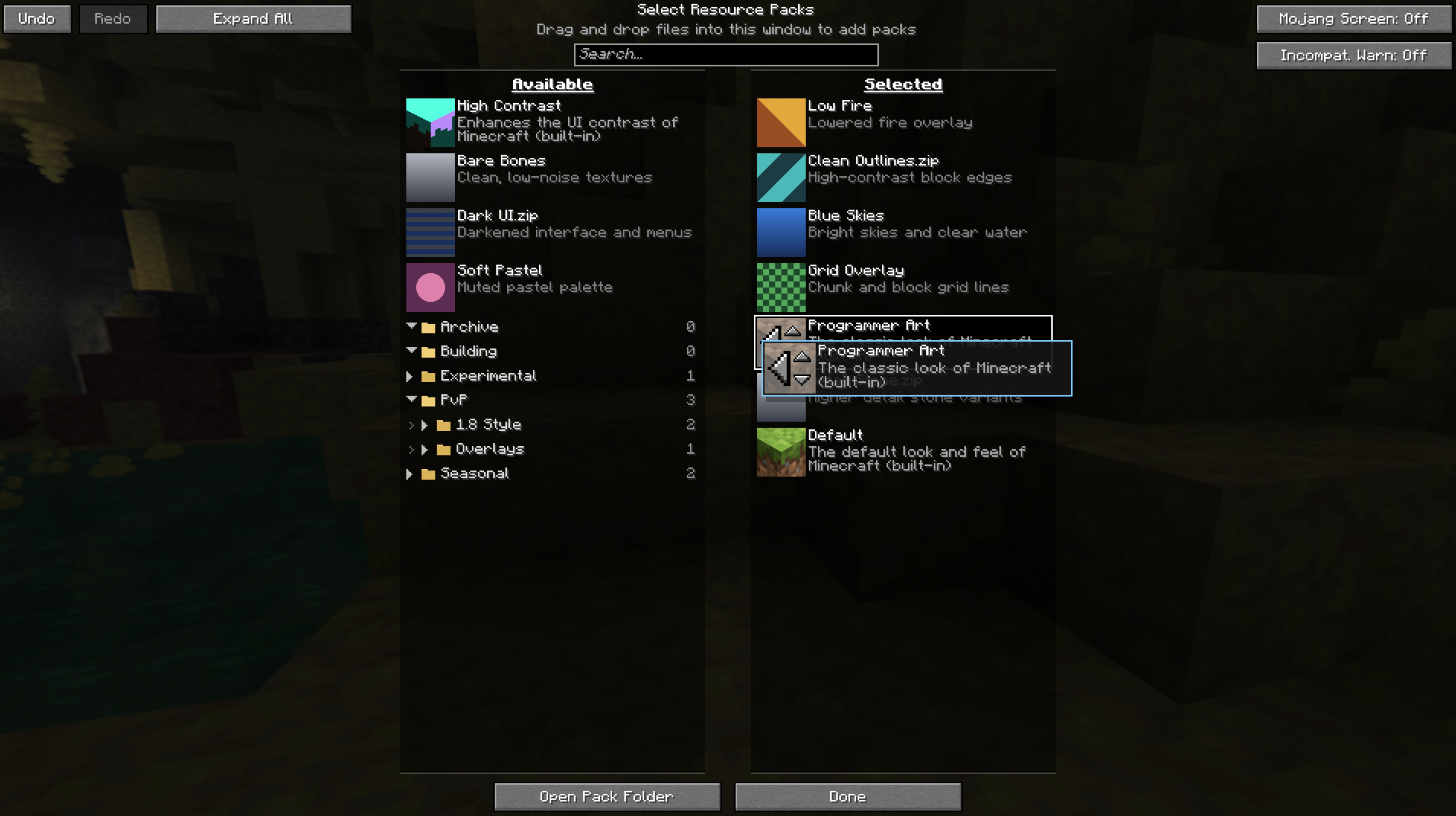 Dragging
 -
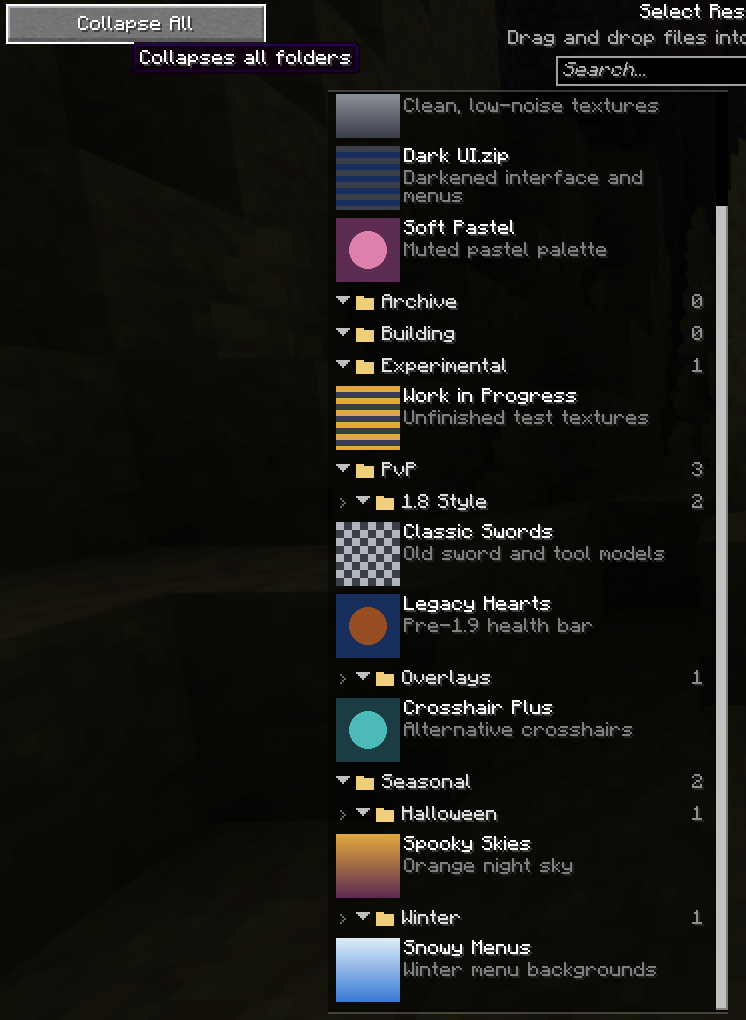 Expanding/Collapsing
 -
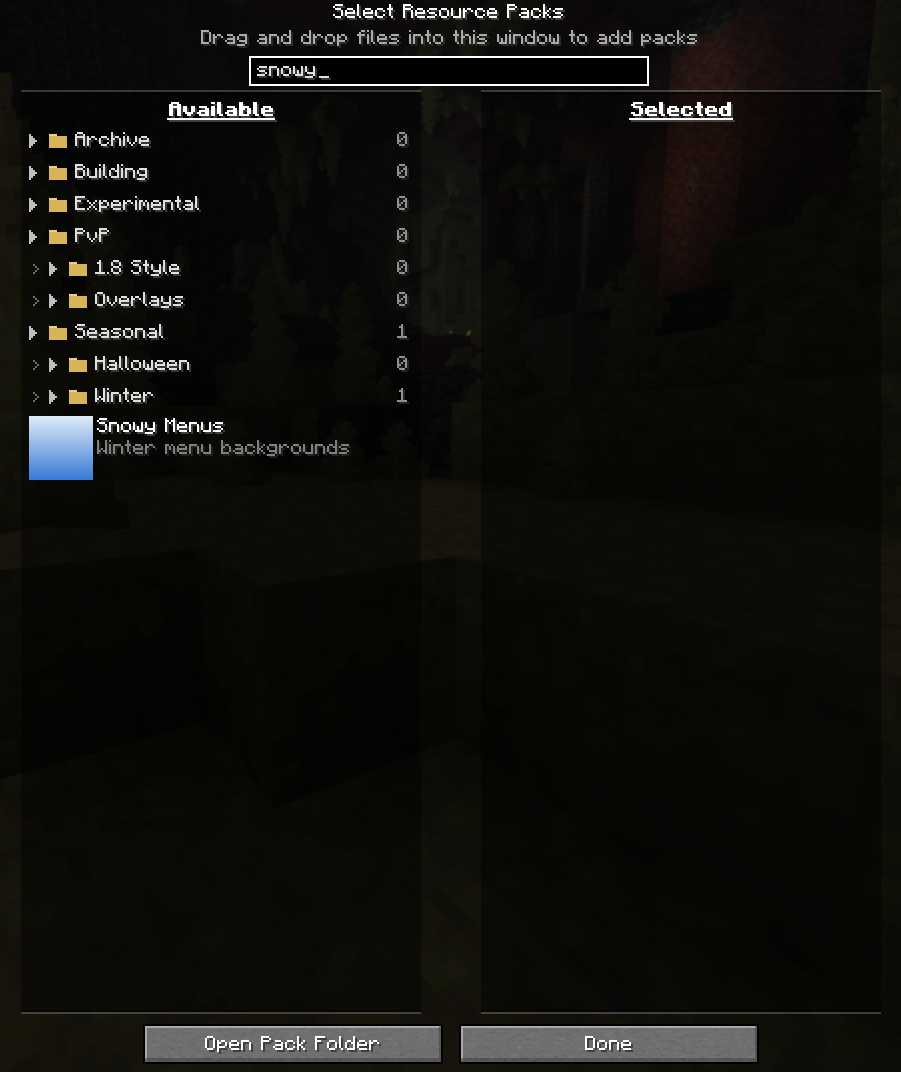 Searching
 -
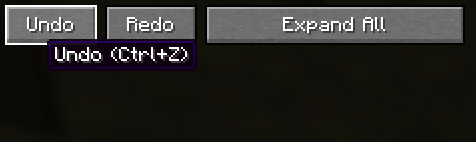 Undo/Redo
 -
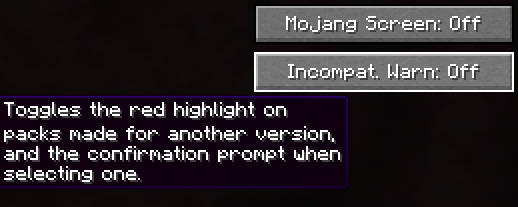 Old Pack Confirmation Toggle
Versions
Files
Relations
Project Relations
More like this
Similar Mods
Suggestions use data such as tags, dependencies, dependents, descriptions, titles, and more to rank how much they overlap with this mod.
On ModDex
Community snapshot
By the numbers
Statistics

Want to reach Minecraft players?
We're looking for a server hosting partner to feature here and other parts of the site. Interested? Send us a message!
Get in touchGet it on
Available Platforms
On ModDex
Community snapshot
By the numbers
Statistics
Resources